

NIIMBOT B1 Thermal Label Maker, Bluetooth, 2-Inch, Green
Product description
Label kitchen jars, storage bins, school supplies, or small-business products with the NIIMBOT B1. Its direct thermal printing works without ink or toner, while Bluetooth lets you create and print labels from a compatible phone. The portable design makes it easy to keep labeling close at hand at home, at school, or at work.
Tech summary
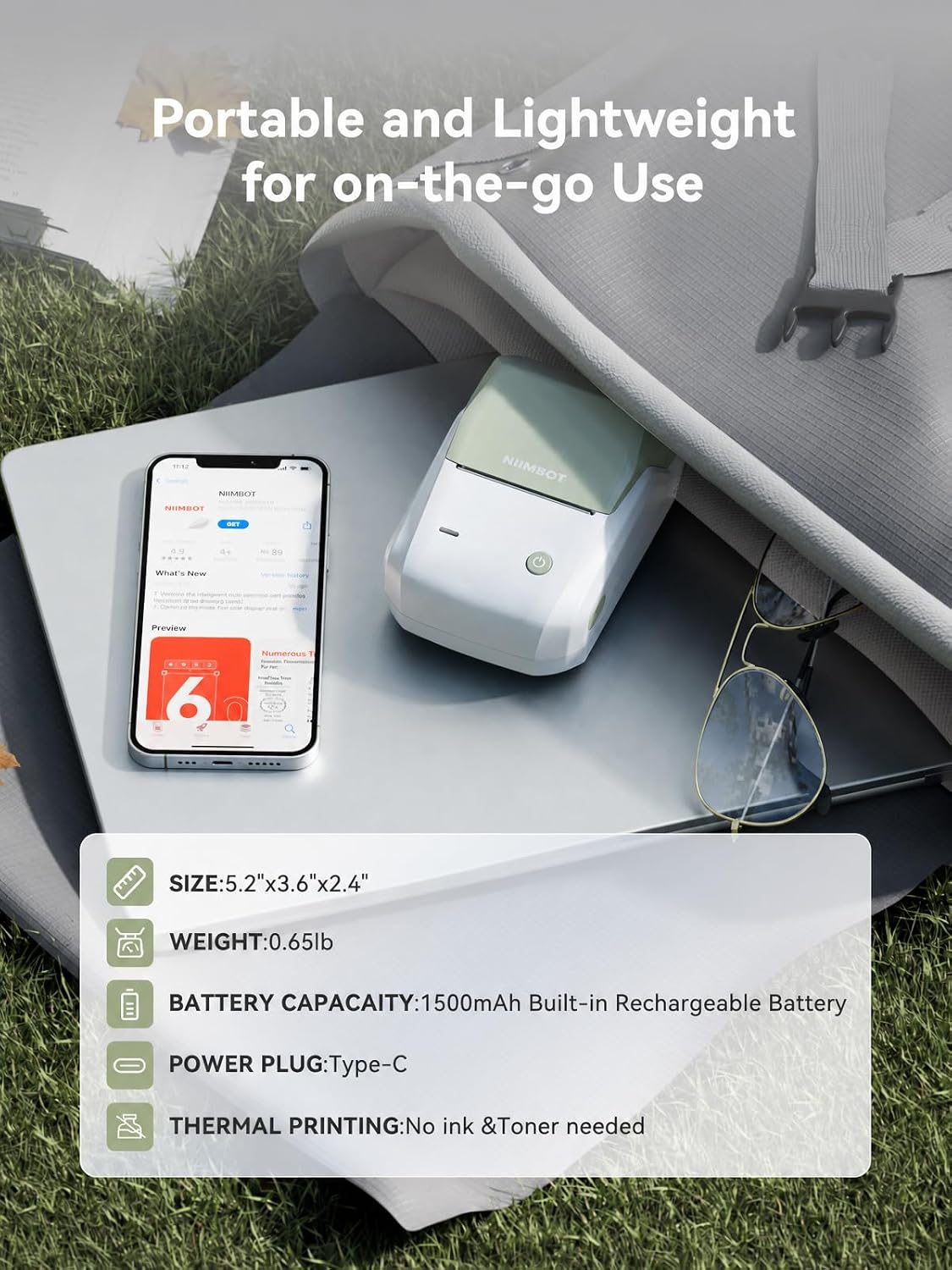
The B1 prints monochrome labels at 203 dpi and supports label widths from 20 to 50 mm. Its compact body measures 2.4"D x 3.6"W x 5.2"H and weighs 10.4 ounces, so it can fit neatly on a desk or travel with your organizing supplies. Bluetooth connectivity supports phone-based printing, and a USB connection can be used with a PC after installing the NIIMBOT driver.
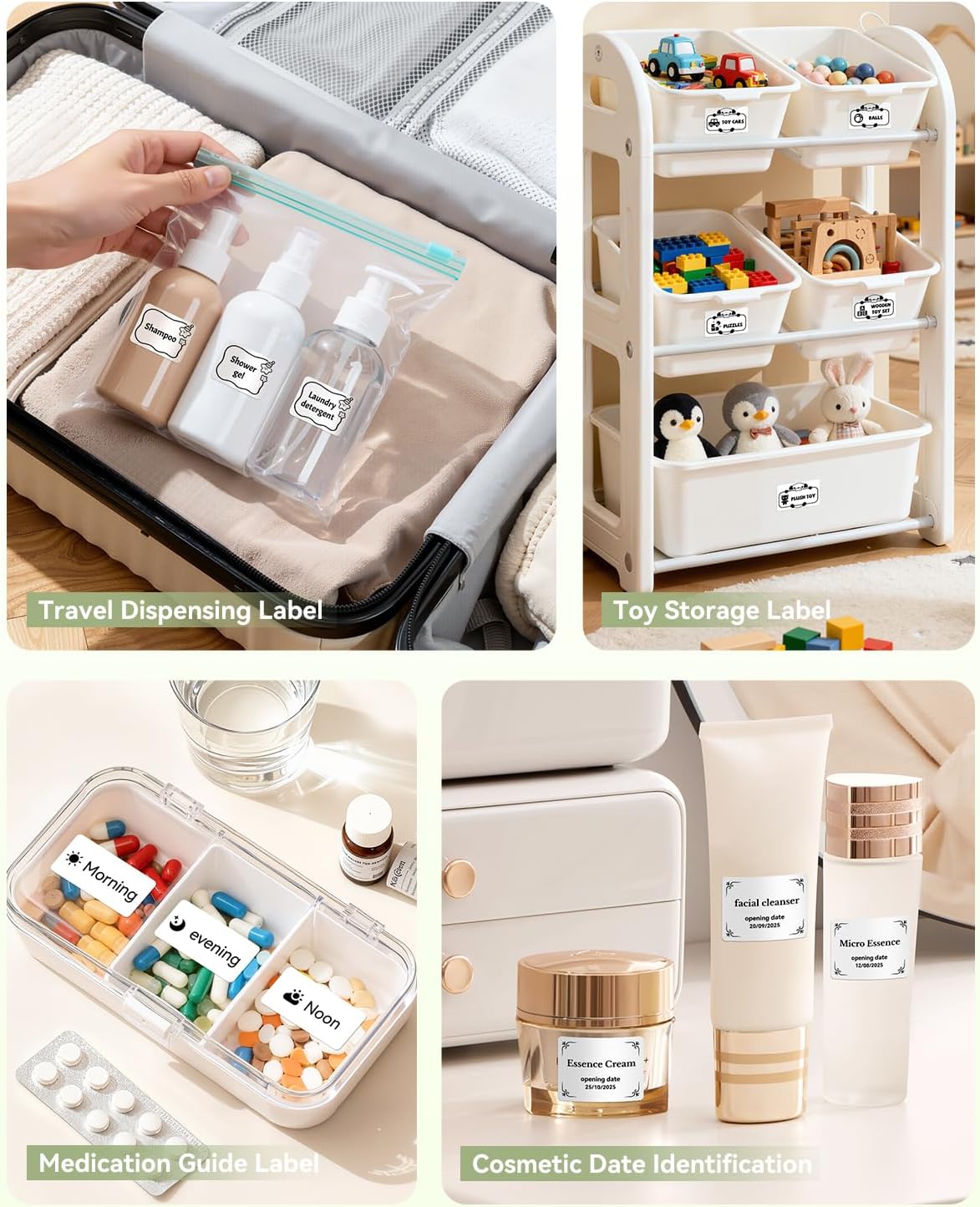
The NIIMBOT app adds ready-made templates and design tools, including 10+ fonts and languages, 100+ borders, and 1,500+ symbols. Create labels with text, icons, images, tables, barcodes, or QR codes for different everyday tasks. Label recognition and the no-first-label-waste feature are designed to make routine label printing more straightforward.
How to use it
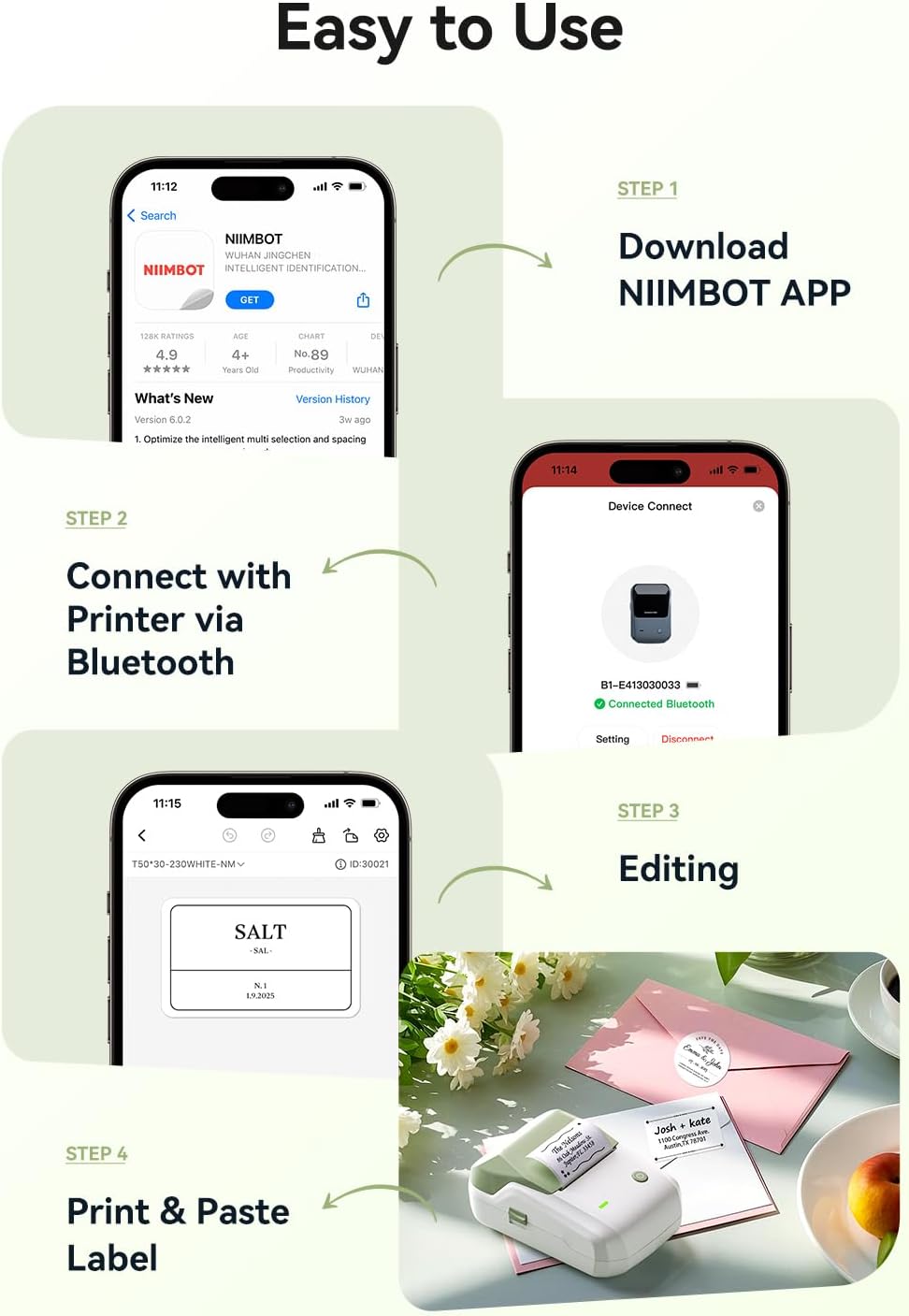
Install the NIIMBOT app from the Apple App Store or Google Play, then pair the printer with an iOS or Android phone over Bluetooth. From the app, choose a template or build a label with the details you need, such as a container name, product information, barcode, or QR code. For PC printing, connect by USB and install the driver from NIIMBOT, the listed computer support includes Windows 7 and Windows 10. The B1 is not compatible with iPads.
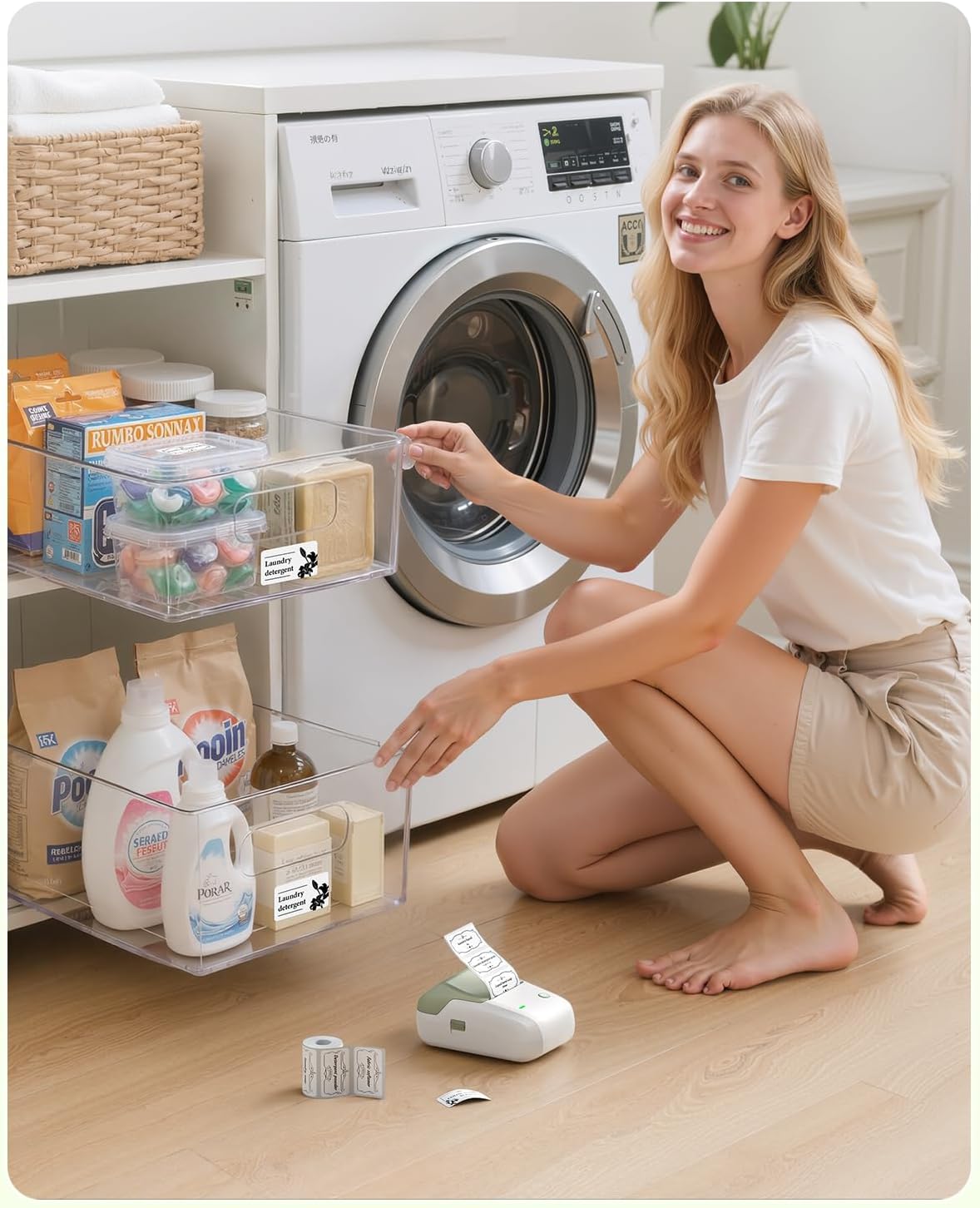
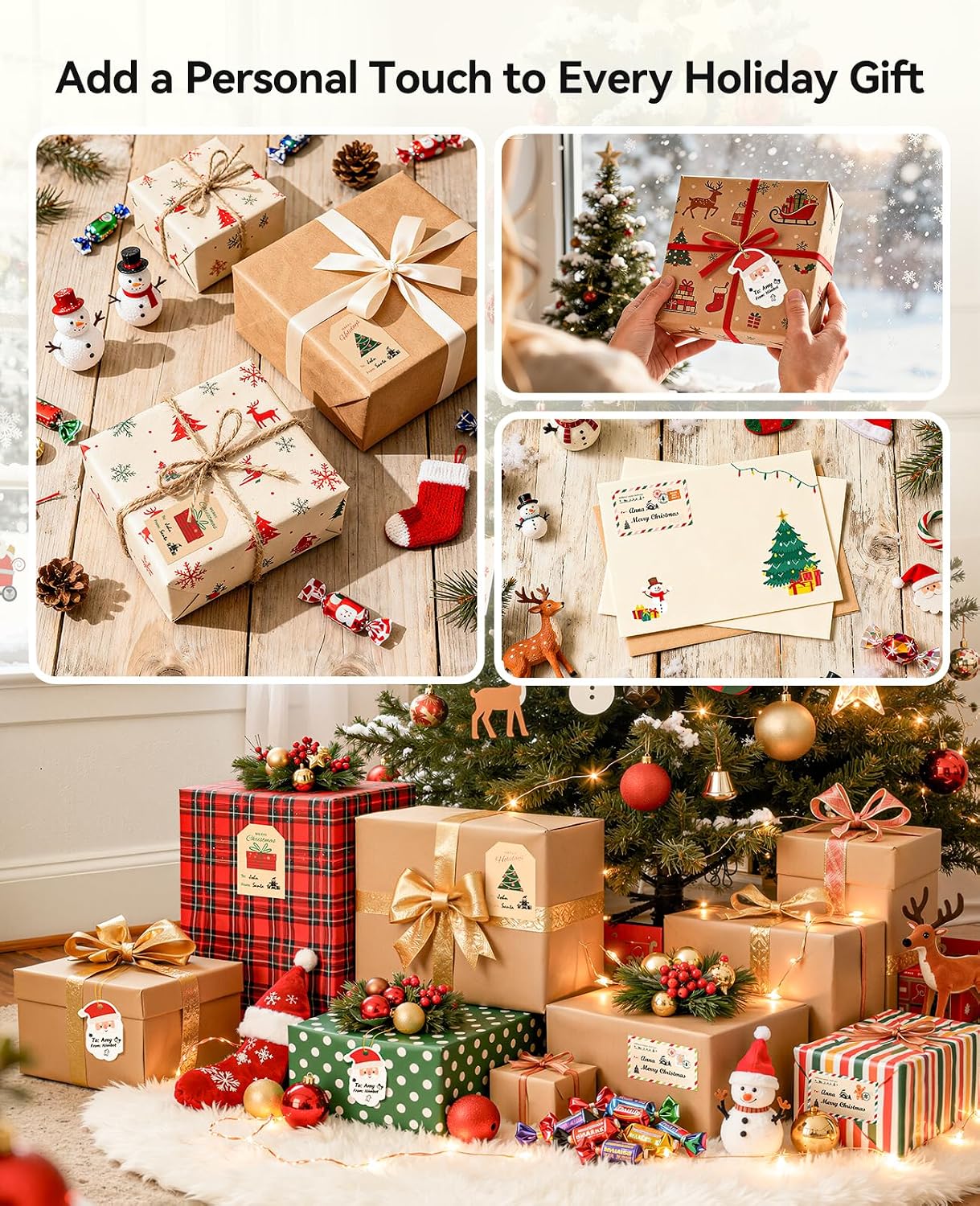
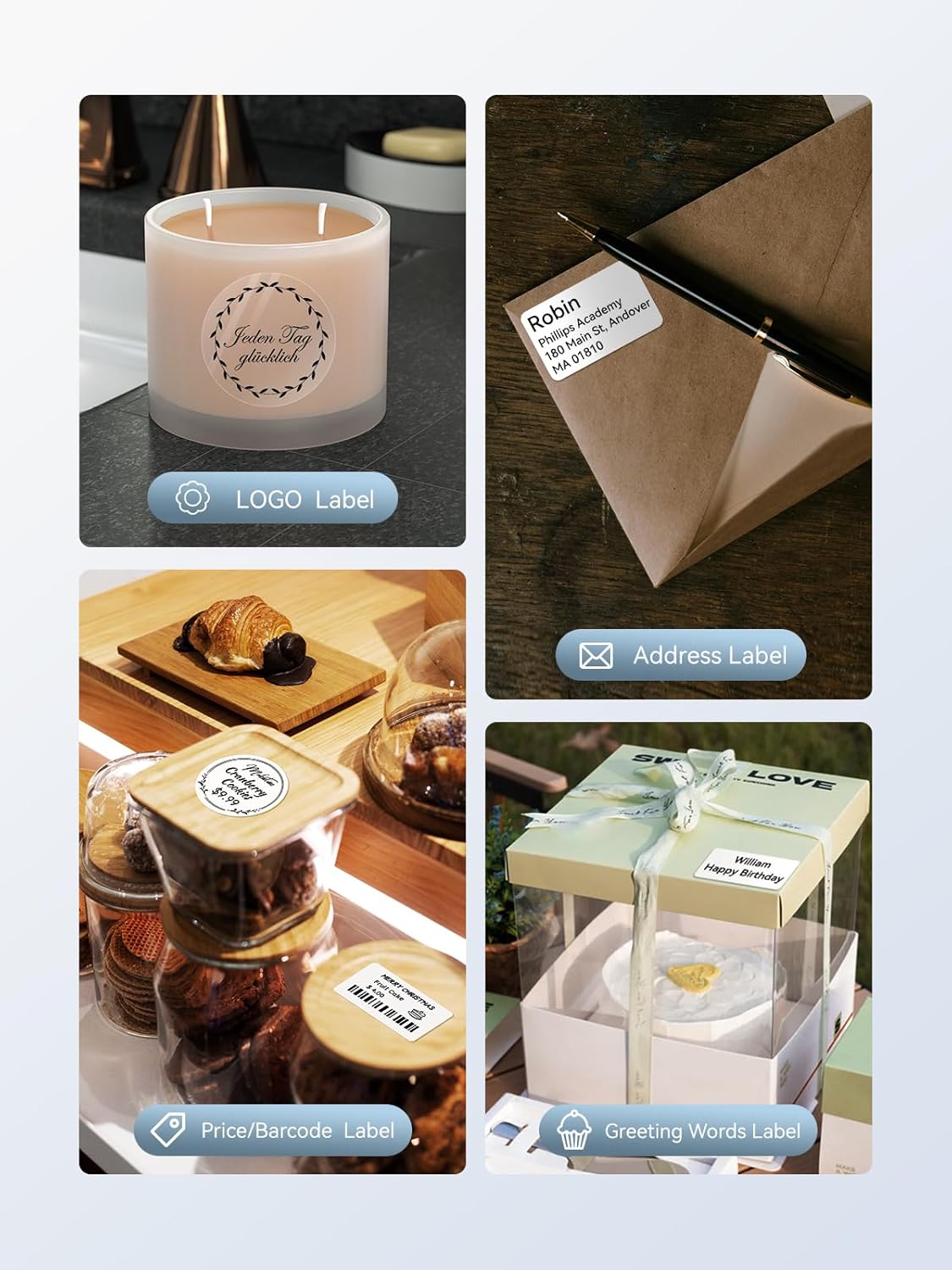
For example, a home organizer can label pantry jars and storage containers with consistent names, while a small business can prepare product or price labels from the same app. Buyers often appreciate the printer’s compact size and straightforward operation. Feedback is more mixed on print quality and Bluetooth connection, so experiences can vary, the app’s template and design options provide a flexible starting point for common labeling jobs.
Included in the package
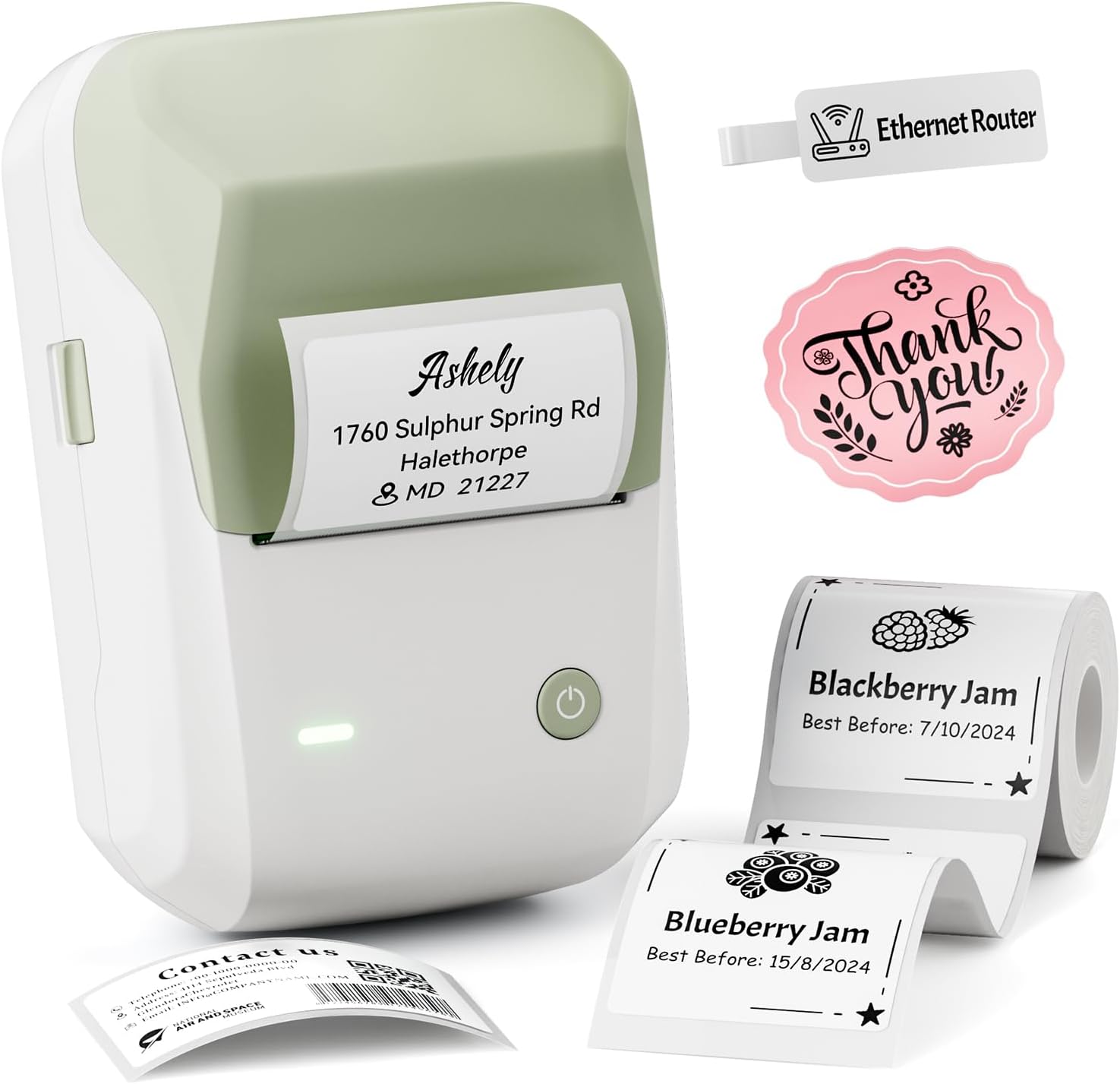
The package includes a roll of labels, a Type-C cable, and a user manual. The included roll lets you get started with a labeling task, and the app provides templates that can be used as-is or adapted to suit a home, classroom, office, or small-business workflow.
When it makes sense
Choose the B1 when you want a compact thermal label maker for recurring, small-format organization and product-labeling tasks rather than a printer intended for general documents. Its inkless printing, portable form, and app-based templates suit kitchen containers, bottles, school name tags, clothing labels, office files, and small-business details such as barcodes or brand logos. A solid pick if you want to design labels from a phone and keep the printer handy across everyday projects.