

Lenovo Chromebook 14-inch
Product description
Best use cases
Students who spend most of their day in a browser, Google Workspace, and online classes are the clearest audience for this Lenovo Chromebook. The touchscreen gives you another way to navigate ChromeOS and compatible Android apps.
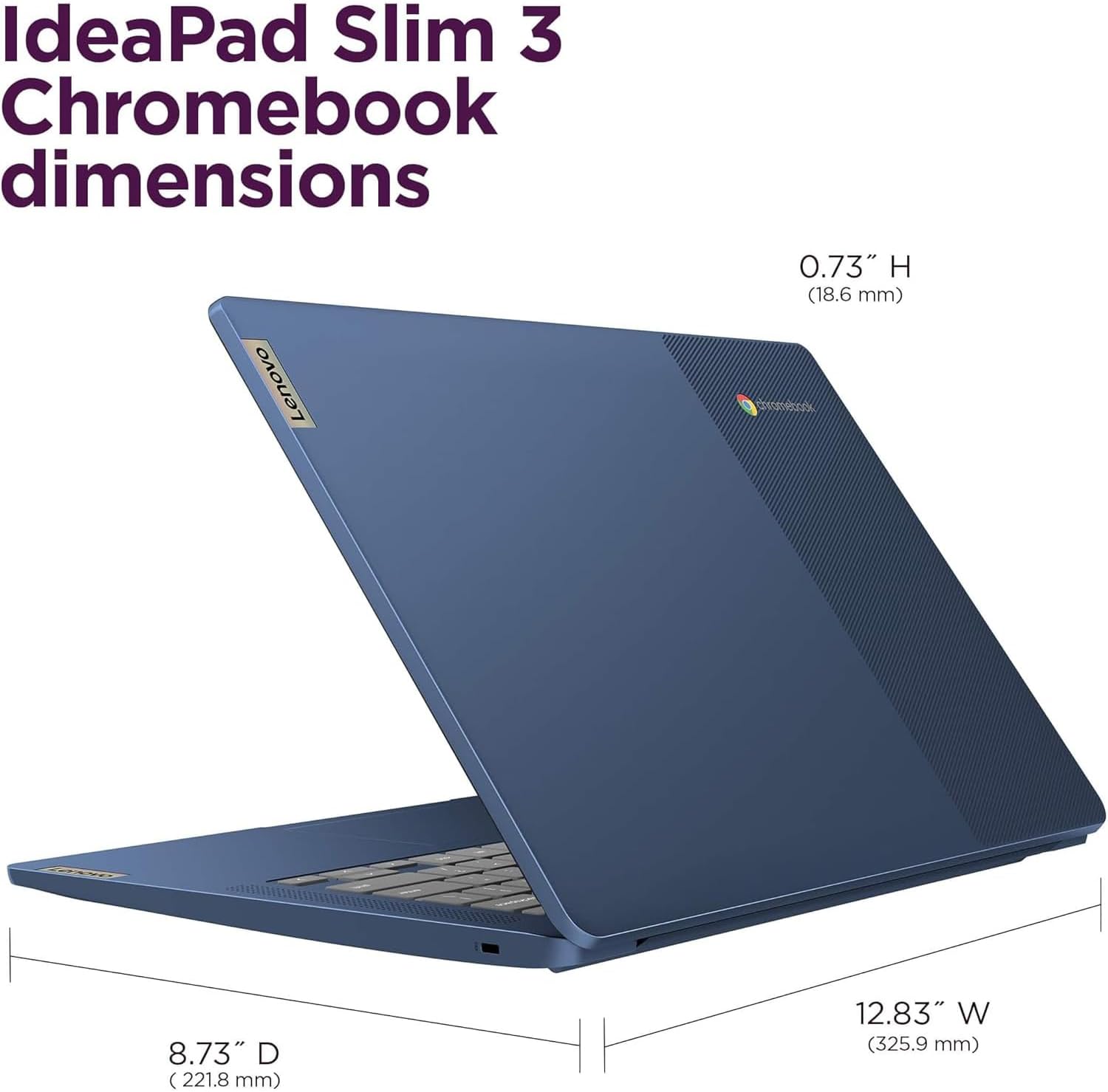
For a study session, you could keep class notes open, switch between research tabs, and join a video call without carrying a heavier setup. Its listed weight is 2.87 lbs, which makes portability part of the appeal.
It also suits everyday browsing, streaming, and video calls. If your work depends on specialized desktop software or keeping a large library of files on the laptop, a different kind of computer may make more sense.
Product specs
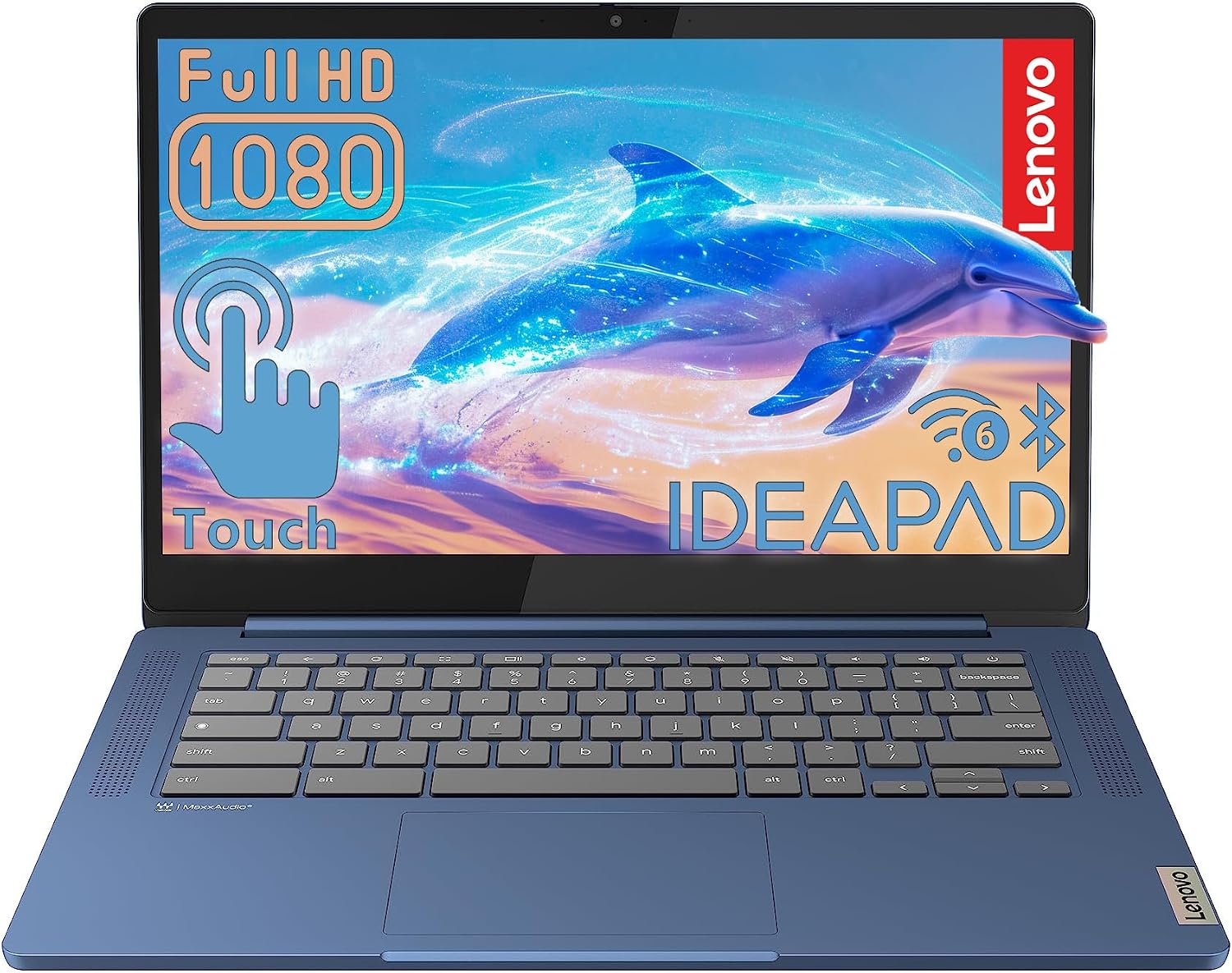
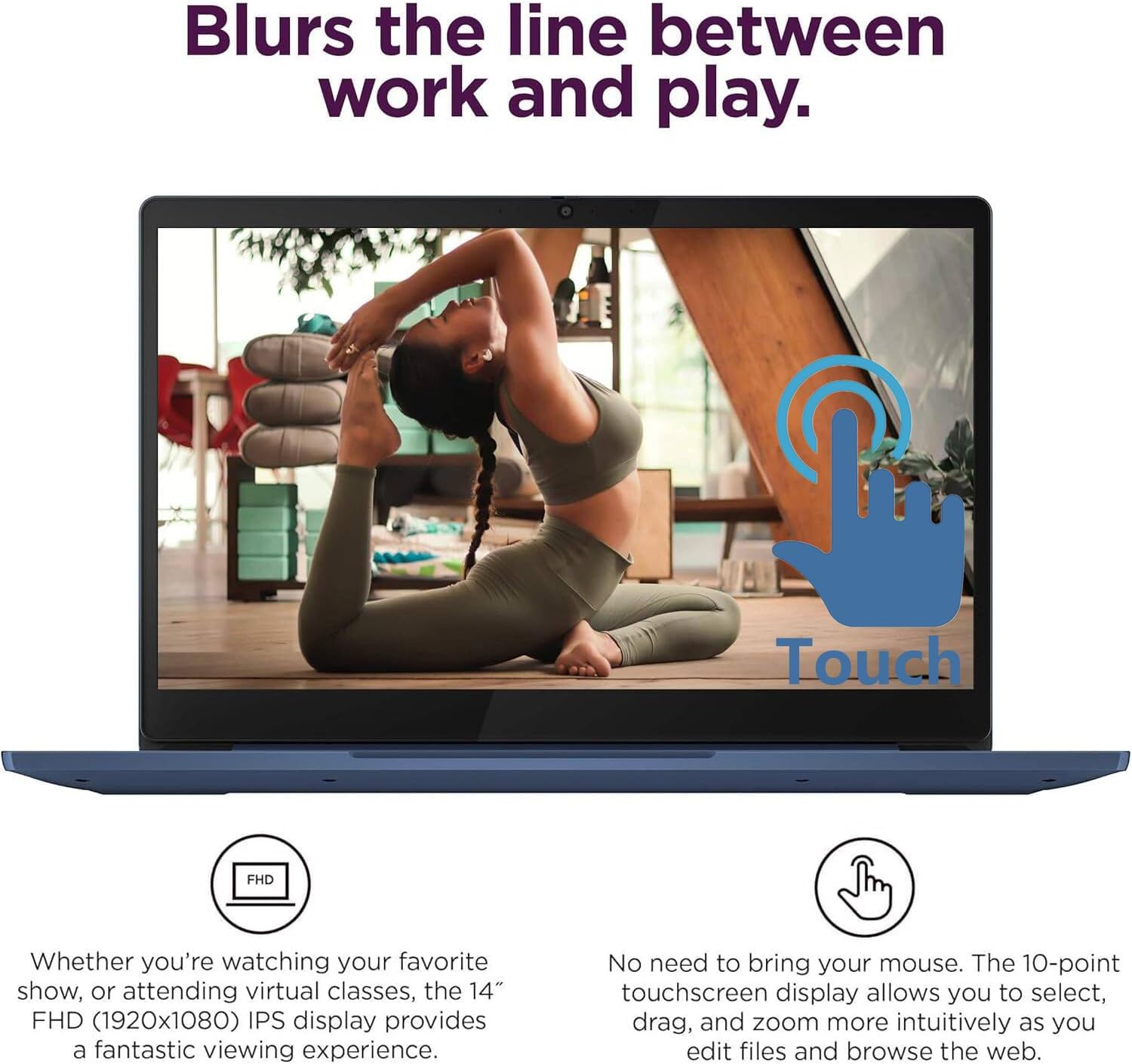
The 14-inch display is a Full HD IPS touchscreen with a 1920 x 1080 resolution, anti-glare coating, and 10-point touch support. The listed brightness is 300 nits. Those details point to a screen designed for everyday study and media, with touch input for tapping or drawing in compatible apps, they don’t tell us how it will look in every room or lighting condition.
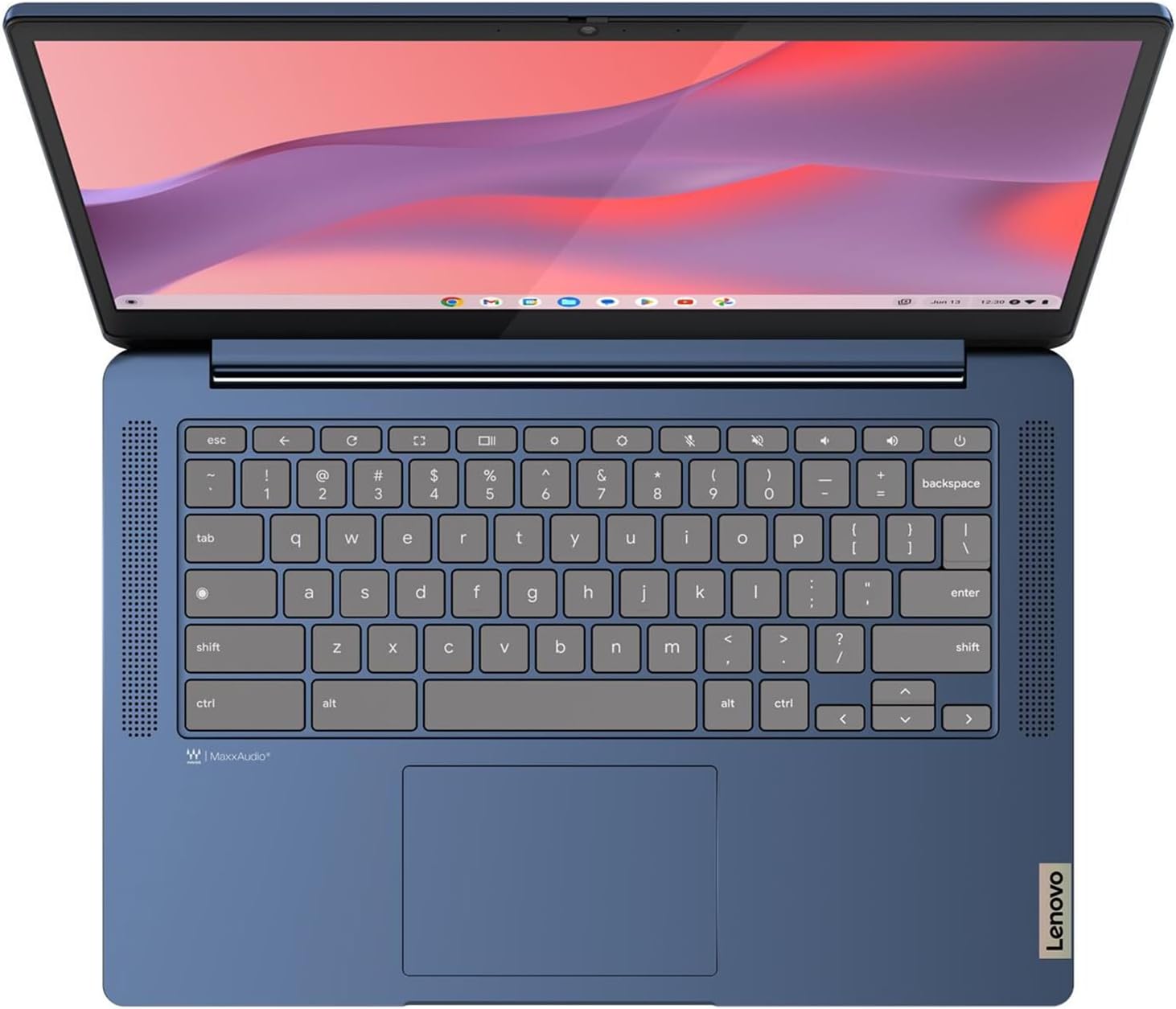
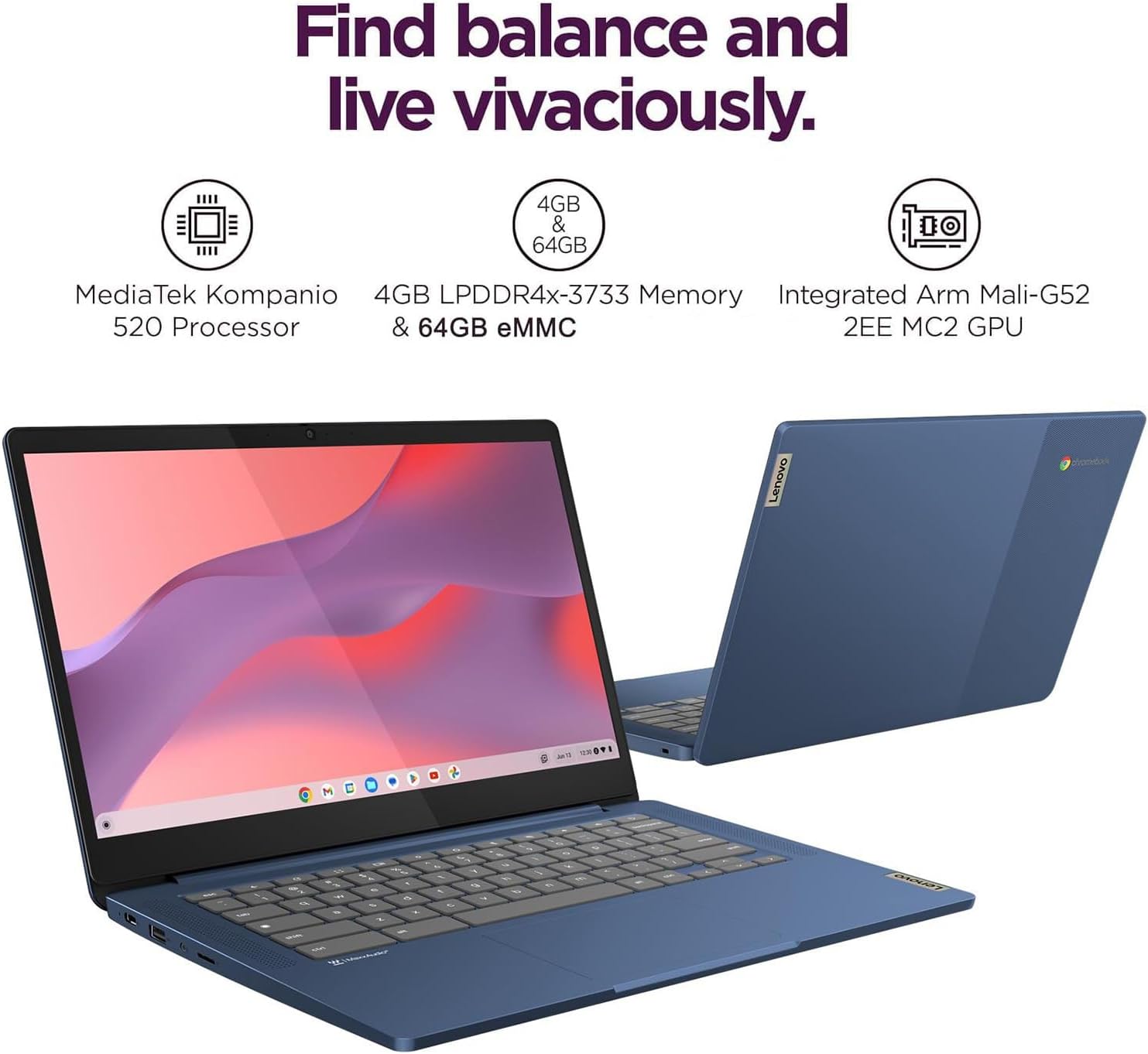
Inside, the Chromebook has a MediaTek Kompanio 520 eight-core processor, 4GB of LPDDR4X memory, and 64GB of eMMC storage. A microSD card reader provides an option for adding storage. ChromeOS includes automatic updates and built-in virus protection, and supports Google Workspace, Android apps, and cloud storage.
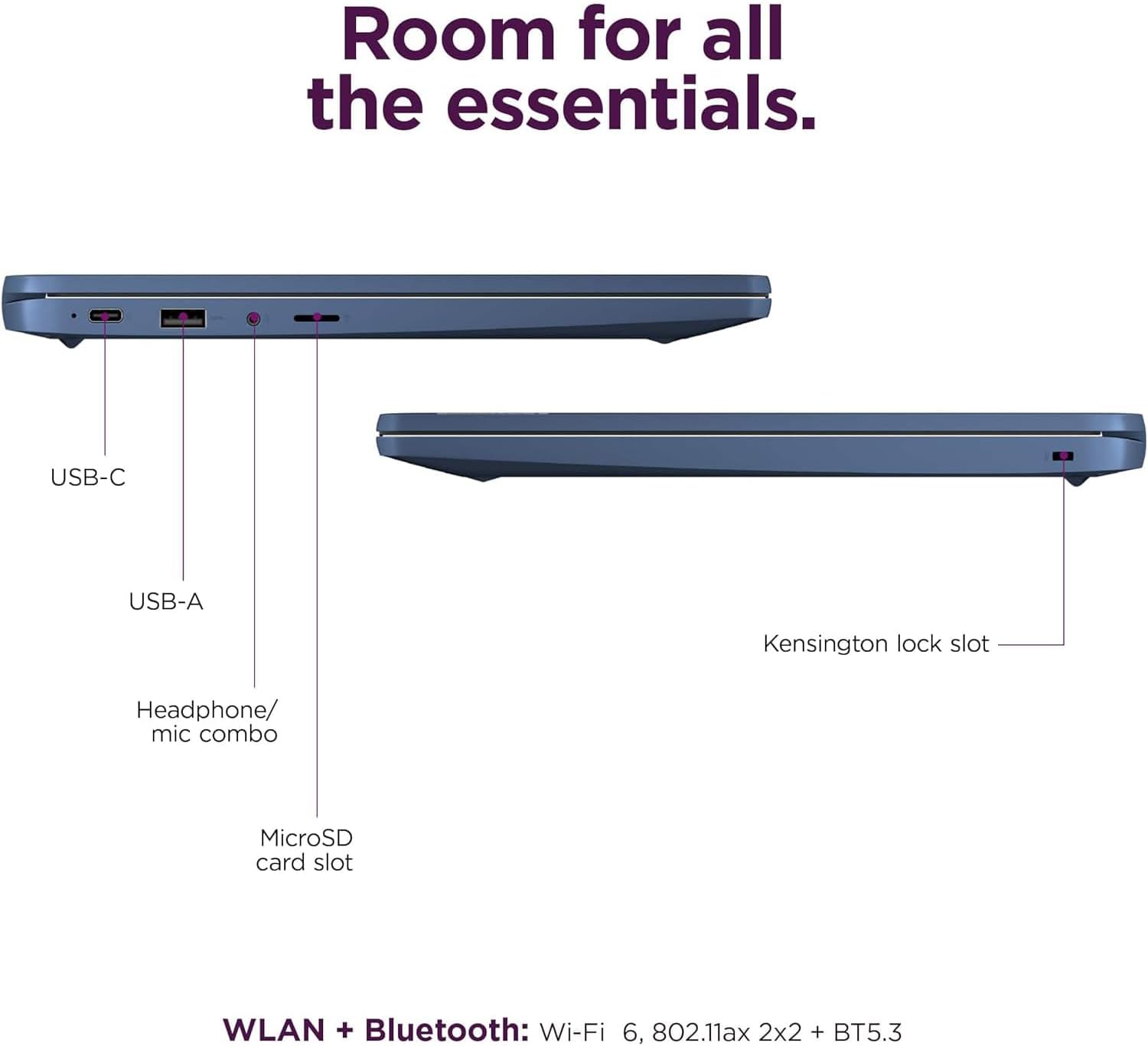
For connections, the listing names Wi-Fi 6, Bluetooth 5.3, USB 3.2 Gen 1, USB-C with Power Delivery 3.0 and DisplayPort support, a 3.5mm audio jack, and the microSD reader. It also lists a 720p webcam with a privacy shutter, stereo speakers, and dual-array microphones. The 45W USB-C charging figure is included, but no battery runtime is provided.
Where it shines
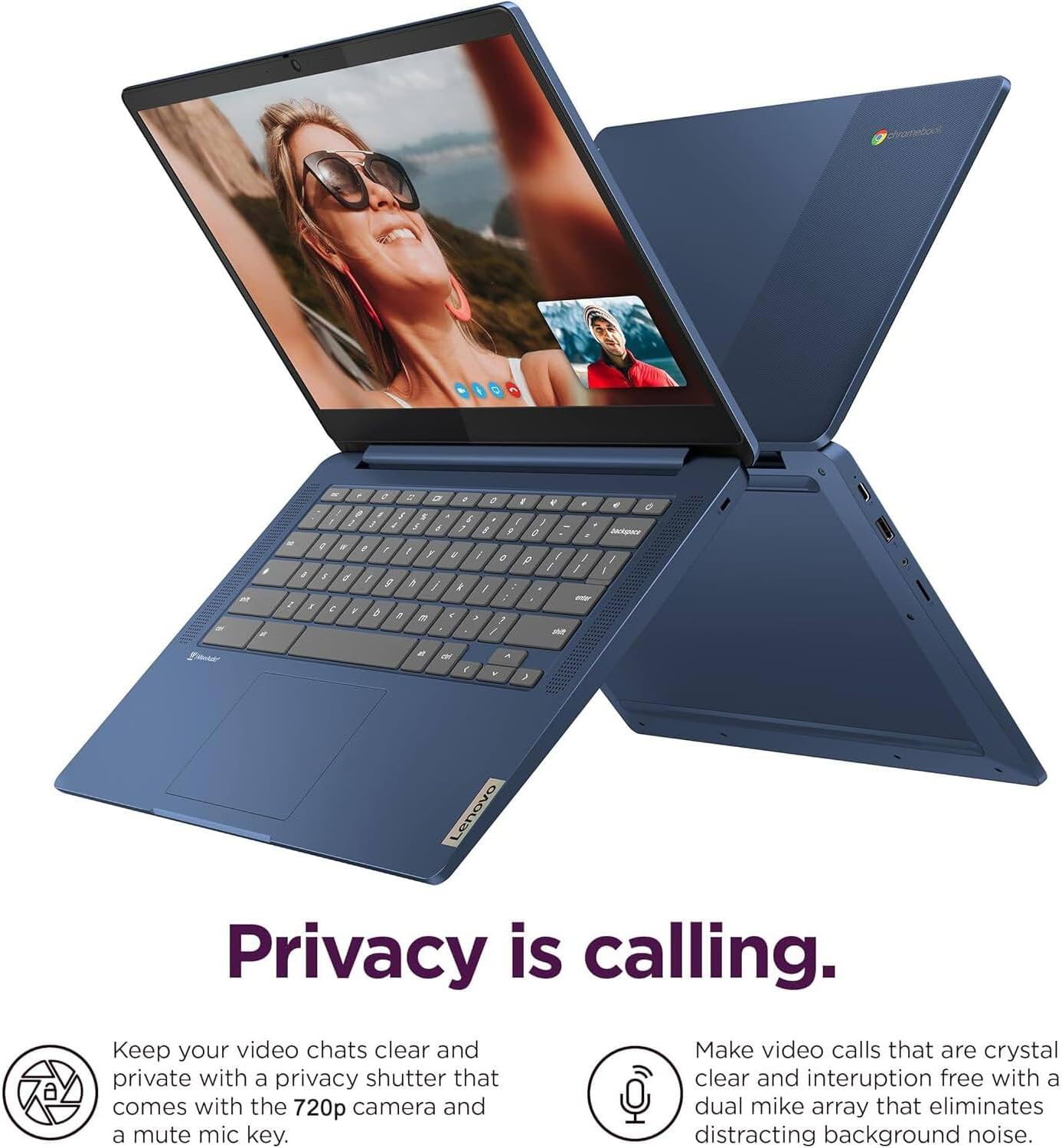
The practical advantage here is a mix of touch input, a larger-than-tablet screen, and ChromeOS in a portable laptop format. When a worksheet, browser page, or Android app is easier to tap than to navigate with a trackpad, the touchscreen can make small tasks feel more direct. The anti-glare finish is another useful detail for reading and working, though it doesn’t make the screen immune to reflections.
What do you give up for that straightforward, cloud-friendly setup? The 4GB of memory and 64GB of built-in storage are the main limits to weigh. For someone who mainly uses web apps and stores files online, that may be workable, buyers who keep many large files locally or expect room for demanding multitasking may prefer a laptop with more memory and storage. From the way it is set up, this Chromebook is aimed more at everyday learning than at a high-demand workstation.
It’s a great fit if your routine centers on classes, browsing, streaming, and video calls, and you want touch controls in the mix. Better avoided if your must-have apps require a different desktop operating system or you need substantial built-in storage.
Should you buy it?
Choose this Lenovo if a portable Chromebook with a 14-inch touchscreen matches how you study or handle everyday online tasks. The combination of Full HD IPS, touch support, ChromeOS, and a privacy-shutter webcam gives it a practical student-focused setup without leaning on claims about battery life or performance beyond the listed hardware.
Skip it in favor of a more storage- or memory-focused laptop if you regularly work with large local files, keep many apps open, or need desktop software that ChromeOS doesn’t cover. Before choosing, decide whether 64GB eMMC and 4GB memory fit your actual workload, those are more consequential here than the thin, portable design.