

Microsoft Surface Pro 2-in-1 laptop 13-inch
Product description
The 13-inch OLED touchscreen gives this Surface Pro a vivid canvas for work, streaming, and sketching, while its detachable 2-in-1 design lets it shift between tablet and laptop use. The Snapdragon X2 Elite processor, 16GB of RAM, and 1TB SSD are aimed at people who want more room for demanding apps and files than a basic tablet typically offers.
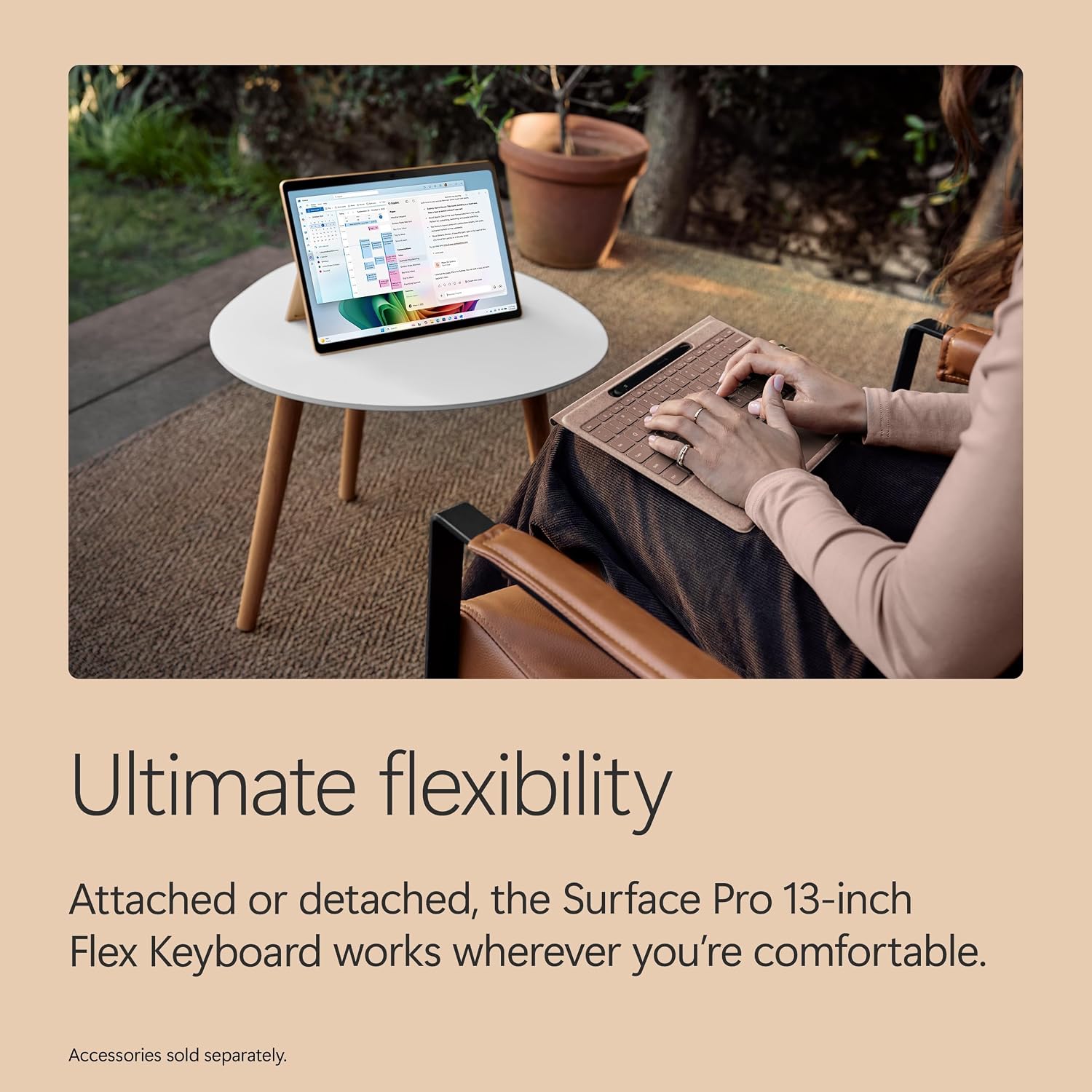
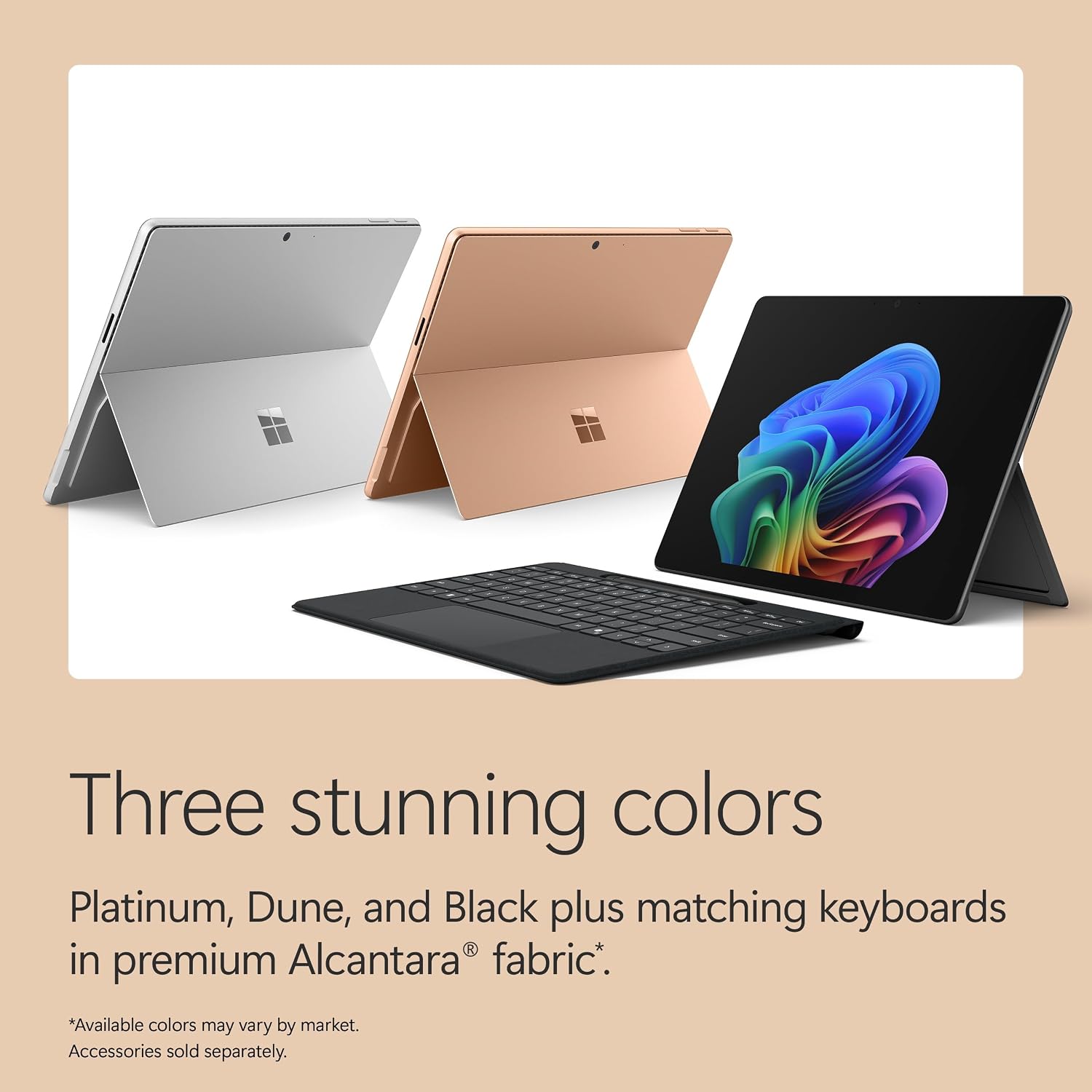
Picture reviewing a presentation on the touchscreen, then propping the device up with its kickstand to type or watch a video. The keyboard and Surface Slim Pen are sold separately, so factor those into the setup you actually want.
Quick sizing guide
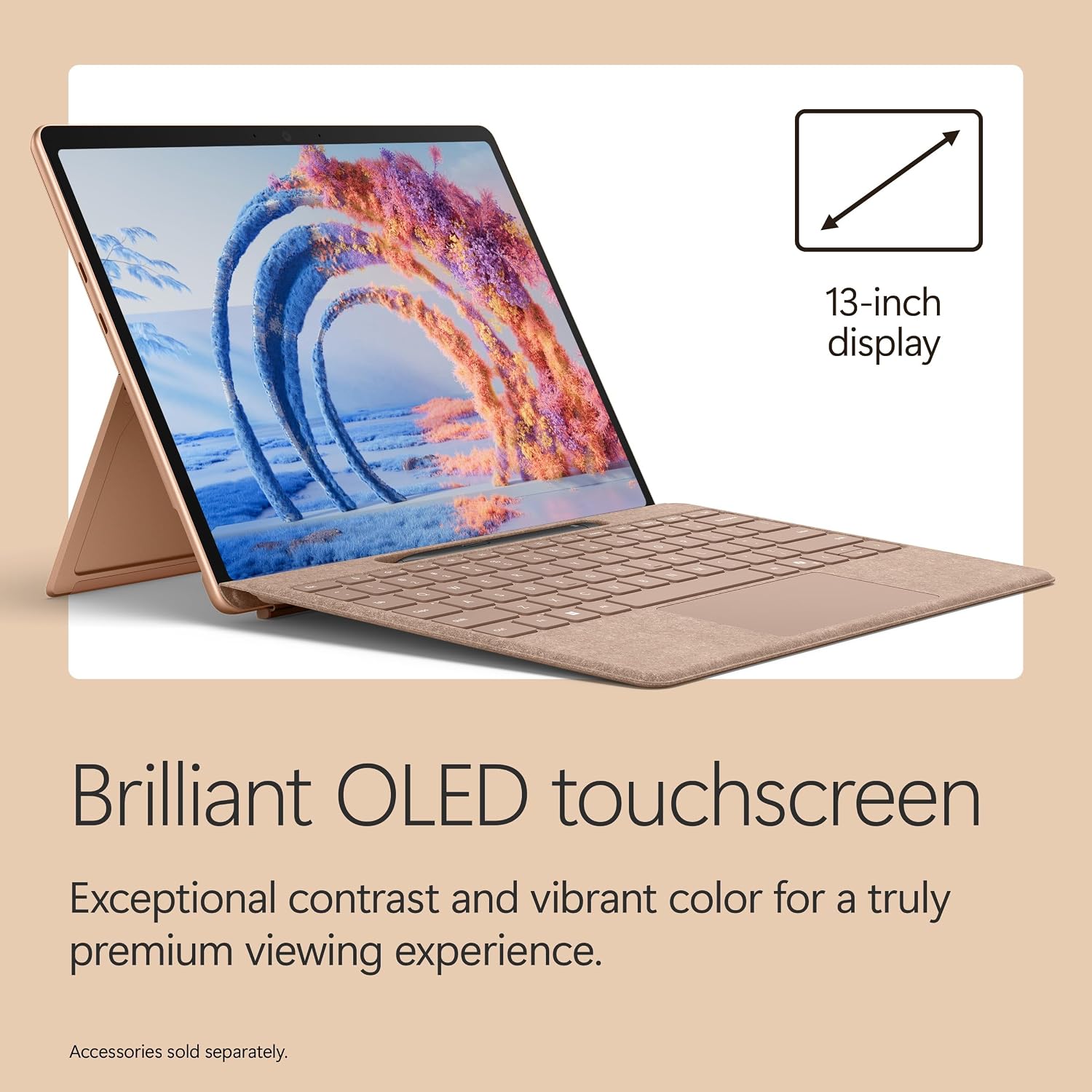
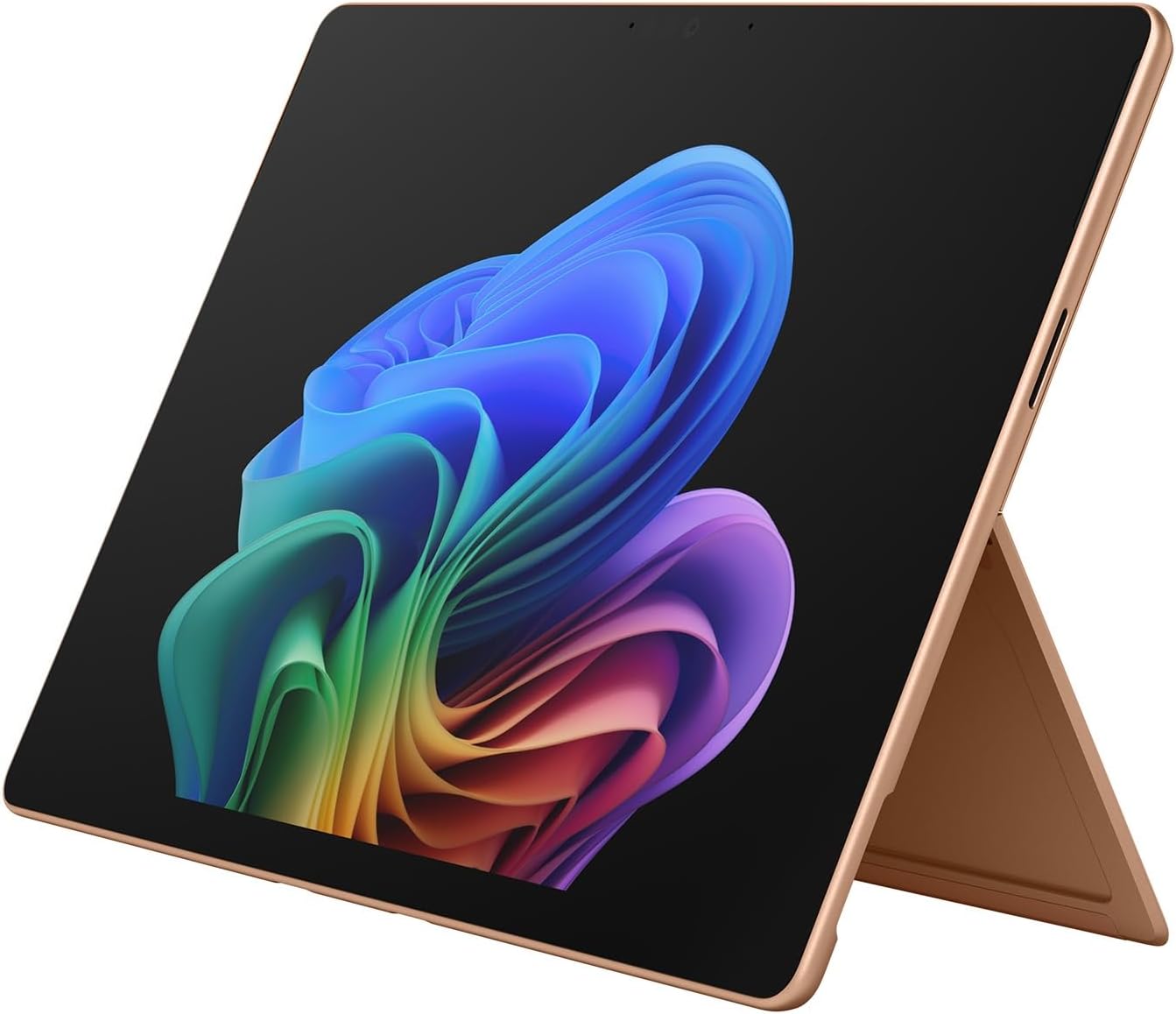
At 13 inches, the display offers a larger workspace than a compact tablet, while the listed weight of 1.97 lbs keeps the device portable. Its 165-degree kickstand supports different viewing and drawing angles, and the touchscreen works with taps, scrolling, and pinch-to-zoom. For a laptop-style setup, you’ll need to add the separately sold keyboard, the pen is also an extra purchase for handwriting or drawing.
It’s a great fit if you want one device for work, school, and creative tasks, and value switching between touch and typing. A conventional laptop with a built-in keyboard may suit you better if you don’t want to buy or carry a separate one. With no included keyboard or pen listed, the out-of-box setup is less complete for people expecting a ready-to-type laptop.
Pros

- The OLED PixelSense touchscreen combines vivid colors and deeper blacks with a 120Hz refresh rate for smooth scrolling.
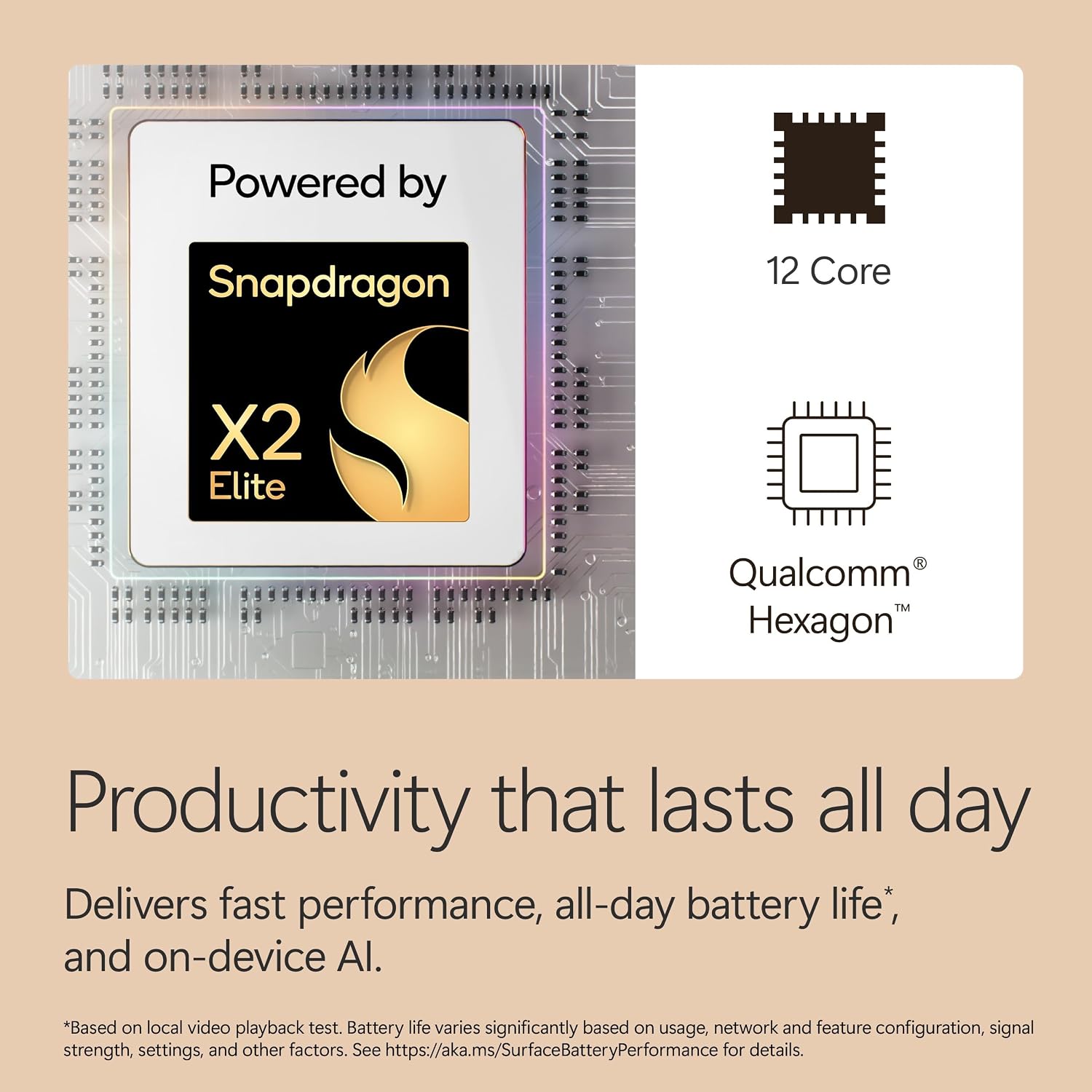
- The Snapdragon X2 Elite chip and 16GB of RAM are positioned for multitasking, while the 1TB SSD provides storage for apps and files.
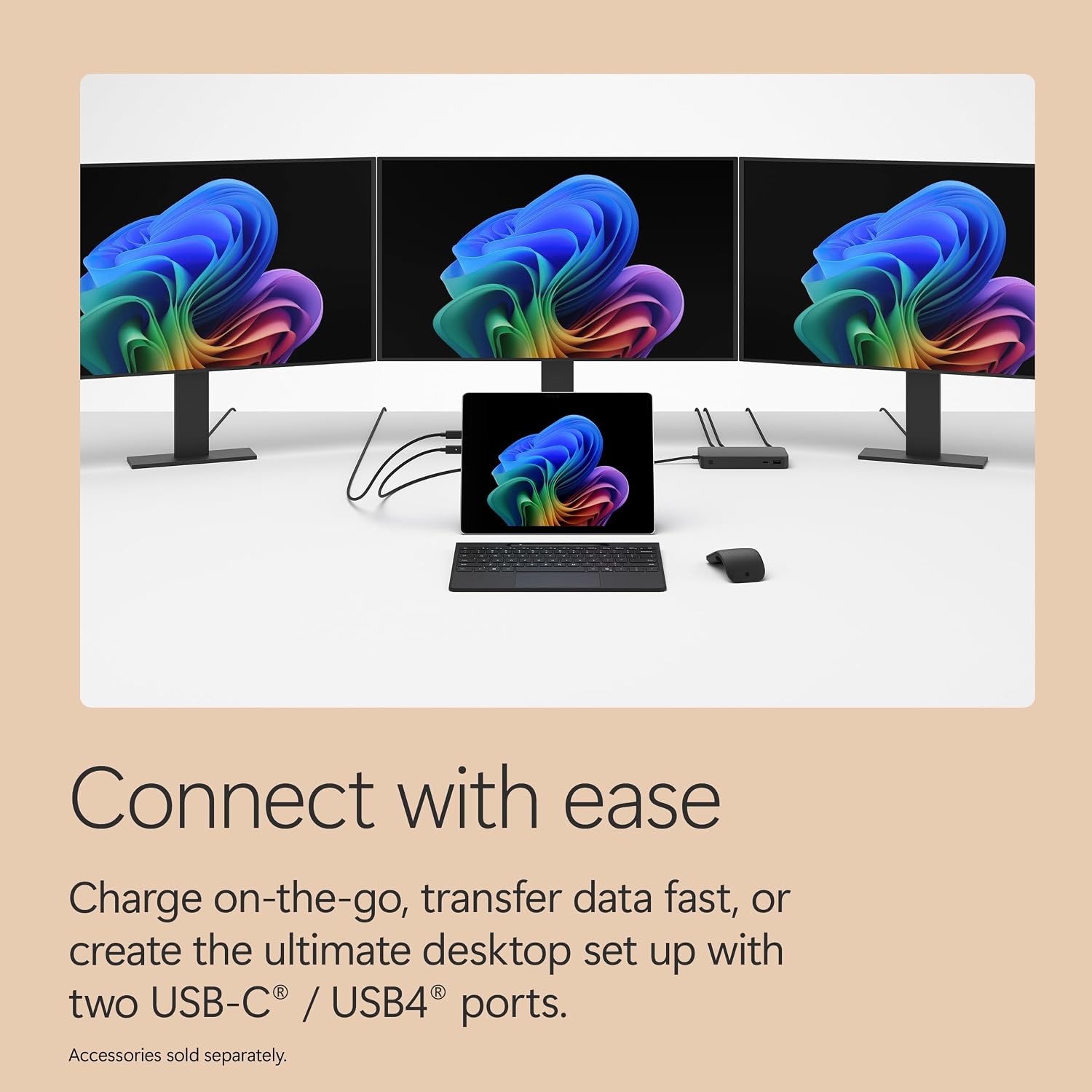
- Two USB-C/USB4 ports support charging, file transfers, and connection to up to three 4K monitors.
- Wi-Fi 7, Windows 11, and built-in Copilot+ PC features suit users who want current wireless connectivity and AI tools in the same device.
- Microsoft lists up to 15.5 hours of video playback per charge. That figure is specific to video playback, not a guarantee for every workday or workload.
The trade-off is the detachable format: a tablet-first device can be more flexible for touch use, but typing depends on adding the separate keyboard. The listed monitor support may also matter more to a desk-based setup than to someone who mainly uses the screen on its own.
Spec sheet
- Name: Microsoft Surface Pro
- Type: 2-in-1 laptop and tablet
- Size: 13-inch
- Processor: Qualcomm Snapdragon X2 Elite
- Memory: 16GB RAM
- Capacity: 1TB SSD
- Display: OLED PixelSense touchscreen, 120Hz
- Weight: 1.97 lbs
- Ports: Two USB-C/USB4
- Battery: Up to 15.5 hours of video playback
- Operating system: Windows 11
- Color: Dune
Is it worth it?
The case for this Surface Pro is its combination of a high-refresh OLED touch display, generous listed storage, and a kickstand-based design that can move from desk to tablet use. It makes more sense than a basic tablet if you need Windows apps and want to connect external monitors, from the way it is set up, though, a separate keyboard is part of the real purchase decision, not a minor detail.
It’s not for you if you need a complete laptop setup in the box, or if you prefer a traditional laptop with an attached keyboard and don’t expect to use tablet mode. If the touchscreen, 1TB SSD, and flexible stand match how you work, the configuration has a clear purpose. If you mainly need a simple typing machine, the detachable design may add cost and accessories without giving you much back.