


NIMO 17.3-inch laptop
Product description
How to use it
If your work benefits more from a roomy screen and memory for several open apps than from a compact everyday laptop, the NIMO’s 17.3-inch Full HD display and 32GB of RAM fit that brief.
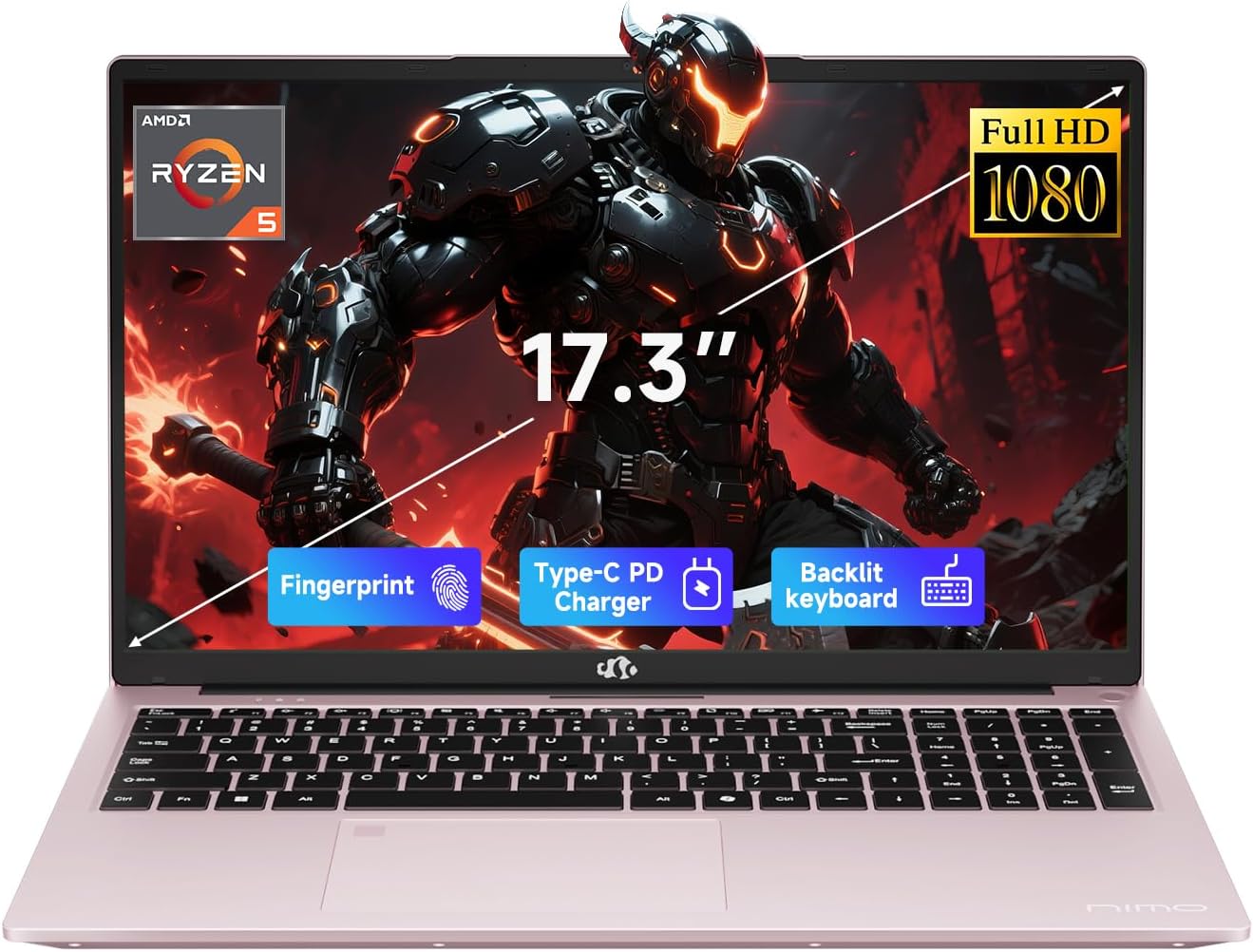
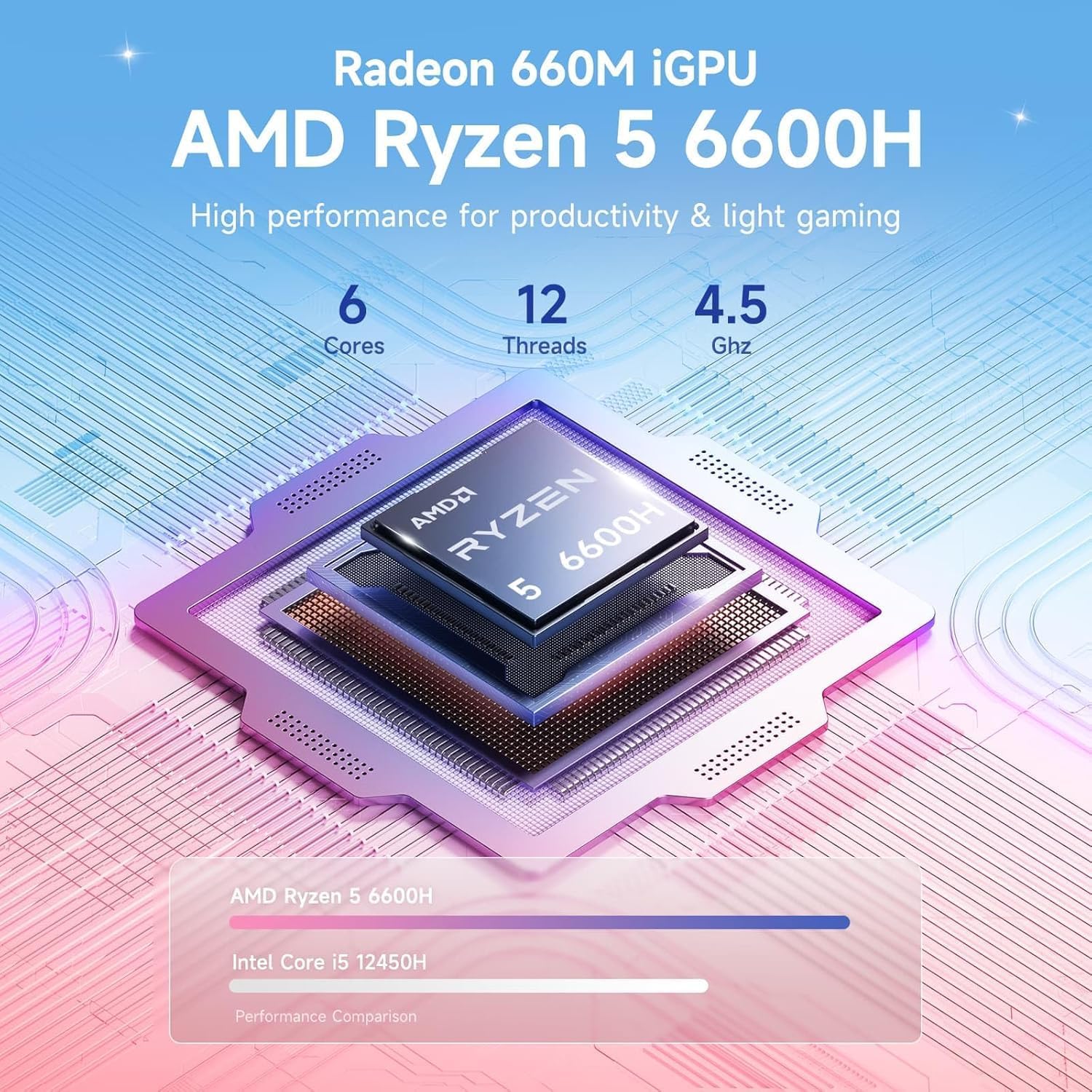
It is aimed at a mix of study, office tasks, media, and lighter creative work. The Radeon 660M is integrated graphics, so this is a different kind of buy from a laptop built around a dedicated graphics card.
Picture a class or work session with a video call on one side of the screen and notes or a spreadsheet beside it. That’s where the larger display can make a practical difference, with less window switching.
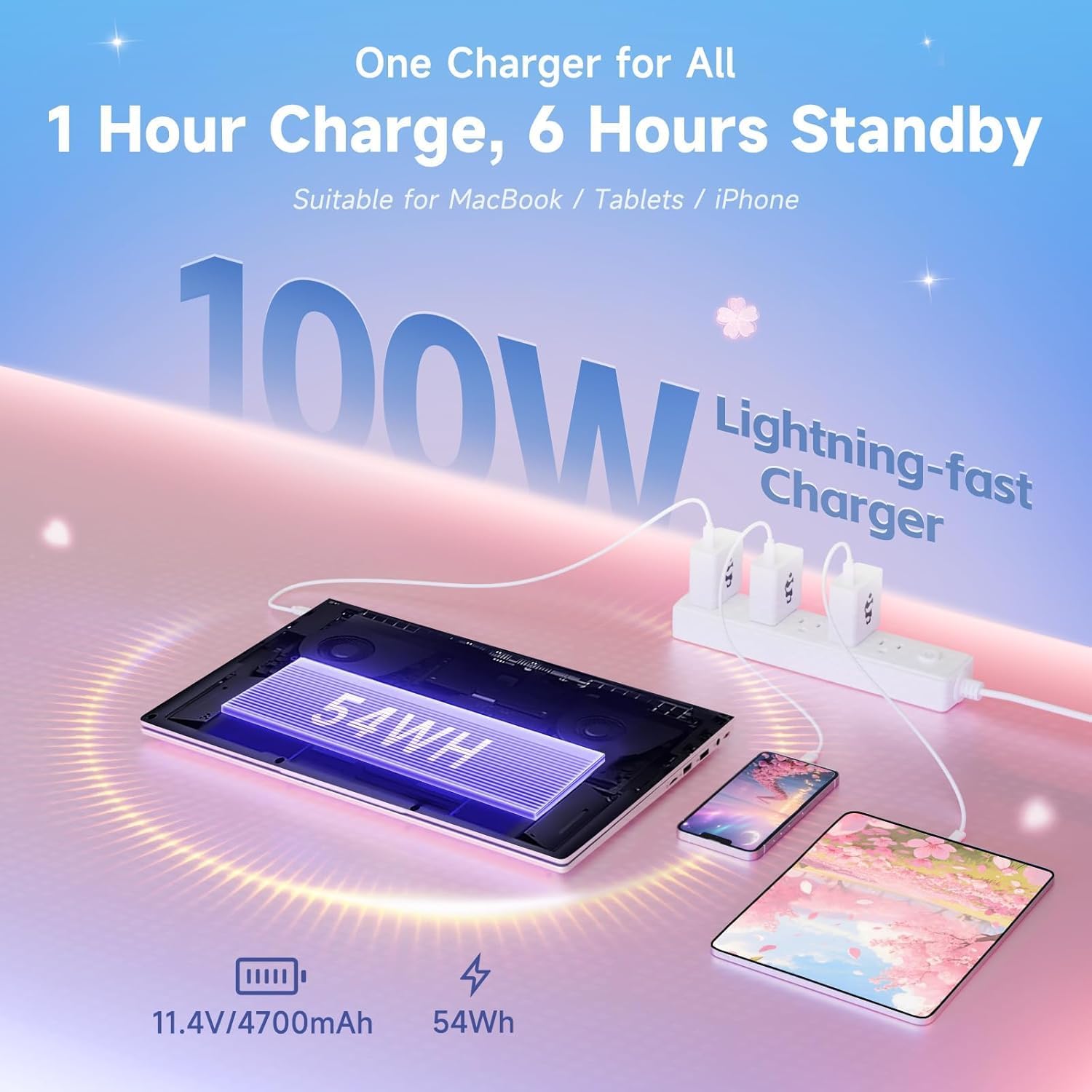
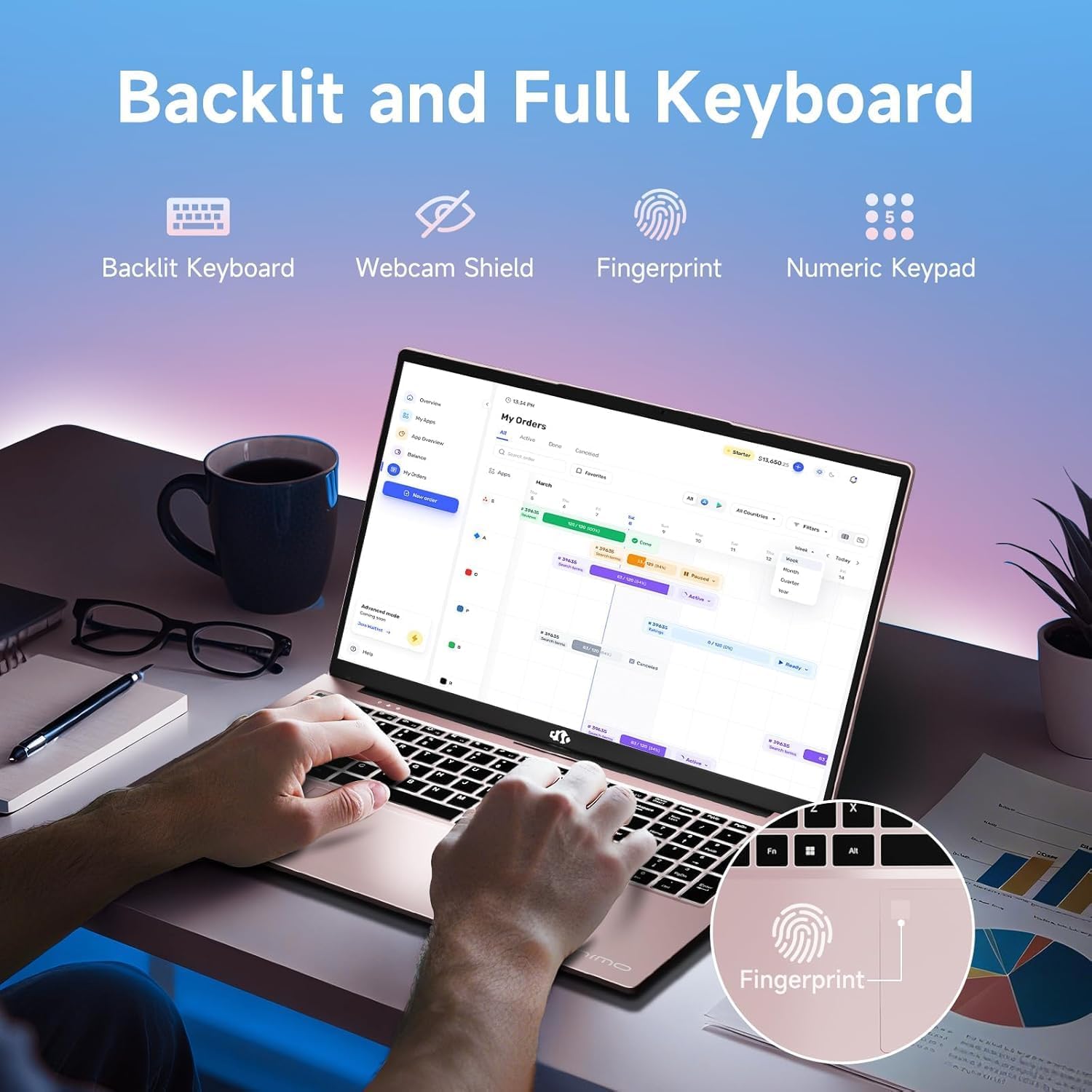
The backlit keyboard can also help when you’re typing in a dim room. The product description claims 6–8 hours for light tasks such as documents, browsing, and video calls, demanding workloads may not match that figure. The included 100W PD charger and 53.58Wh battery are listed, but there’s no battery-life estimate for heavier creative work.
Pros
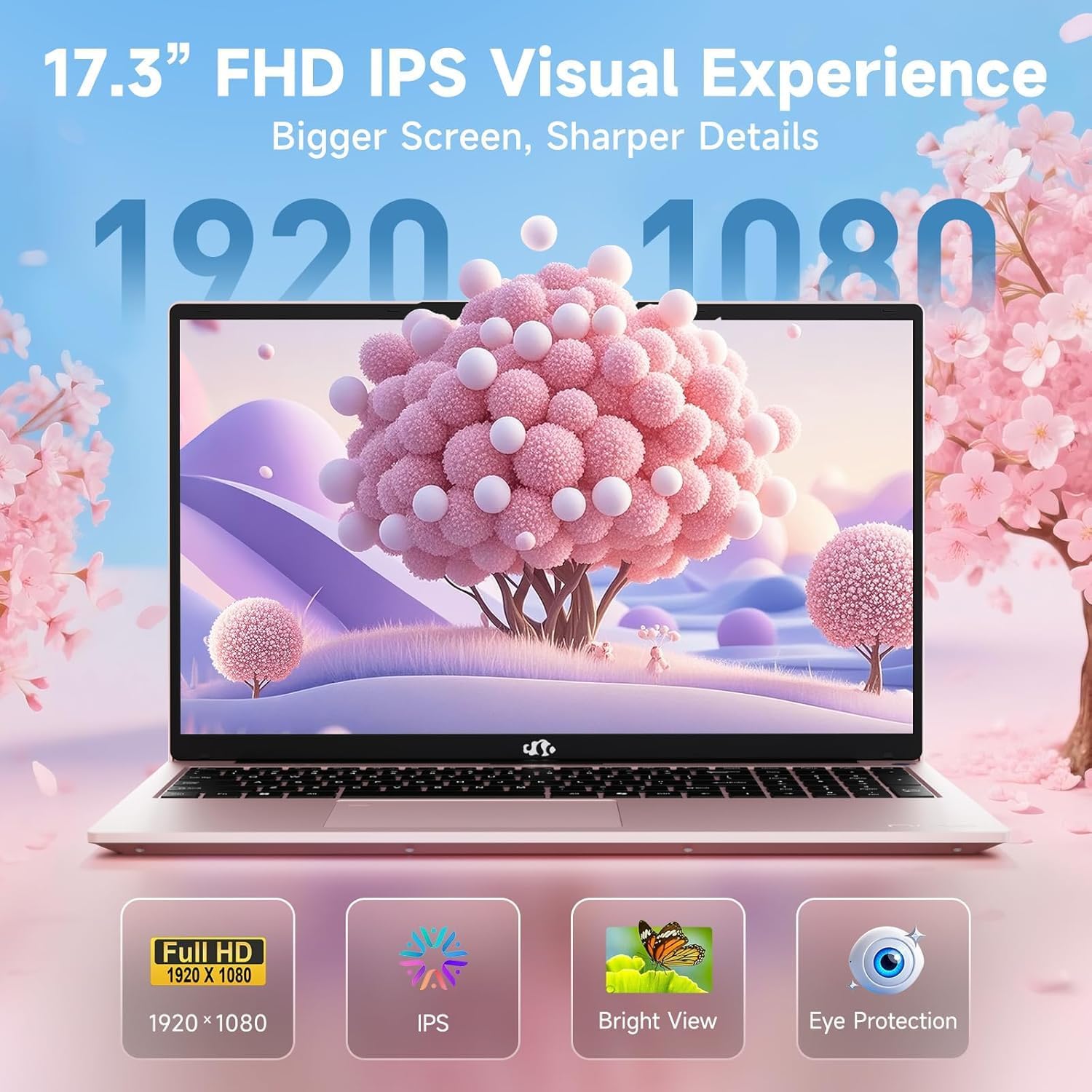
- Room for multitasking: The 17.3-inch 1080p IPS screen gives you a larger workspace for classes, spreadsheets, design reviews, and streaming.
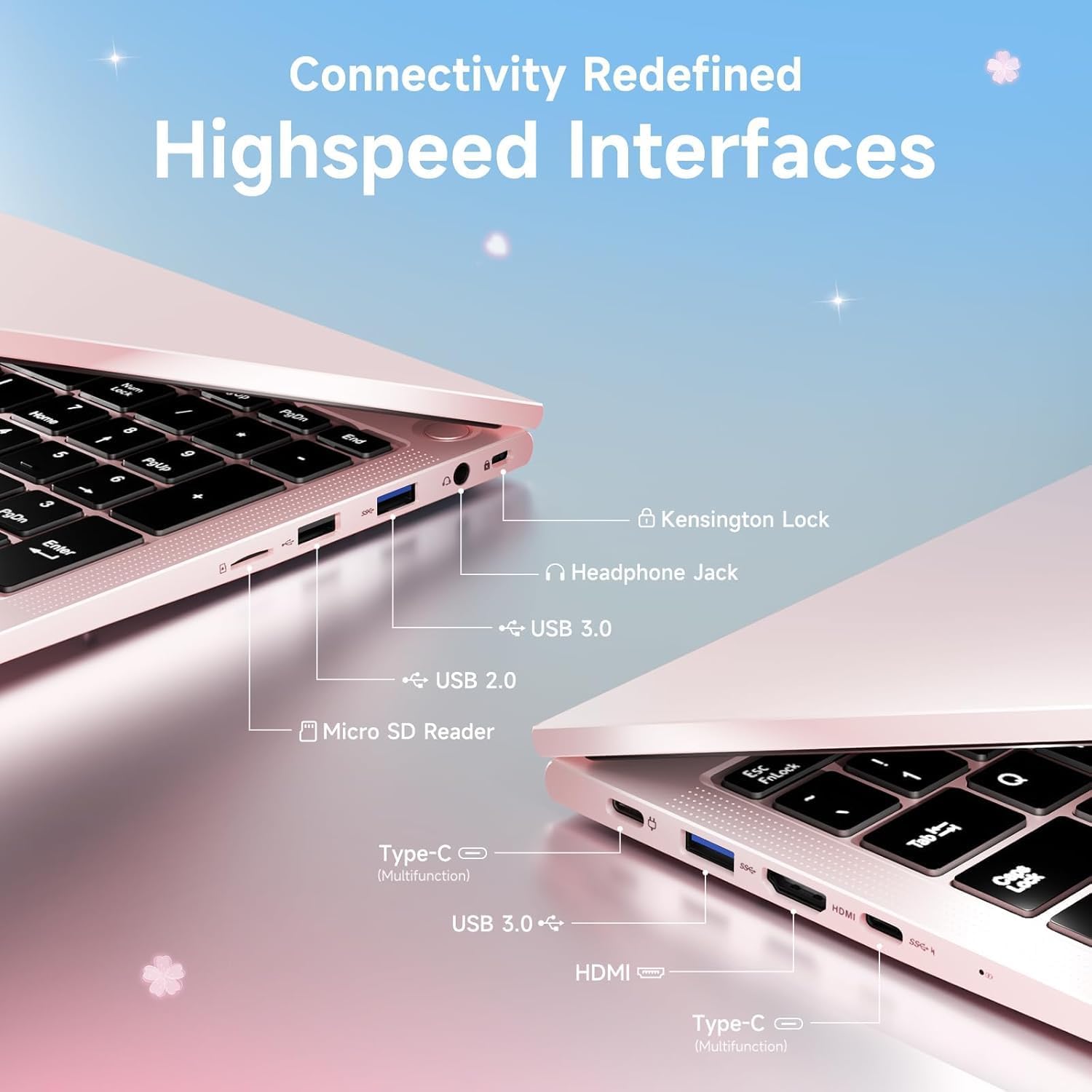
- Memory and storage: 32GB of DDR5 memory at 5600MHz and a 1TB SSD provide room for multiple apps and files. A Micro SD slot is available for storage expansion.
- Everyday graphics: Radeon 660M integrated graphics are described for photo touch-ups, design mockups, HD video, and light gaming. That points to casual visual work rather than demanding gaming or graphics-heavy production.
- Practical extras: The keyboard is backlit, and the listing includes a two-year manufacturer warranty and a 90-day return policy.
Worth considering if you want a large-screen laptop for study, general productivity, and occasional creative tasks without prioritizing a dedicated GPU. It may not suit you if demanding games or intensive editing are central to your routine. The 17.3-inch format also puts workspace ahead of having a compact machine.
Spec sheet
- Name: NIMO 17.3-inch FHD AI Creator Laptop
- Type: Laptop
- Display: 17.3-inch Full HD IPS
- Processor: The product name lists an AMD Ryzen 5 7430U, while the description names a Ryzen 5 6600H with six cores and boost speeds up to 4.5GHz. Check which processor applies to the configuration you’re considering.
- Memory: 32GB DDR5, 5600MHz
- Capacity: 1TB SSD, Micro SD expansion slot
- Graphics: Integrated Radeon 660M
- Battery: 53.58Wh, 6–8 hours claimed for light tasks
- Charging: Included 100W PD charger
- Warranty: Two years, with a 90-day return policy listed
The processor mismatch is the key detail to resolve on the spec sheet before buying, the two names are not interchangeable. The listing doesn’t provide details such as the display’s color coverage or the laptop’s weight, so don’t assume it meets specialized color-critical work or frequent travel needs.
Final verdict
This NIMO makes the most sense for someone who wants a wide Full HD workspace, substantial listed memory, and a 1TB SSD for everyday work, school, and lighter creative use. The backlit keyboard and Micro SD slot add practical touches, while the integrated graphics set a clear boundary for gaming and demanding visual workloads. If those limits match your plans—and the processor discrepancy is clarified—the configuration has a coherent use case. If you need a compact machine or a laptop for sustained, graphics-intensive work, look for a different set of priorities.