

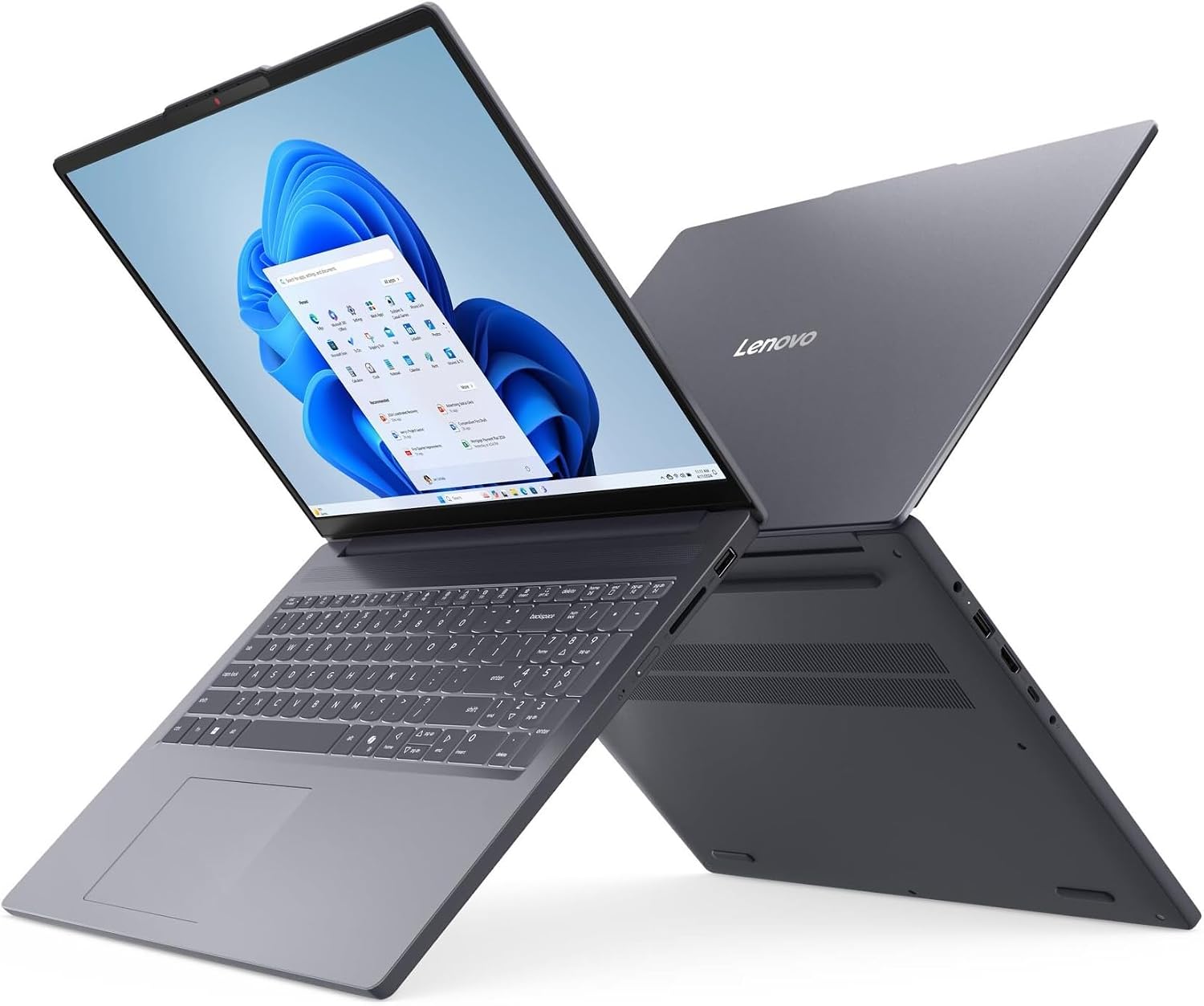
Lenovo V15 laptop
Product description
A small laptop screen can make class notes, spreadsheets, and a video call feel like competing for space. The Lenovo V15 pairs a 16-inch display with a 16GB memory configuration to give everyday work more room.
Its mix of wireless connections and built-in ports also supports a desk setup without relying on a separate hub for every accessory.
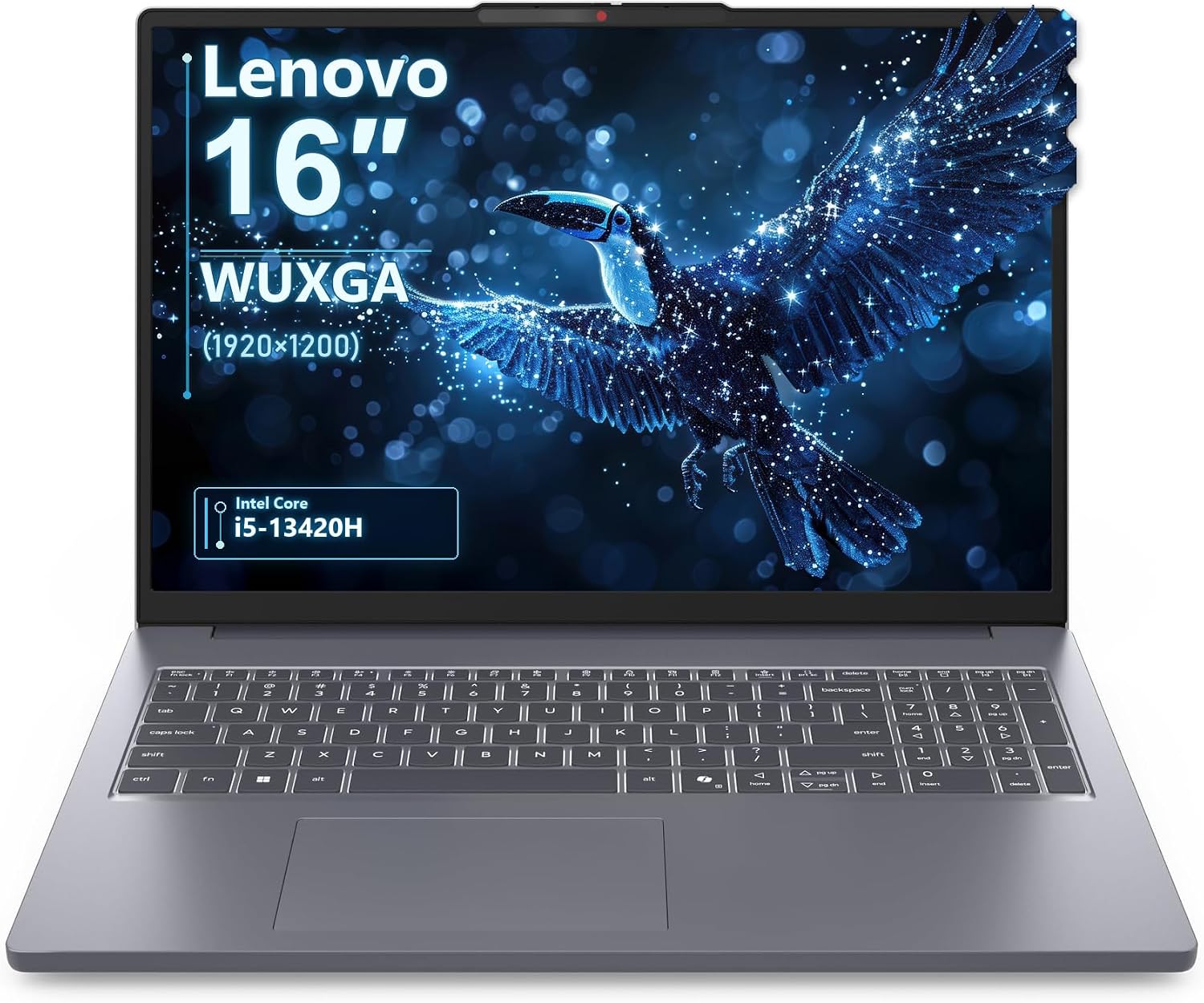
The trade-off is worth noting: the keyboard is not backlit, which may matter if you often type in dim rooms.
Technical details
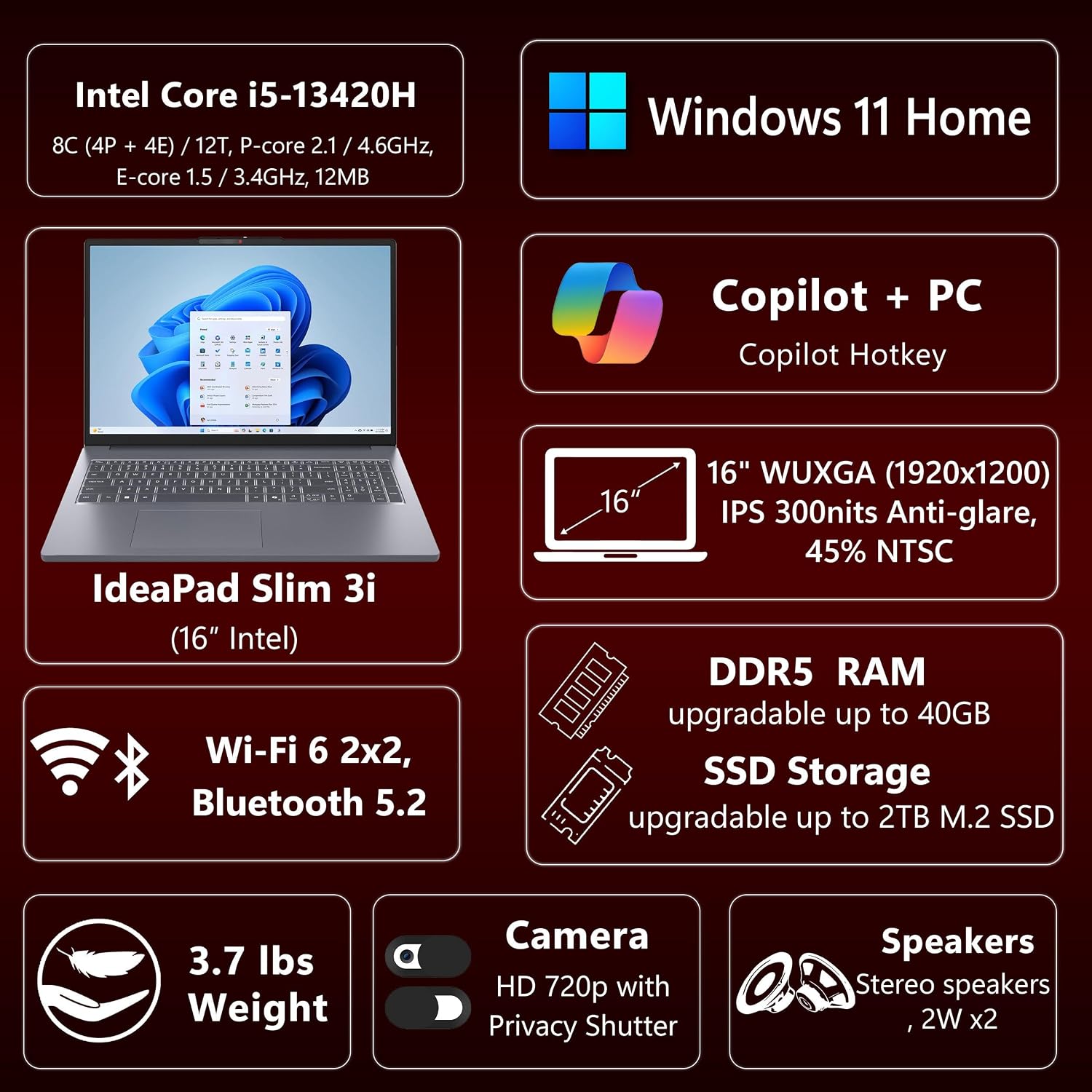
The listed configuration uses an Intel Core i5-13420H processor with 8 cores, 12 threads, and speeds up to 4.6GHz, alongside 16GB of DDR5 memory. A 1TB PCIe 4.0 NVMe SSD provides space for files and applications, the description does not specify how much of that capacity is available to the user after setup.
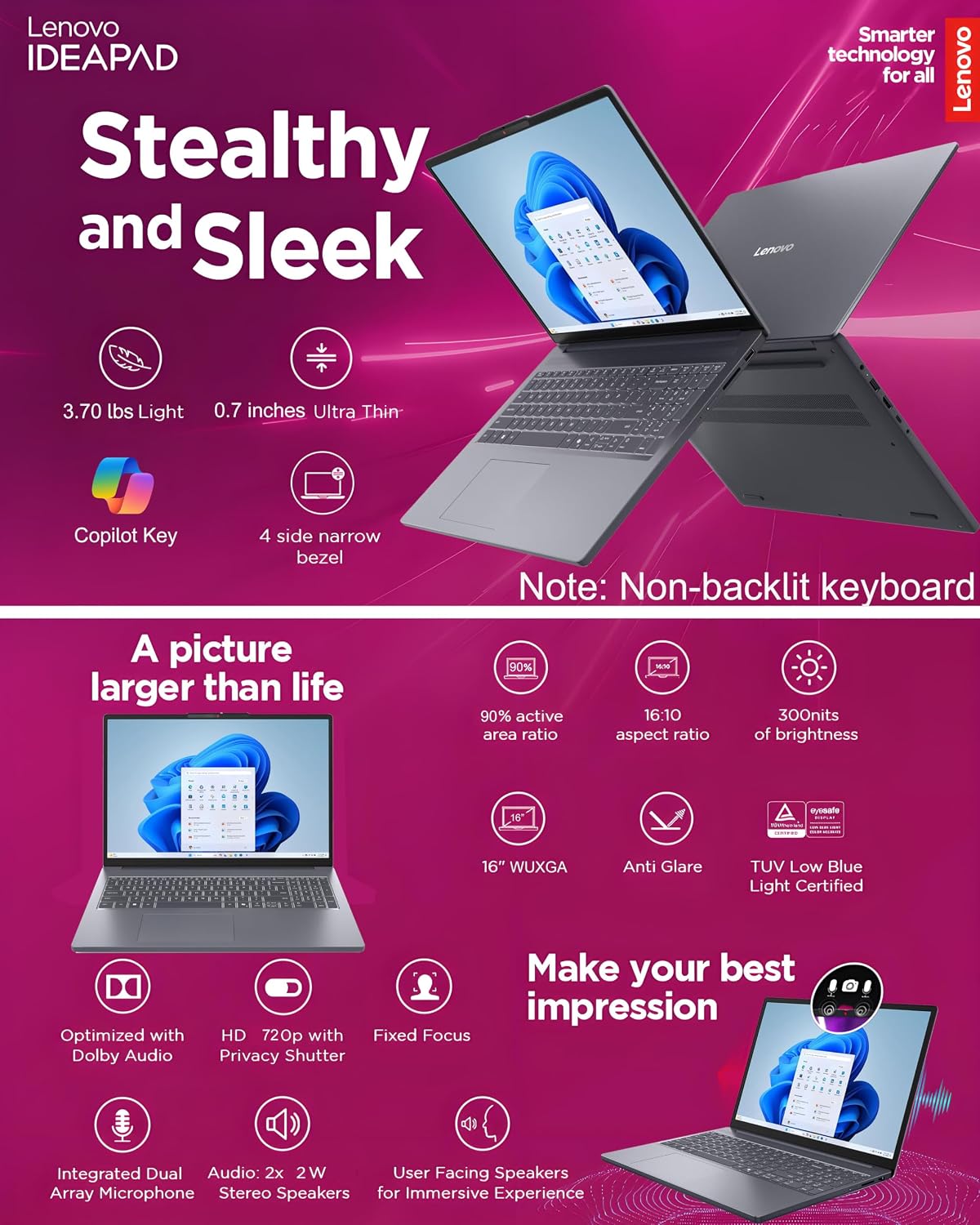
The 16-inch IPS anti-glare display has a WUXGA resolution of 1920 x 1200 and a stated brightness of 300 nits. That taller 16:10 layout can make document editing and side-by-side windows more comfortable than a standard Full HD screen, though screen size alone does not determine how well it suits a bright workspace. The laptop weighs 3.70 lbs and has a Luna Grey aluminum top cover.
Everyday compatibility
For a study or home-office desk, the port selection covers common connections: two USB-A ports, one USB-C port with Power Delivery and DisplayPort, HDMI 1.4, an SD card reader, and a headphone jack. Wi-Fi 6 and Bluetooth 5.2 are included for wireless networking and accessories. Those details make it easier to plan a setup with a wired peripheral or external display, but the listing does not state the specific display configurations supported.
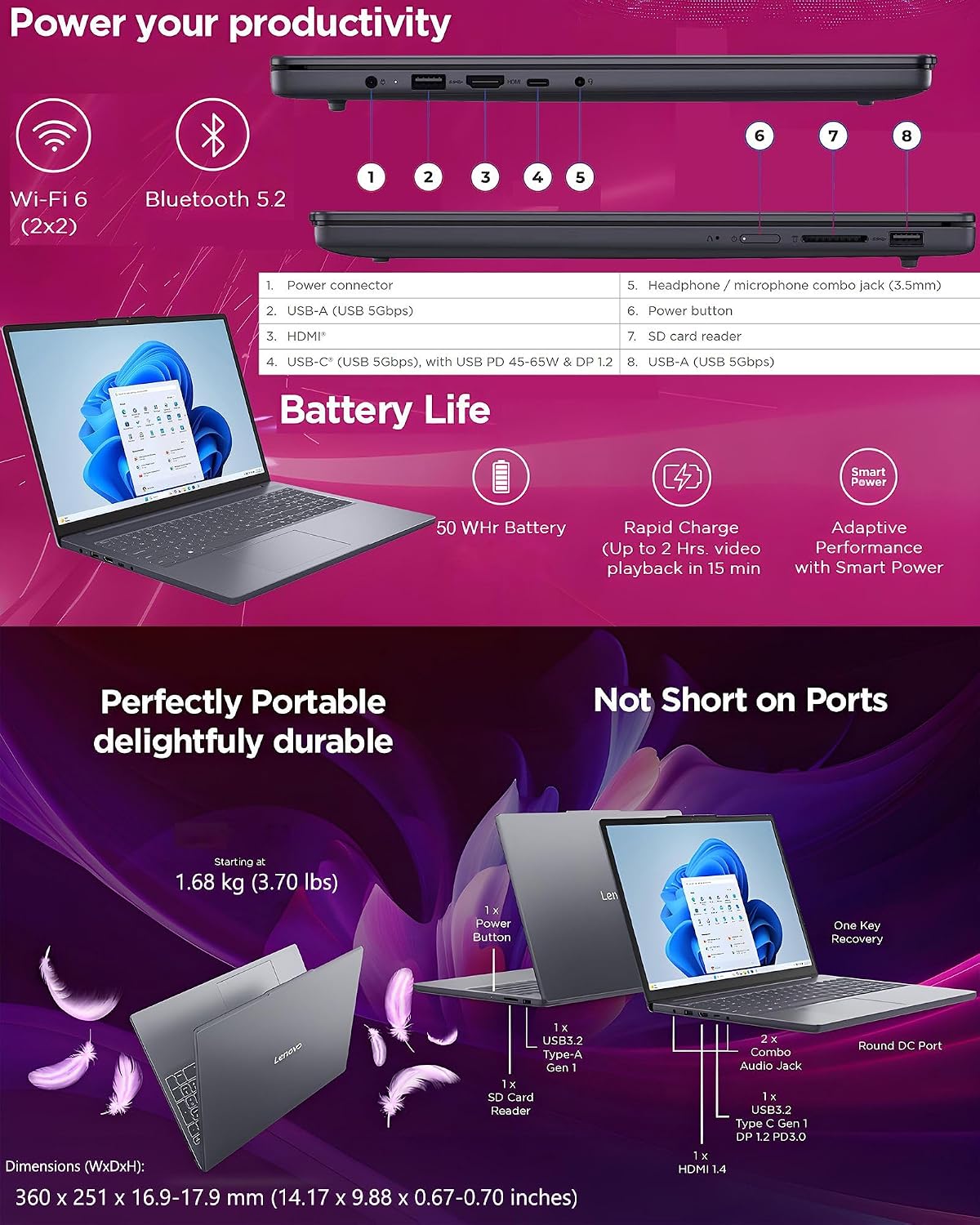
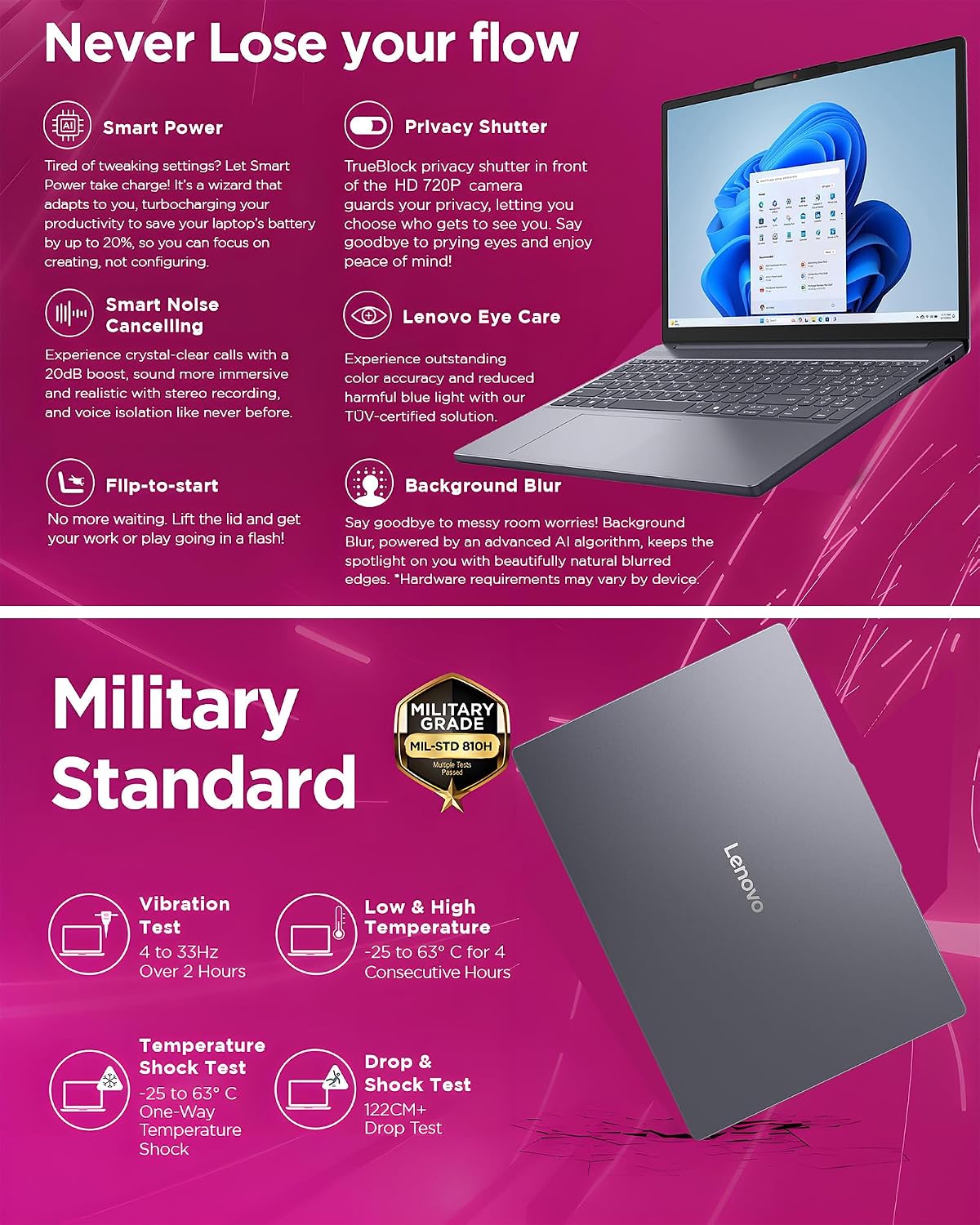
Windows 11 Home, TPM 2.0, and a 720p camera with a physical privacy shutter round out the everyday setup. Dual-array microphones and two 2W speakers are listed for calls. If you regularly join online classes, the shutter gives you a simple way to cover the camera when a meeting ends.
Usage tips
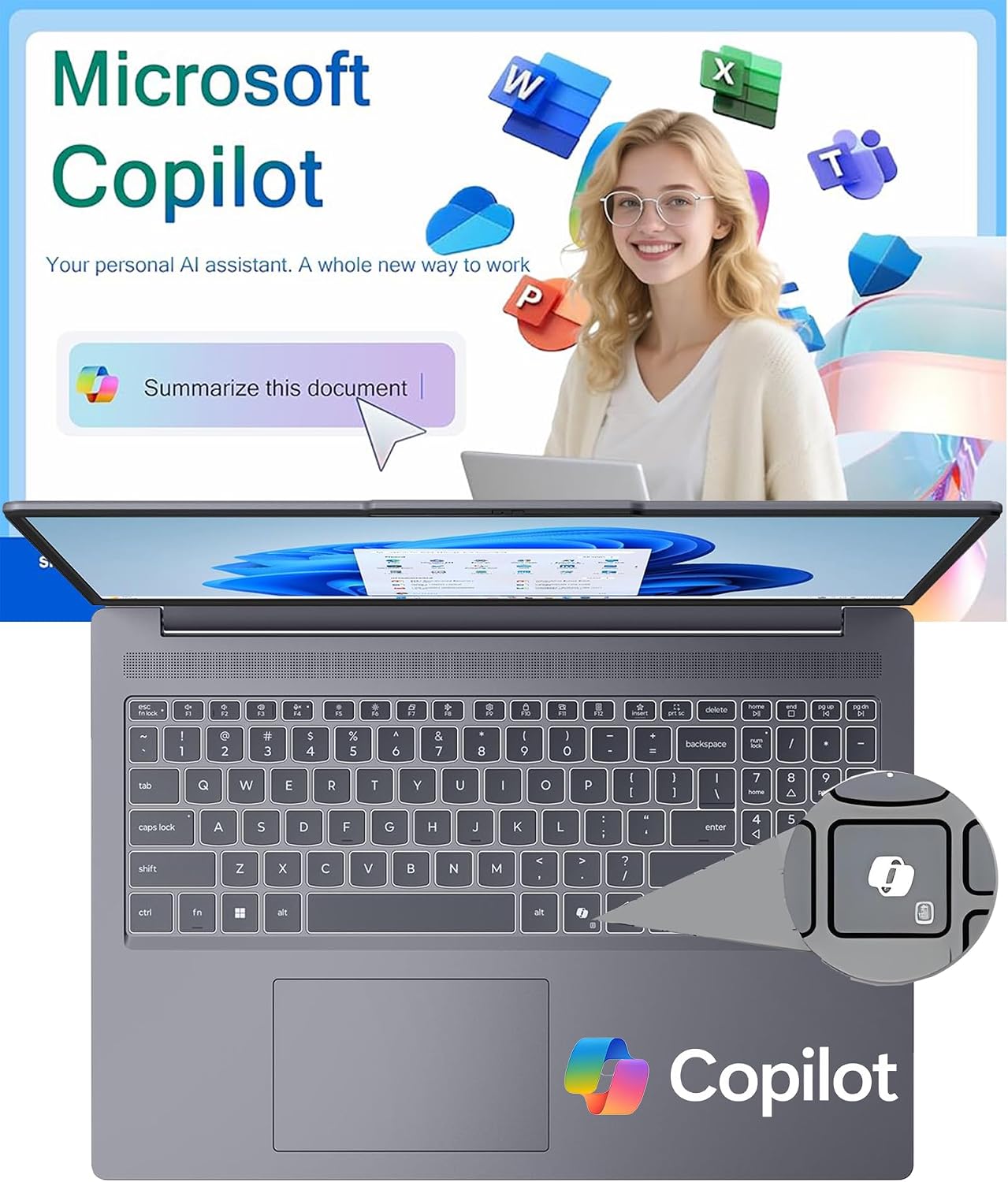
The larger display is most useful when you have two documents open, such as class notes beside a browser, or a spreadsheet next to a video call. At a shared desk, the HDMI or USB-C connection offers a route to an external display, while the SD card reader may be handy when transferring files from a compatible card.
The product description also mentions light gaming and content creation, but it does not identify a graphics configuration or provide workload benchmarks. Treat those as secondary uses rather than a reason to choose it over a laptop selected specifically for demanding creative work or gaming. The non-backlit keyboard is another practical limitation for late-night typing.
Before you decide
Can you connect an external display? HDMI 1.4 and USB-C with DisplayPort are listed, although supported display count and resolution are not specified.
Does the webcam have a privacy cover? Yes. The 720p camera is described as having a physical privacy shutter.
Is the keyboard backlit? No. The listing describes a full-size keyboard but specifies that it is non-backlit.
Should you buy it?
It makes sense if you want a roomy screen, substantial listed storage, and a selection of built-in connections for schoolwork, video calls, or a small-business desk. Compared with a more basic laptop chosen mainly for portability, this configuration puts more emphasis on screen space and multitasking. You may want to skip it if a backlit keyboard is essential, or if demanding gaming or creative workloads are your priority, the available details do not establish how it performs in those situations.