

NIIMBOT Label Maker 300 DPI
Product description
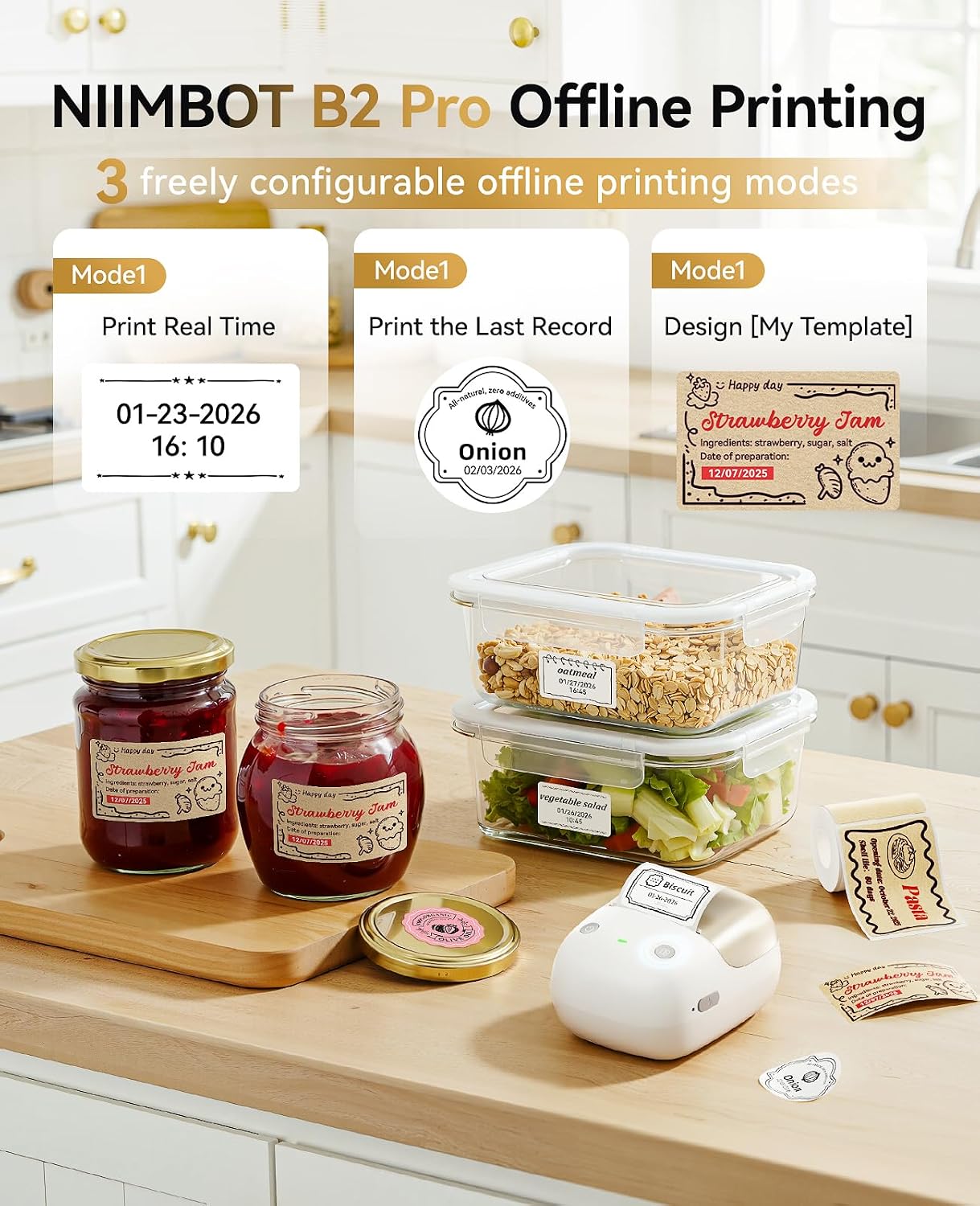
When labels, dates, and small notes pile up, handwriting each one can slow down a home or work project. The NIIMBOT B2 Pro turns a phone or Windows PC into a label-printing setup, with support for photos, templates, and batch jobs. Its compact 352 g body is designed to move between a desk, kitchen, or craft area, while a one-touch offline button can print dates, a recent record, or a selected template without opening the app. That makes it more versatile than a basic labeler, though some print styles depend on using the right label paper.
Highlights
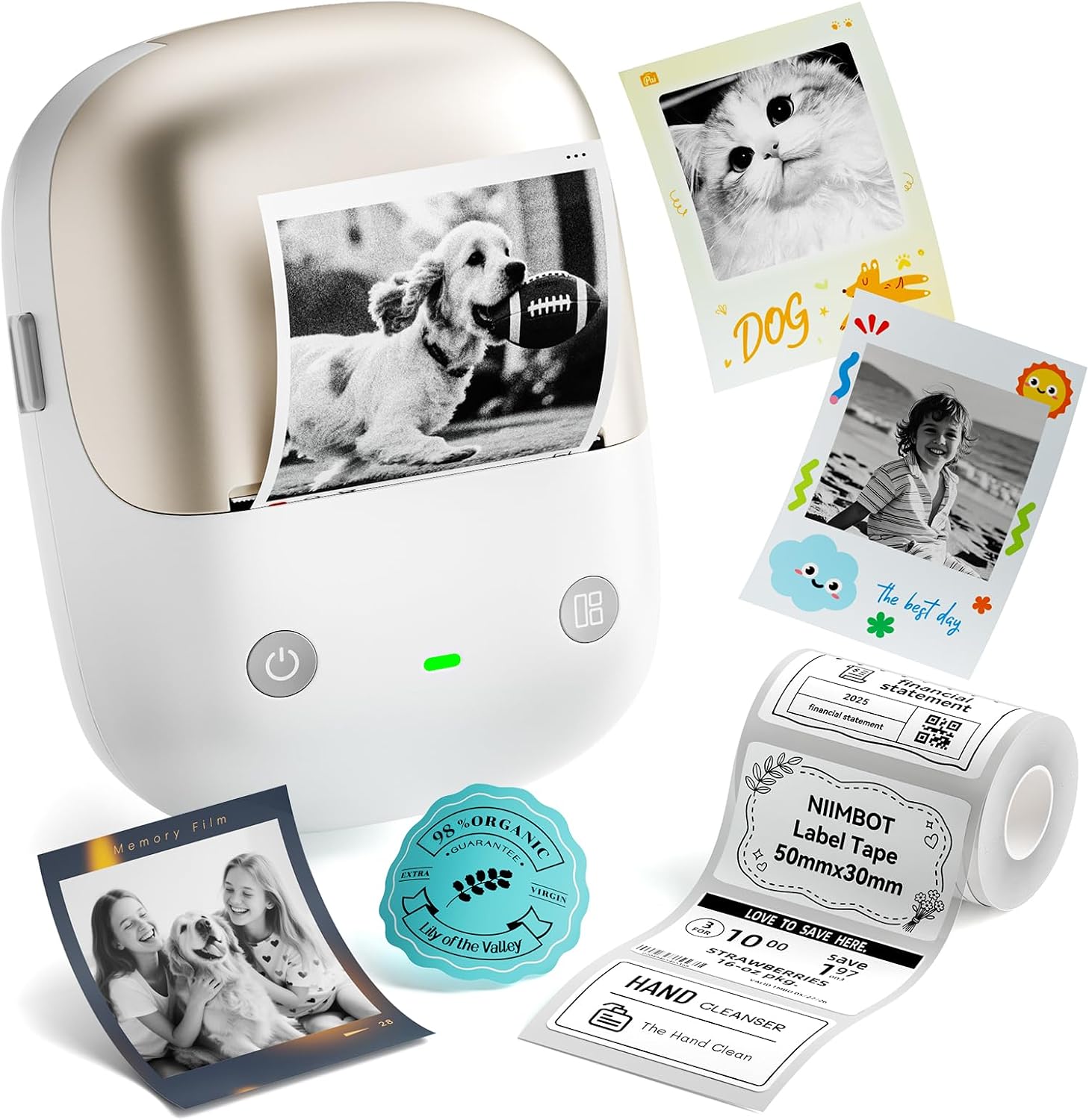
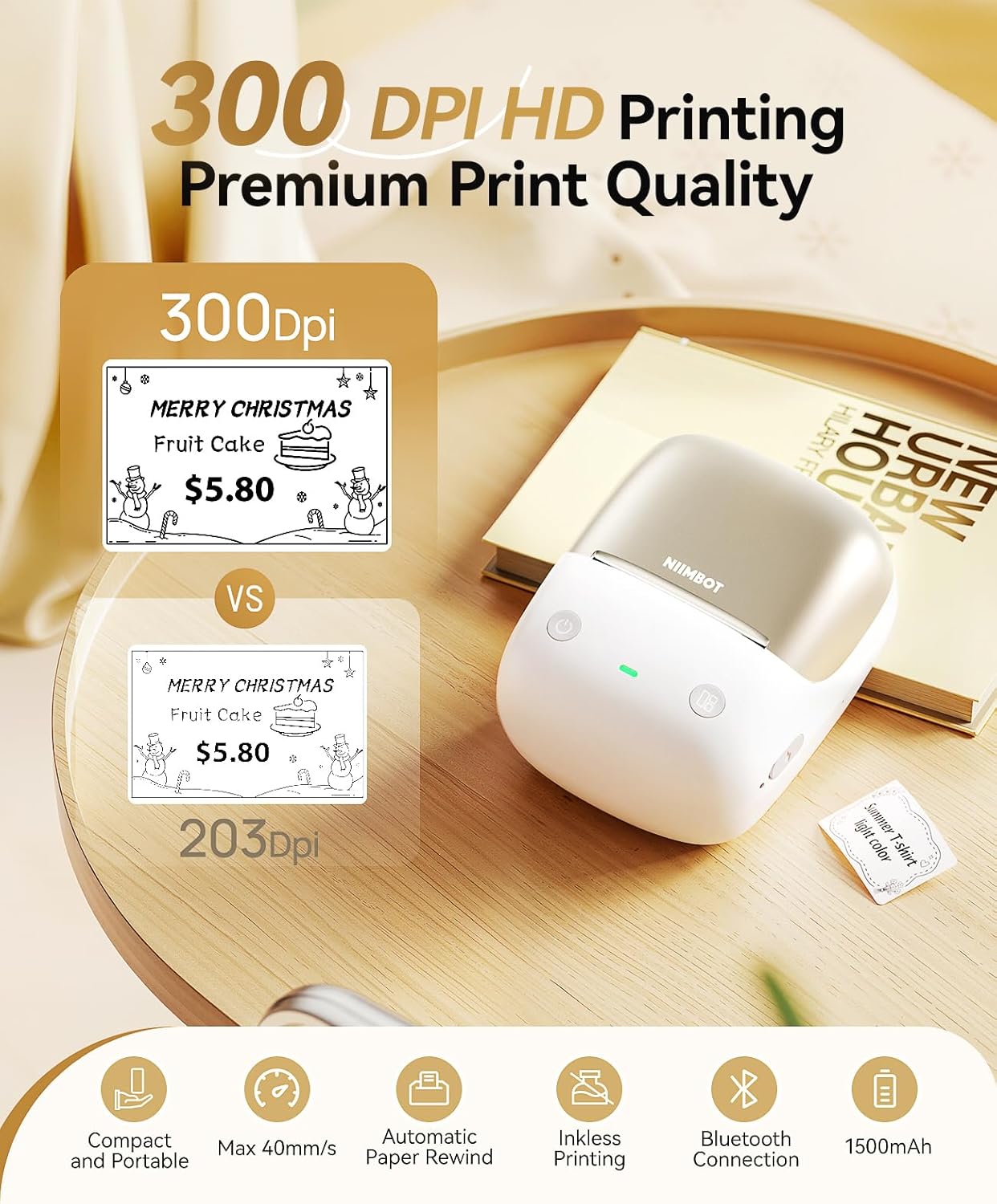
The B2 Pro prints at 300 DPI and supports print widths from 20–50 mm. That gives you room for compact labels with small text, barcodes, or QR codes, as well as wider designs for photos and craft projects. It works with ordinary thermal labels, grayscale photo paper, and red-and-black labels, the latter can add emphasis to a date or warning without changing the whole design.
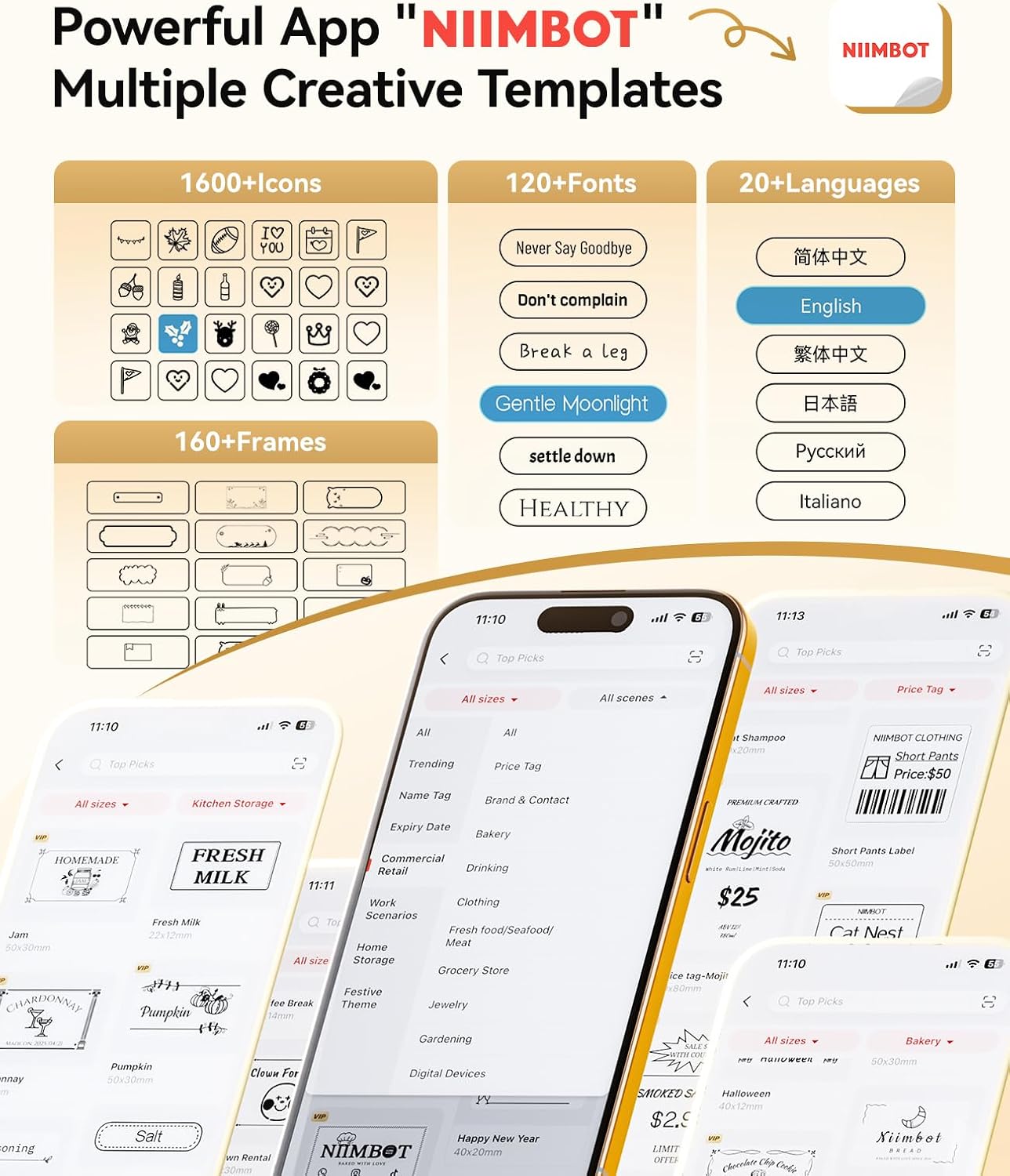
The NIIMBOT app includes more than 1,600 industry templates, along with fonts, symbols, icons, borders, and logos. You can edit a design on a mobile device and batch-print identical or different product labels, which is useful when a single label isn’t enough. For example, you could prepare several pantry labels and expiration-date stickers in one session rather than typing each design from scratch.
Best use cases
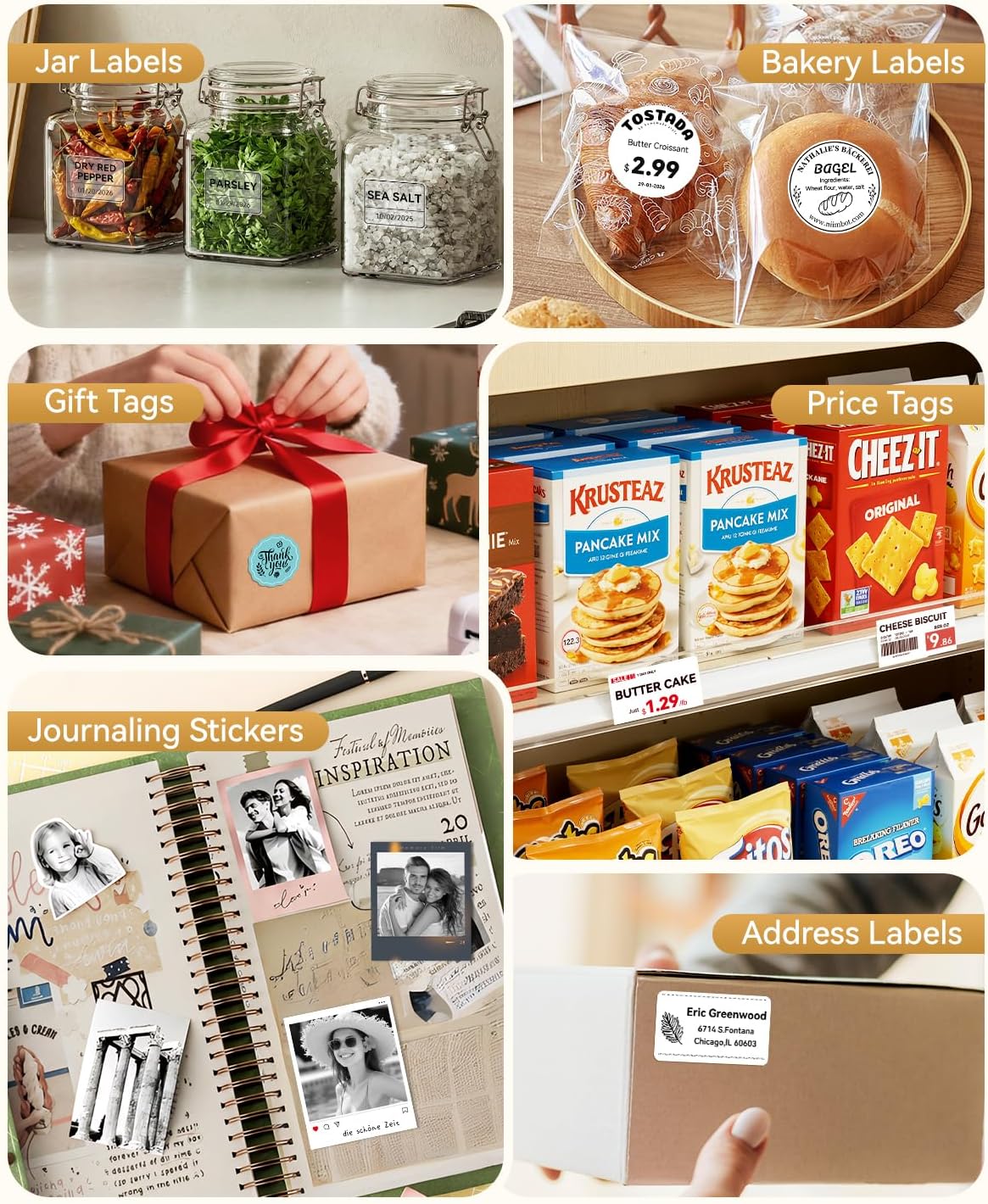
This printer makes the most sense for people who regularly label household items, office assets, products, study notes, journals, or DIY projects. A practical use: create a small set of kitchen labels, then use the offline button for a quick date or saved template when you’re already handling groceries. It also supports photo sticker printing, so it can suit journals and crafts where plain text labels feel too utilitarian.
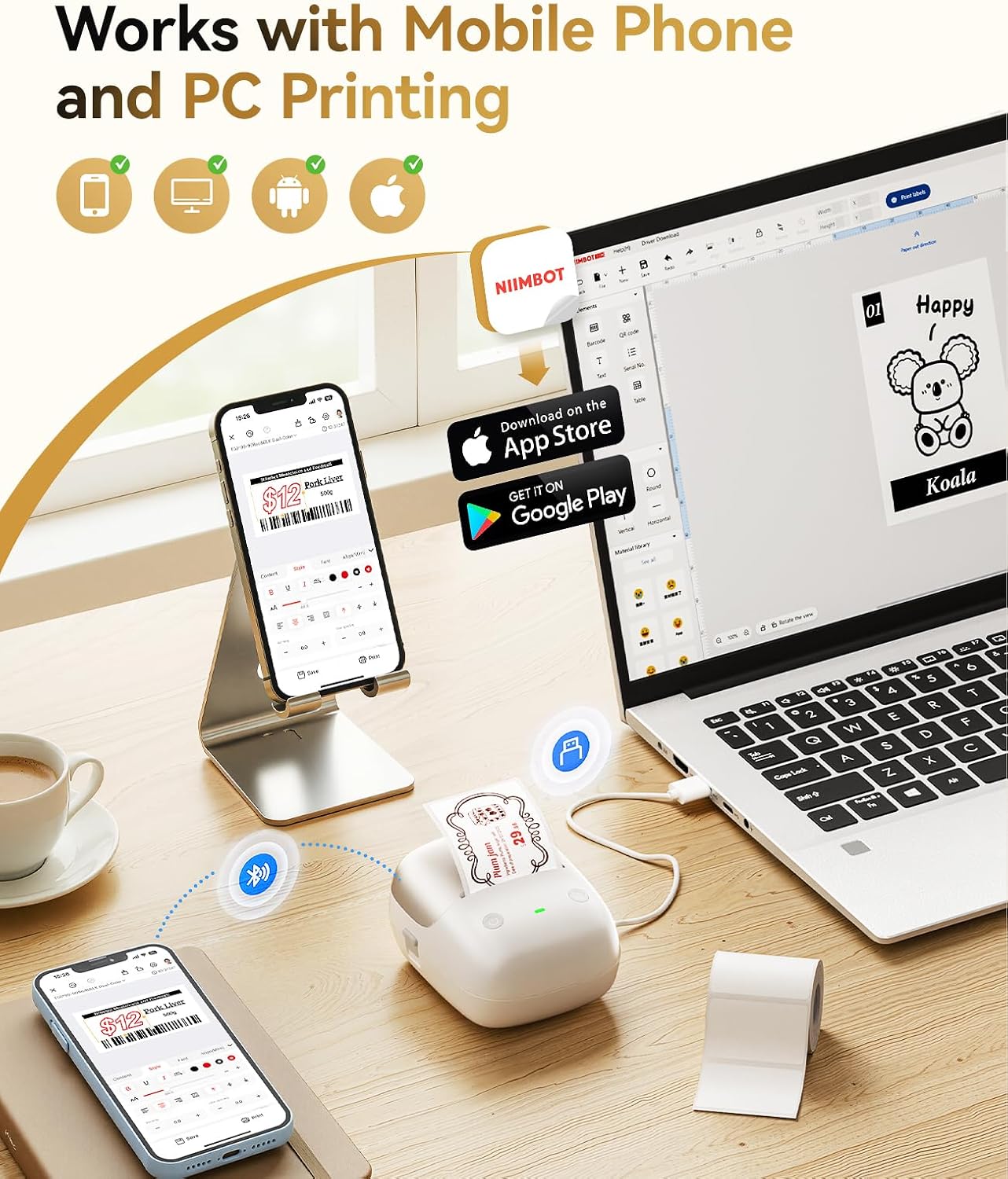
It suits you if you want app-based customization plus a quick way to repeat common prints. Not the best choice if you need a tablet-based workflow: the listing says Pad devices aren’t compatible. The product description also lists Bluetooth printing from iOS and Android phones and Windows PCs, rather than a cable connection.
Tips for day-to-day use
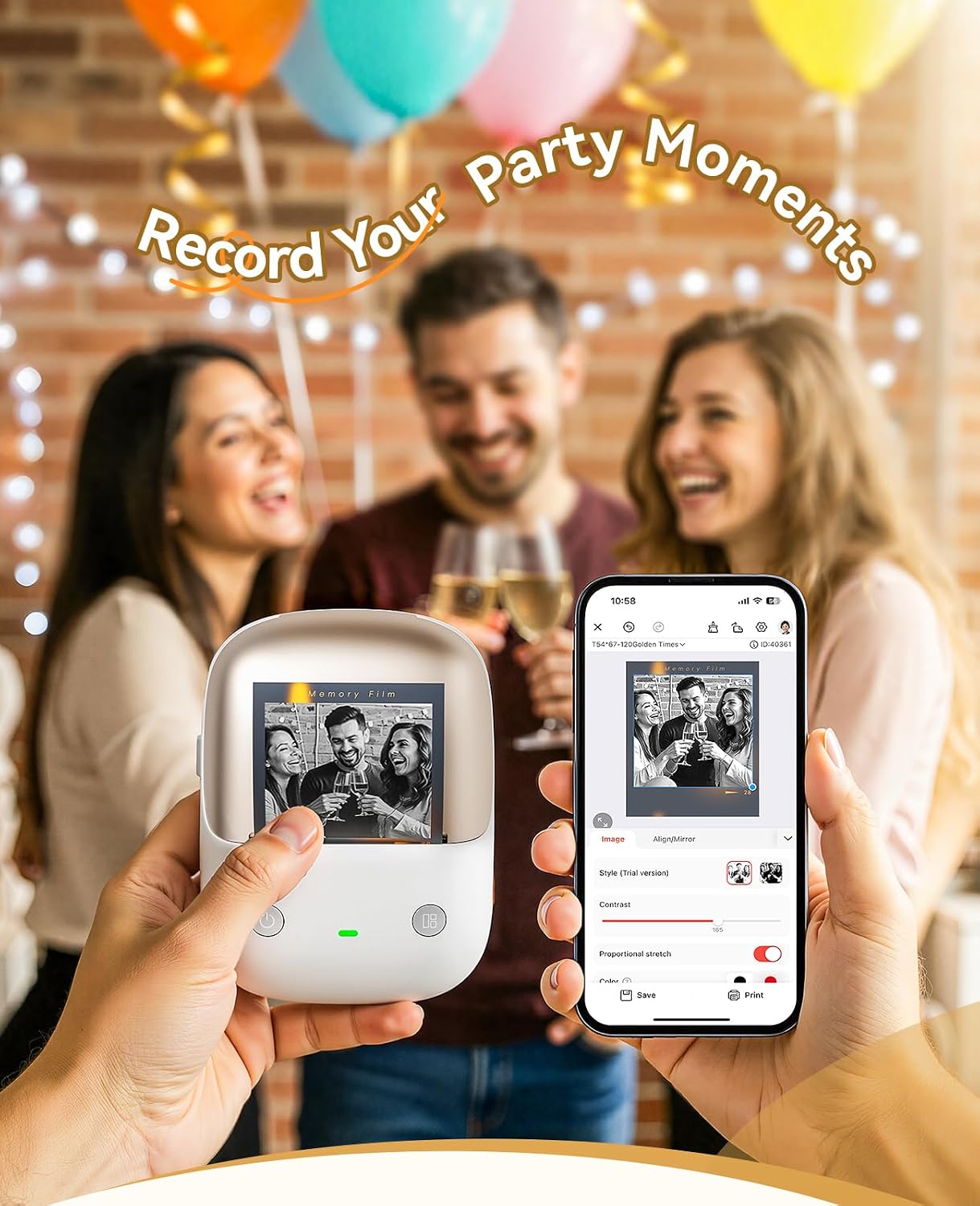
Keep frequently used dates or templates ready for the one-touch button, and use the app when you want to adjust fonts, icons, or layout. For a batch of different labels, prepare the designs together before printing, that’s where the app’s batch-printing feature can save repetitive input. Its 352 g weight also favors carrying it between work areas, rather than treating it as a fixed desktop machine.
Keep in mind that red-and-black printing requires special label paper, so ordinary thermal labels won’t cover every print style. If you mainly want simple text labels, standard thermal paper may be enough, if colored emphasis or photo stickers are central to your projects, factor in the need for compatible specialty paper. The listing says up to 10 mobile phones can print at the same time, with a stated mix of 3 iOS and 7 Android devices.
Before you decide
Can it print without a phone? The custom button supports one-touch offline printing for real-time dates, the latest historical record, or a specified template.
Can it print photos? Yes. Photo printing is supported with grayscale photo paper, red-and-black printing uses special label paper.
What can connect to it? The listing names Bluetooth connections to iOS and Android mobile phones and Windows PCs. Pad devices are listed as incompatible.
Buying verdict
Choose the B2 Pro if you’ll make a mix of labels, photos, and small craft prints, or if app templates and batch jobs would reduce repetitive setup. Its offline button is a useful extra for frequent date or template printing. If your needs stop at occasional plain text labels, a simpler label maker may be a more direct fit, this model’s broader creative features matter most when you’ll actually use them.