

Phomemo thermal label printer D520BT
Product description
Technical details
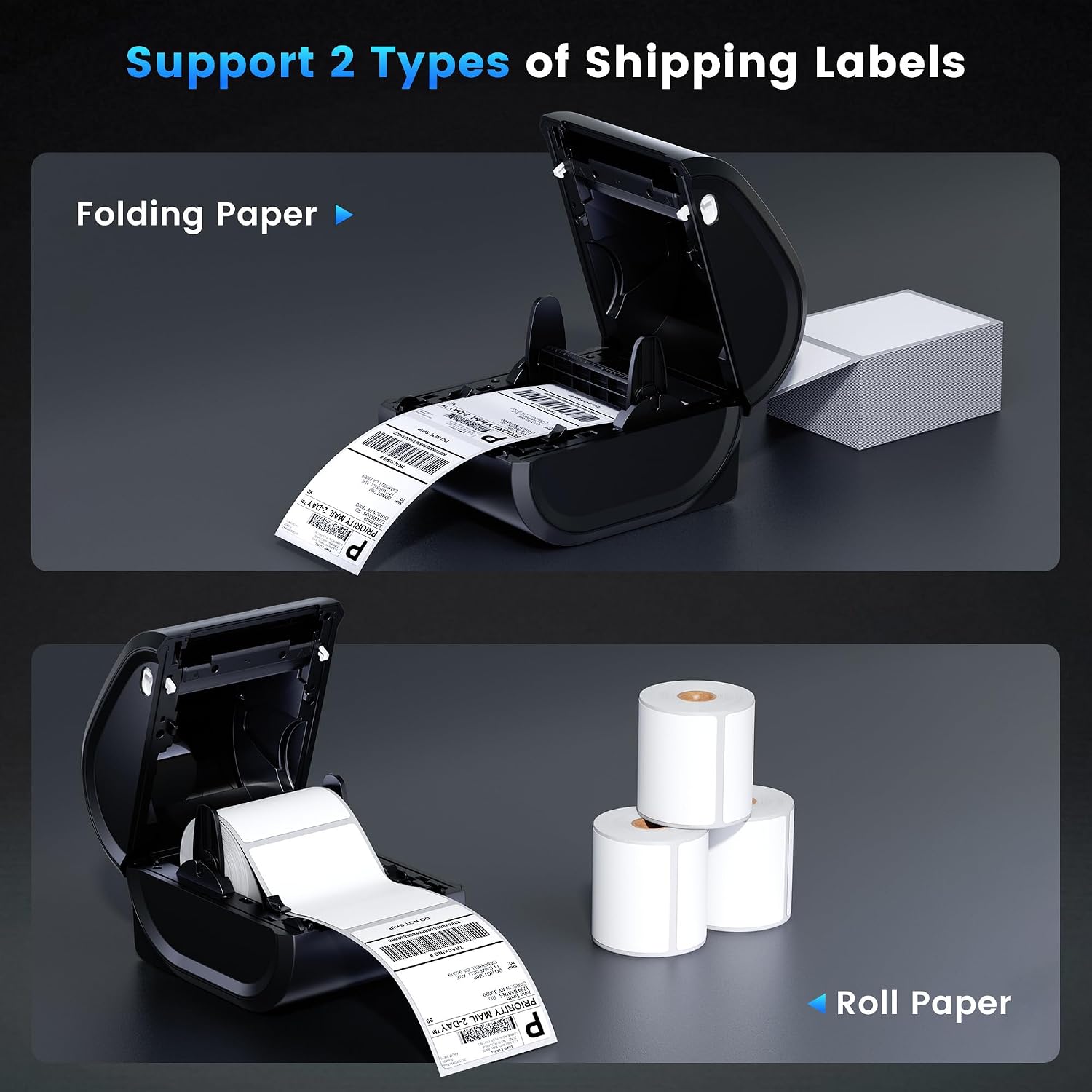
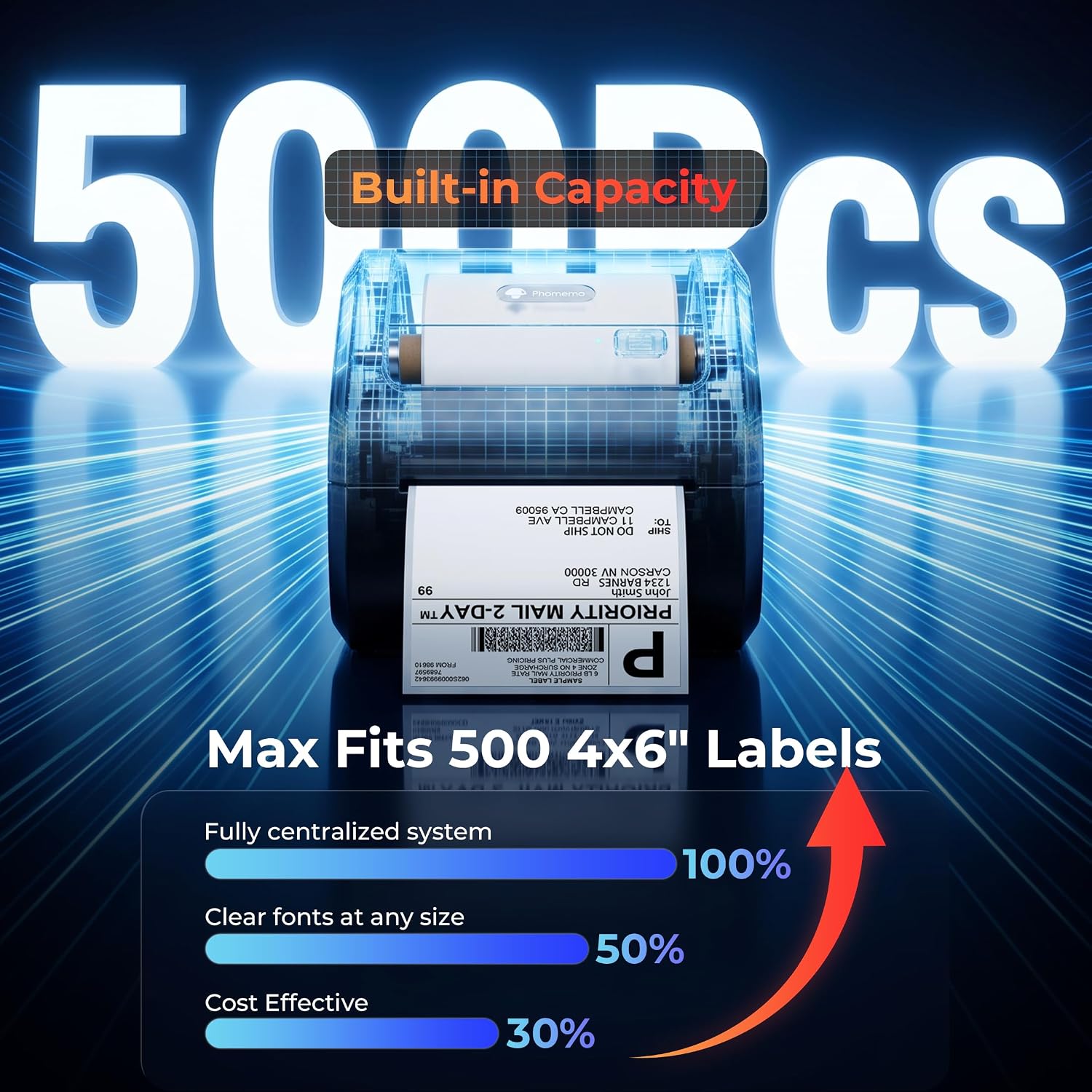
When shipping orders from a home office, a separate label stand can take up useful desk space. The Phomemo D520BT keeps its paper holder inside the printer, so the roll feeds from the unit rather than an external rack.
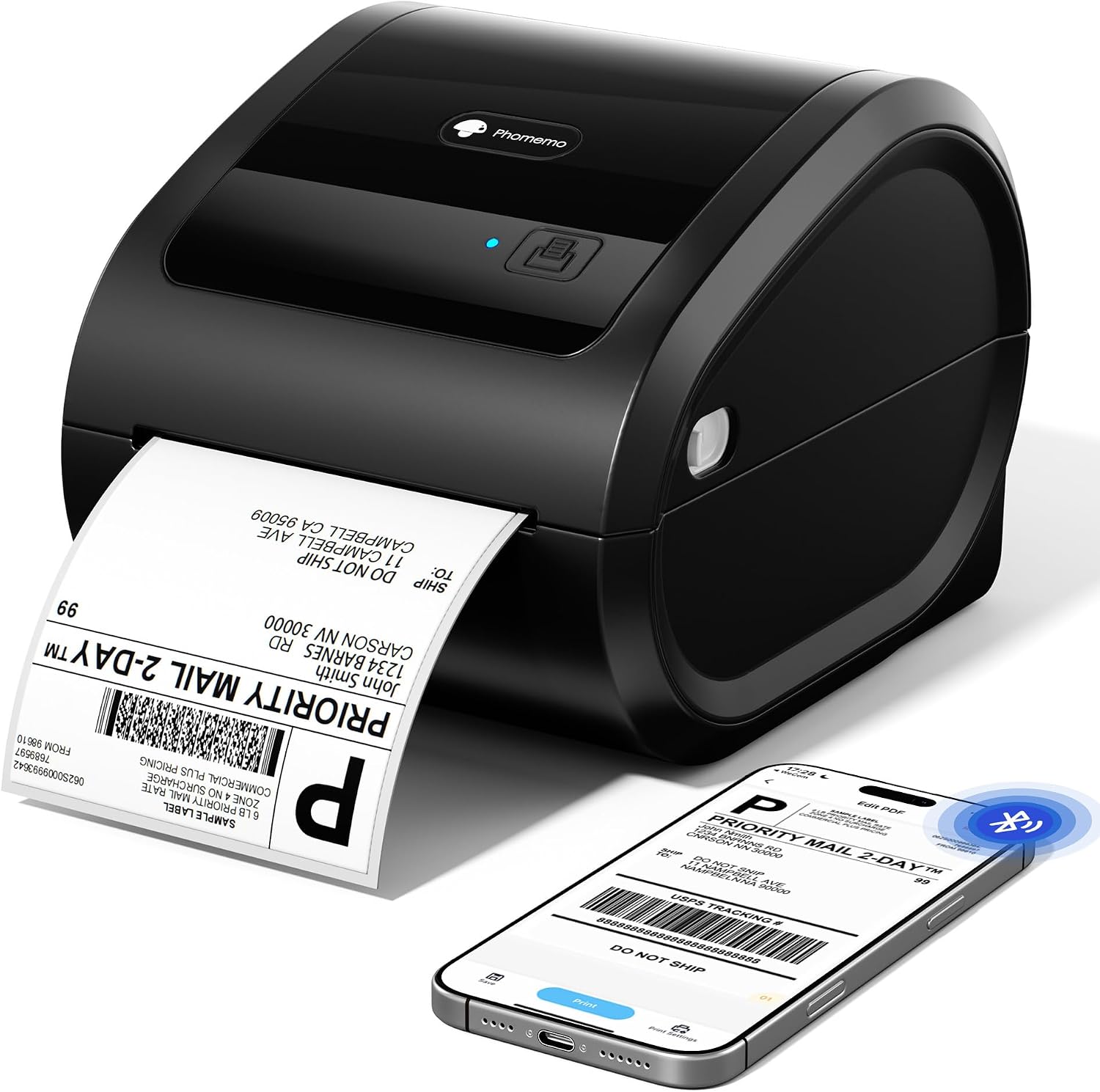
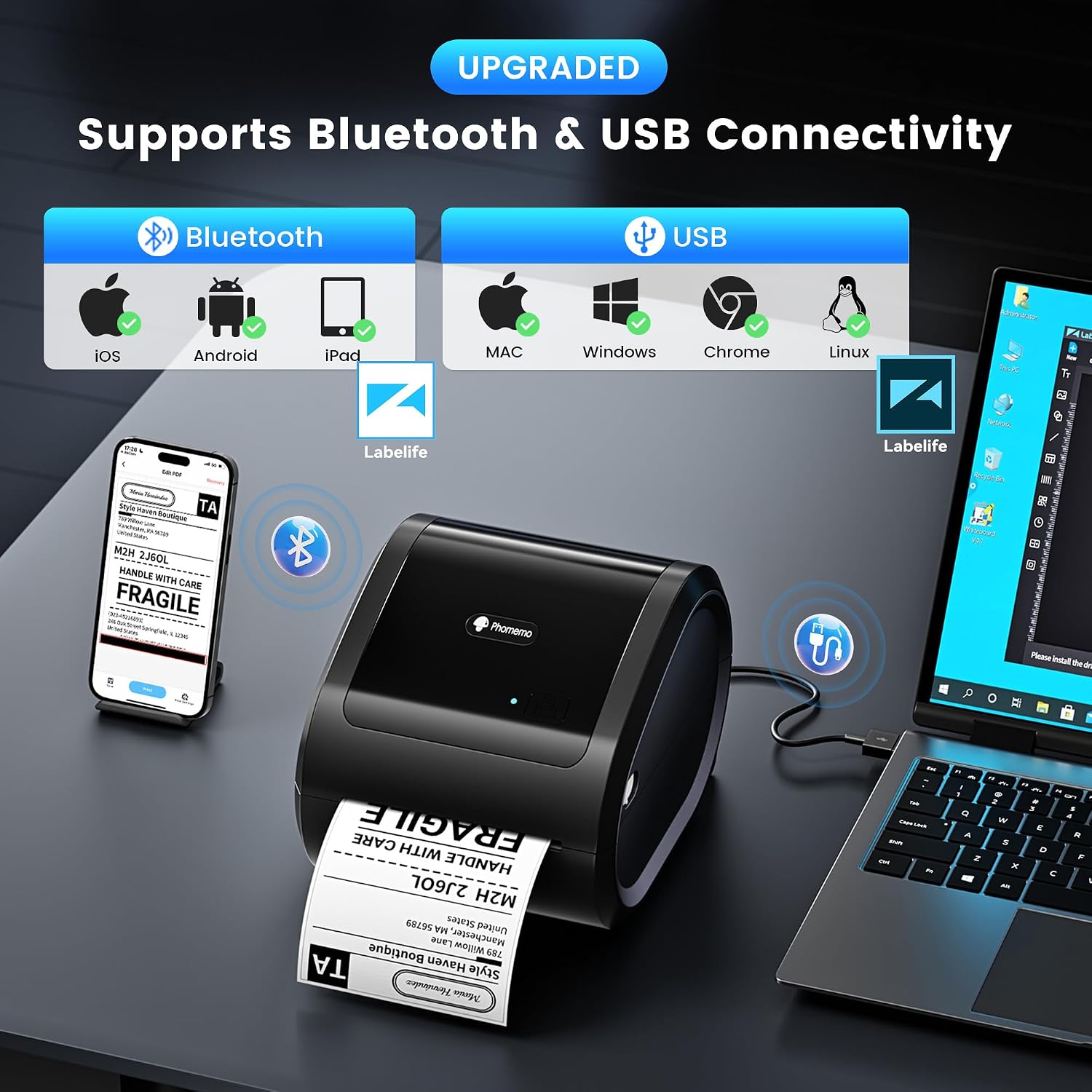
It’s a 4x6 Bluetooth shipping label printer that also connects by USB. That gives you a choice of phone-based printing or a wired desktop setup.
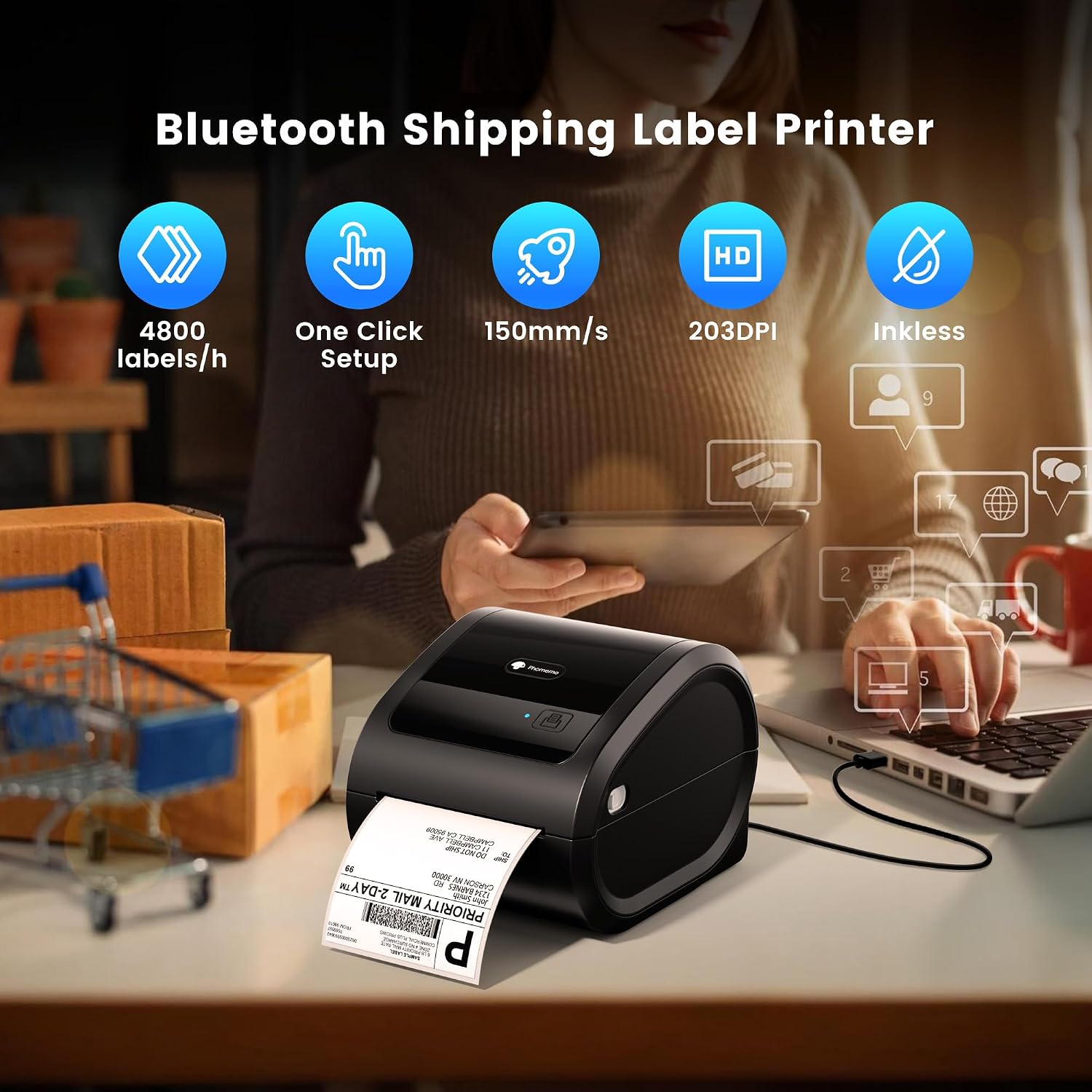
It prints with thermal technology, so you don’t need ink cartridges for labels. The tradeoff is that this is a dedicated label printer, not a general-purpose document printer.
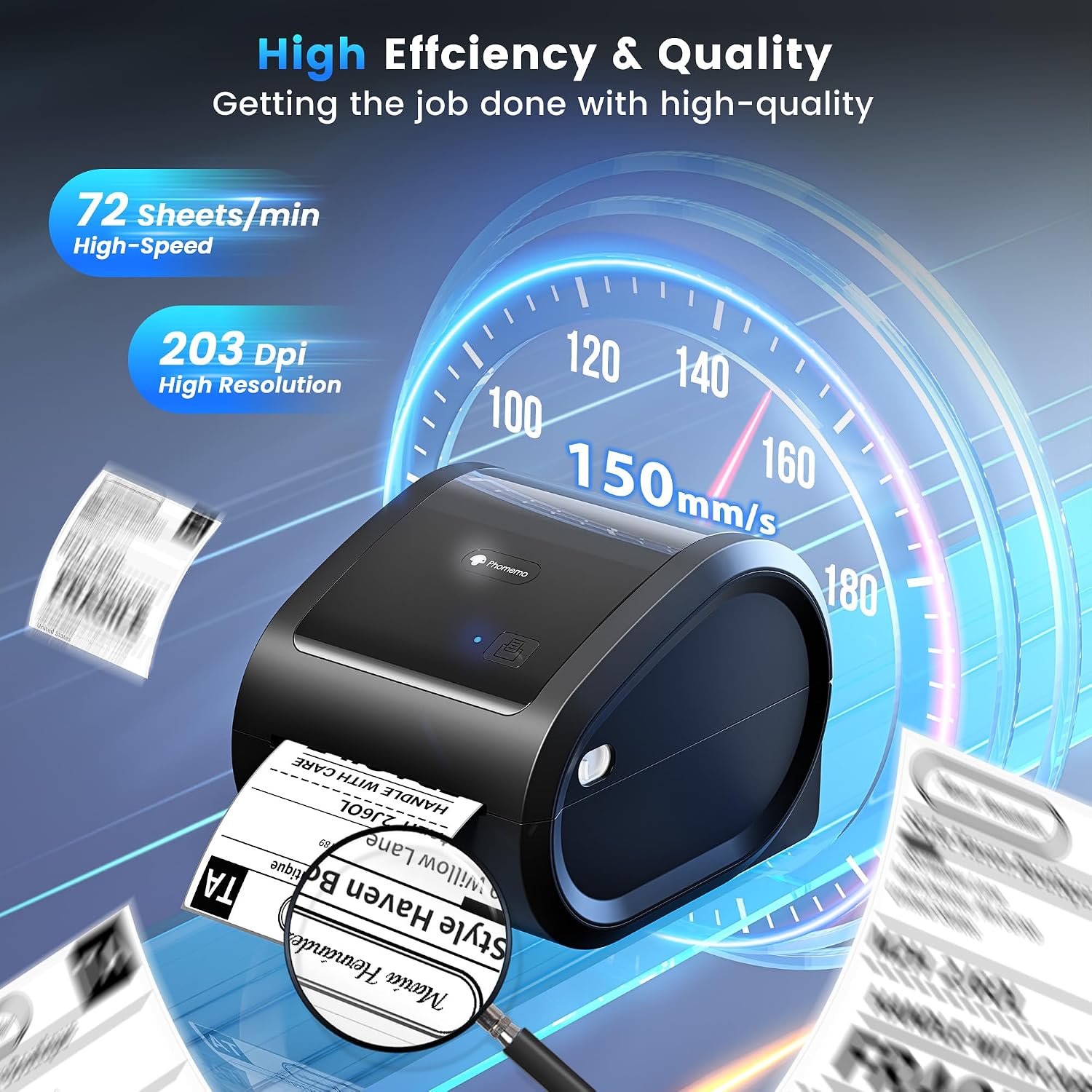
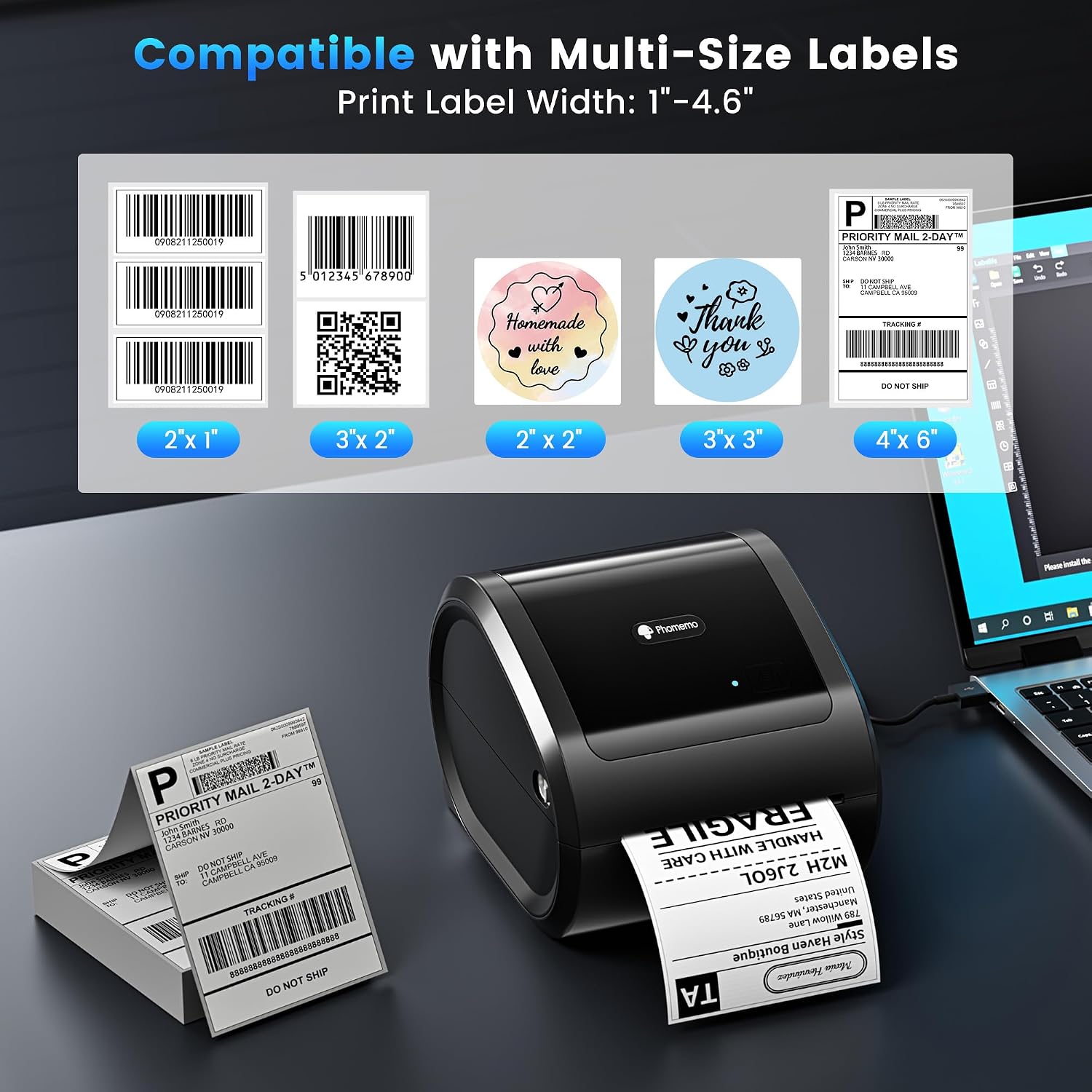
The listed print width is 1–4.6 inches, and the product information states a speed of up to 72 pieces per minute. It also lists 150 mm/s, actual output can depend on the job and setup. The built-in holder is the practical draw if you want a tidier packing station, while a printer that uses an external roll holder may suit a workspace where roll size or placement matters more.
Compatibility
For phones, the D520BT connects over Bluetooth to Android and iOS devices through the Labelife app. For a computer, it supports USB connections with Windows, Mac, Chrome OS, and Linux. The product information also names amazon, Shopify, and USPS as compatible platforms, but does not spell out the exact workflow for each one.
That distinction matters if you’re choosing between printing from a phone and keeping labels in a desktop shipping routine. Check that your label-creation process works with the supported app or computer connection before settling on a setup. App templates are listed for shipping, address, and barcode labels, as well as thank-you stickers.
Usage tips
A straightforward home-office routine would be to prepare a batch of shipping labels, connect a phone through Labelife or a computer by USB, and print them beside the packages waiting to go out. Keeping the paper roll inside the printer can reduce clutter when the packing area also serves as a desk.
Use the stated width range as a selection guide: the printer supports labels from 1 to 4.6 inches wide, including the 4x6 format named for shipping. Before printing a large batch, make sure the label size and the chosen app or software are aligned. The listing mentions video tutorials and a manual for setup, which may help if this is your first thermal label printer.
Questions before you buy
Does it need ink? No. The D520BT uses ink-free thermal printing, so it avoids ink cartridges for label jobs.
Can I print from a phone or computer? Yes. The listed options are Bluetooth through Labelife for Android and iOS, or USB for Windows, Mac, Chrome OS, and Linux.
What can I make in the app? The supplied information lists templates for shipping, address, and barcode labels, plus thank-you stickers. It doesn’t give further detail on template customization or specific platform workflows.
Is it worth it?
It makes sense if you regularly ship orders, want 4x6 labels, and value a built-in paper holder over a separate roll stand. Thermal printing also removes ink cartridges from the label-printing routine, and the Bluetooth and USB options offer flexibility across phones and computers.
Not the best choice if you need a printer for ordinary documents or labels wider than 4.6 inches. The product information names several selling and shipping platforms, but leaves the precise connection steps to the app or computer setup. If your workflow depends on a specific platform integration, that detail is worth establishing before you commit.