

NIIMBOT Label Maker B1
Product description
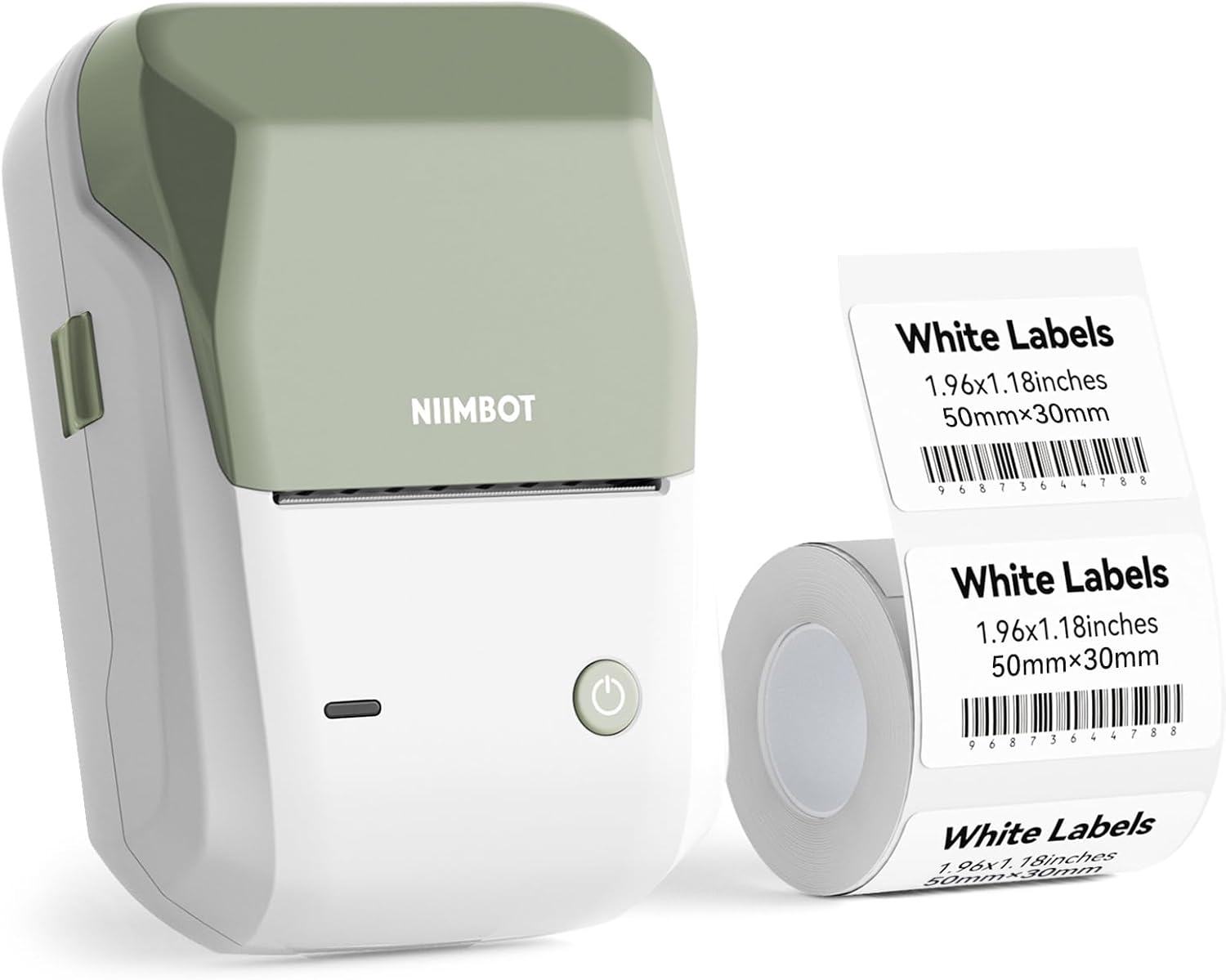
When jars, product bins, or packages need clear labels, a compact printer can be easier to work with than handwriting each one. The NIIMBOT B1 is a portable thermal label maker designed for home, school, and small-business tasks.
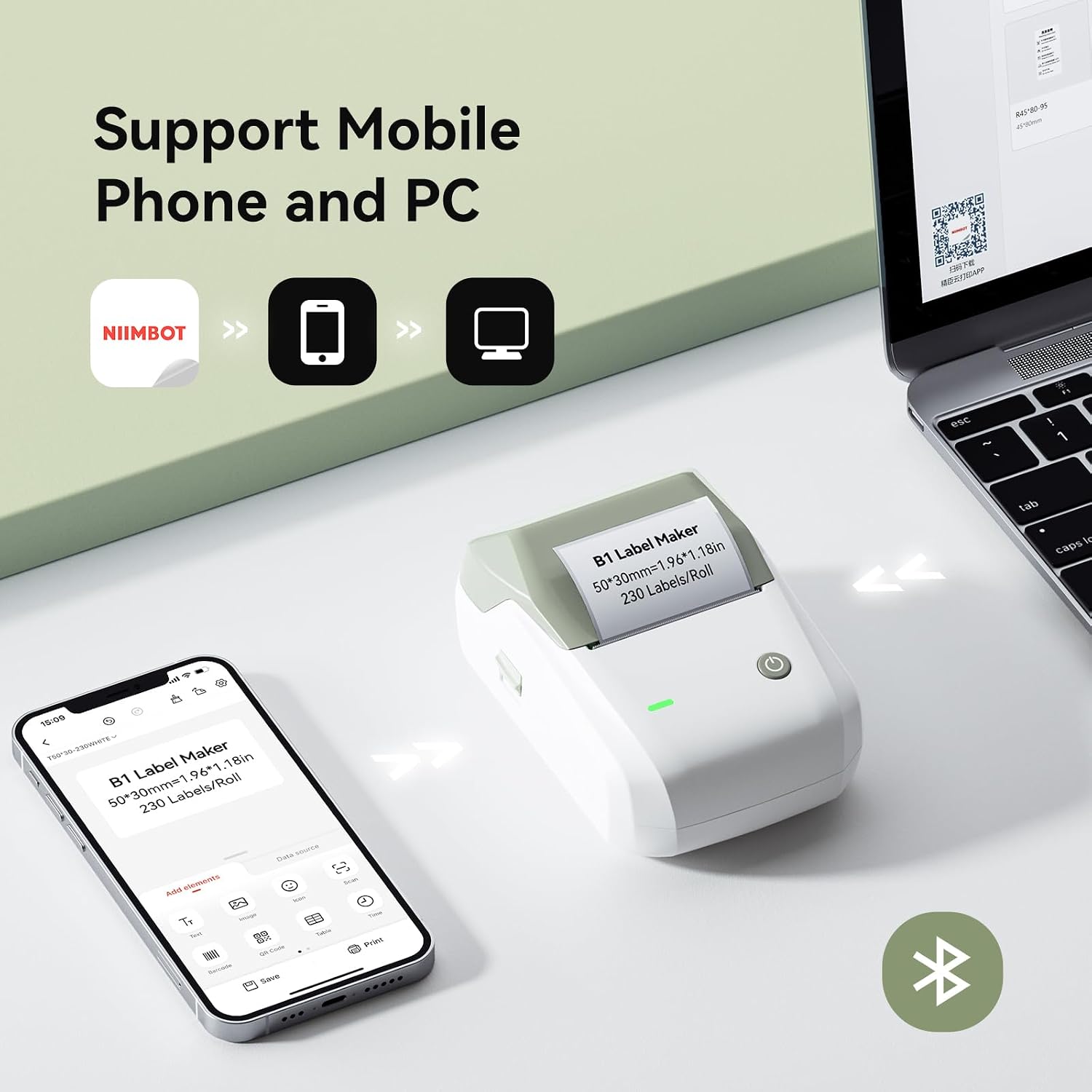
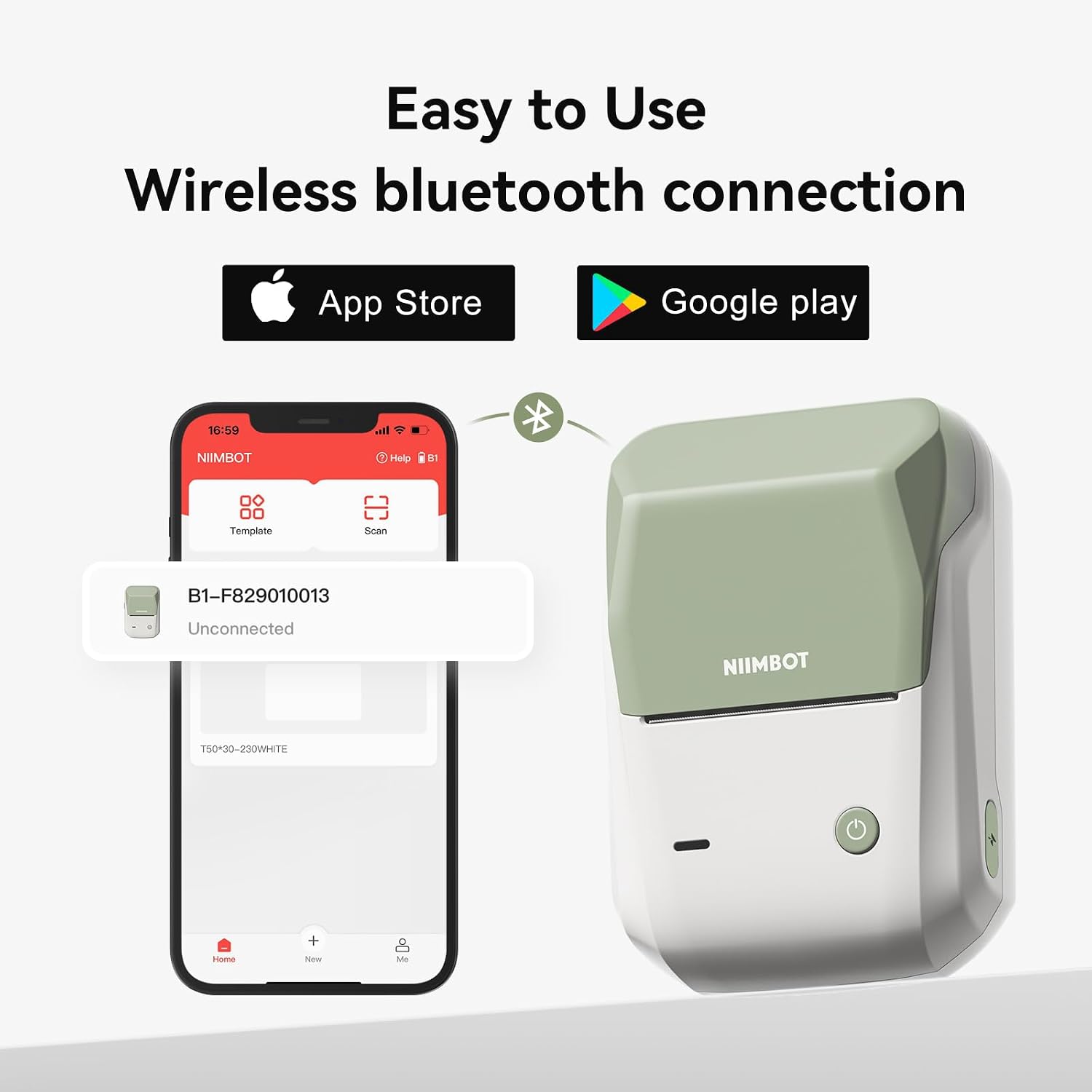
Create labels from a phone over Bluetooth with the required app, or edit from a computer using the included data cable and an installed driver.
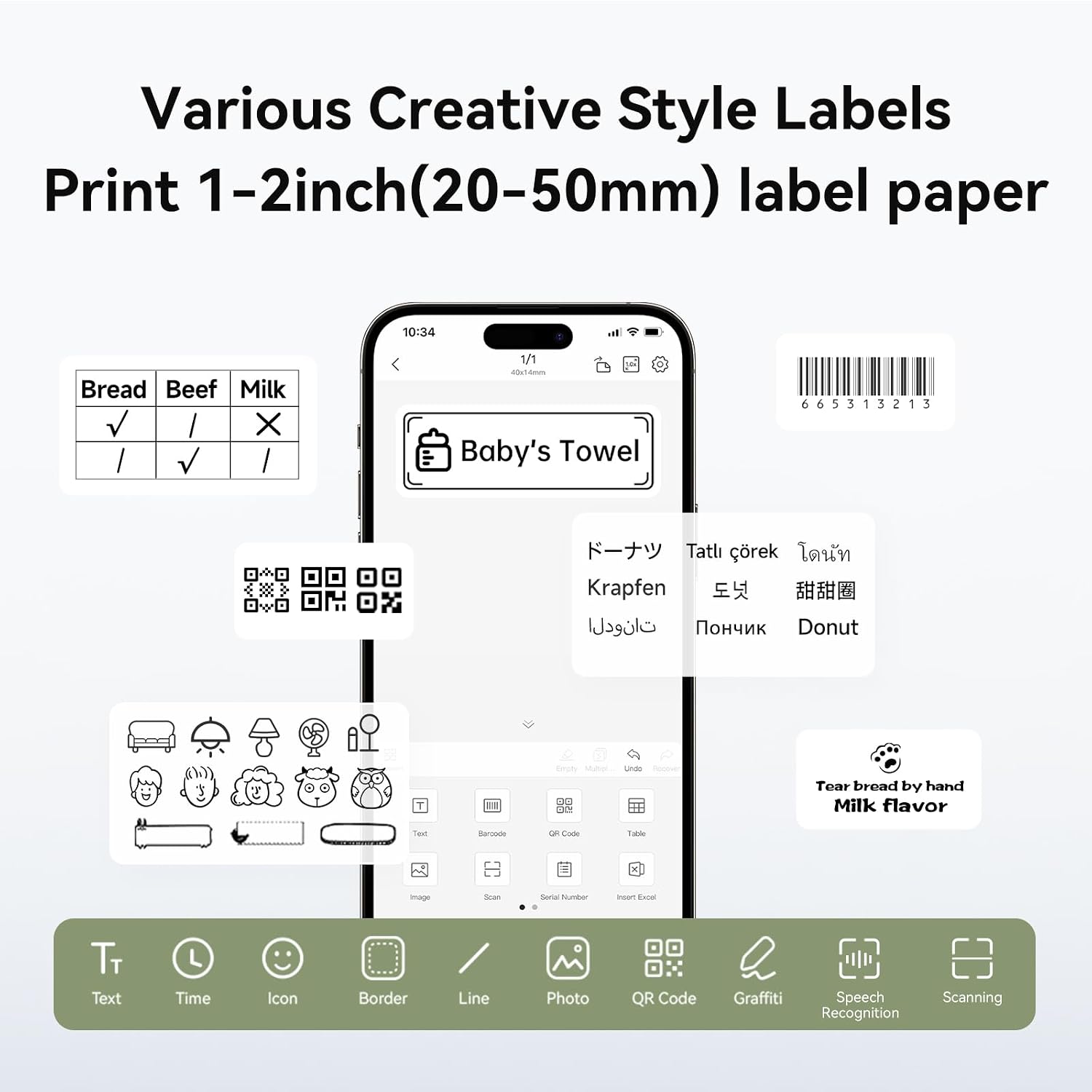
What makes it useful day to day? The software includes more than 500 templates, plus tools for adding fonts, icons, and layouts.
Best use cases
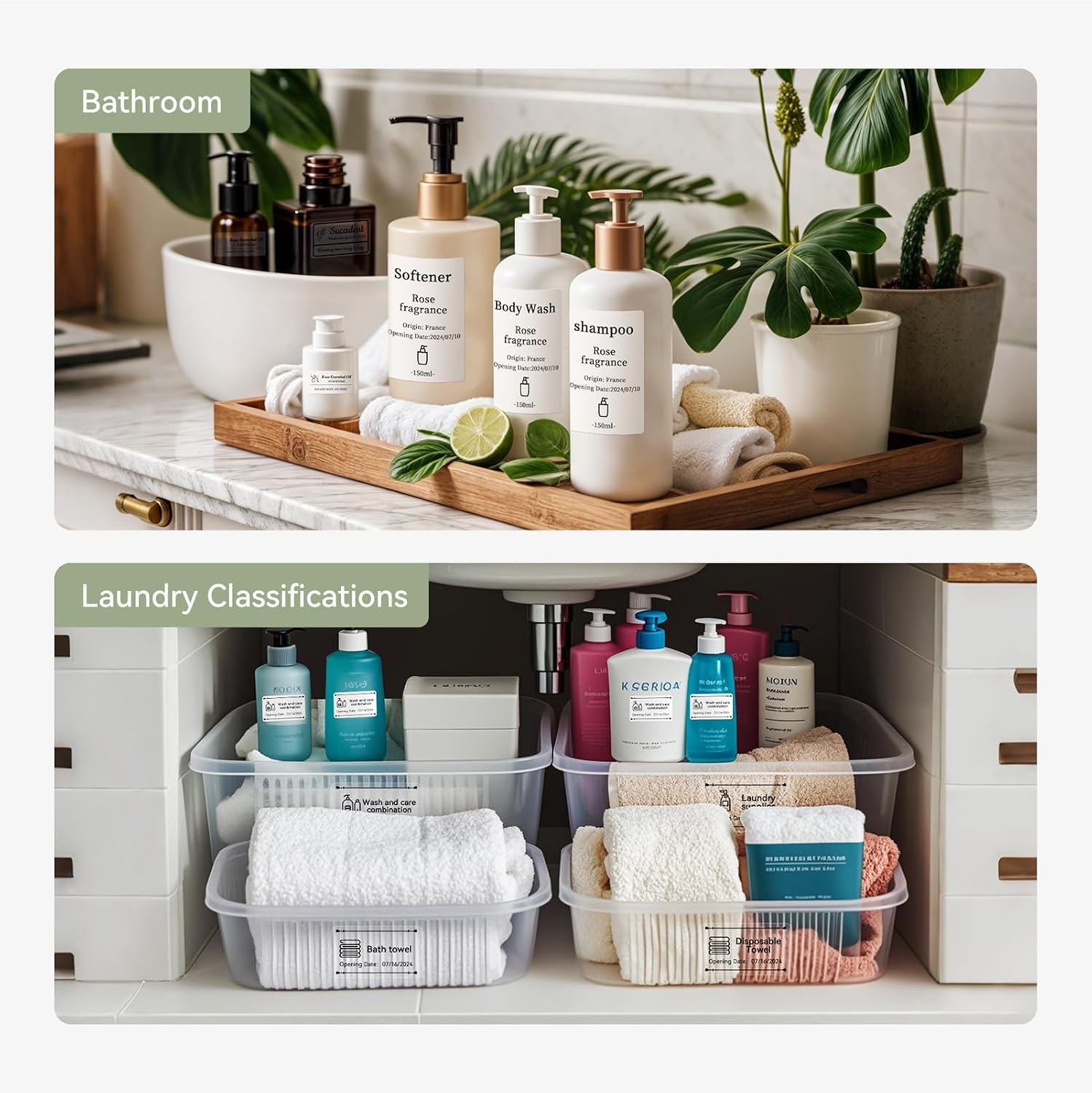
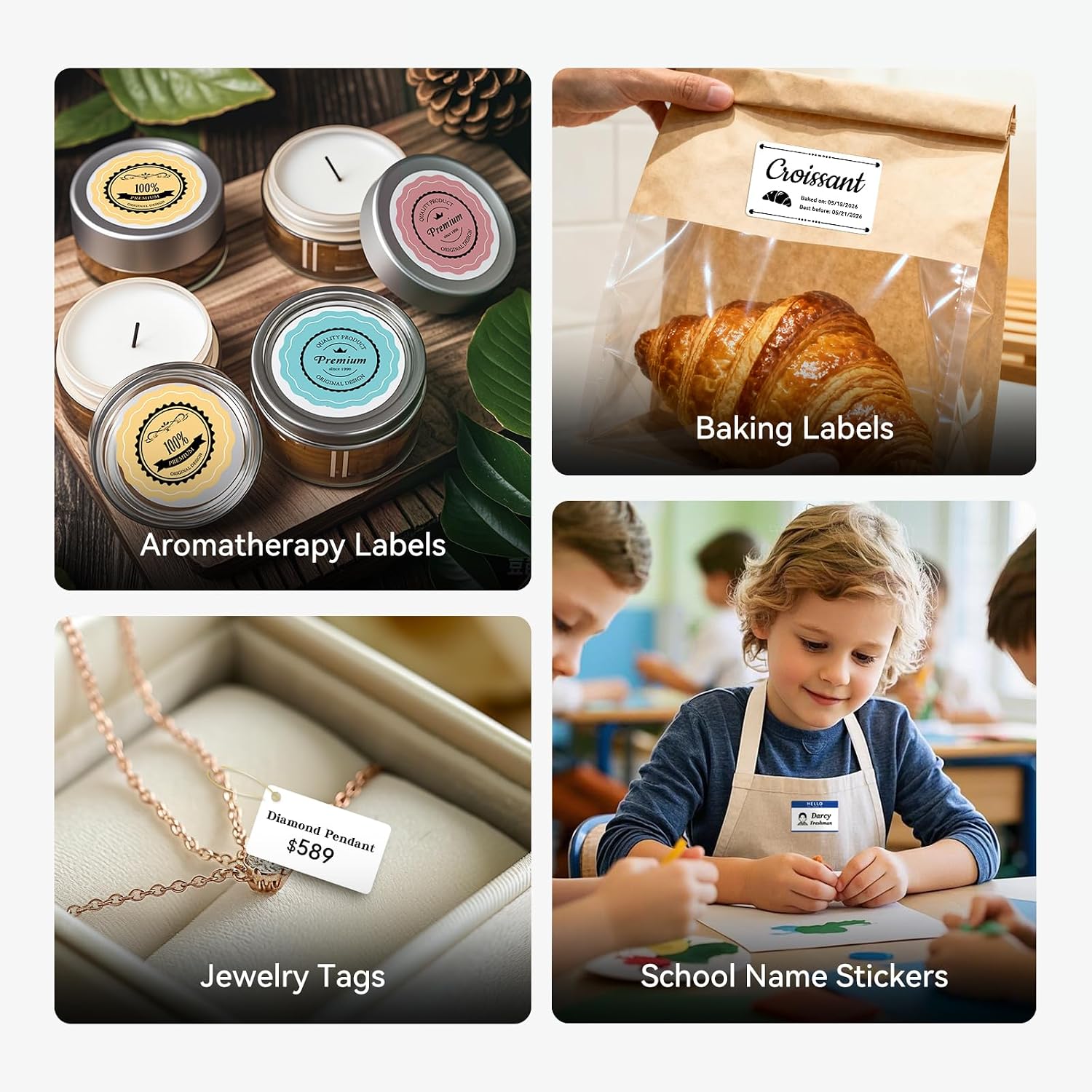
The B1 is intended for varied small-label jobs: naming pantry jars, adding dates or ingredients, preparing address or price labels, and making barcode or product labels. A coffee shop, bakery, retail counter, or home workspace could use it to make recurring labels without setting up a larger printer.
For example, you could arrange a short run of different product labels on a computer, then connect the printer by cable and batch-print them. The software also supports batches of identical labels, which can reduce repeated editing. You’ll appreciate it if you want a portable way to handle both occasional household labels and small-business labeling tasks.
Product specs
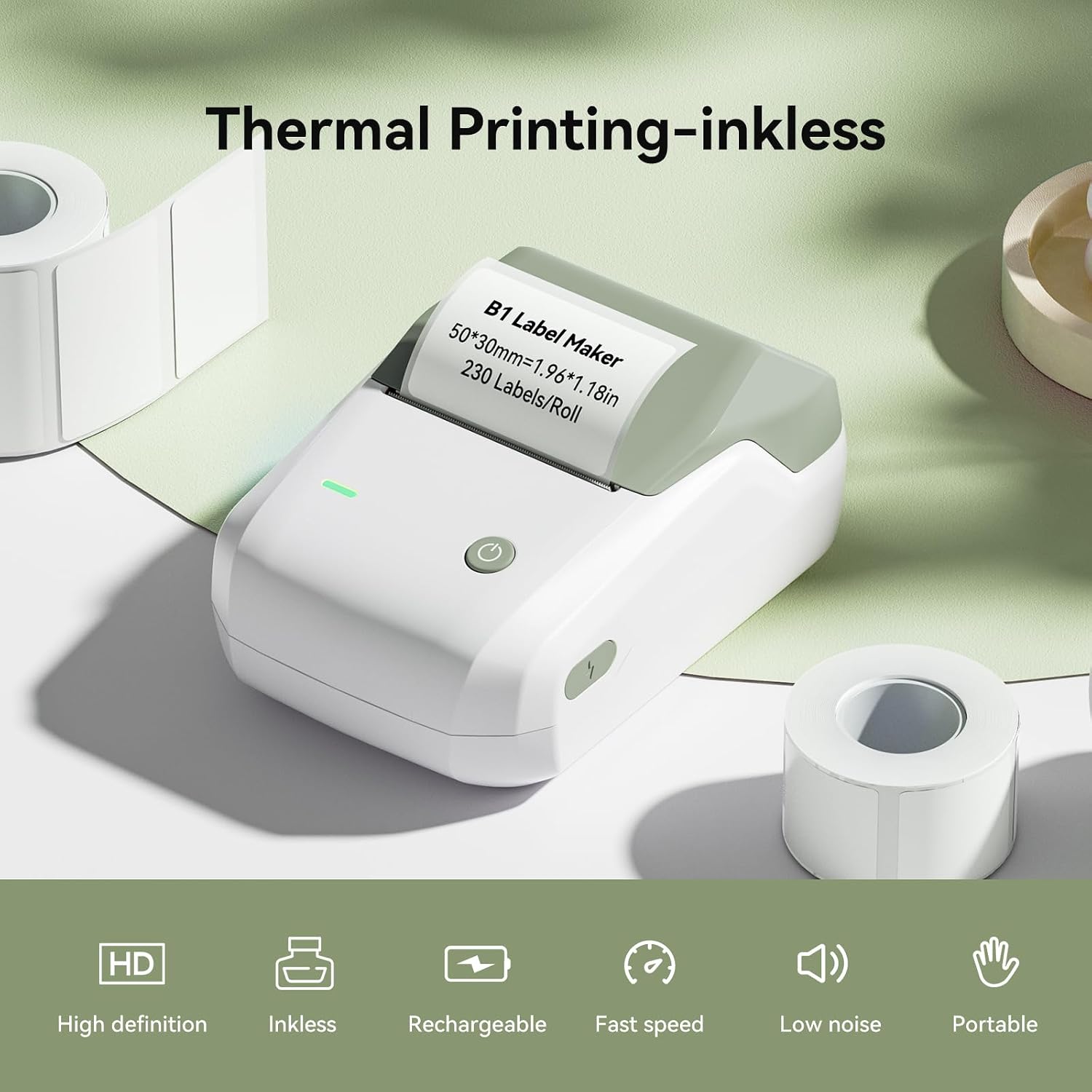
The B1 uses thermal printing, so it prints without ink. It supports continuous, gap, and transparent paper, with a printable width of 20–50 mm. The description also lists automatic paper rewind, supply recognition, and a proofreading function intended to help avoid wasted labels.
The package includes a roll of 50 × 30 mm labels, a Type-C cable, and a manual. Phone editing requires the app and supports iOS and Android. Computer editing uses a data cable and requires driver installation. The software offers more than 500 templates and batch printing for the same or different products.
Where it shines
Its appeal is the combination of mobile editing and computer-based batch work. A phone is handy for making a quick label beside a shelf or storage bin, a computer may be more comfortable when laying out several product labels. Compared with handwritten stickers or preprinted labels, this setup gives you more control over the wording and lets you make different label types as needed.
There is a practical boundary: the product information says it is not suggested for use with a Pad and is incompatible with Pad. It may not suit you if tablet editing is essential, or if you need a labeling workflow that works without installing an app or computer driver. The stated print width also points to small labels rather than larger signs. The included roll is a starting supply, not evidence of how many labels you can print.
Final verdict
For home organization, school projects, and modest labeling needs at a small shop, the B1 has useful flexibility: thermal printing, several supported label-paper formats, and templates that can speed up routine work. The tradeoff is a setup tied to a phone app or a computer connection, with tablet use ruled out in the product information. According to the maker, its editing tools and batch printing are designed to save time, choose it if those small-label tasks are your priority, and look at a different format if you need larger labels or tablet compatibility.