

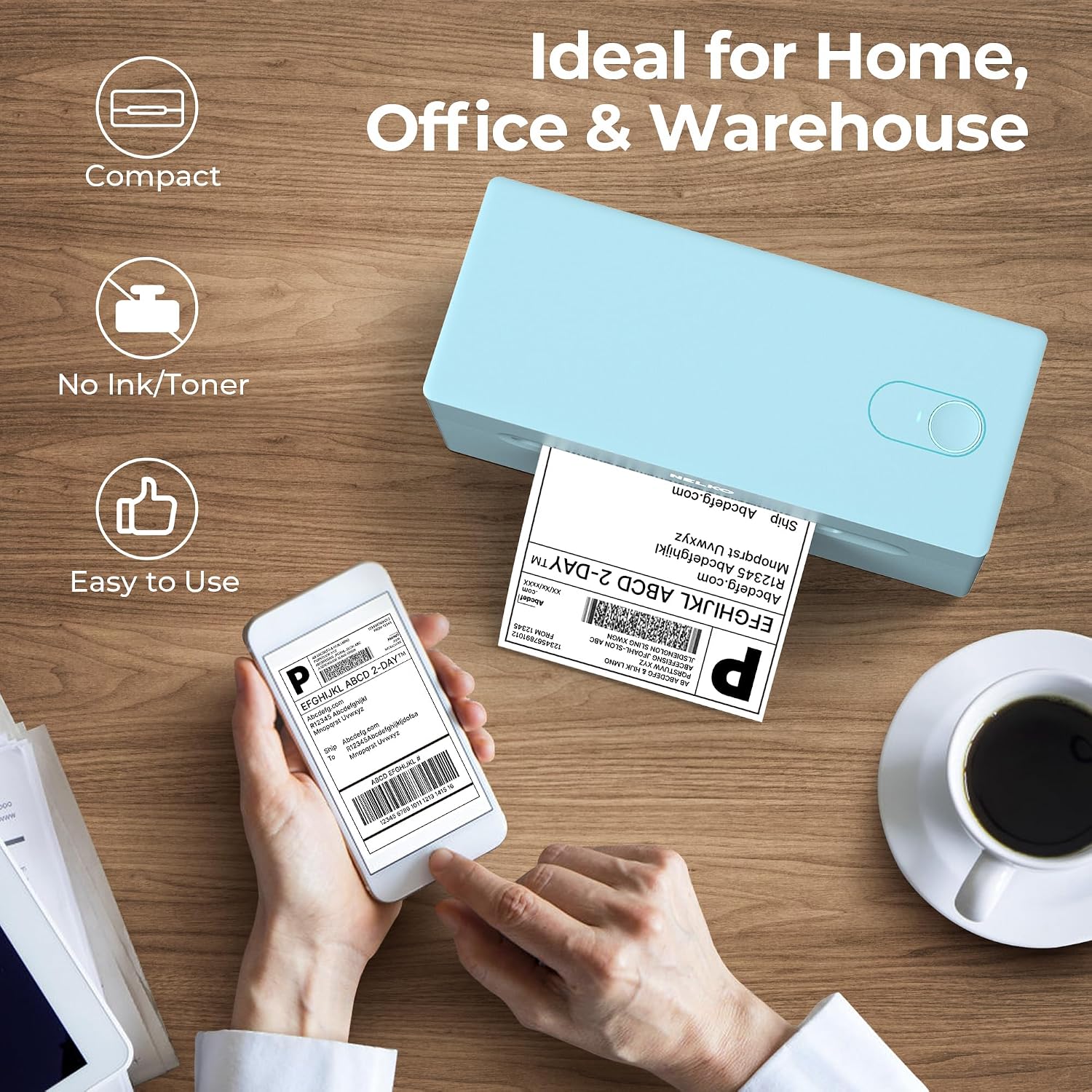
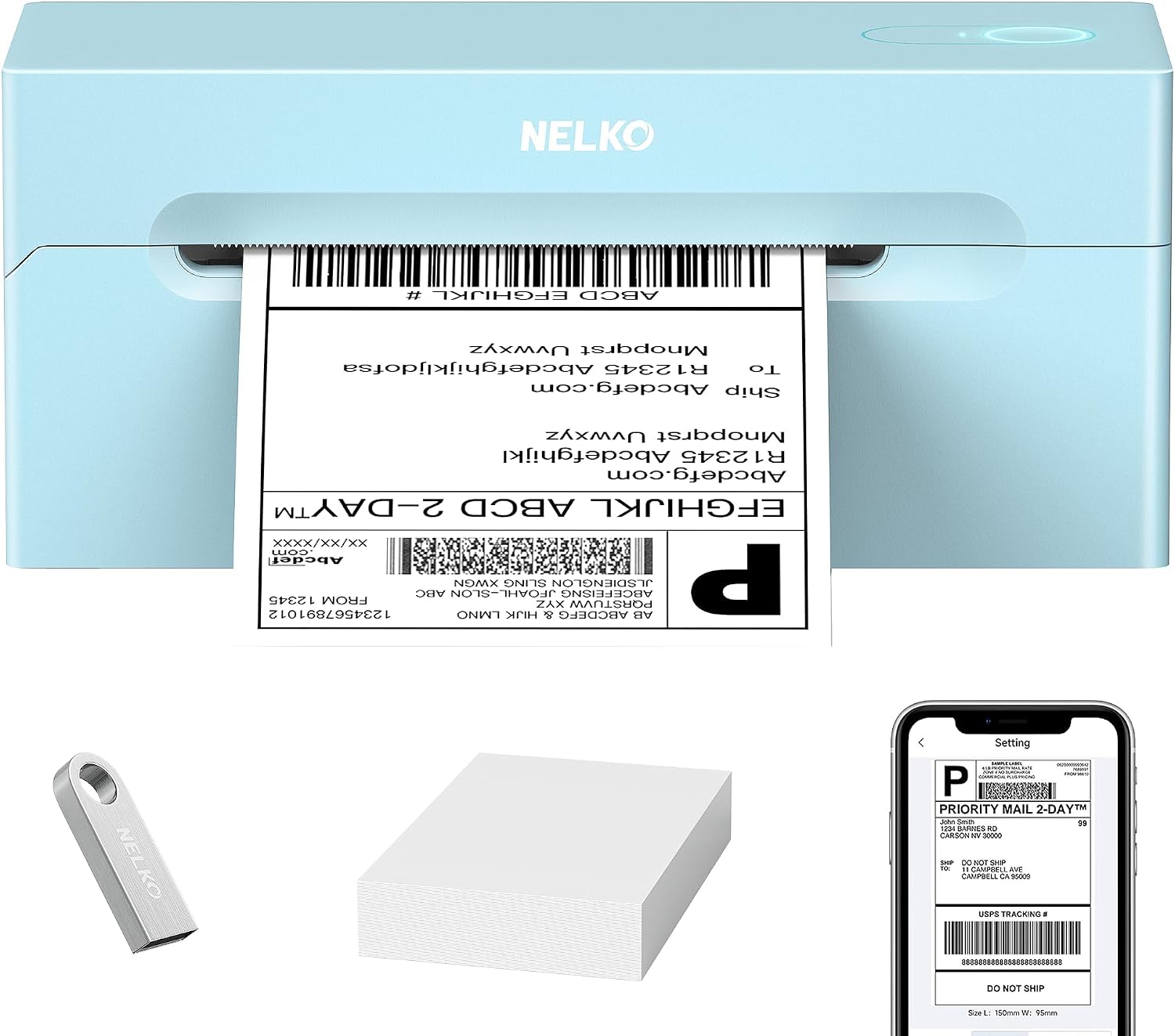
Nelko thermal shipping label printer 4x6
Product description
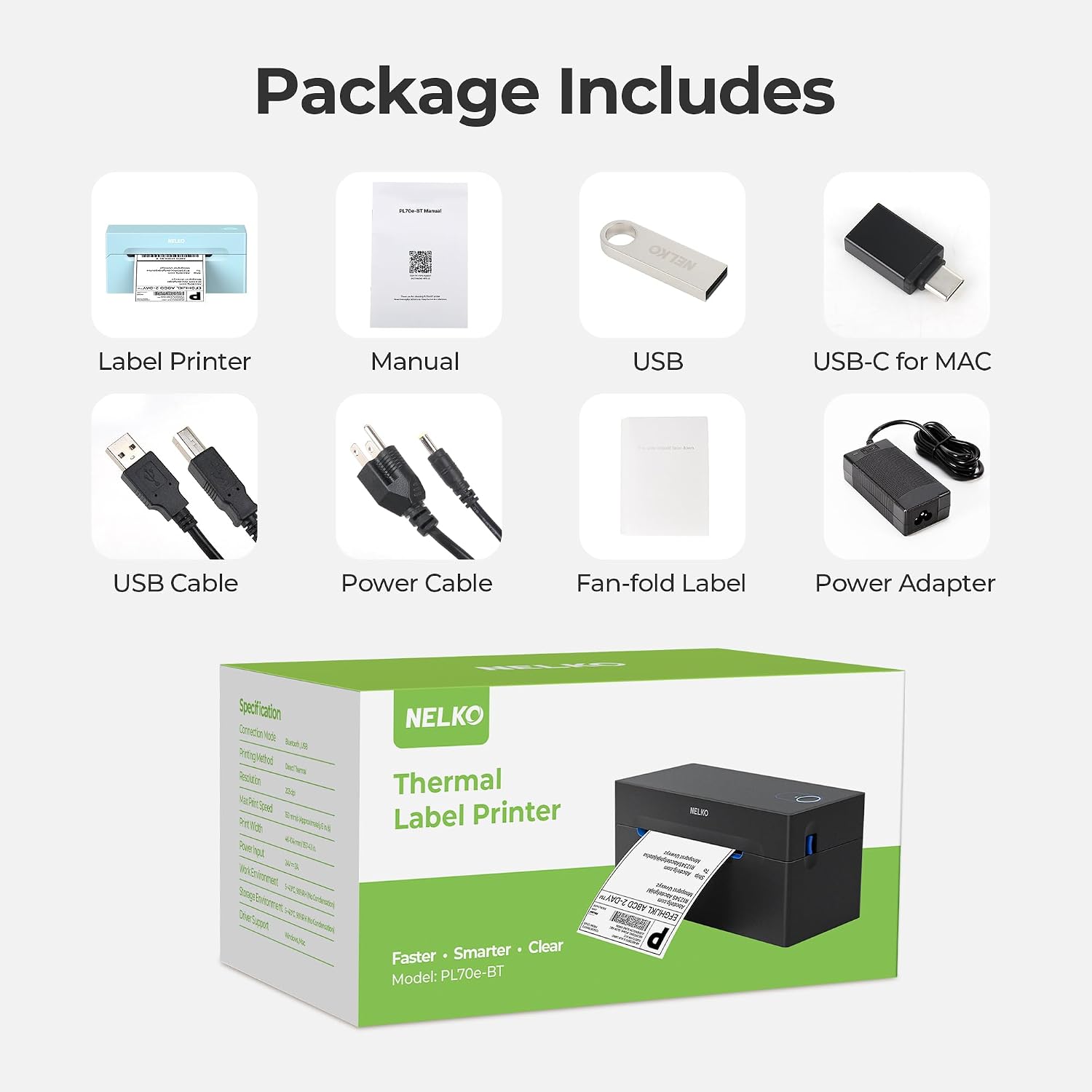
For small sellers and home shippers who want to print labels without ink, this Nelko thermal shipping label printer supports common 4x6 shipping labels and several narrower sizes.
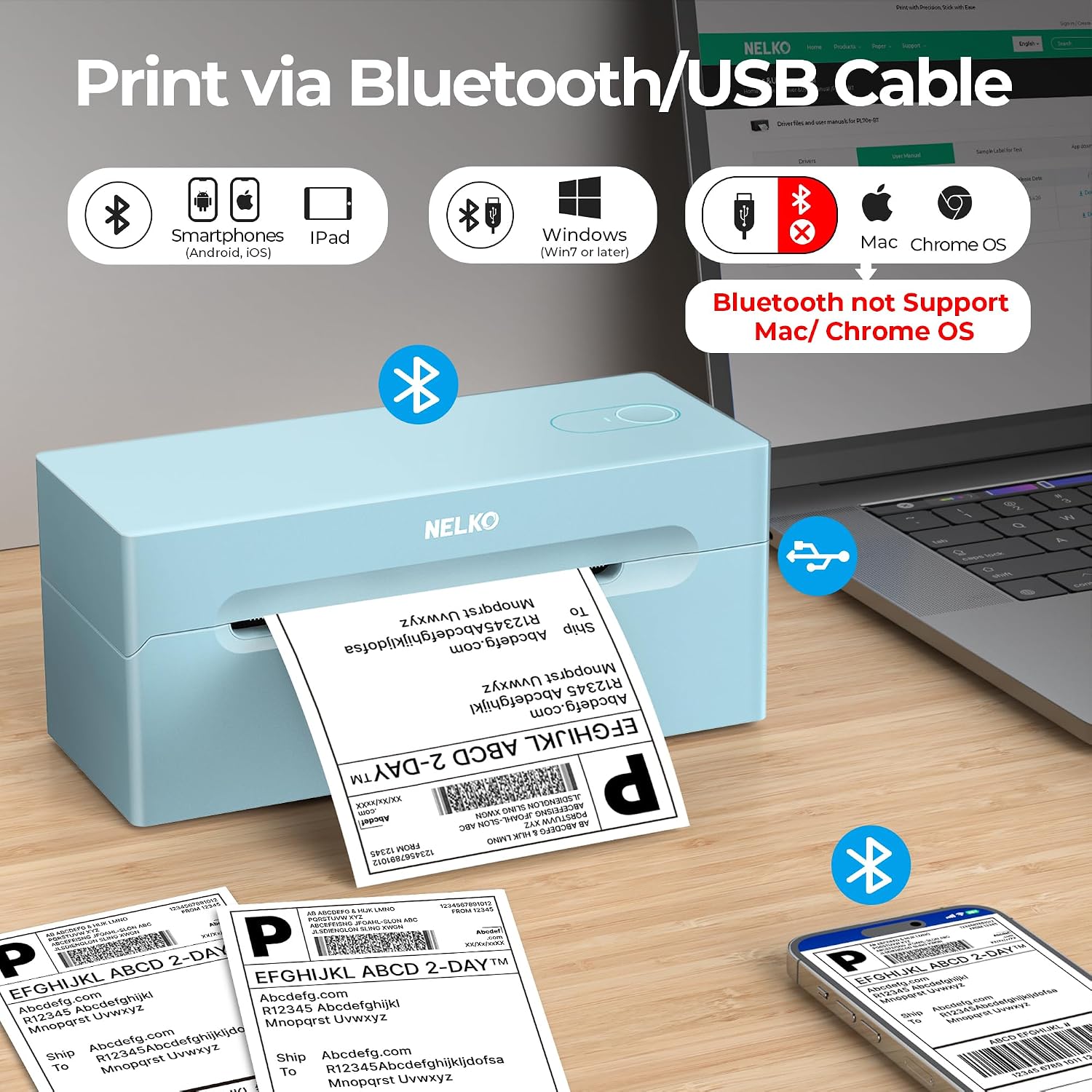
You can print wirelessly from iOS or Android through the NELKO app, or connect a computer by USB. Windows also supports Bluetooth, while Mac printing is USB-only.
Keep in mind that Bluetooth printing requires the app, devices do not connect directly to the printer. That extra step matters if you expect to print straight from a shipping platform.
What matters most
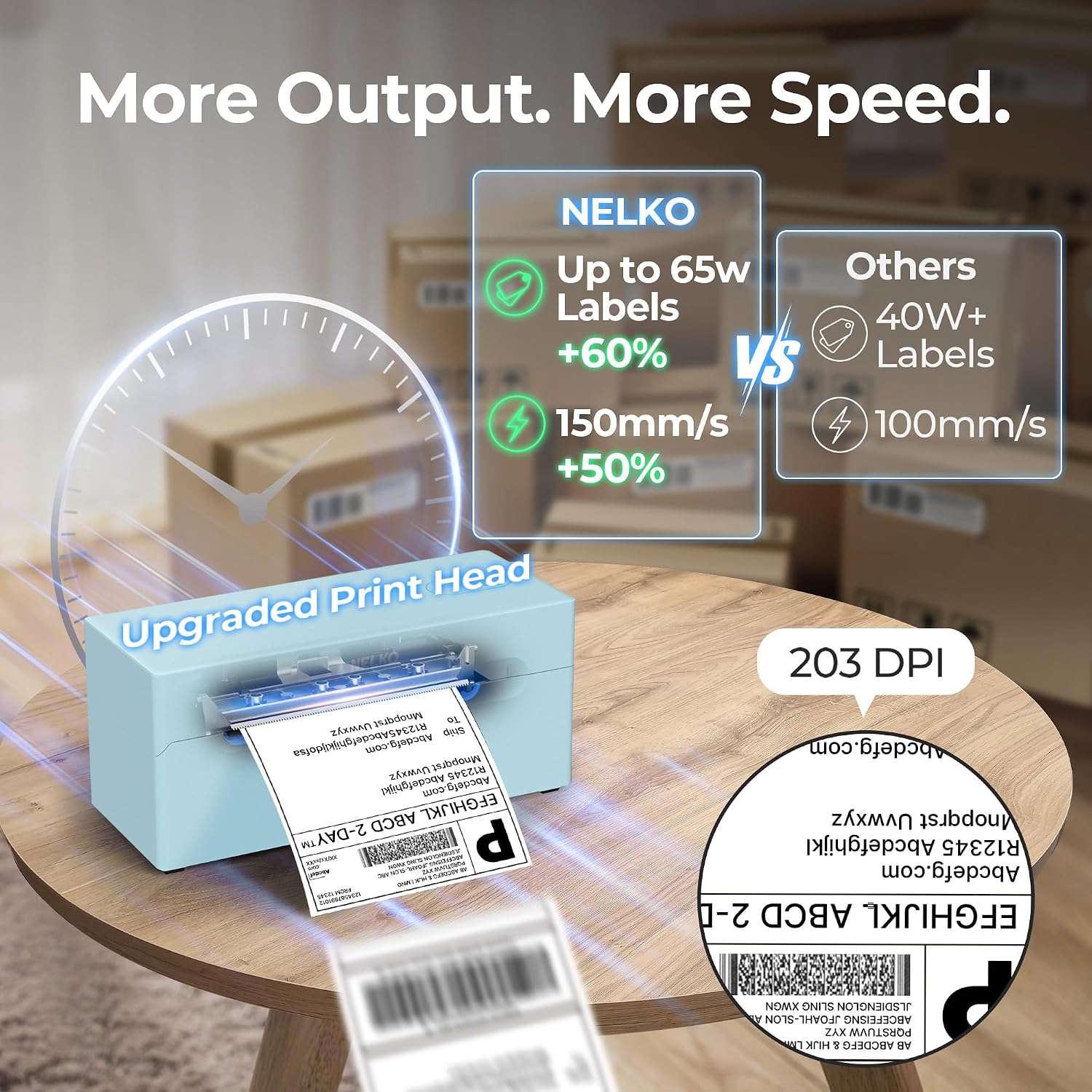
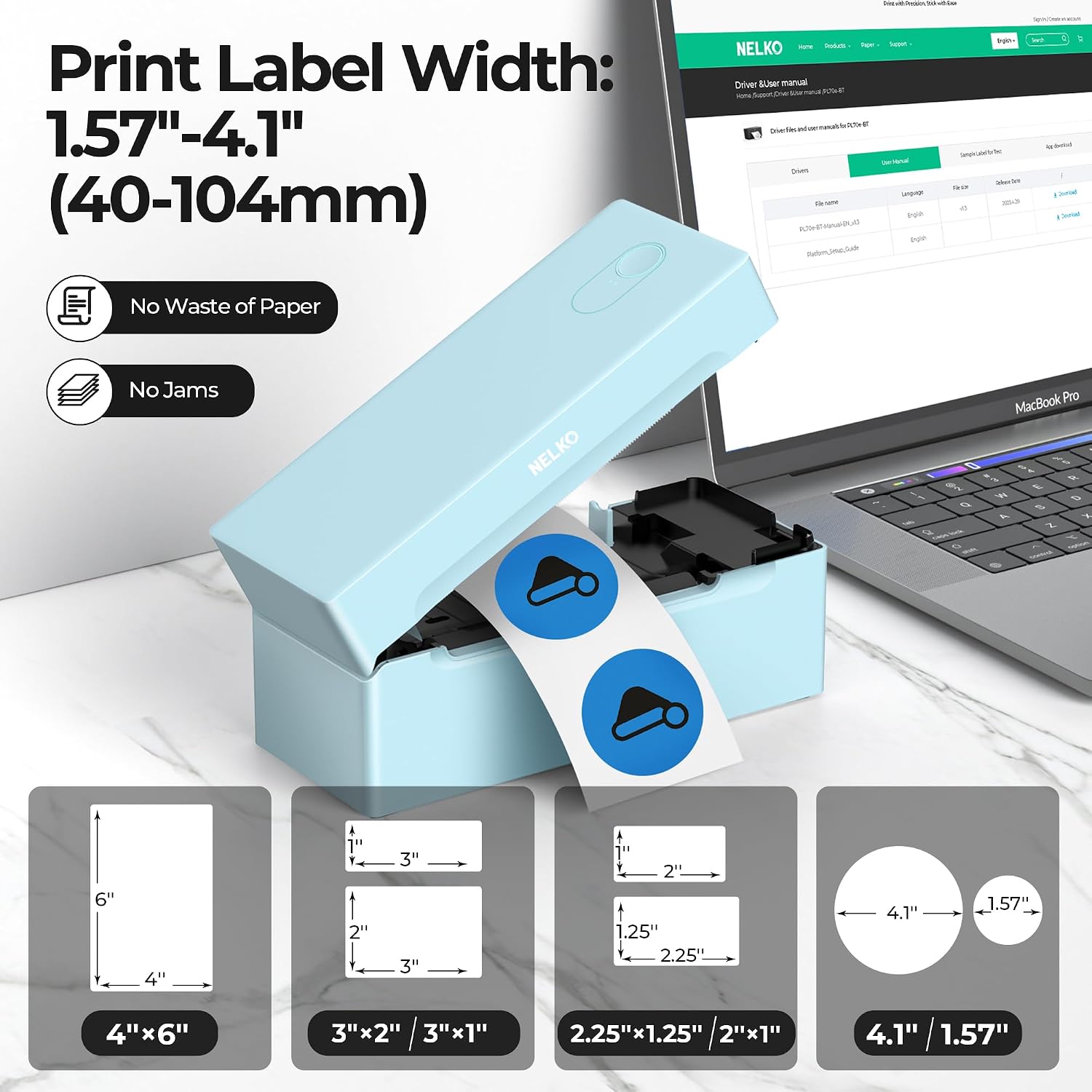
The direct thermal design uses thermal labels instead of ink or toner, so there are fewer supplies to manage for routine shipping. It accepts fanfold or roll labels from 1.54 to 4.1 inches wide, including 4x6, 3x2, 3x1, and 2x1 formats. The listed resolution is 203 DPI, and the stated speed is 150 mm/s, up to 72 4x6 labels per minute. Those figures describe the printer’s stated capabilities, not a guarantee of the same output in every setup.
For an online order, the workflow is to save the shipping label as a PDF on the platform, then upload it to the NELKO editor app to print. It works with services including amazon, Shopify, Etsy, UPS, and USPS. A standard inkjet printer may suit someone who also needs documents and color pages, this model is focused on labels and takes less workspace than a traditional printer. A solid pick if shipping labels are a regular task and you want to avoid ink cartridges.
How to use it
Choose a connection based on your device. iPhone and Android printing goes through the NELKO app and Bluetooth. Windows 7 or later can use Bluetooth or USB, while Chrome OS uses USB. Mac OS is listed for USB only, so don’t count on wireless printing from a Mac. The description also notes that setup instructions and troubleshooting videos are provided on a U-Disk.
Practical tips
Before printing, save the label as a PDF and open it in the NELKO editor app. For a simple shipping routine, that means creating the label at your packing table, checking that the selected label size matches the loaded roll or fanfold stack, and printing before sealing the package. The app-based step is part of the process, rather than an optional shortcut.
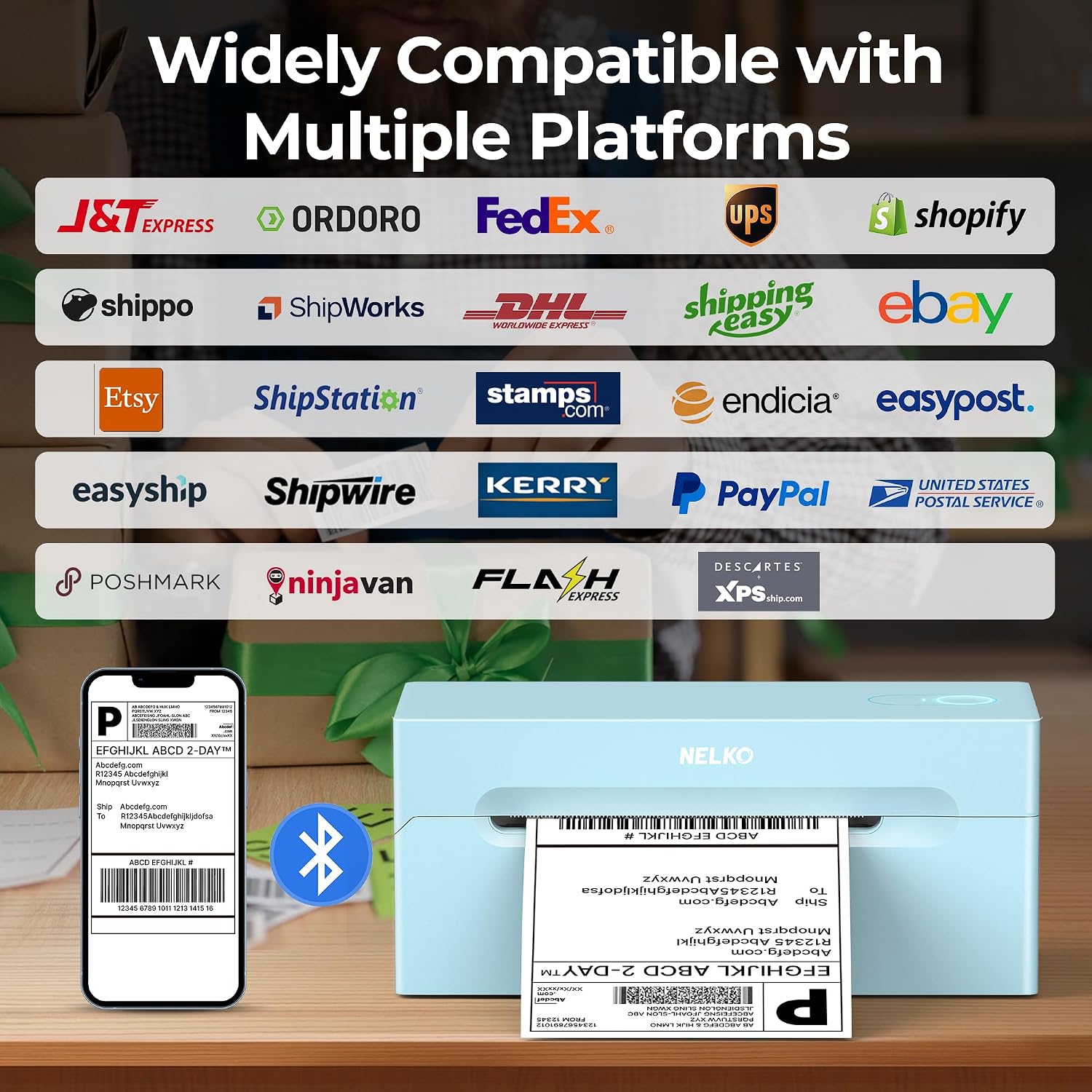
The printer is also described for mailing, price, barcode, name-tag, and other small category labels. It might not be a great match if you need one printer for general paperwork as well as labels, or if your Mac workflow depends on Bluetooth. From the way it is set up, its convenience depends on being comfortable with the app and PDF handoff.
Practical doubts
Can it print from an iPhone or Android phone? Yes. Use Bluetooth through the NELKO app, the phone does not pair directly with the printer for printing.
Does it need ink or toner? No. It uses direct thermal printing, but you do need compatible thermal labels.
Can it print labels other than 4x6? Yes. The listed label-width range is 1.54 to 4.1 inches, with examples including 3x2, 3x1, and 2x1 labels.
When it makes sense
Choose it if your main job is producing shipping or small business labels, you can work with its app or USB connection, and the supported label widths cover your needs. It is less compelling if wireless Mac printing is essential or you want a general-purpose printer. For a seller packing orders at home, the focused thermal setup can simplify repeat label printing, for occasional labels alongside everyday documents, a broader-purpose printer may be the more practical approach.