

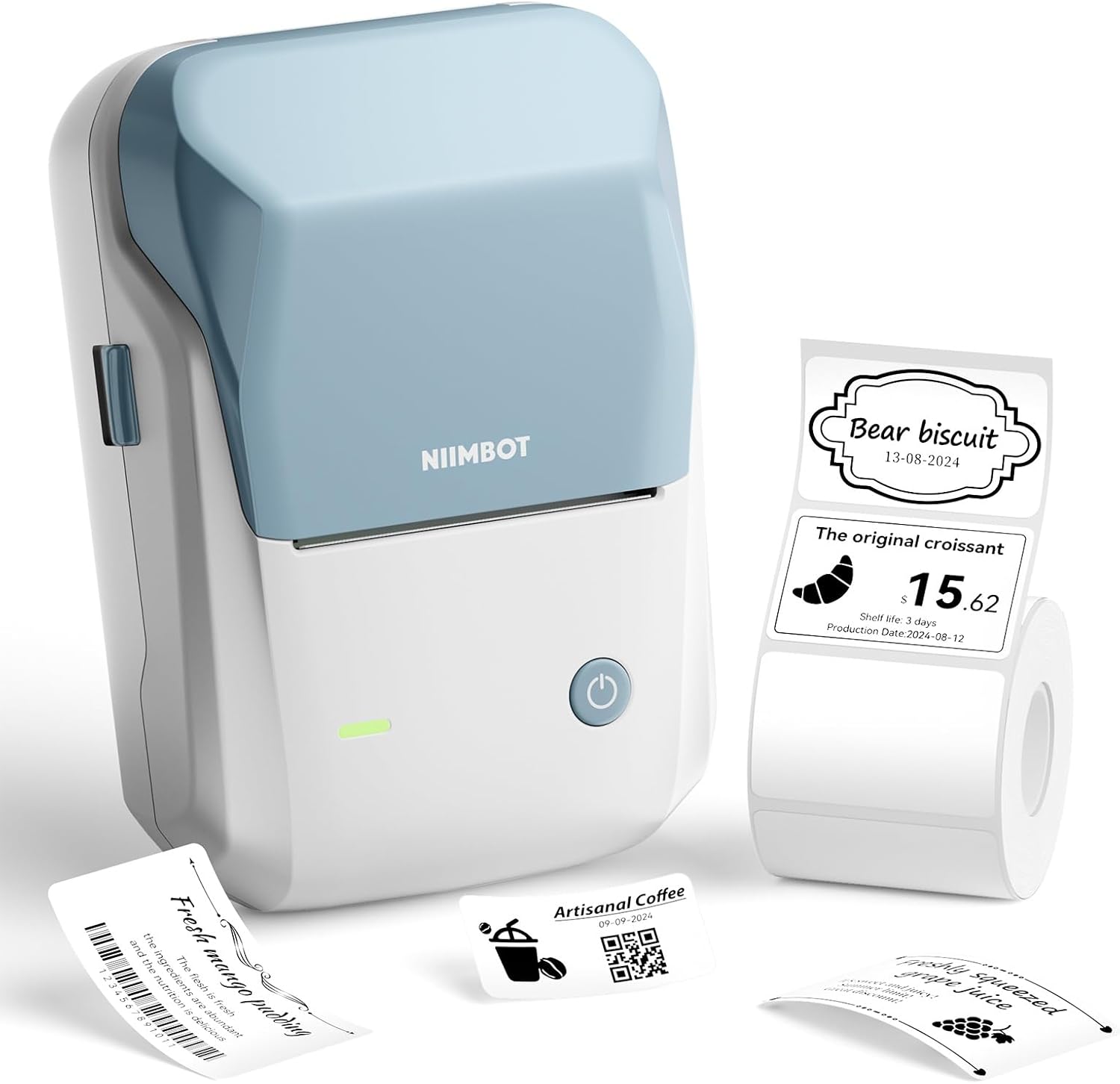
NIIMBOT Label Maker B1
Product description
For sorting supplies, marking products, or adding address labels, a compact printer can save you from handwriting the same information repeatedly. The NIIMBOT B1 makes thermal labels from a smartphone or PC, with a supplied roll so you can start with the 50x30mm format.
Its appeal is practical: create a label in the app, connect the printer, and print without ink or a ribbon. It is aimed at everyday home, school, craft, retail, and small-business labeling rather than general document printing.
Technical details
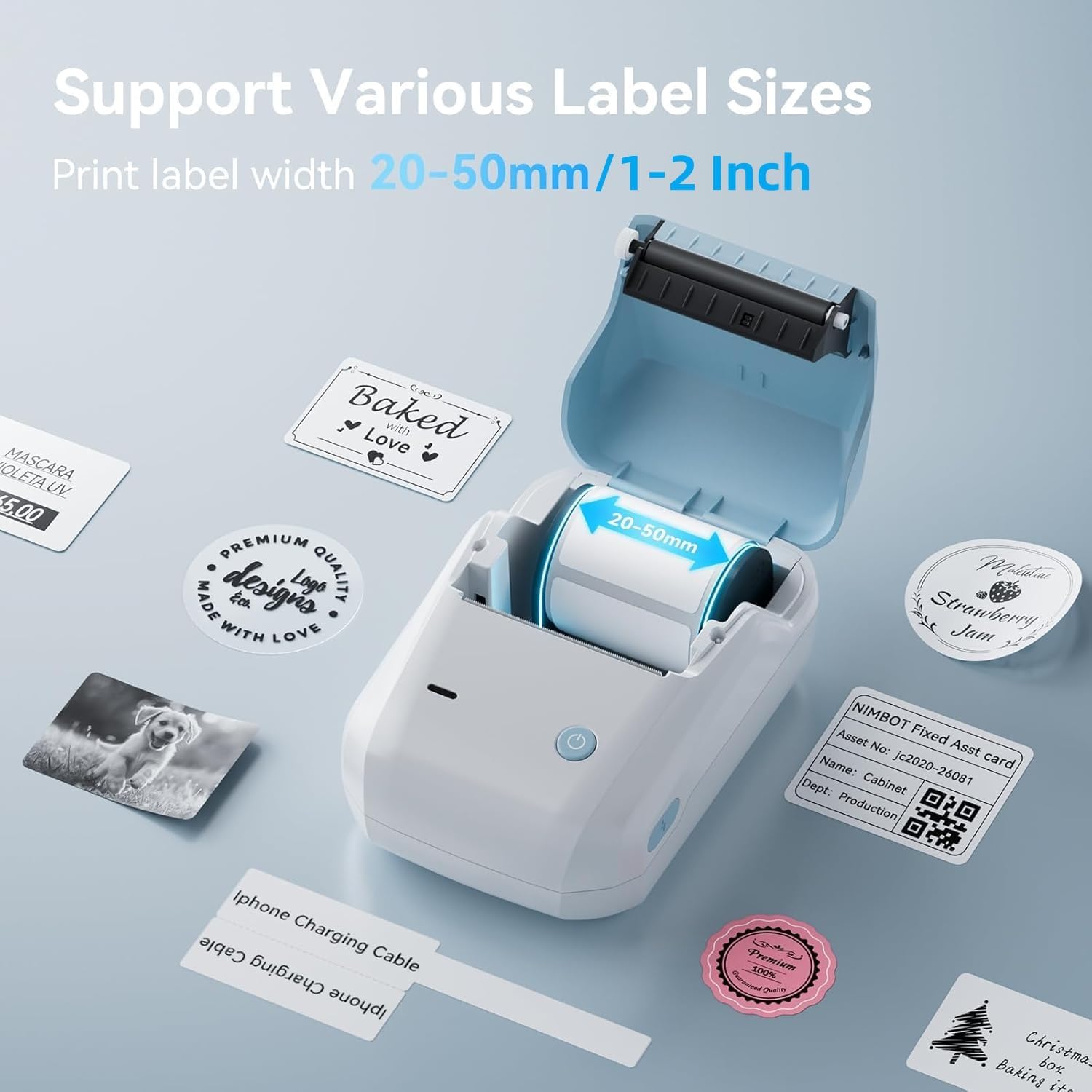
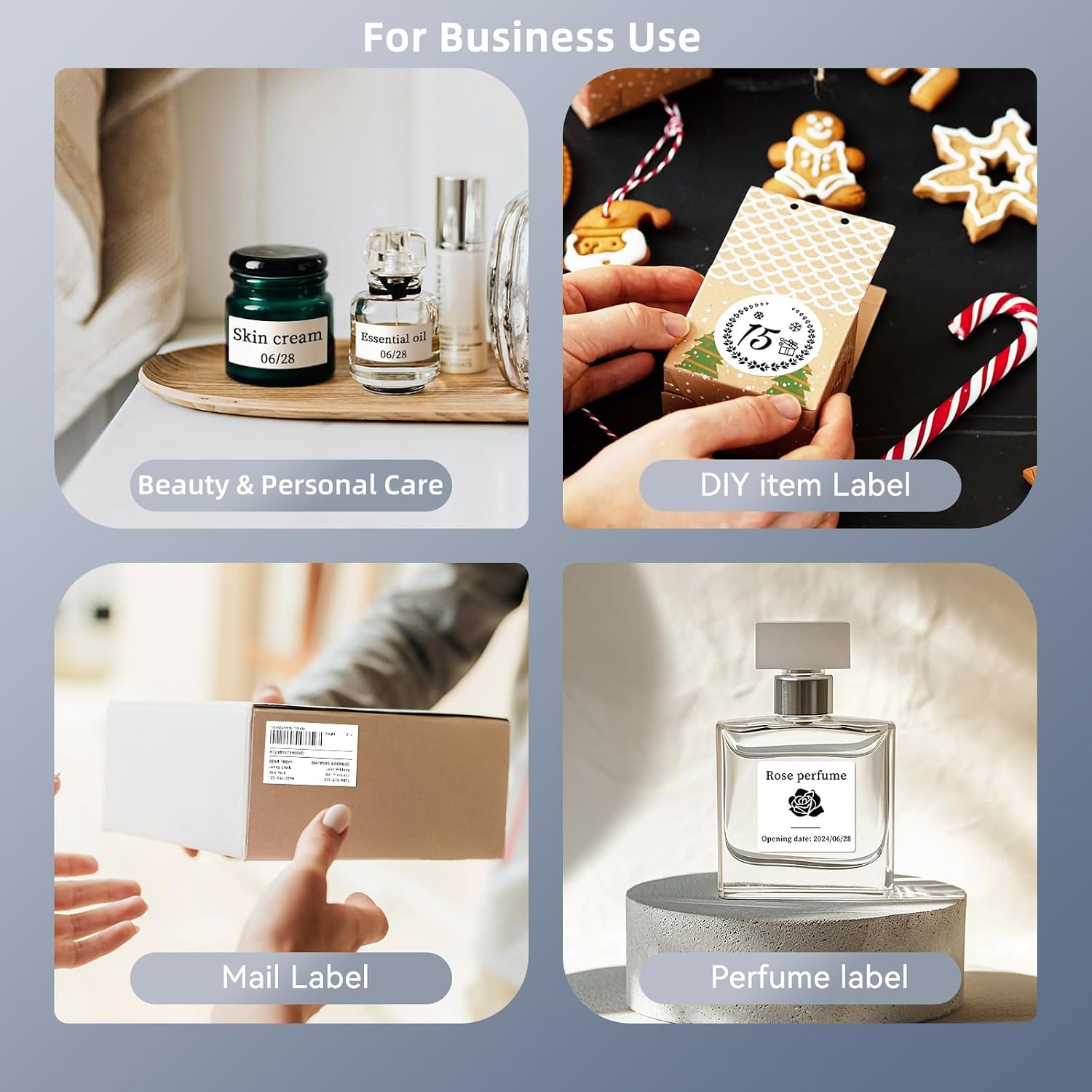
The B1 prints on labels from 20mm to 50mm wide and comes with one roll of 50x30mm tape. That width range gives you room for basic text labels as well as address, barcode, price, date, ingredient, and product labels. The included roll is a useful starting point, but the supplied format is only one size within the printer’s supported range.
This is a thermal label printer, so it does not use ink or a ribbon. The printer automatically identifies labels, and it can turn itself off after 15 minutes of inactivity. The auto-shutoff setting can also be changed to 15, 30, or 60 minutes, or set to never. On the spec sheet, those details point to a simple, low-consumable setup, they do not establish how long a particular roll will last.
What it works with
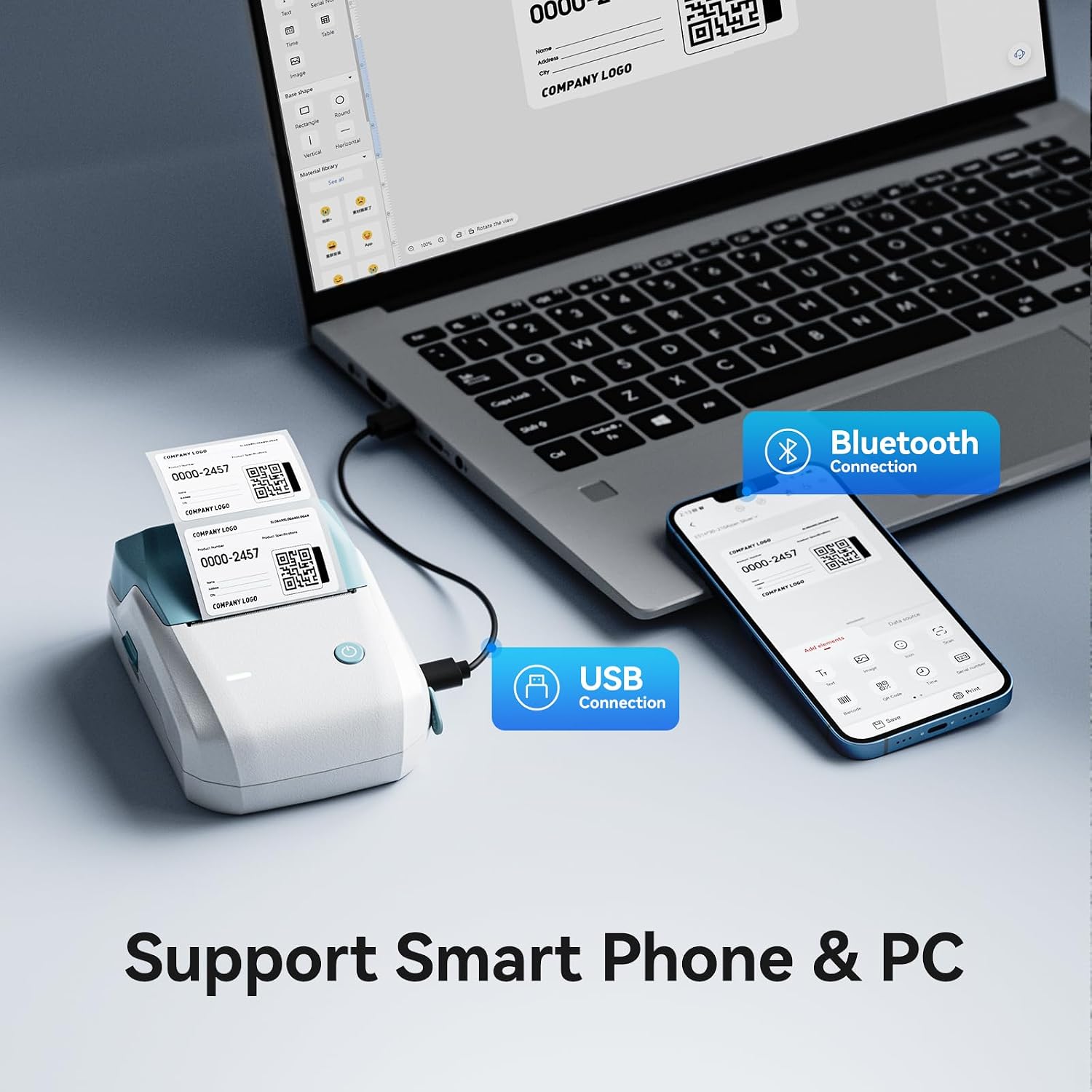
The B1 supports iOS and Android smartphones, as well as PC. PC use requires downloading a driver from NIIMBOT’s official website. It is not compatible with iPad and is not recommended for use with tablets, so check your device before choosing it. If your labeling routine depends on a tablet, this model is a poor fit, a phone or PC is the supported route.
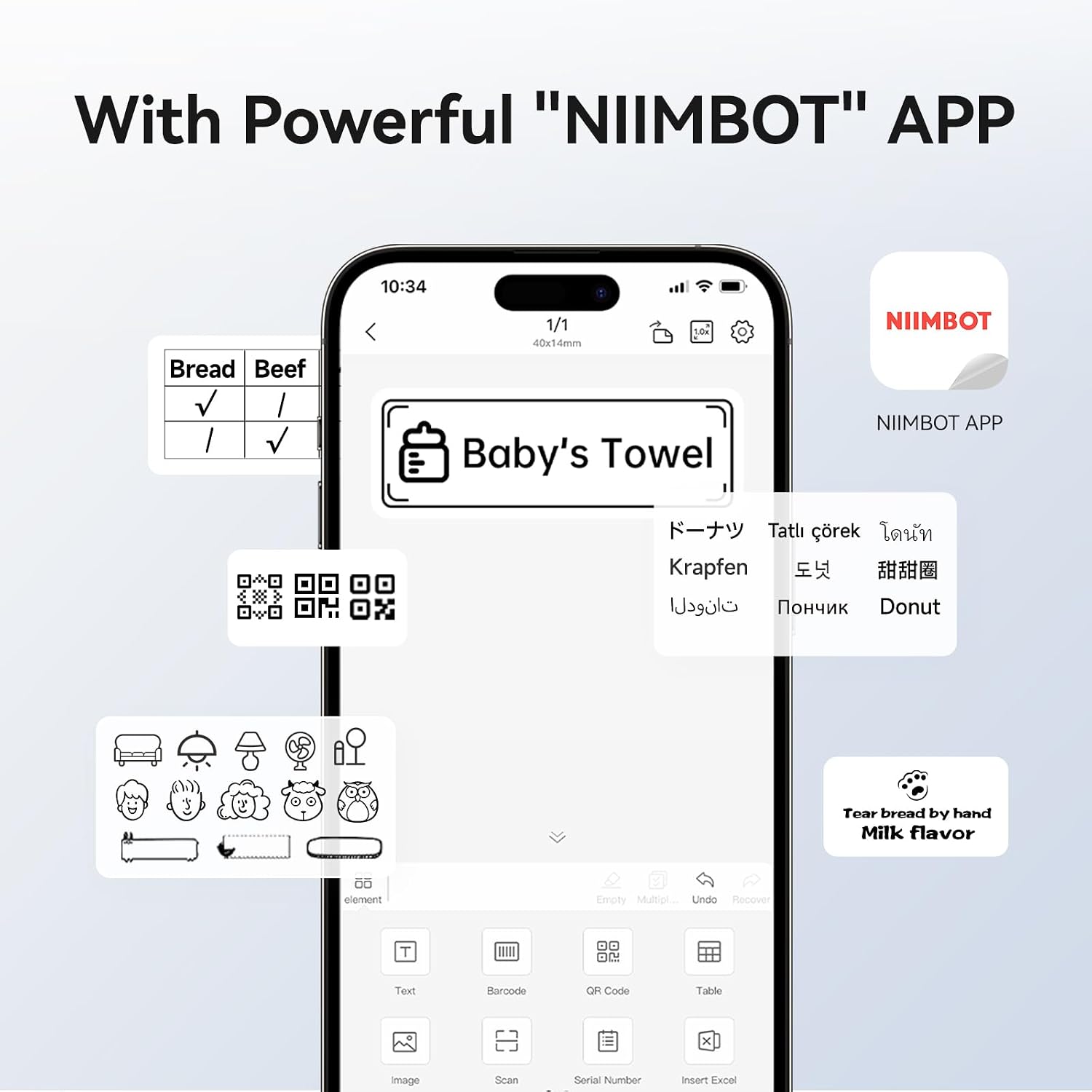
The free NIIMBOT app offers more than 10 fonts and languages, over 100 borders, and more than 1,500 symbols. It also includes options for barcodes, QR codes, icons, timestamps, pictures, photos, and OCR printing. That range is useful when plain text is not enough, though the number of design tools may matter less if you only need occasional basic labels.
Usage tips
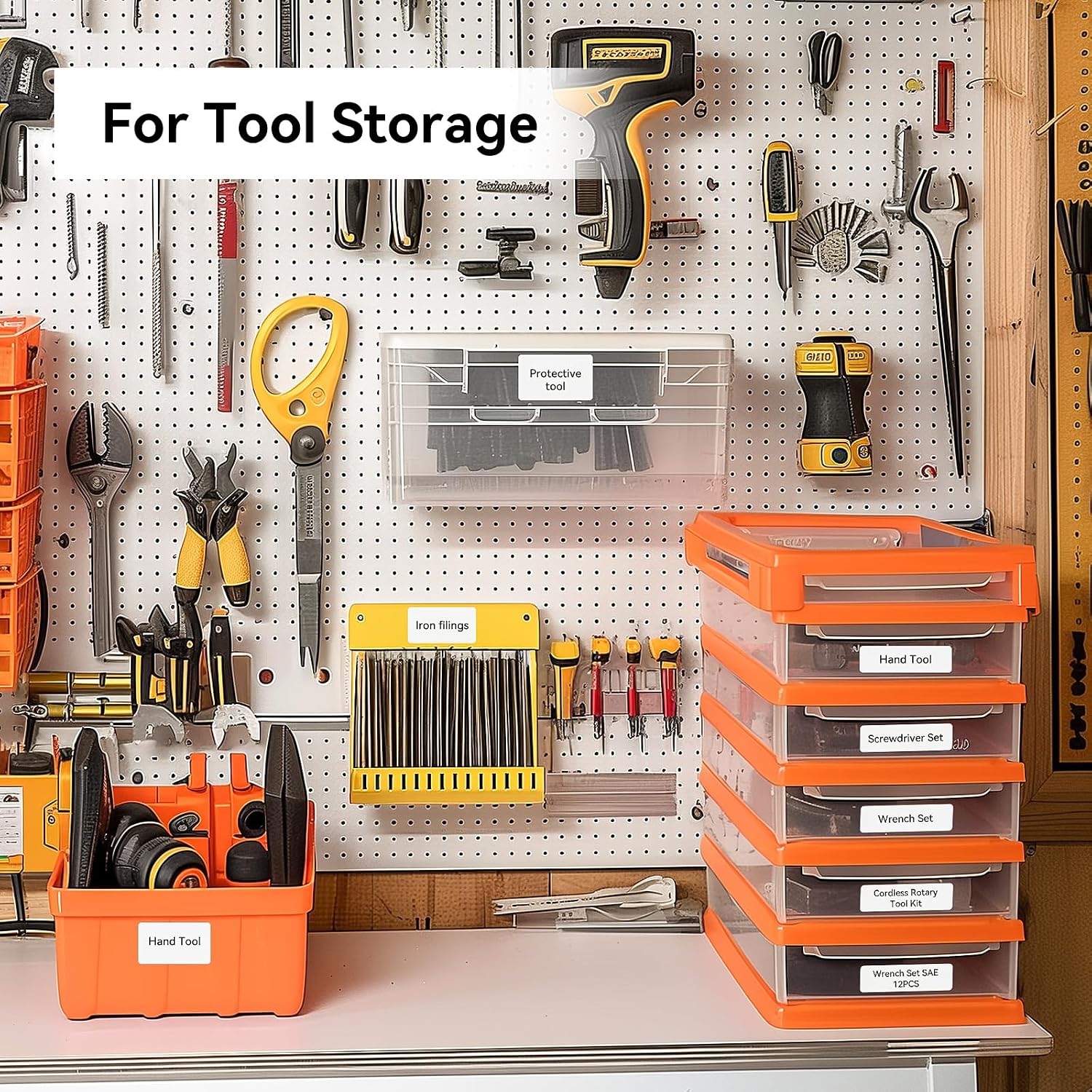
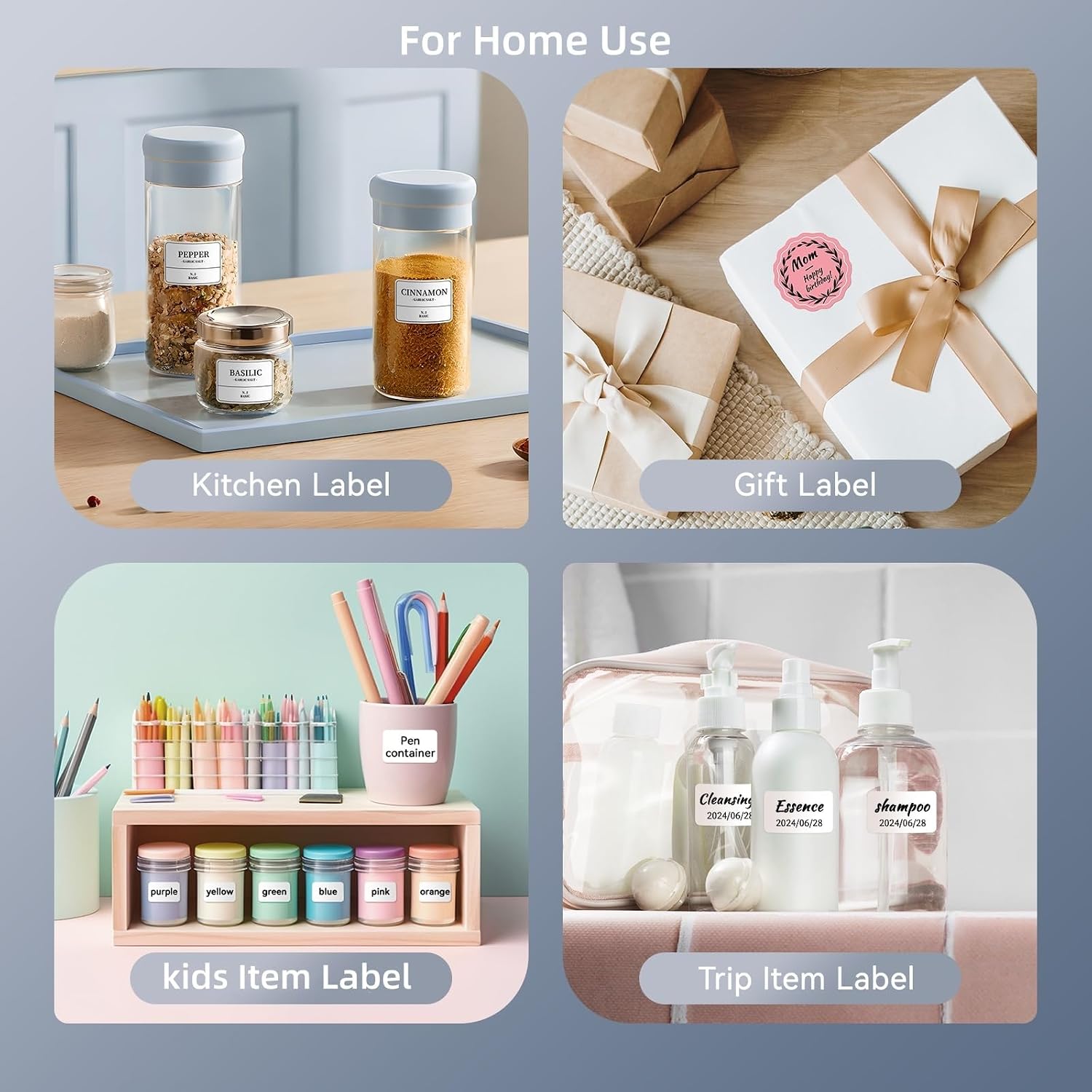
Start with a task that benefits from repeatable information: print ingredient or date labels for products, barcode labels for retail items, or address labels for outgoing packages. For home organization, you could create matching labels for storage containers, then use the app’s borders or symbols to make categories easier to scan. Connect by selecting the B1 in the app, and choose a label layout that suits the roll you have loaded.
A solid pick if you want to make small batches of labels from a phone or PC without stocking ink. It might not be a great match if you need tablet support, wider-format printing, or a printer for documents, the B1 is built around adhesive labels and has a maximum stated width of 50mm.
Before you decide
Does it need ink or a ribbon? No. It uses thermal printing and does not require either.
Can it print barcodes and QR codes? The app lists both as available print options, alongside text, symbols, and other design elements.
What comes in the box? The product description says it includes one roll of 50x30mm label tape. It does not specify how many labels are on that roll.
Is it worth it?
The NIIMBOT B1 is worth considering when your main need is frequent, small-format labeling and you want to design labels on a phone or PC. Its app tools cover straightforward text as well as barcodes, QR codes, and decorative elements, while thermal printing avoids ink and ribbon purchases. Choose a different approach if tablet compatibility is essential, if you need a wider label than 50mm, or if your work involves regular document printing. The included roll gets you started, but you will need to select a suitable label format for the jobs you expect to print.