

Mounting Dream Soundbar Mount for Sonos Beam — Easy Access Sliding Block Bracket for TVs up to VESA 600x400mm
Product description
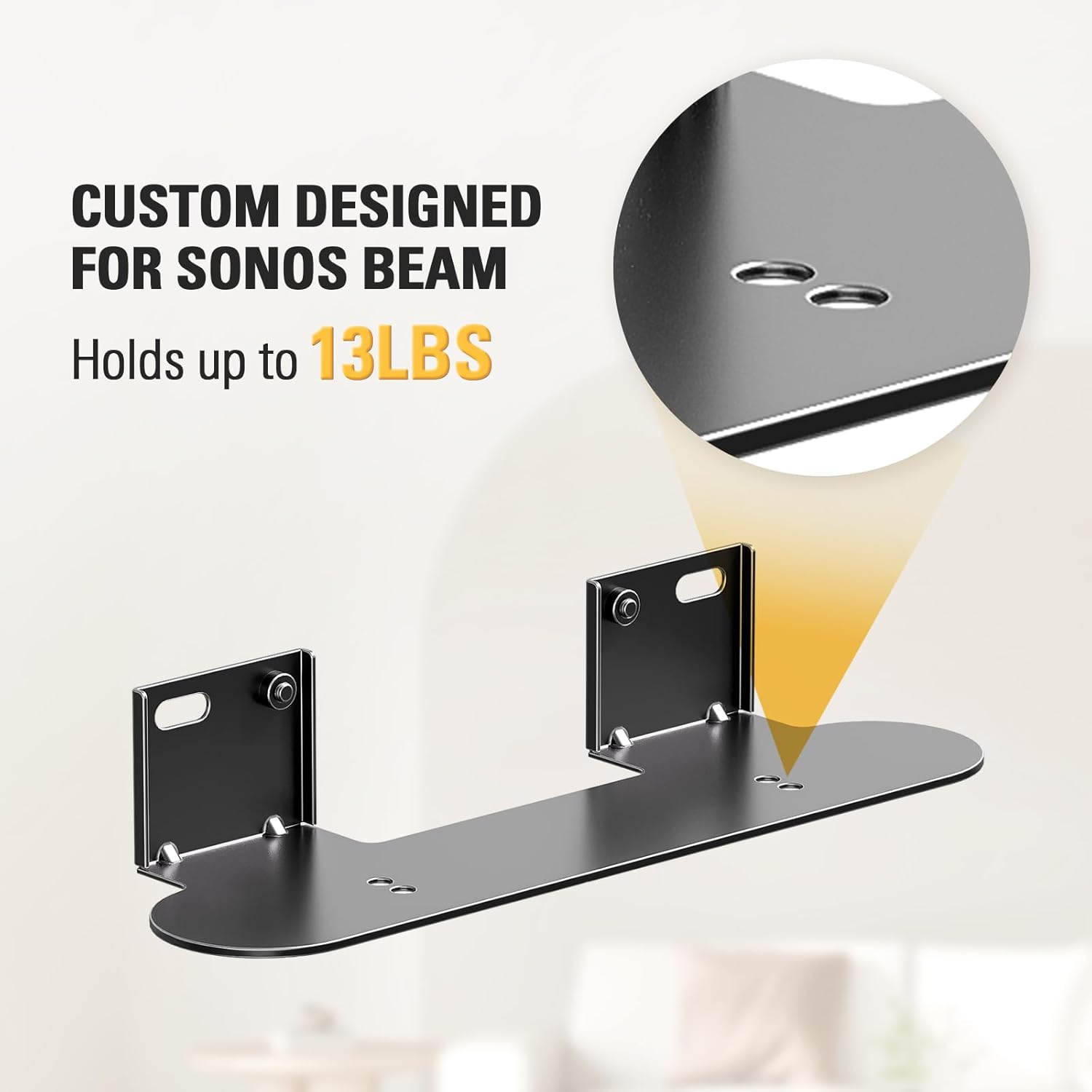
If you already have a Sonos Beam and you hate cable chaos, this Mounting Dream soundbar mount is designed for a more “built-in” look. On paper, it attaches the Beam securely to the bottom of your TV and helps keep the ports accessible, which matters more than people think—especially when you’re plugging in power or making small adjustments.
What it’s for and why people buy it
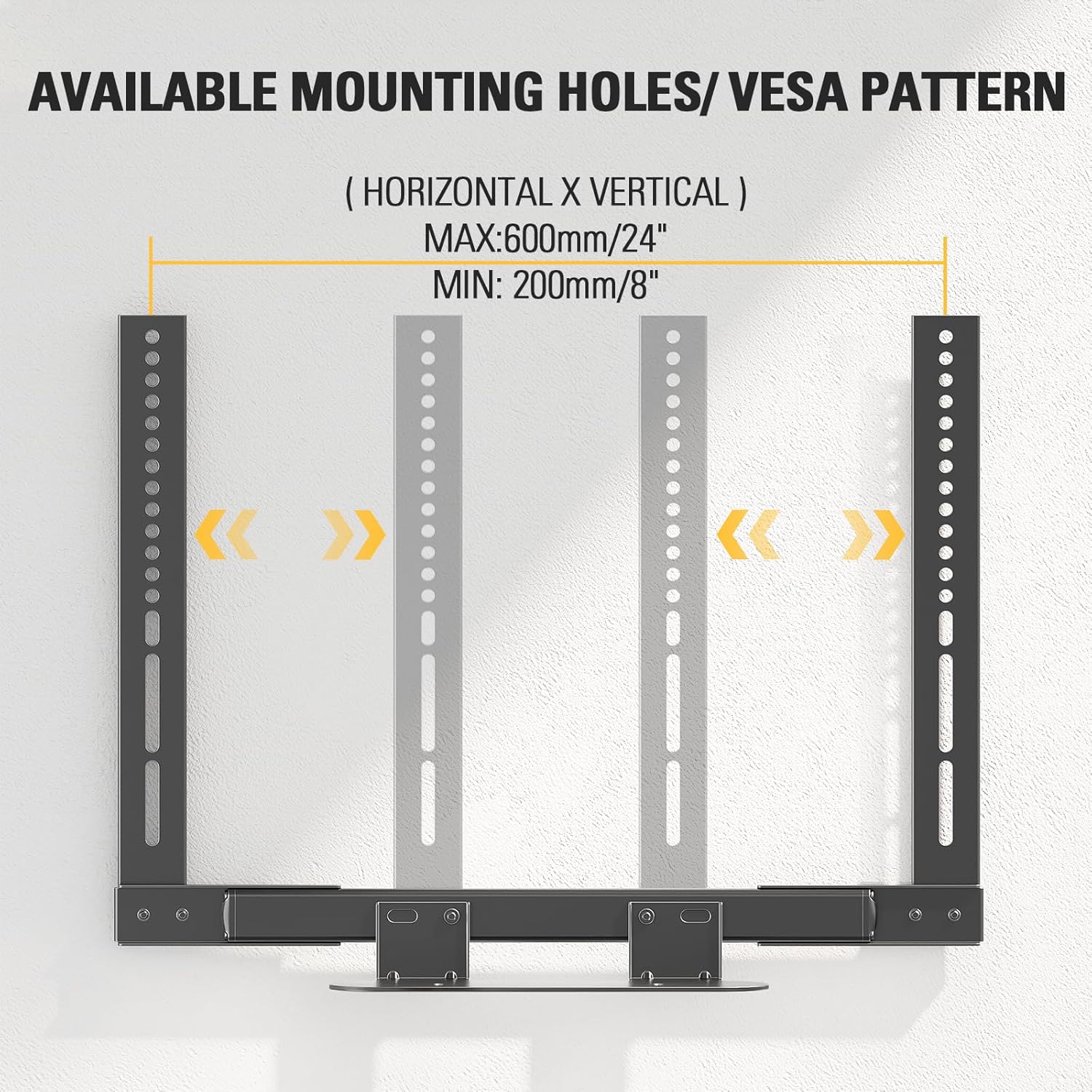
This is a wall-TV compatible soundbar bracket built around the Sonos Beam setup. The main idea is simple: instead of leaving your Beam on a stand or loosely positioned, the mount places it where it belongs—tied to your TV mount system. Because it uses an extension arm and a sliding block design, it aims to fit many TV layouts up to VESA 600x400mm.
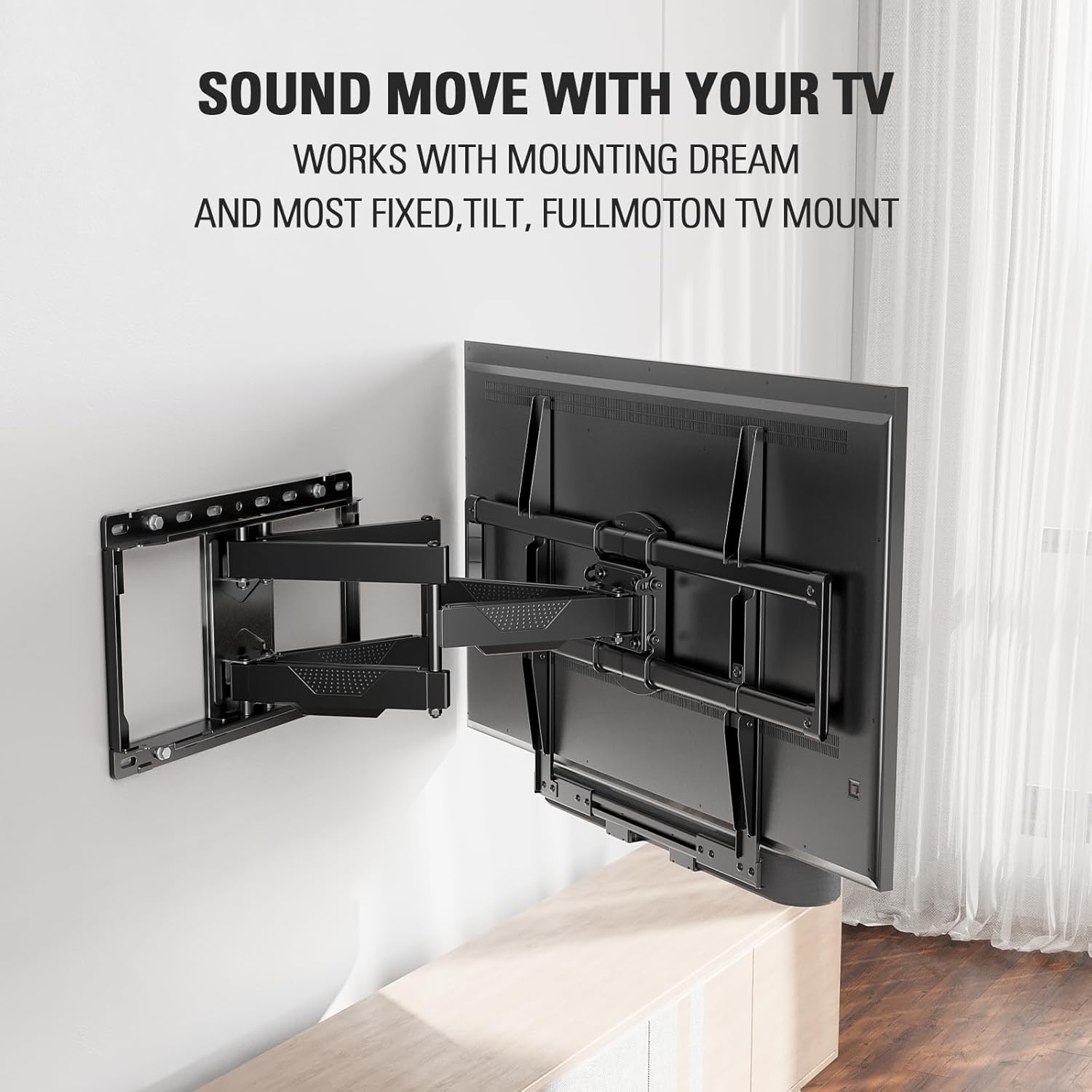
In real-world use, that “tied to your TV” part can be the difference between a clean soundbar alignment and constantly re-centering it when you adjust your TV angle. If your TV uses a fixed, tilt, or full-motion wall mount, this bracket is positioned as a way to keep the Beam moving with the display during adjustments.
The design: sliding block fit and easy access ports
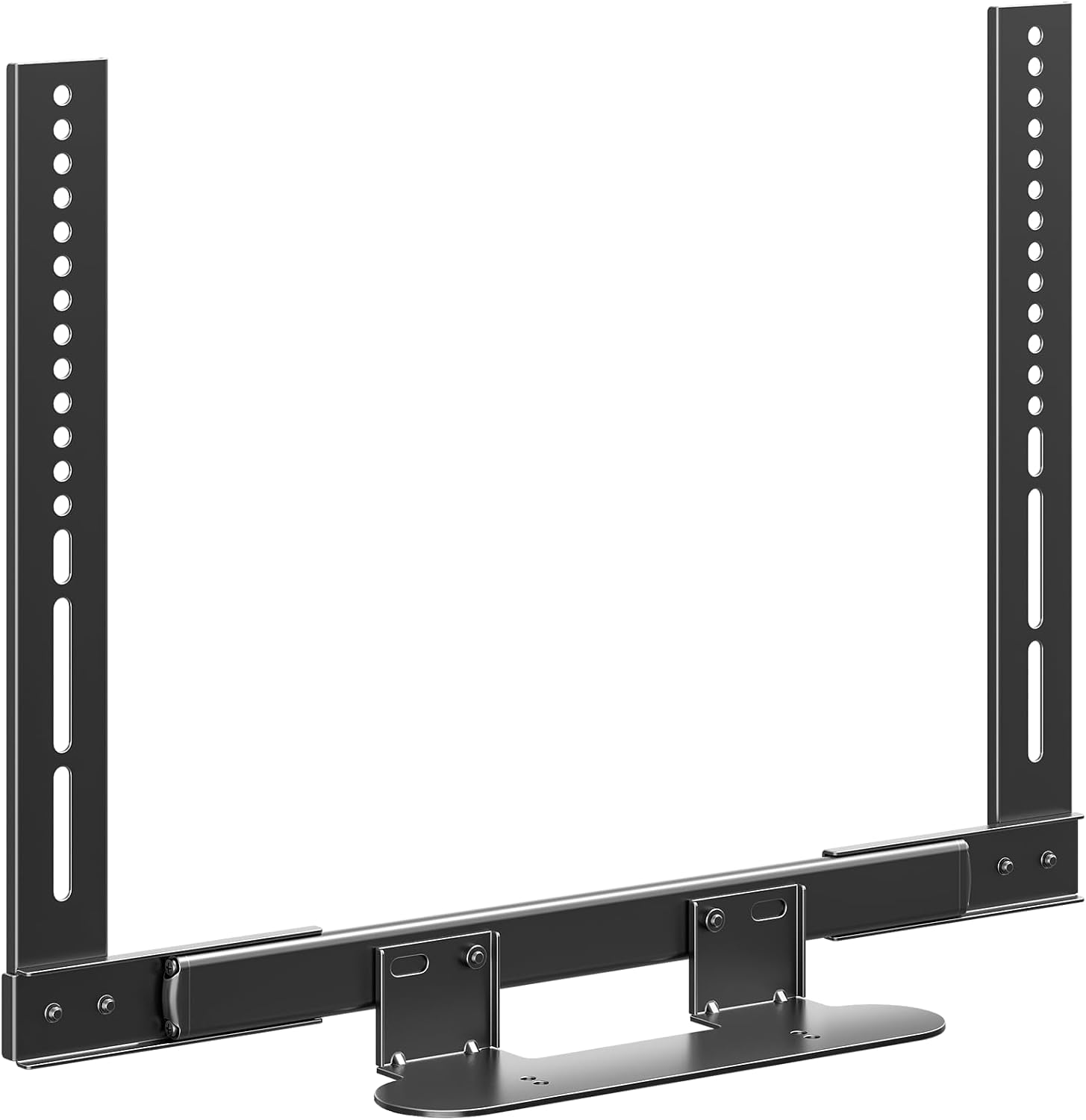
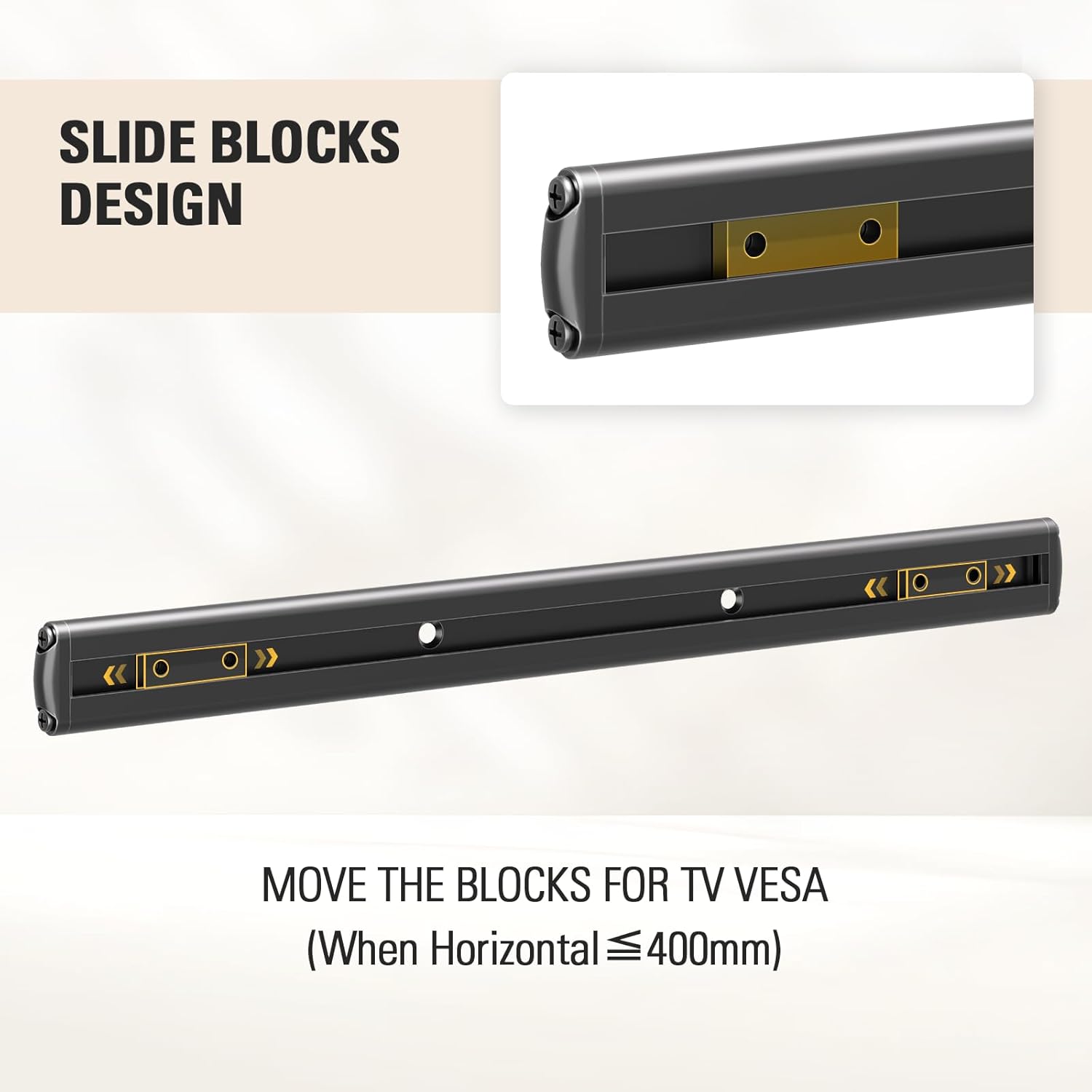
The standout concept here is the sliding block. It lets you reposition the soundbar bracket according to your TV’s VESA measurement, which is helpful if your TV’s mounting points don’t line up exactly with a generic bracket layout.
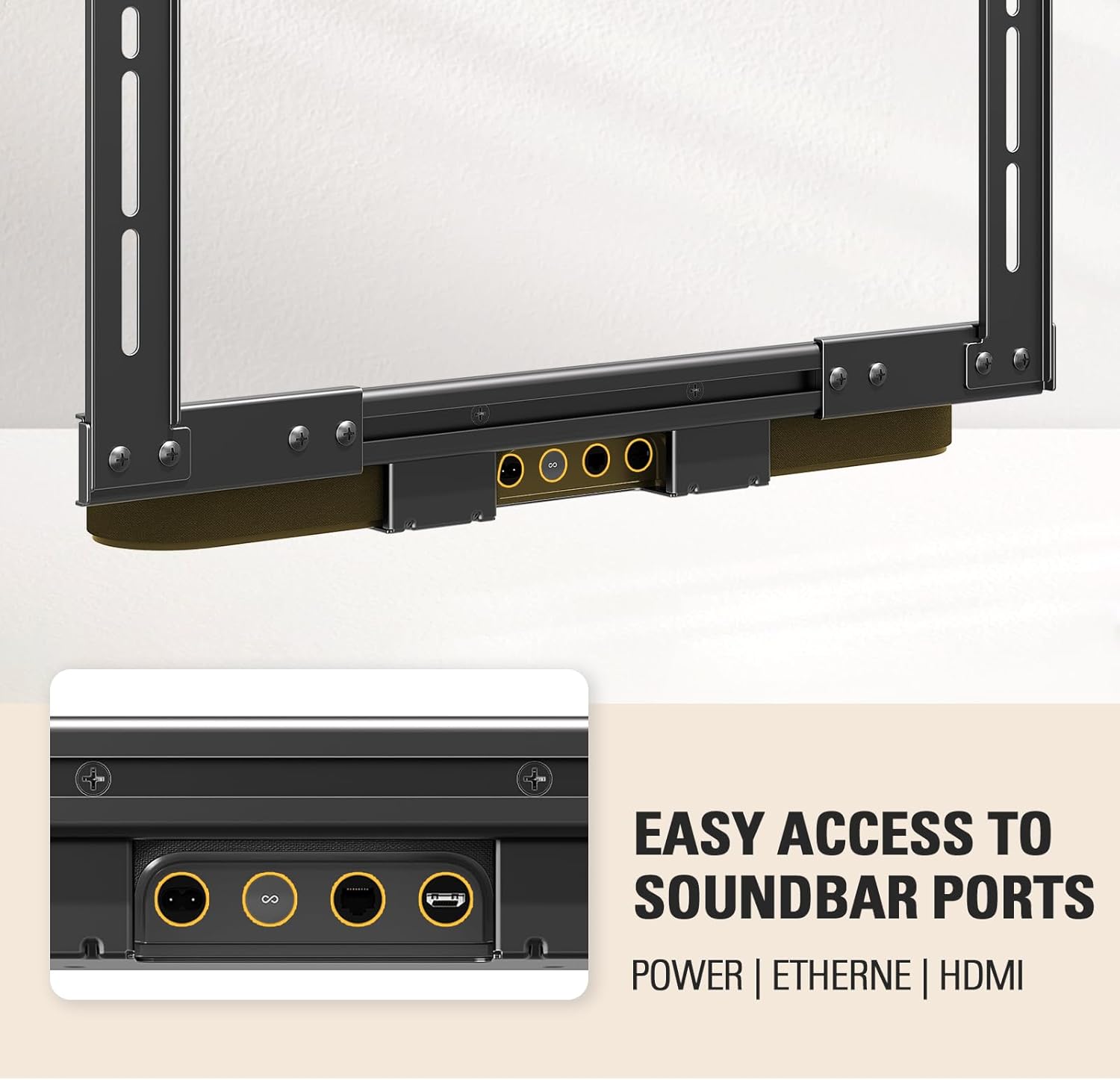
There’s also an “easy access” approach for the Beam ports. It’s meant to help you reach the soundbar connections without removing the whole setup just to access a cable. That’s not flashy, but it’s practical—especially if you anticipate plugging in devices, running power neatly, or making occasional port adjustments.
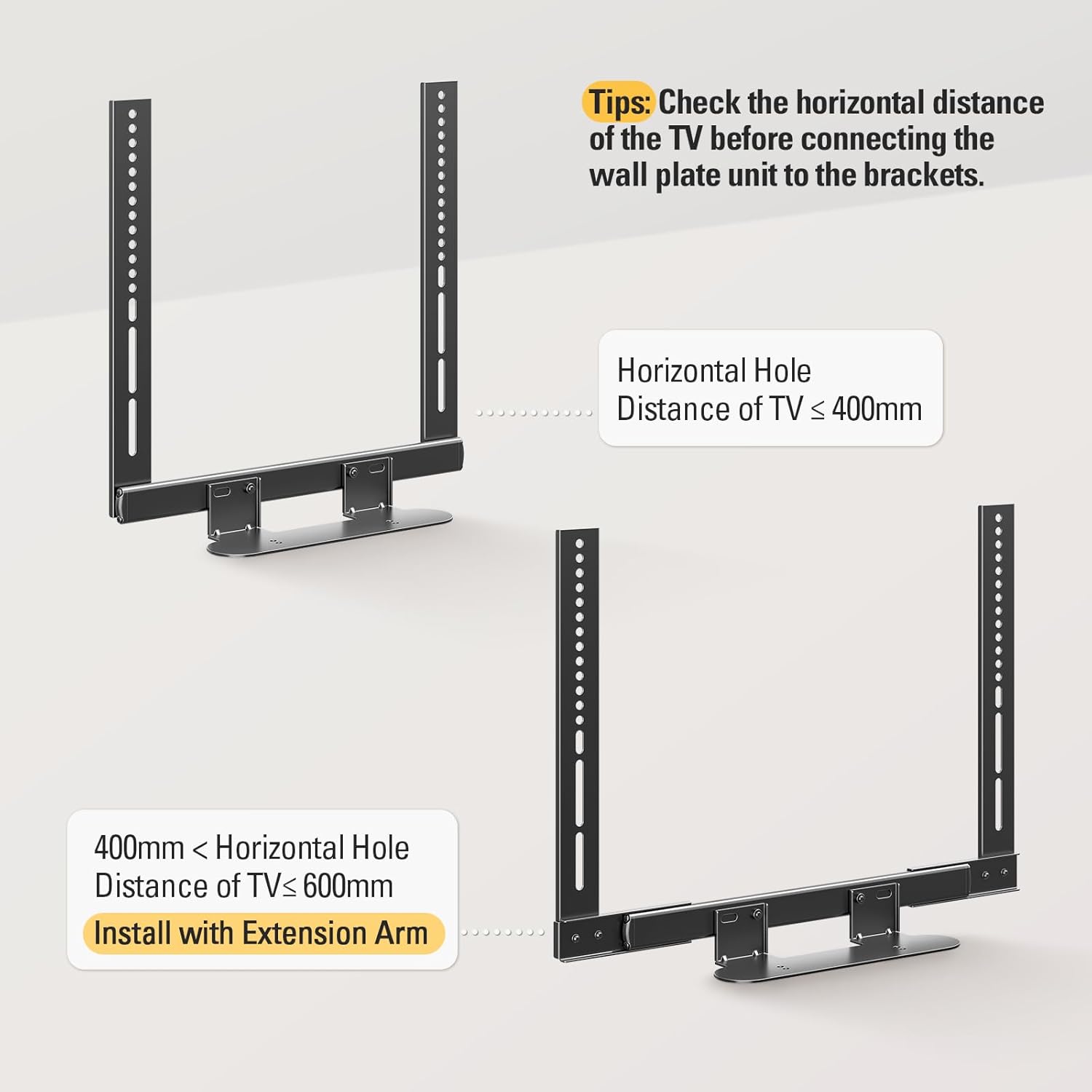
One limitation to keep in mind: you still need to match the bracket to your TV’s VESA, and the horizontal distance check is specifically called out. If you rush that step, the install can feel more annoying than it should.
Key points to check before you buy
Before you commit, focus on the few things that determine whether this mount actually behaves well after installation:
- TV VESA compatibility (up to VESA 600x400mm): The sliding block is meant to handle most TVs within that range.
- Port accessibility requirements: If your setup expects frequent access to the Beam ports, the “easy access design” is the reason you’d choose this.
- TV mount style: It’s described as compatible with most fixed, tilt, and full-motion TV wall mounts.
- Your horizontal distance measurement: The product notes recommend checking horizontal distance of the TV before connecting the wall plate unit to the brackets.
Also, note the install flexibility mentioned in the description: the soundbar can be installed without the extension arm if your TV VESA is less than 400x400mm. That can simplify things for smaller VESA patterns, but you’ll want to confirm your numbers match the condition.
What you’ll notice day to day (and what might feel limiting)
When it works the way it’s intended, the mount keeps your Sonos Beam attached to the TV’s bottom and supports a more cohesive setup—especially if your TV is full-motion and you like to tilt or reposition the screen. The description emphasizes that the soundbar moves with the full motion TV mount, so the Beam doesn’t end up looking “out of place” after you adjust the TV.
That said, it’s not a plug-and-play solution for everyone. If your TV’s VESA layout is outside the stated fit range, or if you can’t comfortably align the sliding block based on your measurements, you may find the setup frustrating. It’s a niche tool built for a specific goal—Beam + TV mount integration—so if you’re trying to solve a different kind of installation problem, it might feel like overkill.
Pros
- Made for attaching Sonos Beam to the bottom of your TV.
- Sliding block helps adapt to TV VESA positioning.
- Easy access ports design aims to maintain access during everyday use.
- Supports fixed, tilt, and full-motion TV wall mount setups.
- Includes assembly instructions and necessary hardware.
Cons / potential gotchas
- Fit depends on VESA measurements, and the install notes emphasize checking horizontal distance.
- Not the best match if you don’t plan to mount your TV to the wall (since the design is centered on TV mount integration).
- The Beam weight capacity is stated (up to 13 lbs), so if you’re comparing for heavier or different soundbar setups, this one is specifically tuned for Beam.
Is it worth it?
You should buy this Mounting Dream soundbar mount if you own a Sonos Beam and you want a cleaner, more integrated install that keeps port access in mind. It’s especially worth considering when your TV is on a wall mount (especially full motion) and you care about keeping the soundbar aligned while you adjust the TV angle.
You may want to skip it if you’re not matching the VESA 600x400mm range, if you can’t/won’t measure and align the sliding block setup properly, or if you’re hoping to use it for a different soundbar configuration. It’s not a one-size workaround, it’s a targeted Beam mounting approach.
If you’re the kind of buyer who plans the measurement step first, then follows the included instructions, this kind of mount tends to pay off quickly—less fiddling, fewer “where did the cable go?” moments, and a more consistent setup.
Mini FAQ
Does this mount work with fixed, tilt, or full-motion TV wall mounts?
It’s described as compatible with most fixed, tilt, and full-motion TV wall mount setups, and it’s meant to move the soundbar along with full-motion movement.
What VESA sizes does it support?
The bracket is stated to fit TVs up to VESA 600x400mm. It also notes that the soundbar can be installed without the extension arm if your TV VESA is less than 400x400mm.
Is port access a real part of the design?
Yes. The description highlights an easy access design developed in partnership with Sonos to reach the Beam ports for optimal performance.
What’s the main thing to measure before installing?
The instructions specifically suggest checking the horizontal distance of the TV before connecting the wall plate unit to the brackets.