

Voice Replacement Remote for Chromecast with Google TV (Snow) — G9N9N Voice Remote
Product description
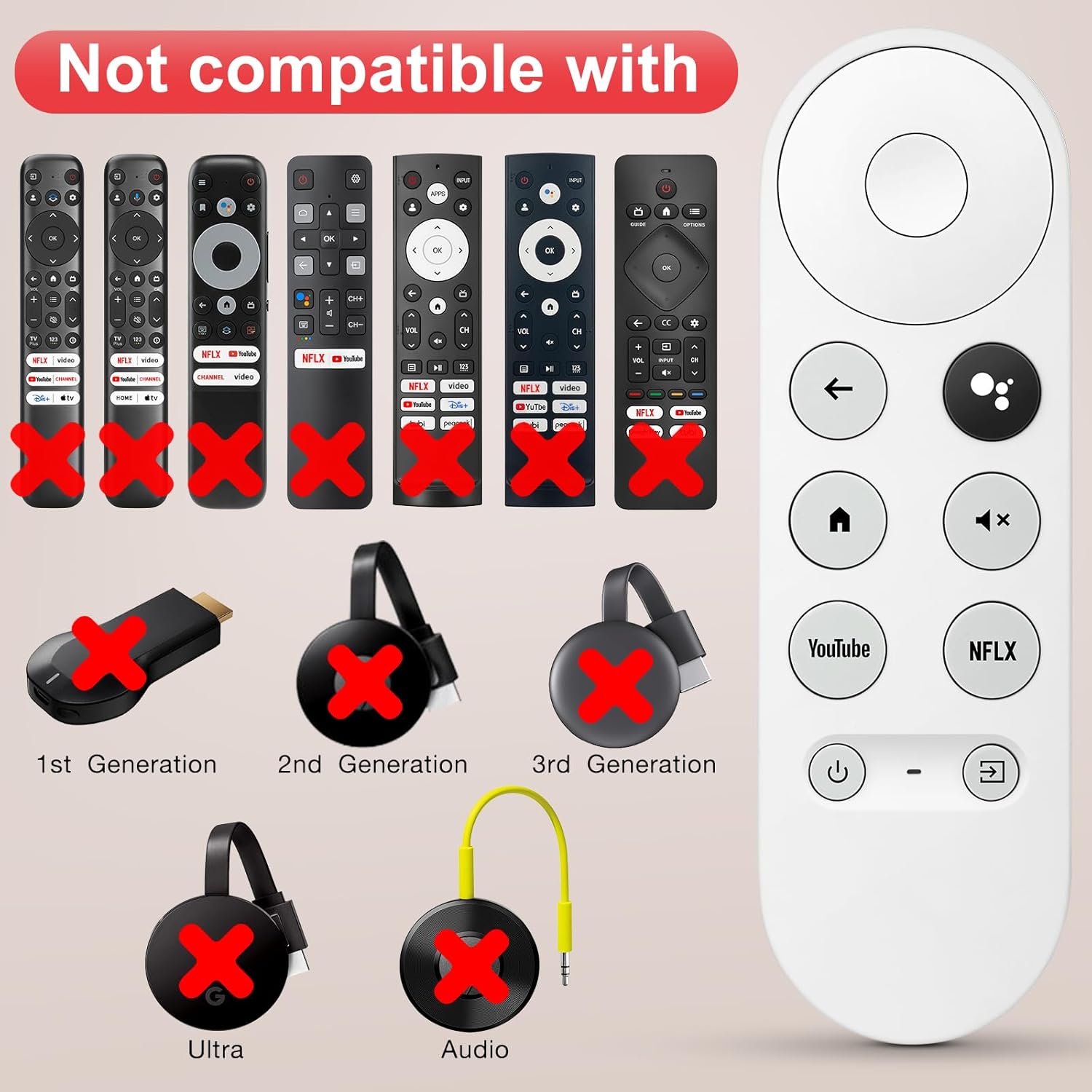
If your Chromecast with Google TV remote is missing, broken, or just not working reliably, a voice replacement can bring the experience back fast. This G9N9N voice replacement remote is designed to work with the “Snow” Google Chromecast remote setup, focusing on voice search and everyday controls.
That said, it’s not a universal swap. Compatibility is strict, and a couple of popular Chromecast generations are explicitly listed as incompatible. If you’re unsure which device you have, it’s worth double-checking before buying—because the pairing process won’t fix a mismatch.
Key takeaways
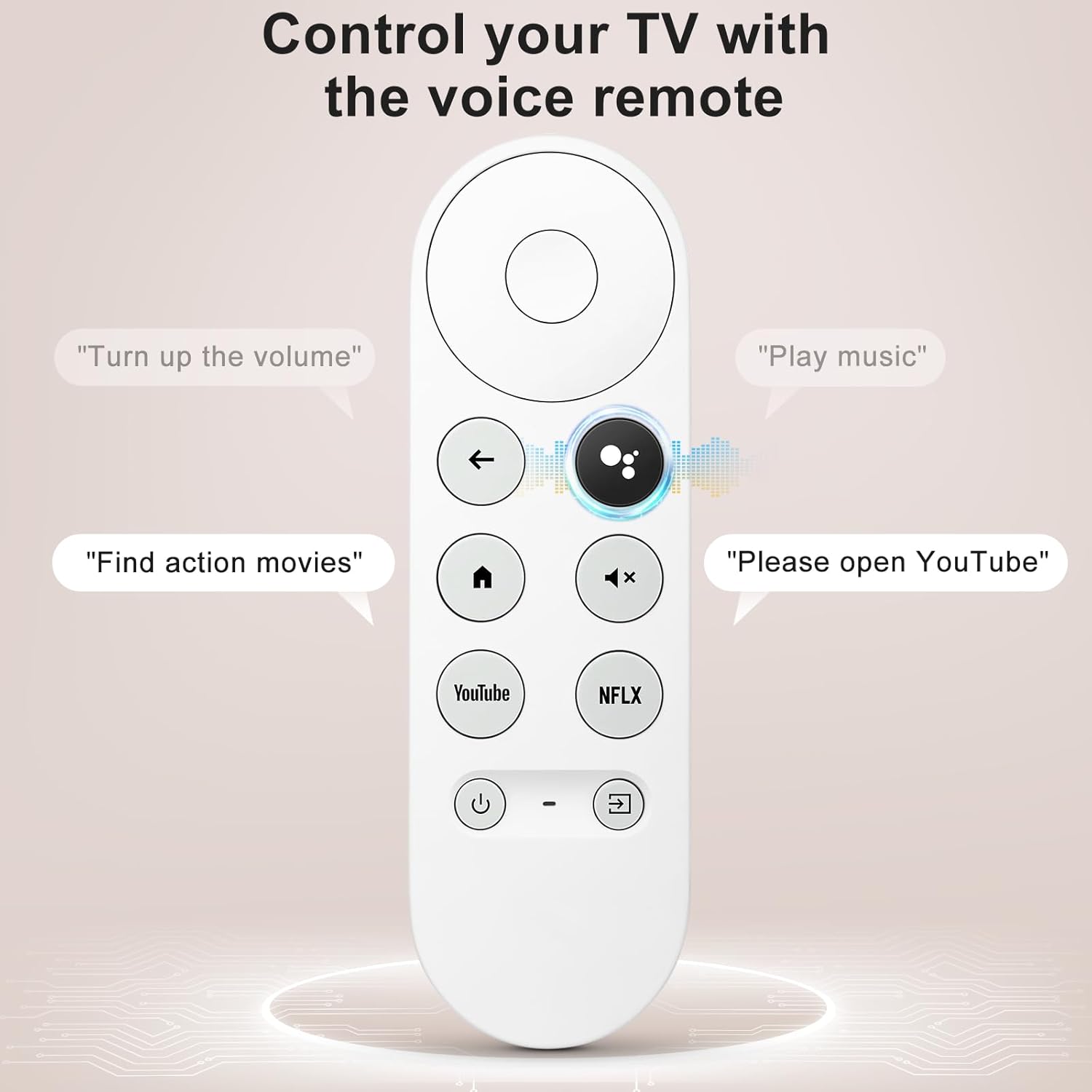
This remote is built for voice features on Chromecast with Google TV, with a voice button for searching and asking Google questions on-screen. It also includes shortcuts for popular streaming channels, plus controls for volume, switching inputs, and basic playback/music functions.
What to know before you buy
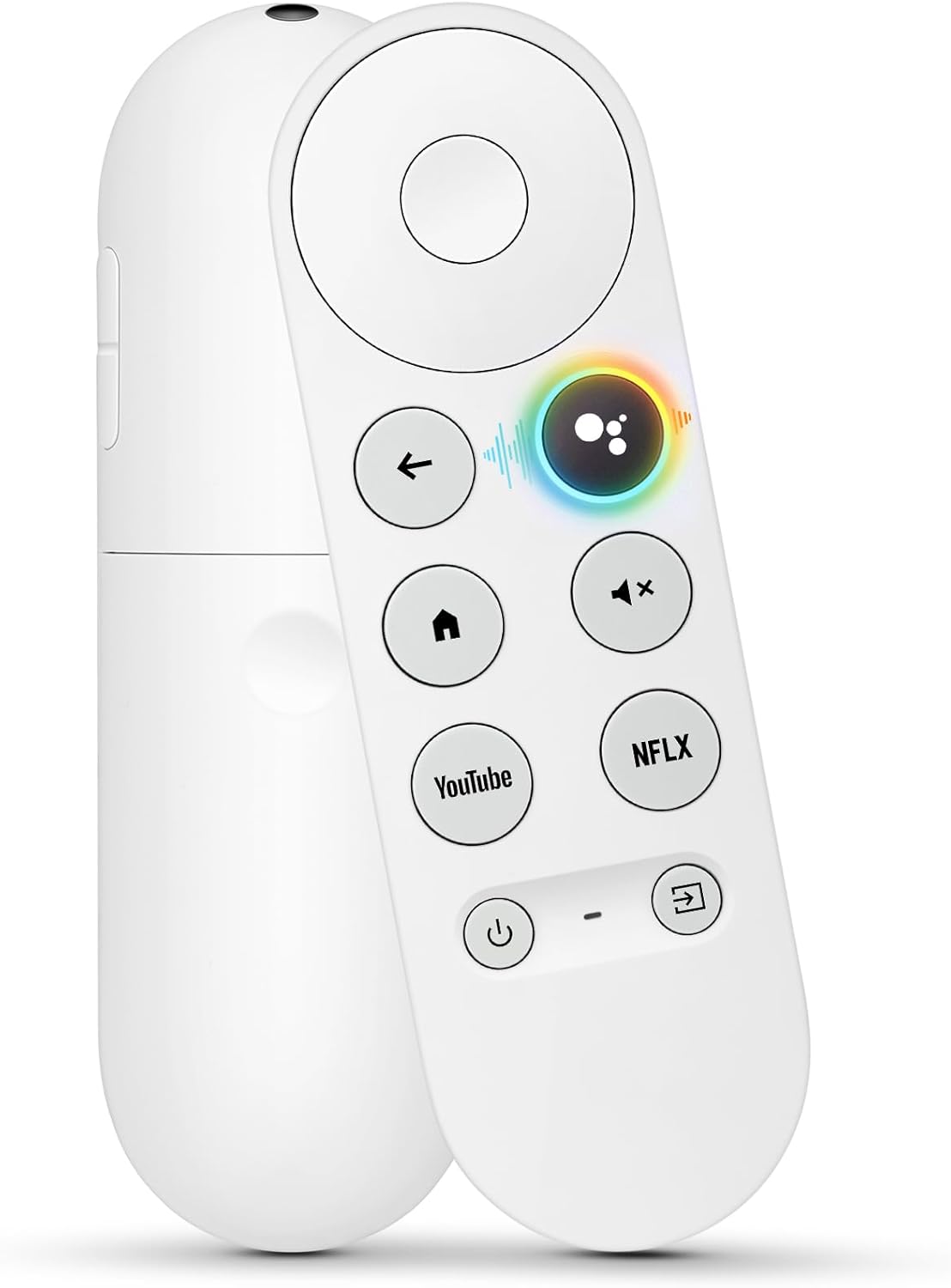
The biggest deciding factor here is compatibility. The manufacturer states it’s only for the Snow Chromecast Google setup, and it’s specifically not compatible with:
- Google Chromecast 1st Gen
- Google Chromecast 2nd Gen
- Google Chromecast 3rd Gen
- Chromecast Ultra
- Chromecast Audio
So if you own one of the incompatible Chromecast types, this remote is likely to be more trouble than it’s worth. On the other hand, if you have the right “Snow” Chromecast with Google TV remote system, this is the kind of replacement that can feel like you regained a key feature—not just a spare button layout.
The essentials (voice + everyday control)
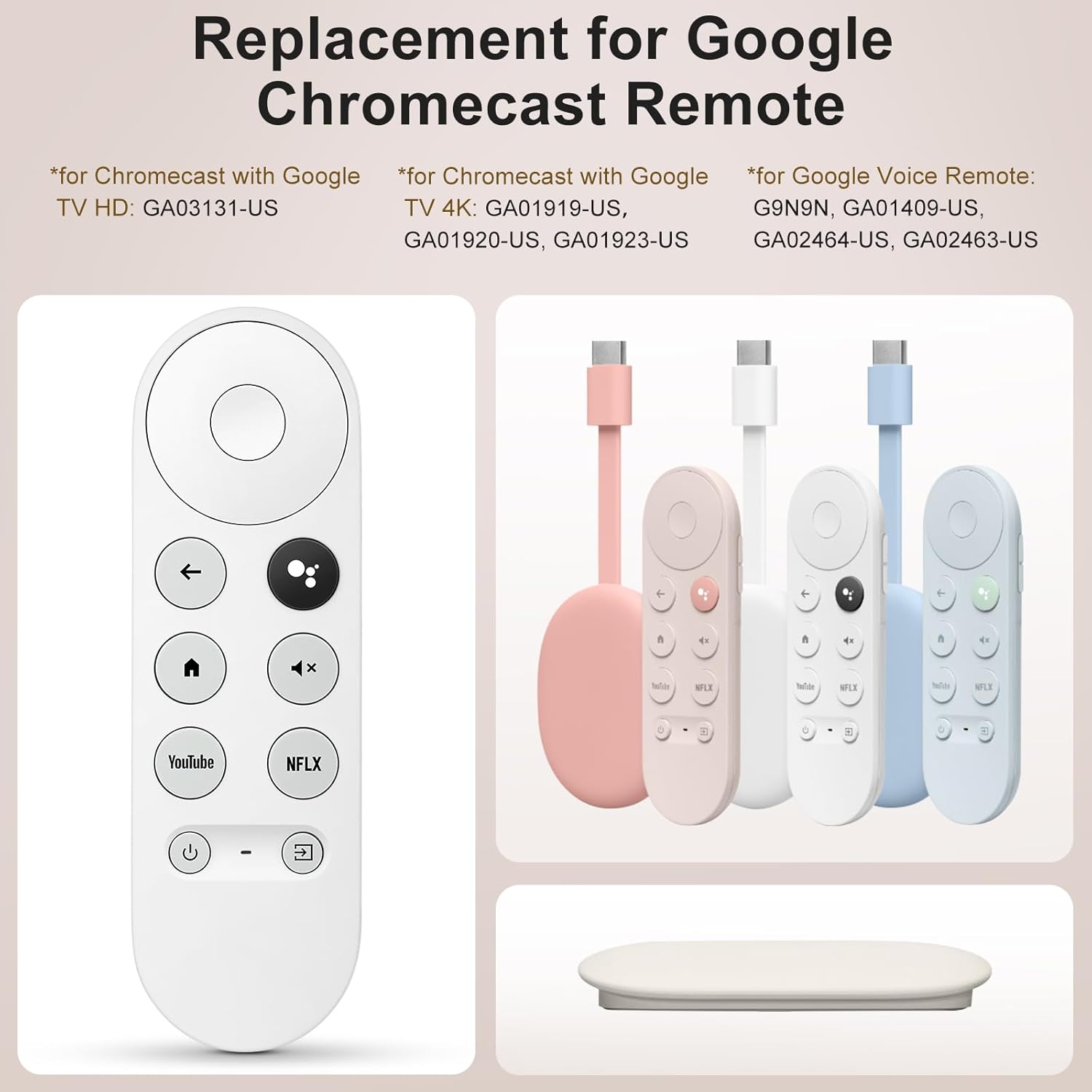
Where this remote stands out is its voice workflow. Pressing the voice button lets you search by show or by vibe—mood, genre, actress, and more—then talk to Google with prompts like “What should I watch?” The idea is simple: you don’t have to type or scroll endlessly to find something to play.
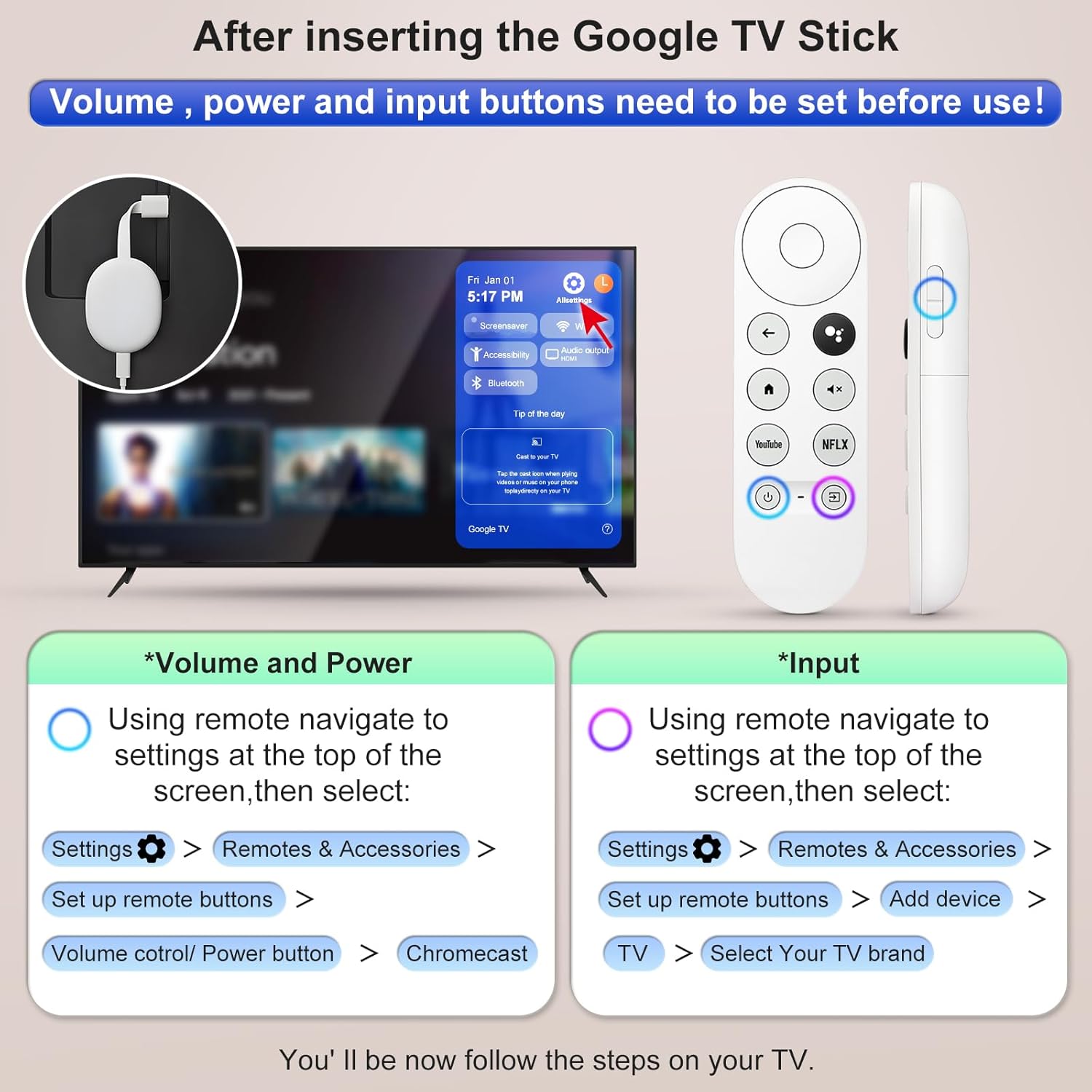
In day-to-day use, it also covers essentials beyond voice. You can use it to switch inputs, control volume, play music, and get answers displayed on-screen. It’s the sort of functional coverage that matters most when you’re bouncing between streaming apps and just want fast control.
Setup and pairing (how it actually gets going)
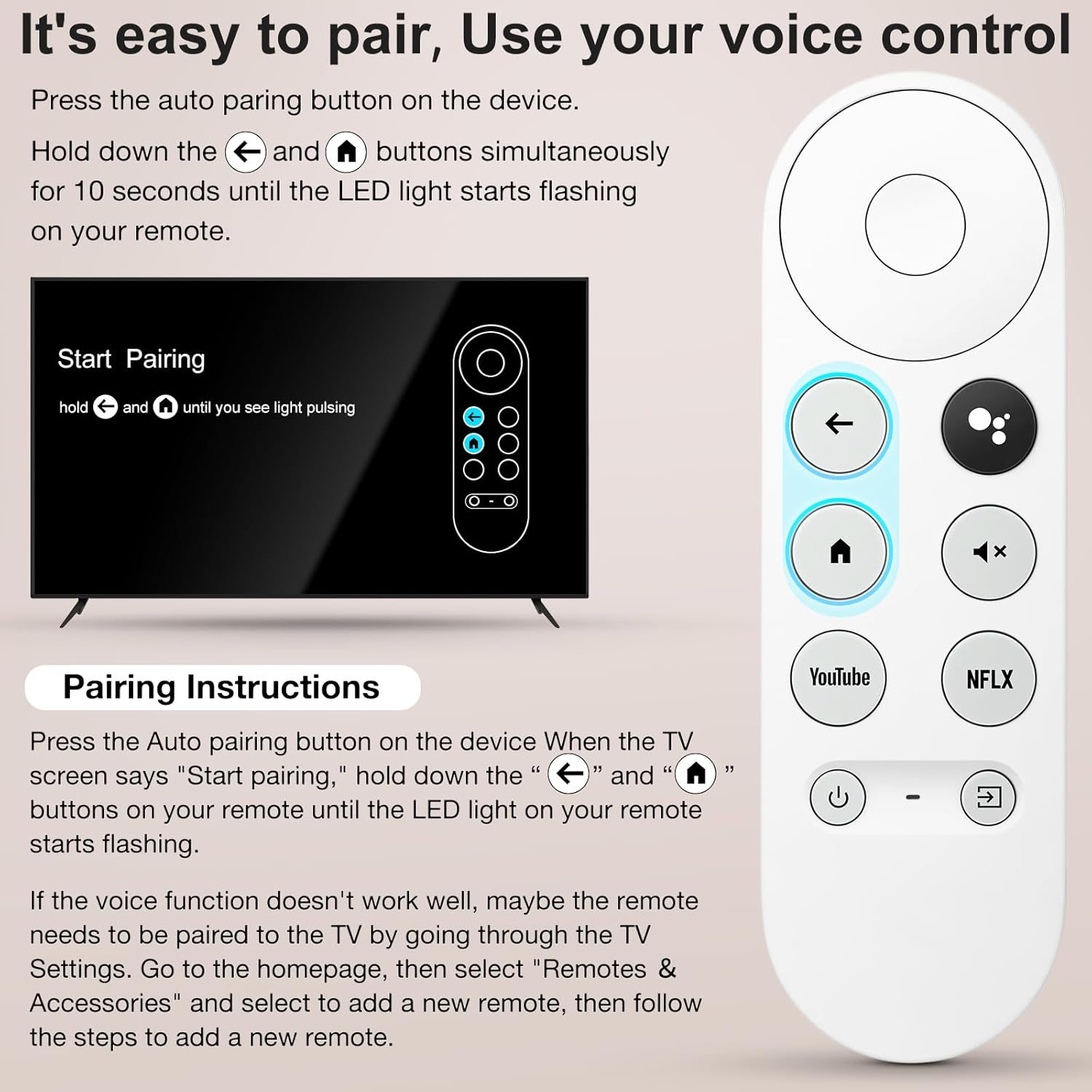
Pairing is described as a button-driven process. The steps, on paper, go like this: press the pairing button on your device, then press and hold “Back” and “Home” on the new remote together for 10 seconds until the LED on the remote starts flashing.
This is usually where replacement remotes can be a little hit-or-miss if the user isn’t following the exact button sequence. If you’re sensitive to setup friction, keep that in mind—double-check you’re using the correct Chromecast device and the correct “Snow” remote model before you commit.
What you’ll notice in use
After pairing, voice control becomes the main “wow” factor. Imagine you’re halfway through dinner and you want something new quickly: you press the voice button, ask what to watch based on a genre or mood, and let the on-screen results do the rest. That’s the core use case this remote is aiming at.
You’ll also notice the shortcut buttons for popular streaming channels. They’re designed to reduce the time between “I’m bored” and “something’s playing,” which is often the real point of a replacement remote.
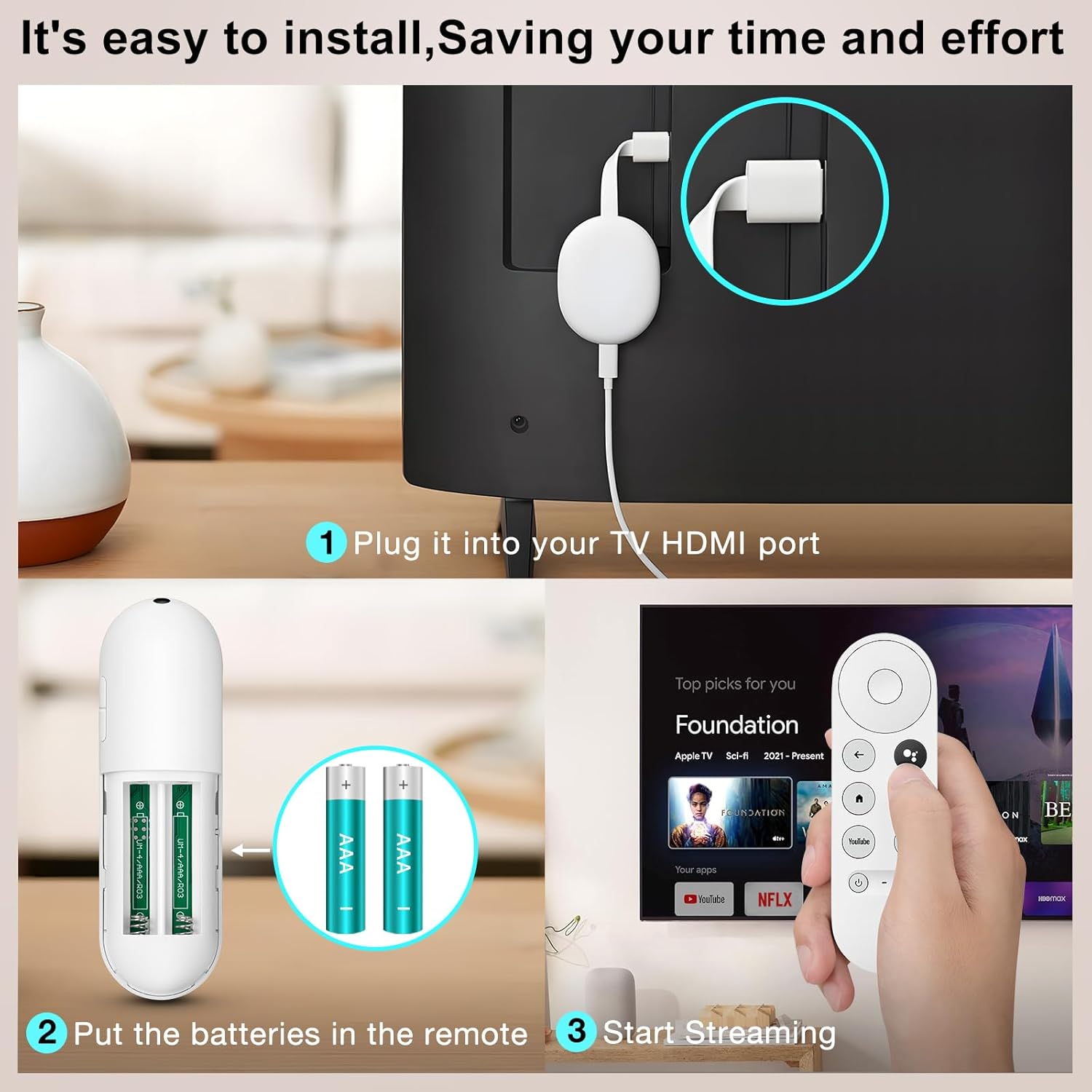
One small limitation: the remote needs new 2 AAA batteries, and the batteries are not included in the package. If you don’t keep spares around, you may need to pause setup until you grab them.
Final verdict
It’s worth buying if you specifically have the “Snow” Chromecast Google setup and you want a working voice replacement remote with the same-style controls, pairing workflow, and shortcut buttons for popular streaming channels.
Skip it if you’re using a different Chromecast generation (including Chromecast Ultra or Chromecast Audio), because the listing clearly marks those as incompatible. Also consider skipping if you don’t want to deal with a strict pairing requirement—having the correct device match matters here.
If you’re shopping for a remote just to regain voice search and hands-free “what should I watch” style discovery, this one fits the job. If you’re not sure which Chromecast model you have, confirm first—compatibility is the part that can make or break the purchase.
Mini FAQ
Does this remote work with all Chromecast devices?
No. The listing states it is not compatible with Chromecast 1st/2nd/3rd Gen, Chromecast Ultra, or Chromecast Audio. It’s only intended for the Snow Chromecast Google setup.
How do I pair the replacement remote?
The listed process is: press the pairing button on the device, then press and hold “Back” and “Home” on the new remote for 10 seconds until the remote LED starts flashing.
Does it include batteries?
No. It requires 2 AAA batteries, and batteries are not included.
What can I do with voice control?
You can press the voice button to search for shows (including by mood, genre, or actress) and ask Google questions, with results shown on-screen. It also supports voice-assisted control tasks like volume and input switching.
Are there shortcut buttons?
Yes. It includes 2 shortcut buttons for popular streaming channels, meant to speed up app access.