

Replacement Remote for VIZIO Smart TVs (Universal IR) — Compatible with XRT140/XRT136/XRT260/XRT270 & OLED/SmartCast Series
Product description
The essentials
If your VIZIO Smart TV remote is missing, broken, or just getting unreliable, this replacement remote is built to get you back to streaming quickly. It’s positioned as a universal-style IR remote that works with a broad set of VIZIO LED/LCD HD/UHD HDR SmartCast models, and it’s also sold specifically as a replacement for many listed VIZIO remote models.
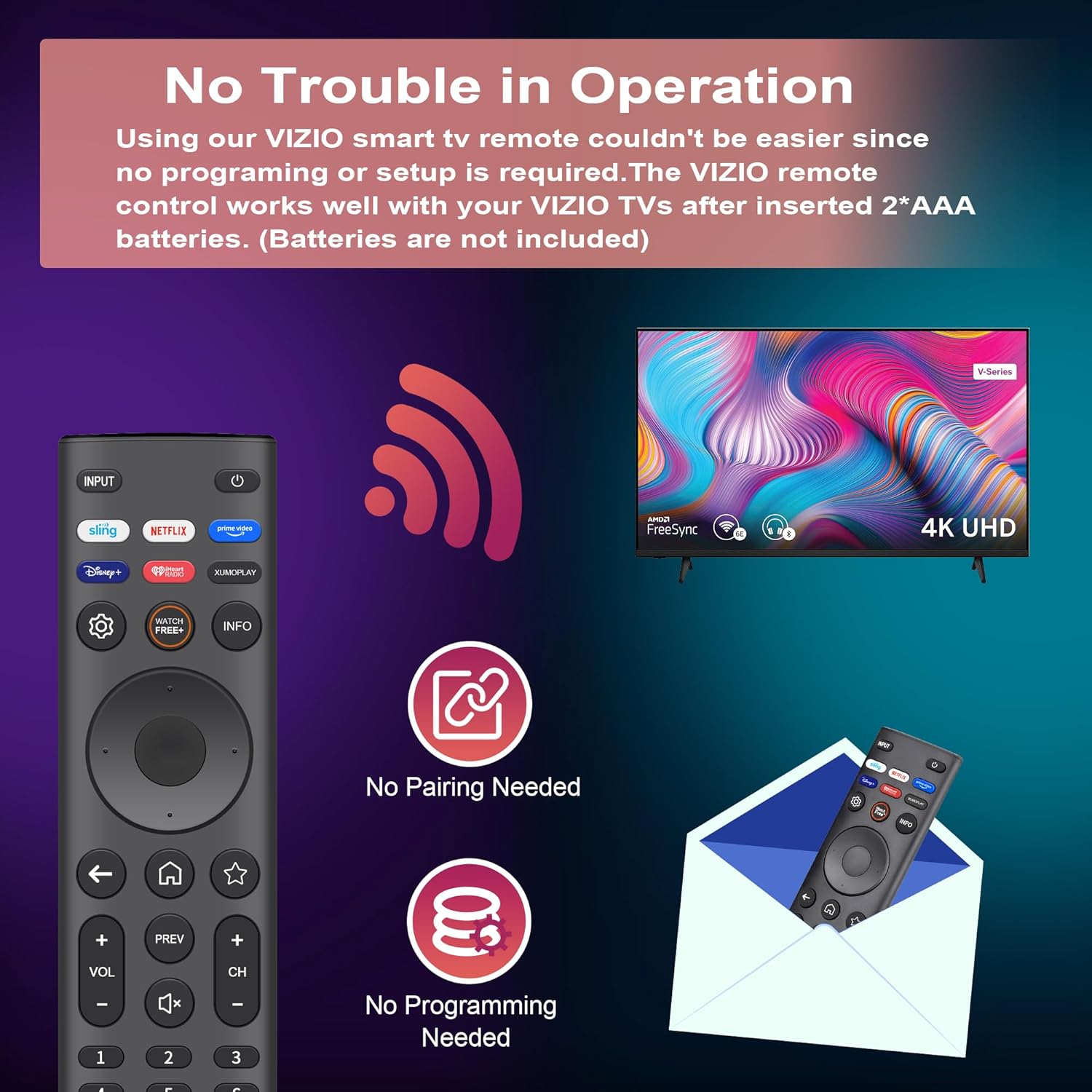
The overall idea is simple: no pairing, no programming—just put in batteries and go. On top of that, it includes shortcut buttons for popular entertainment apps and “WatchFree” live TV, so day-to-day use feels more like a modern remote than a basic spare.
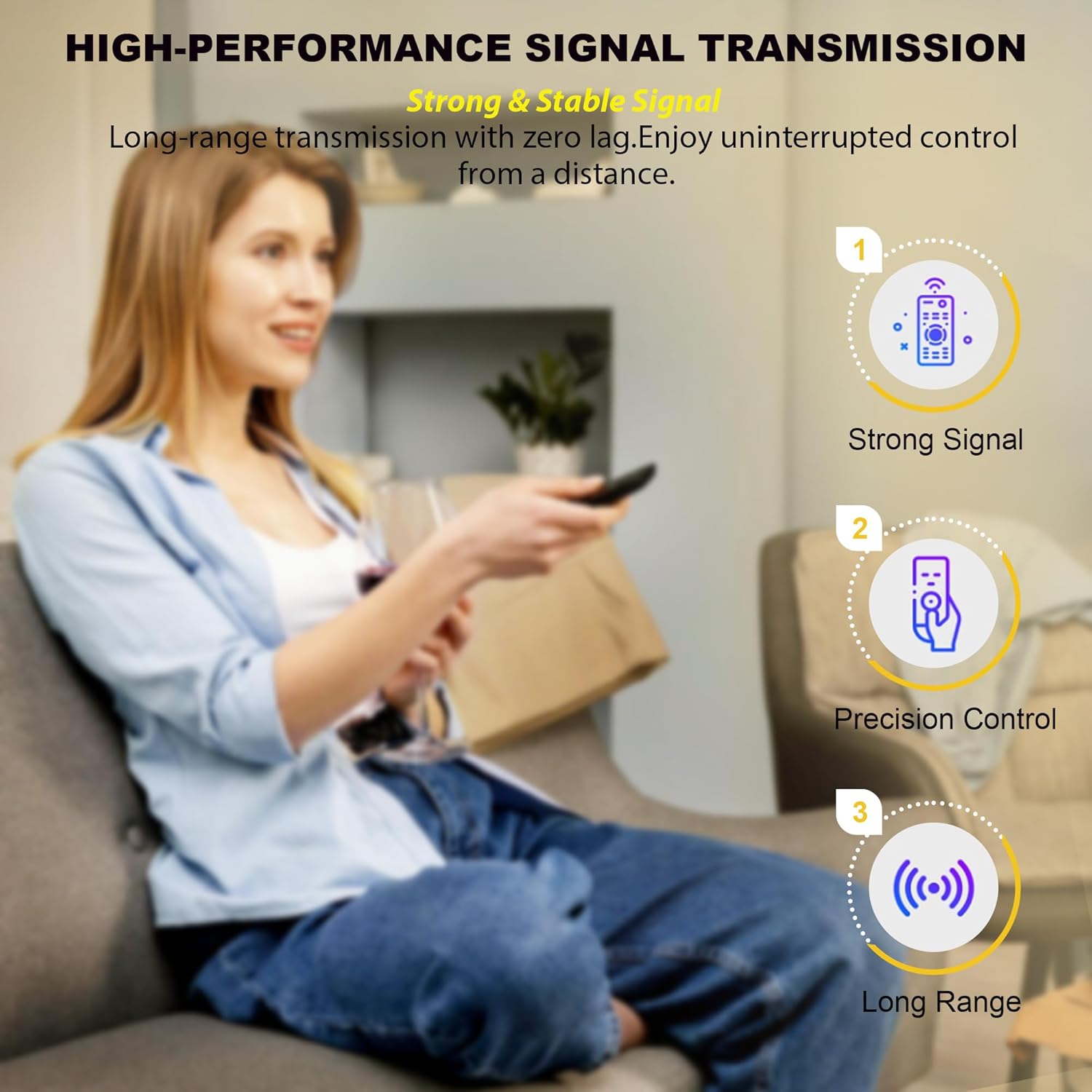
That said, it’s not perfect for every situation. Because it relies on IR (line-of-sight), it won’t behave like Wi‑Fi/Bluetooth remotes in every setup. If your current remote works from long distances, through furniture, or from another room, you’ll want to double-check your viewing position.
Key takeaways
This replacement remote is designed for people who want a straightforward fix: restore control without tinkering. It emphasizes three things: compatibility with specific VIZIO TV lines/models, instant-access shortcuts, and a quieter, more comfortable button feel.
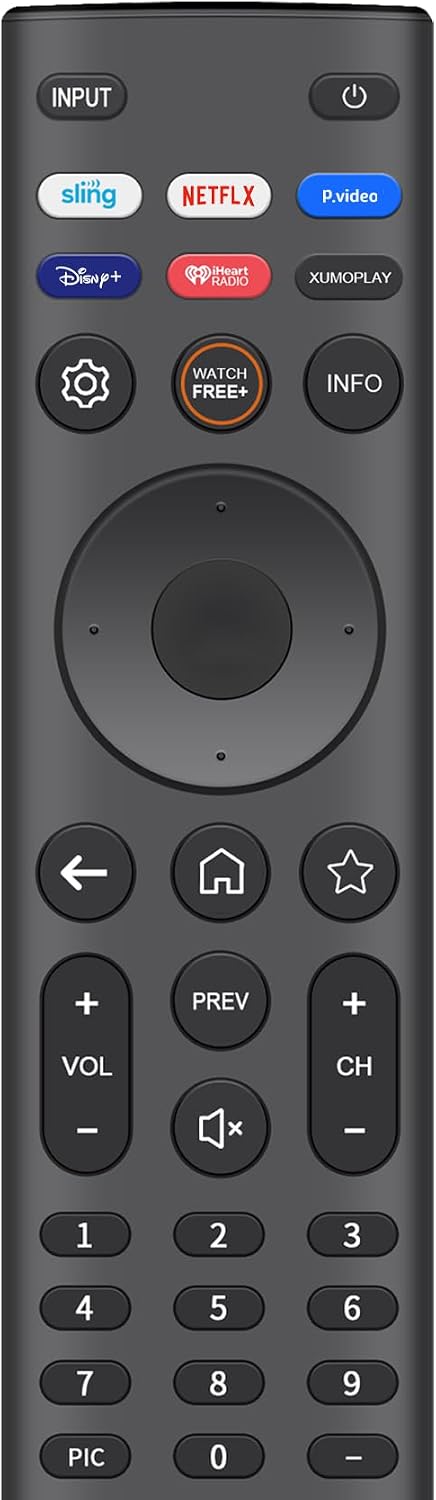
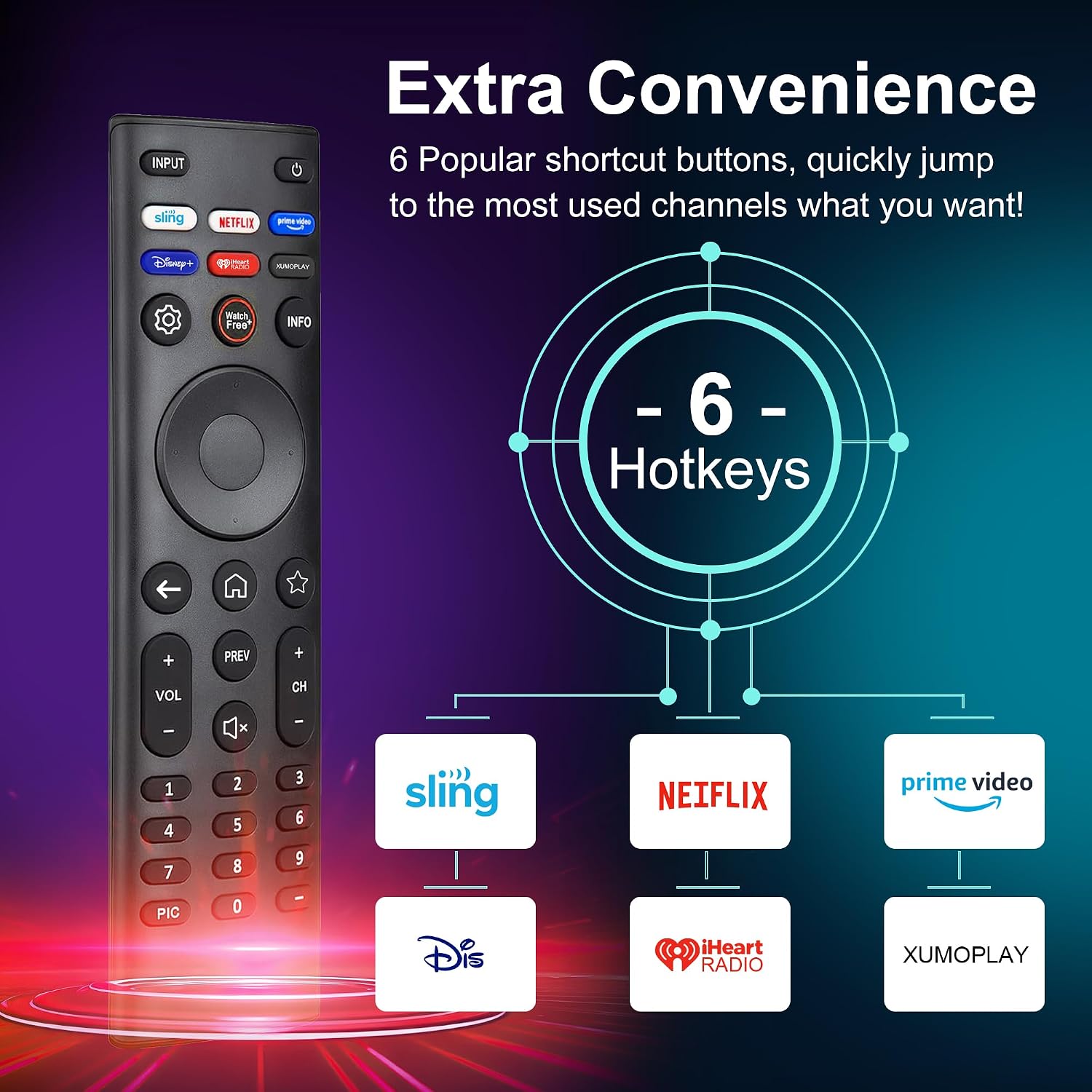
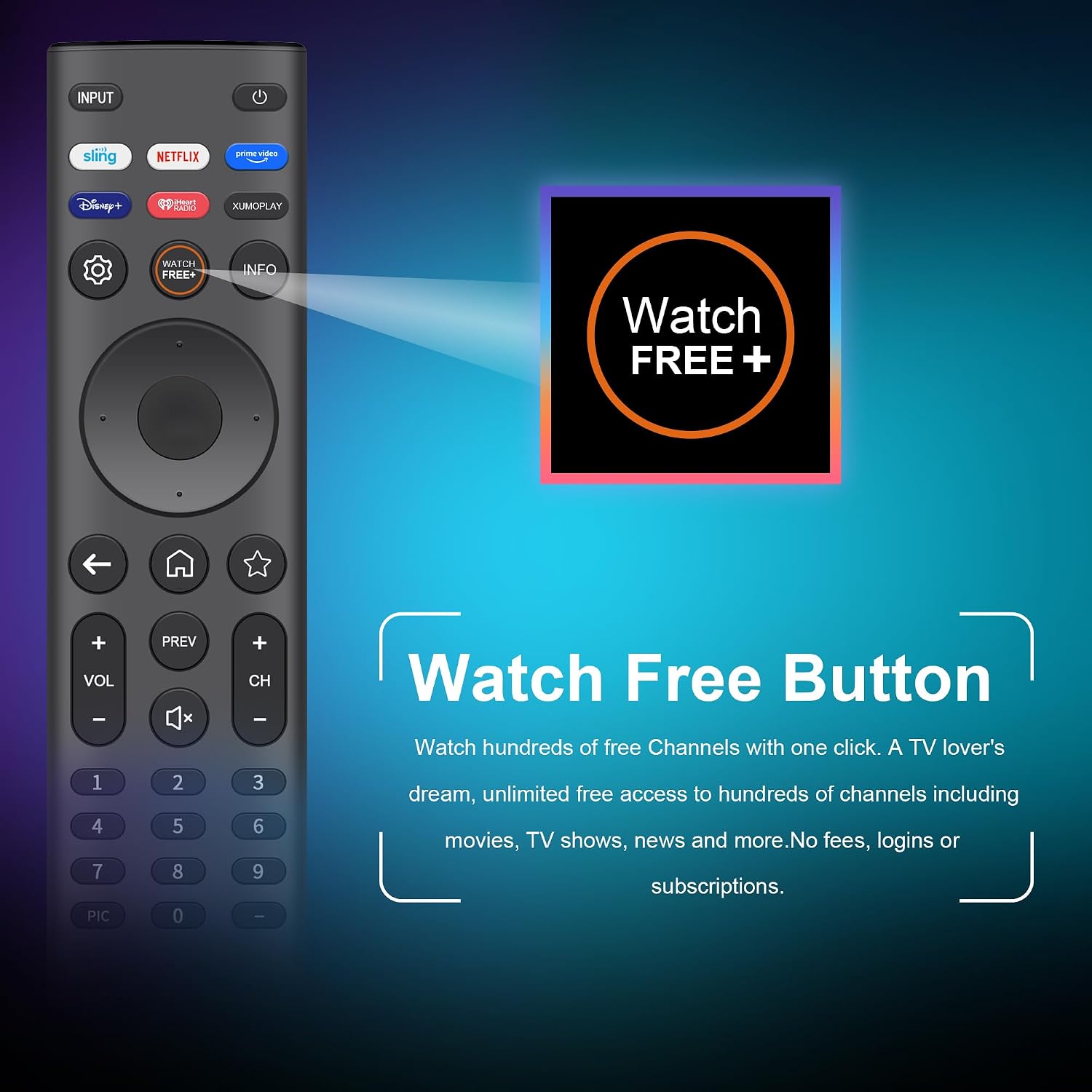
Where it stands out is the shortcut panel and the “one touch” access to streaming and live content listed in the description (including Sling, Netflix, Prime Video, Disney+, iHeart RADIO, XUMO Play, and WatchFree). If you regularly jump between apps, you’ll feel that small convenience difference.
Where it may fall short is the “universal” label—universal remotes are only universal within certain device families. The manufacturer’s compatibility list is long, but it’s still a list. If your model number isn’t covered, this may not be the right match.
What stands out in everyday use
In day-to-day scenarios, this remote is meant to reduce the number of steps between “I want to watch” and “it’s playing.” For example, imagine you’re in the living room and the TV is already on. Instead of hunting through menus, you can use the dedicated shortcut buttons to jump straight to streaming services or to WatchFree live TV.
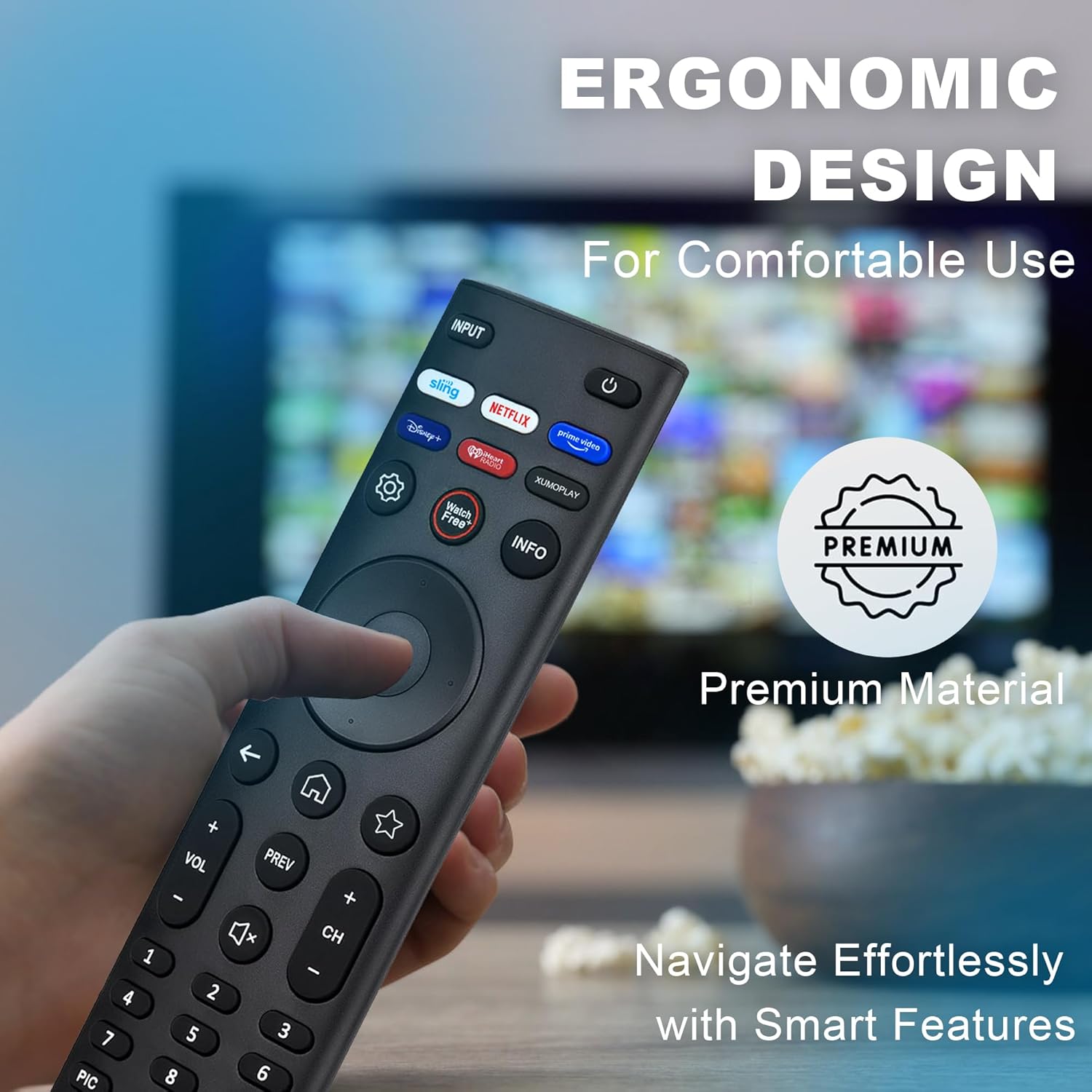
The button design is also a practical detail. The description notes silicone keys and claims they deliver quieter clicks than standard remotes, plus a scratch-resistant glossy surface meant to resist fingerprints. That’s not the kind of thing you notice during setup—but after weeks of use, it can matter more than you’d expect.
Also, the remote is described as lightweight (2.4 oz) and ergonomic, which is a plus if you keep the remote in your hand for long viewing sessions.
Compatibility & requirements
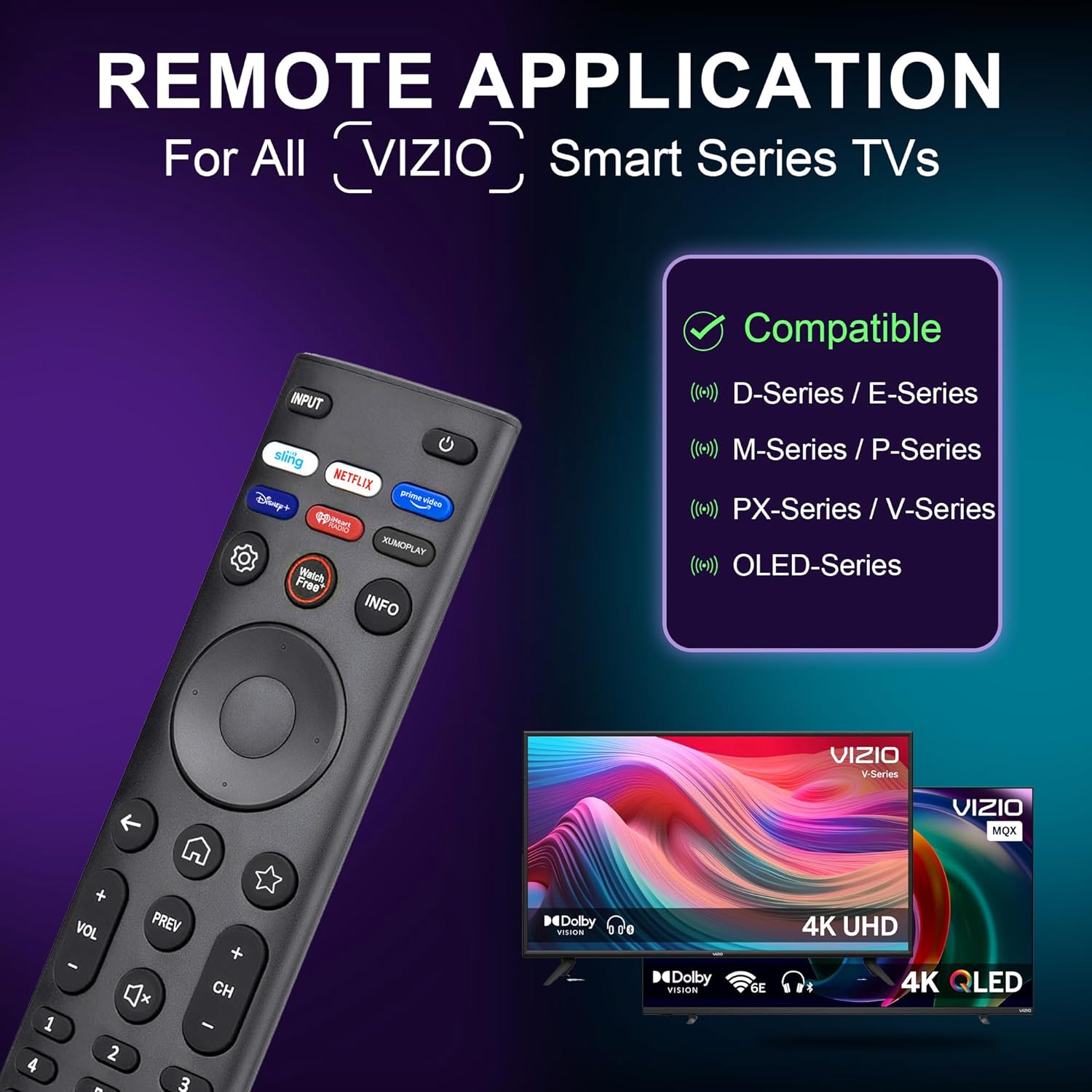
This remote is described as working with VIZIO LED/LCD HD/UHD HDR SmartCast 4K, 3D, and Smart TVs across D/E/M/P/PX/V and OLED series (as listed in the description). It also mentions direct replacement support for a range of specific remote and TV models, including several XRT-series model numbers like XRT140, XRT136, XRT260, and XRT270.
The important limitation to keep in mind is that it uses IR technology. That typically means it needs a clear line of sight to the TV’s sensor. If your TV setup hides the sensor behind a cabinet, or you frequently control from awkward angles, response distance and coverage (as claimed) may still not match your room layout.
To avoid a frustrating mismatch, check your VIZIO TV model number against the compatible list provided in the product description (and confirm the TV remote/controller situation is truly what you need a replacement for).
Tech specs
- Type: Universal replacement remote (IR)
- Compatibility: VIZIO LED/LCD HD/UHD HDR SmartCast 4K 3D TVs, D/E/M/P/PX/V/OLED series (as listed)
- Compatible model examples: XRT140, XRT136, XRT260, XRT270 (plus additional models listed)
- Batteries: Requires 2x AAA batteries (not included)
- Pairing/programming: No pairing or programming required
- Claimed response: <0.2 s response time
- Claimed transmission: over 12 meters (40 feet) / 160° coverage
- Build materials: ABS and silicone keys
- Testing claim: tested for over 120,000 clicks per button
Is it worth it?
This is worth considering if you want a simple, no-fuss replacement remote for a compatible VIZIO Smart TV, especially if you value quick access to streaming apps and live “WatchFree” TV via dedicated shortcut buttons. It also makes sense if you prefer a lighter remote with a quieter button feel.
You may want to skip it if your TV model isn’t included in the compatibility list, or if your setup depends on non-IR control behavior (like remote control working reliably through walls or from another room). On paper it’s designed to cover a decent range, but IR remotes can still be picky about line of sight.
If your current remote is dead and you just want the TV working again without setup stress, this replacement is the kind of practical fix that usually earns its place—just don’t buy it until you’ve confirmed your TV model is one of the listed compatible ones.
Quick FAQ
Will this remote need pairing or programming?
No. The description says it works right out of the box—just insert 2x AAA batteries.
What batteries does it use?
It requires 2x AAA batteries (batteries are not included).
Does it support streaming shortcut buttons?
Yes. The description lists dedicated shortcut access to several entertainment apps and “WatchFree” live TV.
What if my VIZIO TV model isn’t listed?
Since compatibility is based on the included model list and IR control, you should treat the list as the deciding factor. If your model isn’t covered, it may not work as intended.
Care & usage note
Because it’s an IR remote, aim it at the TV’s sensor for best results, and avoid setups where the sensor is fully blocked.