

Replacement 2-Pack Remote Control for VIZIO Smart TVs (XRT140 / XRT136 compatible)
Product description
Key takeaways
If your VIZIO Smart TV remote is acting up or you want a backup ready to go, this Replacement 2-Pack remote set is built around one idea: straightforward, IR-based replacement across multiple VIZIO Smart TV series. It’s positioned as a “drop-in” option (no pairing), and that matters if you’ve ever wasted time trying to get a remote to talk to the TV.
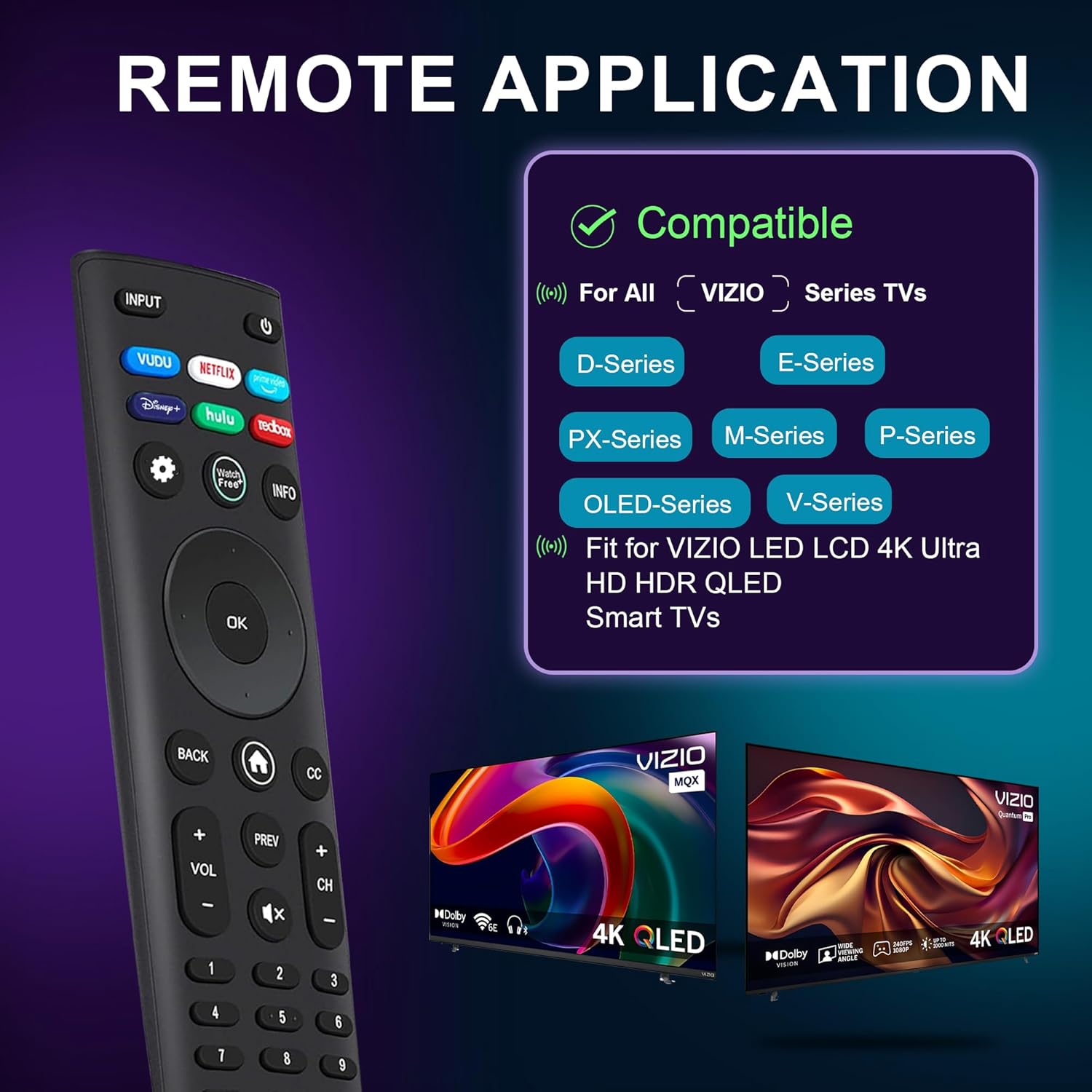
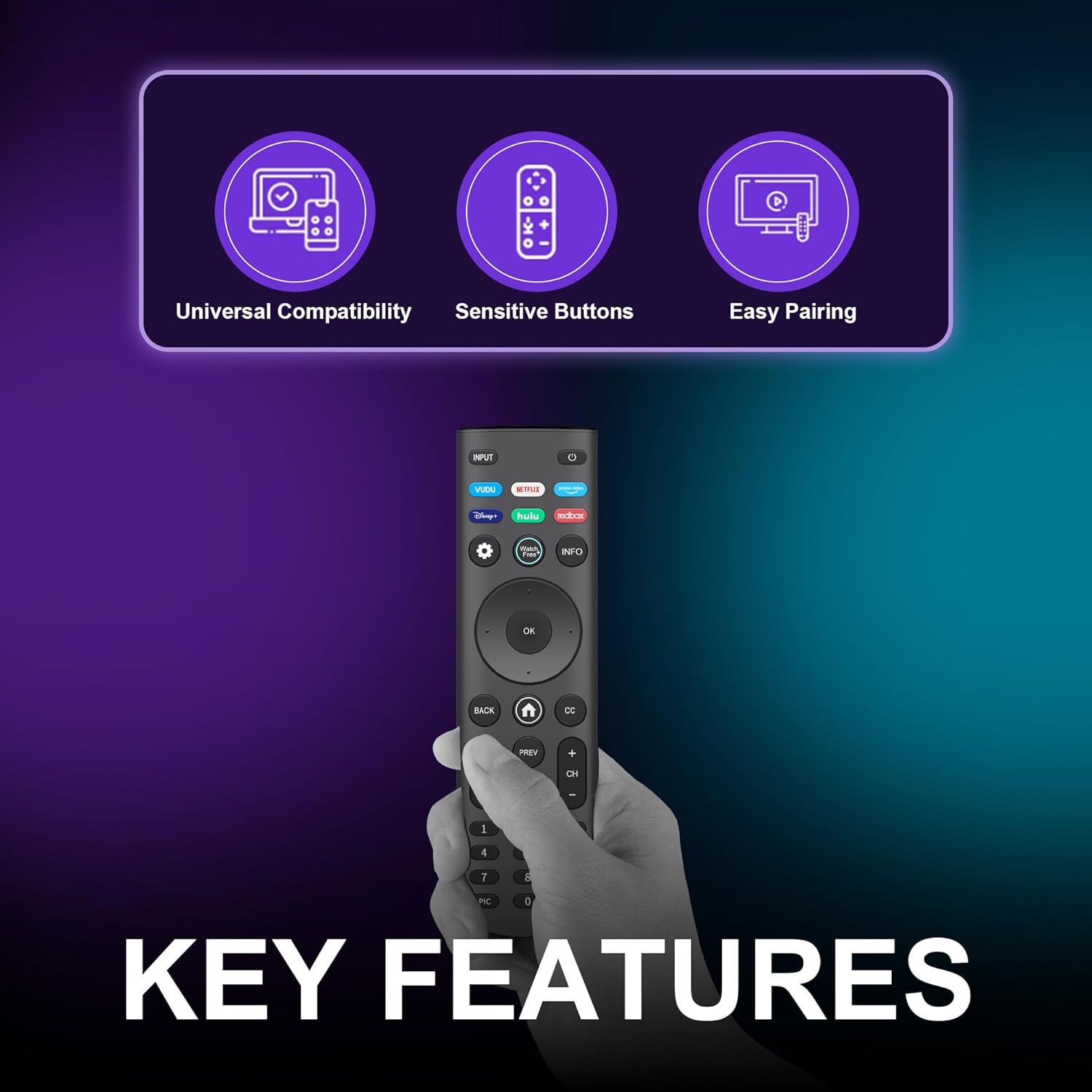
On paper, the compatibility range is broad, including VIZIO D-Series, E-Series, M-Series, P-Series, PX-Series, V-Series, and OLED-Series. It also calls out multiple remote model numbers it can replace, including XRT140 and XRT136. The real-life value is the convenience—plus the fact you’re getting two remotes in one purchase, which can save you when one remote mysteriously disappears.
That said, it’s not perfect for everyone. If your setup relies on a very specific remote behavior that isn’t driven by standard IR control, or if your current remote isn’t among the supported model patterns, you’ll want to double-check compatibility before you commit.
The essentials
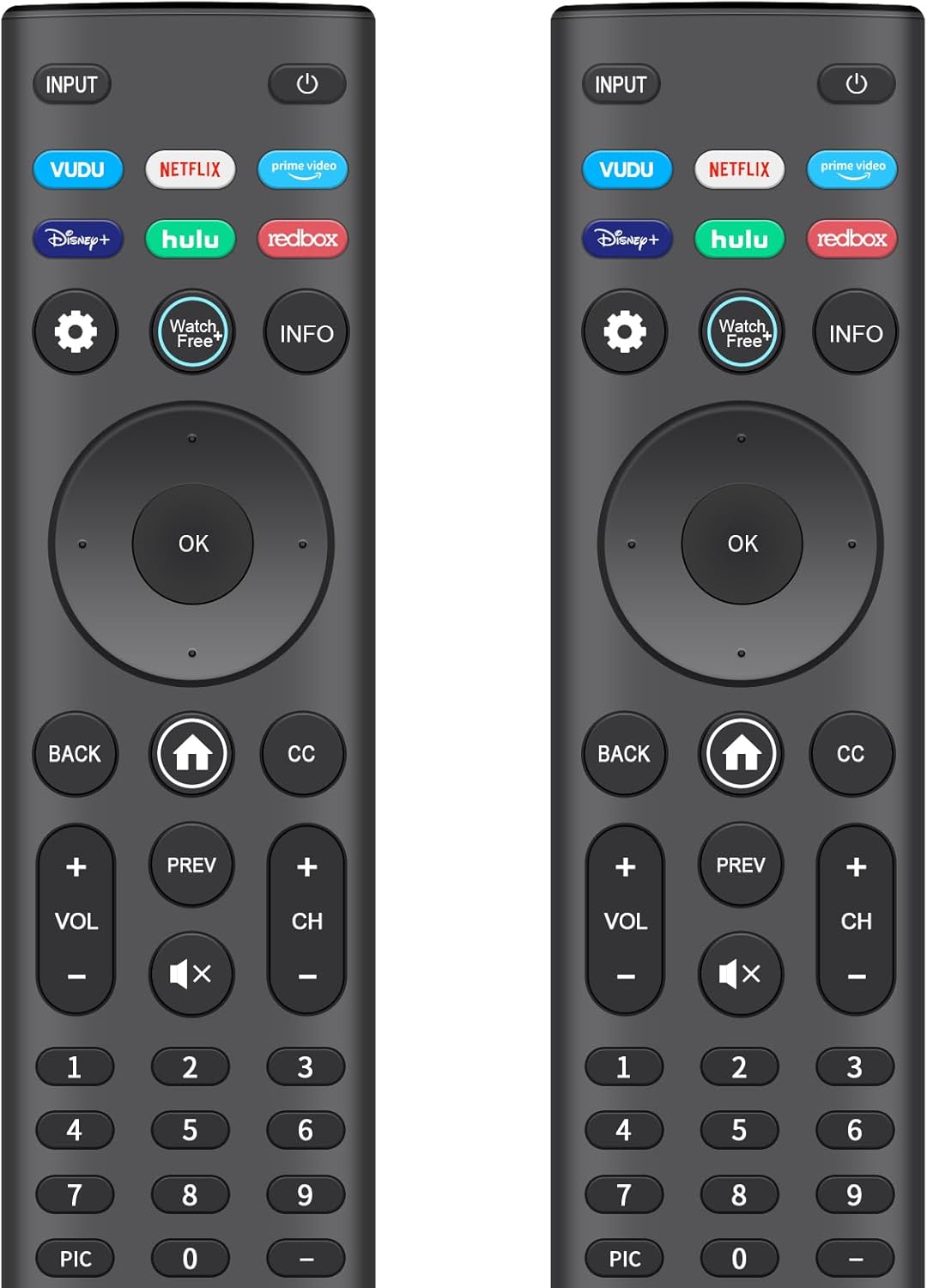
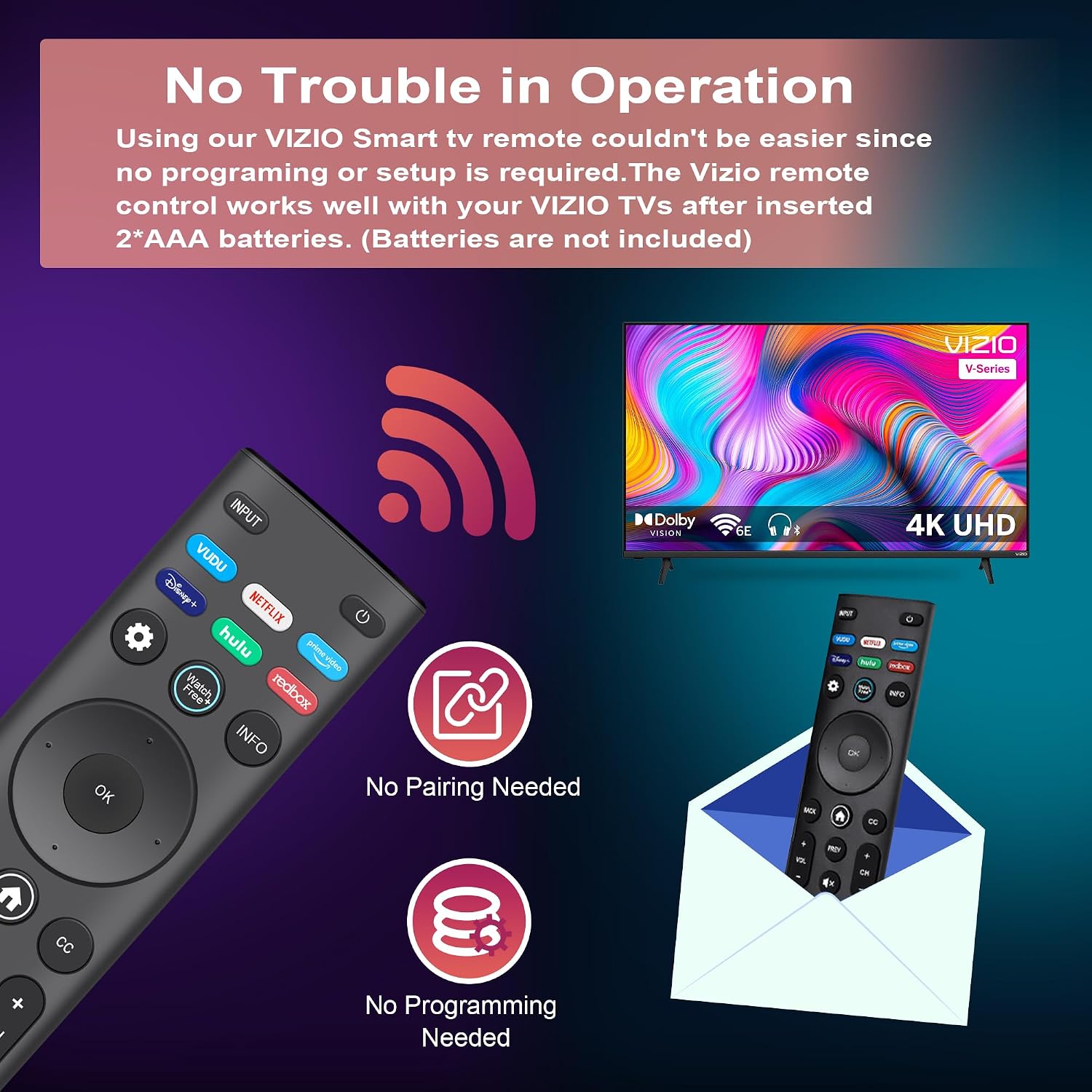
This is an IR universal replacement remote for VIZIO Smart TVs, offered as a 2-pack. The approach is simple: you insert 2 AAA batteries (batteries not included) and start using it. No pairing or programming is required, which is a big deal for anyone who just wants the TV working again.
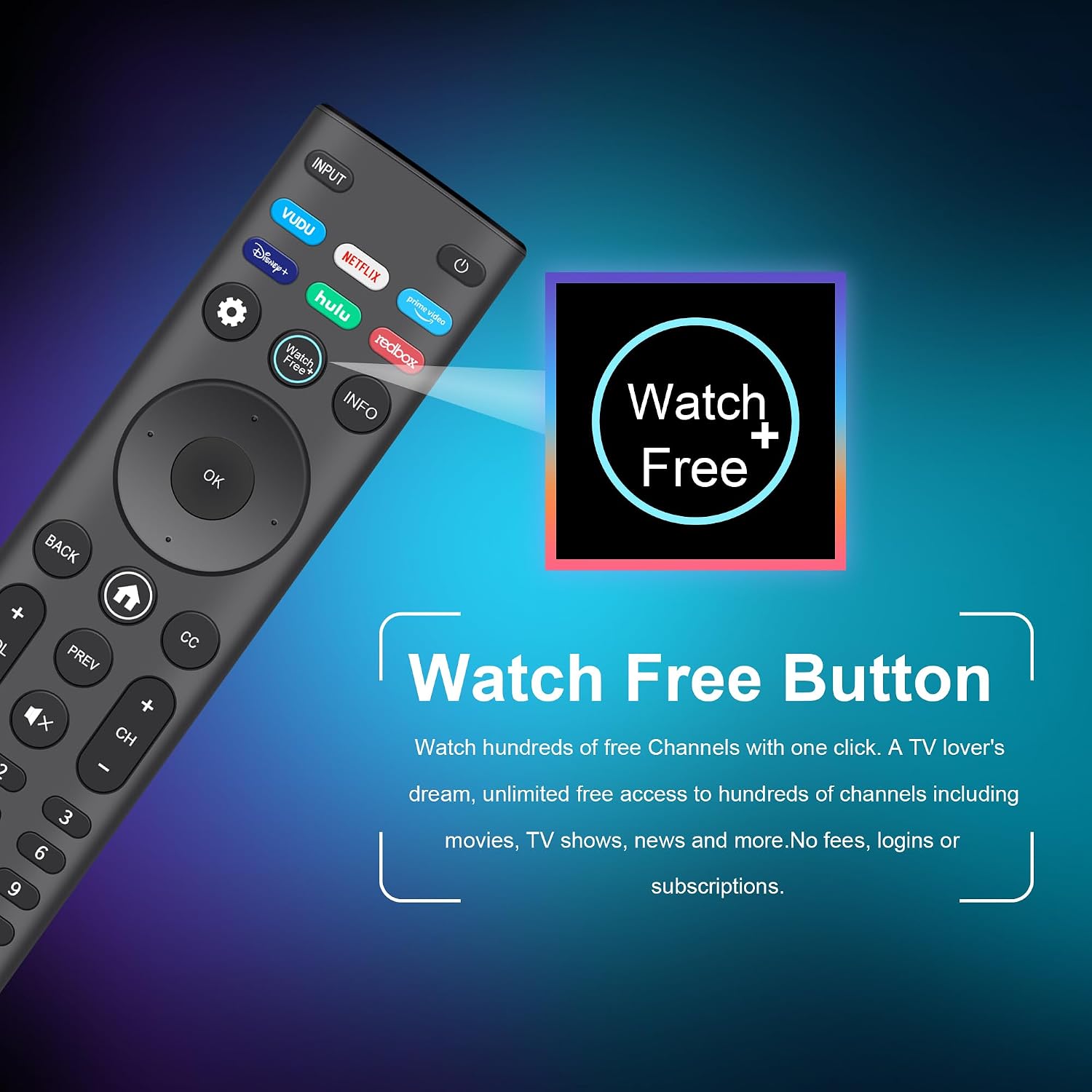
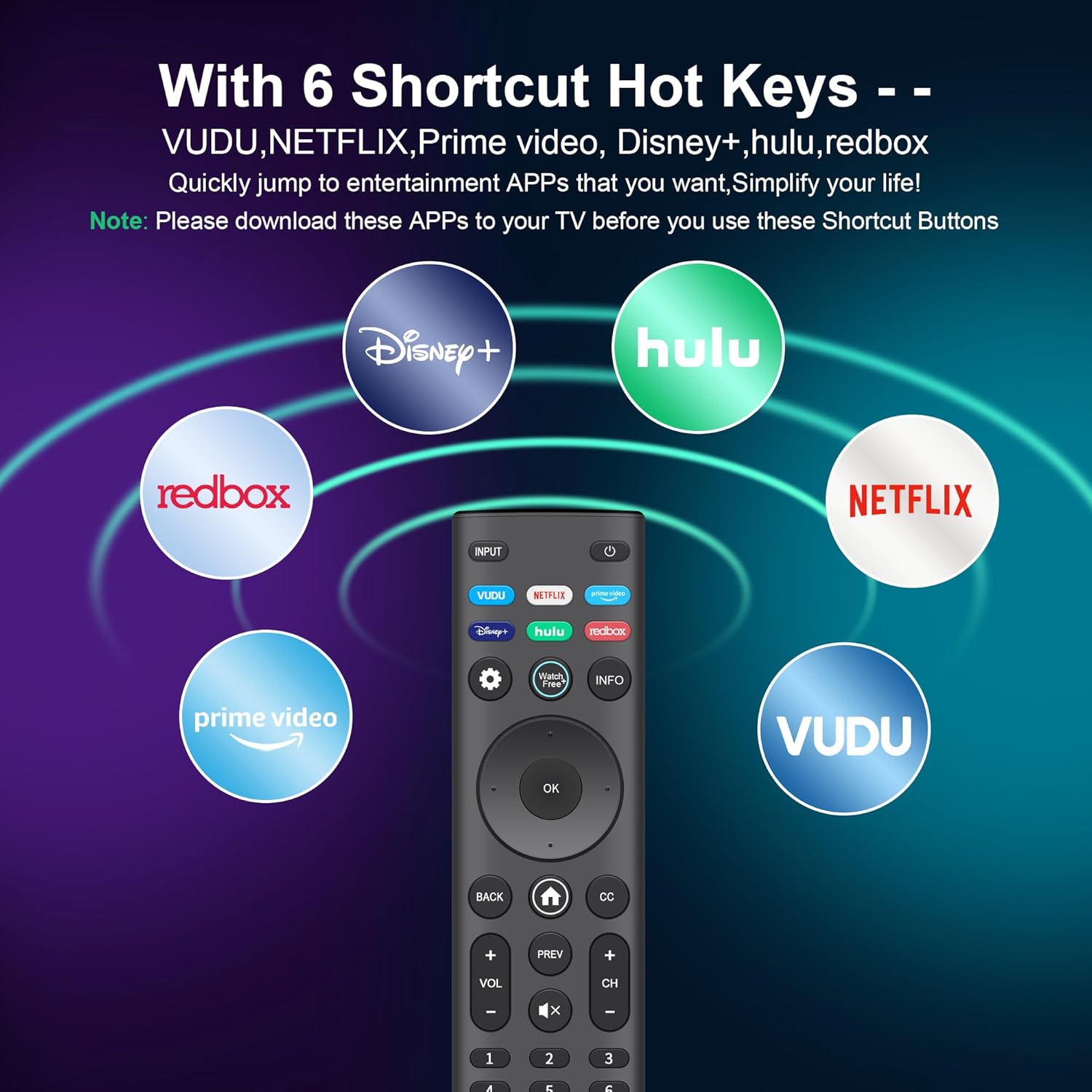
There’s also an “instant access hotkeys” panel designed for quick entry to entertainment features. The remote includes dedicated shortcut buttons aimed at WatchFree and several entertainment apps (the listing specifically mentions shortcuts related to WatchFree and services like VUDU, NETFLIX, and others).
From a practical standpoint, you can imagine the everyday use: you pick up the remote, hit a single app shortcut to jump into your streaming service, then switch back without digging through menus. It’s the kind of usability upgrade that can feel minor until you’re in the middle of a show.
What you’ll notice day to day
Two areas stand out based on the provided details: response behavior and button feel.
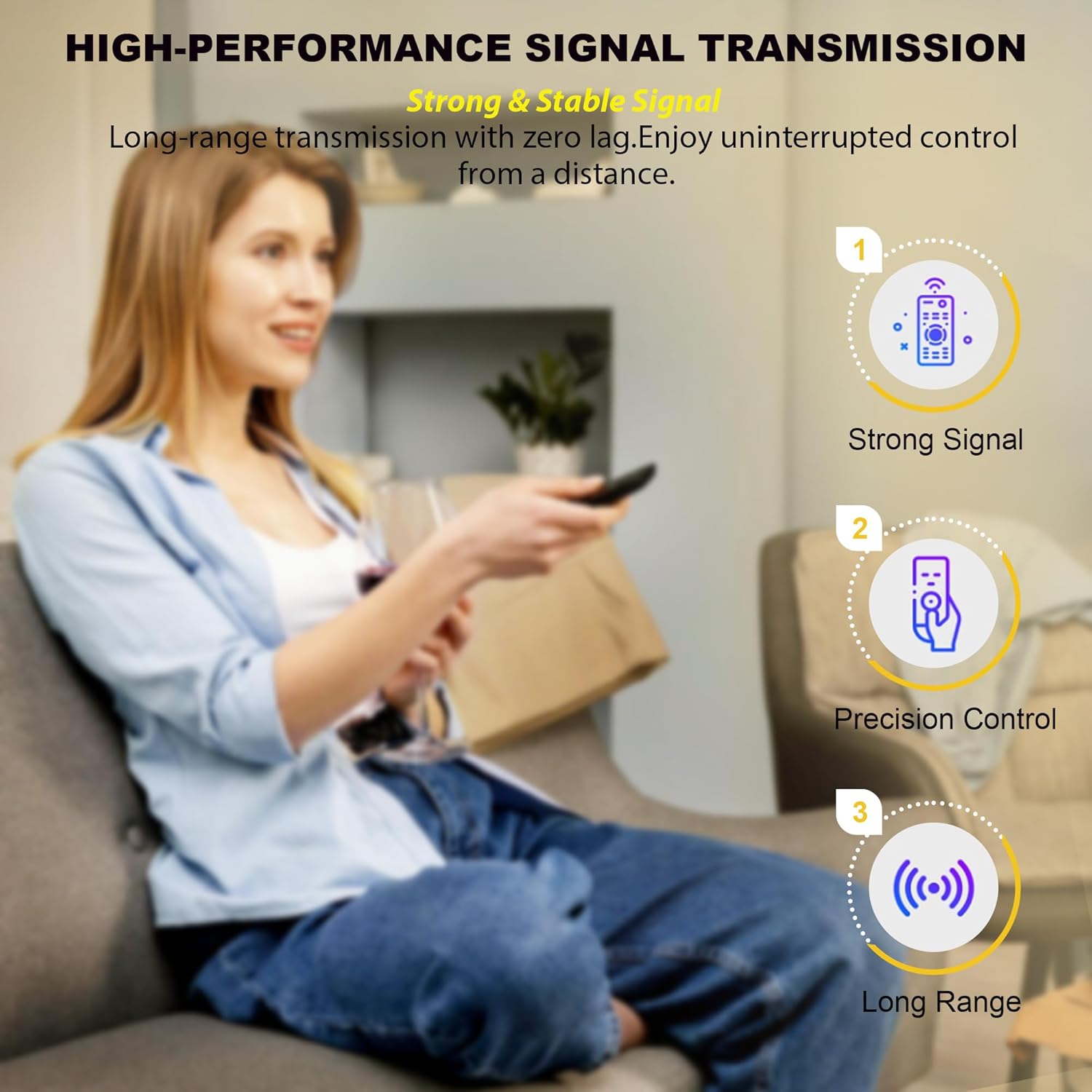
First, it uses IR technology and is described as having a transmission range of over 12 meters (40 feet) with a <0.2s response time. That suggests it’s meant to be responsive for typical living-room viewing distances, not just close-up use.
Second, the build aims to reduce the “cheap remote” experience. It’s made with ABS and silicone keys, with a claim of quieter clicks than standard remotes, plus a scratch-resistant glossy surface designed to resist fingerprints. It also notes testing for over 120,000 clicks per button, which is reassuring if you’re using the remote frequently.
Still, keep expectations realistic: the glossy surface can be fingerprint-prone by nature, even when it’s described as scratch-resistant. And remote replacement always depends on whether your TV/model falls within the supported list.
Key specifications
- Type: IR remote control replacement (no pairing required)
- Compatibility (series): VIZIO D-Series, E-Series, M-Series, P-Series, PX-Series, V-Series, OLED-Series
- Replacement remote models mentioned: XRT140 (and XRT136), plus additional listed XRT variants and VR variants
- Hotkeys: Dedicated shortcut panel for WatchFree and entertainment apps
- Power: Requires 2x AAA batteries (batteries not included)
- Weight: 2.4 oz
- Transmission range: Over 12 meters (40 feet)
- Response time: <0.2s
- Click durability: Tested for over 120,000 clicks per button
Where it shines (and where it may fall short)
This remote is a solid fit if you want a practical replacement for a VIZIO Smart TV and you don’t want to deal with pairing steps. The 2-pack is especially useful if multiple people share the TV, or if you tend to lose remotes and would rather not scramble.
It also makes sense if you care about faster access buttons for WatchFree and streaming apps—because dedicated shortcuts reduce the number of taps compared with navigating on-screen menus.
You may want to skip it if you’re unsure your TV and original remote model are within the listed compatibility set. Replacement listings can be right, but they also can be overly broad—so verifying your remote model number (or your TV series and remote model) is your safest move.
When it makes sense
Buying this Replacement 2-Pack remote control is a sensible move if you’re trying to restore day-to-day control of your VIZIO Smart TV with minimal setup. The “no pairing/programming” approach, IR operation, and app/WatchFree shortcuts are the practical reasons it’s worth considering.
It’s less ideal if your current remote setup isn’t straightforward replacement territory—meaning compatibility isn’t clear from your TV’s series or your original remote model. In that case, you could end up with a remote that technically looks right but doesn’t behave the way you need.
One more thing to check before buying: confirm the remote model compatibility list includes your original remote number (the listing references many XRT and VR model numbers). If you can match it confidently, you’re much more likely to be happy with the purchase.
Should you buy it?
Consider buying if you need a VIZIO Smart TV replacement remote that’s ready out of the box, uses IR control, supports a wide range of VIZIO series, and includes dedicated shortcut buttons for WatchFree and entertainment apps. Getting two remotes is also a clear convenience win for households.
Avoid it if you can’t verify your TV/remote model falls within the compatibility details provided. Remote replacements are only as good as the match.
If you’re in the market for a functional replacement that prioritizes quick access and no-fuss setup, this one is worth putting on your shortlist.
Quick overview FAQs
Do I need to pair or program it?
No pairing or programming is required, per the listing. You simply insert 2 AAA batteries (batteries not included).
What power does it use?
It uses 2 AAA batteries.
What kind of TV control does it provide?
It connects via IR technology, intended for direct remote control from a typical viewing distance.
Is it only for one VIZIO series?
No. The listing specifically mentions compatibility with multiple series including D-Series, E-Series, M-Series, P-Series, PX-Series, V-Series, and OLED-Series.
Is the 2-pack meant as a backup?
Yes, the purchase includes two remotes, which is helpful for replacements and for keeping a spare ready at home.