

Dell Touchscreen Laptop, 15.6-inch
Product description
For a workday that moves between spreadsheets, video calls, and presenting to clients, a touchscreen can make a laptop feel more direct. This Dell 15.6-inch laptop pairs touch input with an Intel Core i5-1334U processor, 8GB of DDR5 memory, and a 512GB SSD.
It also includes Wi-Fi 6 and a mix of USB-A, USB-C, and HDMI ports, so common desk and presentation connections are covered without making touch the only reason to consider it.
Where it shines
The touchscreen is the clearest point of difference from a basic non-touch work laptop. In a meeting, you could tap through a slide deck or point to a chart on screen instead of reaching for a mouse, at a desk, the listed HDMI port gives you an option for connecting an external display or projector. USB-A and USB-C ports add flexibility for everyday peripherals, while Bluetooth supports wireless accessories.
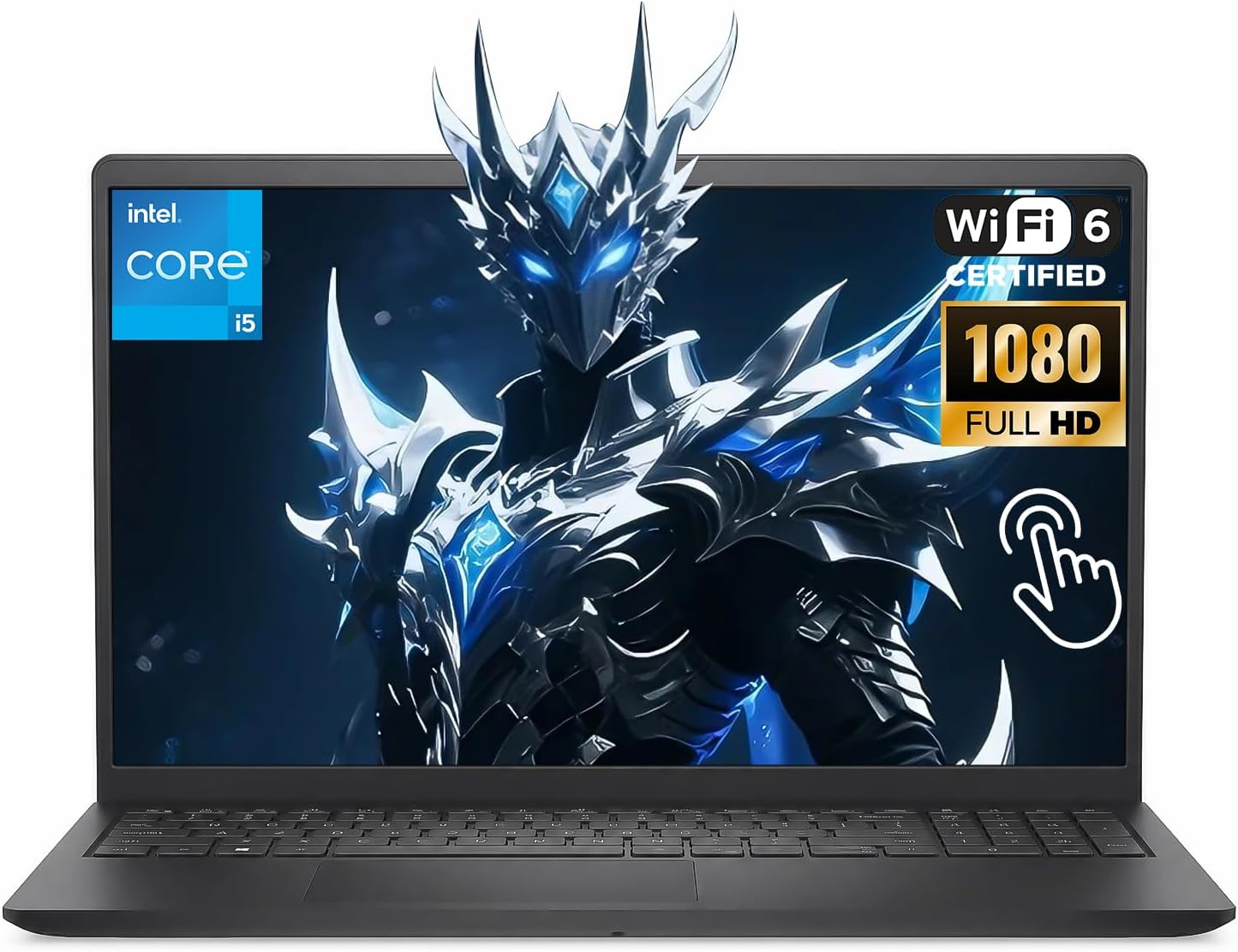
The 512GB SSD provides space for work files and projects, and the listed 4.28-pound weight makes it portable enough to carry between home, office, and client meetings. If you prioritize direct screen interaction and familiar connections, this setup has a practical appeal, if you prefer a lighter carry or a machine aimed at demanding graphics work, other priorities may matter more.
What matters most
The Intel Core i5-1334U is described as a 10-core processor, alongside 8GB of DDR5 memory. That combination is aimed at routine productivity: switching among documents, browser tabs, and communication apps, for example. The 512GB SSD is a useful fit for keeping active files and applications on the laptop rather than depending entirely on external storage.
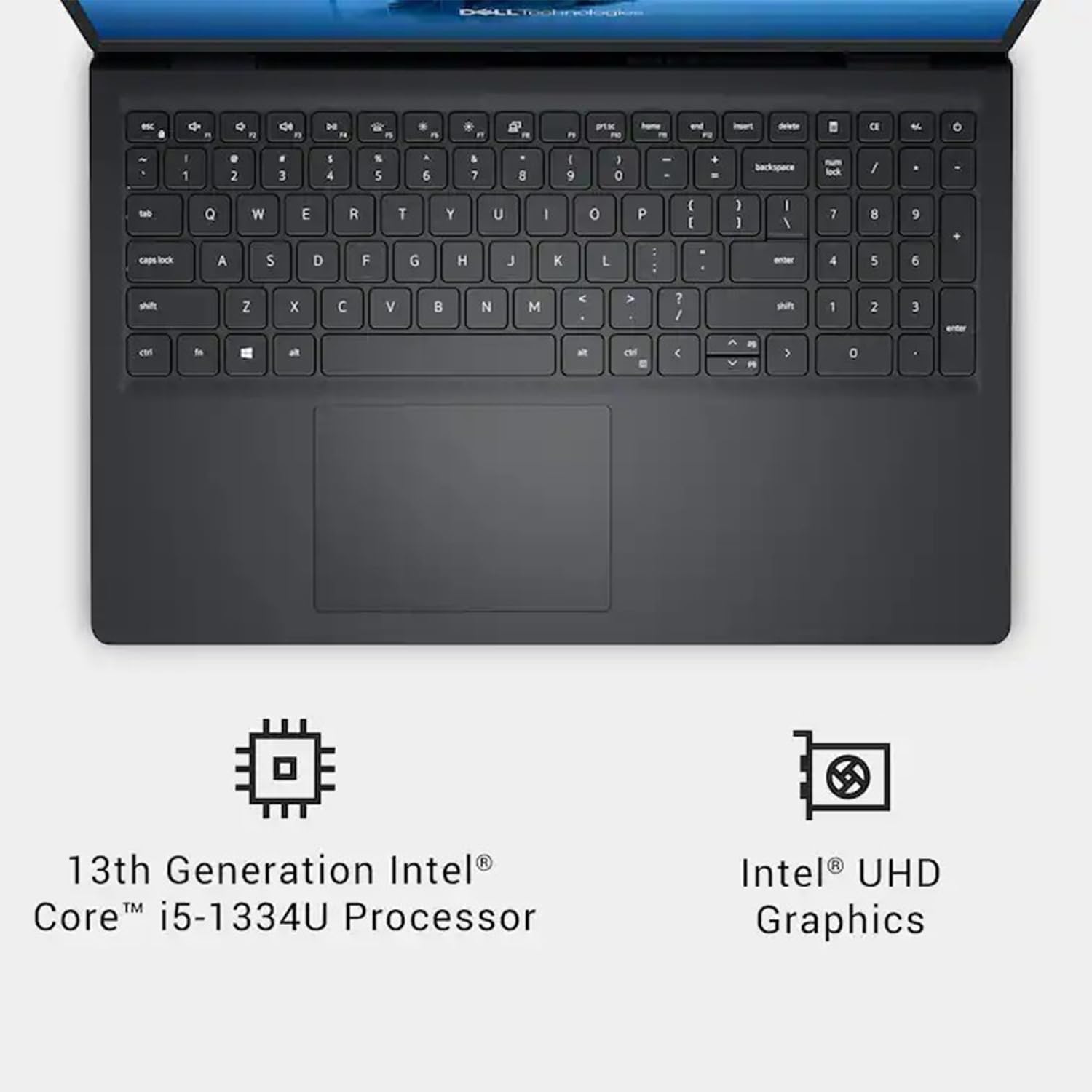
There is a specification detail worth resolving: the product name calls the screen 2K, while the supplied description calls it FHD. Those resolution claims conflict, so confirm the exact display specification for the listing before buying if screen sharpness is central to your decision. The 8GB of memory and Intel UHD Graphics are also reasons to keep expectations measured for demanding creative software or graphics-heavy games. From the way it is set up, this reads more like a general-purpose work laptop than a dedicated gaming or high-end creator machine.
Best use cases
This laptop makes the most sense for everyday business tasks, remote work, and presentations where touch input and a range of common ports are useful. Picture setting it on a conference table, opening a presentation, and tapping through slides, then plugging in a USB accessory back at your desk. Wi-Fi 6 and Bluetooth cover wireless connections, but the listing does not provide details about battery life, so it is hard to judge how it will suit long stretches away from an outlet.
You’ll appreciate it if you want a 15.6-inch touchscreen for routine work and value having HDMI, USB-A, and USB-C available. Better avoided if your main goal is intensive gaming, demanding graphics work, or a screen with a confirmed resolution specification you can compare confidently.
Is it worth it?
As a general work laptop, the combination of a touchscreen, 512GB SSD, Wi-Fi 6, and a useful selection of ports covers several everyday needs in one device. It is a more flexible approach than choosing a basic non-touch laptop with fewer listed connection options, especially for presentations and a mixed desk setup.
The trade-off is that some important buying details are either limited or inconsistent: the screen resolution is described differently in the product name and base description, and 8GB of memory may feel restrictive for heavier multitasking or creative workloads. Consider it for office tasks, browsing, and touch-led presentations if those are your priorities. Look elsewhere if confirmed display resolution, more memory, or graphics performance is essential to your work or games.