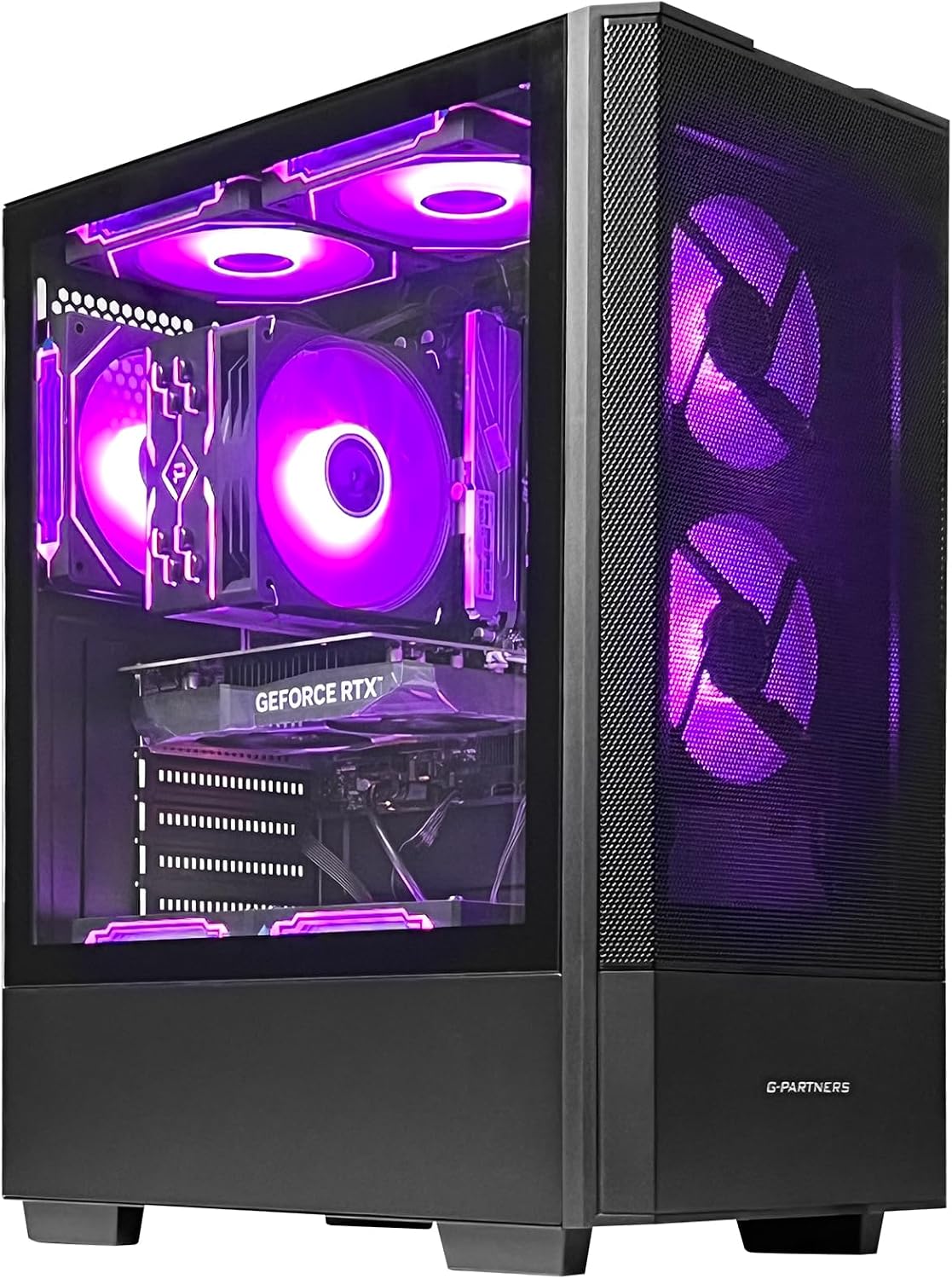
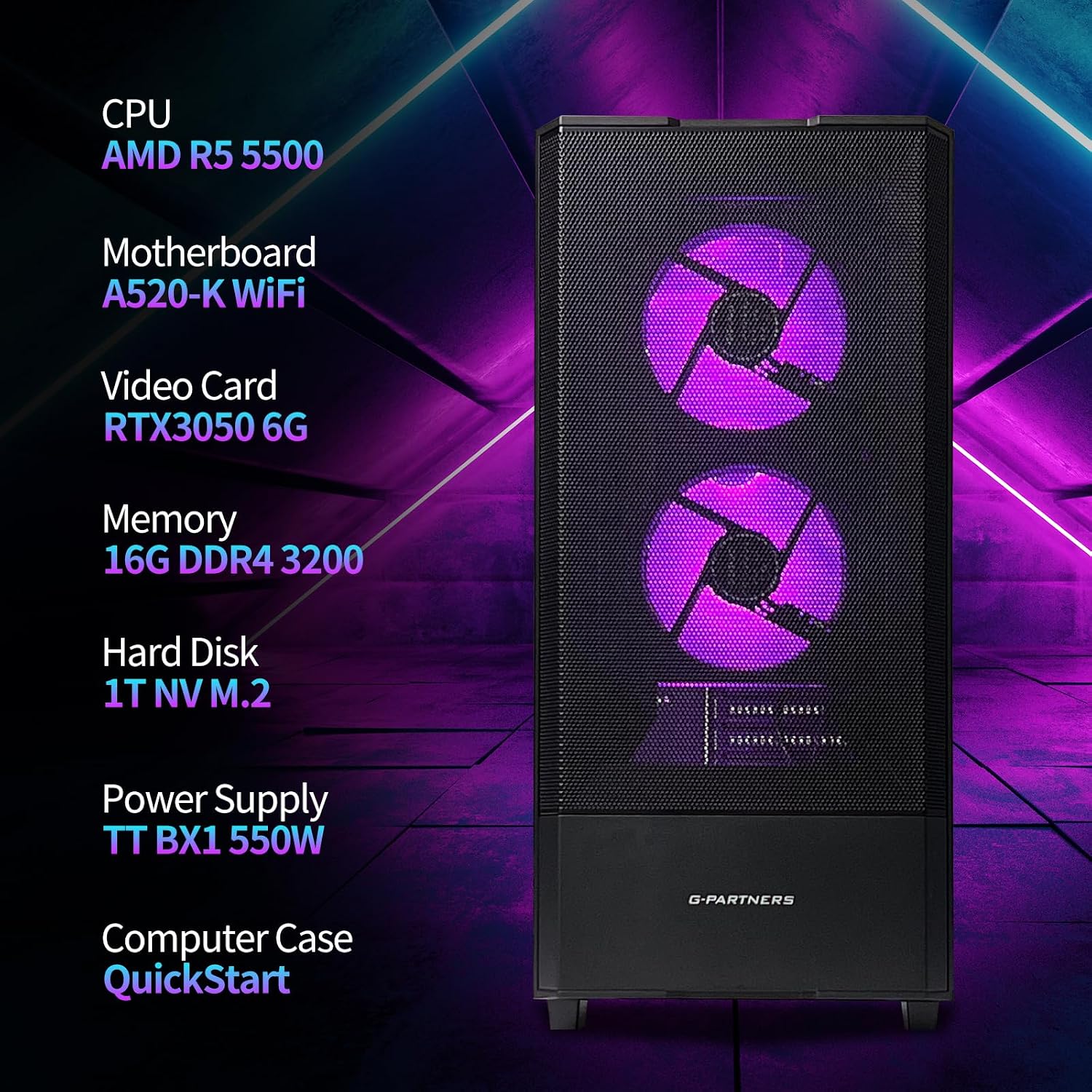
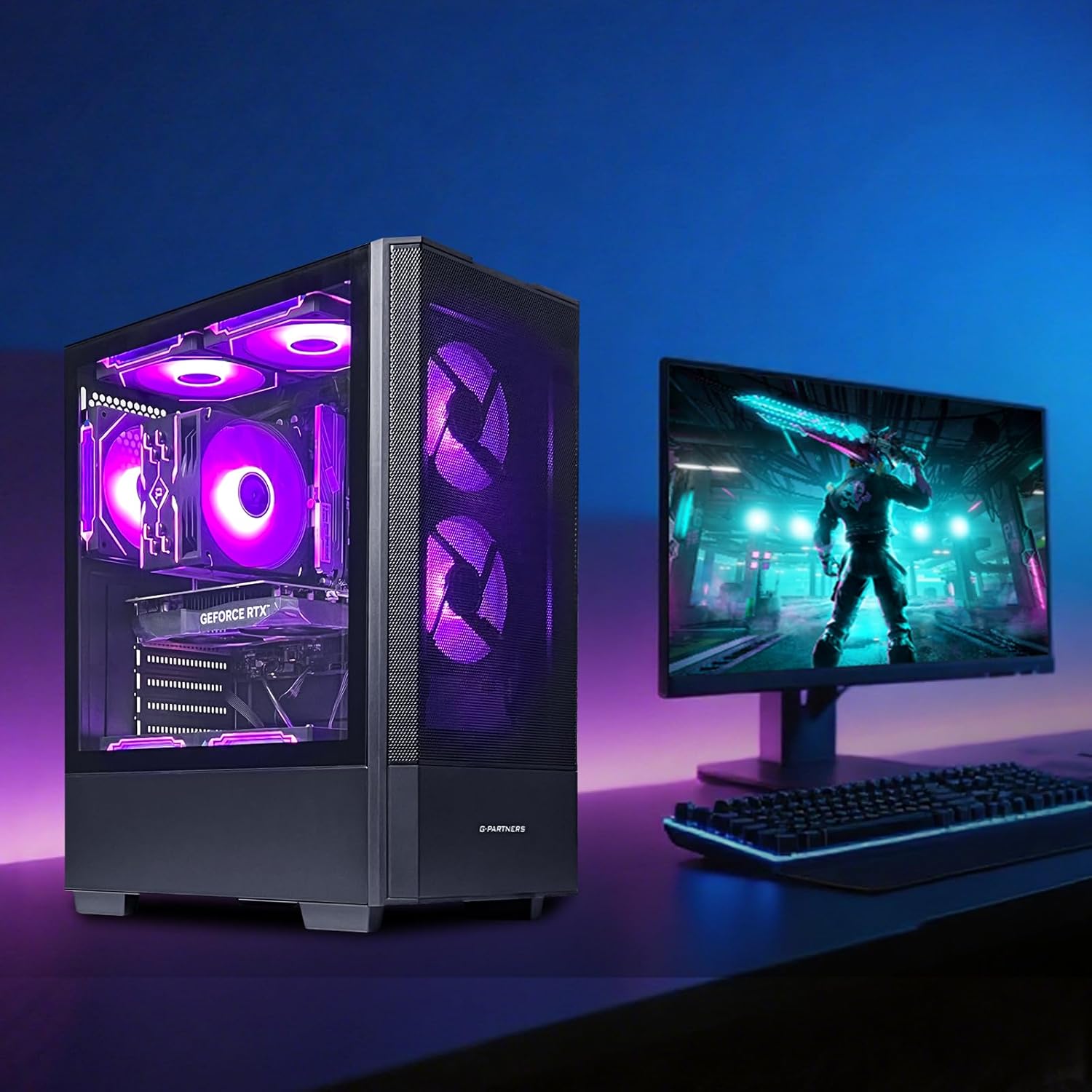
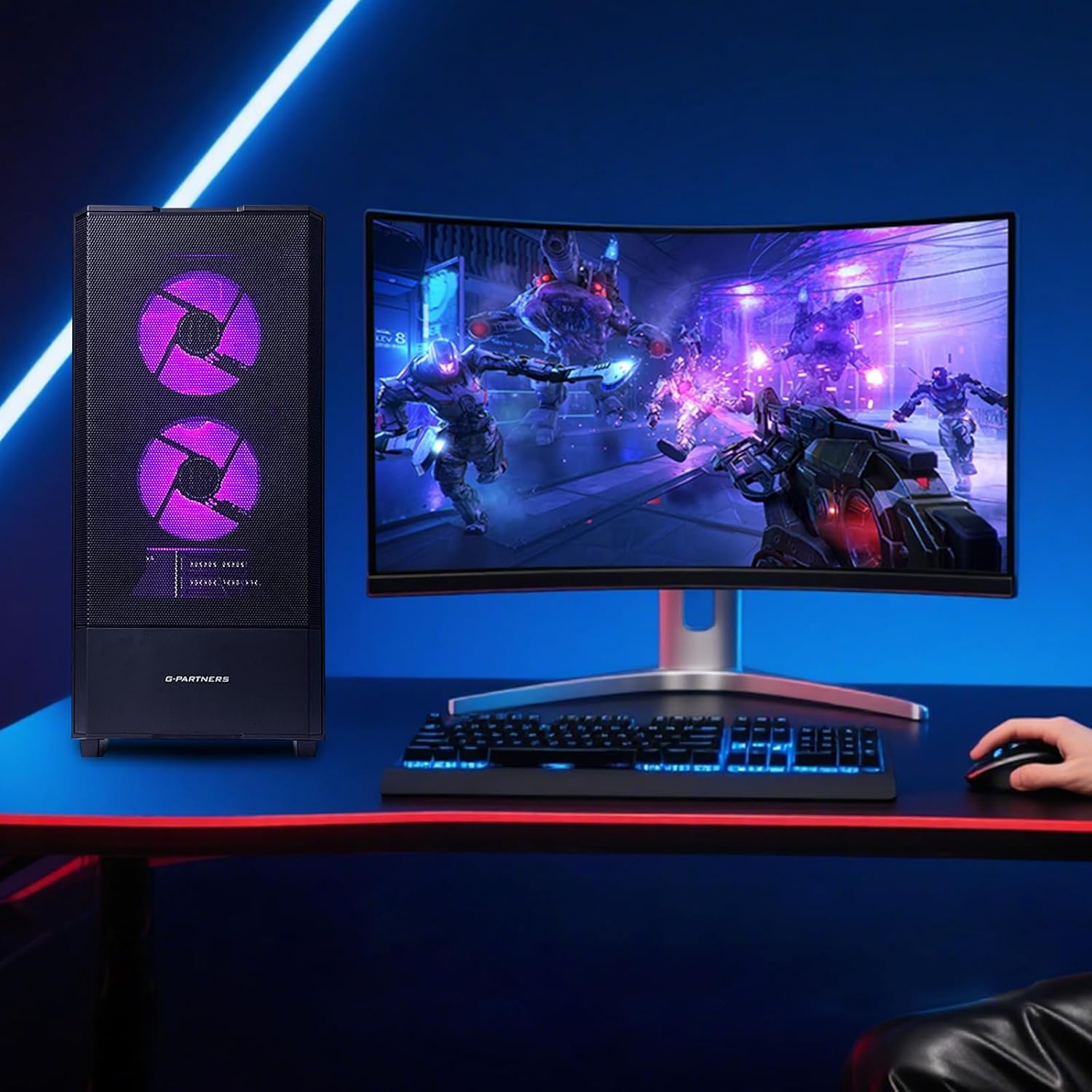
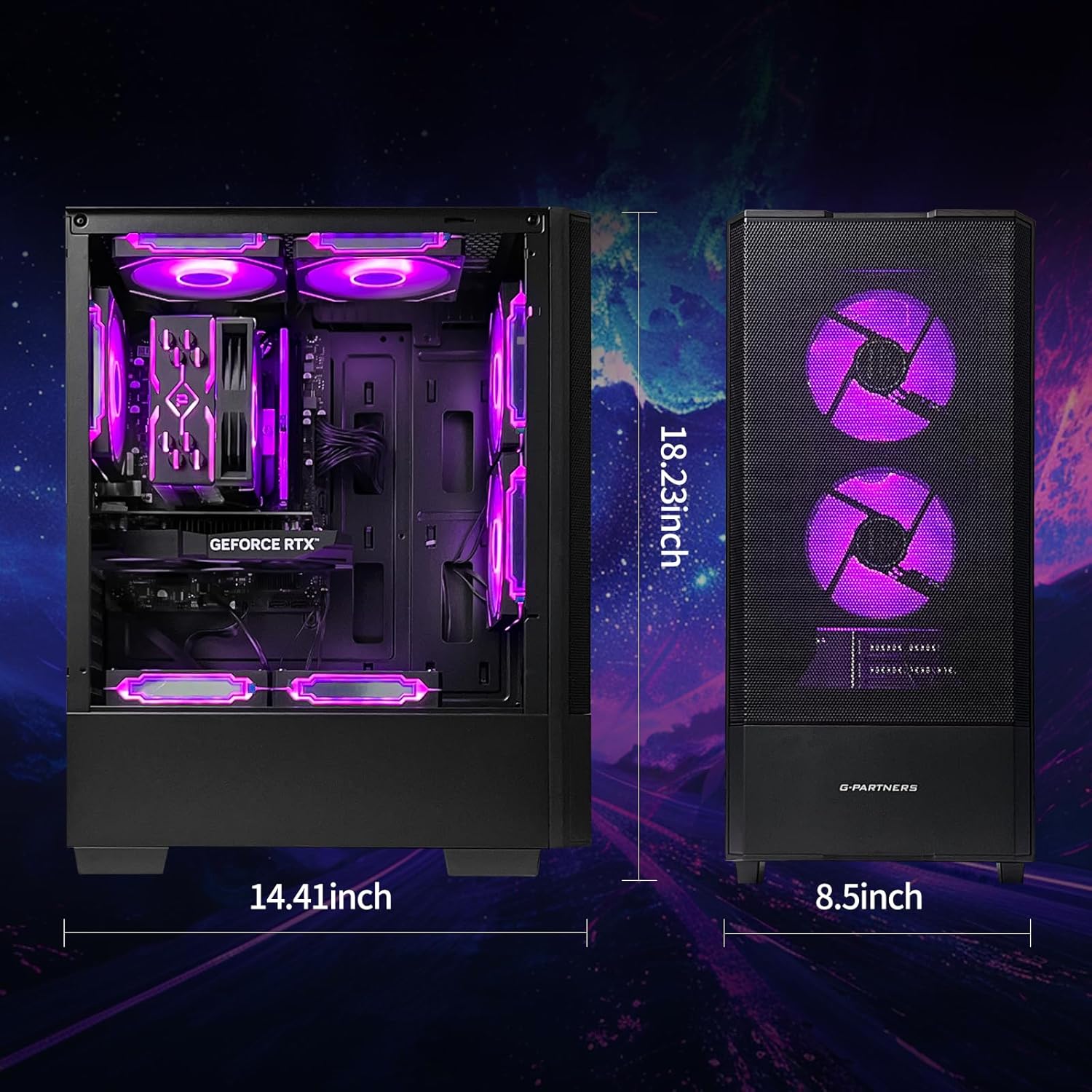
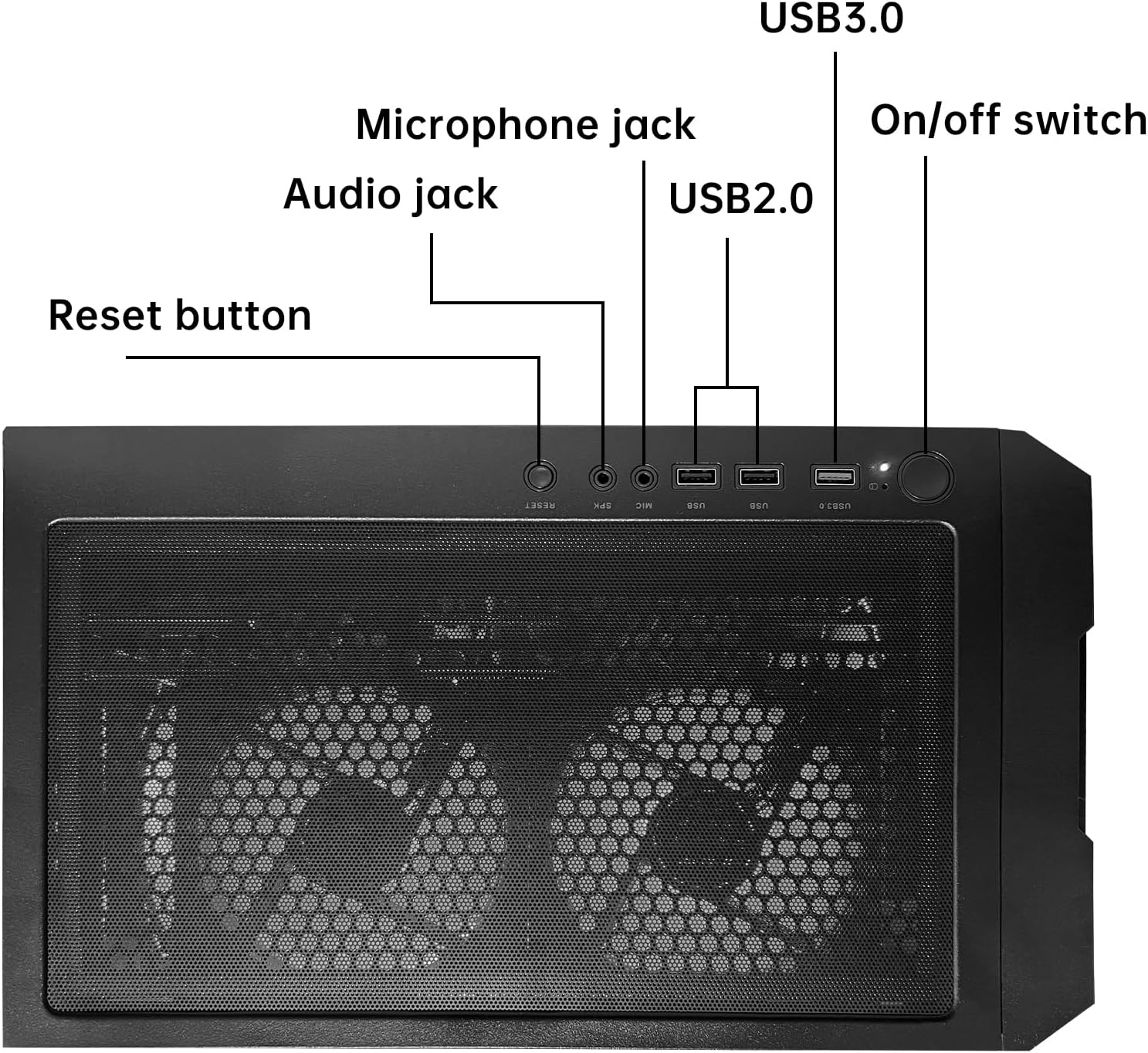
What this is and who it’s for\nThe ZYNEEX Prebuilt Gaming Desktop is a ready-to-use tower designed for gaming, streaming, and light editing right out of the box. Powered by the Ryzen 5 5500 with six cores and 12 threads, it aims to balance performance across gaming and multitasking without the need to assemble a PC yourself. If you want a capable system for 1080p gaming and everyday creative tasks, this model positions itself as a solid mid-range option in a market crowded with DIY builds.\n\n## Core components at a glance\nThis setup pairs a dedicated GeForce RTX 3050 6GB graphics card with 16GB of DDR4 RAM (3200MHz) and a 1TB NVMe SSD. On paper, that combination supports smooth frame rates in many 1080p titles, snappy startup times, and ample storage for games and media. The ARGB air cooling system, including a quad-copper-pipe cooler and fans with customizable lighting, is aimed at keeping thermals in check during longer gaming sessions. Built-in Wi‑Fi adds convenience for wireless setups, and HDMI, DisplayPort, DVI, and USB ports offer flexible connections to monitors and peripherals.\n\n## How it performs in real world use\n- Gaming: The RTX 3050 6GB is generally capable of stable 1080p play across popular titles, especially when settings are tuned. It handles modern titles at reasonable quality with respectable frame rates, though it’s not a substitute for high-refresh or 1440p gaming on the highest presets.\n- Multitasking and streaming: The 6-core Ryzen 5 5500 with 12 threads helps with simultaneous tasks like streaming gameplay, browser use, and light editing. If you push heavy multitasking or AAA editors, you may notice limits compared to higher-tier CPUs.\n- Storage and speed: The 1TB NVMe SSD improves boot, load times, and file transfers versus HDDs, which translates to less waiting during level loads and faster game installs.\n\n## What stands out and what to watch\n### What stands out\n- All-in-one package: ready to use, with Wi‑Fi and ARGB cooling built in, so you don’t need to worry about separate components for cooling or networking.\n- Visual customization: ARGB lighting adds a personalized look that can match your setup.\n- Balanced performance: 16GB RAM helps with multitasking, gaming, and light editing tasks without immediate bottlenecks.\n### What may hold you back\n- The RTX 3050 is well-suited for 1080p gaming, but you might outgrow it if you want higher resolutions or very demanding titles at max quality.\n- The Ryzen 5 5500 is solid for its tier, yet it isn’t the newest Zen3+ or 6nm chips, so sustained heavy workloads could show where more CPU headroom helps.\n\n## Who it’s for\n- Gamers targeting stable 1080p performance with reliable multitasking.\n- Creative users doing streaming, video editing, or photo work at a moderate level.\n- Buyers who prefer a plug-and-play PC with built-in Wi‑Fi and a flashy cooling aesthetic.\n\n## Who it isn’t for\n- If you prioritize top-tier 1440p/4K gaming at ultra settings, or heavy workstation tasks, this isn’t the strongest option in that segment.\n- If you want a silent PC, the ARGB air cooling has active fans that may produce noticeable noise under load.\n\n## Before you buy: quick checks\n- Ensure your monitor supports compatible inputs (HDMI or DisplayPort) to take advantage of the GPU outputs.\n- Consider upgrade paths: if you anticipate future bottlenecks, plan whether a CPU or GPU upgrade would be more impactful down the line.\n- Check your internet setup to ensure your Wi‑Fi meets your streaming or gaming needs, especially if you’re in a congested network environment.\n\n## Buying decision: how this compares to other approaches\nIf you want a simpler route without building a PC, this prebuilt can be preferable to assembling components yourself and quickly get you into games at 1080p with decent visuals. It’s a middle-ground choice between a basic entry system and higher-end rigs with more headroom for future upgrades. If you prefer maximum headroom for high-refresh gaming or heavy editing, you might lean toward higher-spec options or a more modern CPU/GPU pairing.\n\n## Quick usage example\nImagine booting up a favorite 1080p title, adjusting a few settings for smoother frames, and then streaming your gameplay while keeping a browser and chat app open. The system aims to handle that blend without constant stuttering, at least in mid-range settings.\n\n## FAQ (quick answers)\n- Can it handle modern games at 1080p with good frames? Yes, in most titles at 1080p with medium to high settings.\n- Is there room for upgrades? The description notes standard components, check if the case and motherboard allow future RAM or storage upgrades.\n- Is it good for streaming? The six-core Ryzen with 16GB RAM supports multitasking, but heavy editing or high-end streaming workloads may push the limits.\n\n## Final thought\nIf your priority is a plug-and-play gaming PC that covers 1080p titles, streaming, and light editing with a customizable cooling look, the ZYNEEX Prebuilt offers a practical package. It’s a solid mid-range choice for users who want speed of setup and a balanced, no-surprise performance profile, with the caveat that you may outgrow the GPU for future high-demand titles or higher resolutions.