

Logitech Signature M650 (910-006268) Wireless Mouse, Black, Silent Clicks
Reviews
Price
Product description
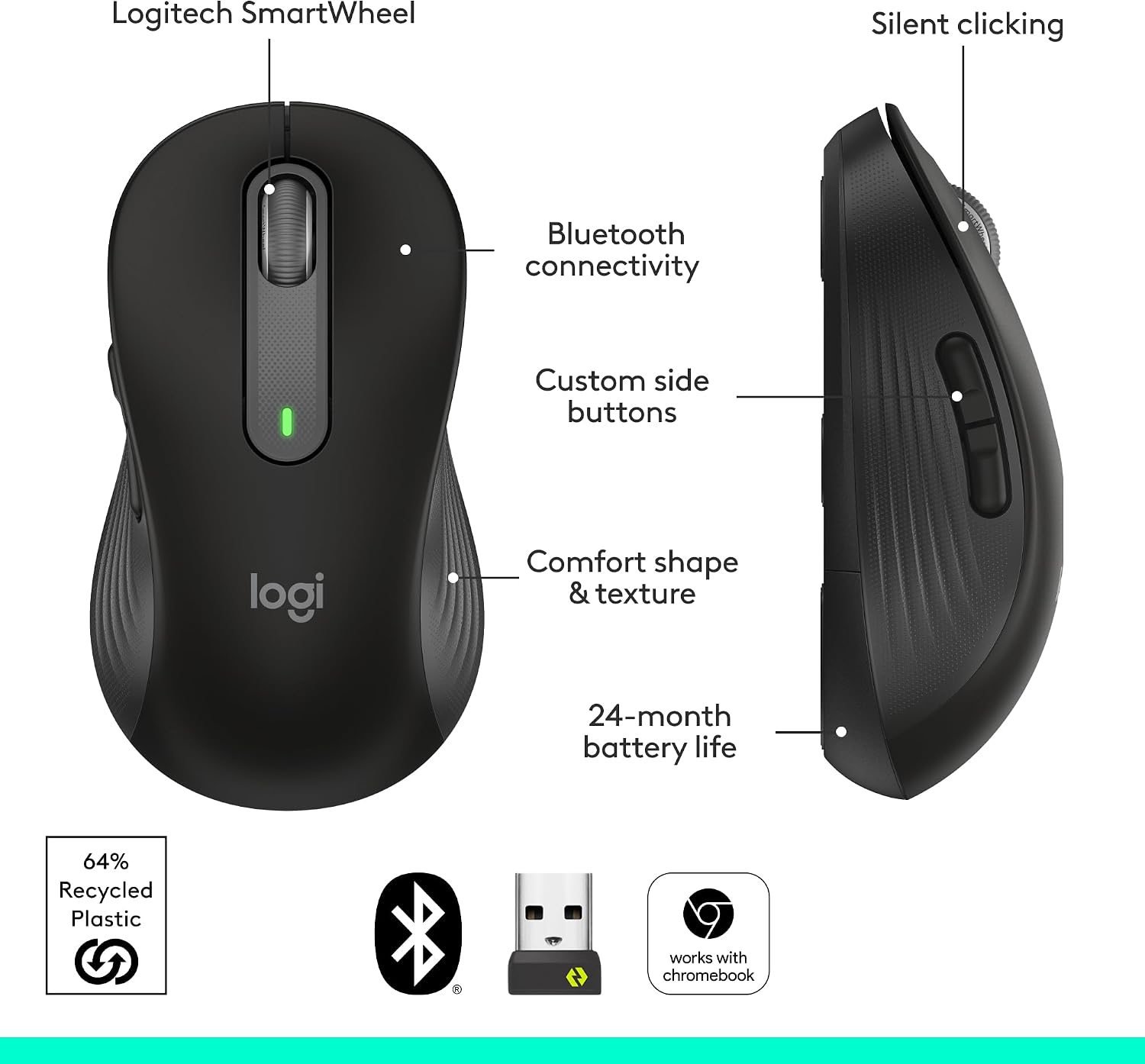
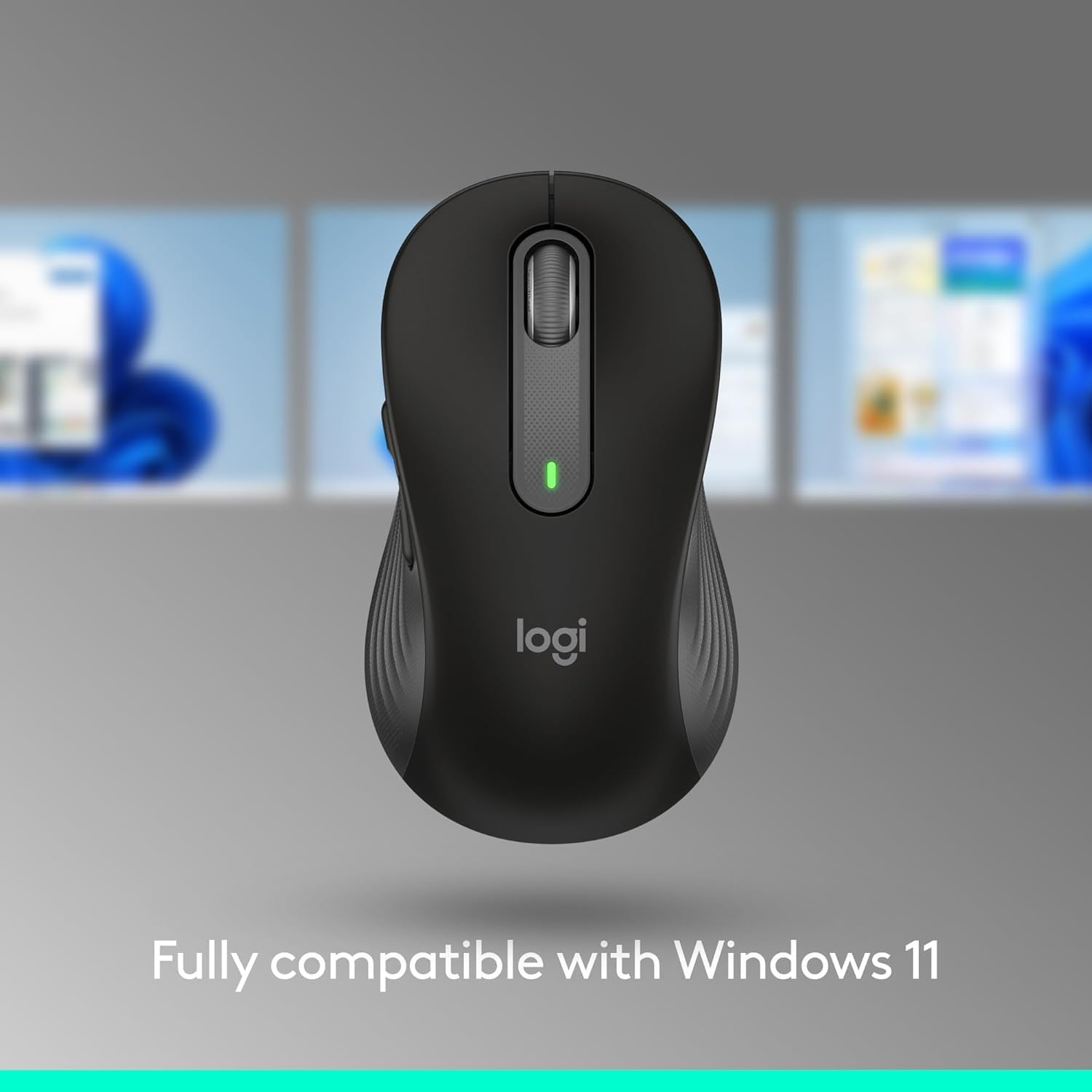
Some mouse buyers prioritize a compact, comfortable fit, others need flexible scrolling and shortcuts for everyday work. The Logitech Signature M650 is sized for small to medium hands and designed for right-handed use. Its SmartWheel shifts between precise scrolling and fast movement through long pages. Silent clicks and customizable side buttons make it a practical fit for focused work at home or in the office.
Spec sheet
- Name: Logitech Signature M650
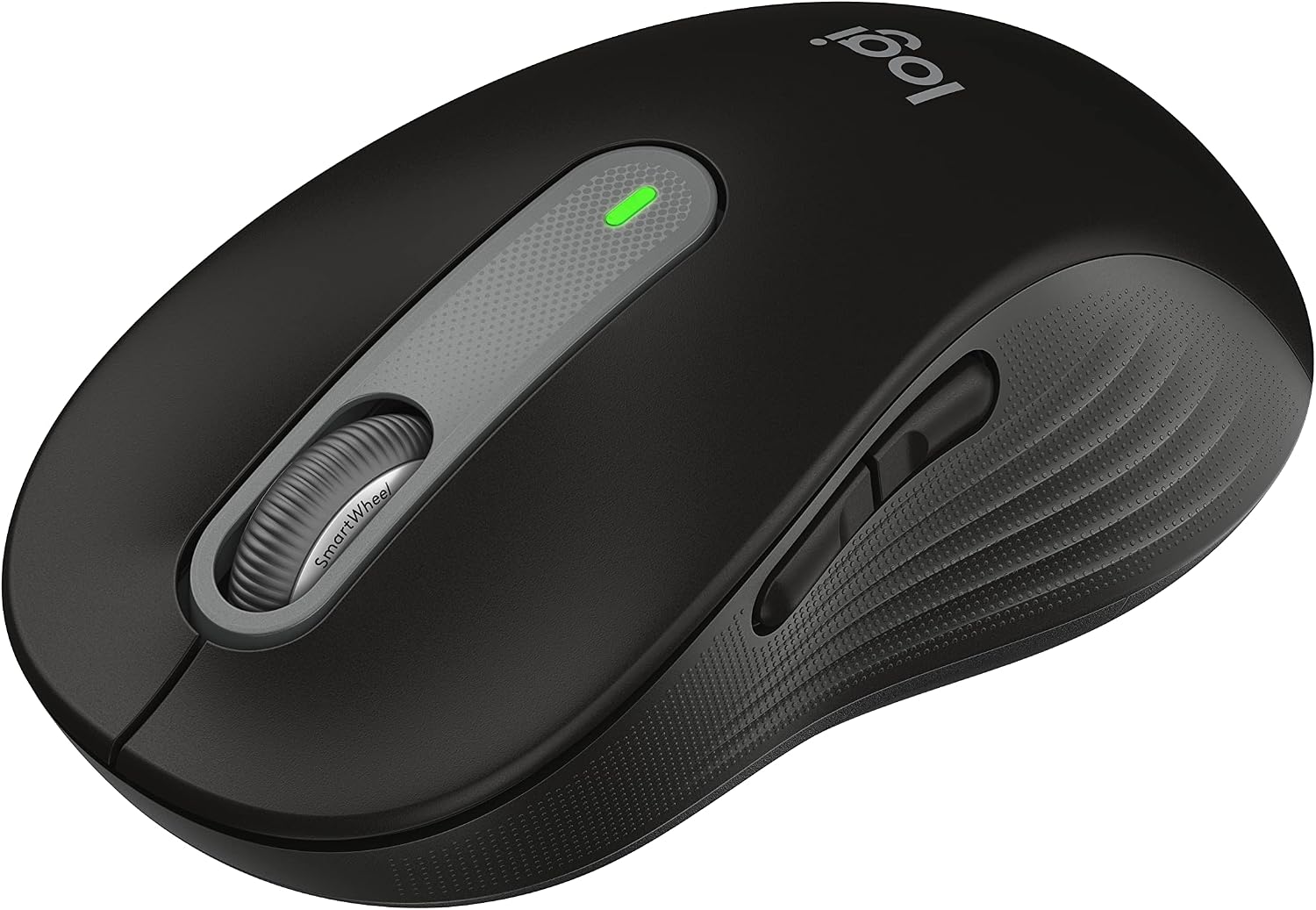
- Type: Wireless optical mouse
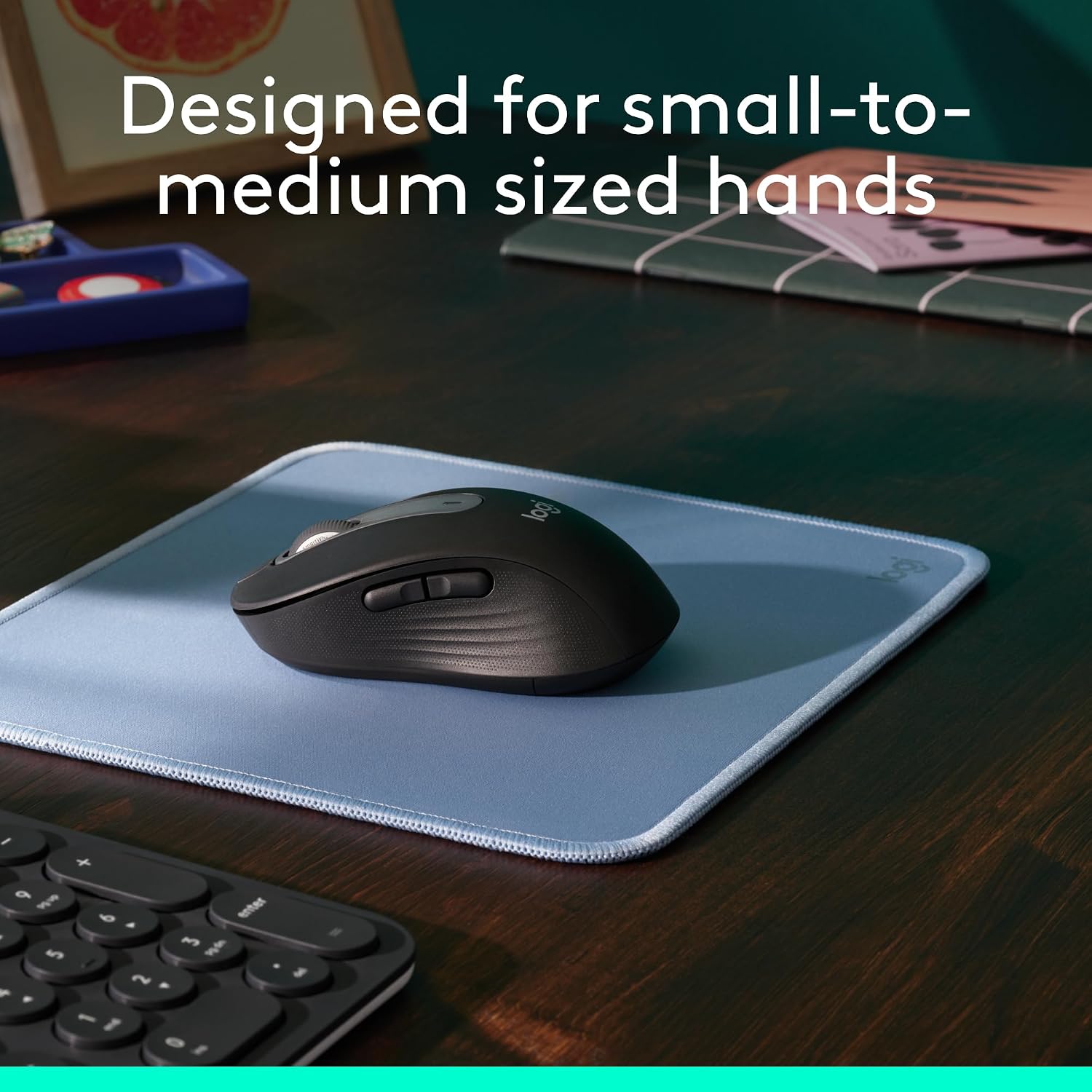
- Size: Small to medium hands, right-handed design
- Color: Black
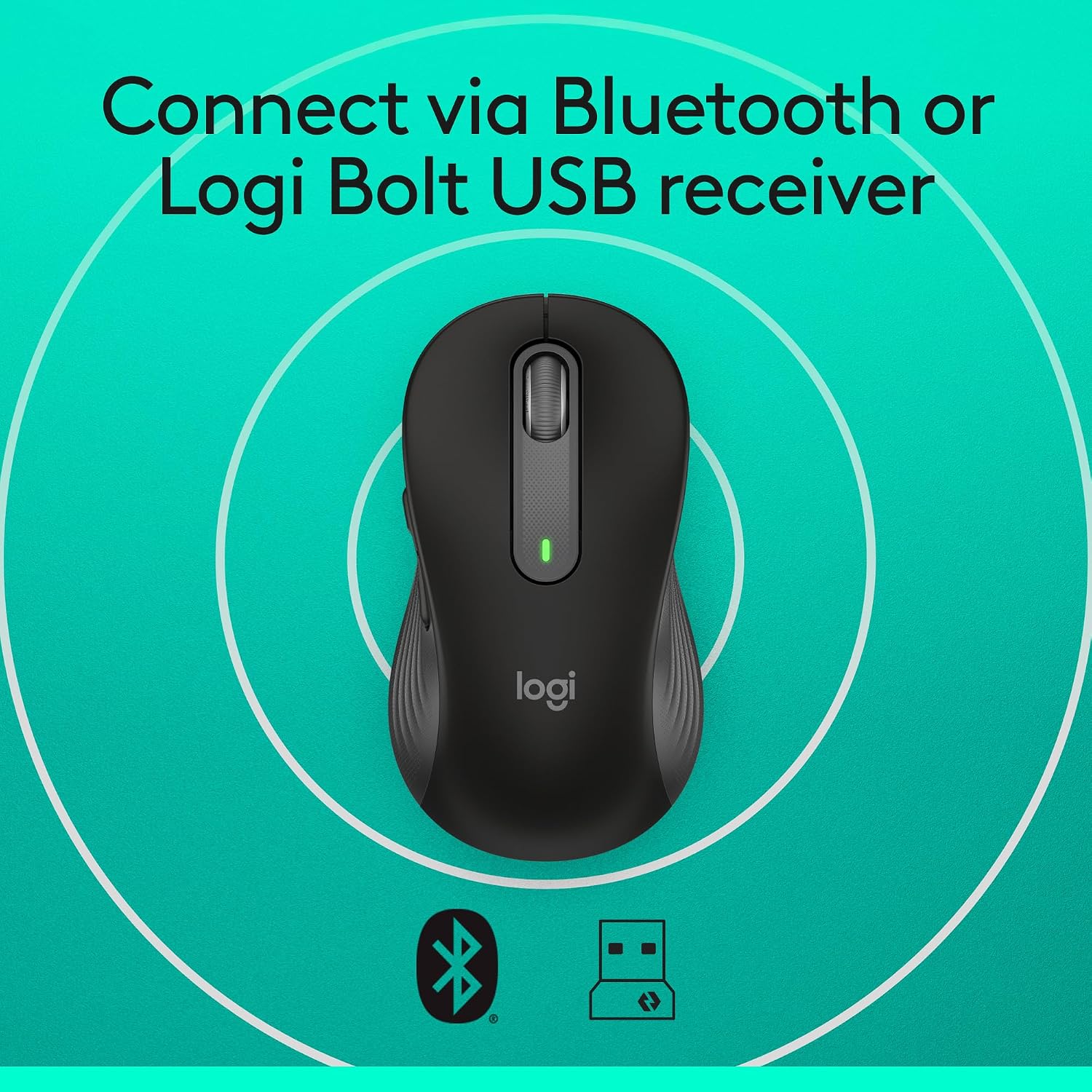
- Connectivity: Bluetooth Low Energy or Logi Bolt USB receiver
- Buttons: Four, including customizable side buttons
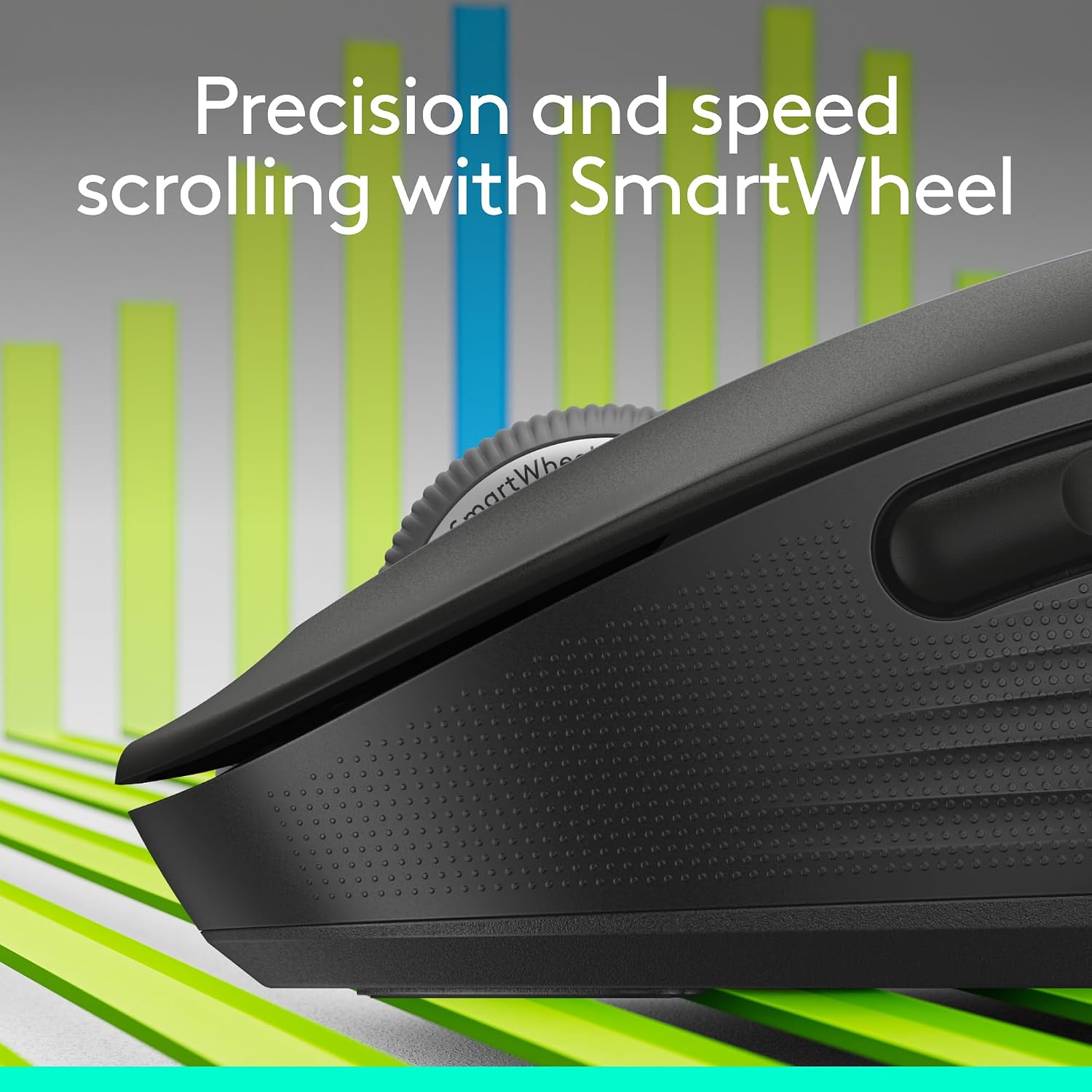
- Scrolling: SmartWheel with line-by-line precision and fast scrolling modes
- Battery: One included AA battery, up to 24 months of use, depending on user and computing conditions
- Material: Rubber side grips, black plastic parts include 64% certified post-consumer recycled plastic
- Dimensions: 4.22 x 2.43 in.
- Model number: 910-006268
Compatibility & requirements
Connect wirelessly using Bluetooth Low Energy or a Logi Bolt USB receiver. The mouse works with Windows, macOS, Linux, ChromeOS, iPadOS, and Android, and is certified as a Works with Chromebook product. Logitech Options+ for Windows and macOS lets you assign shortcuts to the side buttons, such as back and forward or copy and paste. The included AA battery powers the mouse, with up to 24 months of battery life based on usage and computing conditions.
The small-to-medium, right-handed shape makes this a more tailored choice than a mouse selected without regard to hand size or orientation. Its soft thumb area and rubber side grips give the hand designated contact points, while the compact form suits a desk setup or a bag for work on the go. Buyers often praise its comfortable feel, quiet clicks, smooth scrolling, and Bluetooth connection. Reliability feedback is mixed, with some buyers reporting that their mouse stopped working over time.
How to use it
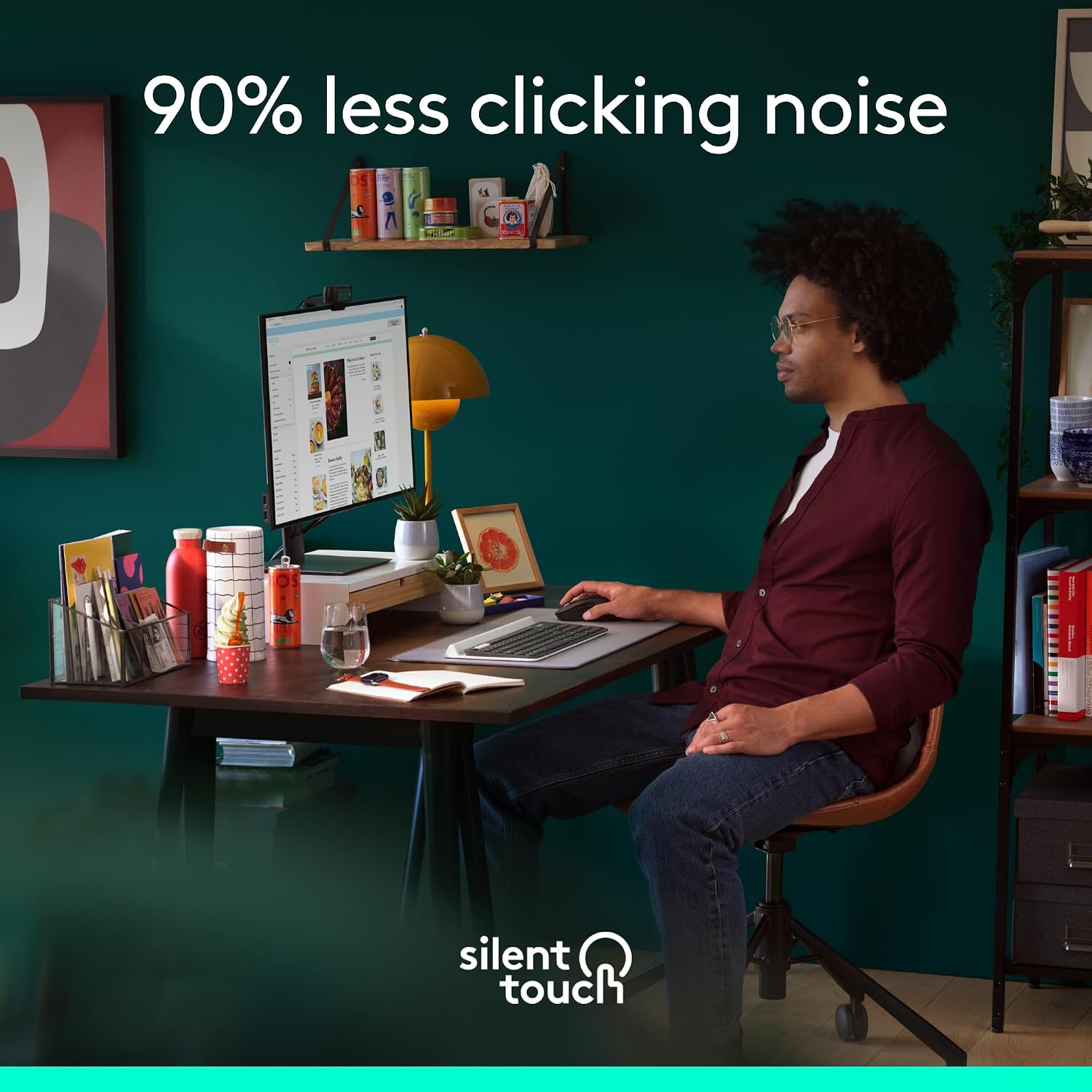
Pair through Bluetooth Low Energy or connect with a Logi Bolt USB receiver, then use the SmartWheel according to the task: precise movement helps when working through documents, while fast scrolling helps cover long web pages. A flick switches scrolling modes. For a personal workflow, configure the side buttons in Logitech Options+ on Windows or macOS and assign shortcuts you use regularly. SilentTouch reduces click noise by 90% compared with Logitech’s standard mice, helping keep clicking less disruptive in shared or quiet workspaces.
A typical setup might pair the mouse with a laptop for document editing, then use the side buttons for browser navigation. The scroll modes support both close reading and moving through lengthy pages without changing devices. For a Bluetooth-first setup, connect wirelessly, the Logi Bolt USB receiver is another supported connection method.
Before you decide
How do the scrolling modes work? The SmartWheel provides line-by-line precision for documents and switches to fast scrolling for long web pages with a flick.
Can you change what the side buttons do? Yes. Logitech Options+ on Windows and macOS lets you assign shortcuts such as back and forward or copy and paste.
Which hand size is this version designed for? It is sized for small to medium hands and has a right-handed shape, with a soft thumb area and rubber side grips.
Is it worth it?
Choose the Signature M650 when a right-handed, small-to-medium fit matters alongside quieter clicking, adaptable scrolling, and shortcuts you can customize. Bluetooth Low Energy and Logi Bolt connection options make it suited to laptop and desktop workflows across supported platforms, while its compact size also works well for carrying between workspaces.