

ASUS MAX GAMING LC 360 ARGB LCD Liquid CPU Cooler, 2.4-Inch IPS Display
Reviews
Price
Product description
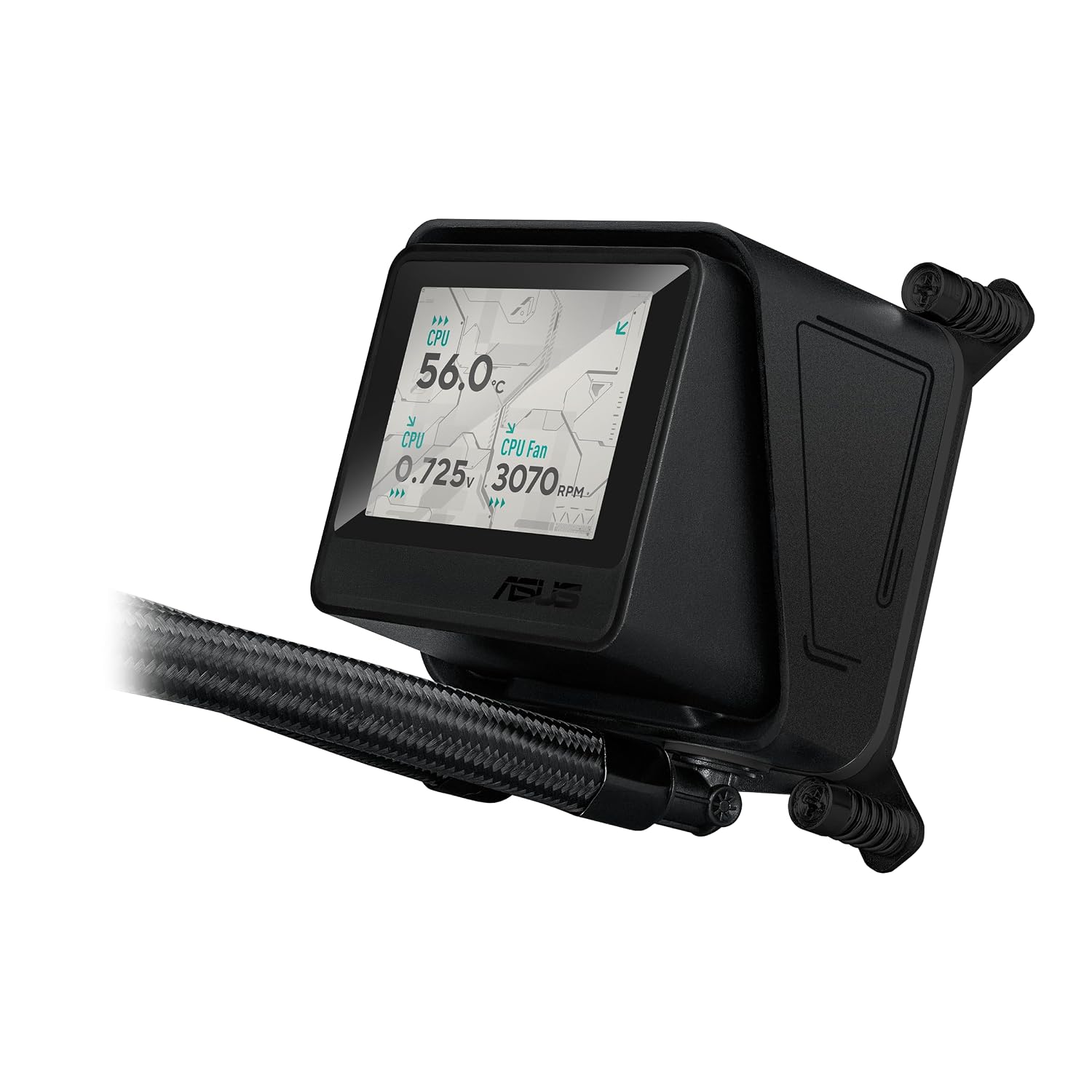
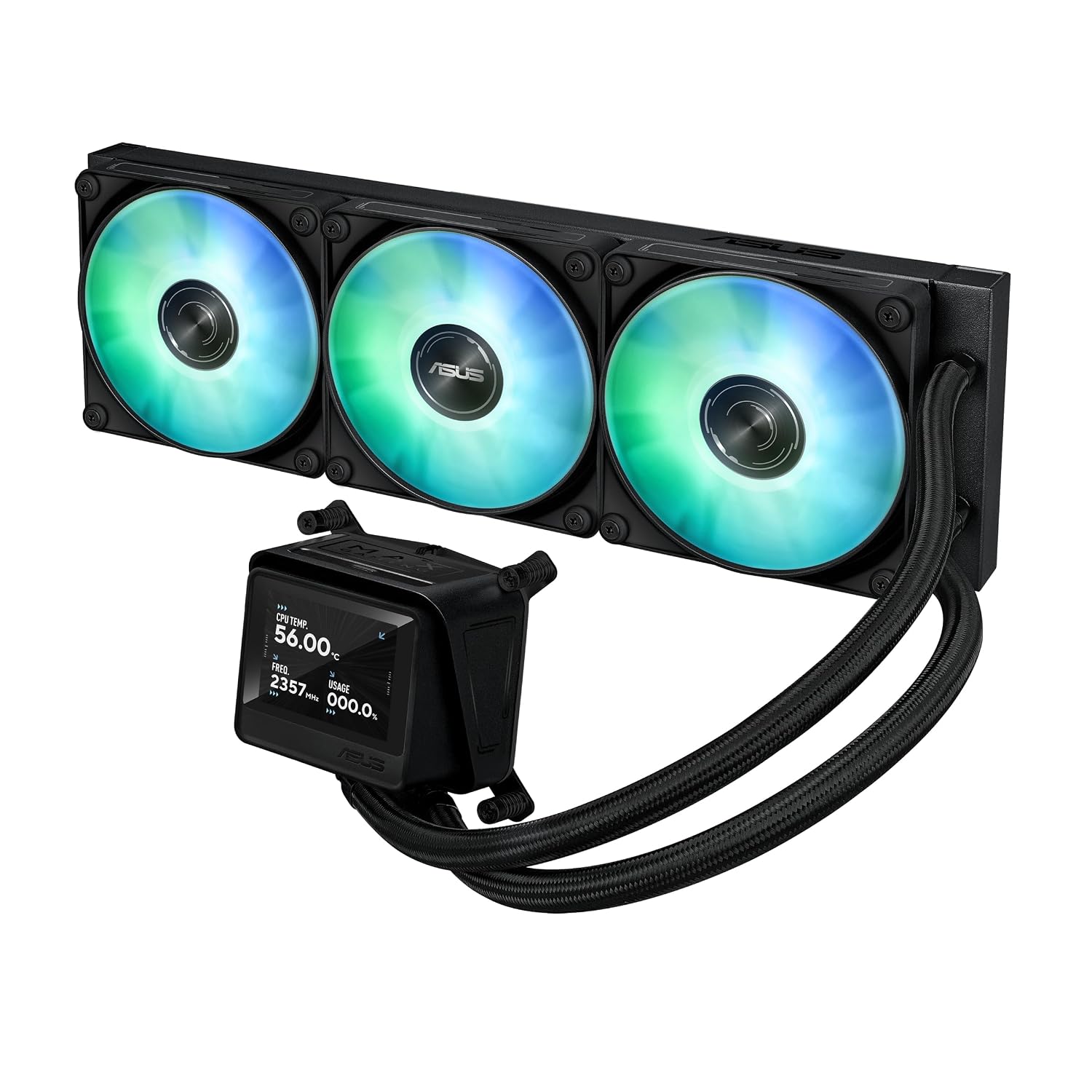
For a gaming desktop build where you want cooling hardware to do more than sit out of sight, the ASUS MAX GAMING LC 360 ARGB LCD combines a liquid CPU cooler with a customizable screen. Its 360mm radiator and pre-installed, daisy-chainable ARGB fans bring cooling and lighting together in one component, while the display can show live system information or custom animated GIFs.
The 2.4-inch IPS screen gives you a choice between a personalized look and at-a-glance hardware monitoring. ASUS InfoHub manages the display content, so you can select the information or visuals that suit your build.
Quick overview
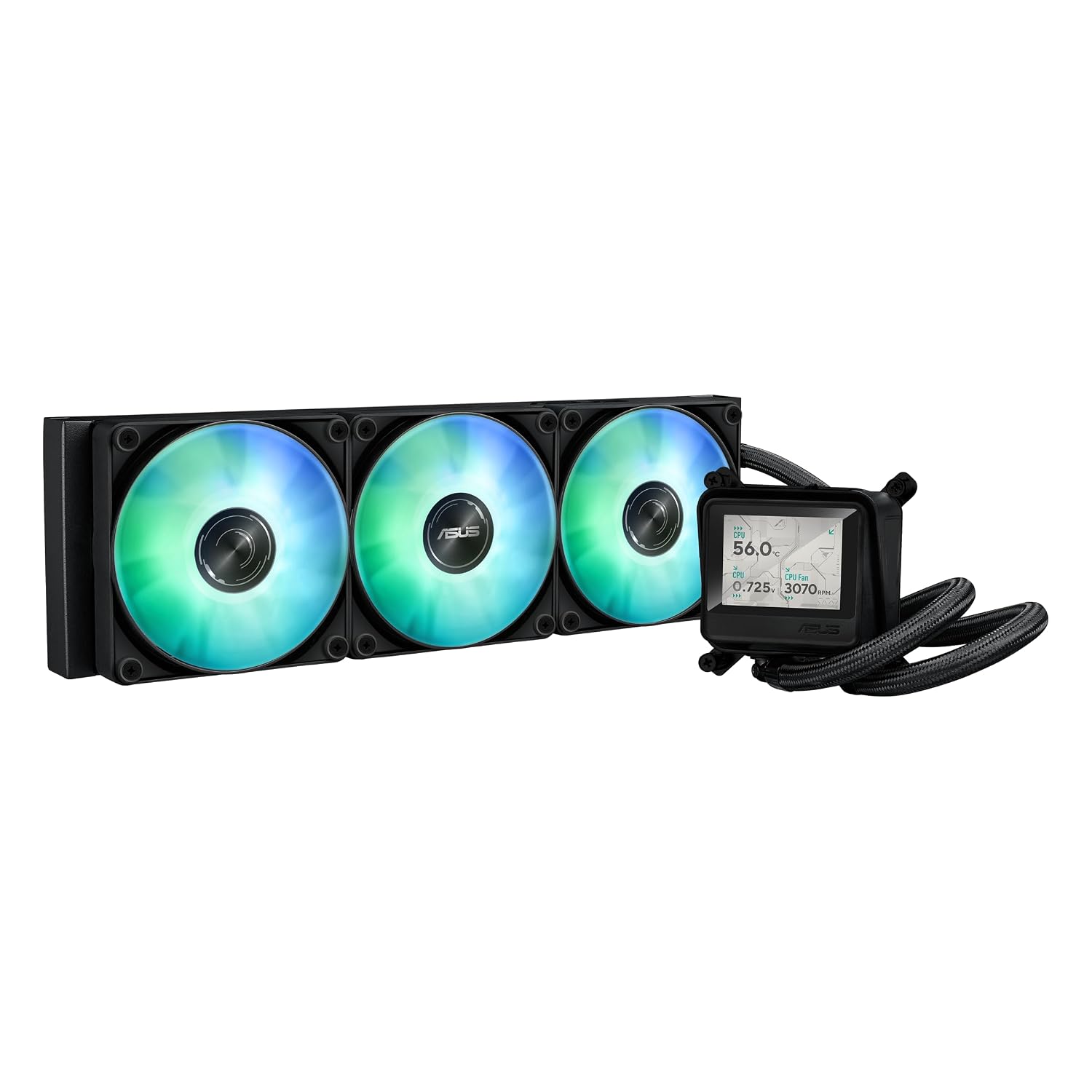
This all-in-one liquid cooler uses a high-flow pump designed for cooling performance, along with a copper micro-channel cold plate. Pre-mounted ARGB fans provide airflow and static pressure, and their daisy-chain connection links fan and lighting connections to help keep cable routing orderly during installation. That integrated approach suits builders who want a coordinated cooling setup without assembling the fans separately.
The screen adds a practical monitoring option as well as a visual detail. It can display CPU clock frequency, voltage, temperature, fan speed, or system time, or show a custom animated GIF. The 320 × 240 resolution on the 2.4-inch IPS panel makes the display a dedicated feature of the cooler, rather than relying only on case lighting for a personalized build.
Size & fit
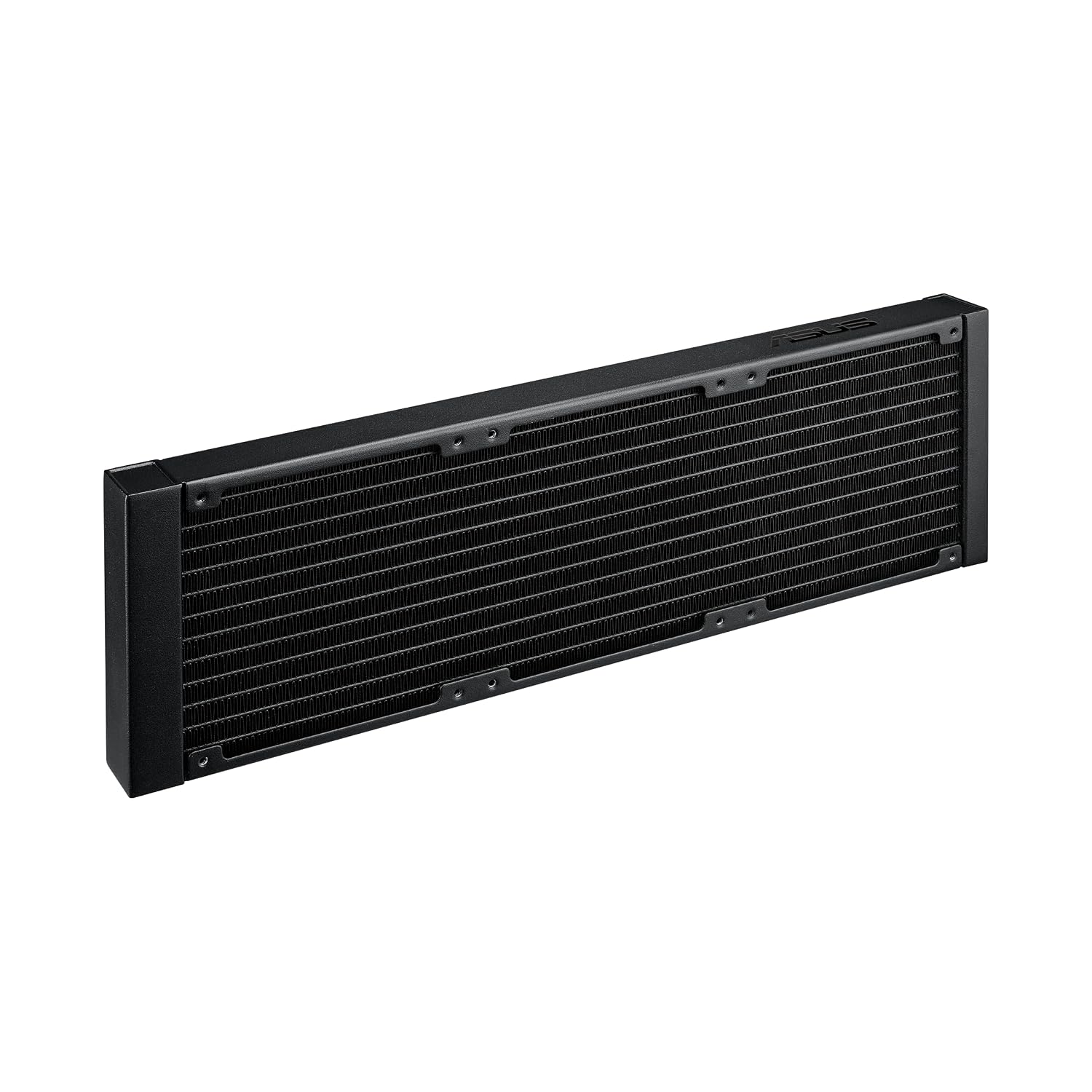
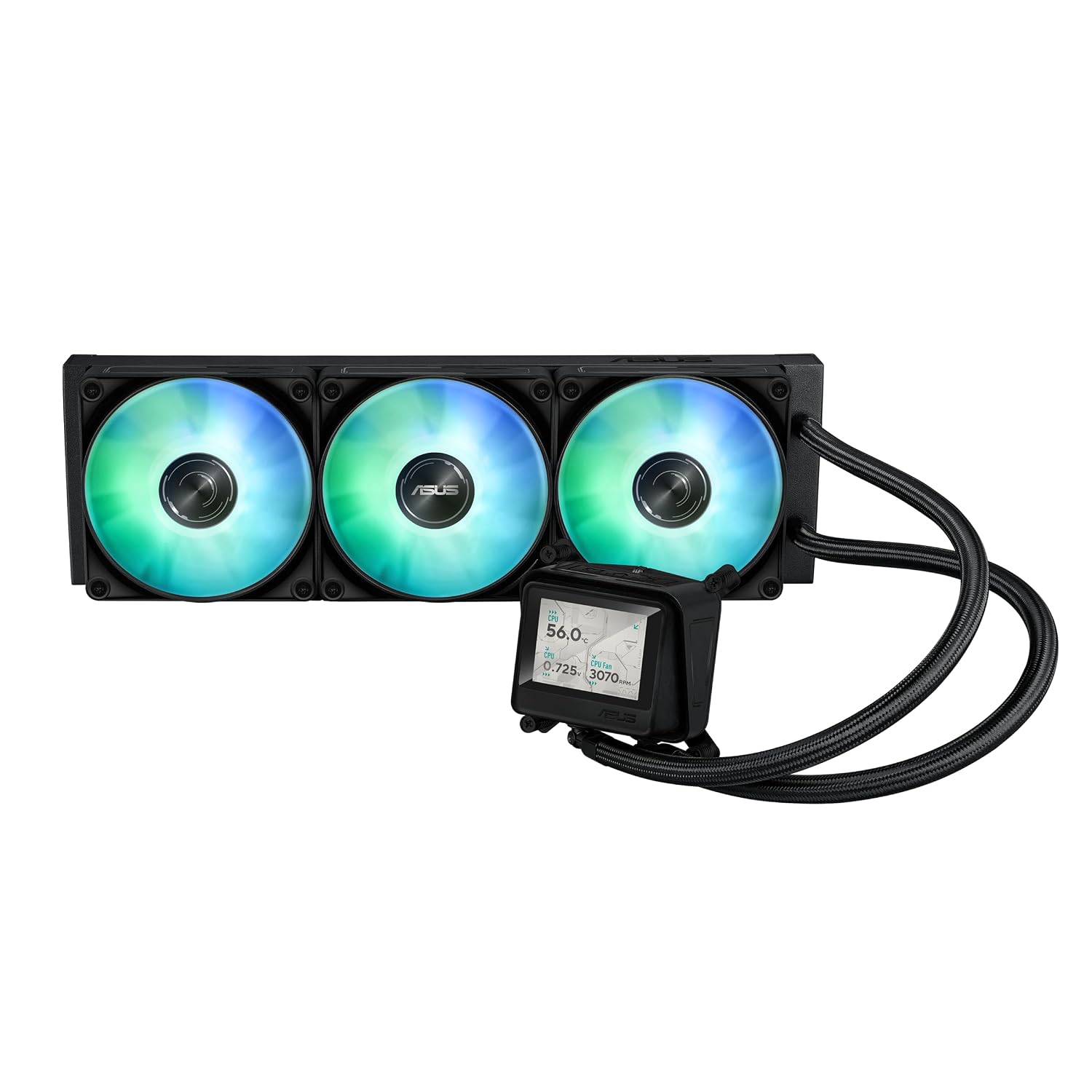
The cooler is designed for desktop systems and uses a 360mm radiator. Check that your case layout can accommodate a 360mm liquid cooler before planning the build. Processor compatibility includes Intel LGA 1851 and LGA 1700, plus AMD AM5 and AM4 sockets, giving it a defined range of current platform options. The copper micro-channel cold plate forms the CPU contact point, so match the cooler’s socket support to your motherboard and processor when selecting components.
Practical tips
Choose the screen content through ASUS InfoHub: use a live readout when you want system information visible during a session, or select a custom GIF to emphasize the look of your build. For monitoring, pick a readout that is useful at a glance, such as CPU temperature or fan speed. This keeps the display focused on information you actually want to see.
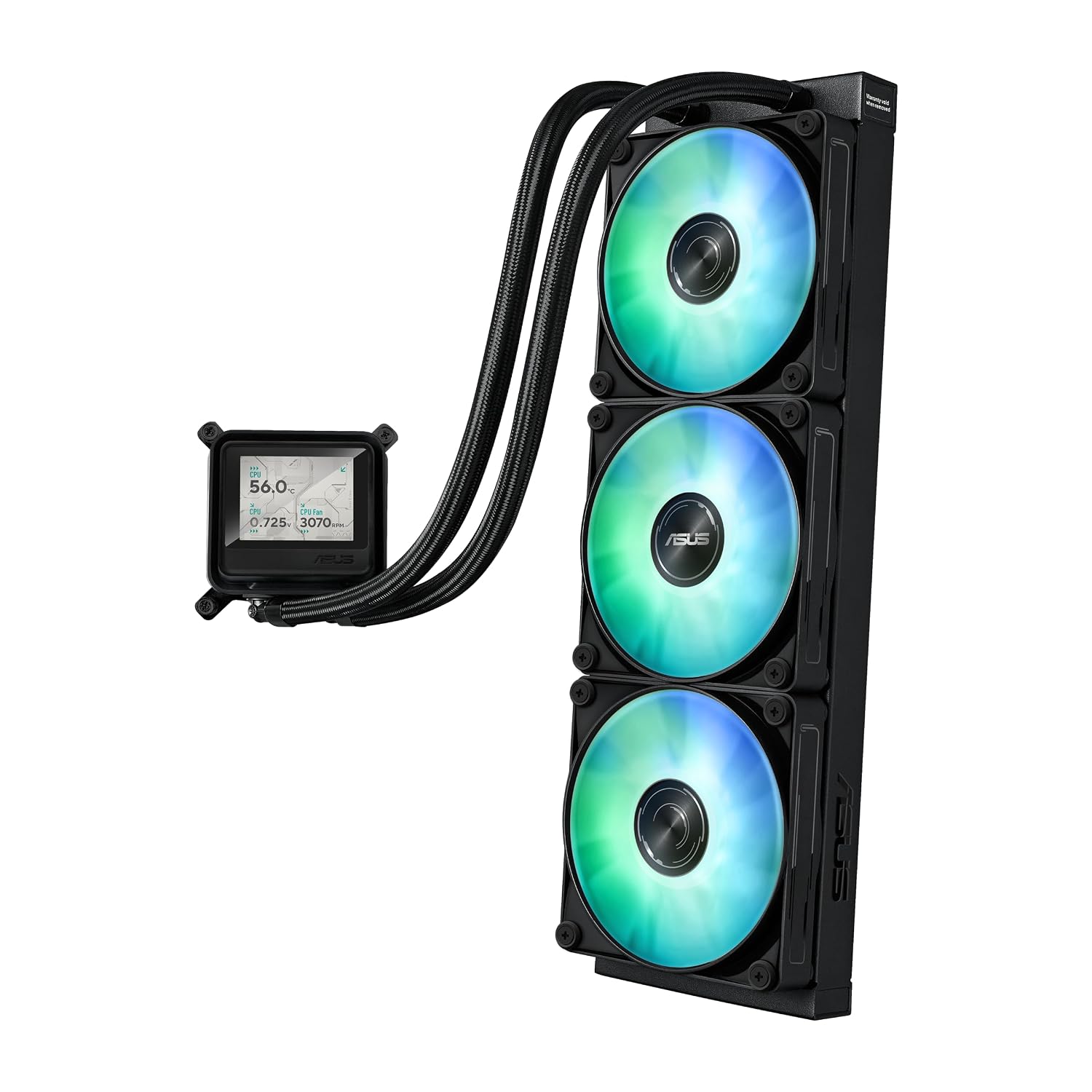
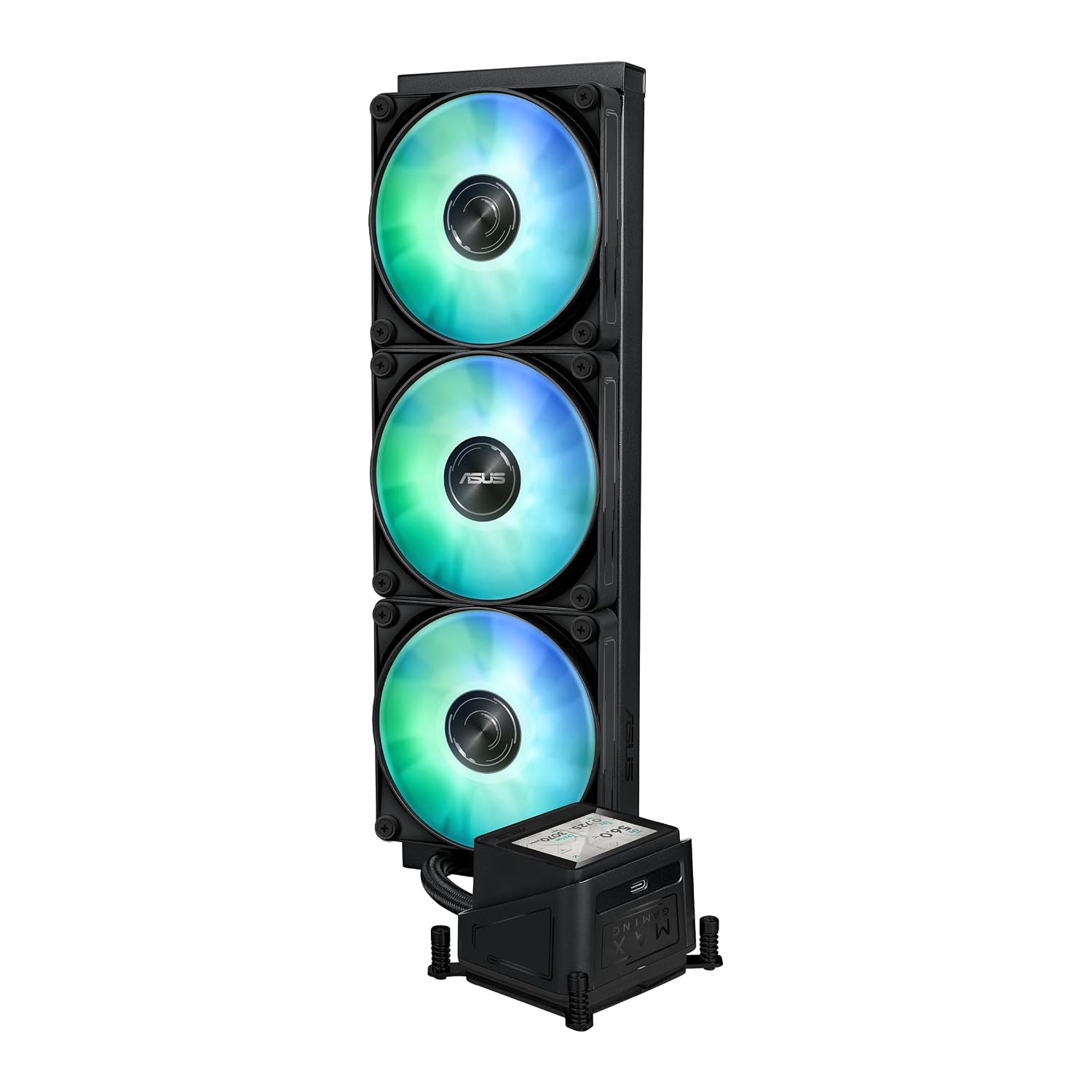
The fans arrive pre-mounted and can be daisy-chained for both ARGB lighting and fan connections. Plan their cable route as part of the build layout to make use of that simplified connection approach. The 35.5 dB noise level is a useful specification to consider when comparing cooling setups and planning the sound profile of a desktop.
When it makes sense
Choose the ASUS MAX GAMING LC 360 ARGB LCD if you’re building a compatible Intel or AMD desktop and want a 360mm liquid cooler with lighting and a customizable information display. Compared with a more conventional cooler without an LCD, this model gives you a screen for live hardware readouts or personal visuals, while its pre-installed daisy-chainable fans help keep the installation organized. It’s a practical fit for gaming builds where processor cooling, coordinated ARGB lighting, and visible system information all matter.