

iPad Stylus Pen with POM Tip
Product description
A 1.5 mm POM tip and palm rejection are the key draws of this iPad stylus: you can rest your hand on the screen while taking notes, marking up a document, or sketching. Tilt sensitivity also changes line thickness as you angle the pen, which adds some drawing control without requiring a Bluetooth connection or app.
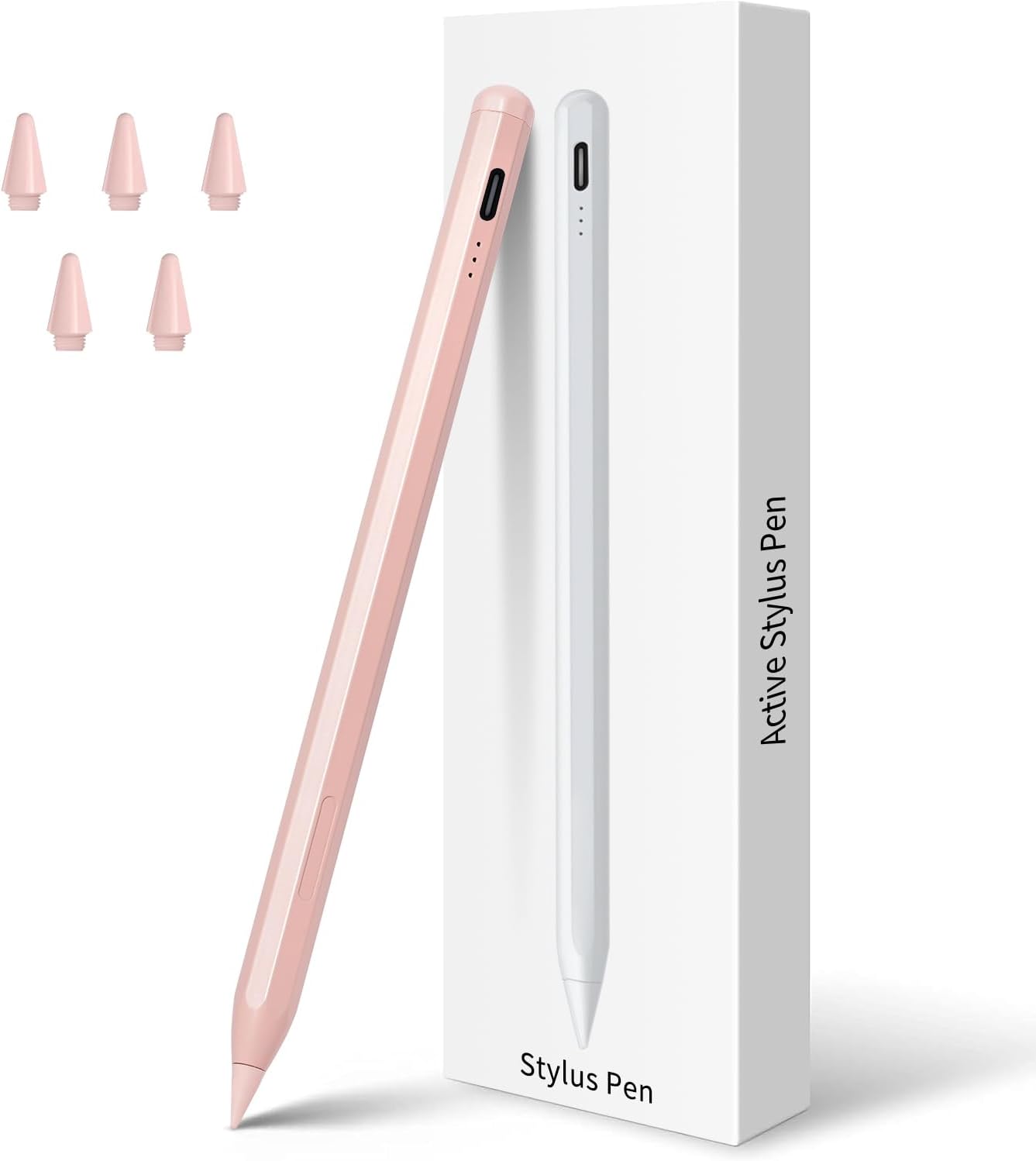
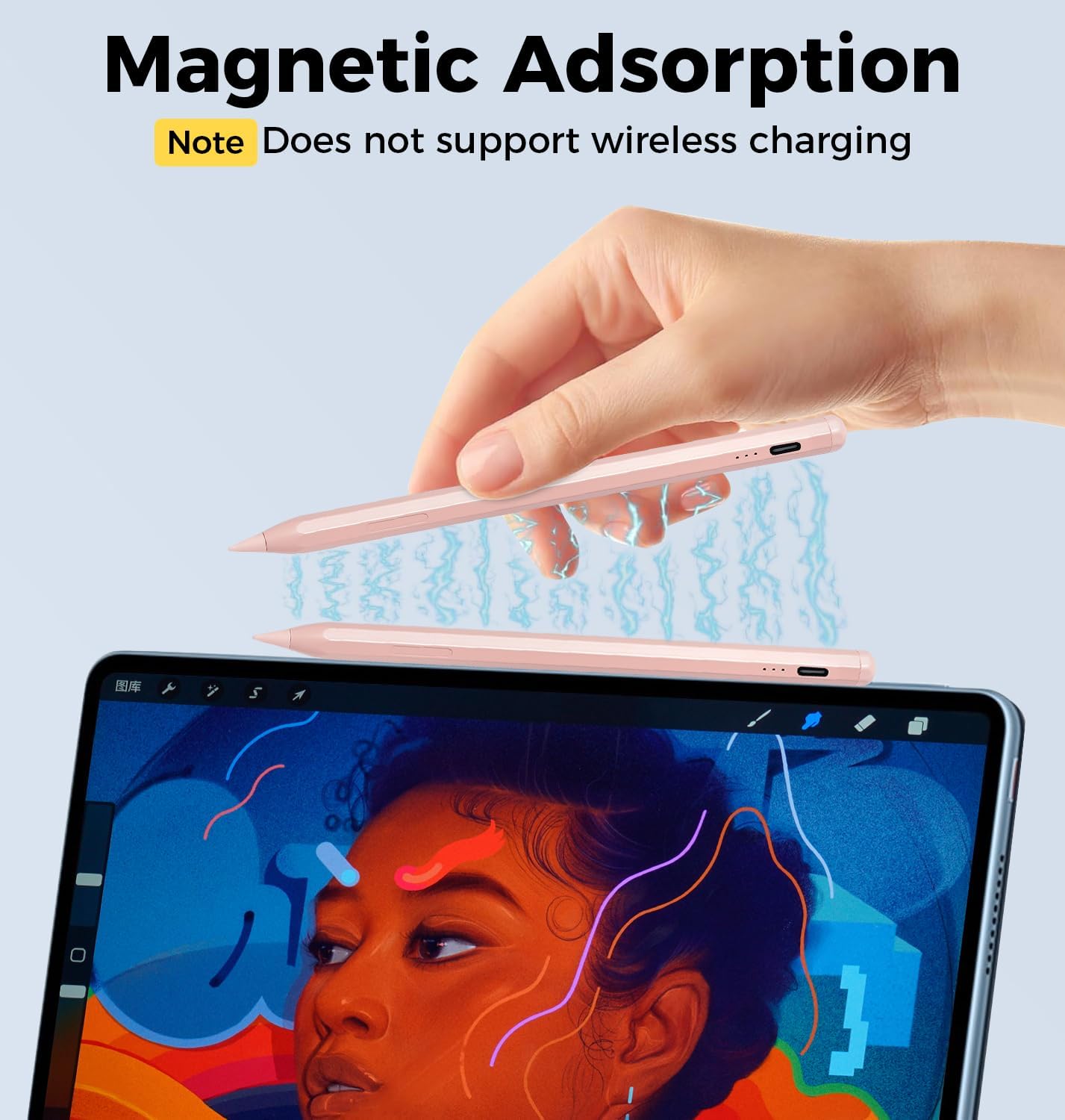
It attaches magnetically to the side of an iPad and charges through USB-C. Just note that tilt sensitivity is not pressure sensitivity.
Quick sizing guide
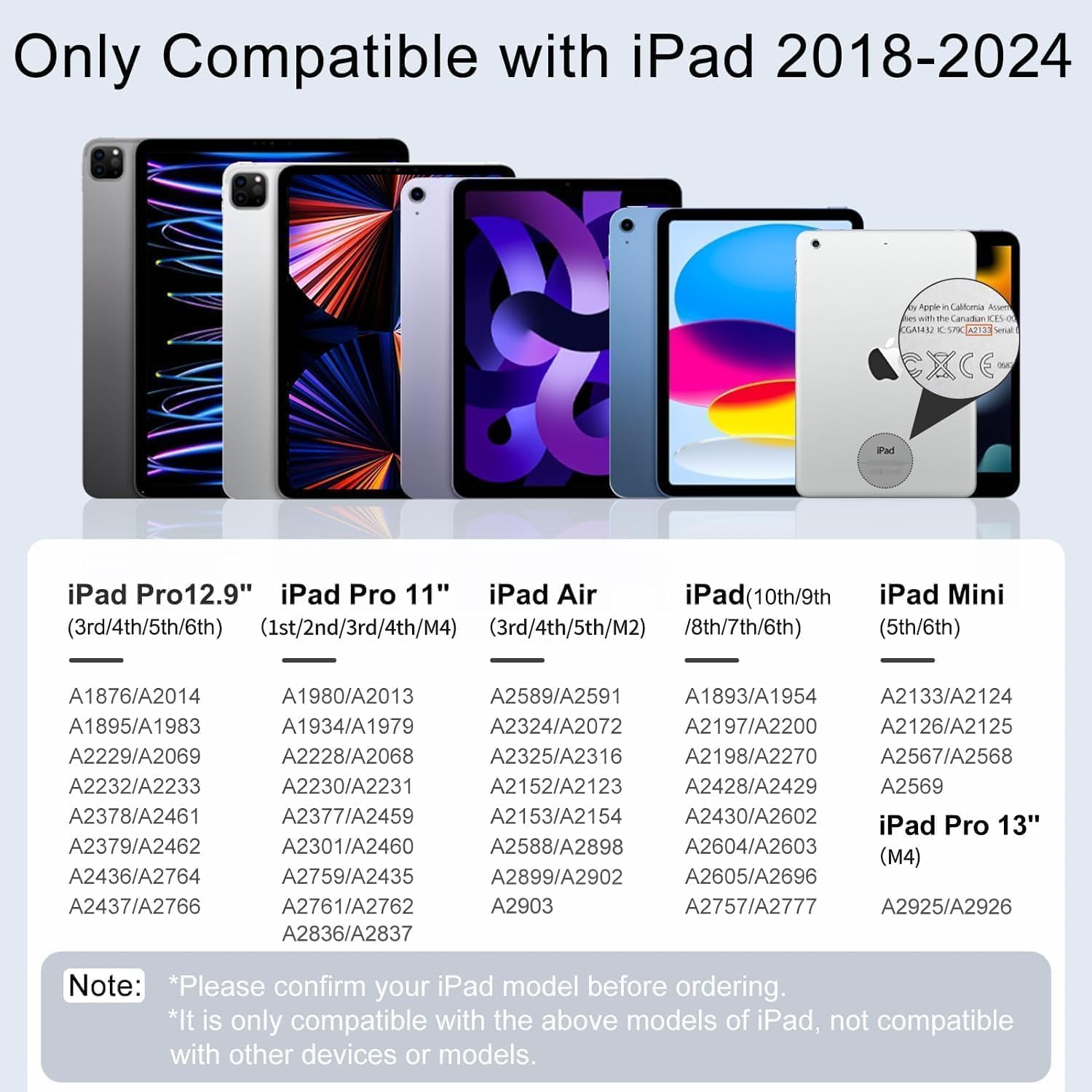
Compatibility depends on the iPad generation, not simply whether the device is an iPad. The listed models include iPad generations 6 through 11, iPad Air generations 3 through 5 plus M2, iPad mini generations 5 and 6, and iPad Pro 11-inch and 12.9-inch models in the generations specified by the listing, as well as the 13-inch M4 iPad Pro. Check your exact model before buying. If you’re unsure which generation you own, screen size alone may not settle it, ordering without that measurement can leave you with a pen that won’t work.
It’s a great fit if you want a rechargeable pen for handwritten notes or casual drawing on one of those compatible iPads. Better avoided if you need a stylus for an iPhone, Android device, Microsoft device, or a workflow that relies on pressure-sensitive strokes. This is a more capable approach than a basic touch stylus, but it doesn’t replace a pressure-sensitive drawing pen.
Pros
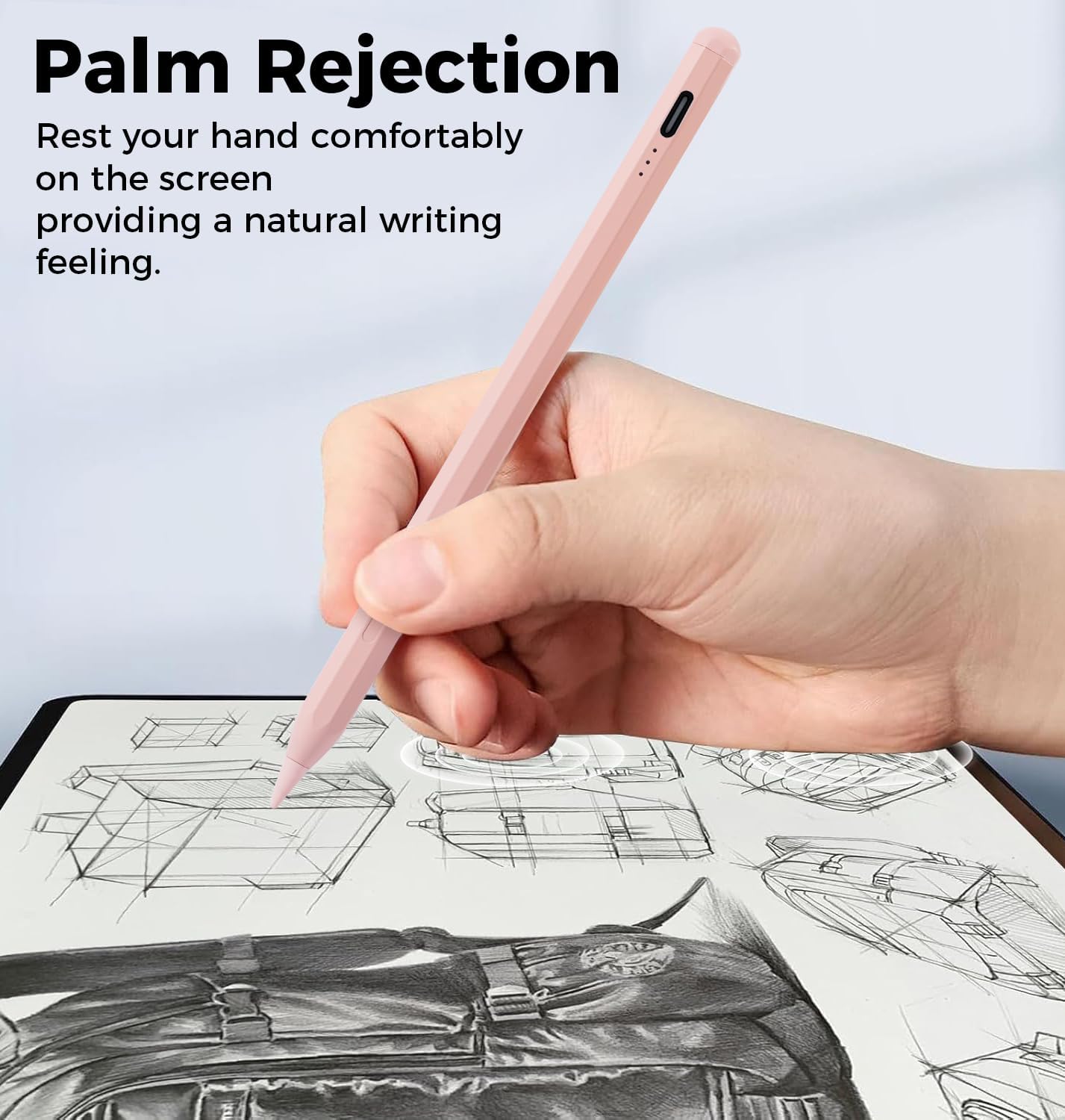
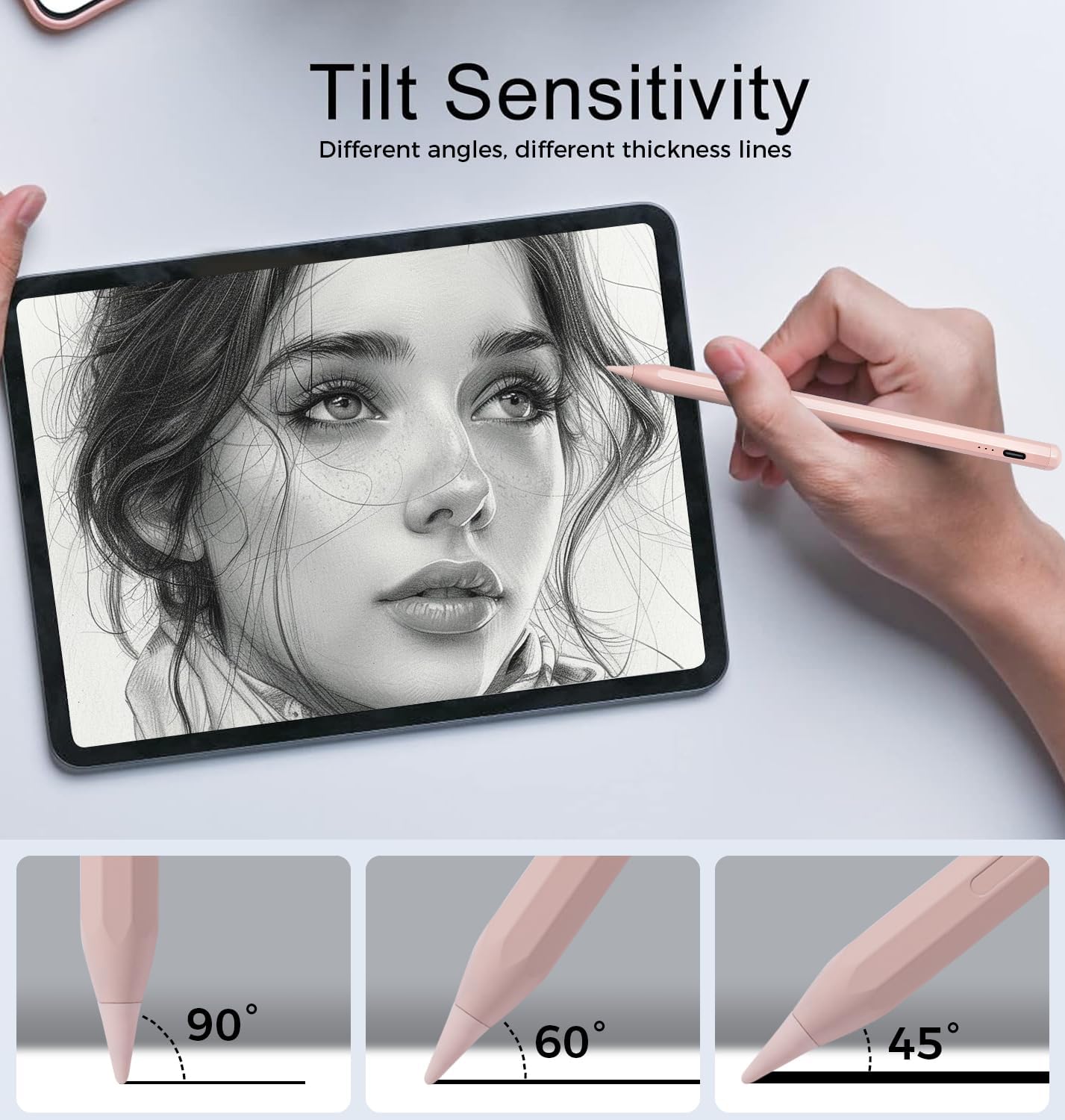
- Palm rejection lets you rest your hand on the display while writing.
- Tilt control varies line thickness, useful for sketching and shading.
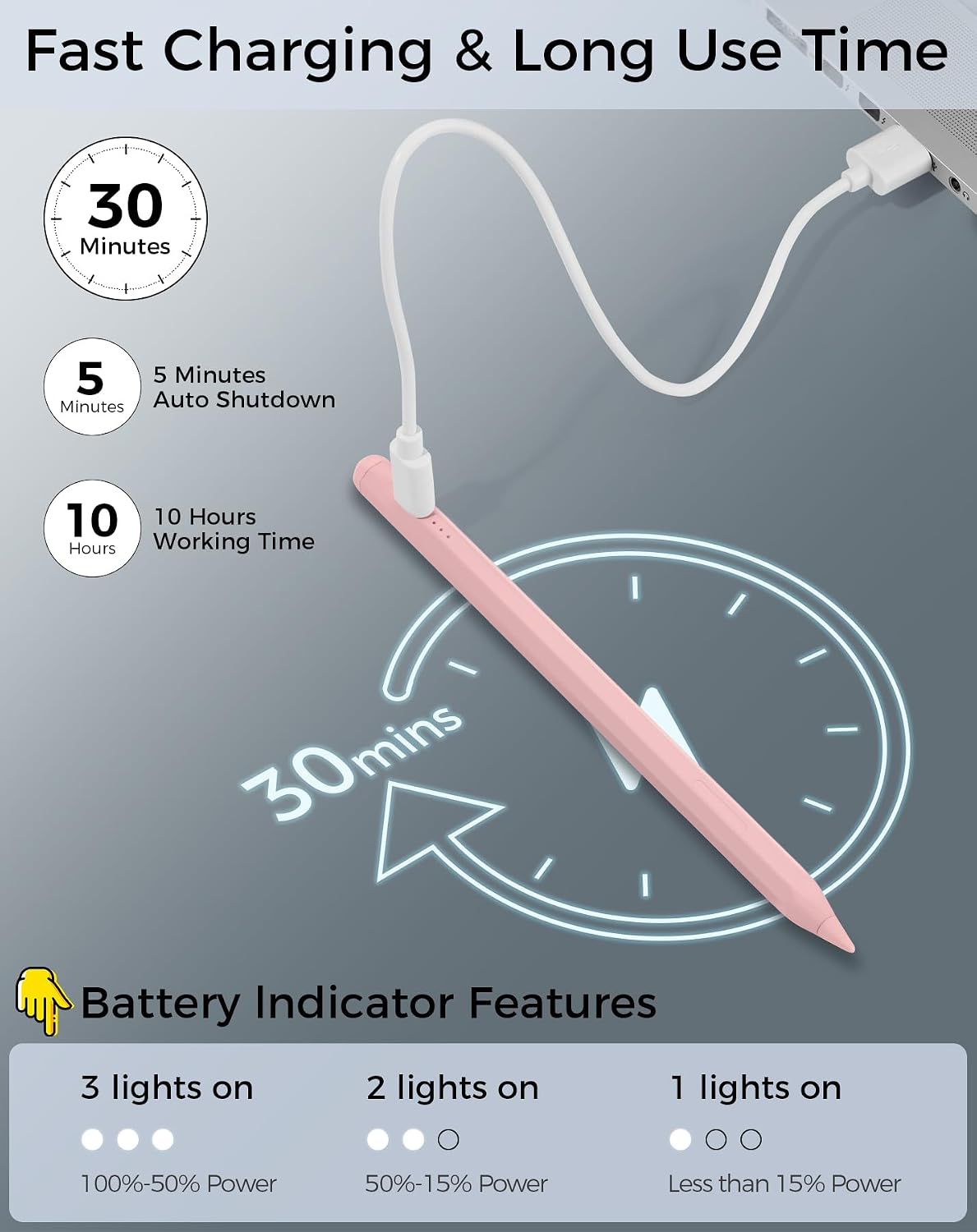
- A USB-C charge takes 30 minutes, with up to 10 hours of continuous use stated in the listing.
- Three LED indicators show the power level, and the package includes four replacement tips.
- Magnetic attachment helps keep the pen alongside a compatible iPad.
A practical use: jot a quick meeting note with your palm on the screen, then use the same pen to make a slanted, thicker mark when annotating a sketch. The long-press activation is straightforward, though you’ll need to remember to turn the pen on before writing.
Spec sheet
- Type: iPad stylus
- Tip: 1.5 mm POM, with four replacement tips
- Length: 16.5 cm
- Weight: 16 grams
- Charging: USB-C, 30-minute full charge stated
- Battery: 125 mAh, up to 10 hours of continuous use stated
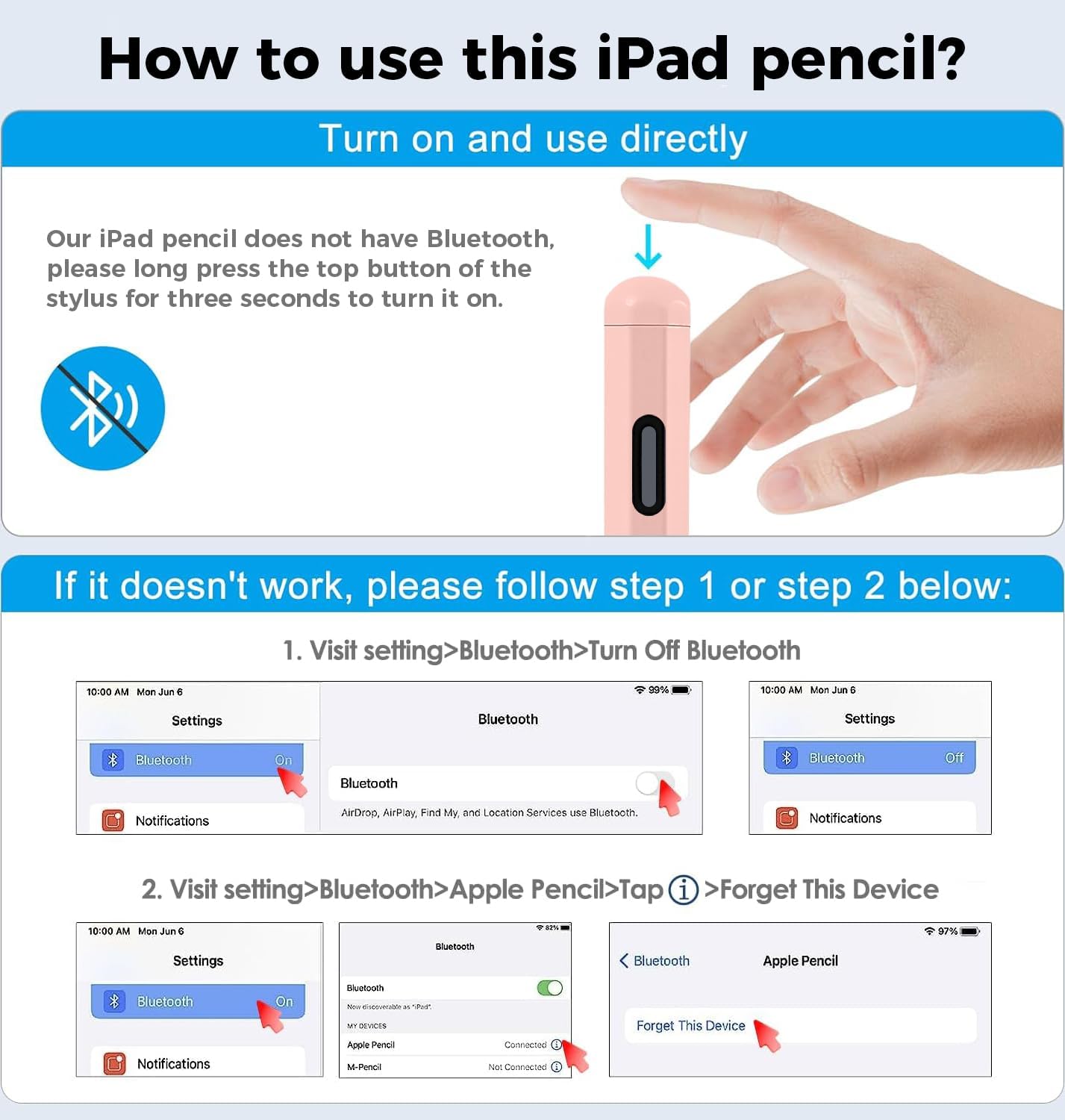
- Controls: Long press to activate, no Bluetooth or app required
- Features: Palm rejection, tilt sensitivity, magnetic attachment
- Limitation: No pressure-sensitive design
The listed compatibility is broad, but it is not universal. The pen does not work with iPhone, Android phones or tablets, or Microsoft devices. Also, magnetic attachment is for keeping the stylus alongside the iPad, the listing does not say it charges there.
Buying verdict
Choose this pen if your iPad is on the compatibility list and you mainly need handwriting, document markup, or casual drawing with palm rejection and tilt-based line variation. Its replaceable tips and USB-C charging make it suited to regular note-taking without adding app setup to the routine. Skip it if pressure-sensitive control is essential for your artwork, or if you want one stylus that works across non-iPad devices. Confirm the iPad generation first: that detail matters more than the pen’s broad compatibility headline.