

llano V12 RGB Cooling Pad ⚡
Product description
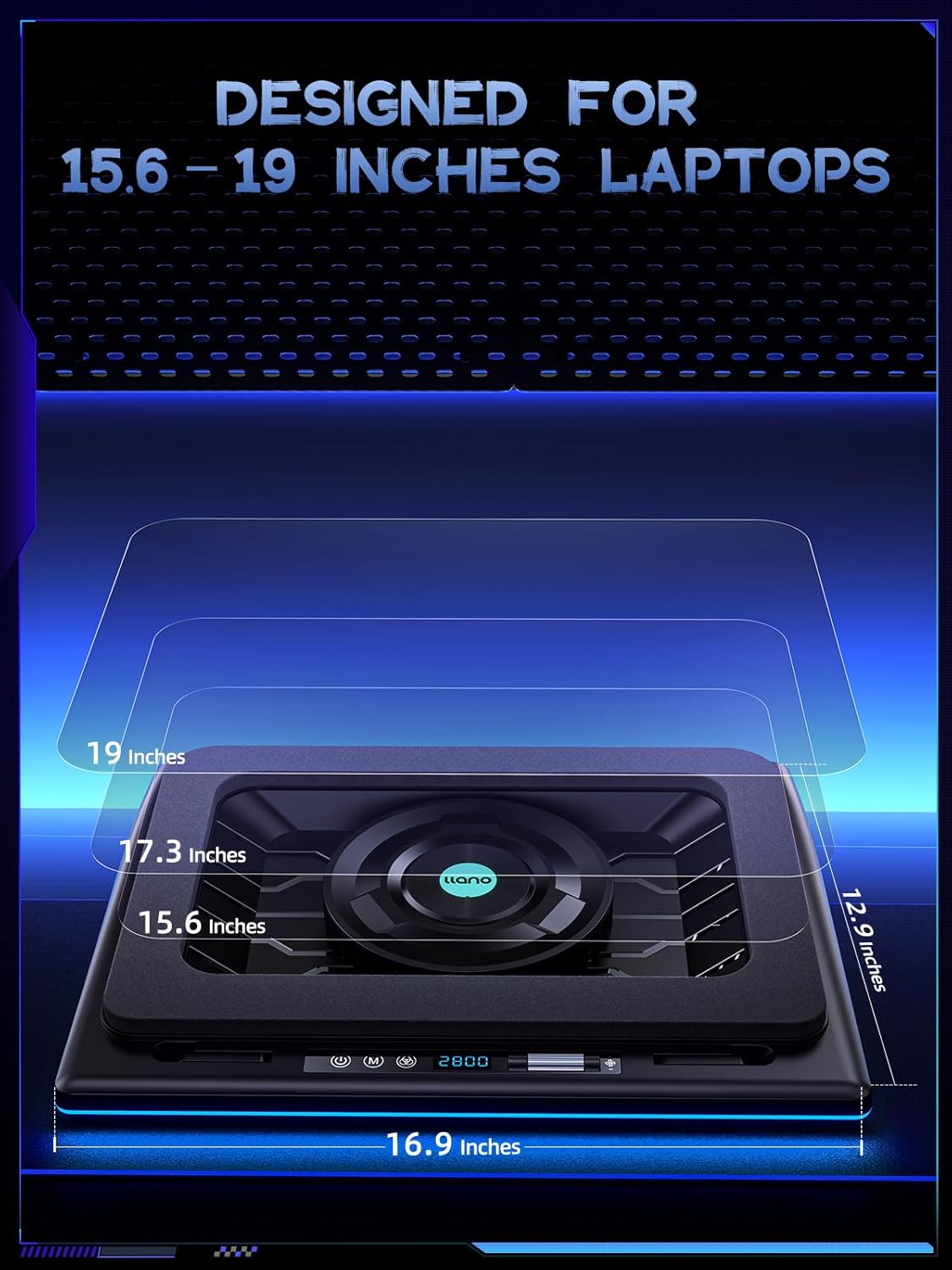
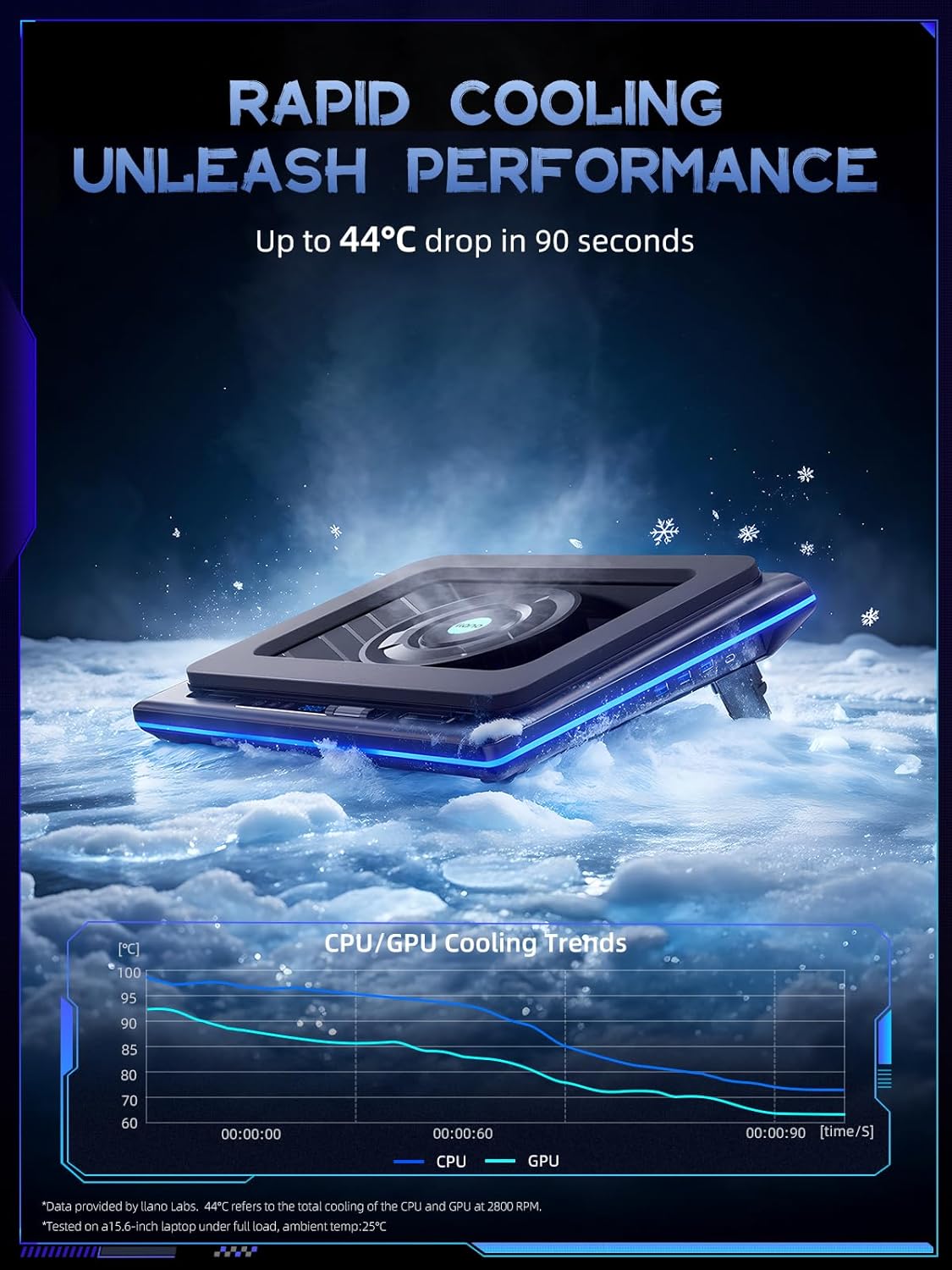
This llano V12 RGB Cooling Pad ⚡ delivers powerful, quiet cooling for laptops during intense use, combining a 14 cm turbo fan with dense foam to create dynamic airflow from all directions. Designed for gamers and professionals who demand steady performance under load, it maintains screen stability and prevents thermal throttling during long sessions.
Key Points
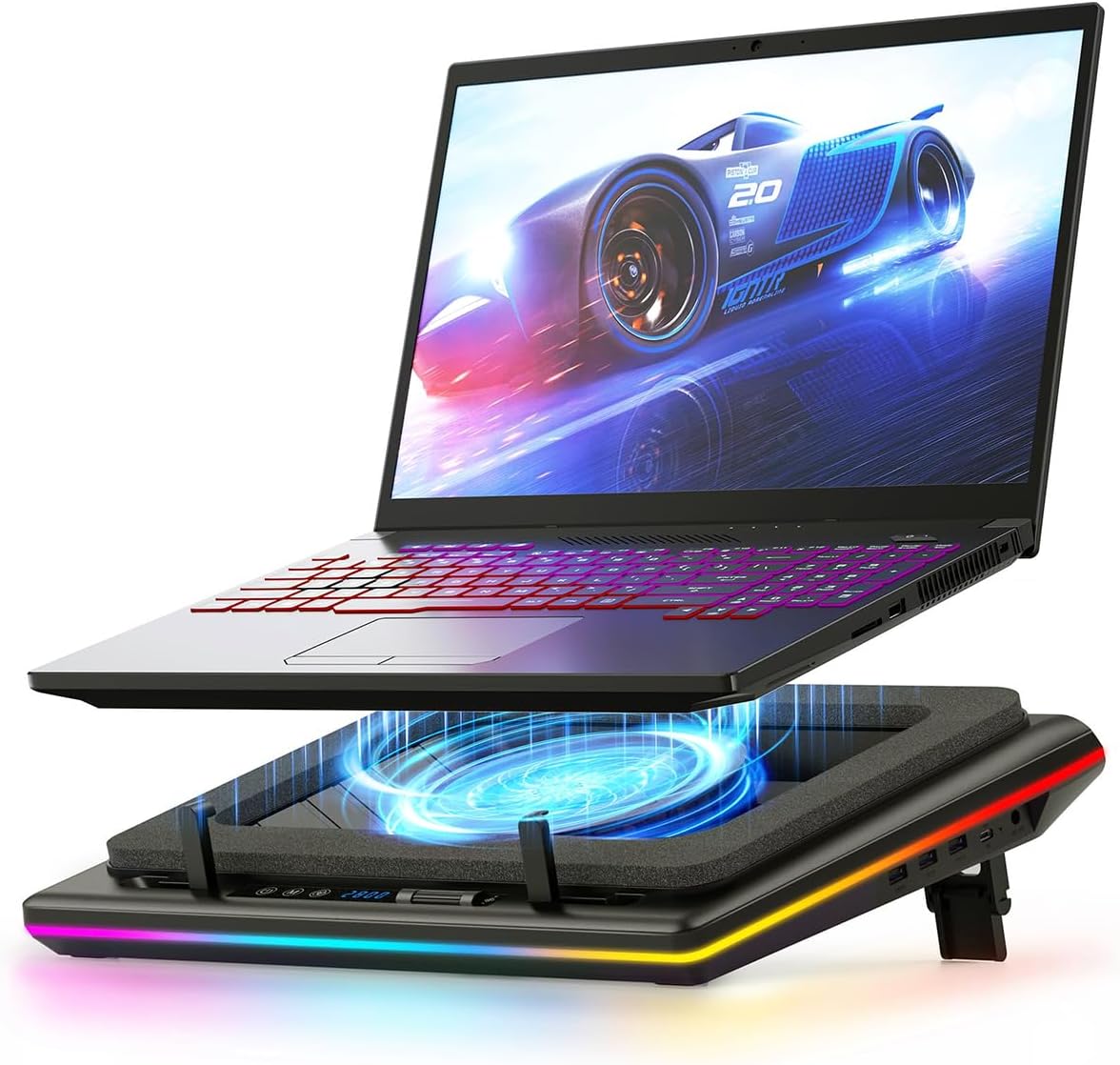
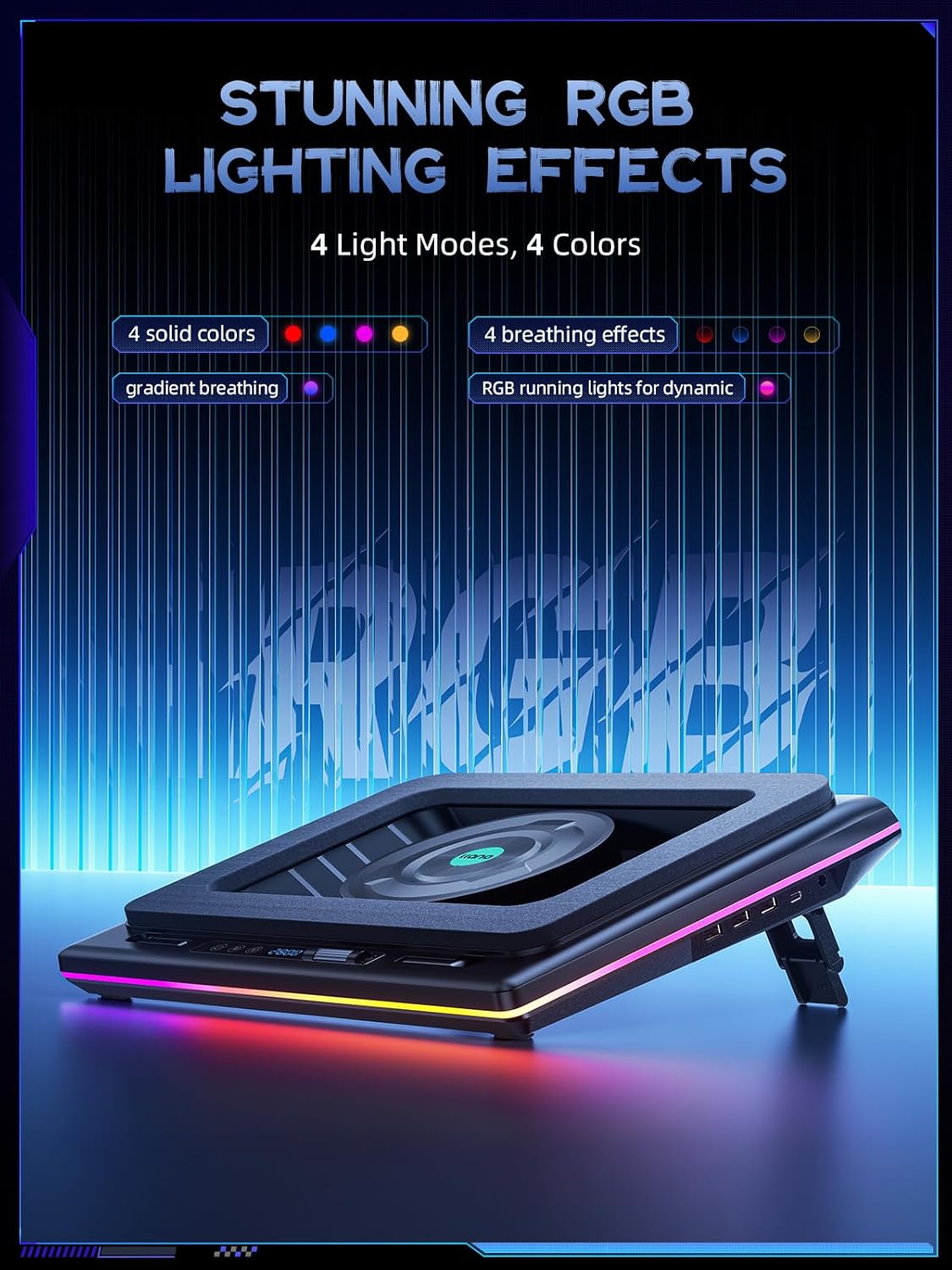
The llano V12 RGB Cooling Pad ⚡ features a 14 cm turbo fan that pulls air from all 360 degrees, improving heat dissipation without noticeable noise. It includes a customizable RGB bar with over four color options and ten lighting modes, allowing users to match their setup with personal preferences. A memory function ensures consistent lighting settings are recalled each time the device is powered on. The adjustable height range of 0 to 58 mm supports ergonomic positioning, reducing neck strain during extended use. Two anti-slip covers keep the laptop secure and prevent sliding during operation.
Technical Specifications
- Fan Size: 14 cm turbo fan
- Airflow Pattern: 360-degree dynamic airflow
- RGB Features: 10 lighting modes, over 4 color options
- Height Adjustment: 0 to 58 mm
- Anti-Slip Design: Dual rubberized covers
- USB Hub: 1 input port, 3 output ports
Benefits
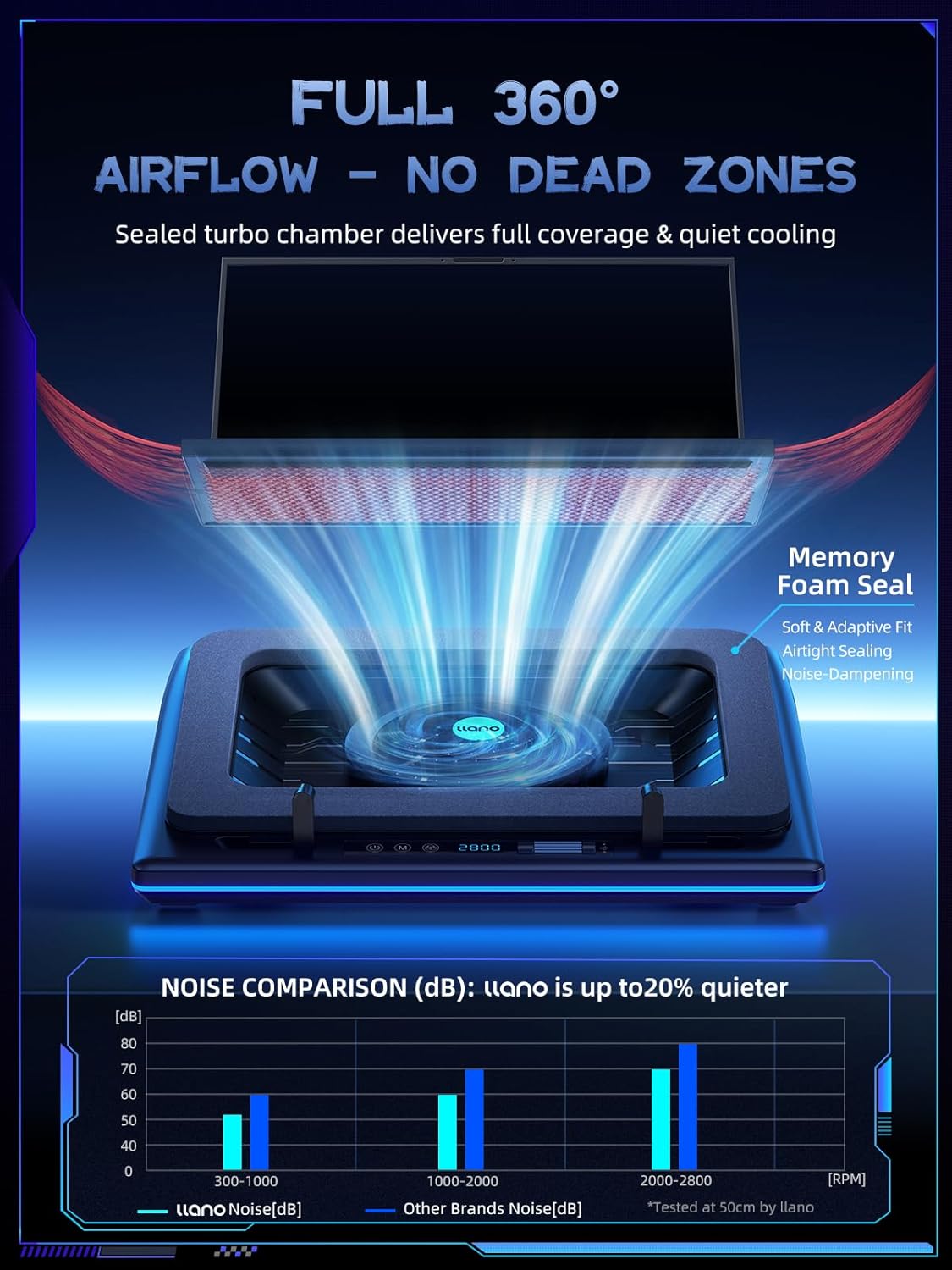
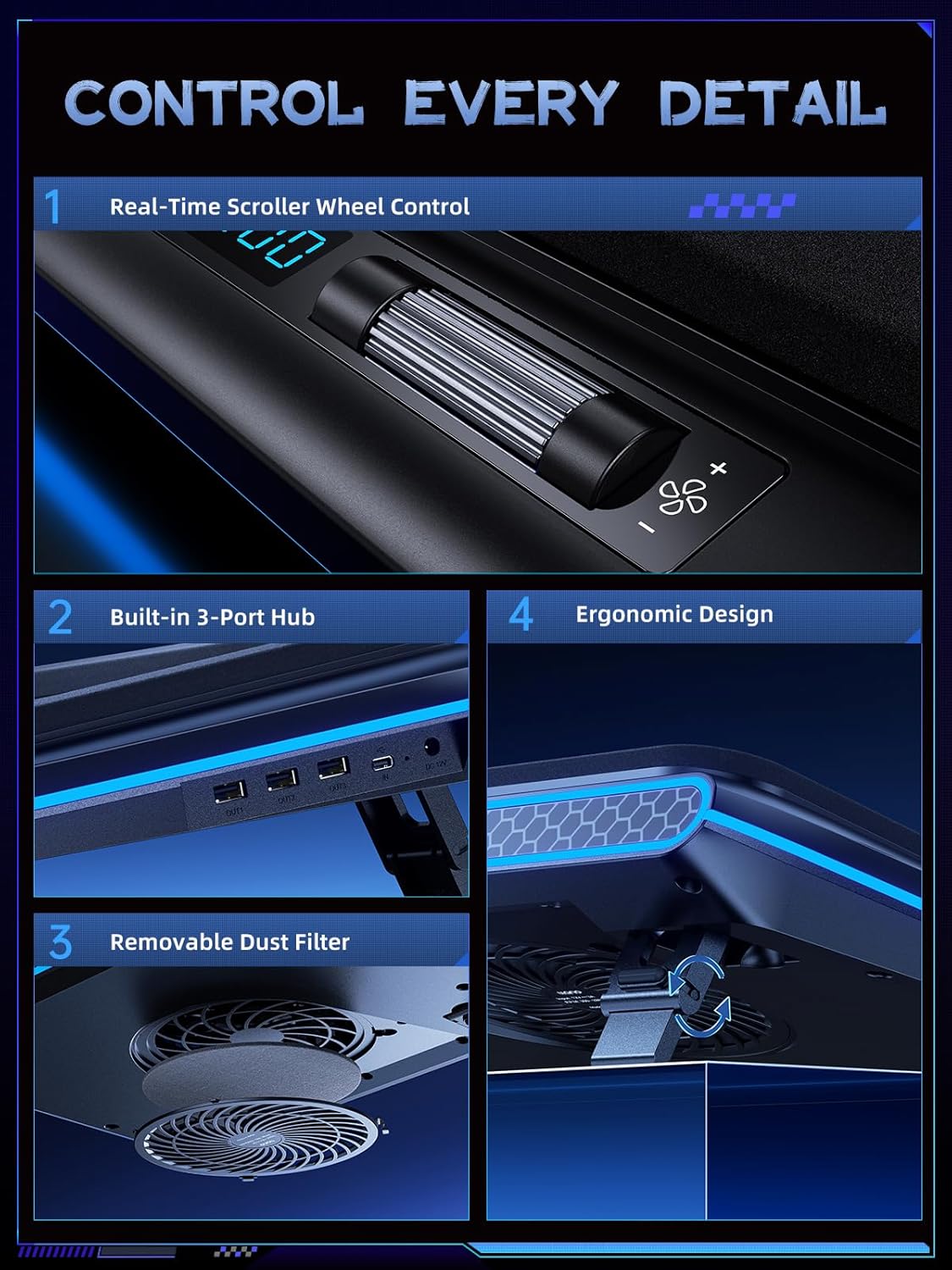
It maintains stable performance during high-load tasks like gaming or video rendering by efficiently removing heat from the device. The real-time LED display shows current fan speed and lighting settings, helping users balance cooling power with noise levels. The built-in memory function saves user preferences, eliminating the need to reset settings after each session. The anti-dust design reduces accumulation, while the removable filter and cotton mesh allow easy cleaning.
Usage Recommendations
For optimal results, position the cooling pad at a height that aligns with your natural posture to avoid neck tension. Use the tactile buttons to adjust fan speed and lighting without moving your hands or looking away from the screen. Press and hold the power button for two seconds to toggle the fan on or off. Use the M and Right buttons to cycle through RGB modes. Connect your keyboard, mouse, or other peripherals via the USB hub for seamless multitasking. The pad works best when used with laptops that generate significant heat during prolonged use.