


5Rcom Single Monitor Arm, 13–35-Inch Screens
Product description
Quick overview
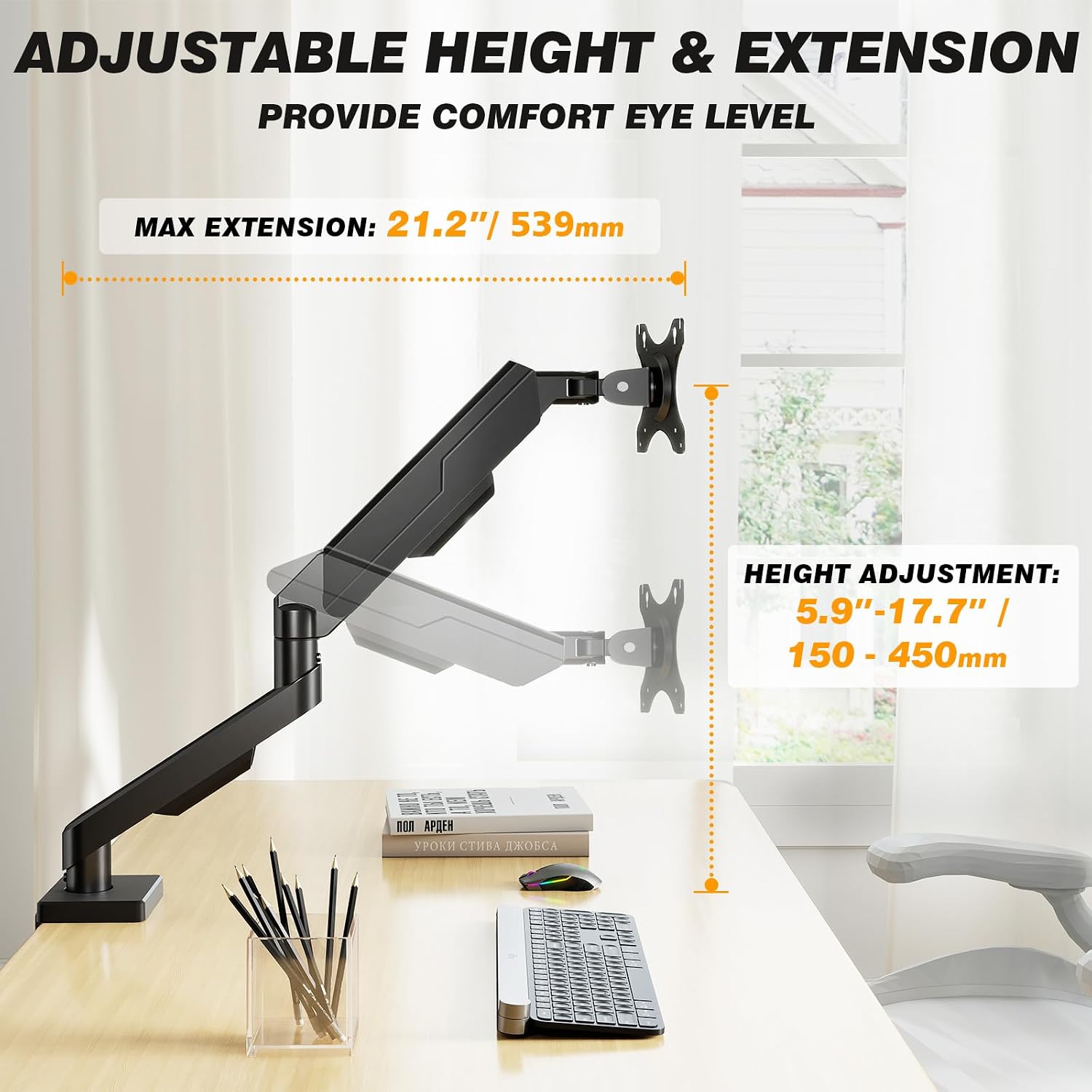
Height adjustment up to 17.7 inches and reach up to 21.2 inches give this 5Rcom arm room to bring a monitor closer or lift it off the desk. That can make a shared work surface easier to arrange without leaving the screen stuck in one position.
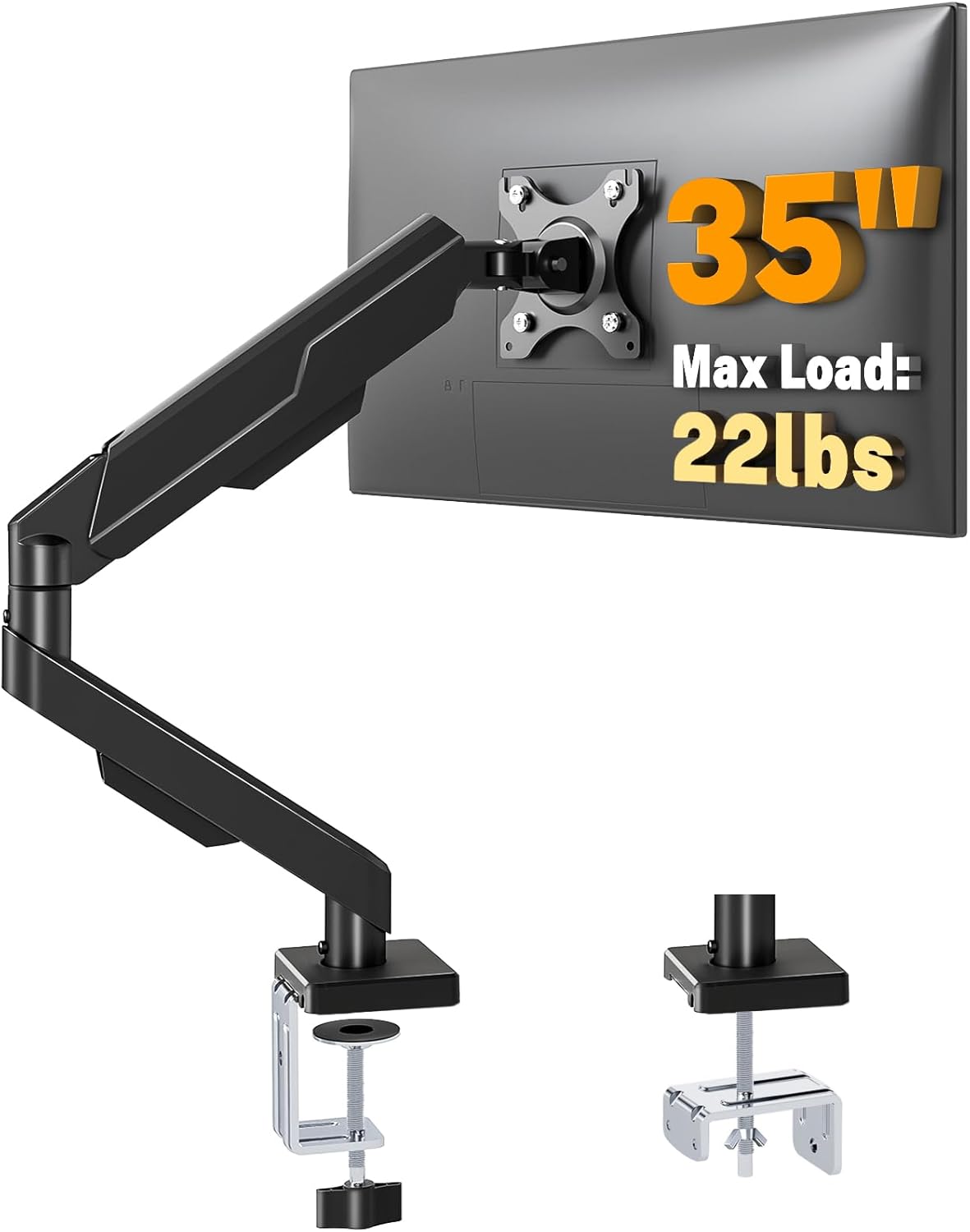
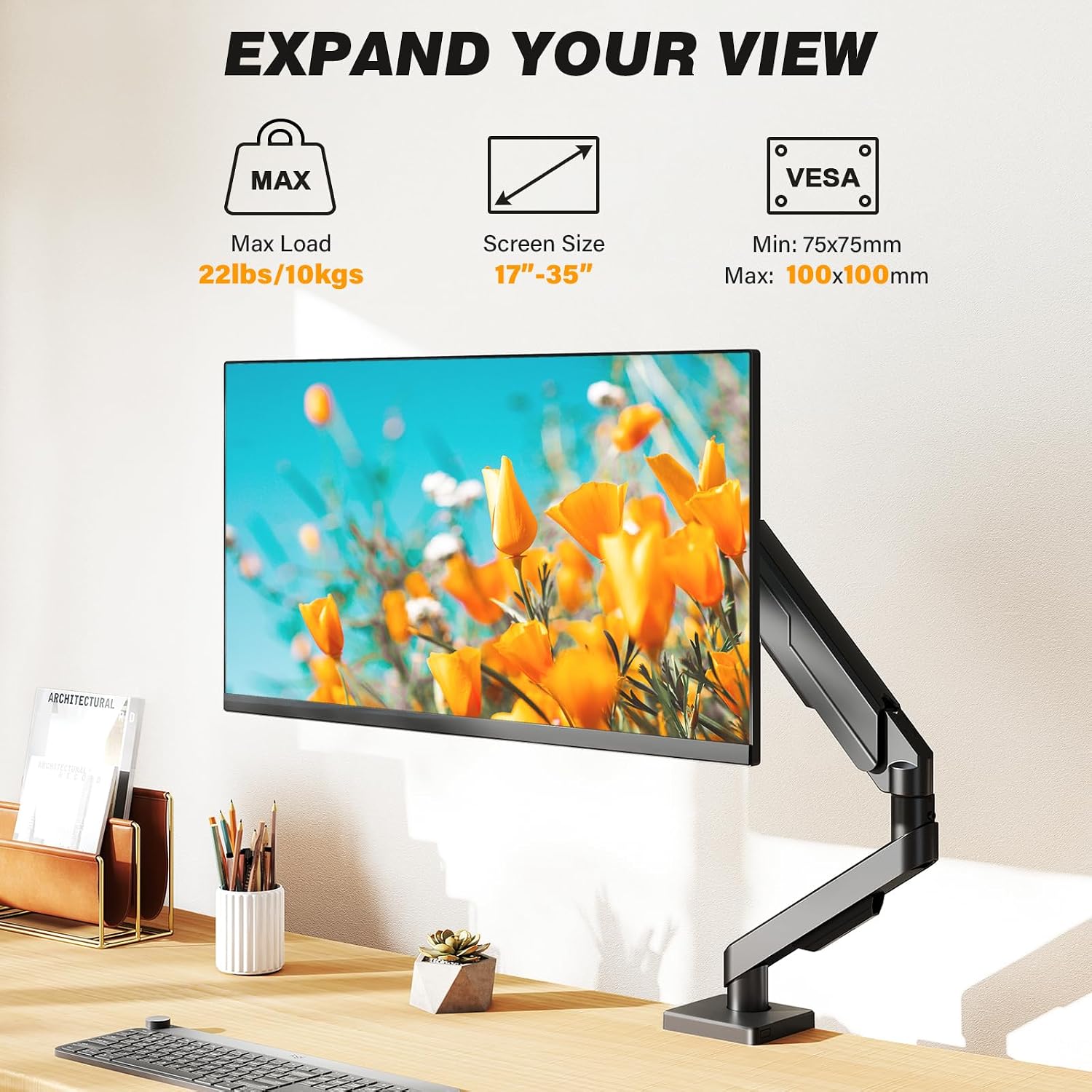
It’s made for most flat and curved screens from 13 to 35 inches, with a stated weight range of 4.4 to 22 pounds. The steel construction and tabletop mount are intended to support a single display.
The head tilts from -45° to +90° and swivels from -90° to +90°, the VESA plate rotates 360° for landscape or portrait orientation. Built-in cable management helps route cords along the arm, rather than leaving them loose across the desk.
How to use it
Start by checking your monitor’s weight and VESA mounting compatibility. The listing gives a supported weight range, but not the specific VESA pattern dimensions, so screen size alone doesn’t confirm a fit. Keep in mind that the arm’s full movement also needs usable space around the desk and monitor.
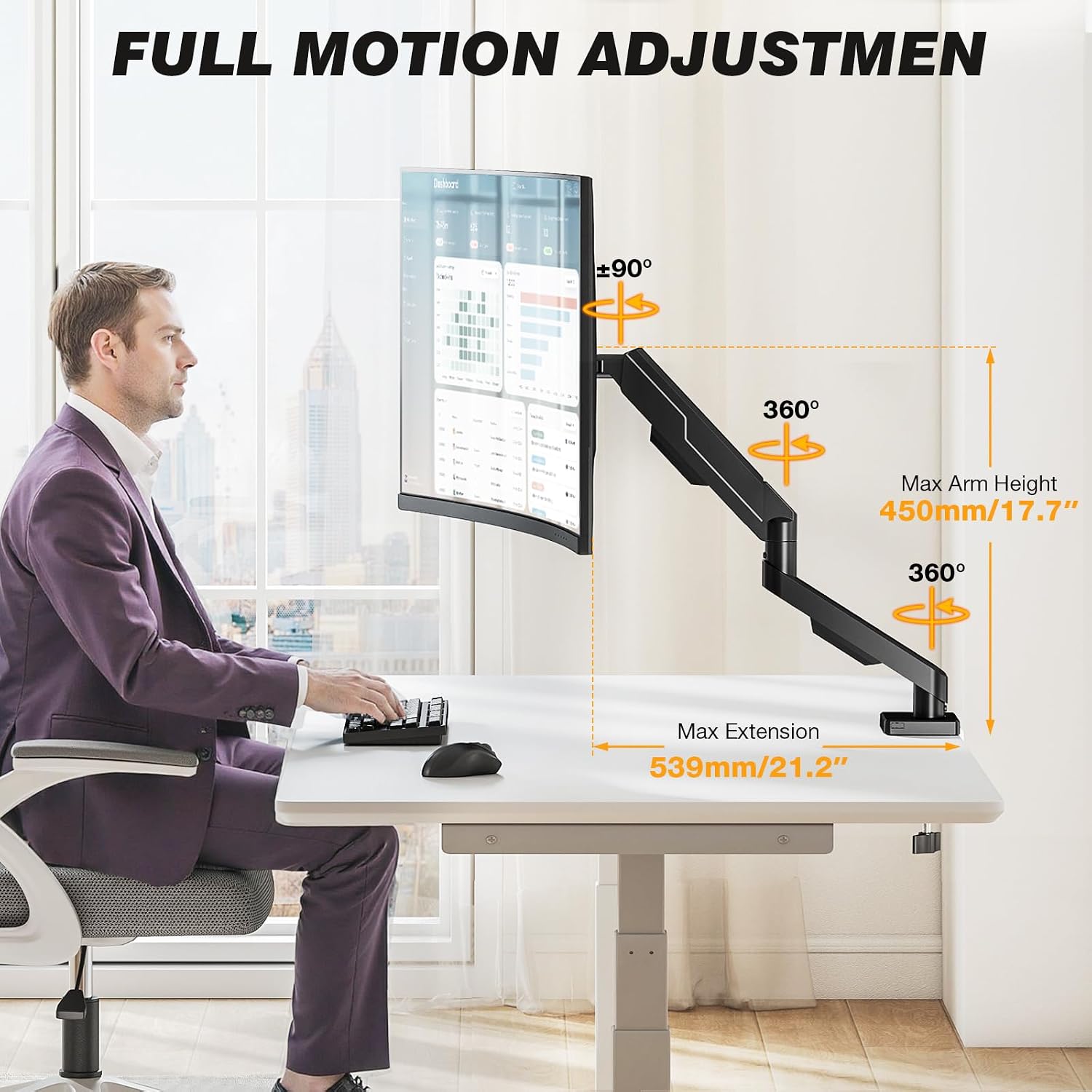
Once installed, adjust the screen to suit the task: for example, bring it forward for a focused work session, then angle it aside when you need more room on the desk. The height, tilt, swivel, and rotation options give you several ways to position the display. They may help you find a more comfortable viewing setup, but they won’t guarantee better posture by themselves.
Practical tips
It suits you if you want to reclaim some desk space and reposition one monitor during the day. For a quick visual example, a display can be turned vertically to read a long document, then rotated back to landscape for regular computer work. The cable routing is a useful finishing touch if cords currently hang behind the screen.
For choosing between this and a simpler fixed stand, the arm makes more sense when you expect to move or rotate the display. A fixed stand may be enough if the monitor rarely changes position and you don’t need the desk space underneath it. On the spec sheet, the stated reach is up to 21.2 inches, so don’t assume it can place the screen anywhere in a large workspace.
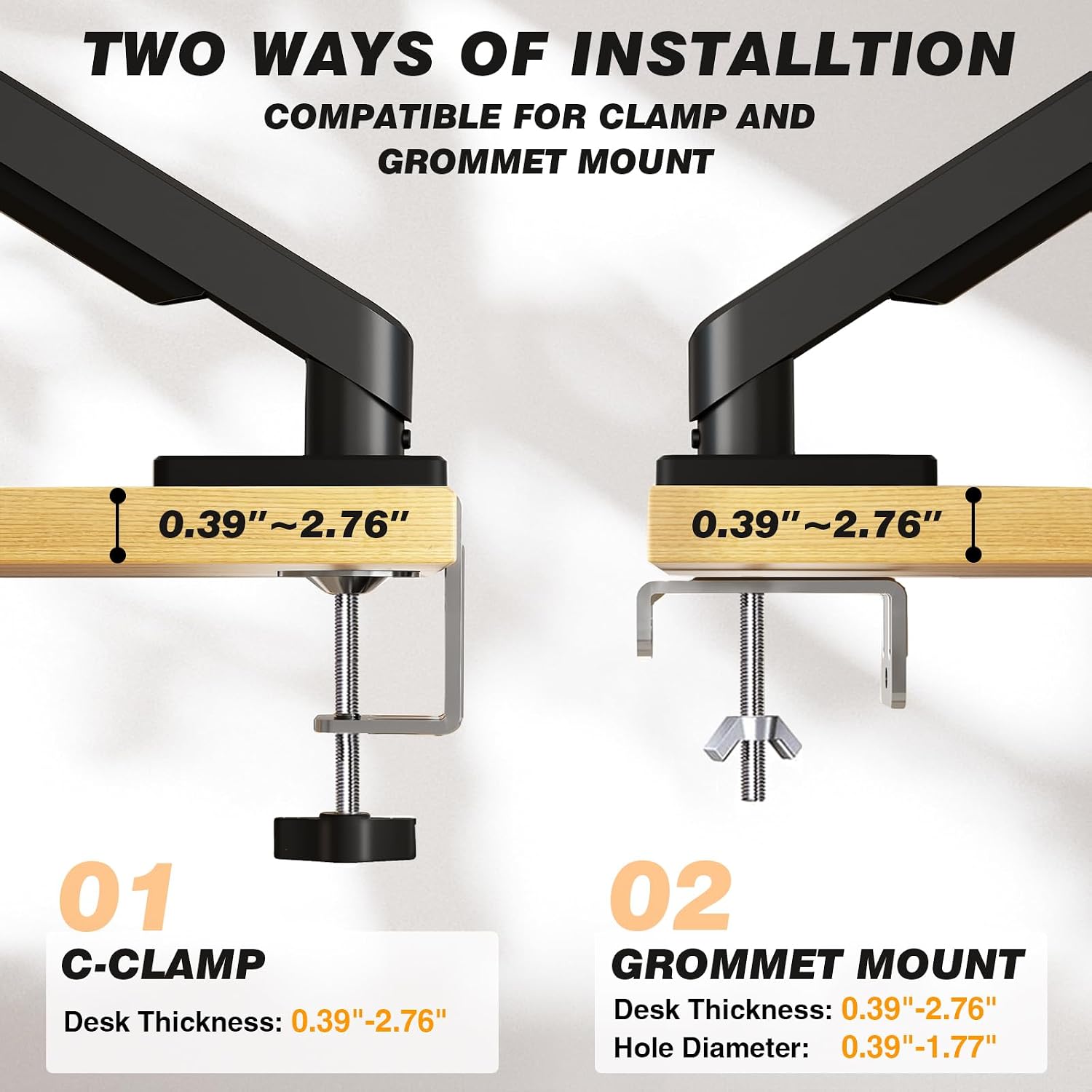
Not the best choice if your monitor falls outside the stated 4.4–22-pound range, or if you need confirmation of a specific VESA pattern that isn’t provided here. The listing also doesn’t give detailed installation steps, so factor in the setup required for a tabletop mount rather than expecting a fixed stand’s simplicity.
Before you decide
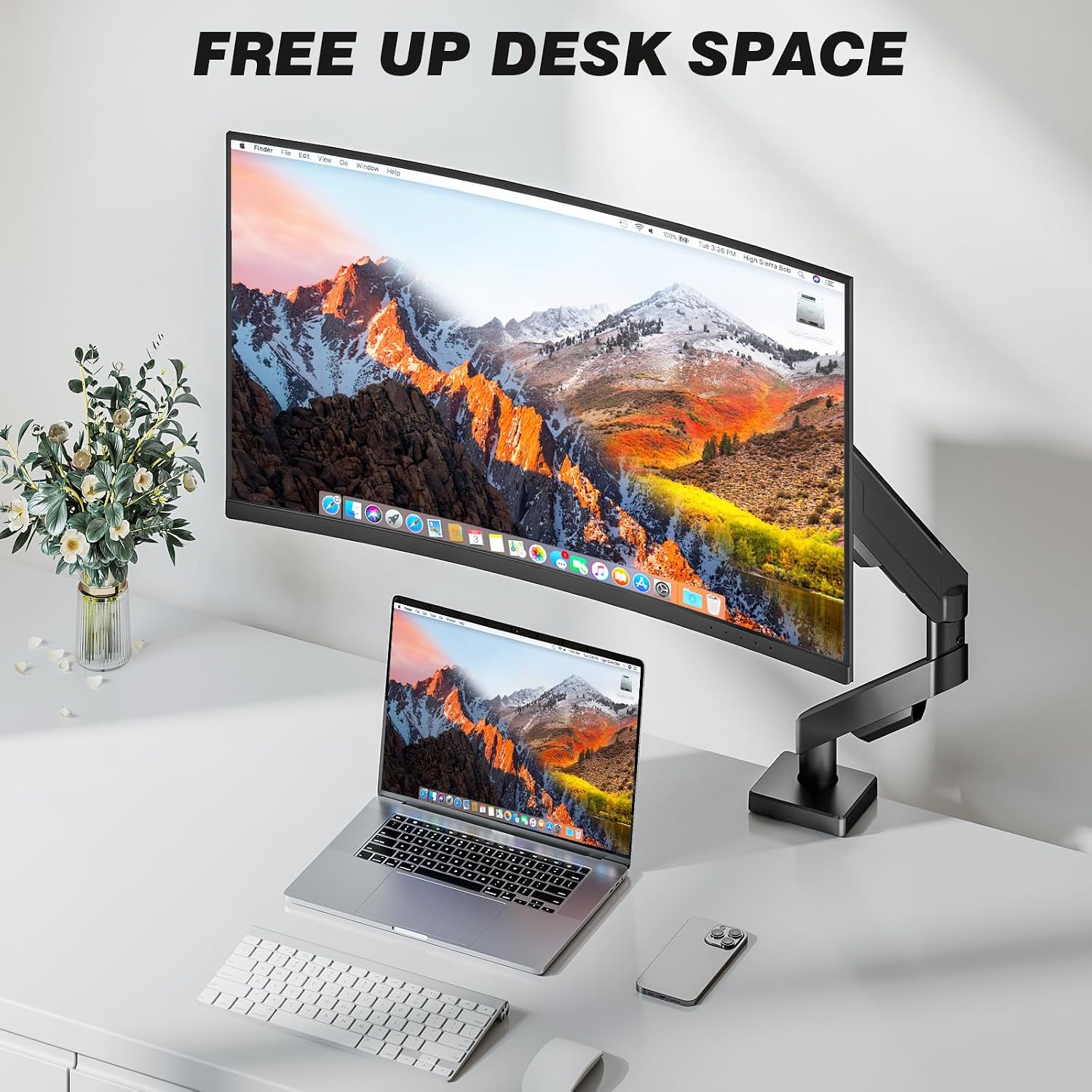
Will it fit a 35-inch monitor? It’s listed for most screens from 13 to 35 inches, but you should also check the monitor’s weight and VESA compatibility.
Can you use the screen in portrait orientation? Yes. The VESA plate rotates 360°, allowing landscape or portrait positioning.
Does it help organize cables? It has integrated cable management intended to route and hide cords along the arm.
Final verdict
Choose this arm if your monitor is within the stated size and weight range, its VESA mounting setup is compatible, and you’ll use the adjustment range to free up desk space or change viewing angles. If the display will stay in one place, or you can’t confirm its mounting fit, a simpler stand—or a mount with clearly specified VESA dimensions—may be a more straightforward choice.