

VIVO STAND-V002F Dual Monitor Desk Stand for 2 Screens
Reviews
Price
Product description
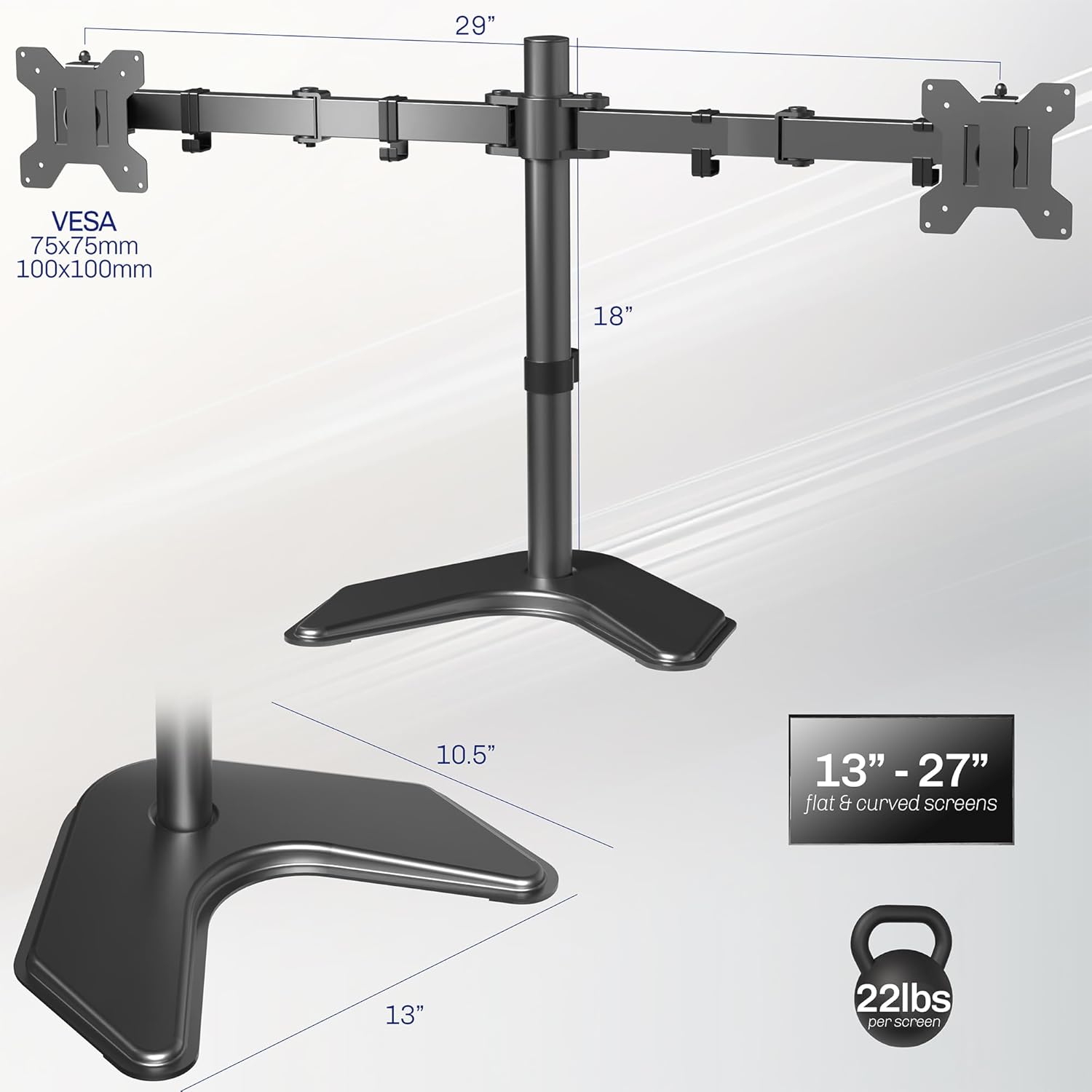
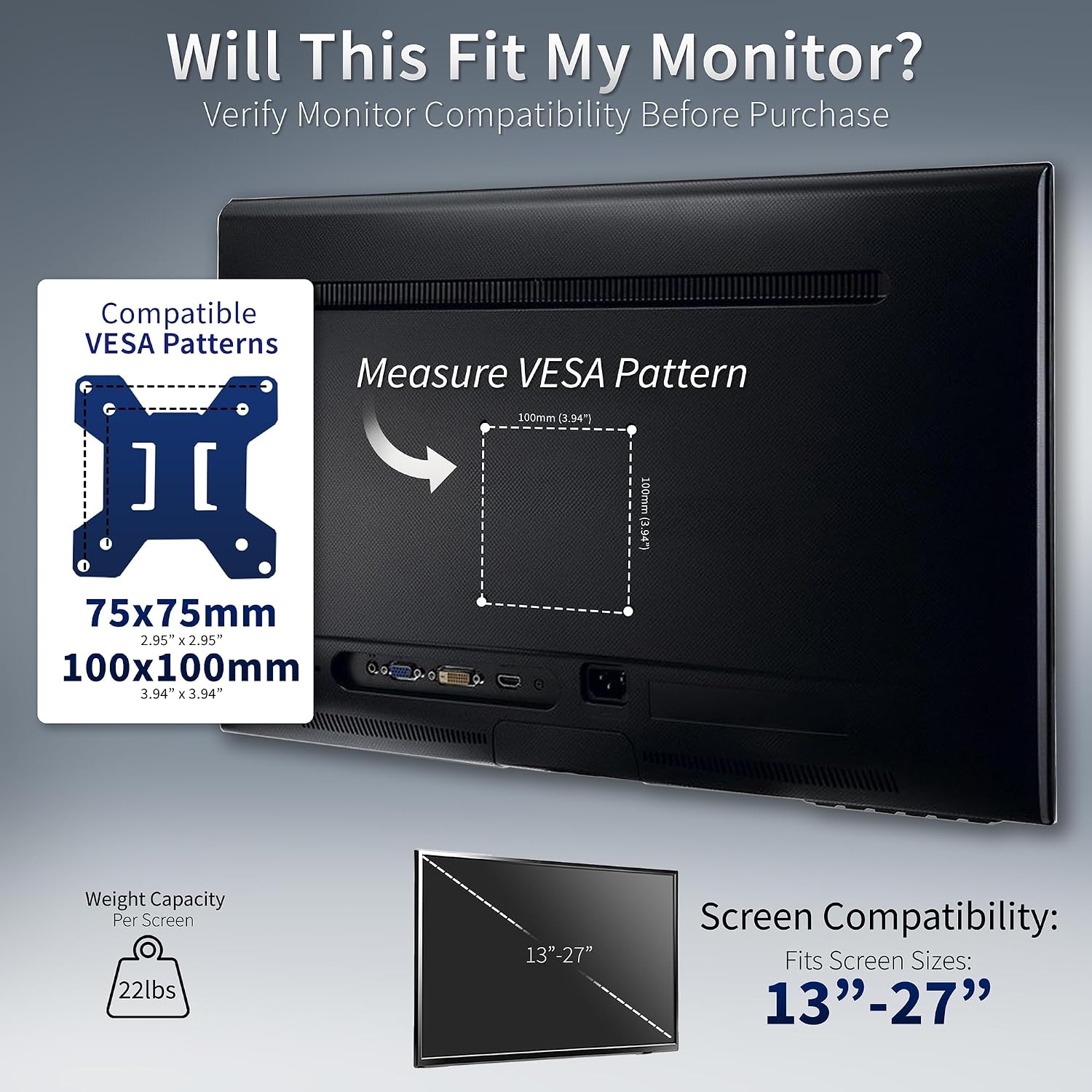
This dual monitor stand supports two screens from 13 to 27 inches and up to 10 kg each, delivering a stable, adjustable mounting solution for a compact desk. Designed for a free-standing setup, it lets you position monitors in portrait or landscape orientation while keeping cables neatly managed with removable clips along the arms and central post.
Key Points
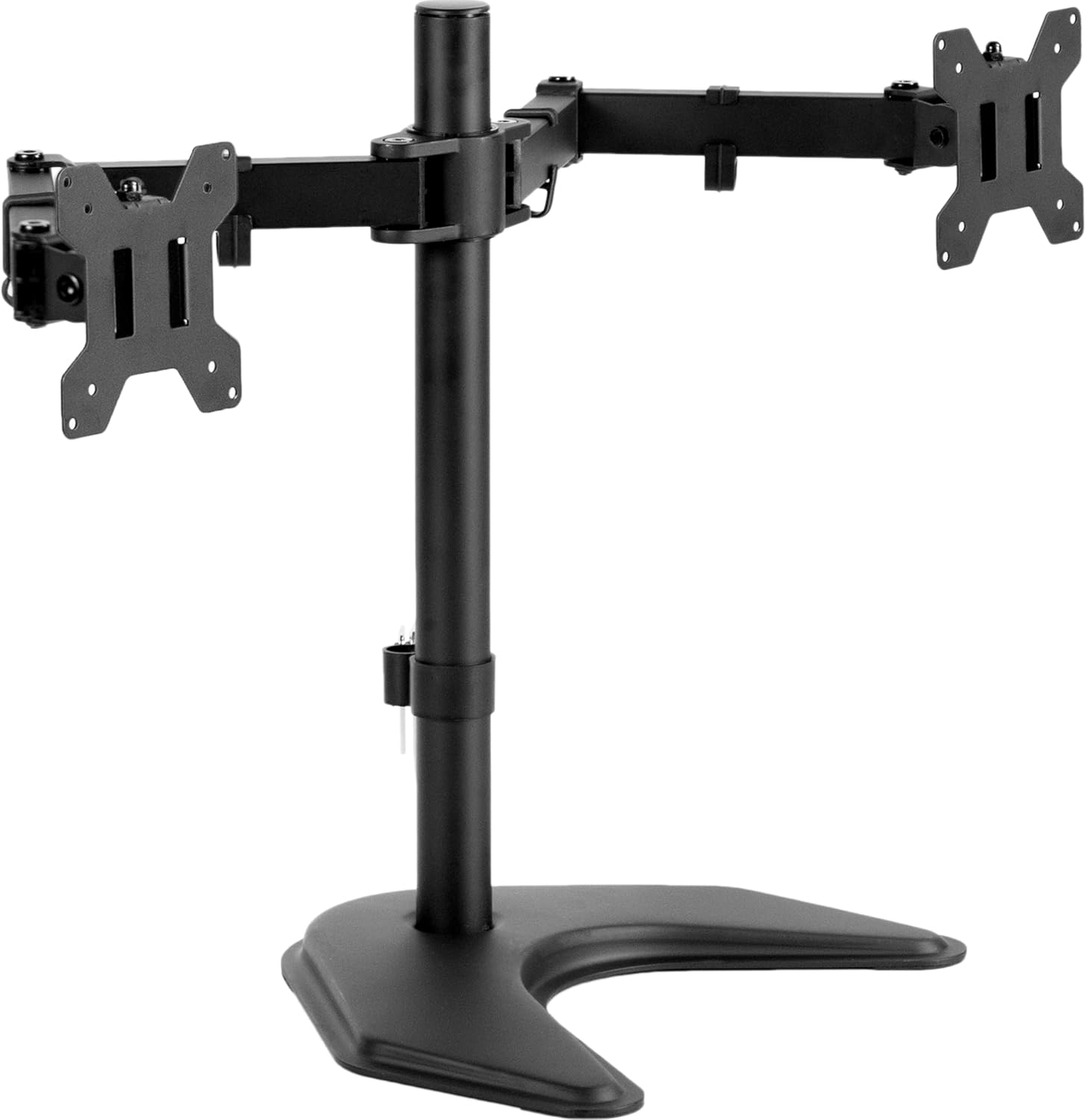
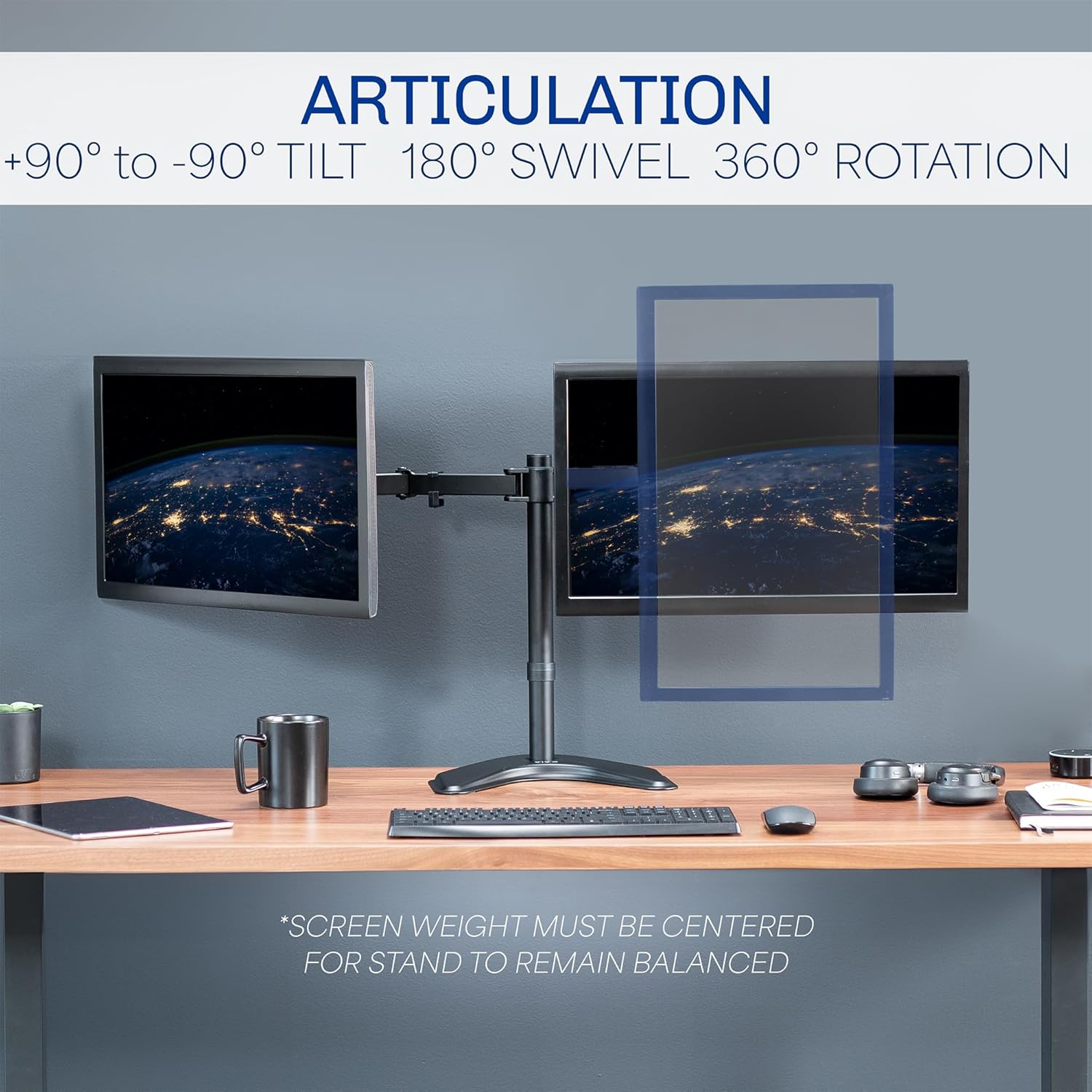
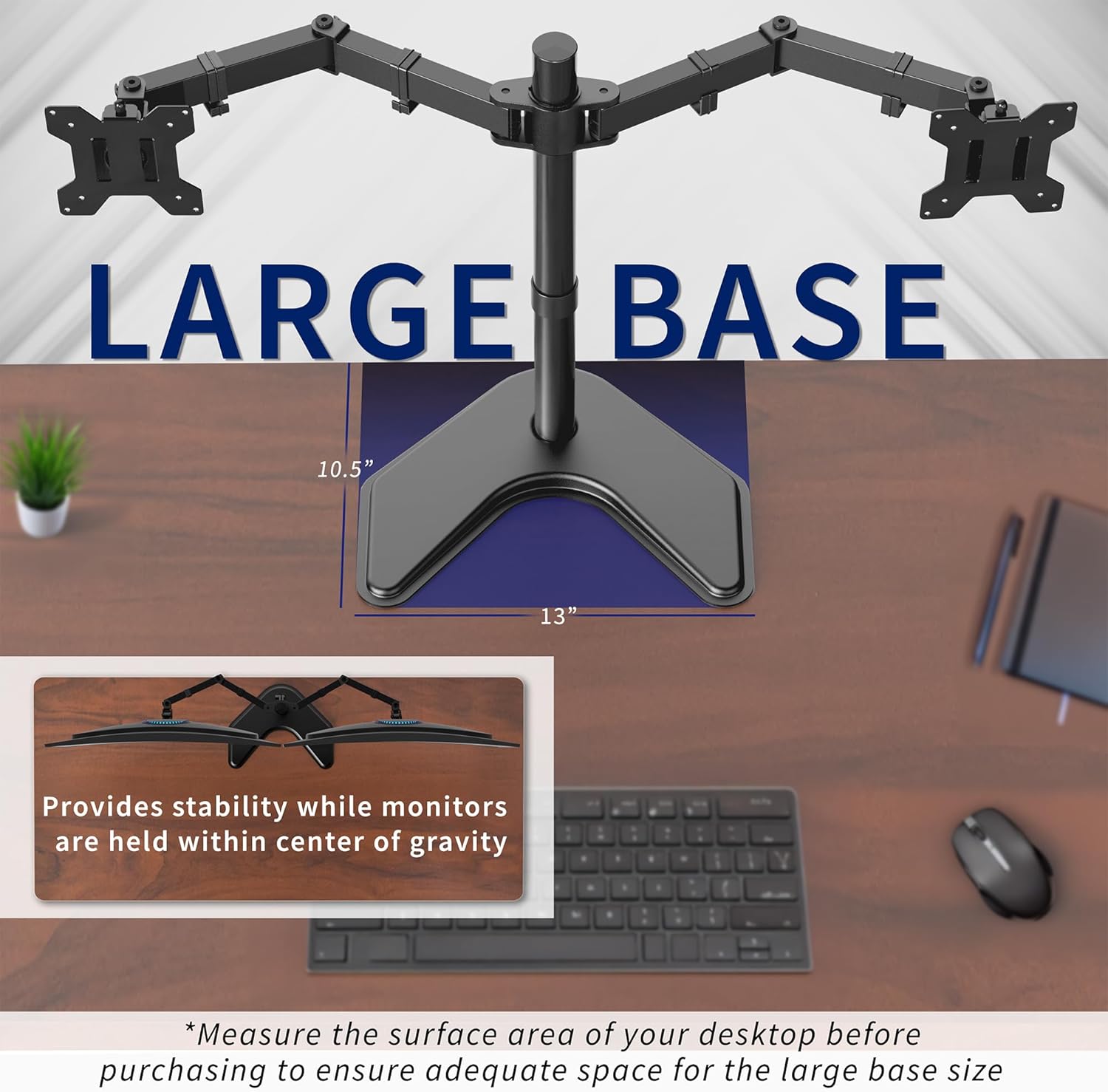
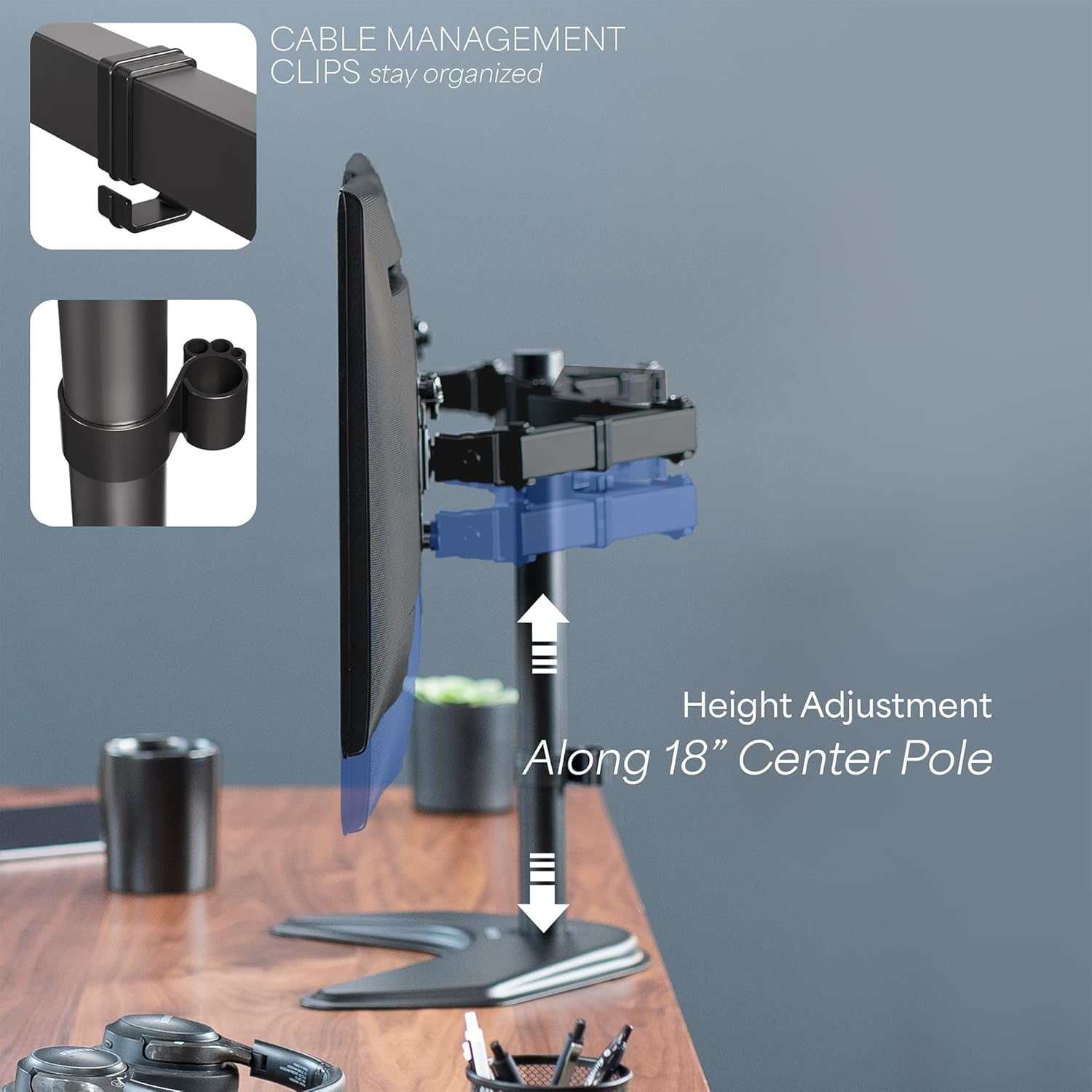
This lightweight yet sturdy freestanding mount offers full articulation to adapt to different work or gaming tasks. The arms tilt, swivel, and rotate for precise viewing angles, while the central column allows easy height adjustment. The base measures a solid footprint to keep monitors balanced, and soft pads underneath help protect your desk finish. An easy install process uses VESA plates that can be detached for quick mounting. This model supports two displays up to 27 inches and 10 kilograms per screen, and it accepts 75x75 mm or 100x100 mm mounting patterns. Overall, it provides a clean, versatile mounting option for multi-monitor setups 😊. The system keeps cables out of the way, reducing desk clutter and improving workflow efficiency 👌.
Technical Specifications
- Name: VIVO STAND-V002F Dual LED LCD Monitor Free-Standing Desk Stand
- Monitor compatibility: 13 to 27 inches per screen
- Weight capacity: up to 10 kg per monitor
- Mounting pattern: 75x75 mm or 100x100 mm
- Tilt range: +90° to -90°
- Swivel: 180°
- Rotation: 360°
- Height adjustment: along the central post
- Base dimensions: 13 x 10.5 inches (33 x 26.7 cm)
- Cable management: integrated clips on arms and post
- Assembly: quick mounting with detachable VESA plates
- Finish: powder-coated metal for durability
Usage Recommendations
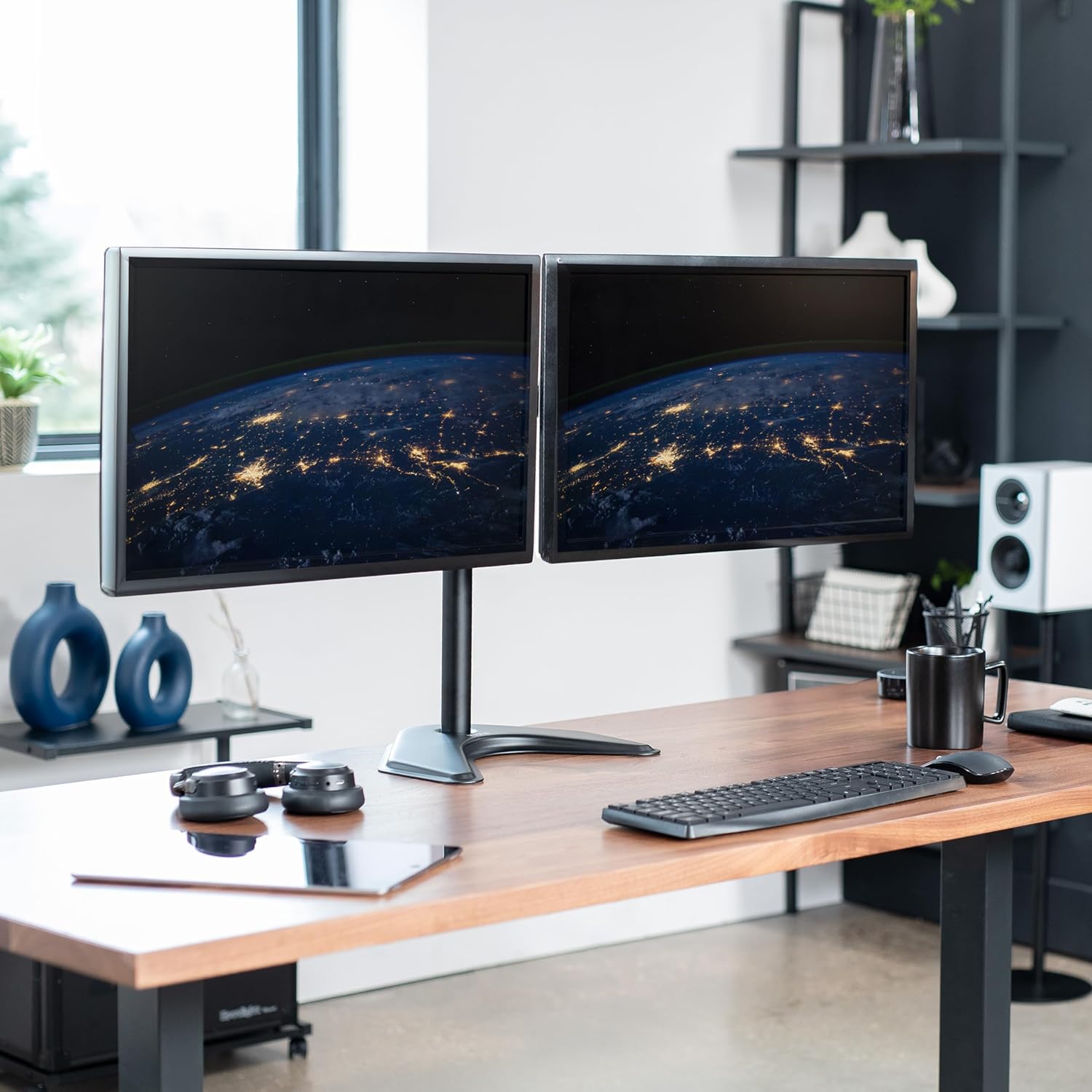
This stand is suitable for desk configurations where two displays are needed side by side or in a stacked arrangement. Position the monitors so their combined center of gravity remains near the base to maximize stability and reduce wobble. If your workspace includes tall equipment or limited legroom, placing the base to one side can help optimize clearance. The included cable clips allow you to route power and AV cables cleanly, avoiding tangles. When adjusting, make small incremental changes to maintain balance and prevent sudden shifts that could affect desk stability. For longer sessions, consider periodic checks on the clamp and post to ensure everything remains secure.