


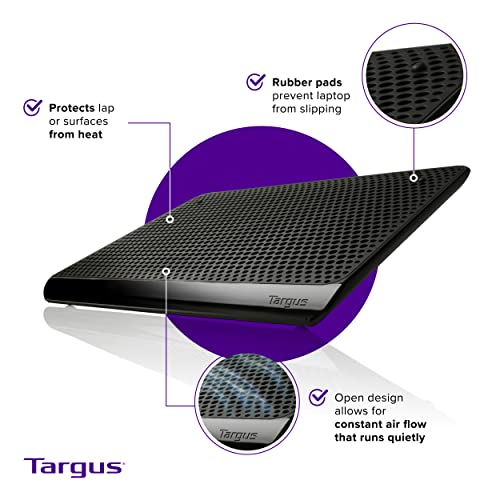
Targus Chill Mat PA248U5 for 16-inch laptops
Product description
This laptop cooling pad from Targus keeps temperatures down for up to 16-inch computers, helping sustained performance during long work sessions or gaming. It combines two fans with a slim profile and a textured surface to improve airflow and grip, making it suitable for home offices and travel setups.
Key Points
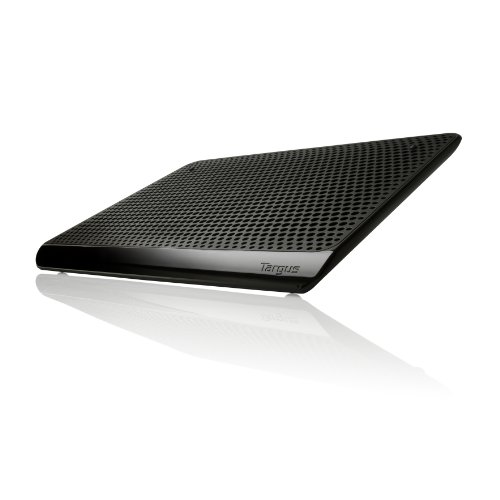
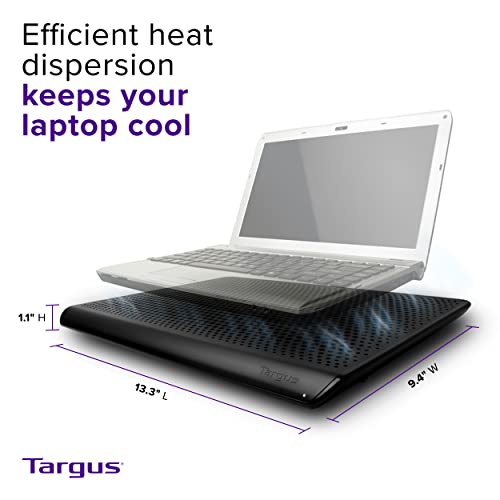
The Chill Mat is designed to lower operating temperatures using two built-in fans that increase ventilation beneath the laptop. Its low-profile build measures about 1.3 inches in height so it fits easily into backpacks and on crowded desks. The surface includes textured details to reduce slipping and keep a laptop stable while typing.
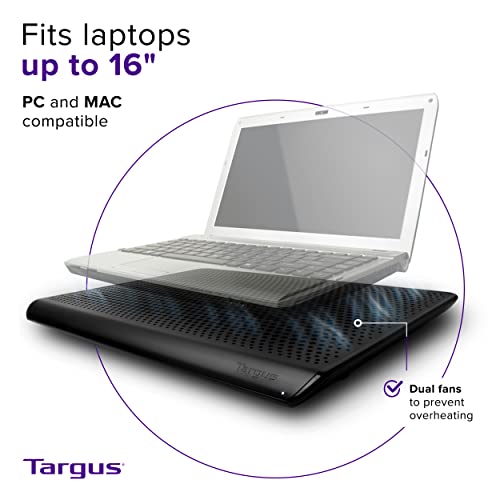
This model is RoHS compliant according to the manufacturer, which addresses certain environmental and safety standards. The mat is compatible with devices up to 16 inches, so it works with many mainstream laptops and compact professional machines. Note that fan speed and noise levels are not specified by the manufacturer.
Technical Specifications
- Name: Targus Chill Mat (PA248U5)
- Compatible with: up to 16-inch laptops
- Number of fans: - 2
- Height: - 1.3 inches
- Compliance: - RoHS
Usage Recommendations
Place the Chill Mat on a flat surface and center your laptop so the fans align with the intake vents of your machine. For best results use it on desks or other hard surfaces rather than soft beds where airflow can be restricted. The slim height helps maintain a comfortable typing angle while improving cooling, but consider a separate stand if you need a more pronounced ergonomic tilt.
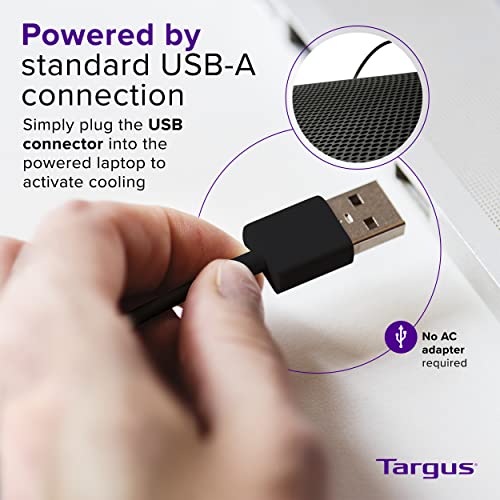
Consider that power for the fans is typically supplied via USB from the laptop, which may slightly affect battery runtime on notebooks when unplugged. Additionally, while the mat improves airflow, it does not replace internal maintenance such as cleaning dust from laptop vents.