

HUANUO Dual Monitor Stand for 32-Inch Screens
Product description
Size & fit
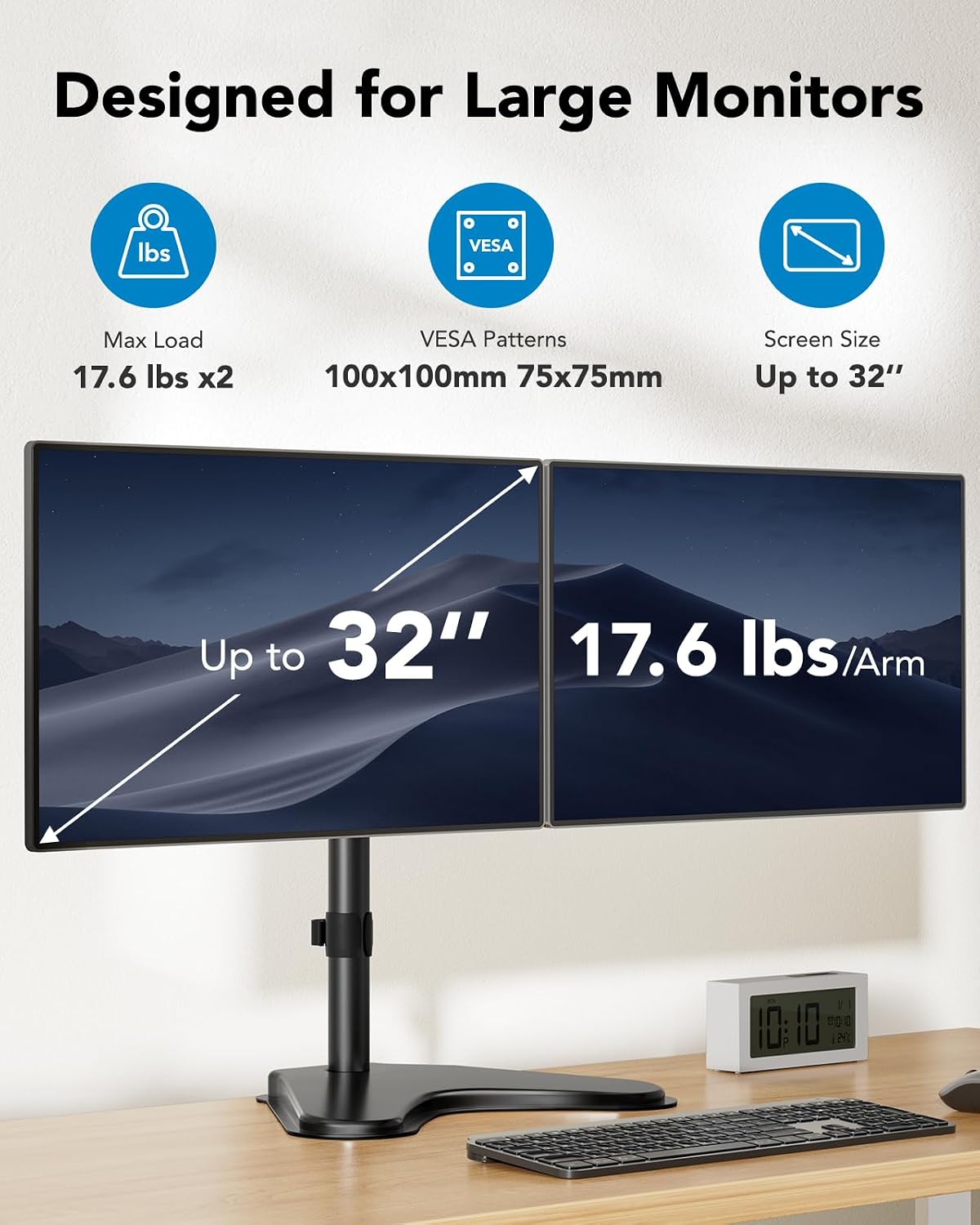
For people setting up two compatible monitors on a desk without attaching a mount to the desktop edge, this HUANUO stand uses a freestanding base and adjustable arms. It supports screens from 13 to 32 inches, with a maximum weight of 17.6 lbs per arm. Each monitor also needs VESA mounting holes spaced 75x75mm or 100x100mm, so screen size alone won’t tell you whether your setup fits.
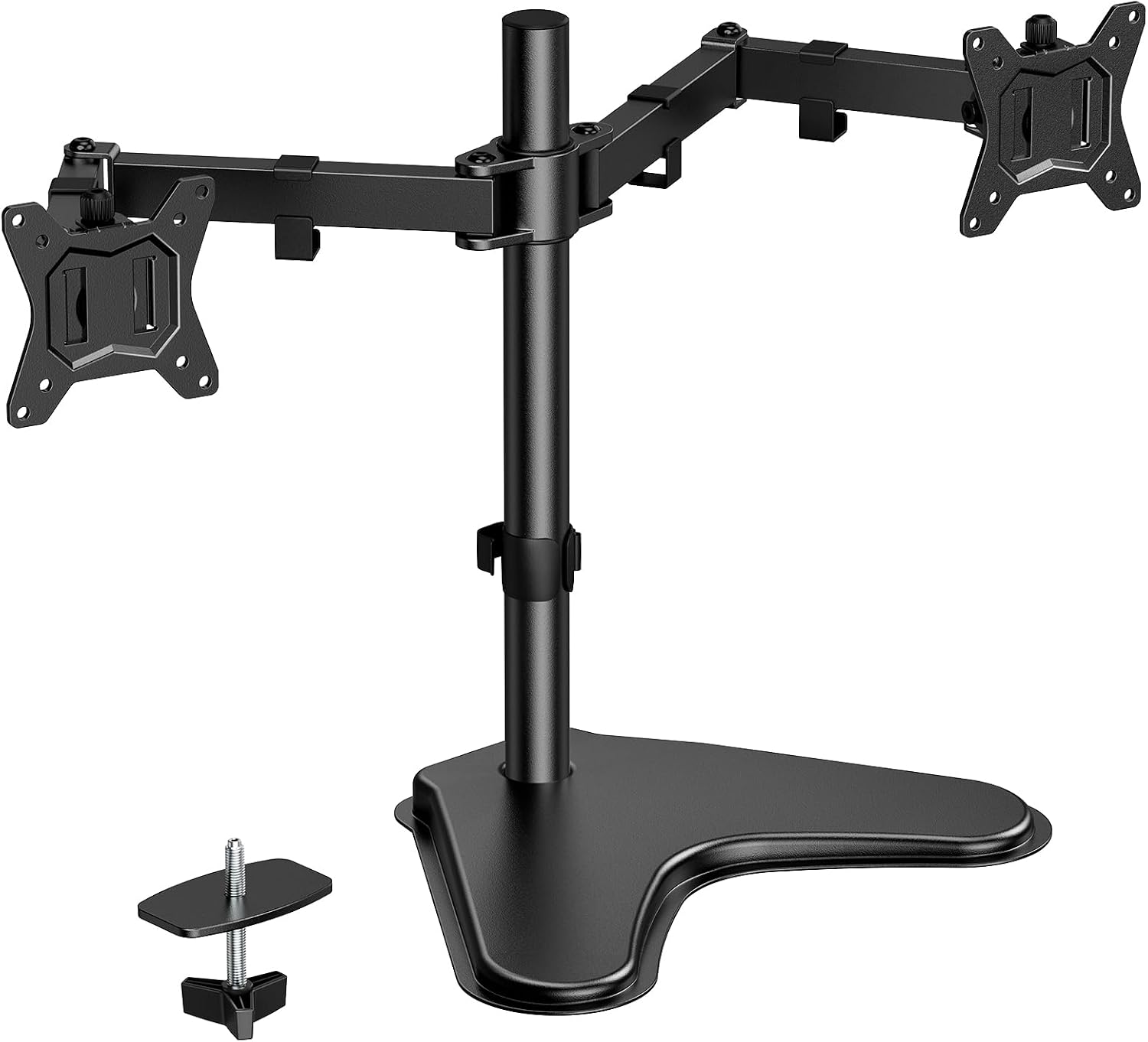
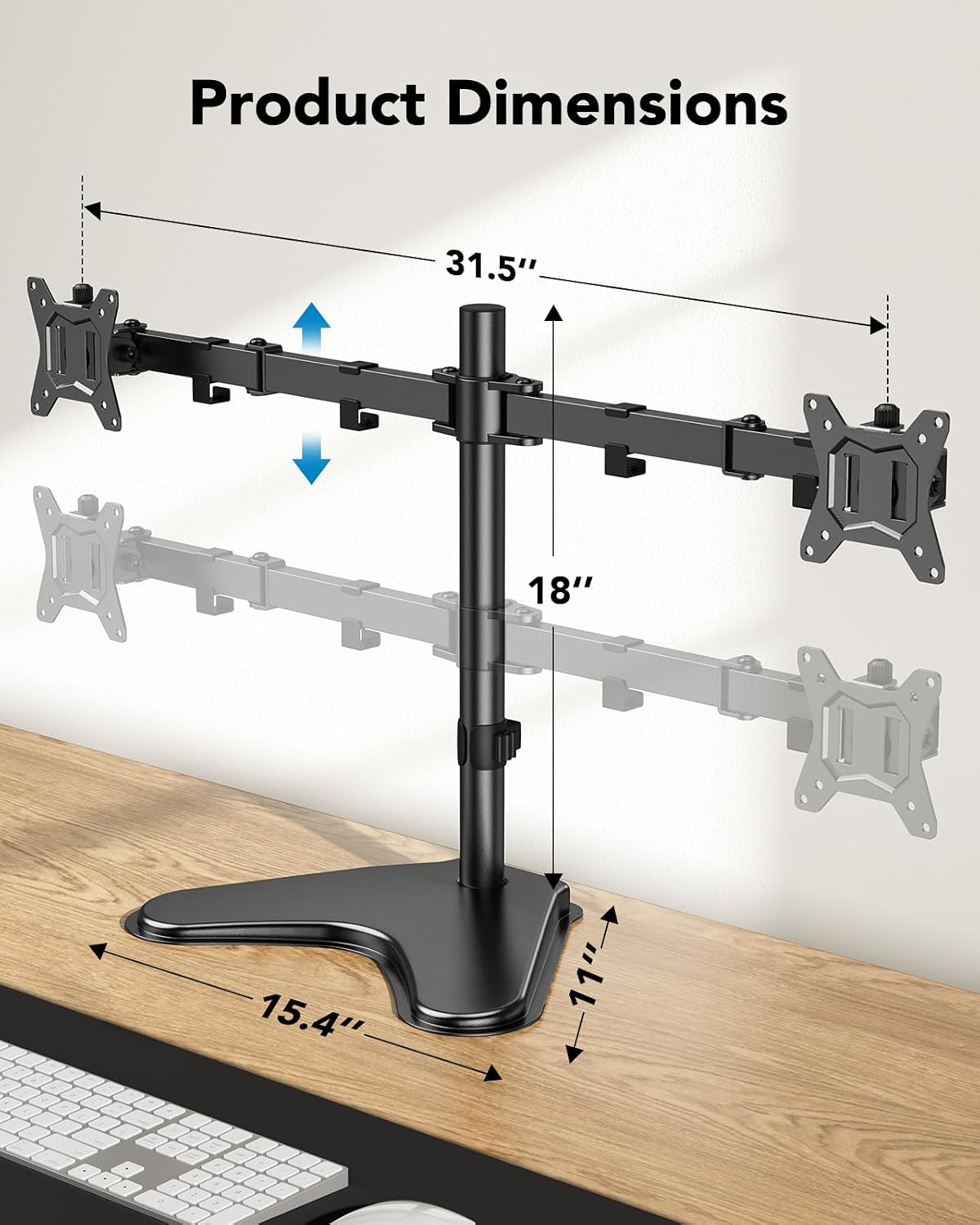
The base measures 15.4 x 11 inches, which is a meaningful footprint on a crowded desk. You’ll appreciate it if you want to reposition a two-screen setup without a clamp-style mount, It’s not for you if your monitors lack the listed VESA pattern or your desk can’t spare that base area.
Pros
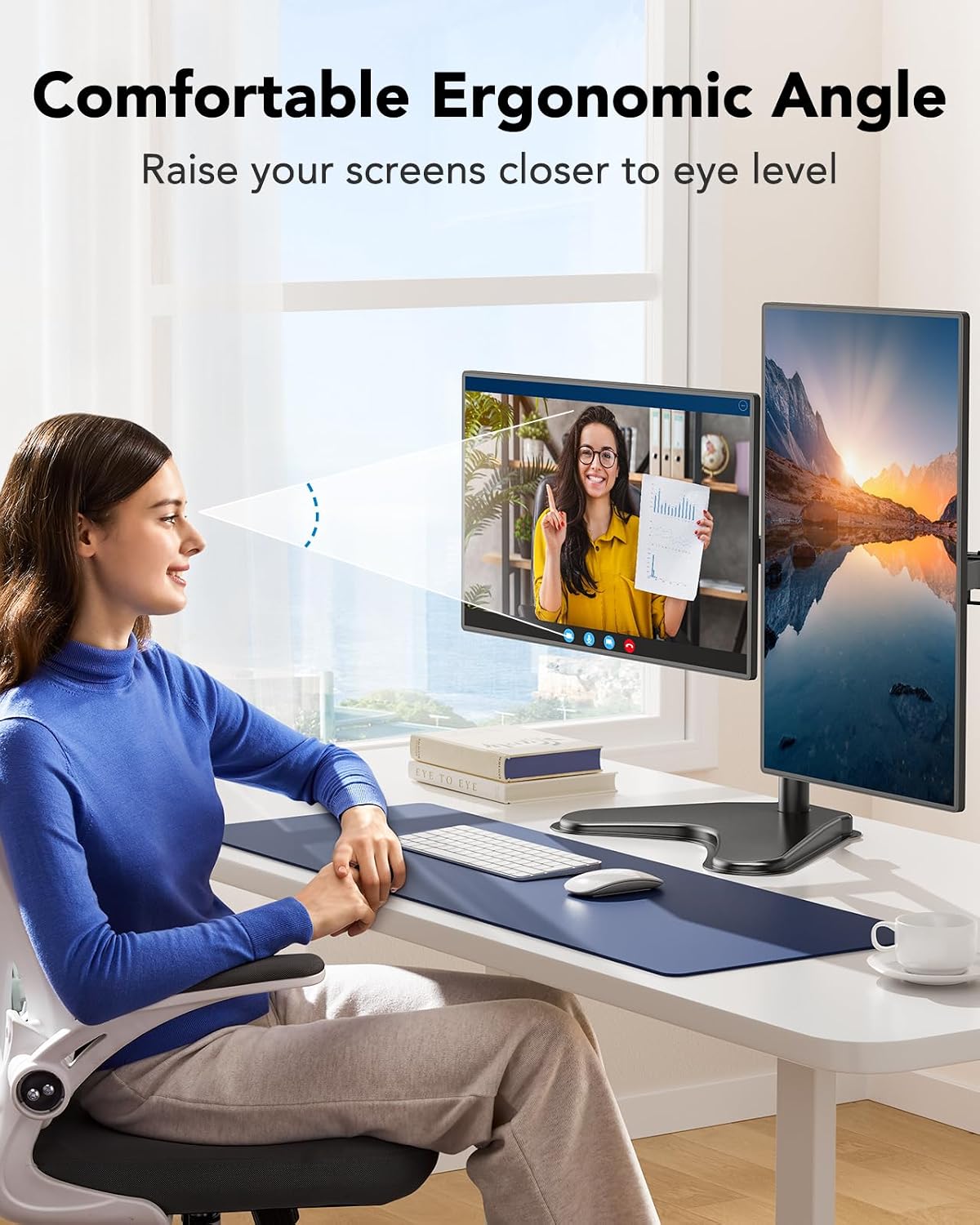
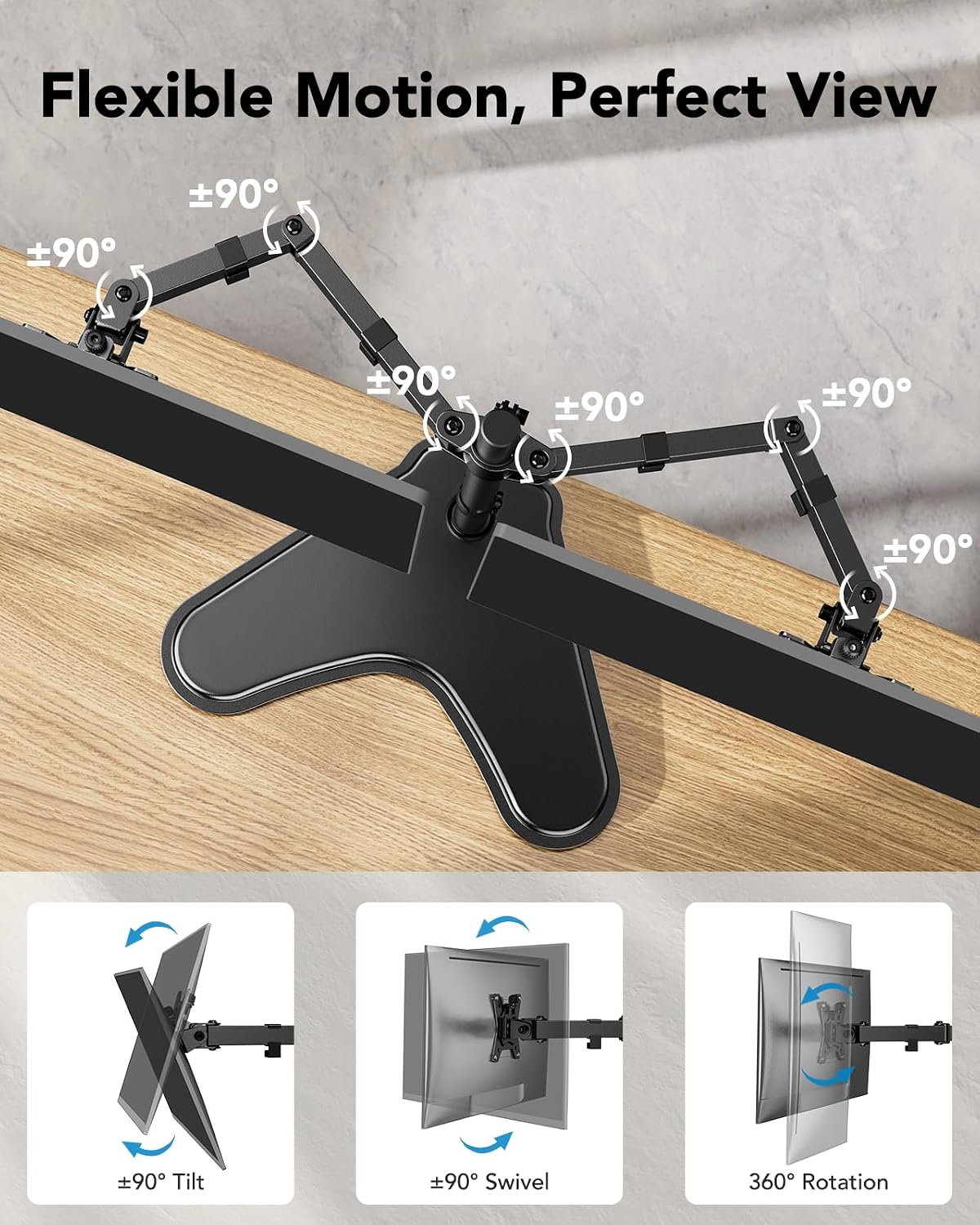
The arms allow -90° to +90° tilt and swivel, plus 360° rotation, giving you room to adjust screen angle and orientation. The center pole can be adjusted up to 16.4 inches. For a practical setup, you could keep one screen facing forward for your main task and angle the second toward you for reference material, rather than leaving both monitors fixed in one position.
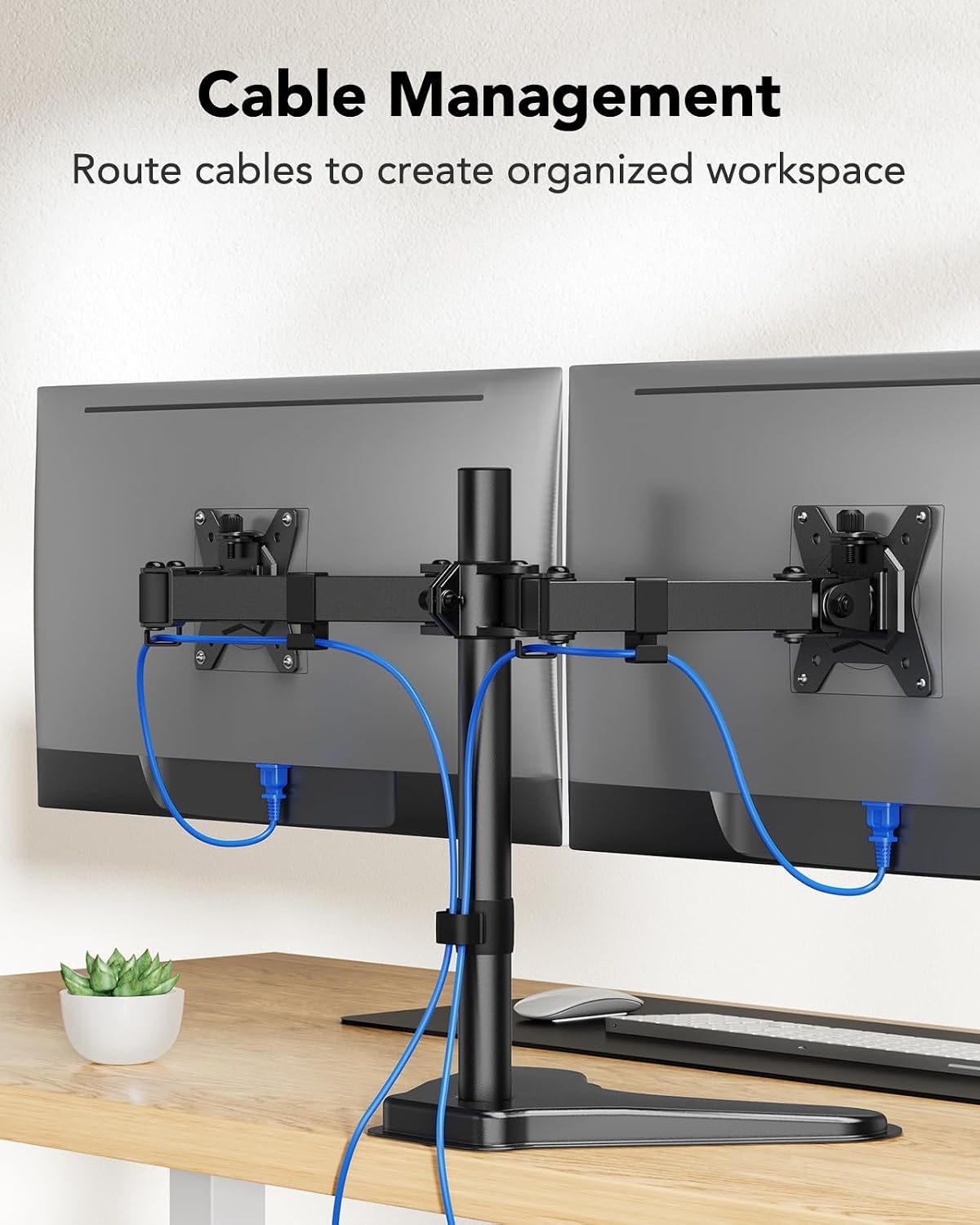
Cable clips on the arms and center pole help route cords together, while the weighted base avoids the need for complex installation, according to the maker. That makes this a different choice from a desk-edge clamp: it can be placed and repositioned on the desktop, but it does not eliminate the space used by a base. One limitation matters during adjustment: the maker warns against extending the monitors too far forward or backward beyond the stand’s center of gravity, since that can affect stability.
Spec sheet
- Type: Freestanding dual monitor stand
- Screen size: 13 to 32 inches per monitor
- Capacity: Up to 17.6 lbs per arm
- VESA: 75x75mm or 100x100mm
- Base: 15.4 x 11 inches
- Tilt: -90° to +90°
- Swivel: -90° to +90°
- Rotation: 360°
- Center pole: Adjustable up to 16.4 inches
Final verdict
This stand is worth considering if you need flexible positioning for two VESA-compatible monitors and prefer a desktop base over a mount that attaches to the desk edge. The broad movement range and cable clips address everyday setup needs, while the freestanding design makes placement less dependent on the desk’s edge. But that convenience comes with a tradeoff: the base takes up a defined area, and the arms need to stay within the stand’s center of gravity for stability. Would that footprint fit alongside your keyboard and other desk essentials? If not, a different mounting approach may make more sense. Before choosing it, match both monitors to the size, weight, and VESA requirements—not just the stated 32-inch maximum.