

ErGear Monitor Wall Mount, 13–34-Inch
Product description
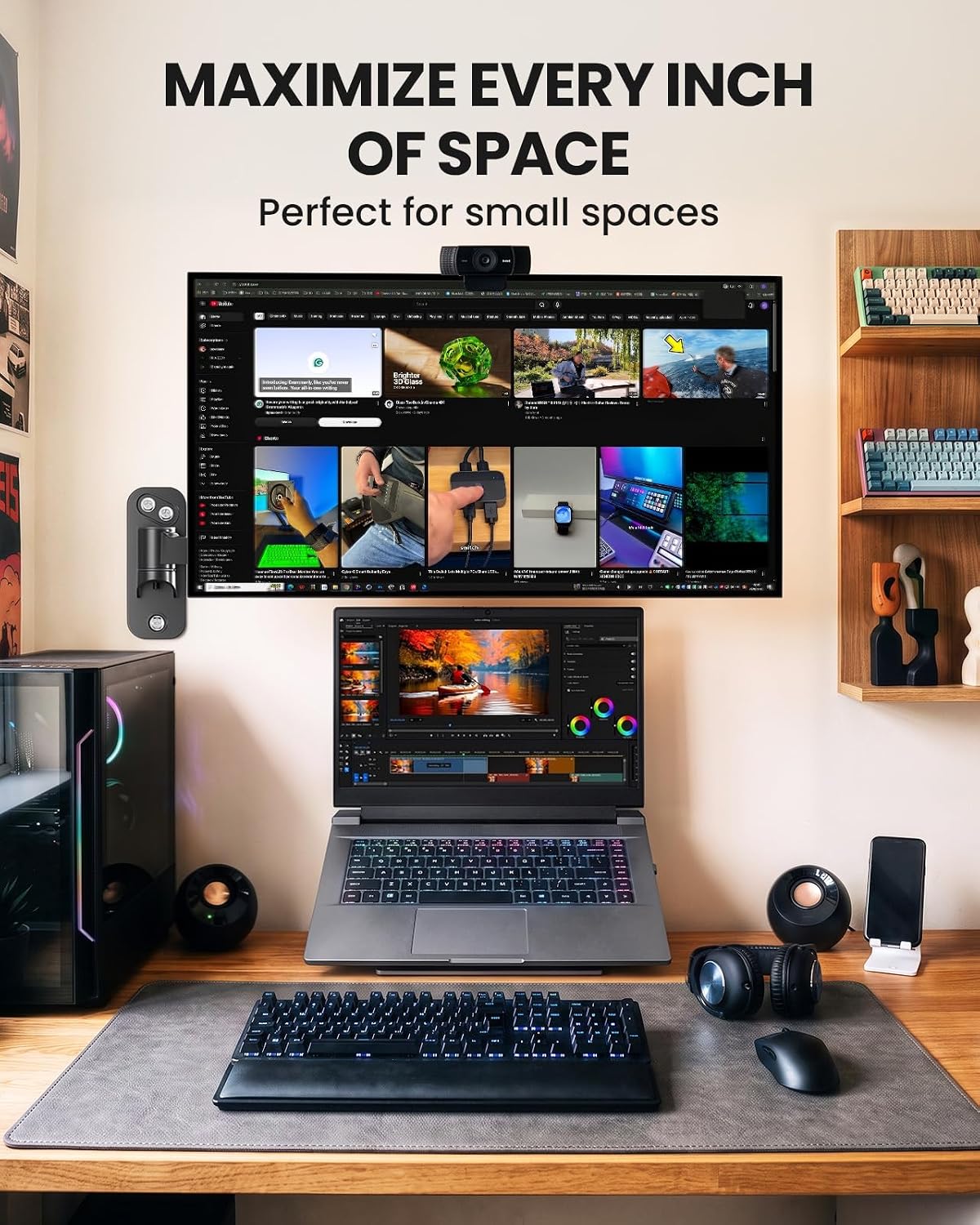
The wall-mounted design frees up desk space by moving monitor support off the work surface. That matters when a desk edge is too thick for a clamp or a corner leaves little room to work.
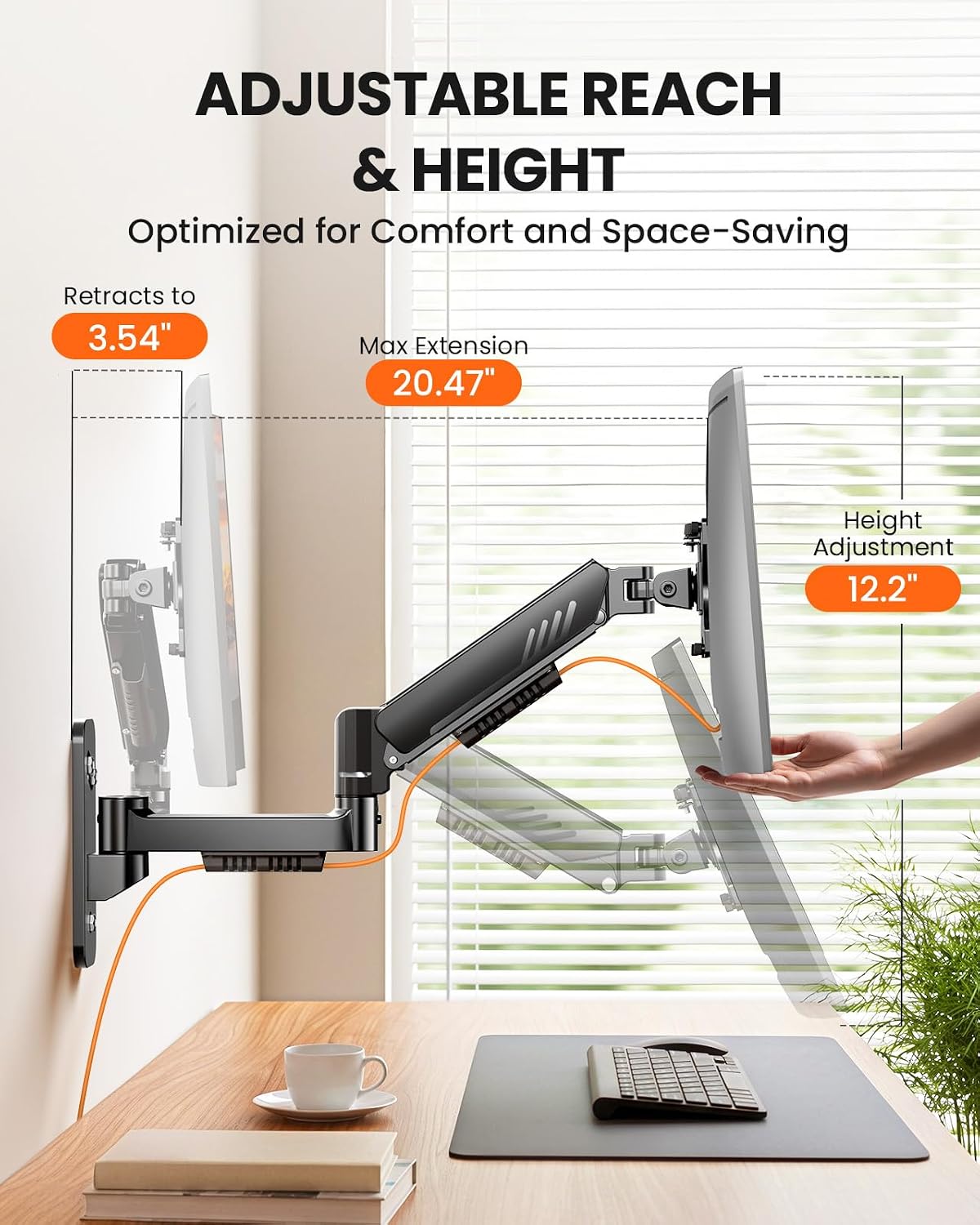
Pull the screen closer for detailed tasks, then fold it back toward the wall when you need the space. Its extension ranges from 3.54 inches to 20.47 inches, with 12.2 inches of height adjustment.
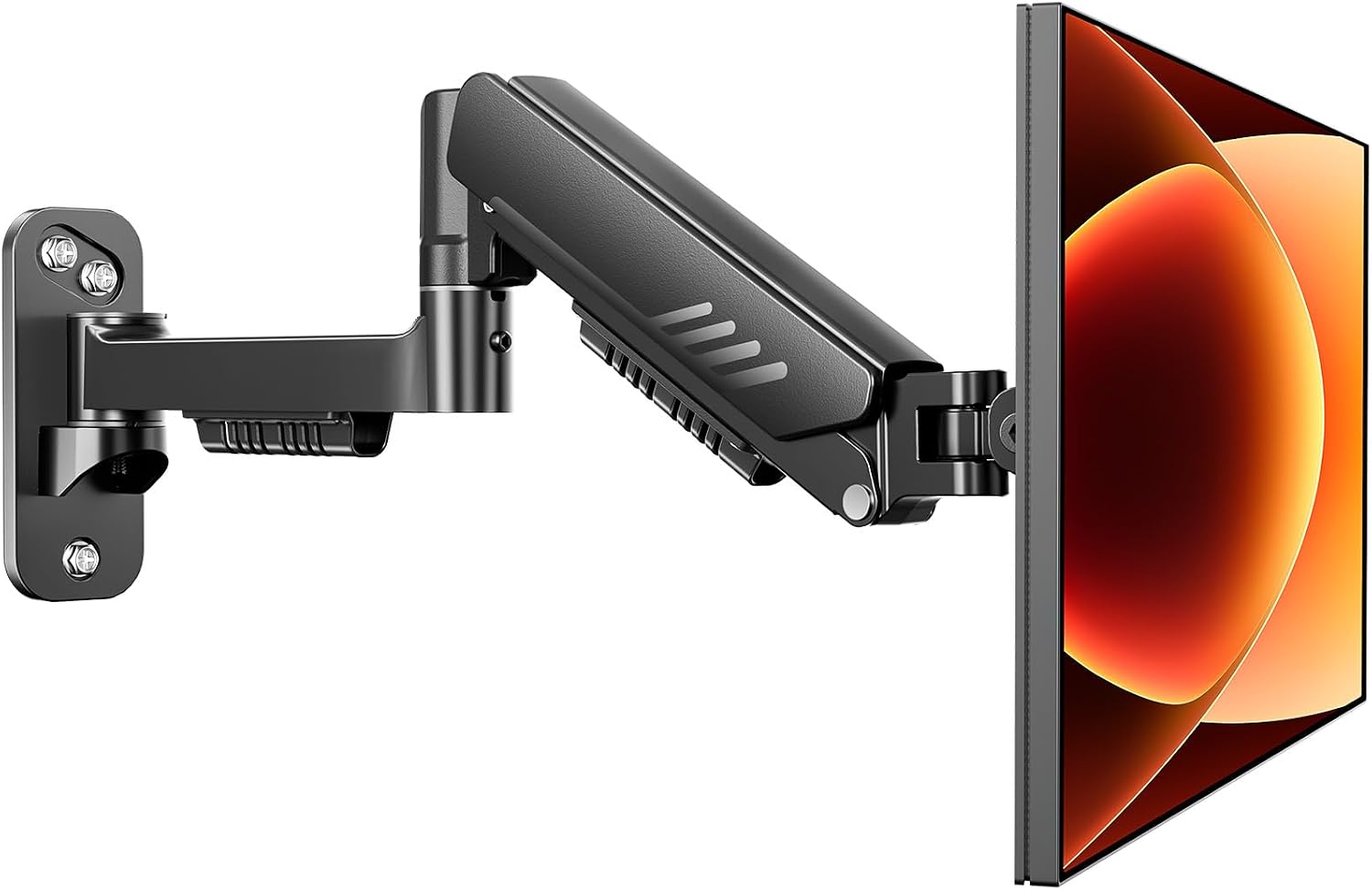
If you prioritize a clear desktop and flexible positioning, this setup fits that approach, if you prefer a quick, tool-free clamp mount, a wall arm is a more involved choice because it needs a suitable mounting surface.
Getting the most from it
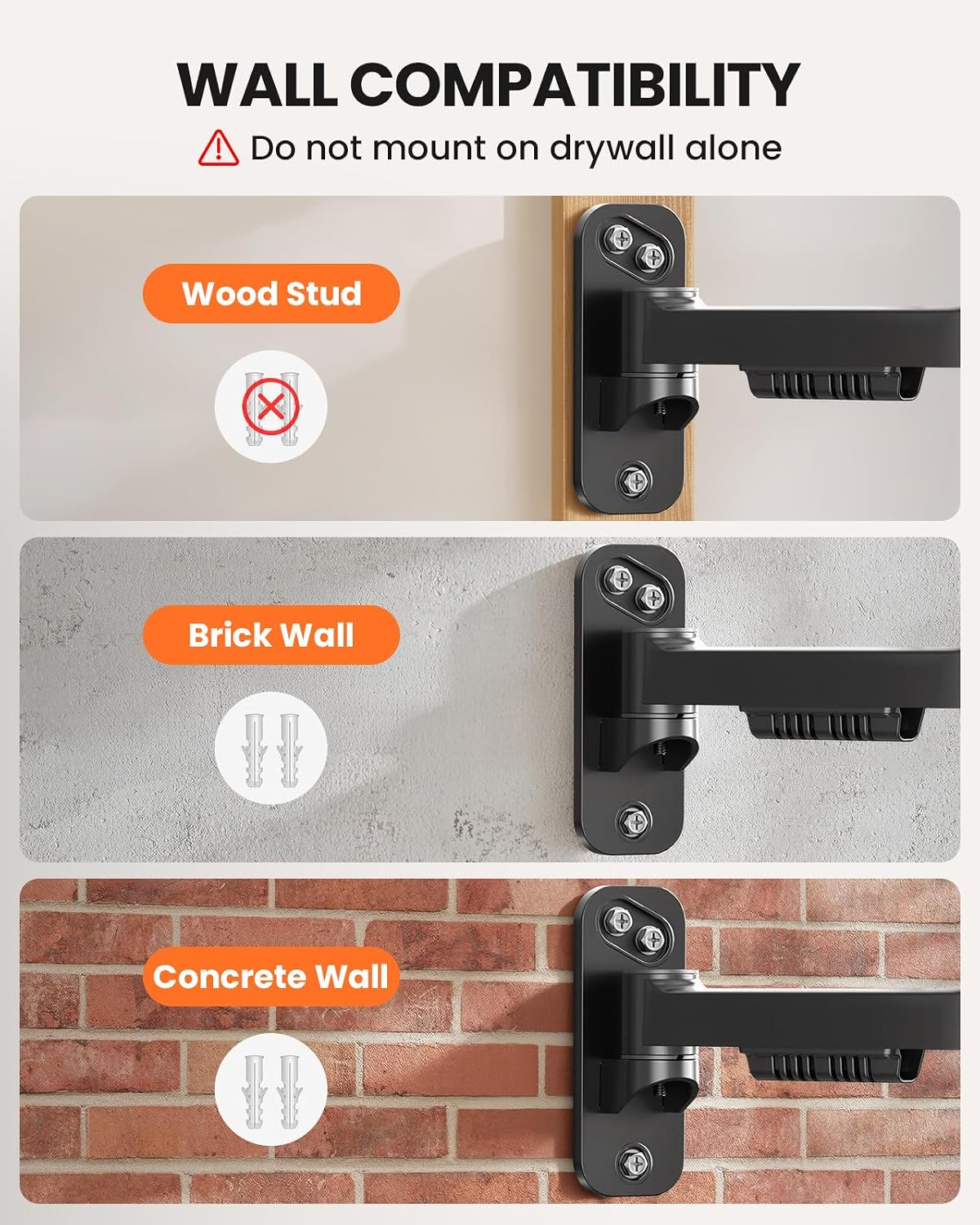
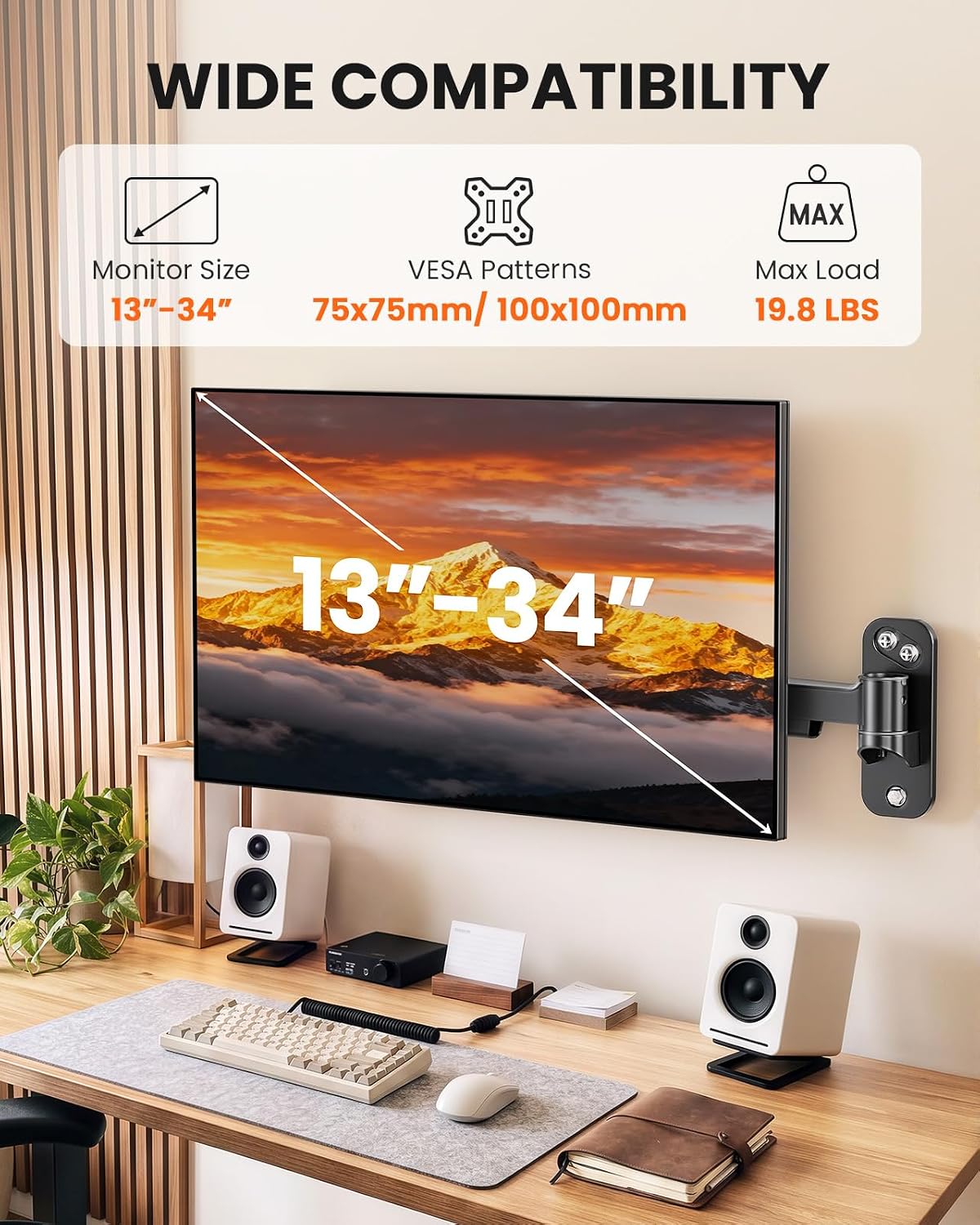
This single arm supports monitors from 13 to 34 inches and up to 19.8 lbs, with 75x75 mm and 100x100 mm VESA patterns. It can be mounted to wood studs, concrete, or brick. Do not install it on drywall alone, so the wall and mounting location are essential parts of the decision—not an afterthought.
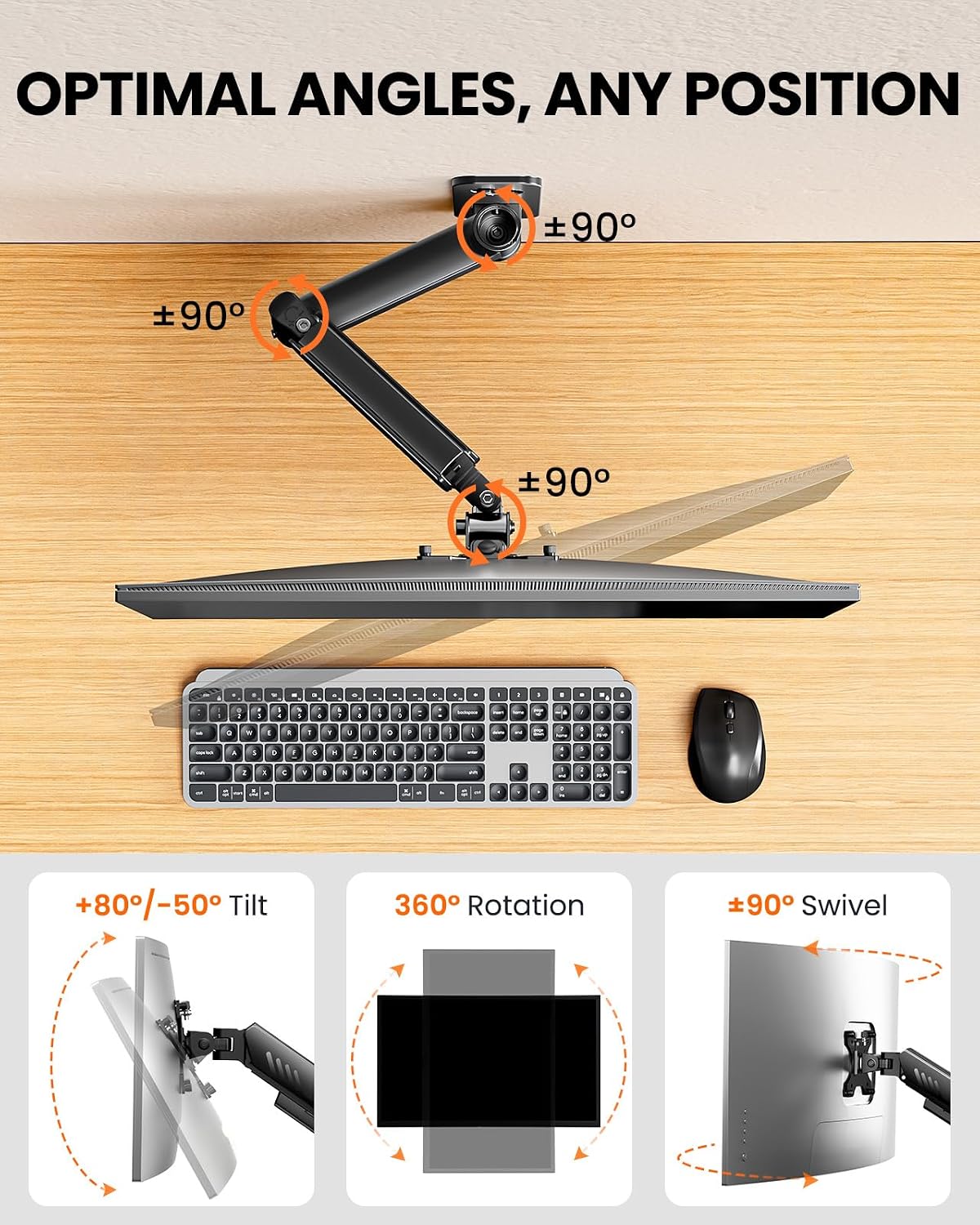
For a practical example, pull the screen toward you while reading a detailed document, then push it back toward the wall to clear space for writing. The arm also tilts +80°/-50°, swivels ±90°, and rotates 360°, letting you adjust the viewing angle or switch between portrait and landscape orientation. That range can be useful at a compact desk where moving the whole setup is inconvenient.
Why it’s worth it
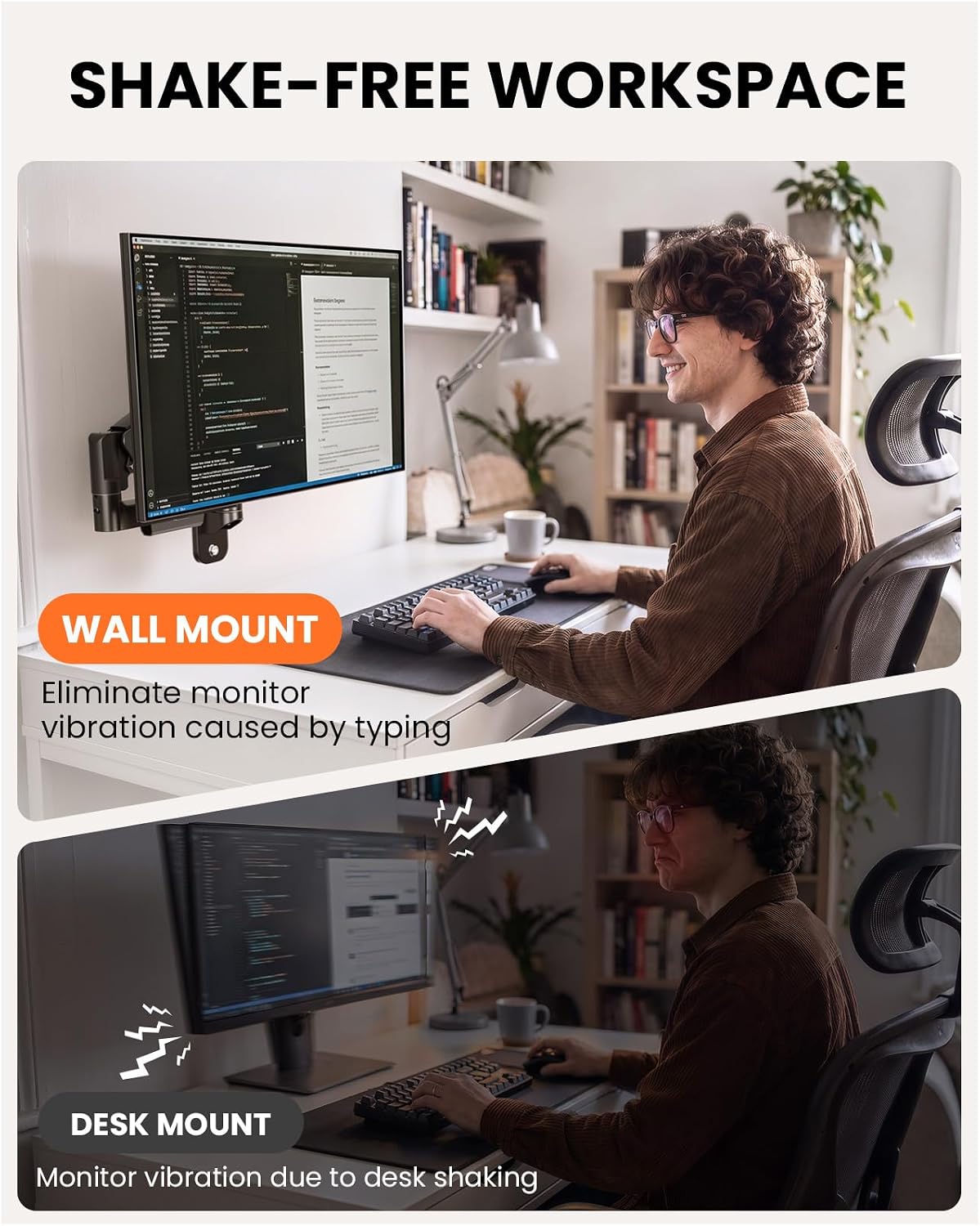
Because the support attaches to the wall rather than the desk, it avoids clamp and grommet-hole restrictions and leaves the desktop free of mount hardware. The product description also says this arrangement helps reduce screen movement from typing or desk bumps. That makes it worth a look for a desk pushed against a wall, a thick desktop, or a tight corner where a conventional desk clamp is awkward.
From the way it is set up, the tradeoff is that wall suitability and installation matter more than they would with a desk-mounted arm. The stated 19.8 lb maximum and supported VESA patterns also set clear boundaries: check that your monitor falls within them before choosing this mount. Its listed 50,000 adjustment-cycle test is a durability detail, but it does not replace checking fit and mounting conditions in your own workspace.
Key takeaways
- Supports 13–34-inch monitors up to 19.8 lbs, with 75x75 mm or 100x100 mm VESA mounting patterns.
- Extends from 3.54 inches to 20.47 inches and offers 12.2 inches of height adjustment.
- Provides tilt, swivel, and 360° rotation for changing the screen’s position and orientation.
- Mounts to wood studs, concrete, or brick, drywall alone is not suitable.
Worth considering if your desk is cramped, thick, or unsuitable for a clamp and you want to move the screen without using the desktop for support. Better avoided if you need a mount that works on drywall alone or your monitor exceeds the stated size, weight, or VESA limits.
Should you buy it?
Choose the ErGear wall mount when reclaiming desk space is more important than avoiding wall installation, and you have a suitable surface for mounting it. It offers useful reach for bringing a screen closer during focused work, then folding it away when the desk needs to serve another purpose. If your setup depends on a drywall-only location, or you want the simpler installation approach of a desk clamp, this is not the right fit. The deciding question is whether your wall and monitor match the mount’s requirements.