

ErgoFocus Dual Monitor Wall Mount for 13–32-Inch Screens
Product description
Best use cases
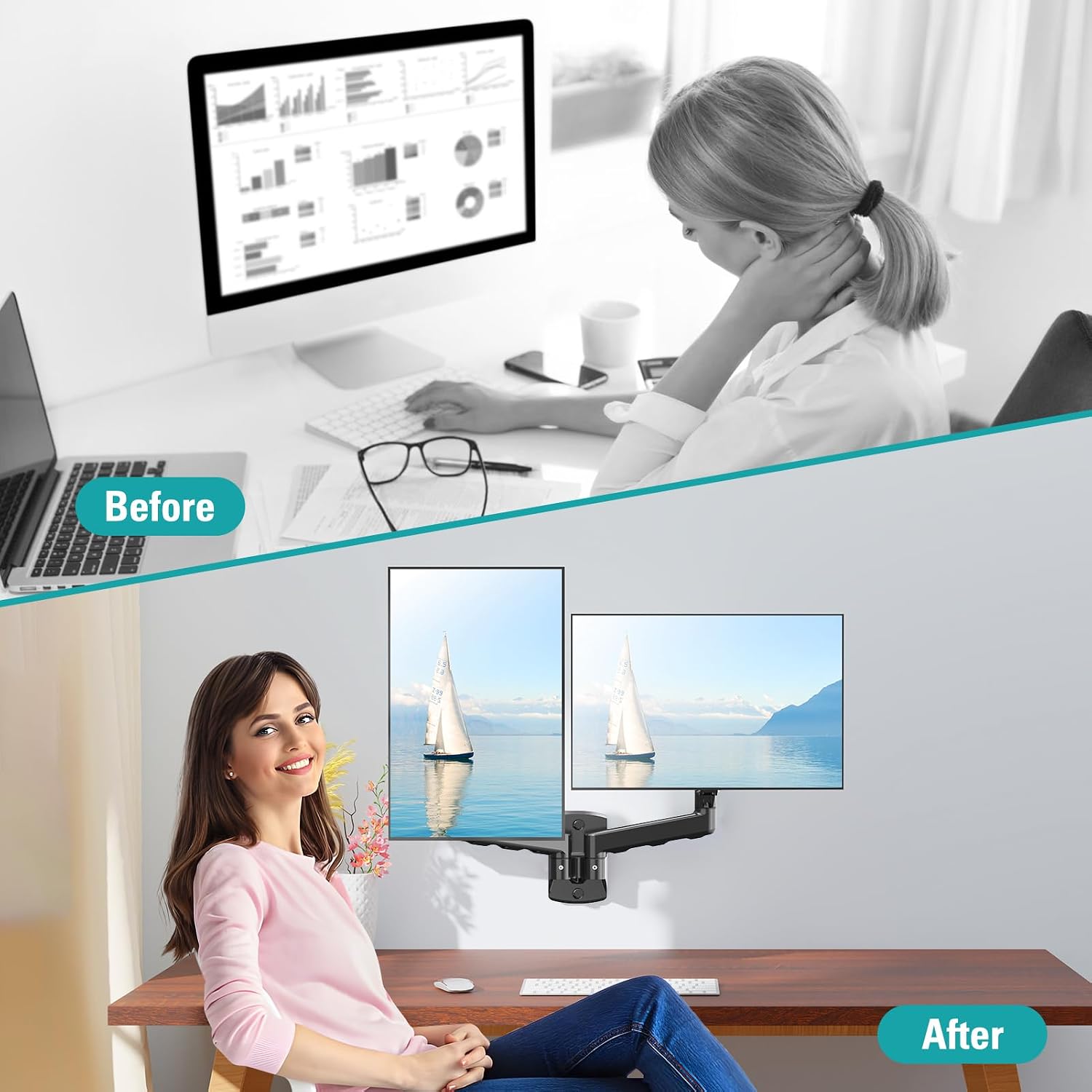
When two monitors take up most of your desk, moving them onto a wall-mounted arm can open up room for a keyboard, notes, or other everyday work items. The ErgoFocus dual monitor wall mount is designed for screens from 13 to 32 inches, with an adjustable gas-spring arm for each display. It’s a practical fit for a workstation where reclaiming desk space matters as much as being able to reposition the screens.
Picture shifting one monitor toward you for focused work, then turning both screens to share something with someone nearby. Would that kind of flexibility help your setup?
Product specs
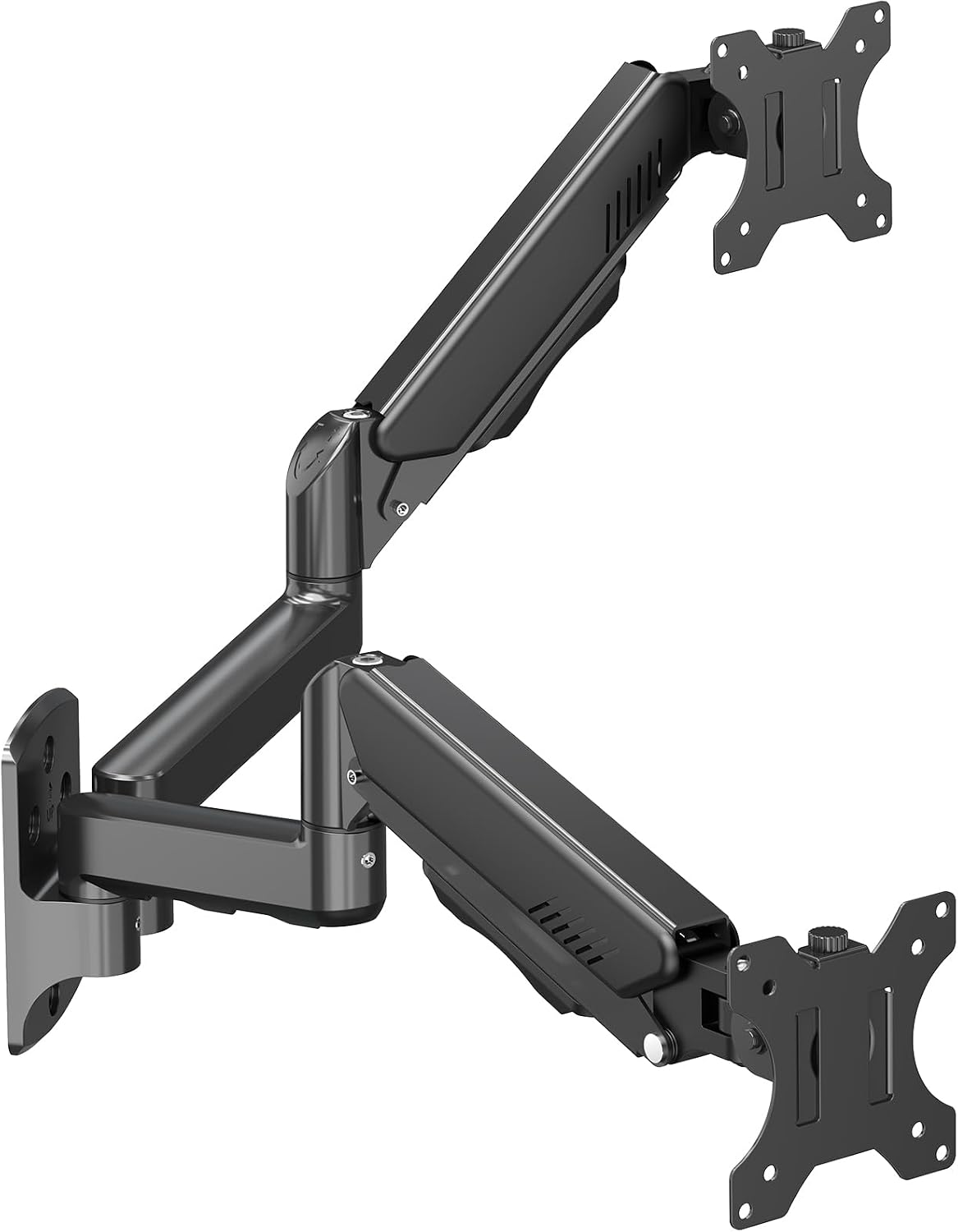
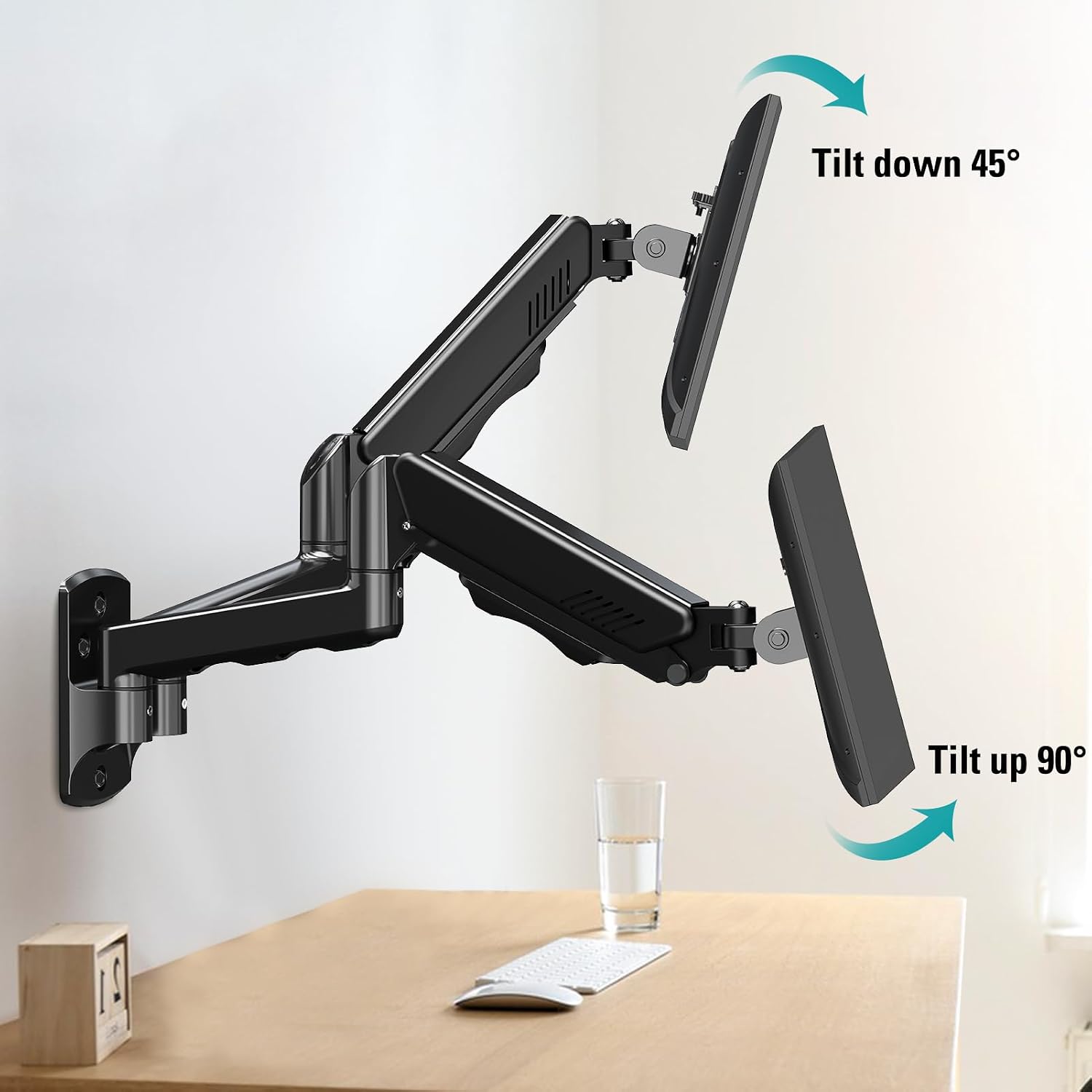
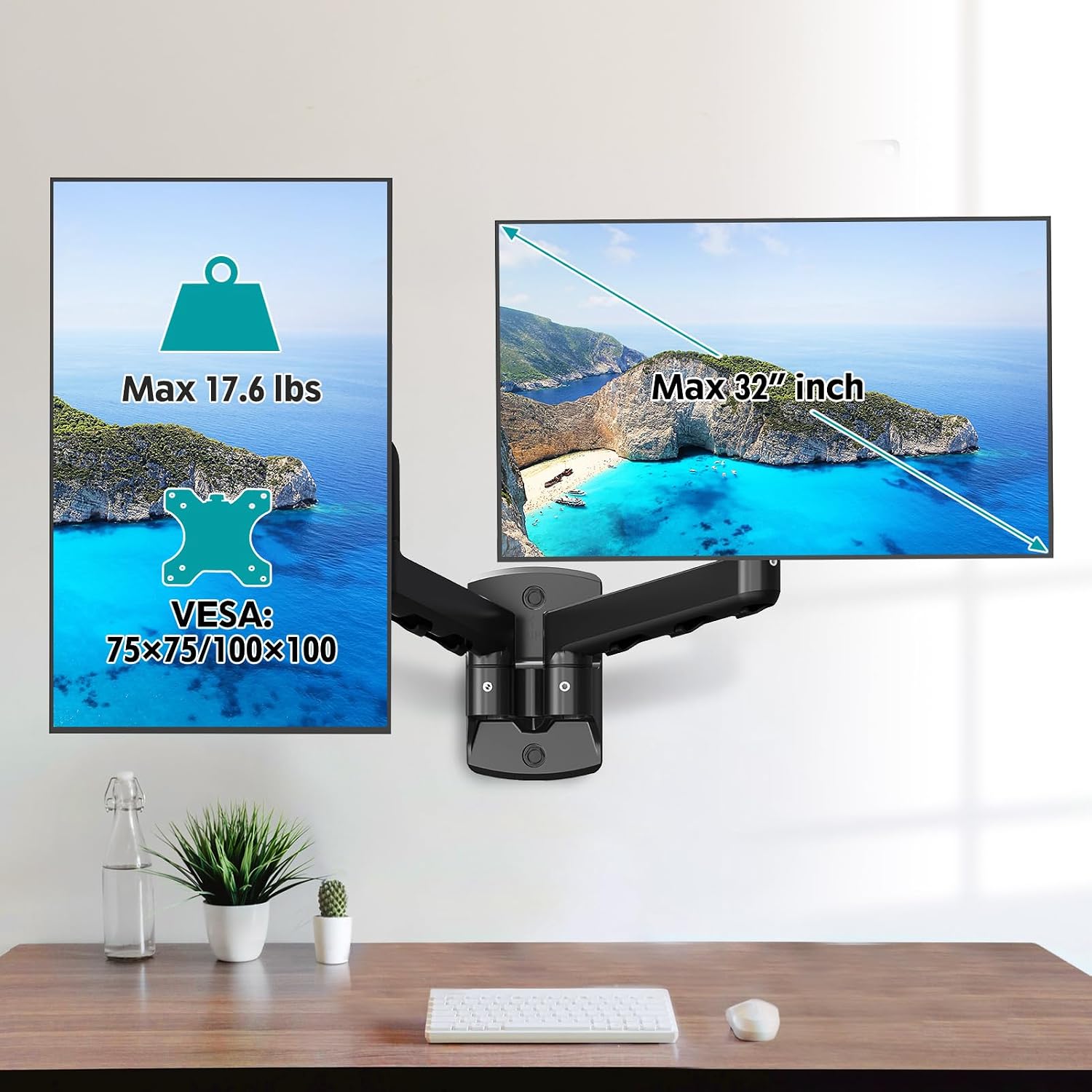
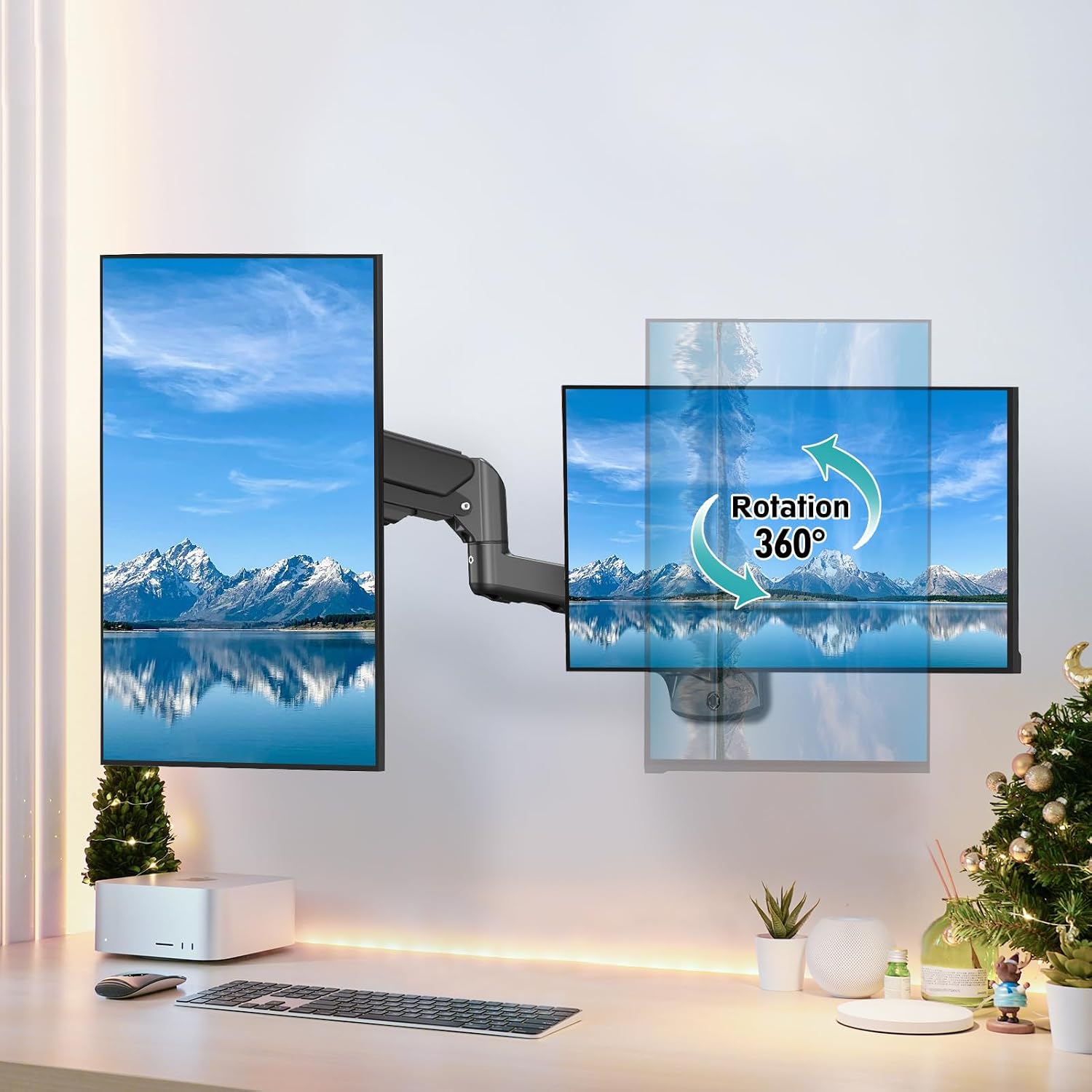
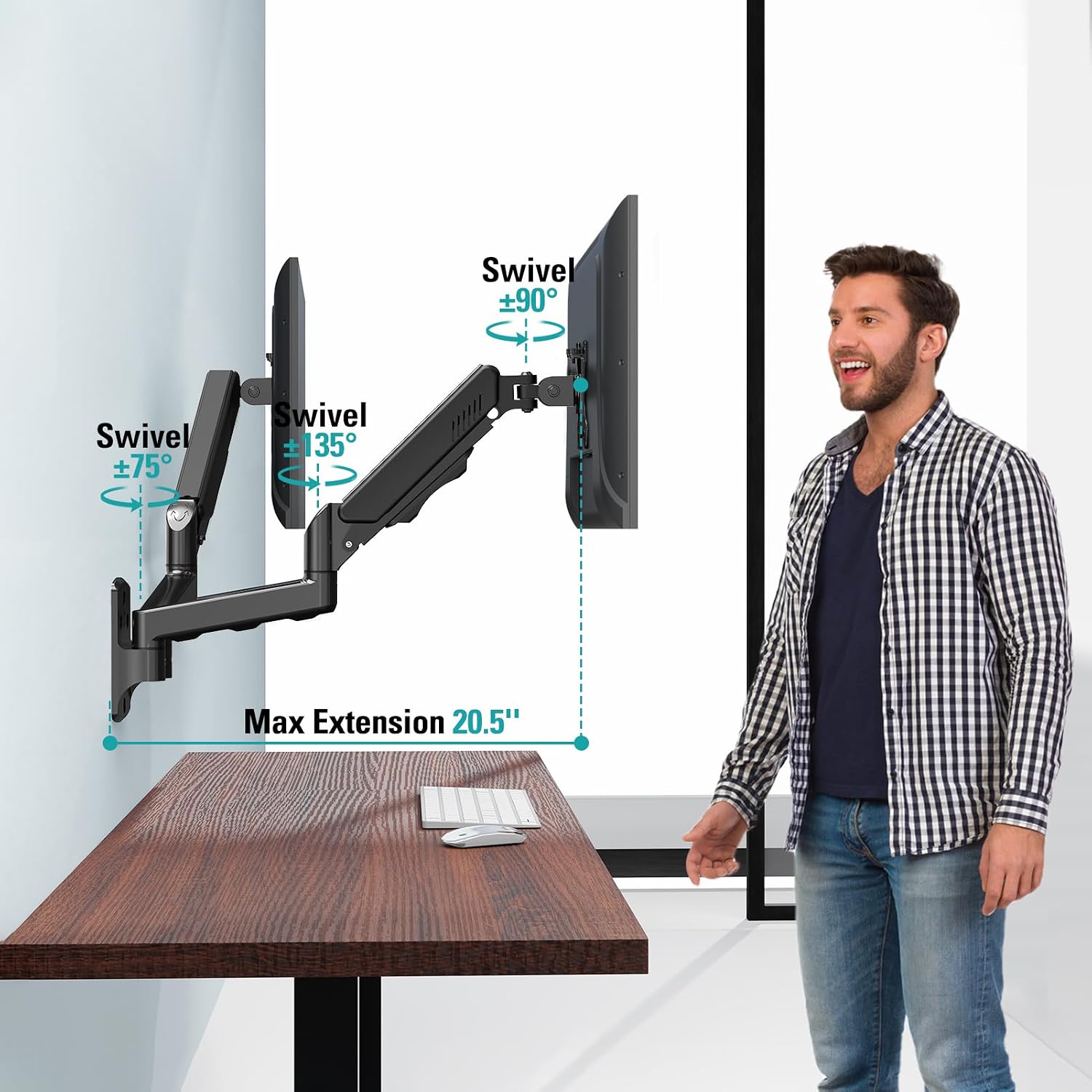
The mount supports two monitors, with a stated maximum load of 19.8 pounds per arm. It works with VESA 75x75 and 100x100 mounting patterns. Each arm can swivel 180 degrees, tilt from +90 to -90 degrees, and rotate 360 degrees, giving you several ways to adjust screen position and orientation.
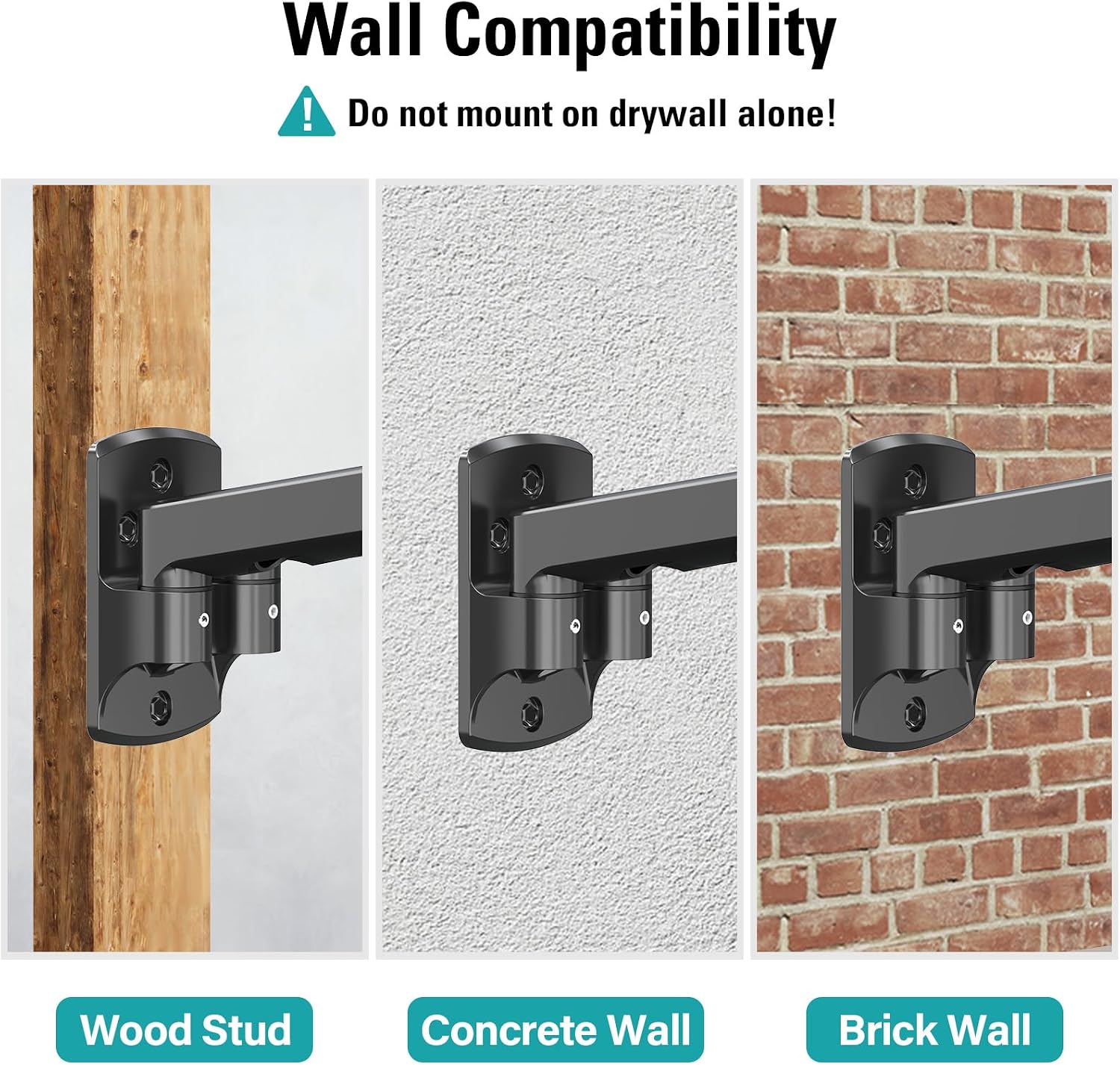
The gas springs are intended to balance against the weight of the monitors, so adjustment to your specific screens is part of setup. Hardware and instructions are included, and the listing describes installation as taking 10 minutes, treat that as the manufacturer’s estimate, since wall type and setup can affect the process. One important constraint: the mount should not be installed into drywall alone.
Where it shines
The main advantage is the combination of a cleared desk and movable screens. Compared with a basic fixed wall bracket, these arms offer more freedom to change height, distance, tilt, and angle as your task changes. For example, you could bring both screens closer while working at the desk, then angle one outward when showing a document to someone else. The floating-arm design also avoids making every adjustment a matter of moving the monitor base across the work surface.
The product description reports a 10,000-cycle test and says the spring can be adjusted to the monitor’s weight. That speaks to the intended design, but it doesn’t establish how the mount will perform in every installation. You’ll need screens within the stated size, weight, and VESA limits, plus a suitable wall mounting location. If you’d rather avoid wall installation altogether, a desk-mounted arm is a different approach and may be easier to place without changing the wall setup.
Should you buy it?
You’ll appreciate it if you have two compatible screens and want to free up desk space while keeping both displays adjustable. The broad movement range is useful when a fixed side-by-side position doesn’t suit every task, and the per-arm weight limit gives you a clear compatibility check before buying.
Better avoided if your screens fall outside the listed size, VESA, or weight limits, or if you can only attach the mount to drywall alone. The included hardware and instructions make installation part of the package, but this is still a wall mount—not a quick substitute for a stand when you can’t use an appropriate wall location. Choose it for a flexible, space-saving workstation, choose a simpler stand or desk-based setup if wall mounting is not workable.