

llano V10 Laptop Cooling Pad
Product description
What to know
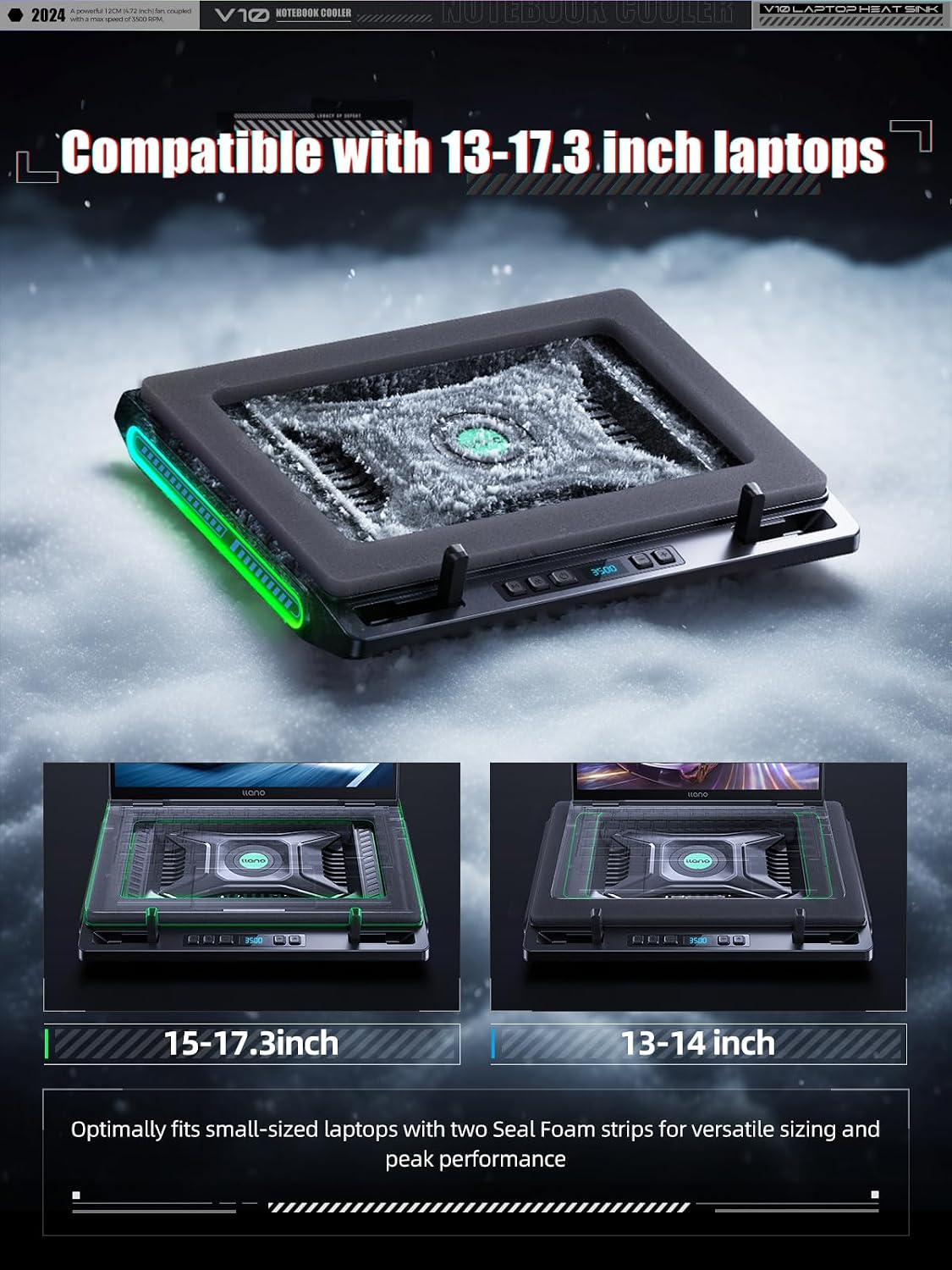
During a long gaming session or a demanding editing task, a laptop can use extra airflow and a more comfortable angle. The llano V10 is a cooling pad and stand built around one 4.72-inch turbo fan, with physical controls for fan speed and RGB lighting. It supports laptops from 13 to 17.3 inches, so it’s aimed at users who want a single setup for a range of notebook sizes rather than a small pad made for one compact model.
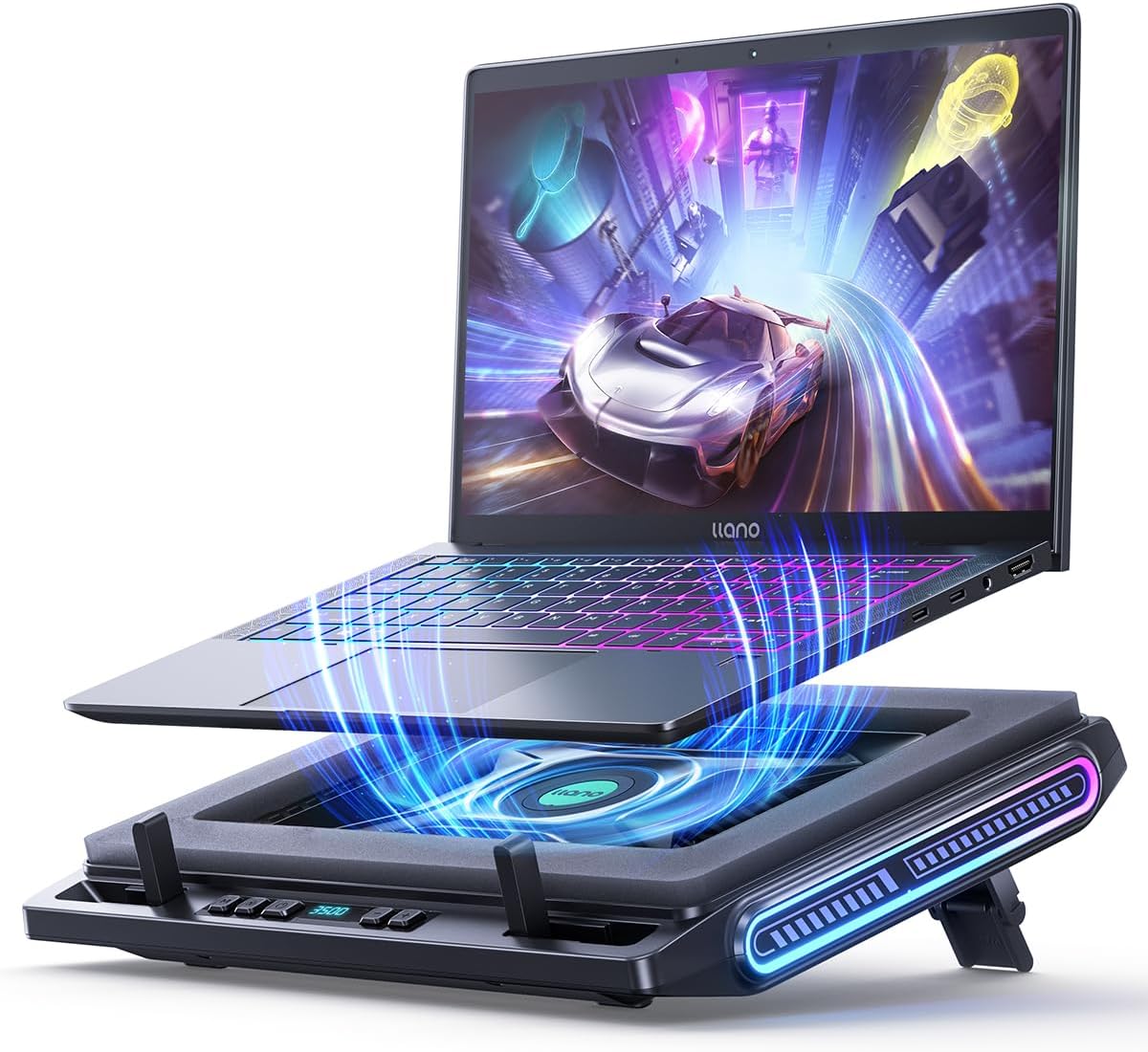
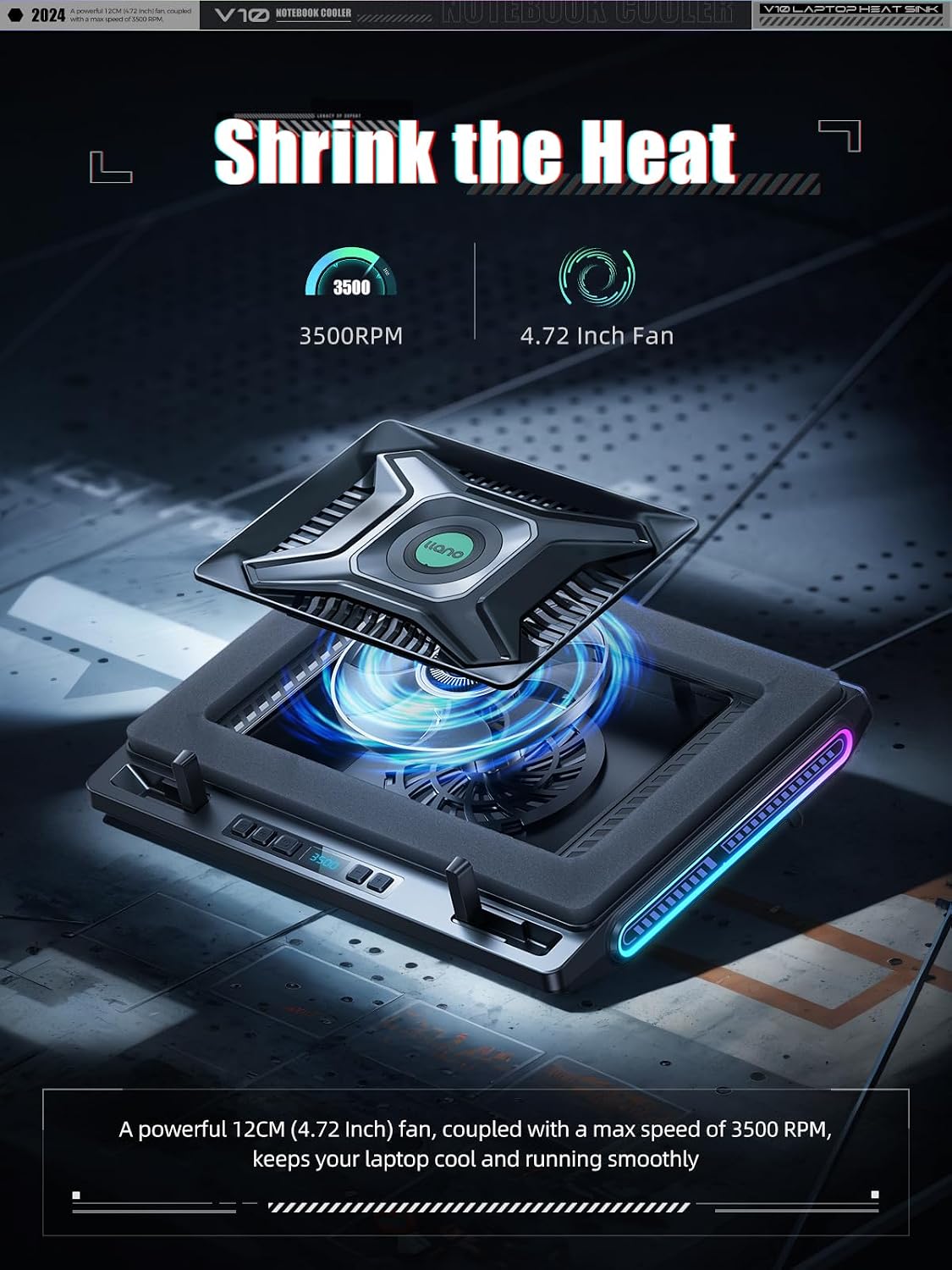
The manufacturer lists fan speeds up to 3,500 RPM and a temperature reduction of up to 38°C. Treat those as stated performance figures, not a promise of the same result with every laptop: cooling depends on the device and how it’s being used. Keep in mind that this is one large fan, not a multi-fan layout, and its size and airflow-focused design may be more than you need for light browsing.
How it fits
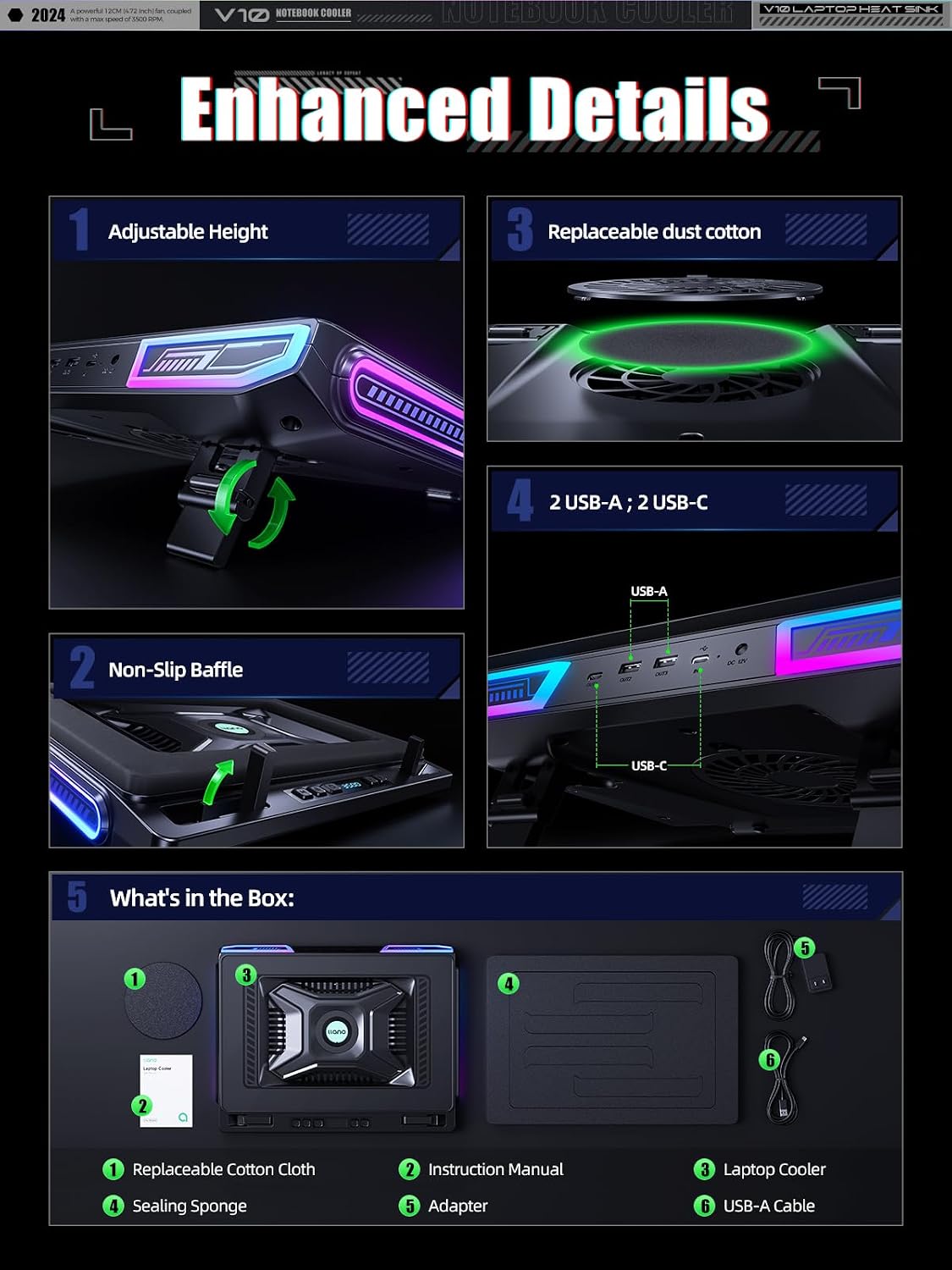
Three stand positions let you raise the laptop to a preferred working angle, while front anti-slip baffles help keep it in place. Extra foam inserts are included for 13- to 14-inch laptops, which is useful if a smaller notebook doesn’t sit snugly on the main surface. The pad is also listed as suitable for laptops with liquid-metal cooling, though fit and cooling results still depend on the specific device.
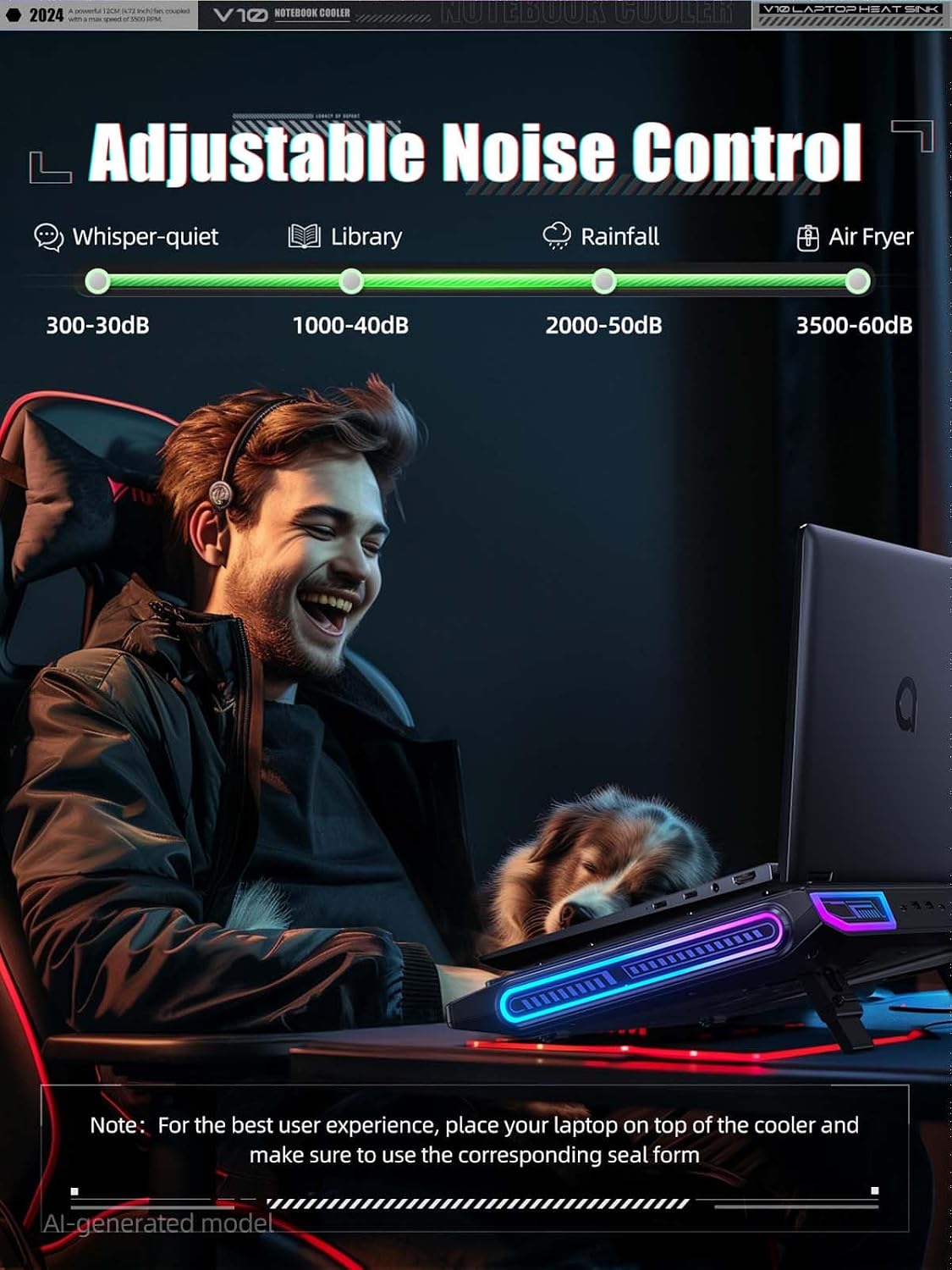
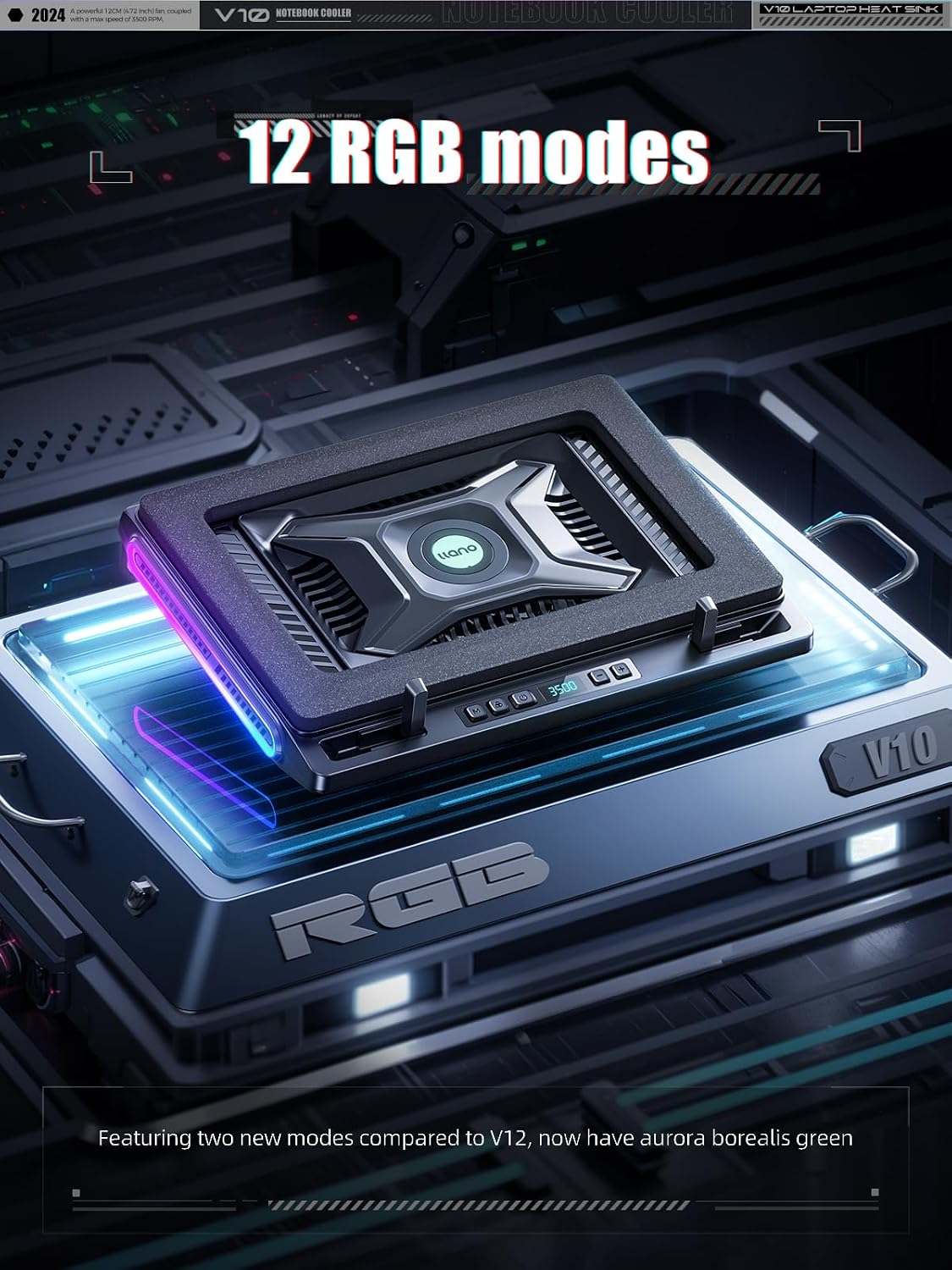
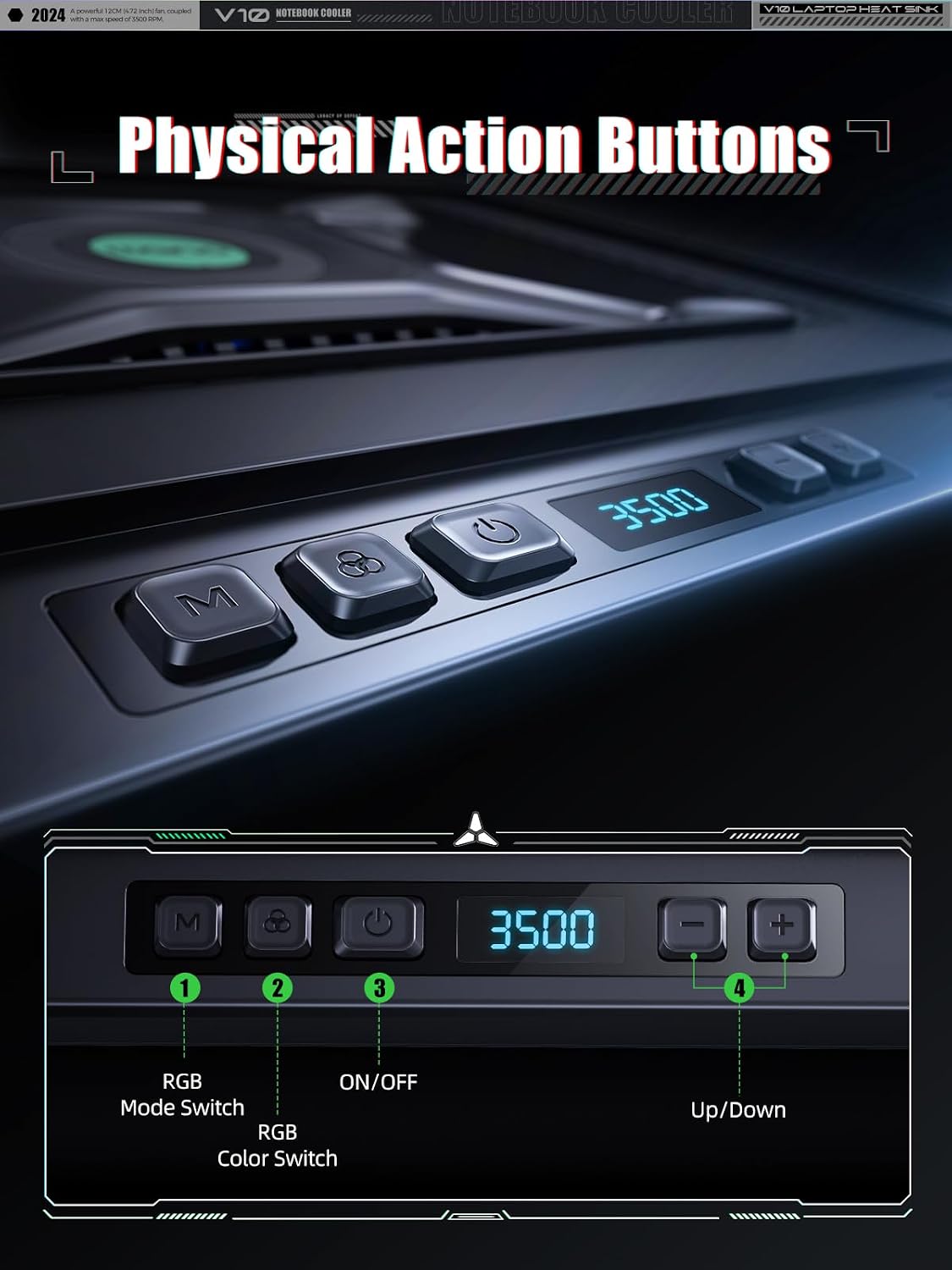
For example, you could set it up on a desk before a gaming session, raise the screen to one of the available angles, and use the physical buttons to adjust the fan or switch among 12 RGB modes. The lighting remembers the last setting, so you don’t have to choose it again each time. Two USB ports—one USB-A and one USB-C—can power accessories such as a mouse or keyboard. If your priority is a compact, quiet stand for basic laptop use, a simpler stand without a powered fan may be a better fit.
Tips for day-to-day use
Use the stand positions to find an angle that feels comfortable at your desk, and place the laptop so it sits securely against the front baffles. The removable dust filter gives you a way to clear accumulated dust from the cooling pad, keeping it clean helps avoid letting debris build up around the fan. Physical controls are handy if you want to change settings without tapping a touch panel mid-task.
The USB ports are useful for accessories, but the supplied details don’t say that they replace a dedicated laptop power connection. If your setup depends on several peripherals, account for the two listed ports before connecting everything. Likewise, the pad’s cooling claims shouldn’t be treated as a substitute for checking your laptop’s own airflow and temperature behavior.
Before you decide
What laptop sizes does it support? It’s listed for 13- to 17.3-inch laptops, with foam inserts for 13- to 14-inch models.
Can you adjust the fan and lighting? Yes. Physical buttons control the fan and RGB modes, the lighting has 12 modes and remembers the last selection.
What connections are included? The product details specify one USB-A port and one USB-C port for accessories.
Final verdict
It suits you if you want active airflow, an adjustable stand, and built-in RGB in one desk accessory for a gaming or work laptop. The size range and smaller-laptop inserts make it more flexible than a stand made for a single notebook size. You may want to skip it if you only need a basic riser, don’t want a fan or lighting on your desk, or need more than the two listed USB ports. The V10 makes the most sense when those added controls and cooling features are part of your everyday setup—not just extras you’ll leave unused.