

NIMO Laptop 15.6-inch
Product description
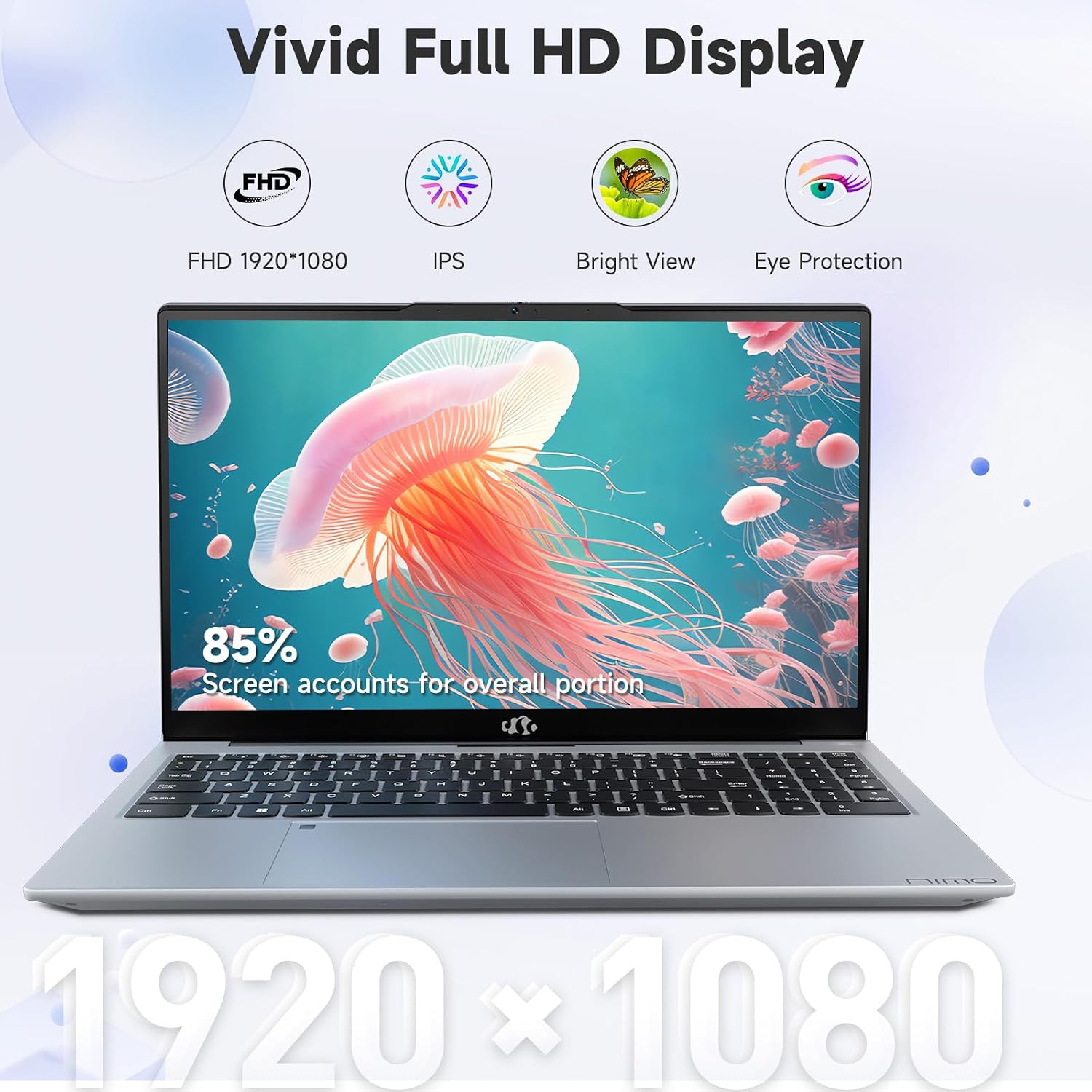
Students and home or business users who want a full-size screen for everyday work are the audience this NIMO laptop targets. Its 15.6-inch Full HD IPS display, 180-degree viewing angle and portable design suit a desk-to-classroom routine better than a tiny-screen setup. You can spread out notes beside a browser window, then fold the screen back for a more flexible viewing position. It’s a great fit if your day centers on schoolwork, web research, online classes and general productivity, It may not suit you if your work depends on demanding software or a large local media library.
Where it shines
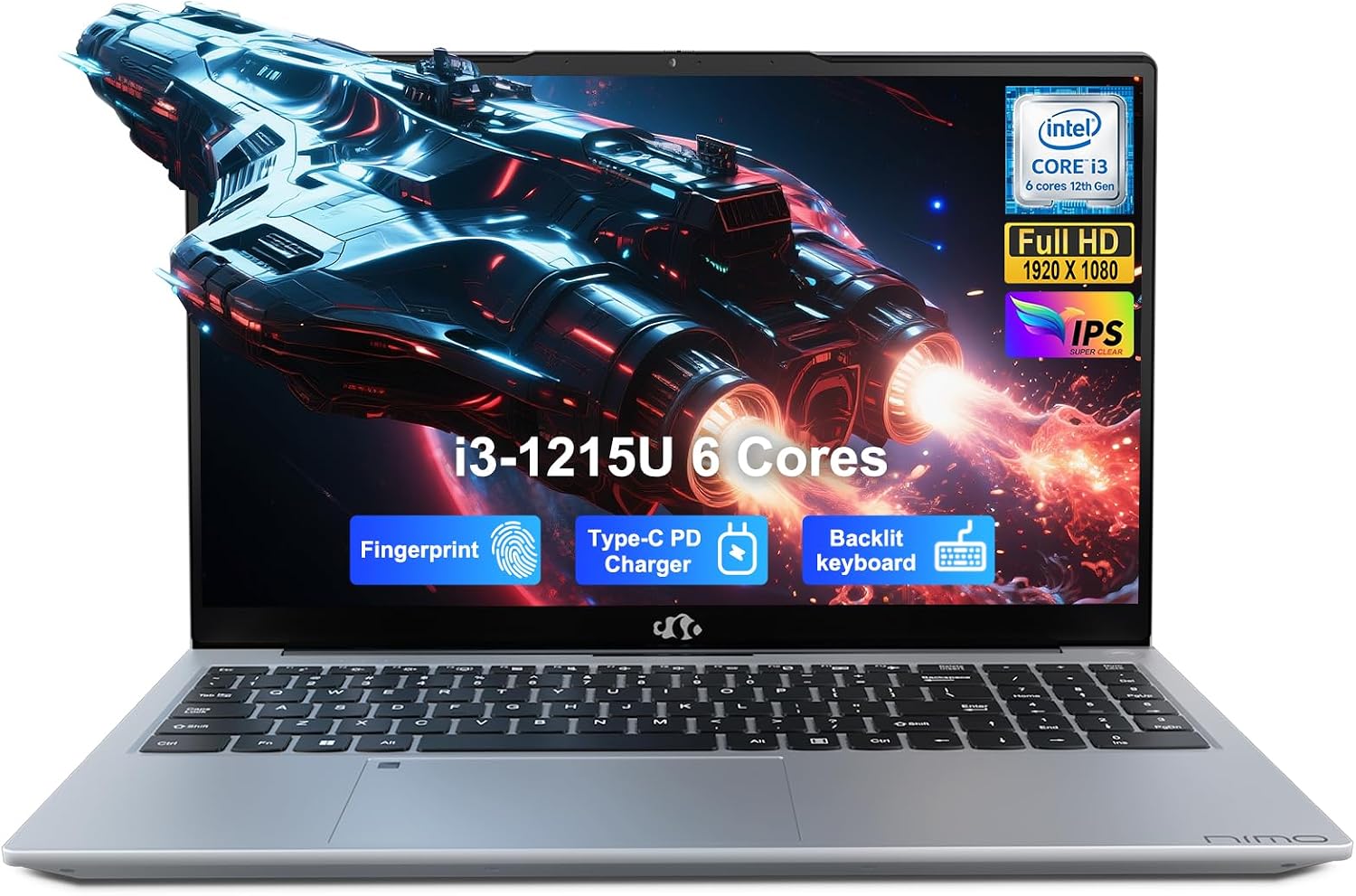
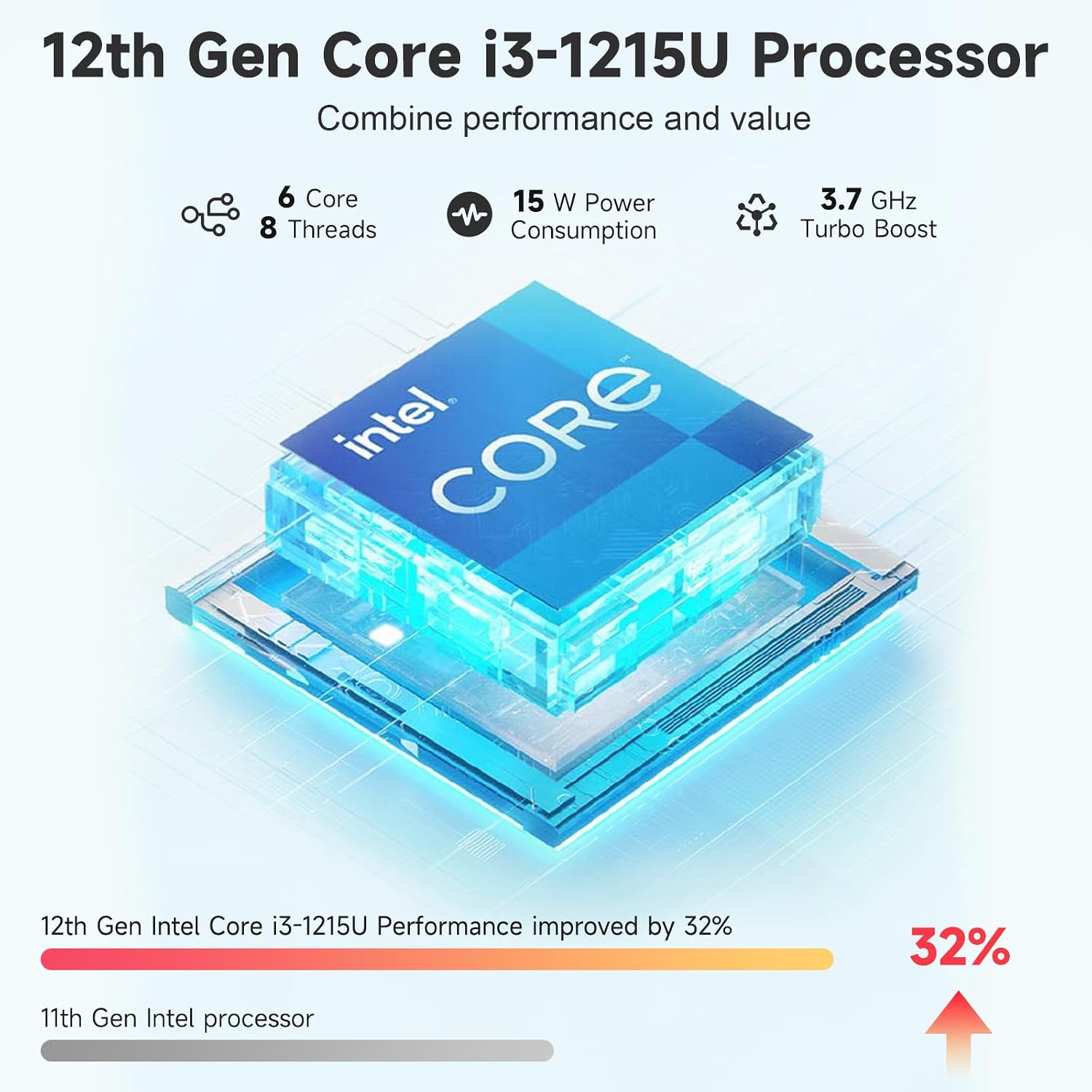
The combination of a 12th Gen Intel Core i3-1215U, 8GB of DDR4 RAM and a 256GB SSD is geared toward common everyday tasks. That can mean drafting a paper with research tabs open, switching between a video meeting and a document, or organizing files for a project. The SSD provides local storage and is described as responsive, but 256GB leaves less room for a growing collection of large files than a higher-capacity drive would.
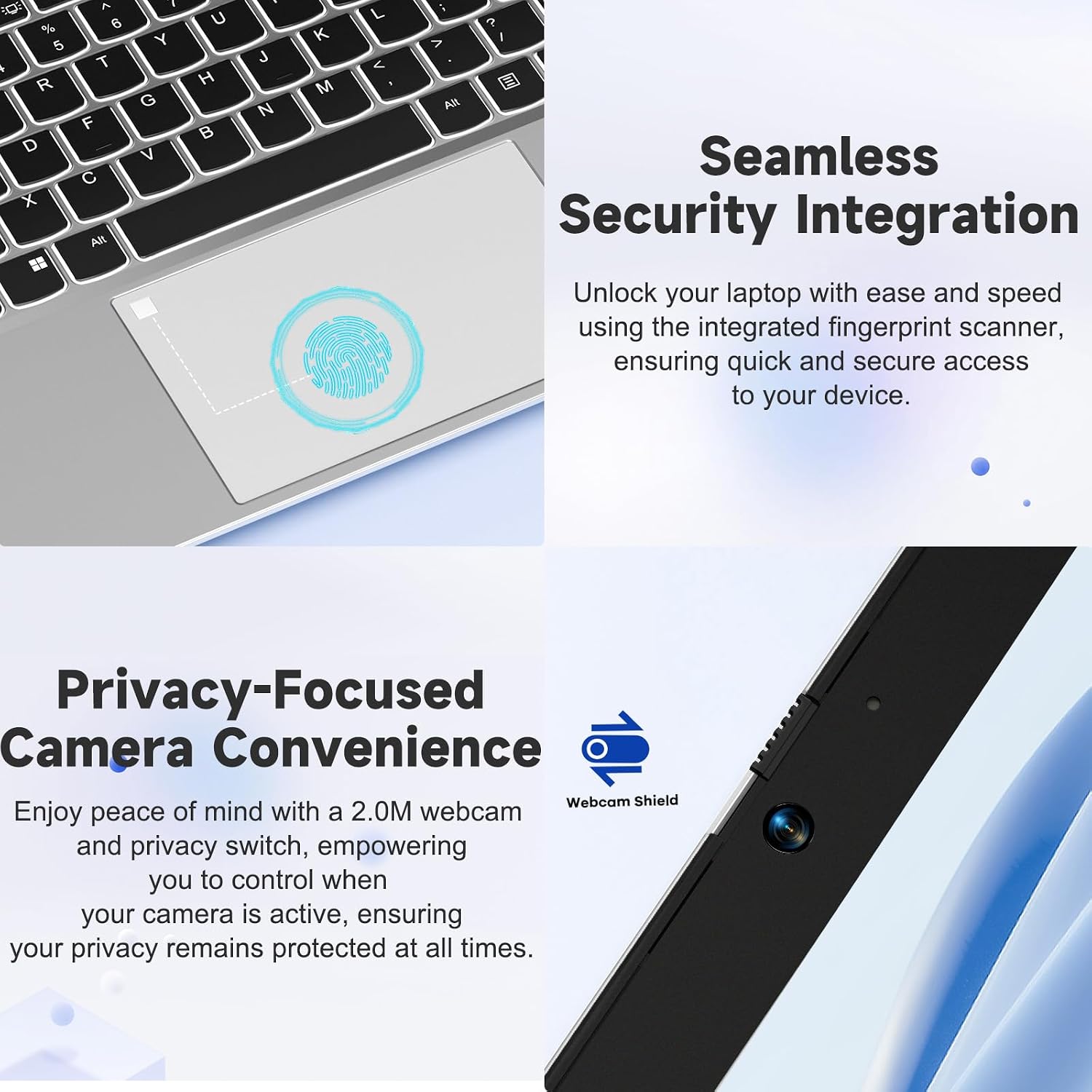
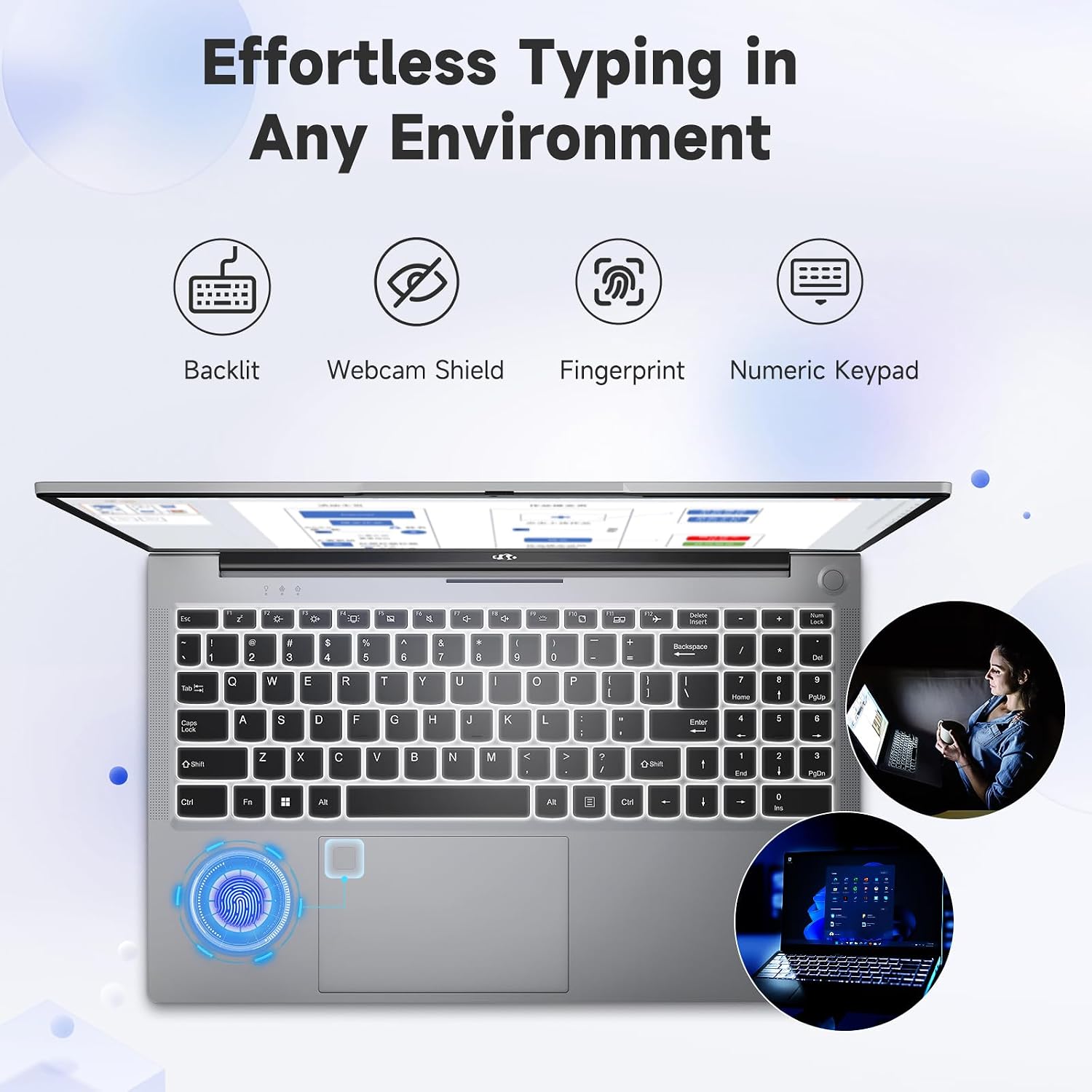
The anti-glare Full HD IPS display is useful when reflections are a distraction, while the backlit keyboard can help when you’re typing in a dim room. A physical webcam shutter adds a straightforward privacy measure. The fingerprint sensor is listed for secure sign-in, though the product information doesn’t specify setup requirements. If you prioritize a roomy screen and built-in convenience features, this has a practical edge over a basic small-screen laptop, if you prefer a more demanding machine for intensive creative or computing work, the listed Core i3 and 8GB of memory suggest looking beyond this configuration.
Quick overview
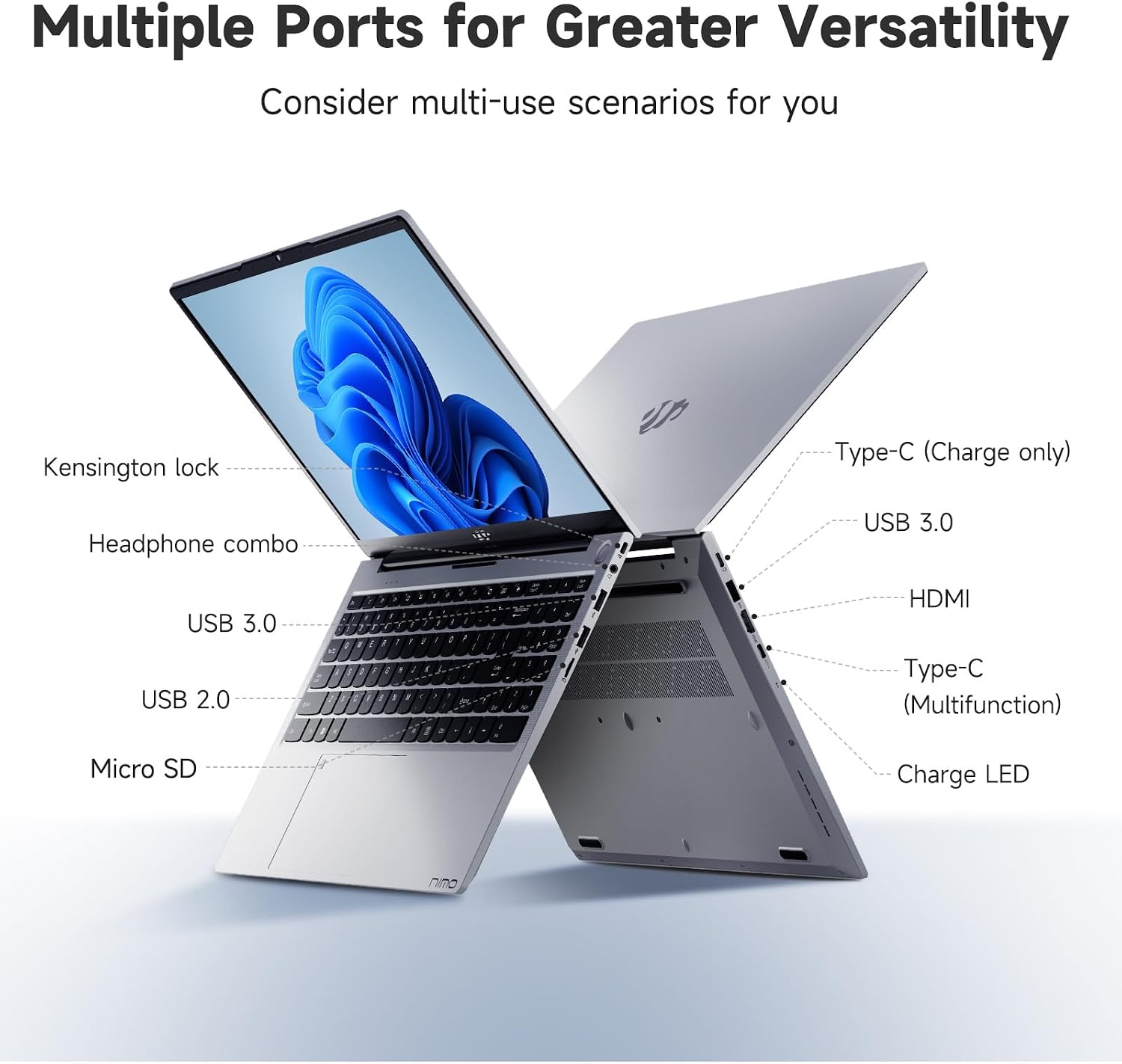
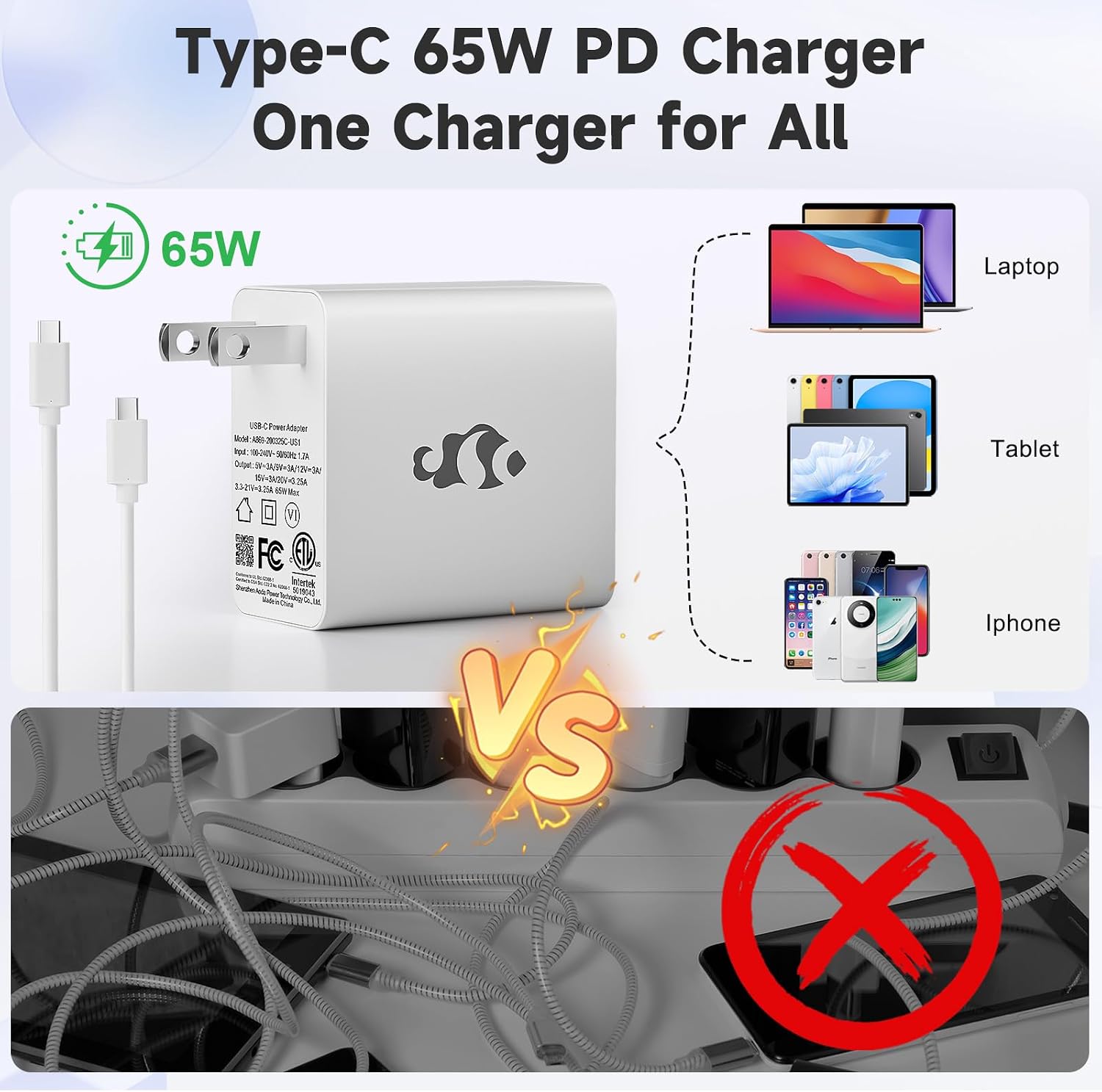
The laptop has a 15.6-inch FHD IPS display with a 180-degree viewing angle, 8GB DDR4 memory and a 256GB SSD. Connectivity includes Wi-Fi 6, Bluetooth 5.2, two USB-C ports, HDMI and a Micro SD slot. A 65W USB-C charger is included, and the maker lists a 54Wh battery. The description also names dual-fan cooling, a backlit keyboard and a webcam shutter. Battery life in hours and performance in specific applications aren’t provided, so those details can’t be judged from the listed specifications alone. The maker describes the laptop as under 1.7kg with a 19.2mm profile, according to the maker, that slim build is intended to make it easier to carry between workspaces.
Best use cases
For a student, the layout makes sense for writing an assignment while keeping class materials and research visible on the same screen. At home, HDMI gives you an option for connecting to an external display, while Wi-Fi 6 supports wireless networking when the rest of your setup is compatible. The 180-degree hinge offers flexibility in how the screen is positioned, but the provided details don’t establish that it folds into a tablet or touchscreen mode. That distinction matters if you’re shopping for a convertible rather than a conventional laptop.
When it makes sense
Choose this NIMO when your priorities are a 15.6-inch screen, everyday study or office tasks, and practical extras such as USB-C charging, a webcam shutter and a backlit keyboard. Its memory and storage are more modest than what buyers may want for heavy multitasking, demanding creative projects or keeping many large files on the laptop. If those are central to your workload, a configuration with more memory or storage is the more sensible direction. For routine schoolwork, browsing and meetings, this specification set is easier to justify, for sustained, resource-heavy work, its limits deserve more weight than its portability features.