

Lenovo Chromebook laptop, 14-inch touchscreen
Product description
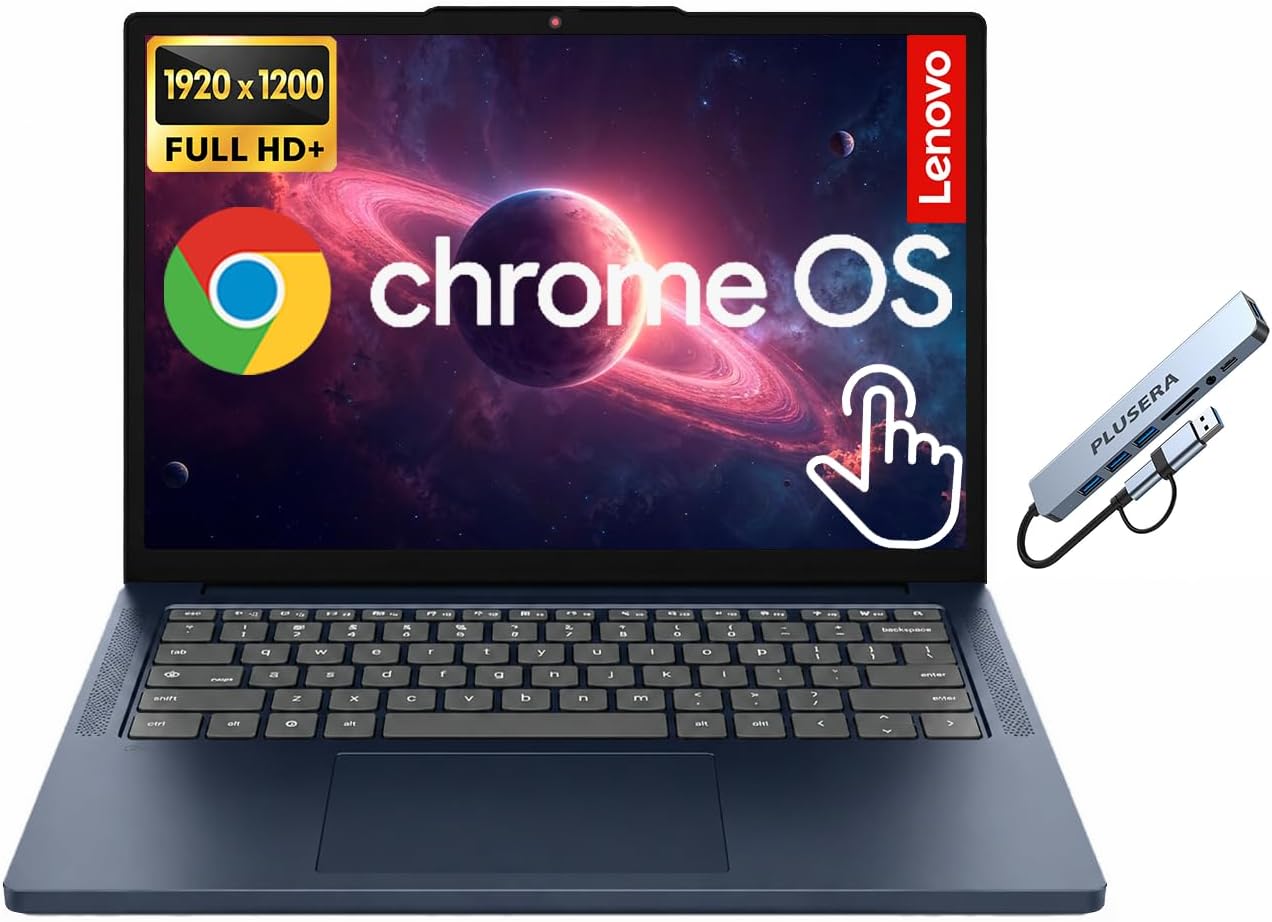
For students and office users who want a compact-feeling laptop for browser-based work, the Lenovo IdeaPad Slim 3 Chromebook combines a 14-inch touchscreen with Chrome OS. Its touch display gives you another way to navigate, while the listed ports make it easier to connect common peripherals without relying on USB-C alone.
The configuration pairs a MediaTek Kompanio 540 processor with 4GB of LPDDR5X RAM. That setup is aimed at everyday Chromebook tasks rather than demanding desktop workloads. One storage detail deserves a close look: the stated 576GB total includes a 64GB SSD and a 512GB PLUSERA docking set, so don’t assume all of that capacity is internal laptop storage.
Highlights
The 14-inch IPS LED touchscreen has a 1920 x 1200 resolution, giving you a taller 16:10-style workspace than a standard 1920 x 1080 screen. That can be useful when reading documents or scrolling through a webpage. You can tap through menus or use the display for hands-on navigation, though no stylus is listed.
The Kompanio 540 is an 8-core processor with integrated MediaTek graphics. For class notes, web research, email, and routine office work, this Chromebook’s focus is straightforward access to Chrome OS rather than a Windows-style desktop setup. It also includes a camera privacy shutter, stereo speakers with Waves MaxxAudio, and Google Assistant.
Size & fit
The 14-inch screen gives you room to keep a document open while working through browser tabs, without moving up to a larger display. The listing doesn’t give the laptop’s weight or overall dimensions. Since no weight is listed, how comfortable it will feel in a backpack is difficult to judge without that measurement.
It makes sense if your work and coursework mostly happen in a browser and you value touchscreen input. Not the best choice if you need more memory for heavier multitasking: 4GB RAM is a modest amount, and the product details don’t establish how the bundled docking set connects or works.
Tips for day-to-day use
At a desk, connect a monitor or another compatible device through HDMI 1.4, or use one of the two USB-C and two USB-A ports for peripherals. The combination is useful if you switch between a mouse, headphones, and external devices, there’s also a headphone/microphone combo jack. Wi-Fi and Bluetooth are listed, but the specific standards aren’t provided.
A practical routine might be opening class notes on the touchscreen, checking a source in another browser tab, then plugging in headphones for a call. Keep the 512GB docking-set storage in mind when comparing capacity: the listing identifies 64GB SSD separately, so confirm what the included set provides before treating the larger figure as built-in space. The 4GB of RAM is another reason to keep expectations centered on everyday Chrome OS use rather than intensive creative or multi-app work.
Questions before you buy
Does it run Windows? No. The listed operating system is Chrome OS, so choose it for a Chrome OS workflow rather than Windows-specific software.
How much storage is included? The listing states 576GB total, itemized as a 64GB SSD plus a 512GB PLUSERA docking set. It doesn’t explain the set’s connection or storage behavior.
What can I plug in? The listed connections include two USB-C ports, two USB-A ports, HDMI 1.4, and a headphone/microphone combo jack.
Should you buy it?
Choose this Lenovo if a 14-inch touch display, Chrome OS, and a useful spread of listed ports match your everyday school or office routine. It’s a more hands-on alternative to a basic non-touch Chromebook, but the 4GB of RAM and unclear docking-set details matter. Look elsewhere if your work calls for more memory, Windows, or confirmed built-in storage beyond the stated 64GB SSD.