

Lenovo Chromebook 14-inch Laptop
Product description
Where it shines
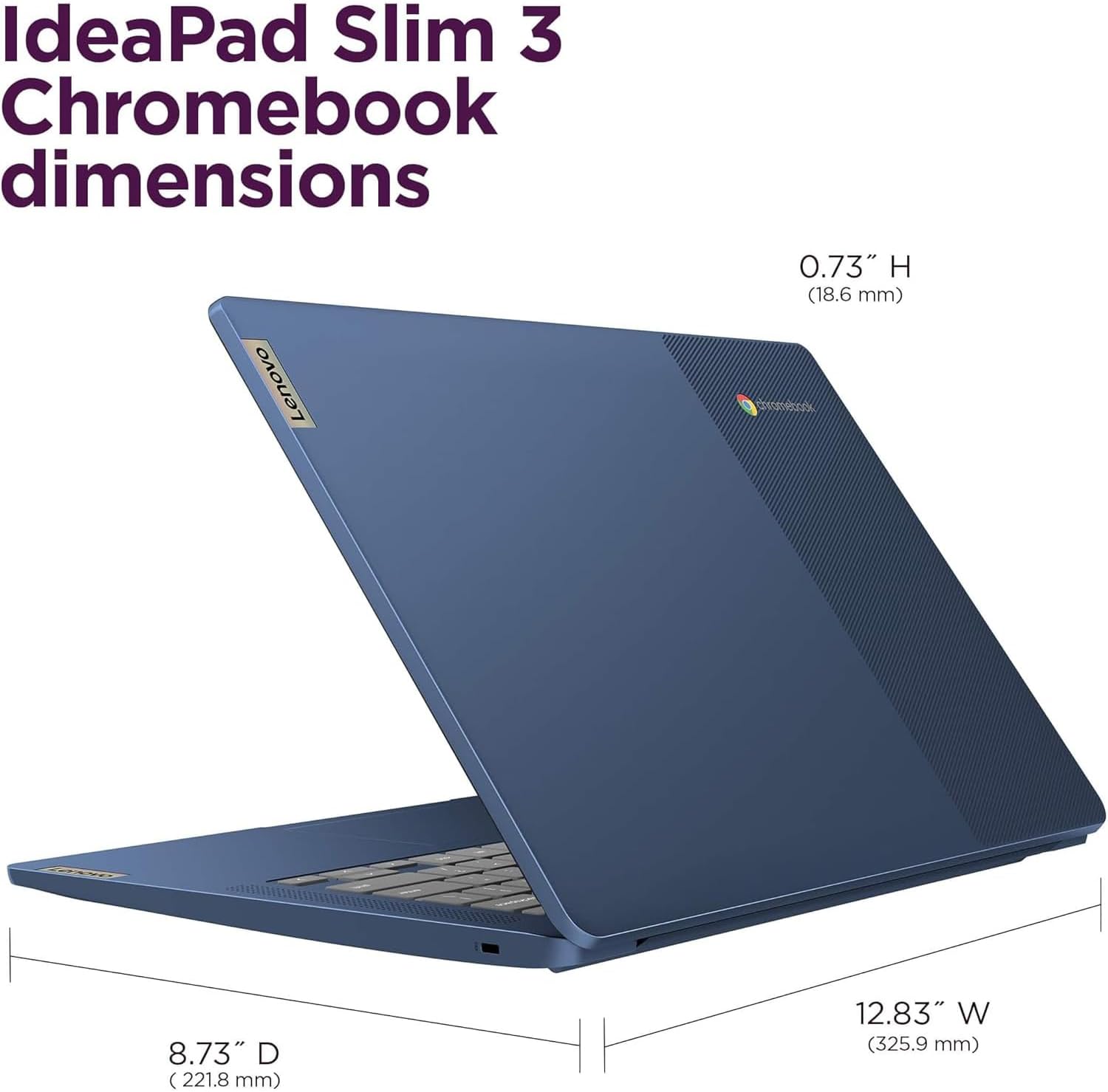
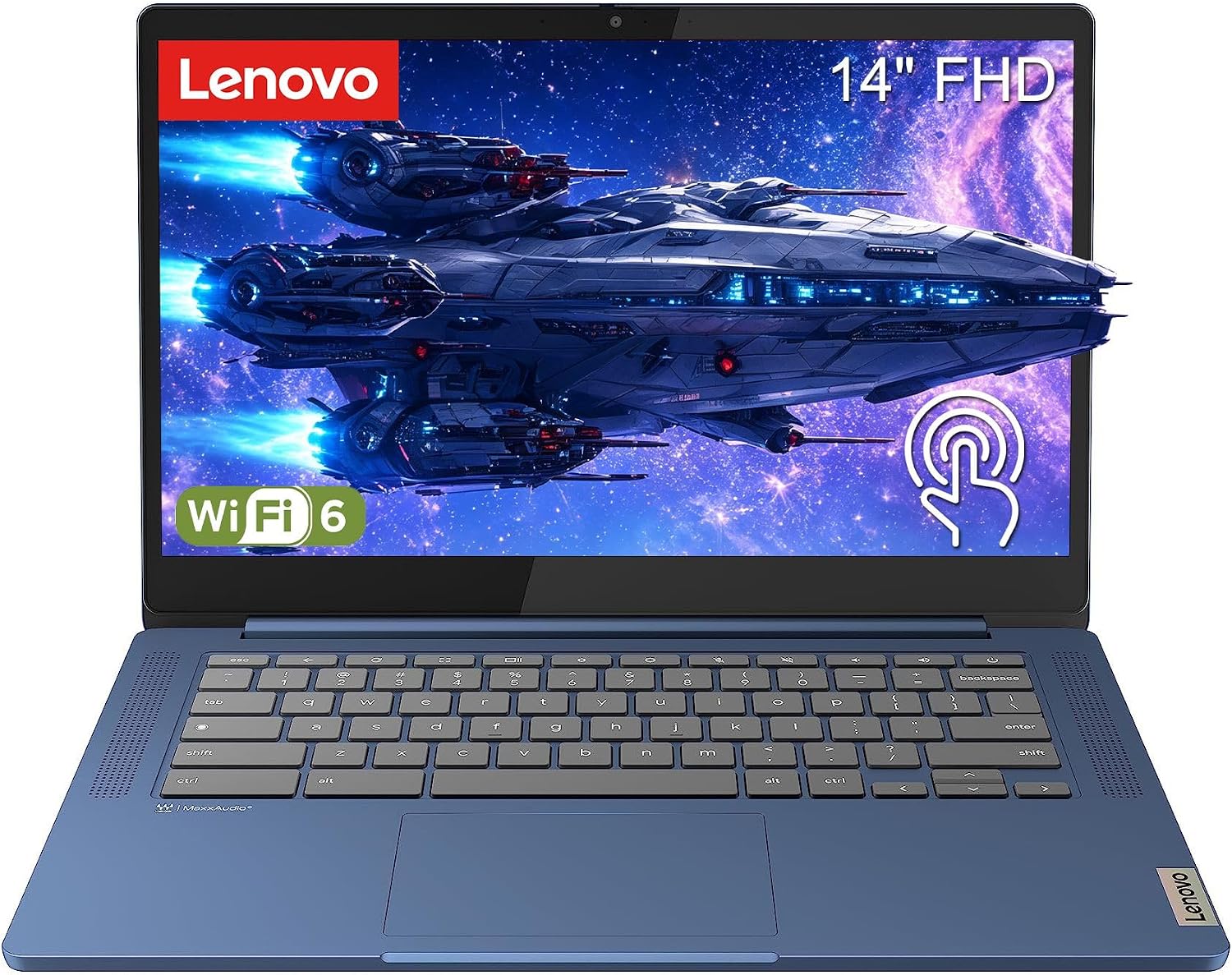
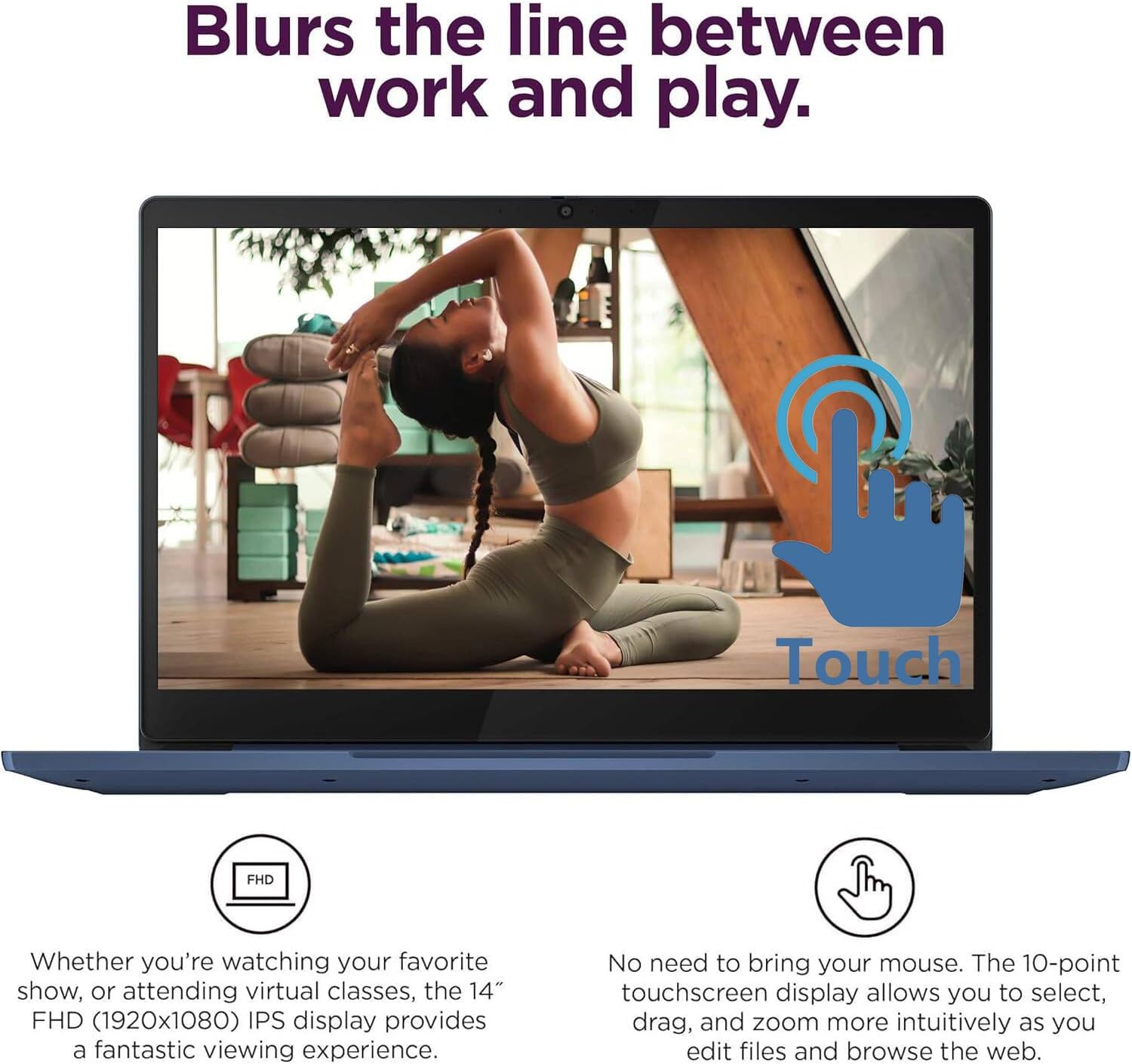
When a small screen makes schoolwork, video calls, or shared documents feel cramped, this Lenovo Chromebook gives you a 14-inch FHD IPS touchscreen in a portable design. Its 1920x1080 resolution, anti-glare coating, and 300-nit brightness are aimed at everyday browsing and media, while 10-point touch lets you tap and scroll instead of relying only on the touchpad. At 2.87 lbs, it’s also easier to carry between home, class, and a coffee shop than a larger, heavier laptop.
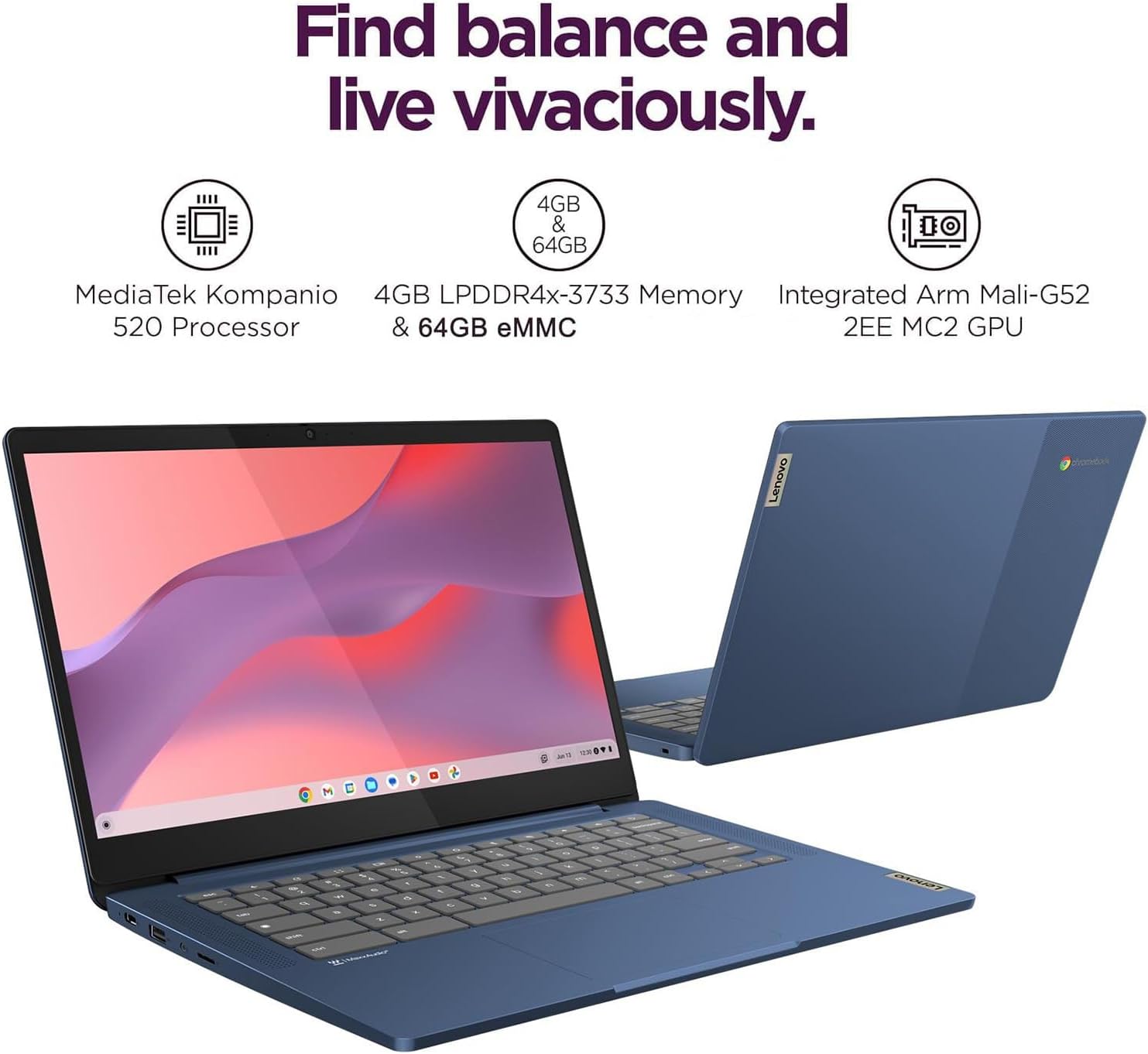
The MediaTek Kompanio 520 has an 8-core CPU, paired with 4GB of memory. That setup is intended for routine Chromebook tasks such as web browsing, streaming, video calls, and productivity apps—not a promise of desktop-class performance. If you prioritize a simple, portable device for browser-based work, its approach makes sense, if you prefer a laptop for demanding applications or lots of local files, the modest memory and 64GB eMMC storage deserve attention. There’s a microSD card reader for expanding storage, but the listing doesn’t specify a card or its capacity.
Highlights
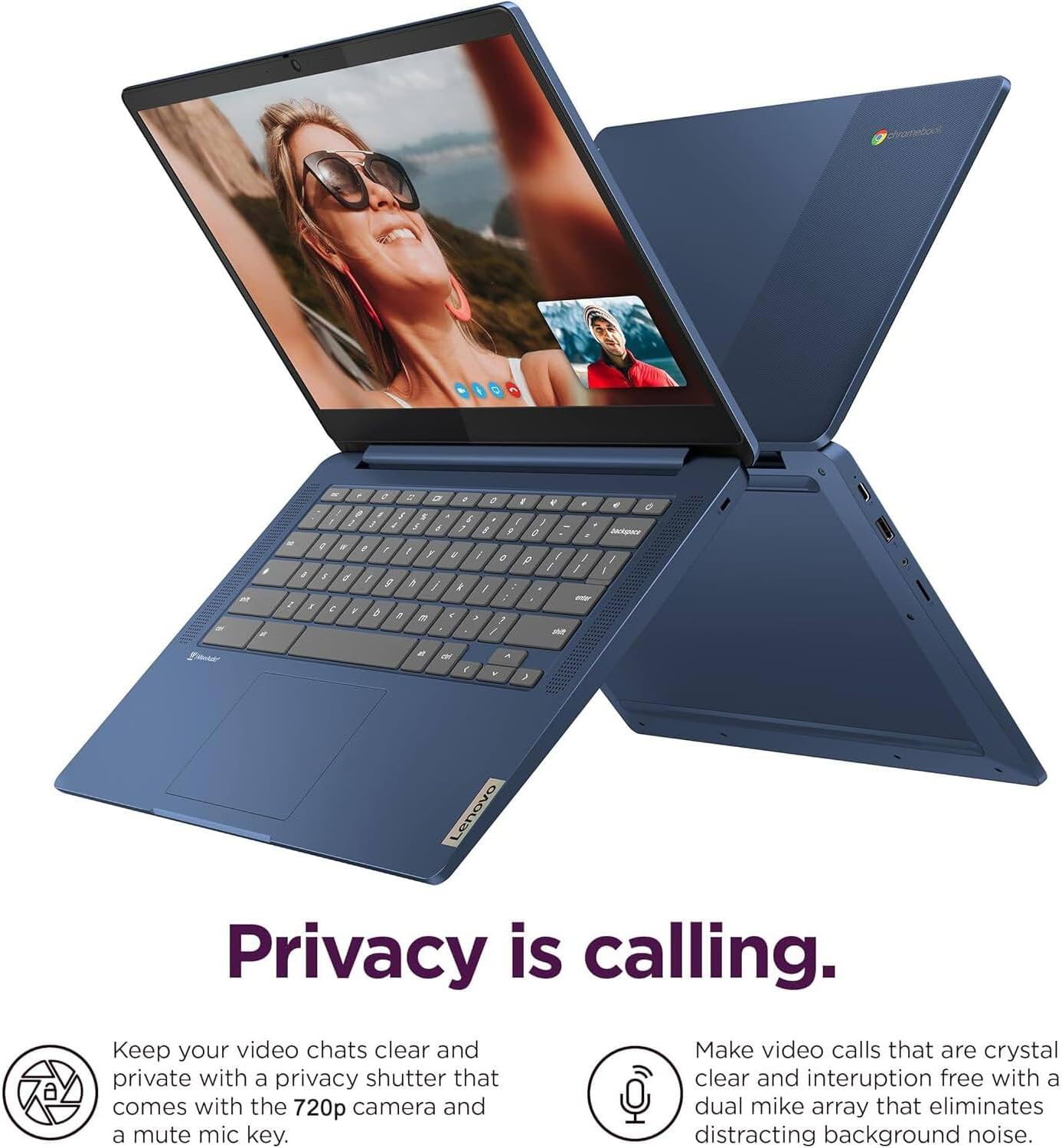
The display combines IPS viewing with a 100% sRGB claim and 300 nits of brightness. That gives you a clear workspace for documents and video, though brightness alone doesn’t establish how comfortable it will be in direct sunlight. The large touchscreen could be handy when you’re scrolling through a recipe on the counter or tapping through a presentation, while the 720p webcam has a privacy shutter for calls when you’re done.
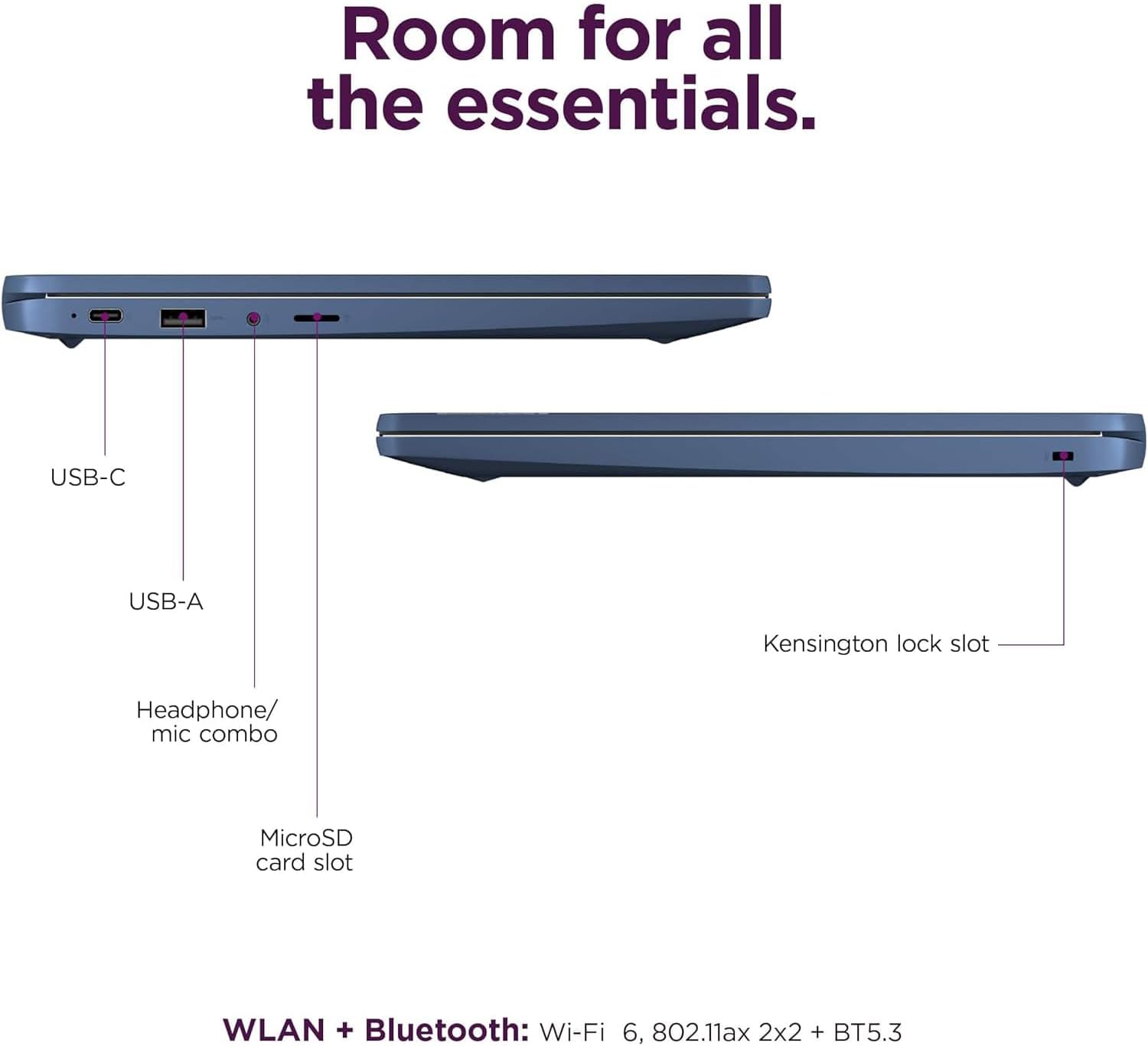
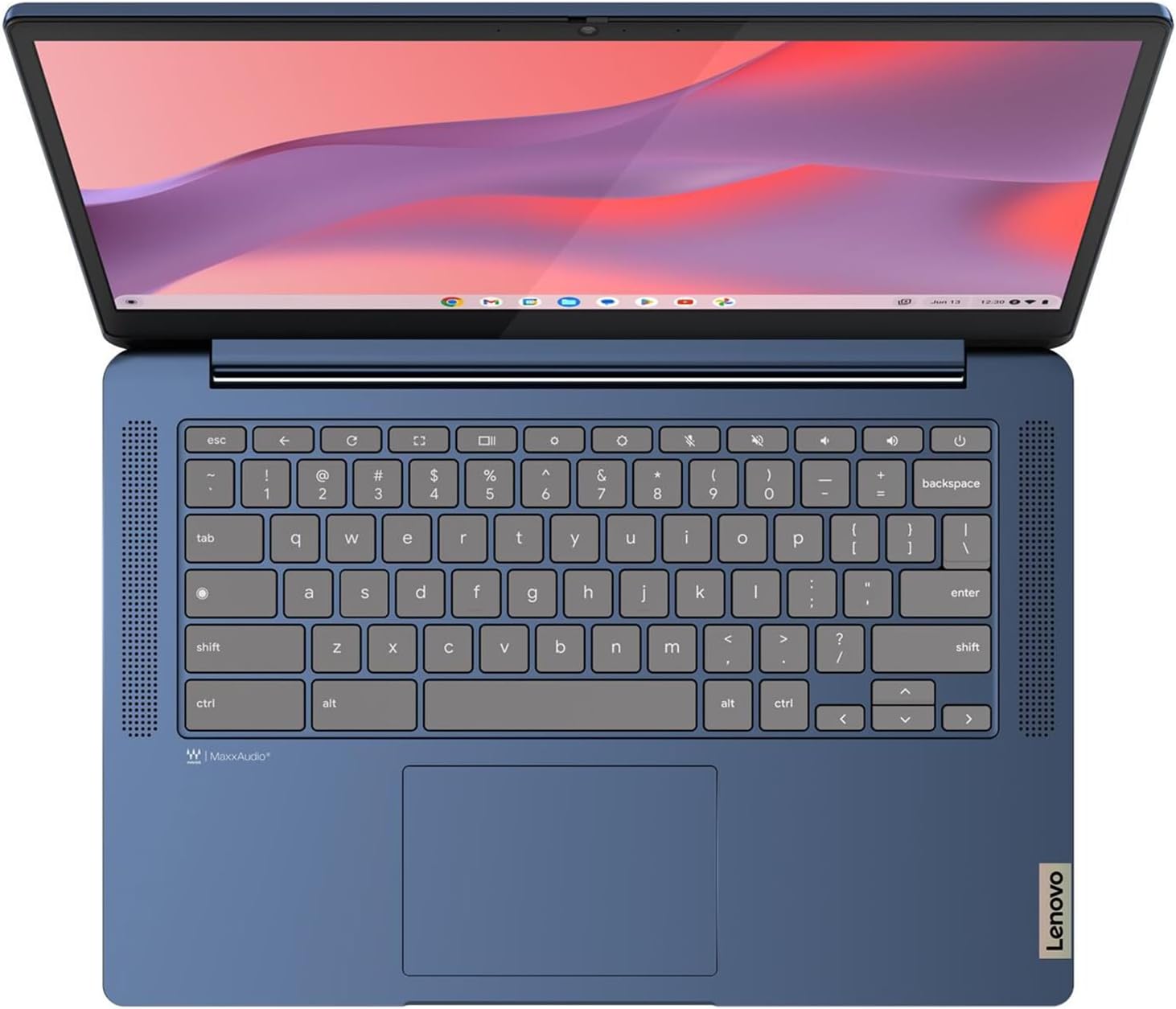
Connectivity includes WiFi 6, Bluetooth 5.3, a USB 3.2 Gen 1 port, and a USB-C 3.2 Gen 1 port with Power Delivery 3.0 and DisplayPort 1.1a support. There’s also a headphone/microphone combo jack. The included 45W USB-C adapter handles charging. For typing, you get a full-size keyboard and a buttonless touchpad, but the keyboard is not backlit—a practical drawback if you often work in dim rooms. Stereo speakers are listed at 2W each.
ChromeOS brings Google app and service integration, automatic updates, and access to apps through Google Play. Lenovo also lists a Google Security Chip H1, a Kensington Nano Security Slot, and ENERGY STAR 9.0 and EPEAT Gold certifications. The product description calls the battery life long but gives no runtime figure, so it’s hard to judge how it will fit a full day away from an outlet without having tried it.
Best use cases
Worth considering if you mainly need a carryable Chromebook for online research, documents, streaming, and video calls, and want a touchscreen rather than a basic non-touch display. The microSD slot may help keep photos and other files accessible without relying entirely on the built-in storage. It may not suit you if you need a backlit keyboard, substantial built-in storage, or a clearly stated battery runtime. The 4GB of memory is another reason to keep expectations focused on everyday tasks rather than heavy multitasking.
Buying verdict
This Lenovo makes the most sense as a straightforward ChromeOS laptop for web-first routines: the 14-inch touch display, lightweight build, and modern wireless connectivity are the most relevant reasons to choose it. A non-touch Chromebook may be a better fit if you want a simpler screen and don’t expect to use touch, a more capable laptop is the safer direction for demanding software or heavier multitasking. Choose this one if portability and touch navigation matter more than keyboard lighting, generous onboard storage, or a quantified battery-life claim.