

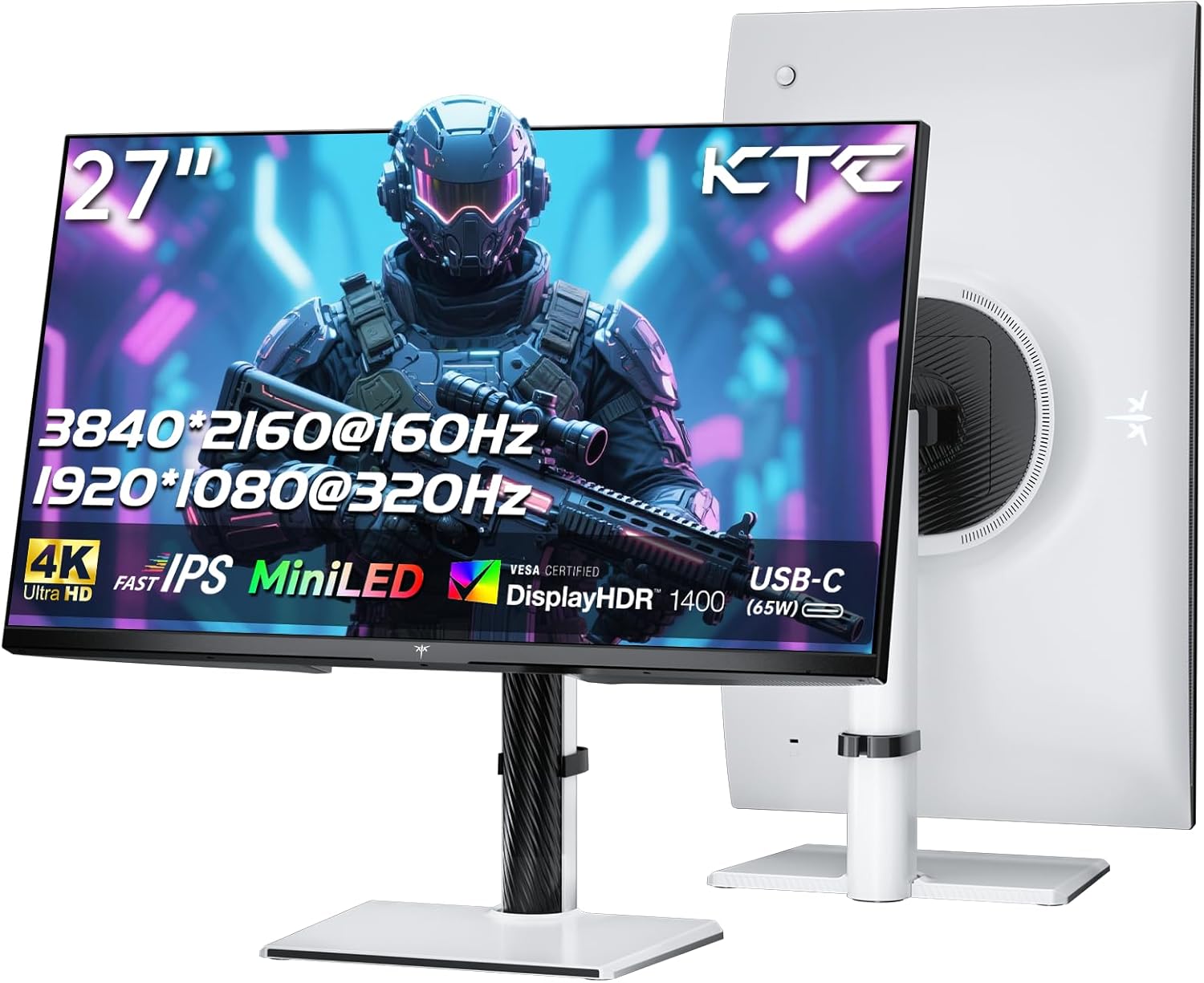
KTC M27P6 27-Inch 4K MiniLED Gaming Monitor (Dual Mode: 4K 160Hz / FHD 320Hz) with Type-C 65W, KVM
Reviews
Price
Product description
Quick overview
If you want a single 27-inch monitor that can handle both crisp, detailed visuals and fast competitive gameplay, the KTC M27P6 is built around that idea. It’s a 4K UHD gaming display that can switch to a dual mode (4K at 160Hz, and FHD at 320Hz). On paper, that pairing targets a pretty common dilemma: you either pick resolution and visual quality, or you pick high refresh for responsiveness.
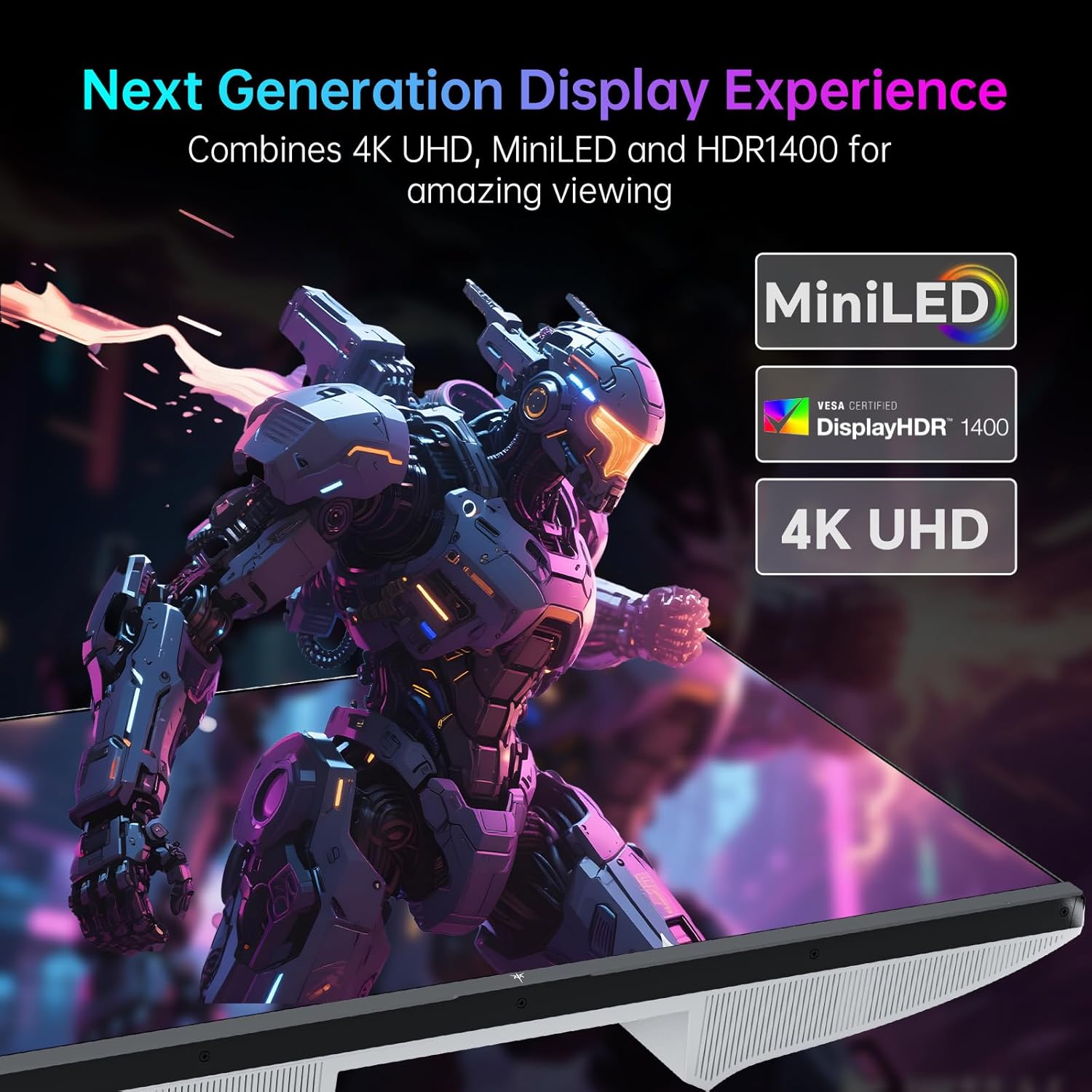
Where it gets more interesting is the MiniLED + Fast IPS approach. MiniLED backlighting (with 1152 zones) and HDR 1400 support are aimed at delivering stronger contrast and a more “punchy” image than typical edge-lit or basic backlight setups. It’s not an OLED replacement, but for many buyers, it’s a sensible middle ground if HDR matters and you also play FPS-style games.
Where it shines for gaming and everyday use
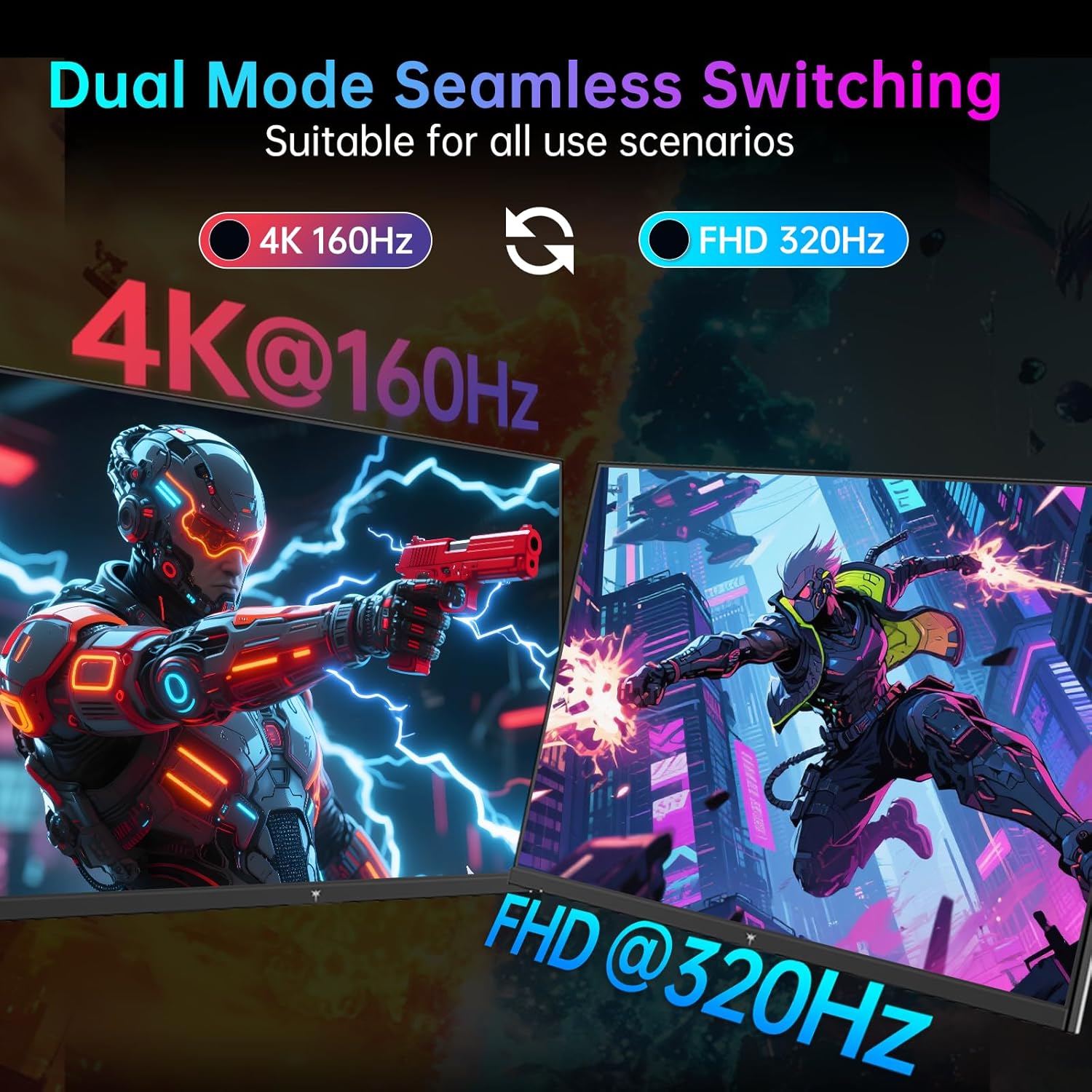
The standout promise here is speed without giving up too much image quality. The dual-mode setup means you can choose the mode that fits your session: 4K 160Hz for detail and clarity, or FHD 320Hz when frame rate and input feel matter more.
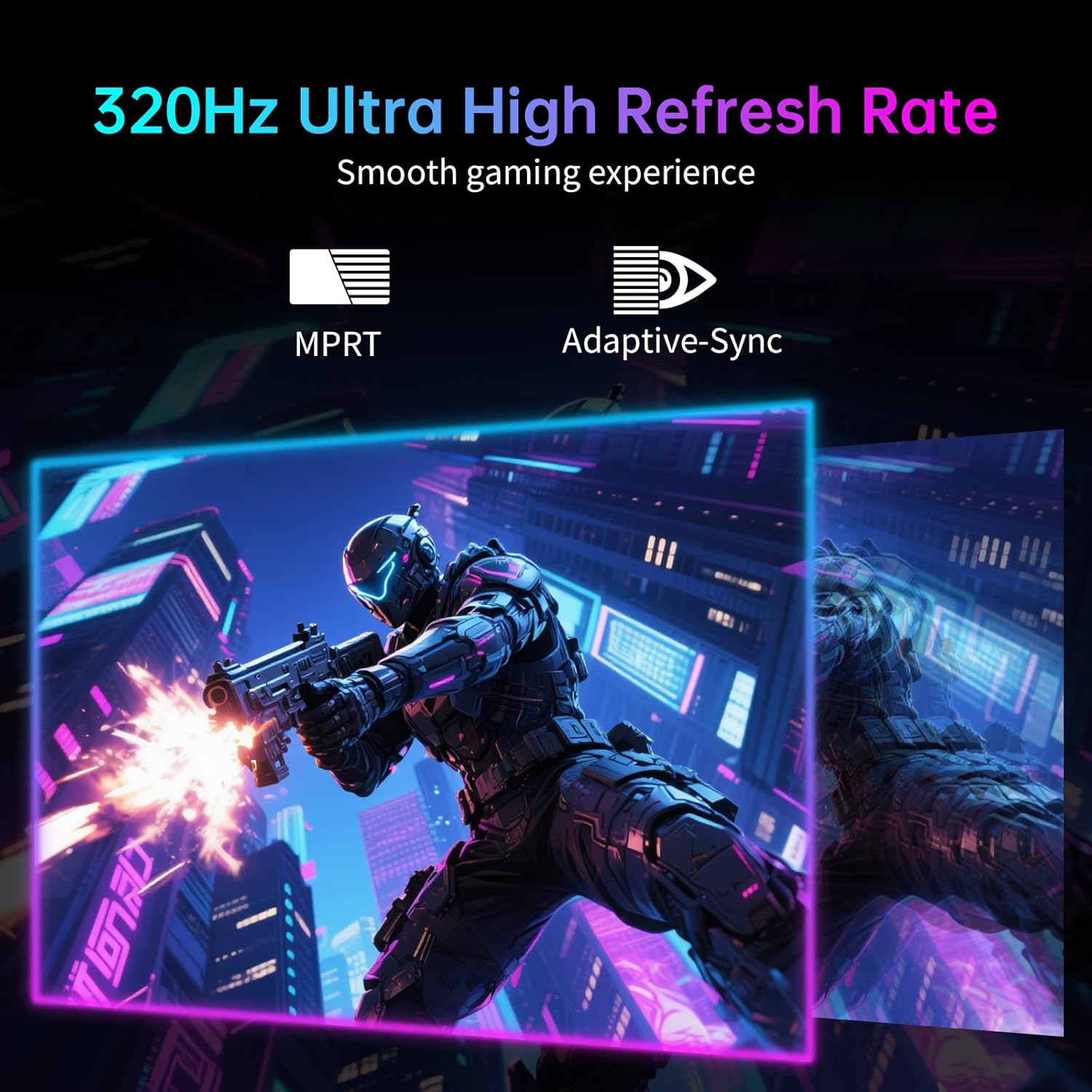
The monitor also lists Adaptive-Sync support to reduce tearing, which is helpful if your system can’t always hold perfectly consistent frame times. Add in the “Fast IPS” positioning and a claimed 1ms response time, and it’s clearly tuned for players who care about motion clarity.
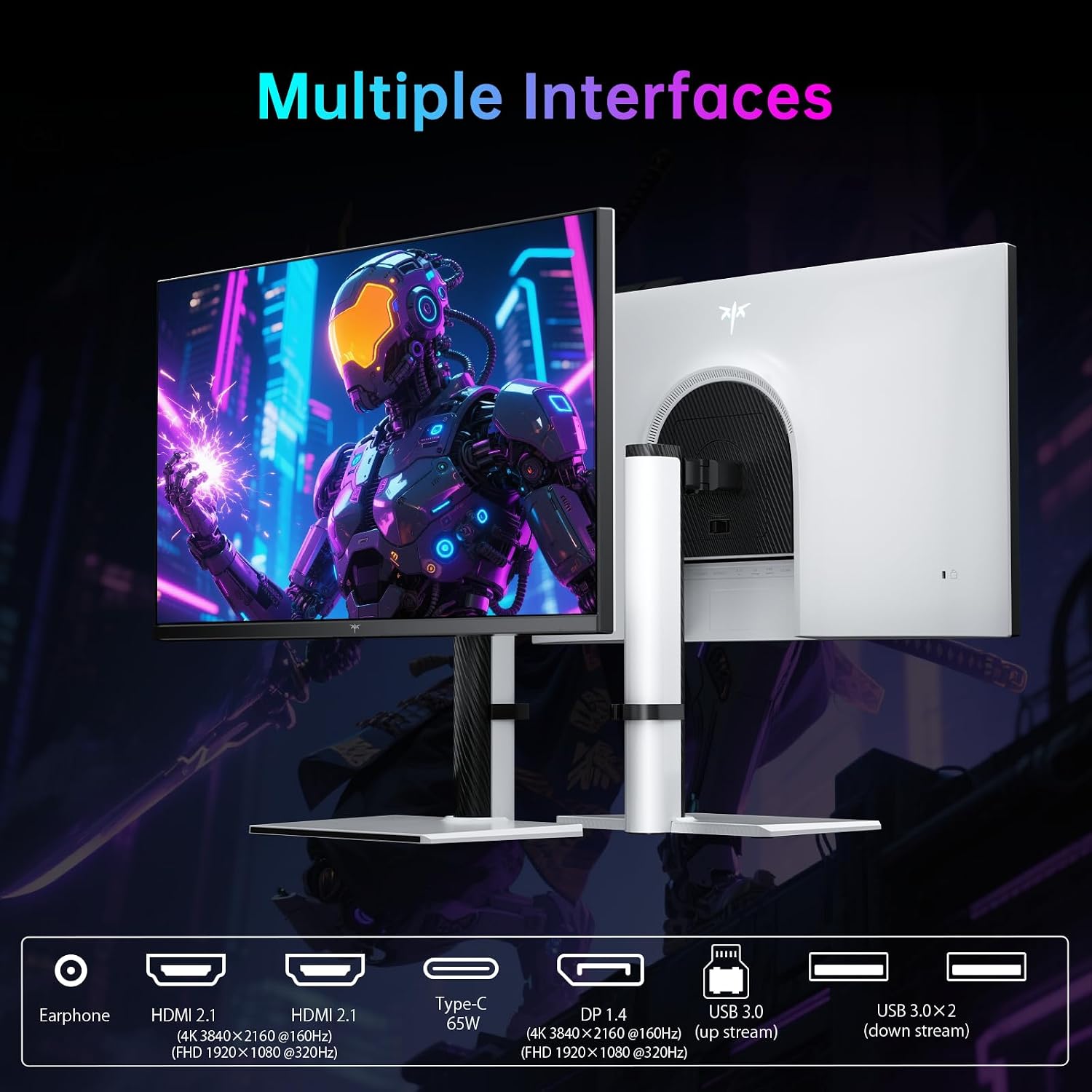
In everyday use (work, browsing, and mixed entertainment), the connectivity is a big deal. It includes USB-C with 65W power delivery, DisplayPort 1.4, and HDMI 2.1 (plus multiple USB 3.0 ports). That’s the kind of setup that can simplify desk life—especially if you bounce between a laptop and a gaming PC.
And yes, KVM support is included. In practical terms, it’s meant to let you run a shared keyboard/mouse setup and switch the displayed source between inputs (for example, a game feed vs. an online meeting). If you regularly multitask, that’s one of those features you end up using more than you expect.
What the picture quality focus is (and what to keep in mind)
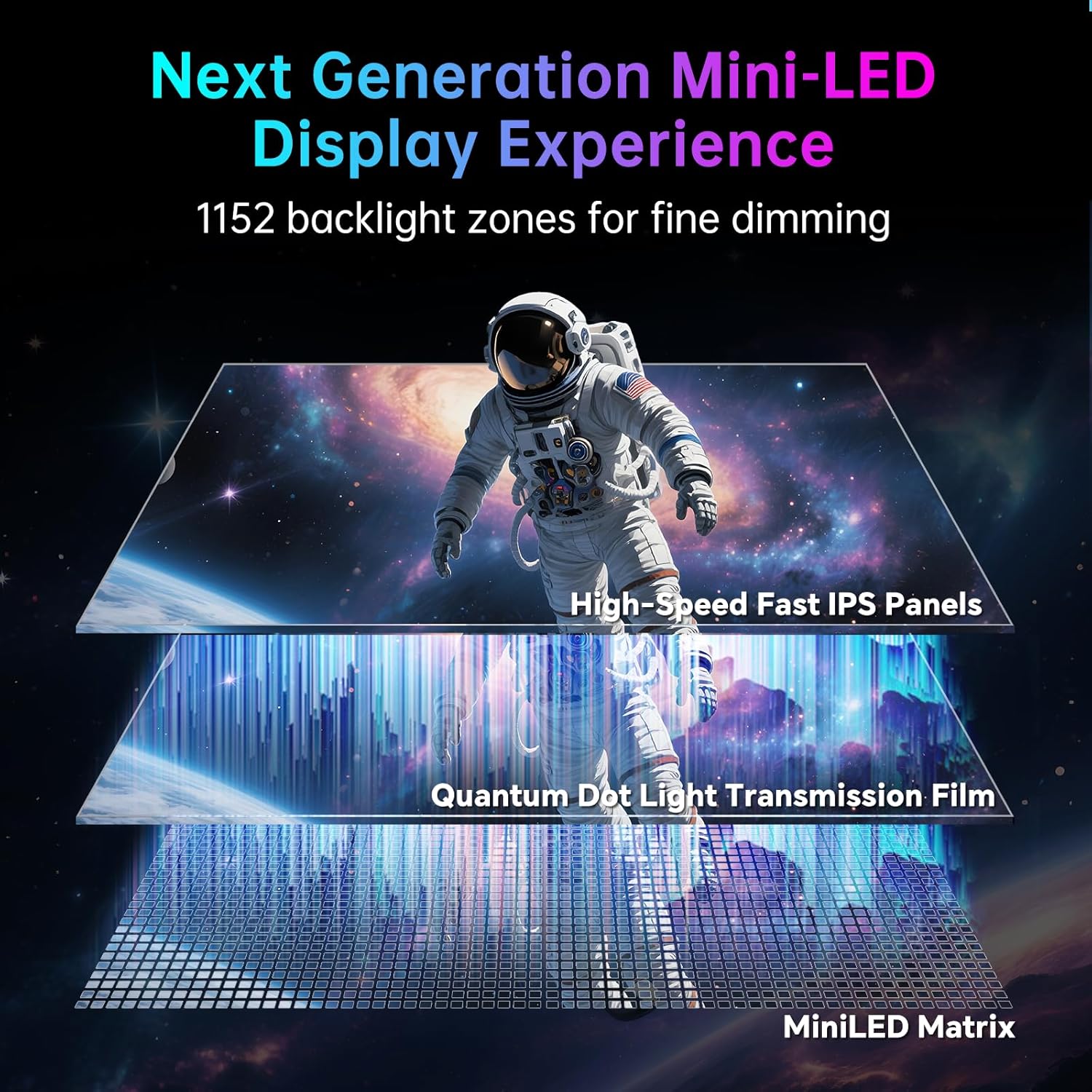
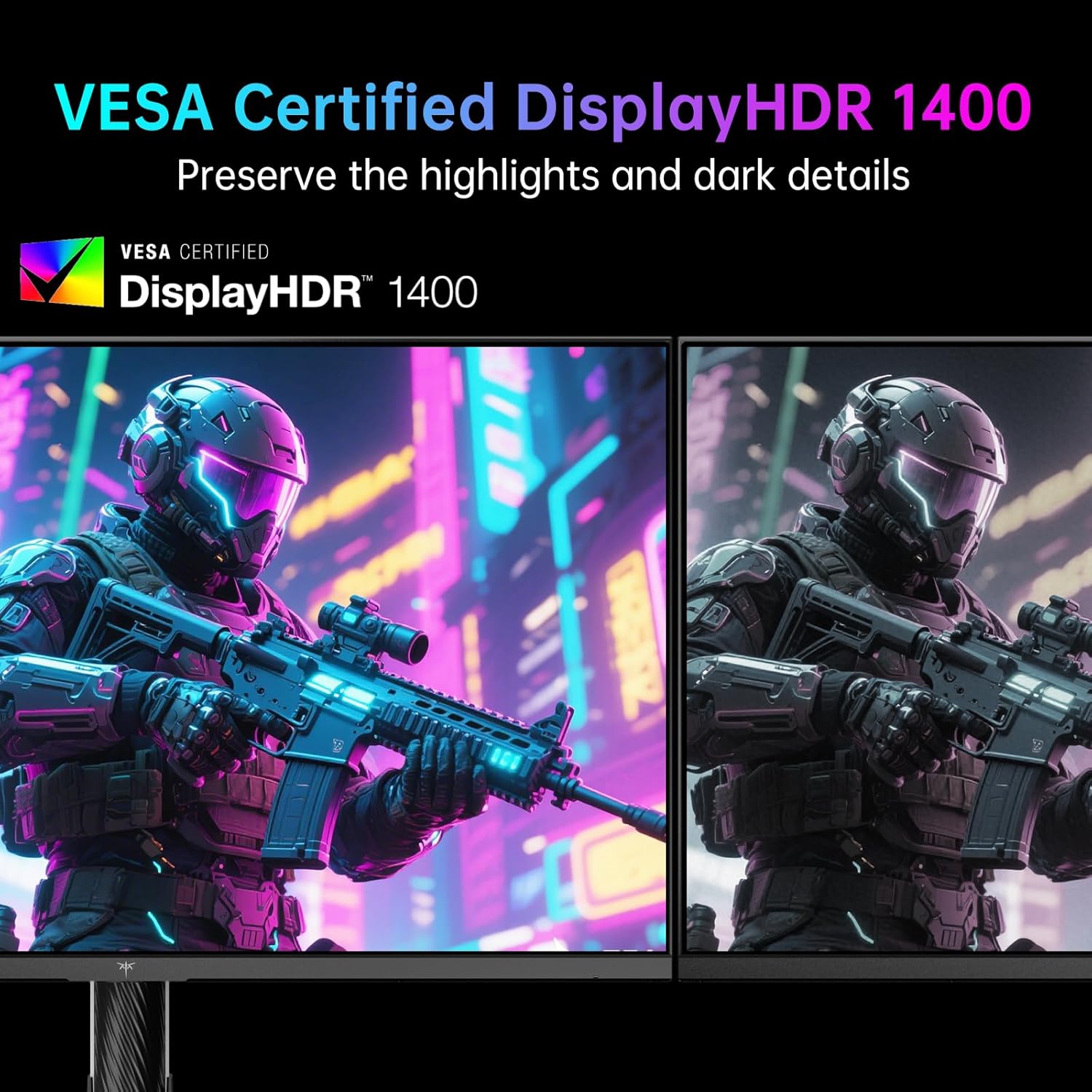
This model leans heavily into display performance claims: RGB 99% and DCI-P3 98% color gamut, plus a 1,000,000:1 contrast ratio and HDR 1400 support.
In real buyer terms, that usually translates to two things: more vivid colors for games and media, and deeper blacks/stronger contrast cues when HDR content is available. The MiniLED panel with 1152 zones is also the kind of spec that suggests the backlight can be controlled more precisely than simpler designs.
That said, a sensible limitation to keep in mind: with any monitor that’s chasing both high refresh and HDR impact, results can still depend on your content type, your GPU output, and your chosen picture settings. If you’re extremely picky about HDR behavior in every scene, you may want to review how it handles HDR on the specific sources you use most.
Ergonomics and desk fit
This monitor isn’t just about specs, it’s also built for positioning. It supports tilt & swivel, plus height adjustment, and it’s VESA mount compatible (100mm × 100mm).
That matters if you’re using it for long sessions—gaming or work—because a comfortable viewing height reduces neck strain and makes keyboard/mouse placement easier. The listed low blue light and flicker-free features are also there for comfort-focused buyers who tend to spend hours in front of a screen.
Connectivity you’ll actually care about
The connectivity list reads like a desk-versatility package:
- USB-C (65W) for laptop connection and charging
- DisplayPort 1.4 and HDMI 2.1 for higher-bandwidth gaming connections
- USB 3.0 ports (3) for accessories
Because it’s described as compatible with desktop gaming PCs, laptops, and consoles like PS5 and Xbox, it’s aimed at people who want fewer cables switching between systems. And if you like keeping one setup ready for multiple devices, KVM support can make the experience feel less “stop-and-start.”
One micro example: imagine you start a work call on your laptop input, then switch to your console/PC for a match without replugging your peripherals. That’s the kind of workflow KVM + multi-input connectivity is meant to support.
Key takeaways (who should buy, and who should skip)
Worth considering if you want a 27-inch gaming monitor that can pivot between high refresh FHD performance and 4K gaming visuals, and you also care about HDR and color. If your setup includes a laptop plus a gaming rig (or console), the Type-C 65W and KVM support make it easier to treat this like a true main monitor.
You may want to skip it if you’re only looking for a basic 4K monitor and don’t care about dual refresh behavior, MiniLED/HDR specs, or KVM-style switching. Also, if you primarily play genres where resolution is less important and you never touch HDR content, you might feel like you’re paying for features you won’t use.
Finally, double-check the “dual mode” behavior in your own usage—especially if you’re sensitive to how switching between resolutions affects image scaling and settings. It’s designed to be flexible, but your comfort will depend on how you configure it.
Should you buy it?
Buy the KTC M27P6 if you want one 27-inch monitor that targets both competitive responsiveness and 4K image detail, and you’d benefit from USB-C 65W charging plus KVM for a cleaner, multi-device desk setup. The MiniLED + HDR 1400 direction is a strong match for shoppers who want more contrast and color punch than simpler backlight designs.
Don’t buy it if your priorities are strictly budget-first or you don’t plan to use HDR, the dual refresh modes, or multi-source switching. And if you’re extremely particular about HDR “feel” across different content sources, consider comparing expectations carefully before committing.
Mini FAQ
How does the dual mode work?
It’s designed to support 4K at 160Hz and FHD at 320Hz, so you can switch modes based on whether you want maximum detail or maximum refresh-rate responsiveness.
What does KVM support do here?
KVM support is meant to allow simultaneous use of shared peripherals while switching video sources, so you can bounce between inputs like a laptop and a console/PC with less friction.
Is this monitor good for HDR?
It supports HDR 1400 and uses MiniLED backlighting with 1152 zones, which are the main signals that it’s aiming for stronger contrast and more impactful HDR visuals.
What connections does it include?
The included options are USB-C with 65W, DisplayPort 1.4, HDMI 2.1 (two ports), and USB 3.0 ports (three).