

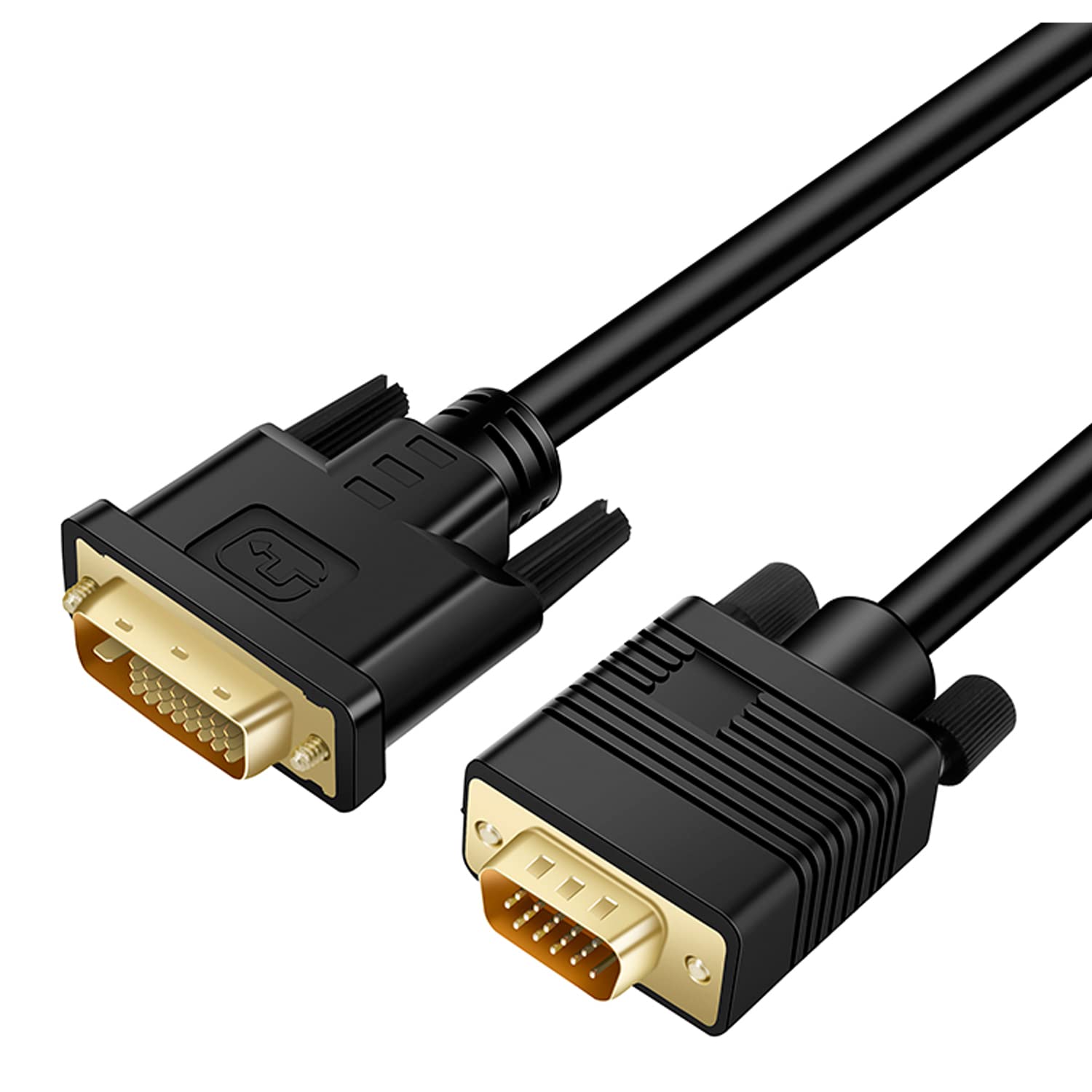
Kirzi DVI (Sources) to VGA (Display) Cable 30ft: Uni-Directional DVI-D to VGA with Gold-Plated Connectors
Product description
What this cable is and what it solves
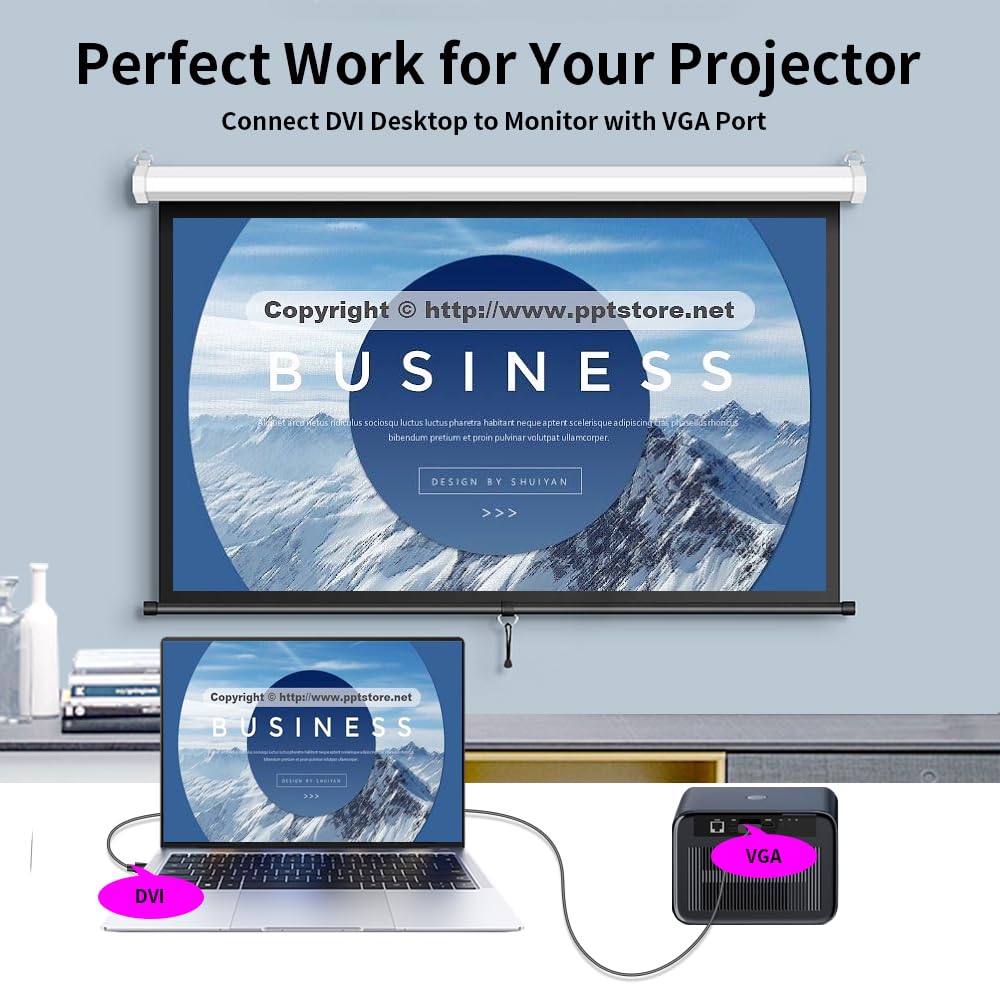
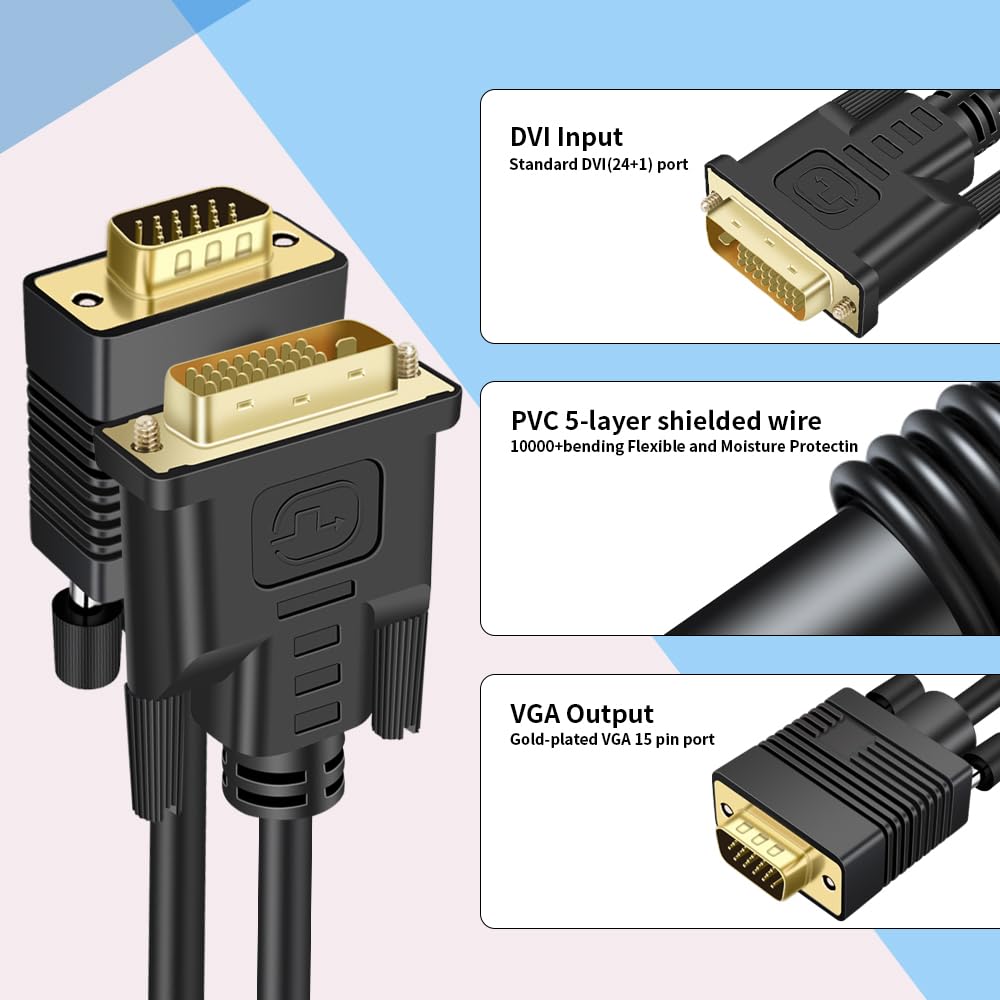
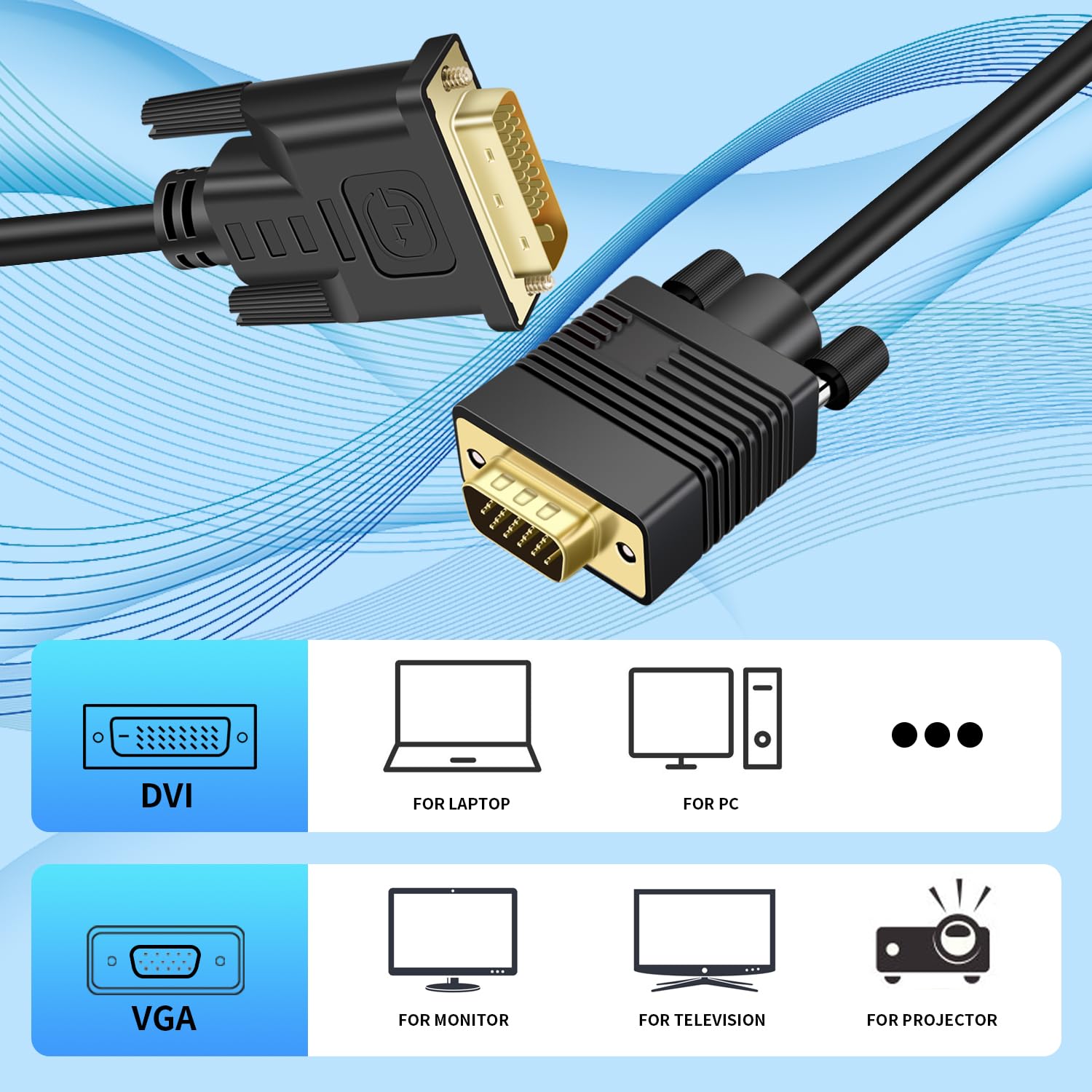
This is a uni-directional DVI to VGA cable designed to send video from a computer or device with a DVI port to a VGA display like a monitor or projector. It addresses the common need to bridge older VGA displays with newer DVI sources without installing drivers or software. On paper, it provides a simple, no-frills solution for setups that require converting from digital DVI to an analog VGA input.
How it works
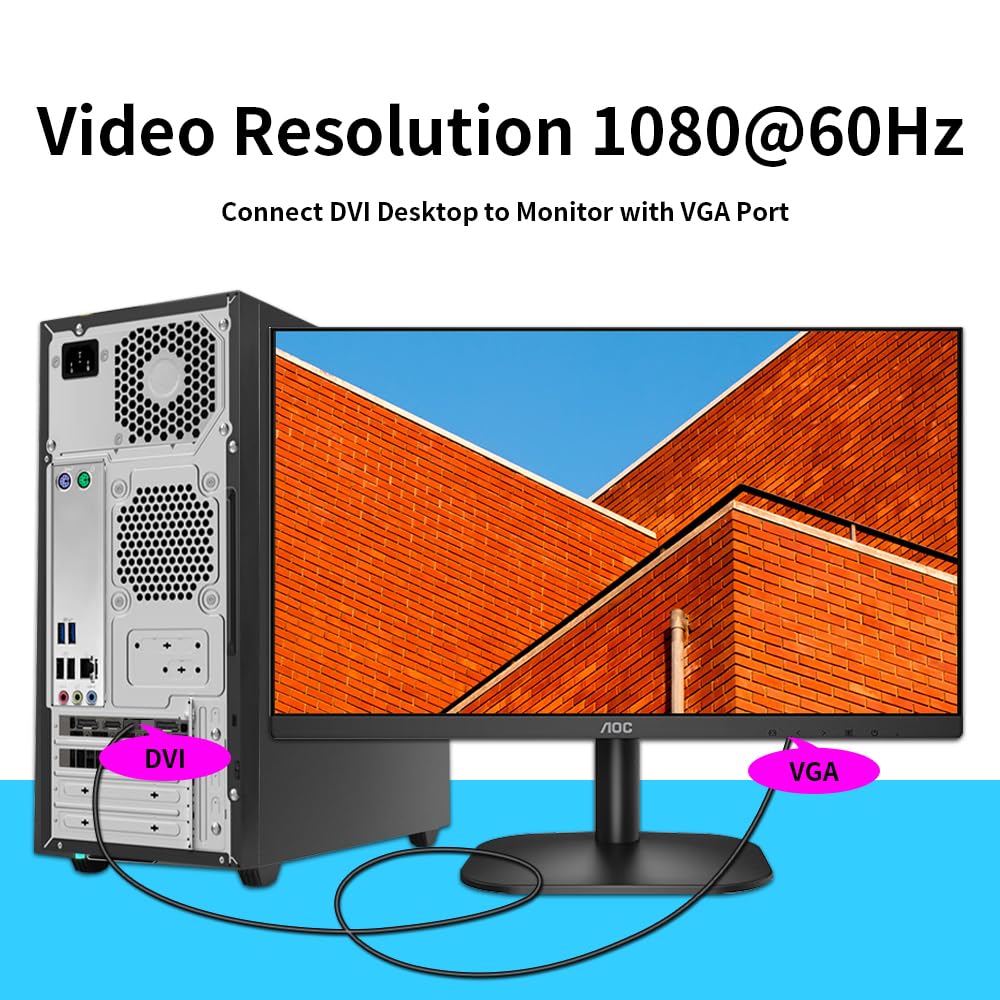
The cable is designed for unidirectional use, meaning the signal travels from the DVI source to the VGA display. No extra adapters or software are required, so it can be a quick fix when you want to repurpose an older monitor or projector with a newer computer, laptop, or graphics card that has a DVI output.
Performance you can expect
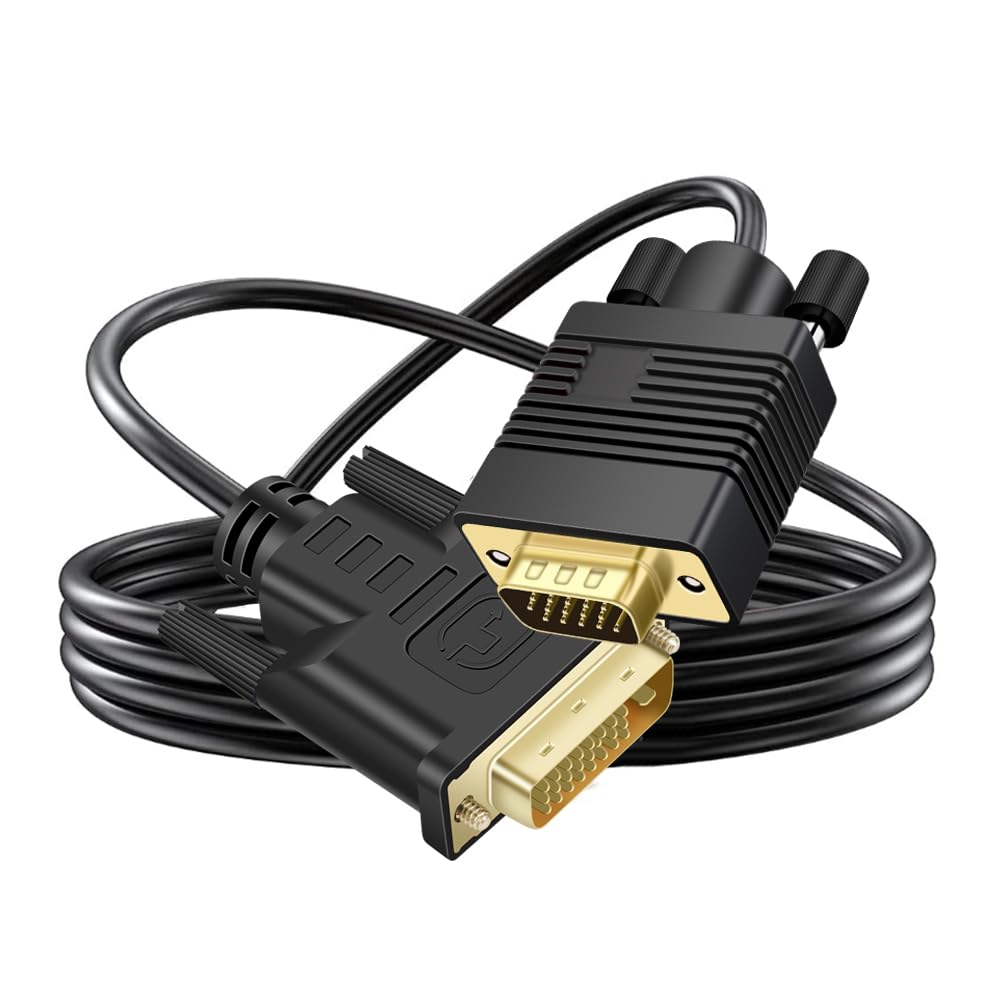
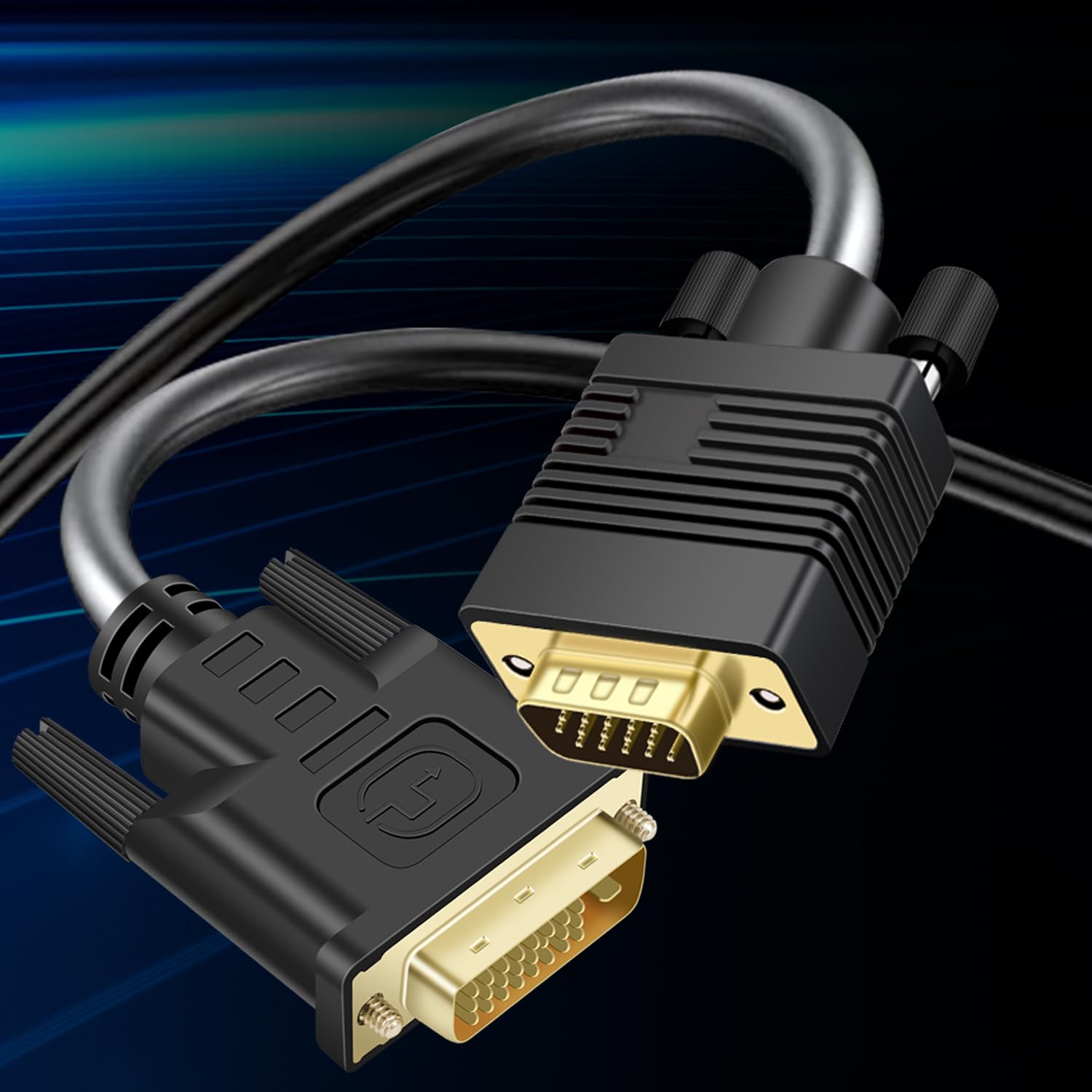
Video quality is stated up to 1080p at 60 Hz for HDTV resolutions and up to 1920 x 1200 for PC graphics. With gold-plated connectors and a durable PVC jacket, the focus is on stable connections and minimizing signal loss in typical home or small office environments. Keep in mind that this is an analog conversion path from digital DVI to VGA, so color accuracy and sharpness may not match native digital interfaces.
The upsides and trade-offs
Pros include a straightforward, driver-free setup and compatibility with a wide range of devices that still feature VGA inputs. The 30 ft length offers flexibility for desk-to-display layouts that aren’t close in proximity. A potential trade-off is the inherent limitations of DVI to VGA conversion: you’re relying on analog signaling, which may fall short of modern digital displays in some scenarios, especially with high-detail content or longer runs where signal degradation is possible.
Who it’s for
This cable is suited for users who need to connect a DVI-equipped computer, laptop, or graphics card to an older VGA monitor, projector, or HDTV. It works well in classrooms, conference rooms, or home setups where a quick, software-free bridge between interfaces is desirable.
When it makes sense to buy
If your setup includes legacy VGA displays and newer video sources without modern digital inputs, this cable can save you from buying new equipment or adapters. It’s especially practical when you only occasionally need the connection and want to avoid additional drivers or software.
What to check before you buy
- Confirm you truly need unidirectional DVI-D to VGA and that your source has a DVI port while your display accepts VGA.
- Consider the distance you’ll run the cable, while 30 ft is generous, consider potential signal quality at the far end.
- Remember this path uses analog VGA after a DVI source, so expect the result to depend on both devices and content type.
How this compares to alternative approaches
If you have a truly digital display path in mind, a digital bridge (such as HDMI or DisplayPort adapters) may be a better fit. For strictly legacy VGA displays, this cable provides a dedicated, no-frills option without extra drivers. In environments where cable length is a concern, a longer run can help, but you might encounter occasional signal limitations common to DVI-to-VGA connections.
Is it worth it?
A practical choice if you need a simple bridge between a DVI source and a VGA display without installing software. It may not be the best option if your content demands the highest possible fidelity or if you rely on digital-only workflows.
FAQ
- Will this work with every DVI source to every VGA display? It’s designed for general compatibility, but results can vary by device and cable length.
- Do I need drivers? No, it is driver-free.
- Can I use it for 4K or higher? No, the listed support is up to 1080p/60 Hz for HDTV and 1920x1200 for PC graphics.