

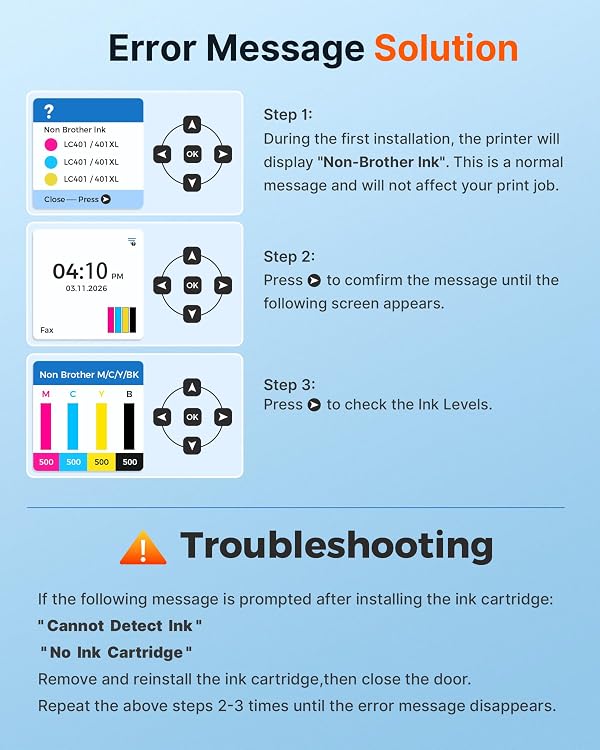
E-Z Ink Pro LC406XL LC406 Ink Cartridges, 8-Pack, Black, Cyan, Magenta and Yellow
Reviews
Price
Product description
How to use it
With two cartridges in each of four colors, this E-Z Ink Pro set gives you black, cyan, magenta, and yellow replacements for compatible Brother inkjet printers. Use the cartridges for everyday documents on plain paper or for color graphics and photos on plain or glossy paper. The pack is designed for selected MFC-J series printers, so match your printer model to the compatibility list before installation.
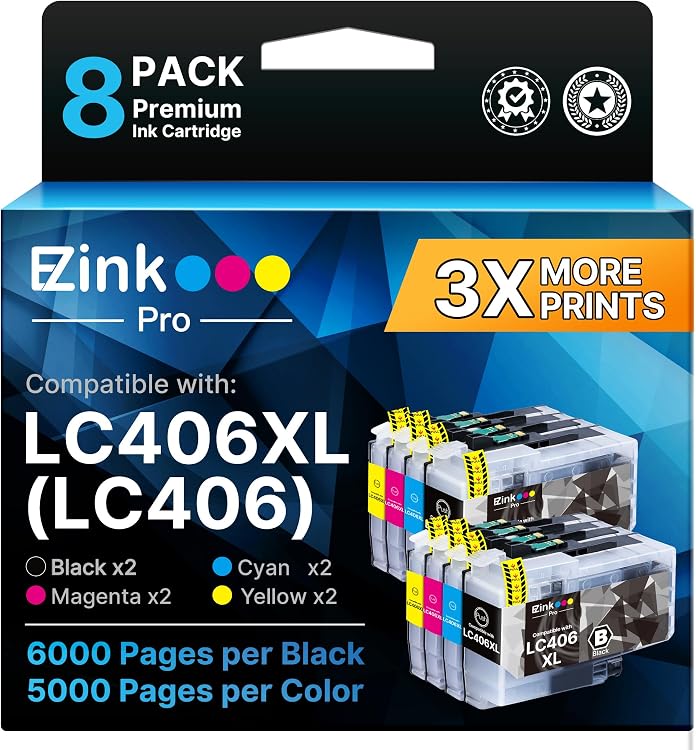
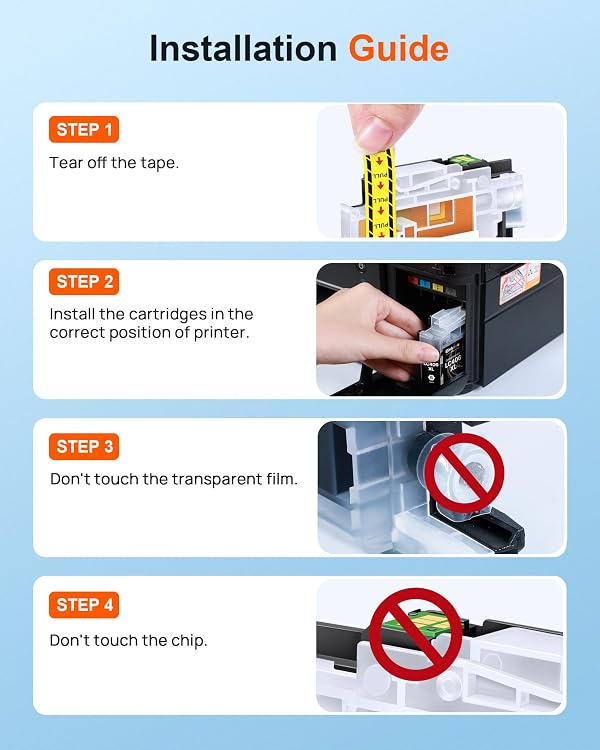
Keep each cartridge’s chip in place during installation. If the printer displays a “non-original” message, the manufacturer’s instructions say to select OK or Next. For a “Low Ink,” “Empty,” or “Replace the Ink Cartridges” message, reinstalling the cartridge or wiping its chip may help the printer recognize it.
Product specs
- Type: Compatible ink cartridges
- Cartridge series: LC406XL and LC406
- Colors: Black, cyan, magenta, and yellow
- Pack contents: 2 black, 2 cyan, 2 magenta, and 2 yellow cartridges, user guide
- Stated page yield: Up to 6,000 pages per black cartridge and 5,000 pages per color cartridge at 5% coverage
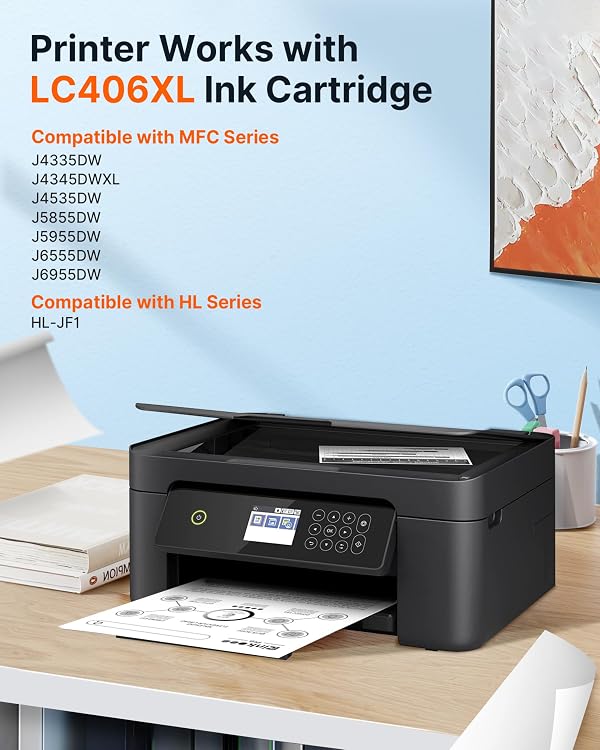
- Compatible printers: Brother MFC-J4335DW, MFC-J5855DW, MFC-J6555DW, MFC-J4535DW, MFC-J6955DW, MFC-J4345DW, and MFC-J5955DW
- Print media: Plain and glossy paper
Strengths
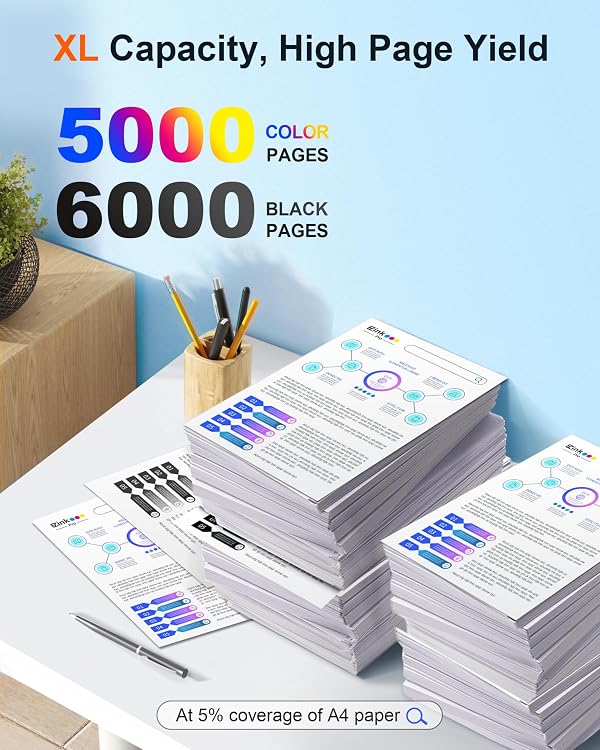
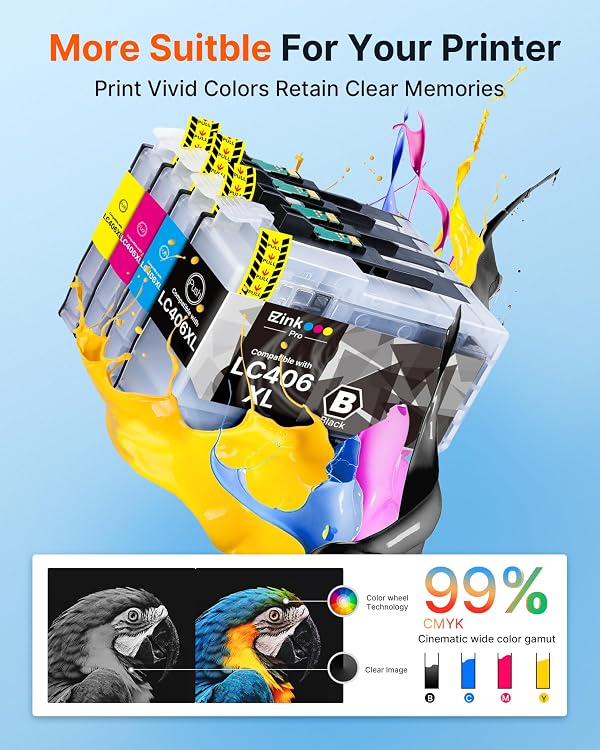
The four-color set makes it practical to replace several cartridges in one purchase, with two of each color ready for ongoing printing. The stated yields distinguish the black cartridge from the color cartridges, which can help when estimating how the set fits your mix of text-heavy documents and color printing. Actual page counts depend on the stated 5% coverage basis.
For a home office or small business using one of the listed Brother models, the compatible LC406XL format offers a replacement option without changing the printer setup. If your printing is mostly text, black cartridges support that routine, cyan, magenta, and yellow are on hand for charts, graphics, and other color pages. Need a set that covers both document and color printing? This pack combines all four colors in one purchase.
Practical questions
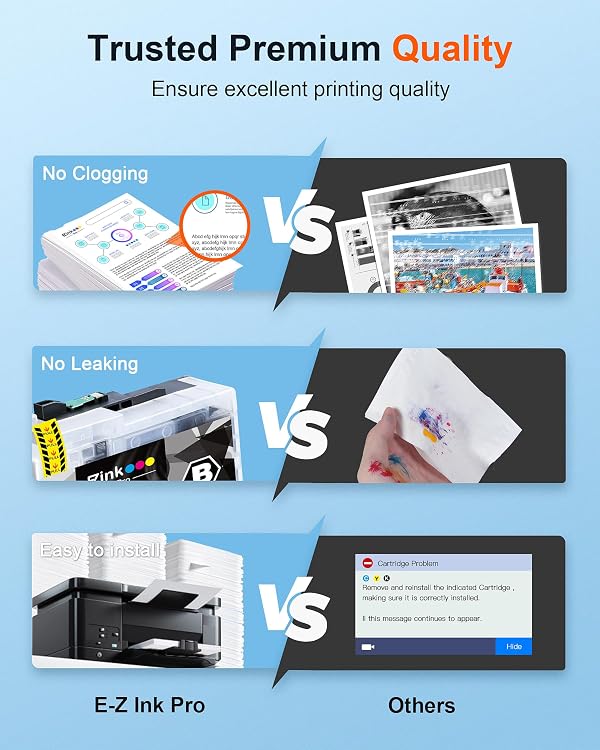
Which Brother printers are listed as compatible? The listed models are MFC-J4335DW, MFC-J5855DW, MFC-J6555DW, MFC-J4535DW, MFC-J6955DW, MFC-J4345DW, and MFC-J5955DW. Check the model name on your printer against this list before choosing cartridges.
What comes in the eight-pack? It contains two LC406XL black cartridges, two cyan, two magenta, and two yellow, plus a user guide.
What should I do if the printer shows a cartridge message? Leave the chip in place. For a “non-original” prompt, select OK or Next, for a low, empty, or replace-cartridge message, try reinstalling the cartridge or wiping the chip as directed.
Buying verdict
This E-Z Ink Pro set suits owners of the listed Brother MFC-J printers who want black and color replacements together, with two cartridges per color. Its combination of four-color coverage and stated page yields makes it a practical fit for regular document printing alongside graphics and other color work.