

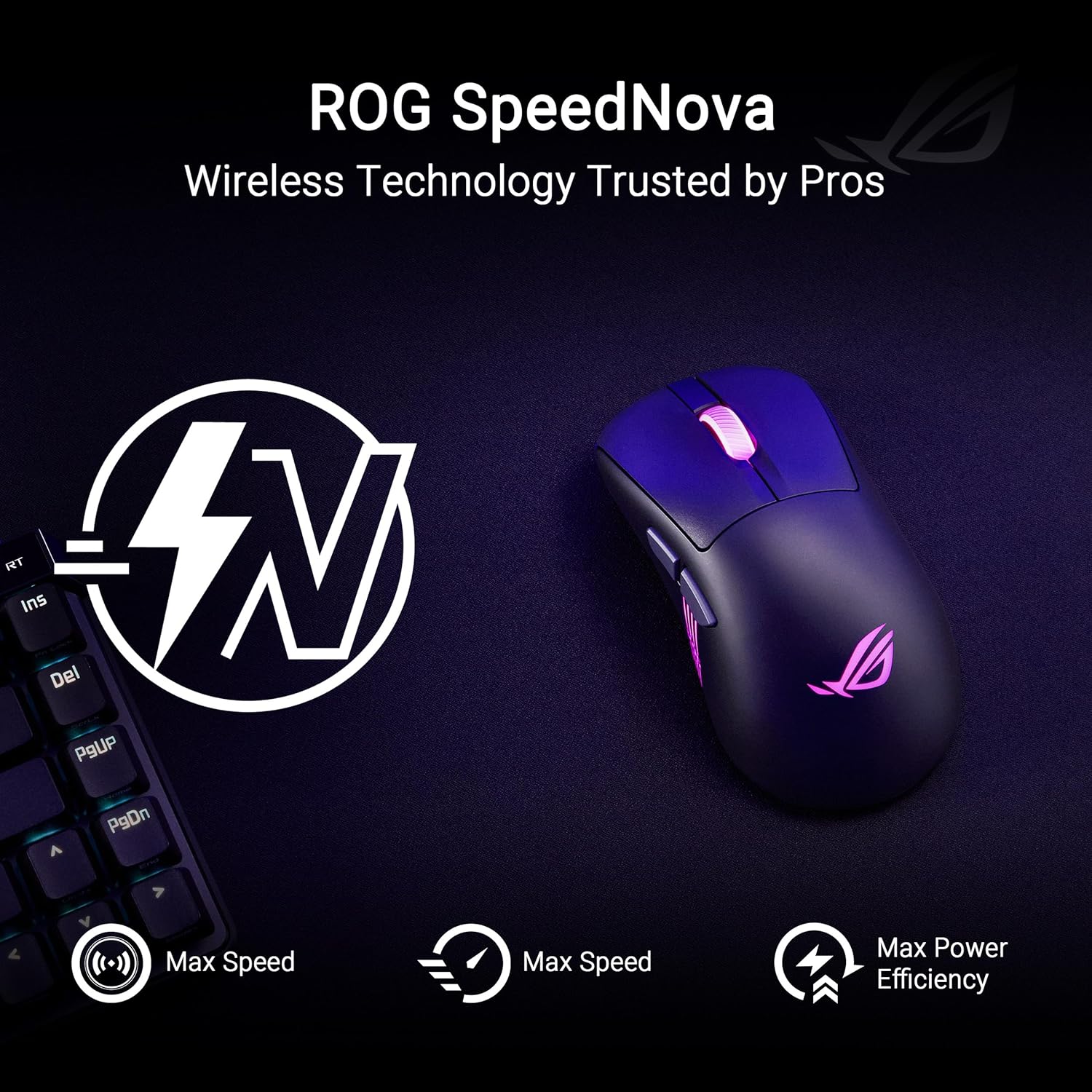
ASUS ROG Keris II Origin Wireless Gaming Mouse 65g 🖱
Reviews
Price
Product description
This right-handed gaming mouse combines a light ergonomic shell with pro-grade features for competitive FPS play. It targets fast, precise aiming with a 65 g body and a high-precision optical sensor while offering flexible connections for PC and Mac users.
Key Points
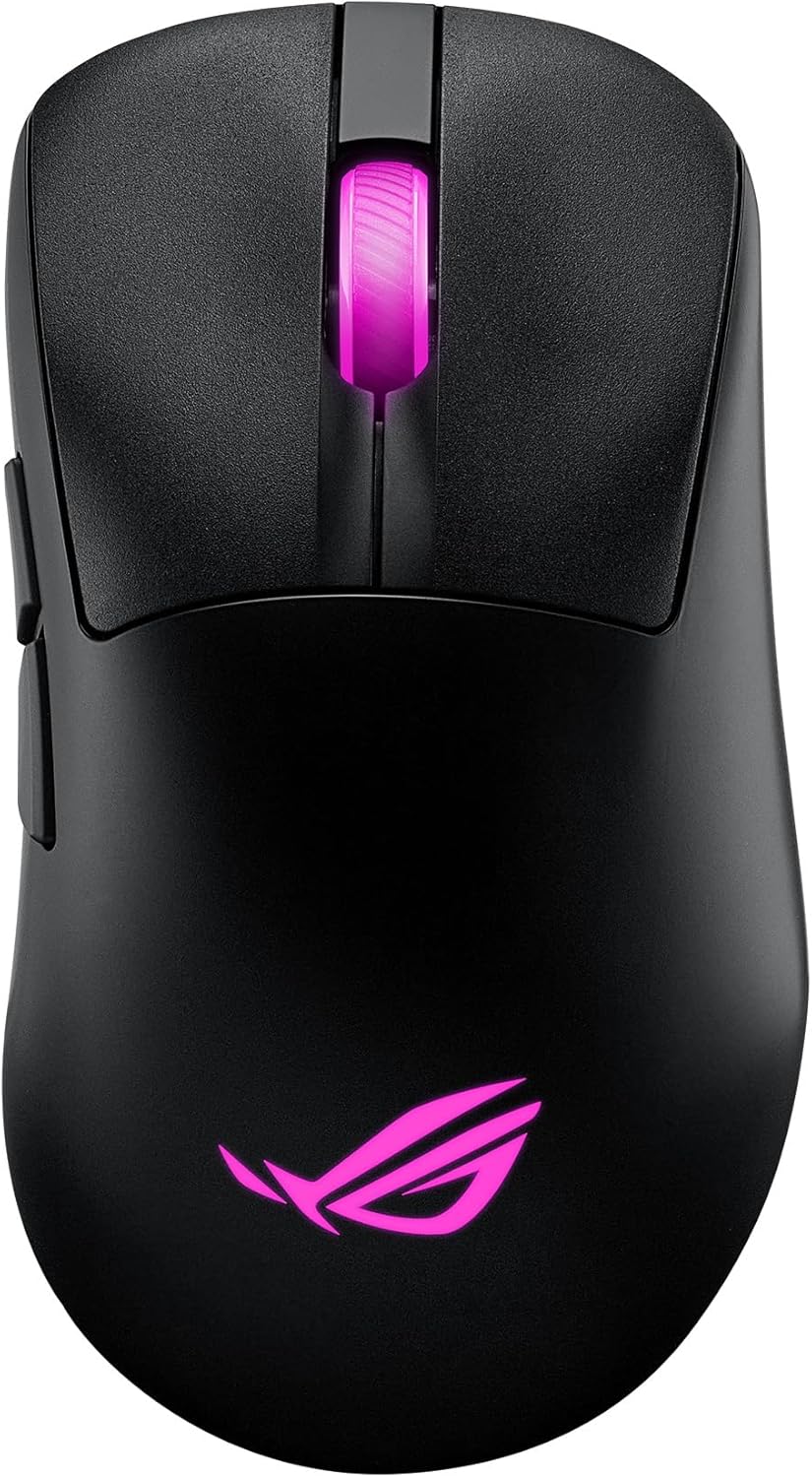
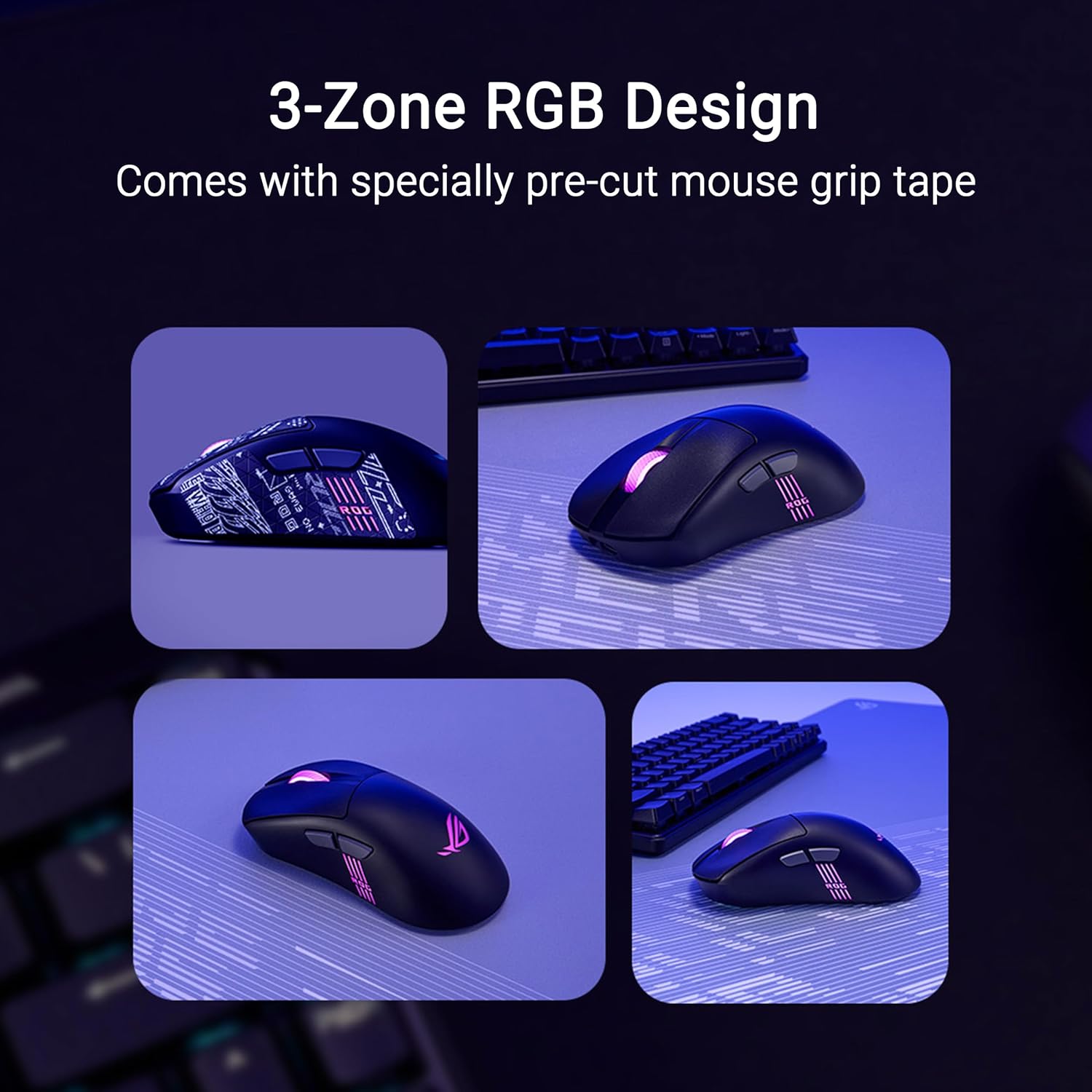
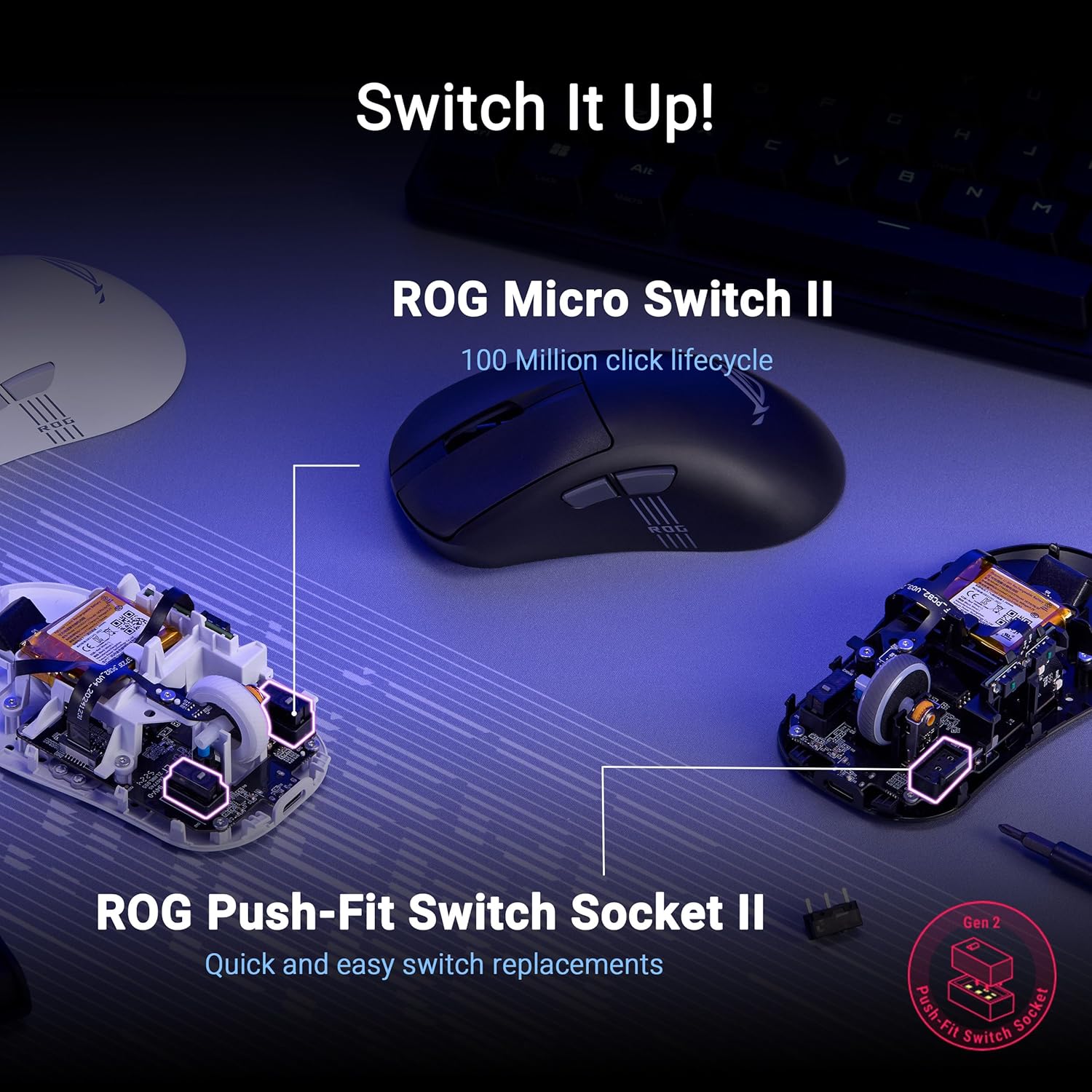
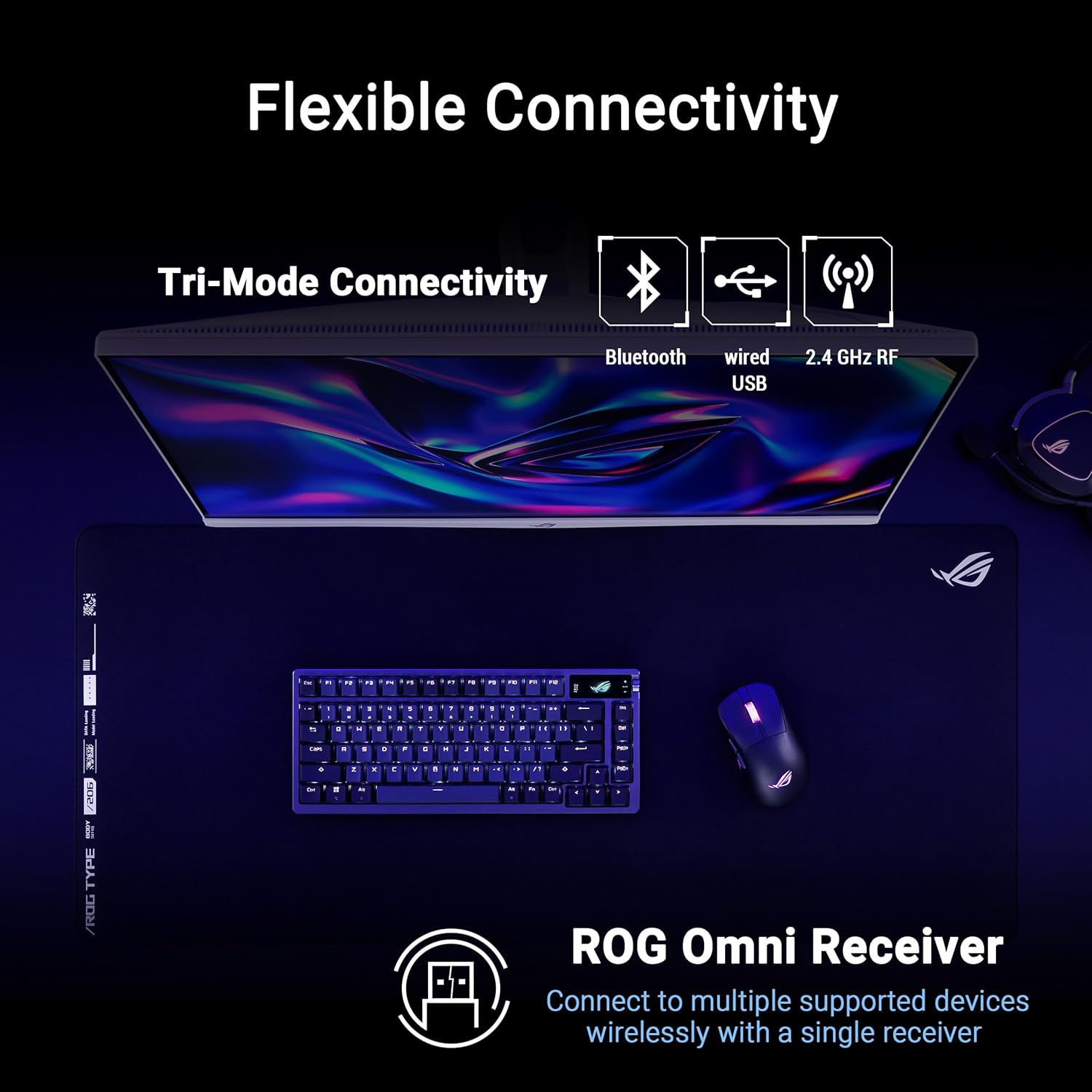
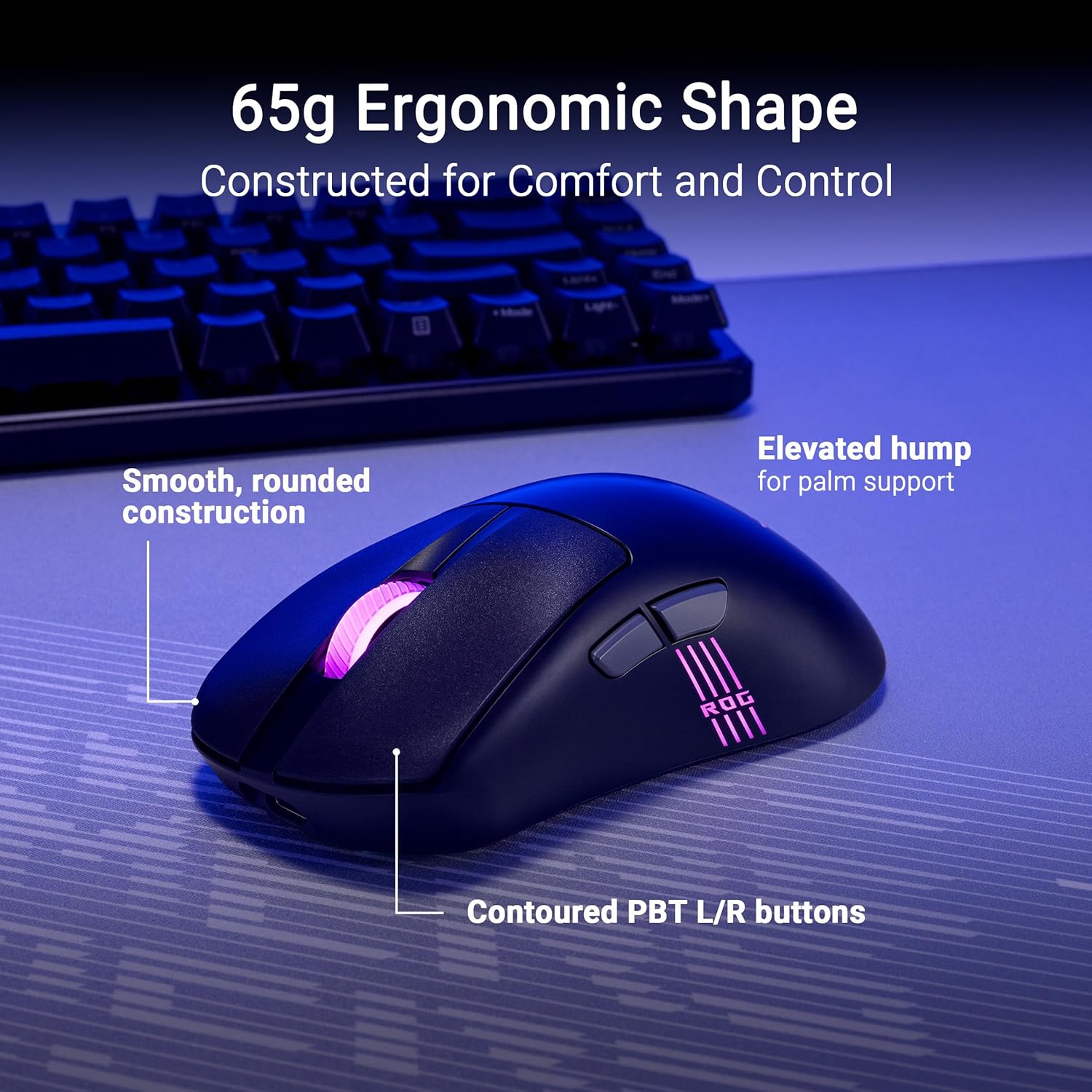
The shape follows a proven ergonomic profile used by professional FPS players and keeps weight down to help with flicks and long sessions. The mouse includes a pre-cut grip tape that lets RGB lighting shine through the sides and offers tactile control for palm and claw grips. Connectivity is versatile, with a tri-mode set up that includes ROG SpeedNova wireless, Bluetooth, and a low-latency USB-C 2.4 GHz option so you can switch between desktop and laptop without fuss. The device also ships with the ROG Omni receiver that can link multiple compatible peripherals to a single dongle. For customization you can change switches quickly thanks to the ROG Push-Fit Switch Socket II and program buttons for macros and DPI shifts. The mouse may not be the best option for left-handed users since the design is right-handed, and consider that very large hands might want to test fit before relying on this smaller, performance-focused profile. 🎨
Technical Specifications
- Name: ASUS ROG Keris II Origin Wireless Gaming Mouse
- Weight: 65 g
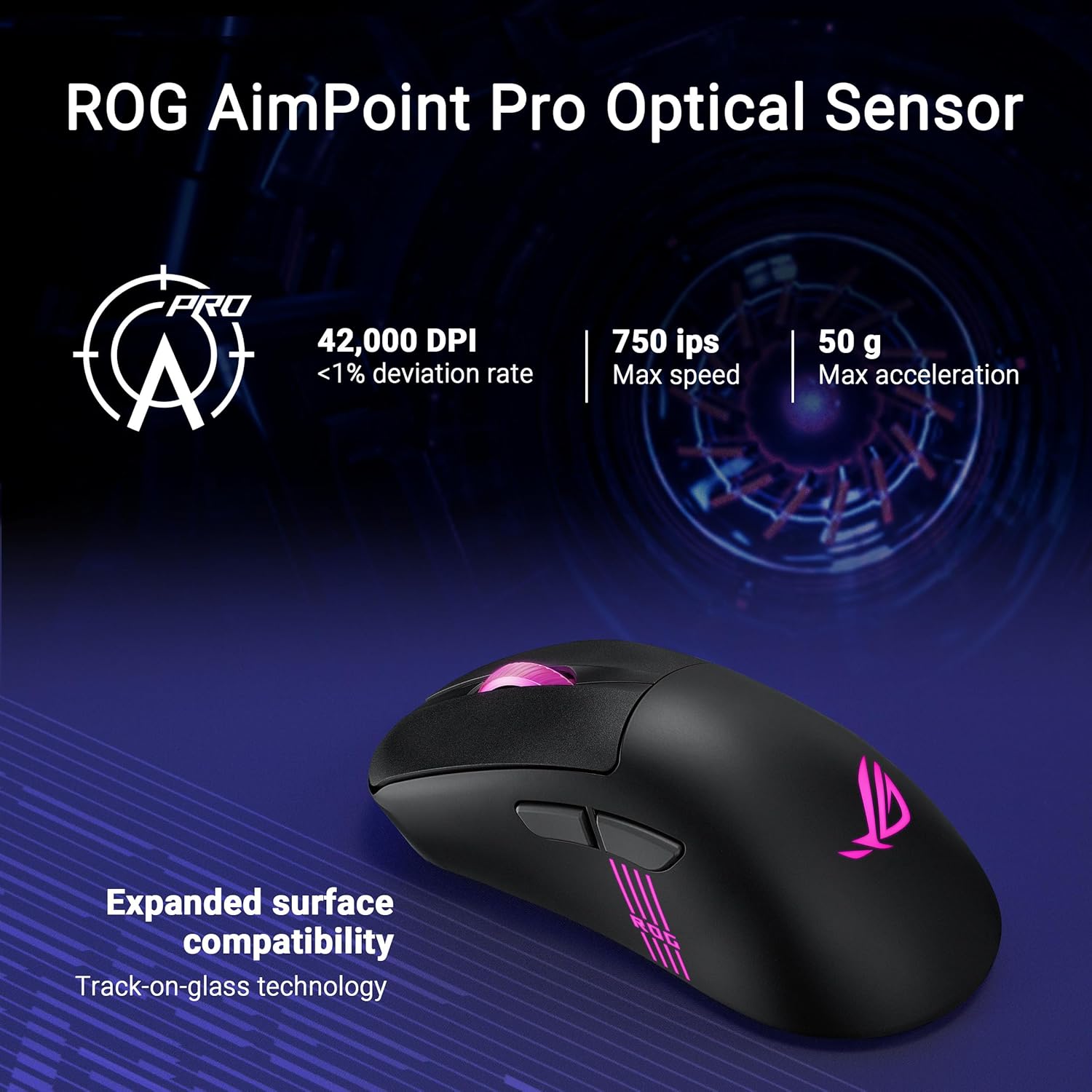
- Sensor: ROG AimPoint Pro optical sensor, 42,000 DPI
- Battery life: Up to 127 Hr (according to the manufacturer)
- Connectivity: ROG SpeedNova wireless, Bluetooth, USB-C 2.4 GHz low-latency
- Switches: ROG Micro Switch II, 100 million clicks lifetime
- Feet: 100% PTFE mouse skates
Usage Recommendations
For competitive FPS matches use the 65 g frame and the PTFE feet to favor rapid, low-friction movements and precise tracking. Adjust DPI in small increments for sensitivity tuning, and take advantage of the web-based Gear Link tools to configure lighting effects and button mapping without installing software locally. The Push-Fit Switch Socket II makes changing switch types simple if you prefer a different click feel. If you plan to use multiple systems, set up the ROG Omni receiver to minimize dongle swapping and keep Bluetooth for casual mobile use. 🕊️.