

E-Z Ink LC406XL Ink Cartridges
Product description
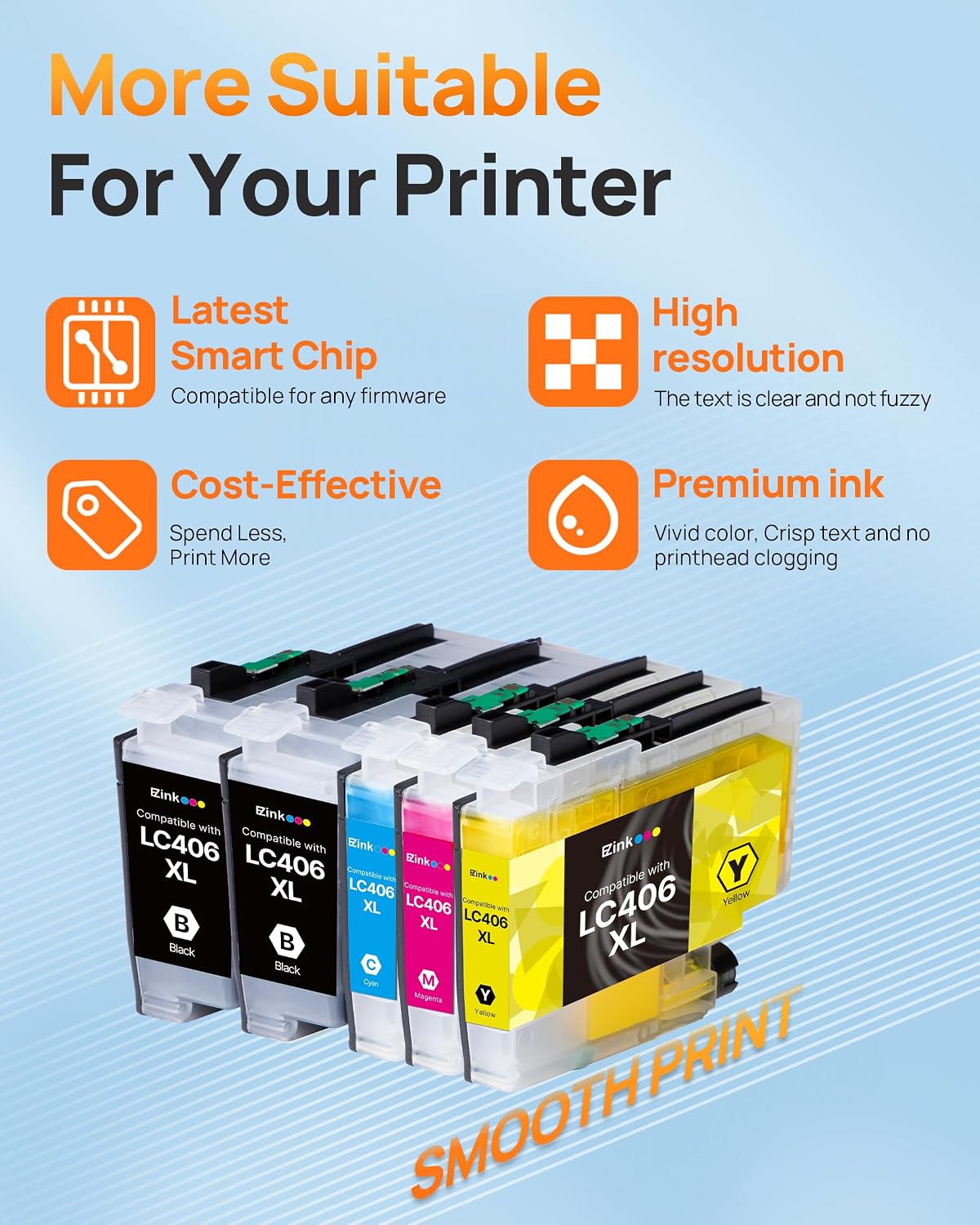
If you print mostly text, a replacement set with two black cartridges may suit your routine better than a bundle built around equal amounts of every color. The E-Z Ink LC406XL set is listed for several Brother printer models and includes black, cyan, magenta, and yellow ink. Its appeal is the extra black cartridge, the trade-off is that compatibility and cartridge recognition matter before you install it.
Where it shines
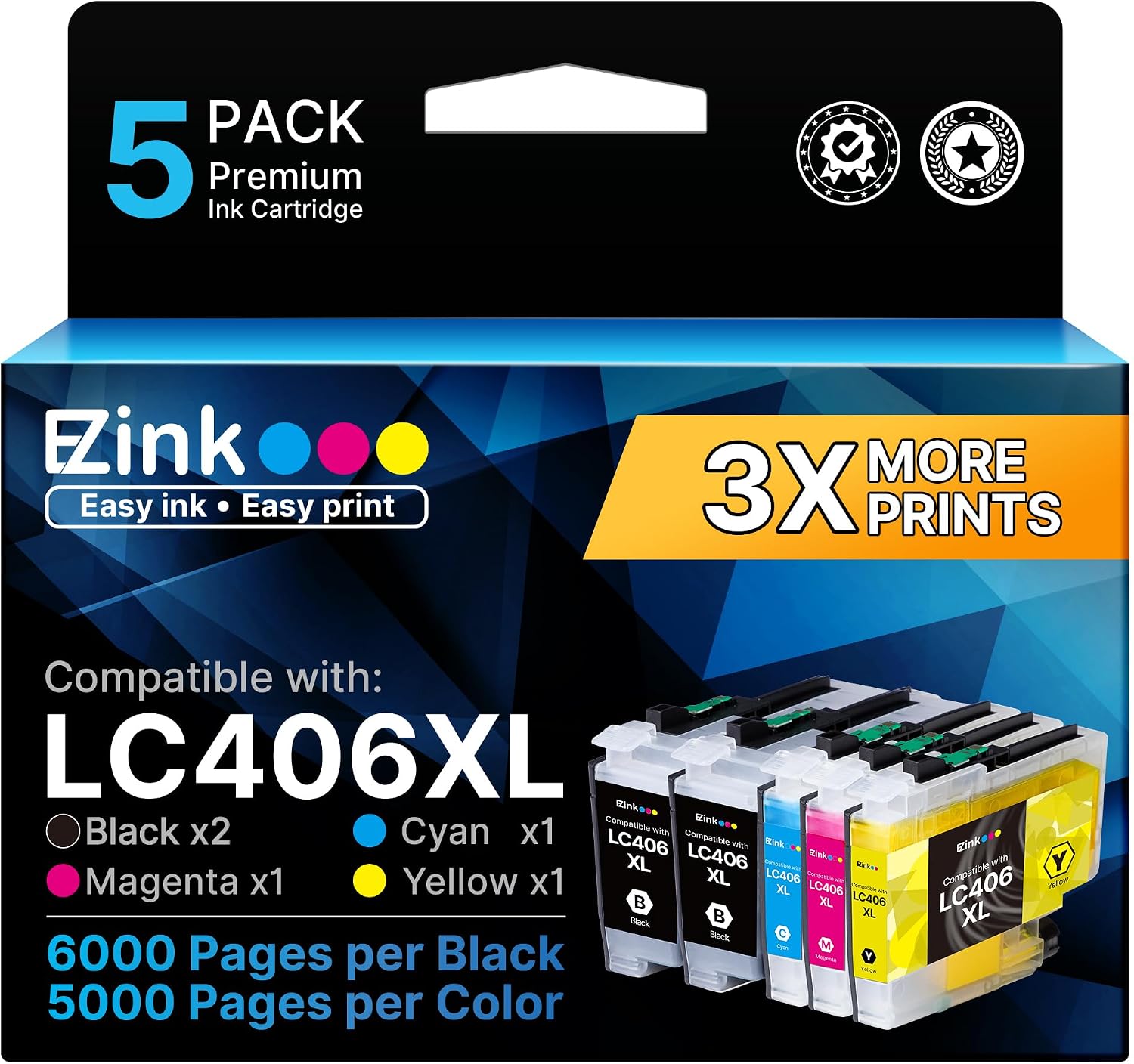
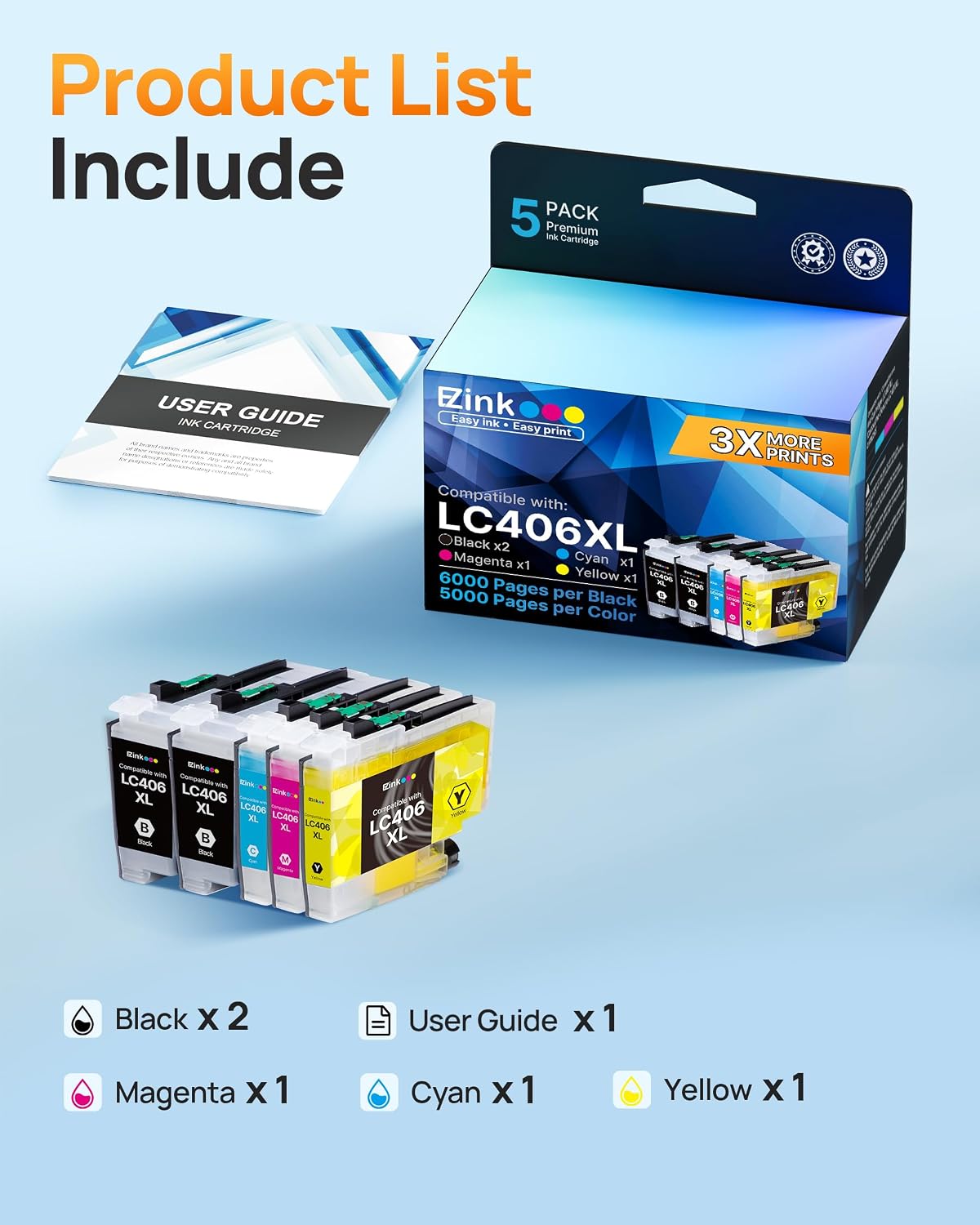
This five-cartridge bundle contains two black cartridges and one each of cyan, magenta, and yellow. That mix makes sense for a home office or small workspace that prints plenty of documents but still needs color for charts, schoolwork, or occasional images. For example, you could print a stack of text-heavy work pages and still have the color cartridges on hand for a presentation without buying a separate color set.
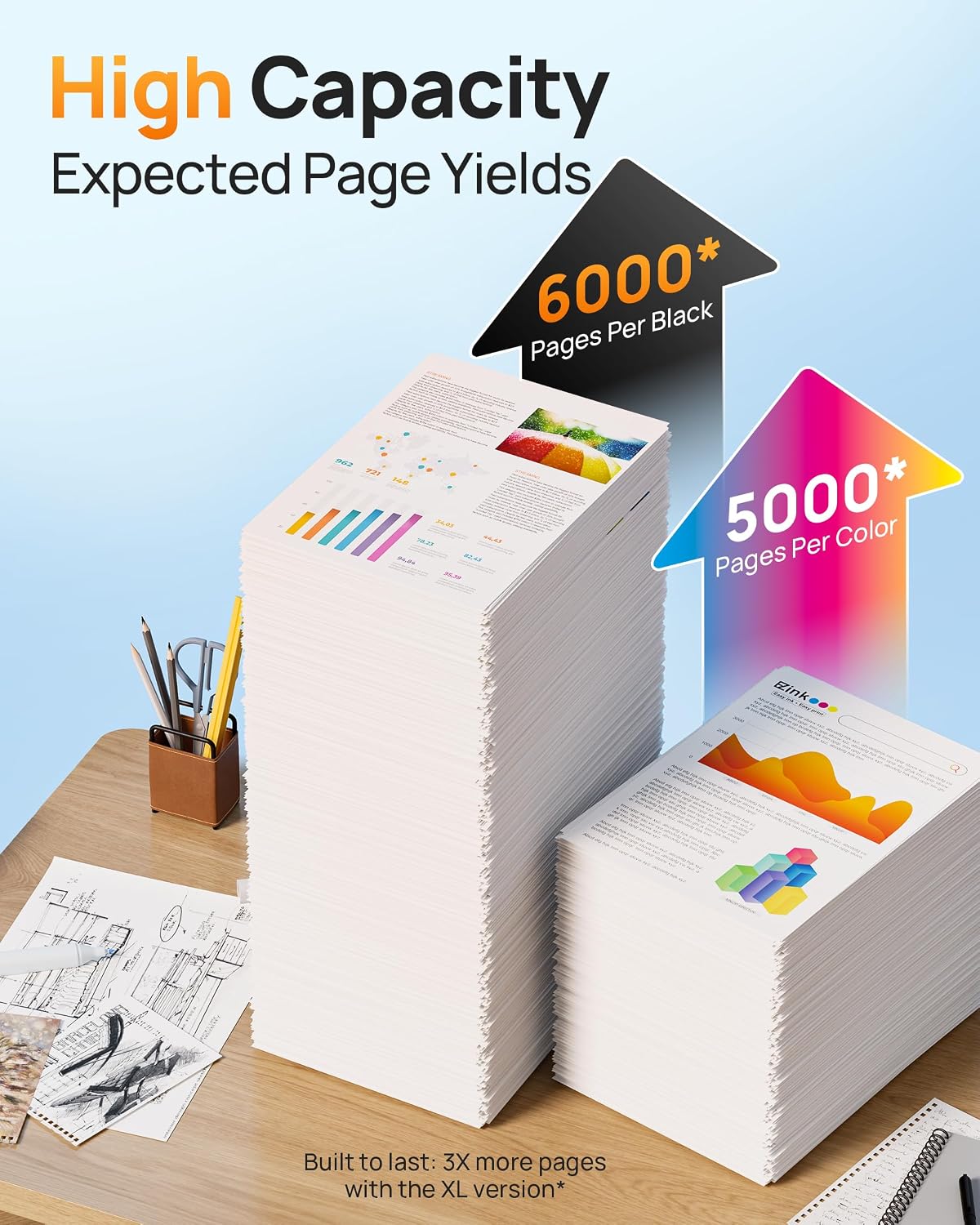
The listing reports yields of up to 6,000 pages for black and 5,000 pages for each color cartridge at 5% coverage. Those figures are stated maximums, not a promise of the page count you’ll get from every job, coverage and print content affect how quickly ink is used. You’ll appreciate it if you want a replacement set that keeps a second black cartridge ready. If you prioritize an all-original cartridge purchase or want different color quantities, this bundle may not match that preference.
Key points
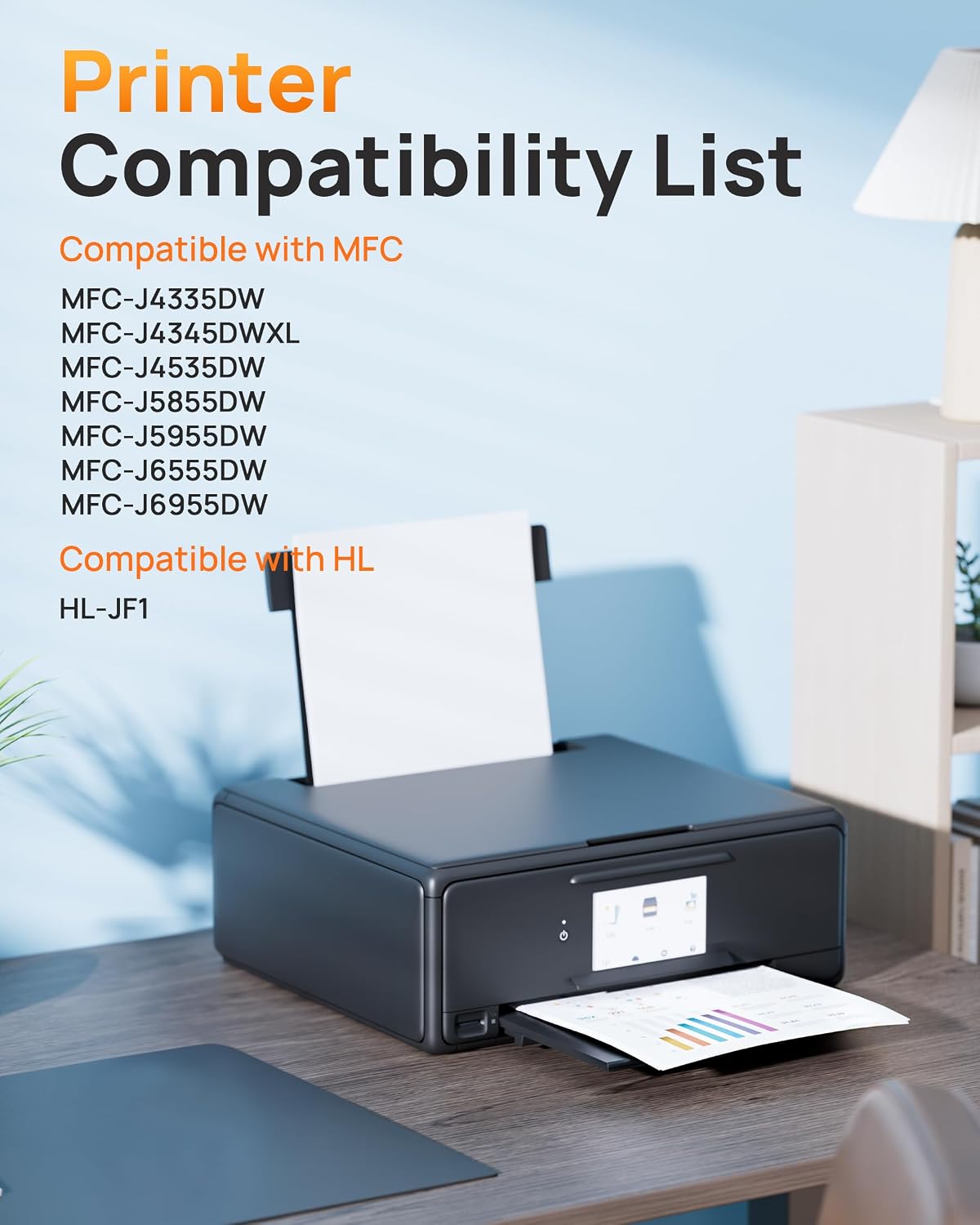
E-Z Ink identifies these as replacement LC406/LC406XL cartridges, with an upgrade chip, for the Brother MFC-J4335DW, MFC-J4345DW XL, MFC-J4535DW, MFC-J5855DW, MFC-J5955DW, MFC-J6555DW, MFC-J6955DW, and HL-JF1. Match your printer’s model and cartridge requirements against that list before ordering, a similar-looking printer name alone is not enough to establish compatibility.
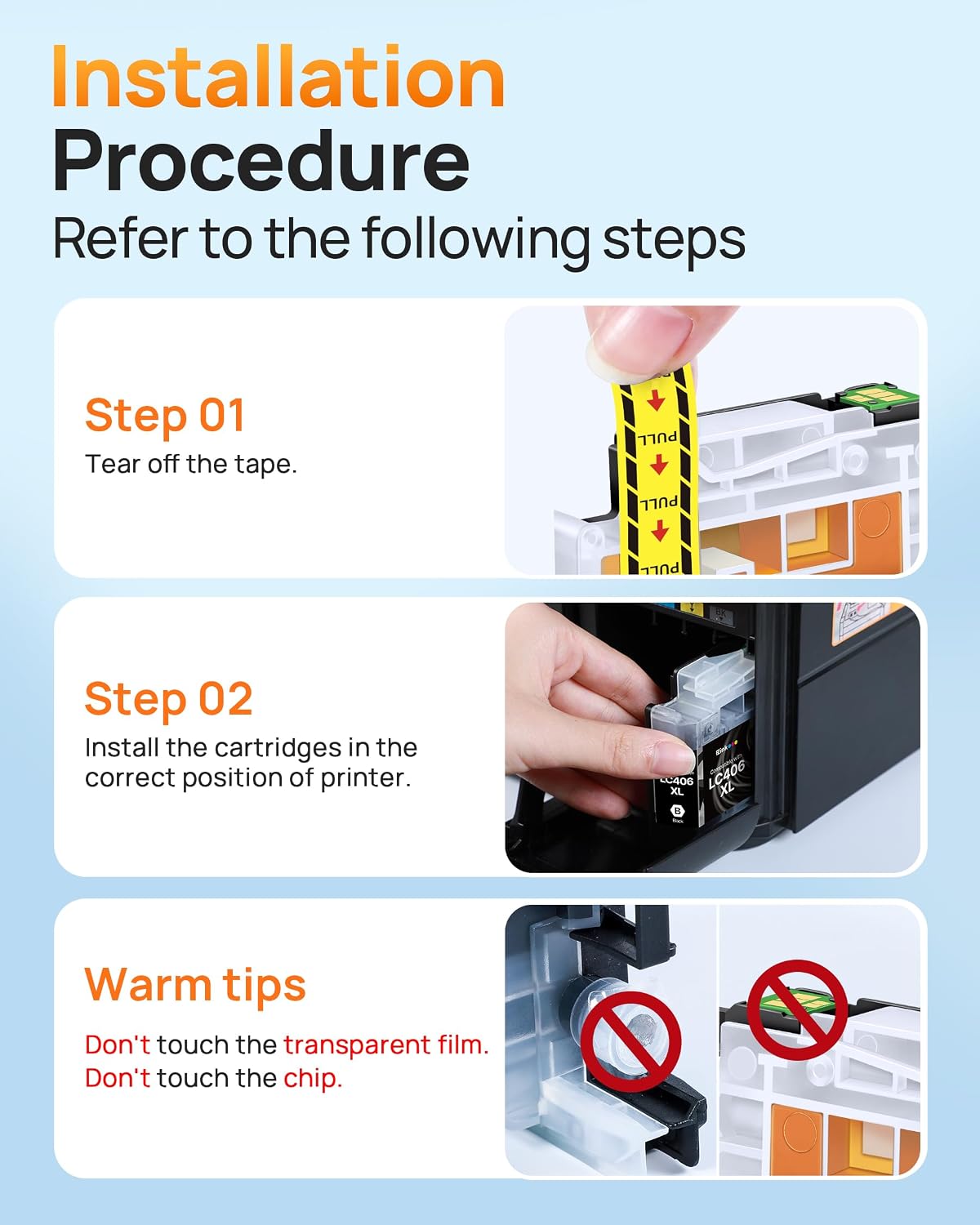
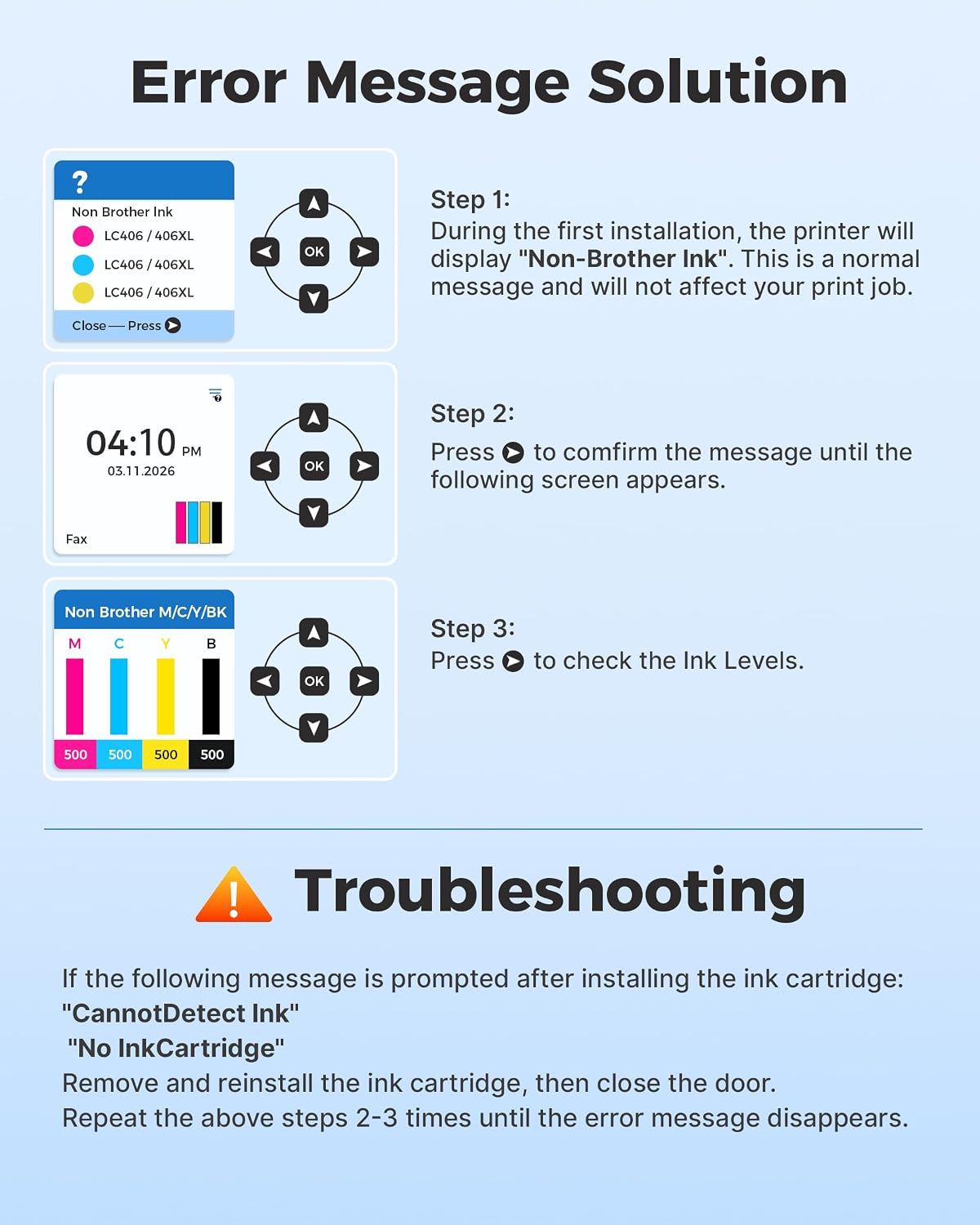
The included user guide covers installation tips. The listing also notes that the printer may display a “non-original” prompt and advises choosing OK or Next to continue. If the printer reports low or empty ink or asks you to replace a cartridge, its instructions suggest reinstalling the cartridge or wiping the chip to help with recognition. That extra troubleshooting is a practical limitation: recognition may not be as straightforward as simply inserting a cartridge and printing. On the spec sheet, the listed yield is useful context, but it cannot guarantee your actual results.
Best use cases
This set is aimed at owners of the listed Brother models who want compatible replacement ink for everyday mixed printing. The two-black arrangement is particularly relevant when text documents are a regular part of the workload, while the single cyan, magenta, and yellow cartridges cover basic color needs. If your printer is outside the compatibility list, or you need a different cartridge mix, look for a set specified for that exact requirement instead.
Buying verdict
The E-Z Ink LC406XL cartridges make the most sense when your printer is one of the named models, you want two black cartridges in the box, and you’re comfortable following the included installation guidance if a recognition prompt appears. The stated page yields and five-cartridge mix give you useful points to compare with other replacement sets, but the chip-related troubleshooting is worth factoring into the decision. It’s not for you if you need a confirmed fit for an unlisted printer or want to avoid the possibility of handling an installation or recognition issue.