

HP 14-Inch Laptop
Product description
A laptop that struggles with basic schoolwork or everyday documents can turn simple tasks into a hassle. This HP pairs a 14-inch screen with Windows 11 Home for browsing, writing, and online classes.
It also lists a one-year Office 365 subscription, plus PLUSERA earphones. Those extras may suit a ready-to-use setup, though the listing does not explain the subscription terms.
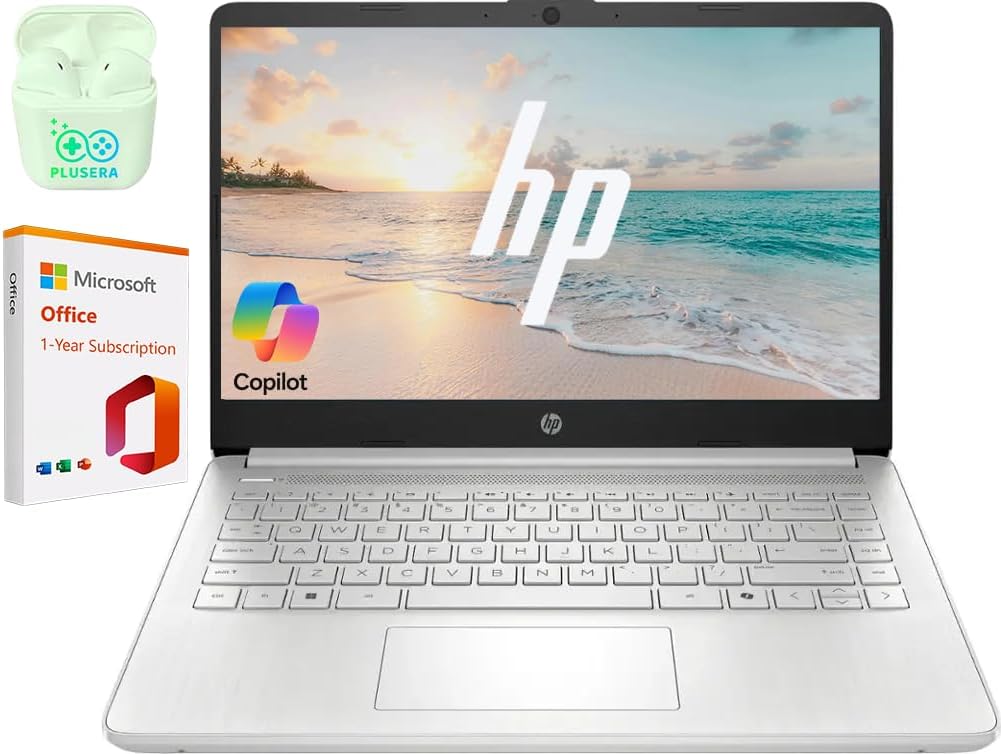
If you prioritize a compact setup for straightforward tasks, its size and included accessories may appeal, if you prefer more room for multitasking, the 4GB of RAM is a meaningful constraint.
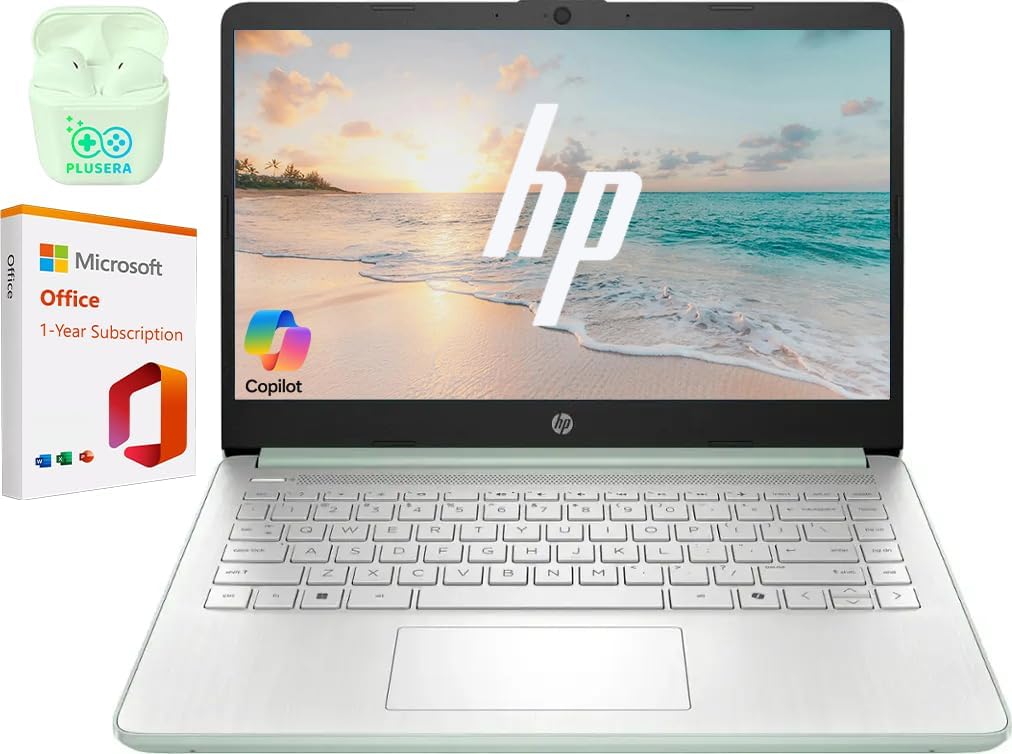
Where it shines
For web research, document editing, and video calls, the 14-inch anti-glare LED display gives you a single screen for everyday work. Its 1366 x 768 resolution is suited to text and basic browsing, but it offers less detail than a higher-resolution screen. The listed 250-nit brightness is another consideration if you expect to work in a particularly bright space.
A practical use case: open a class assignment, look up a source in a browser, and join an online session from the same laptop. Wi-Fi and Bluetooth support wireless connections, while HDMI and USB ports give you options for connecting compatible peripherals. From the way it is set up, this looks aimed more at routine school or office tasks than demanding creative work or heavy multitasking.
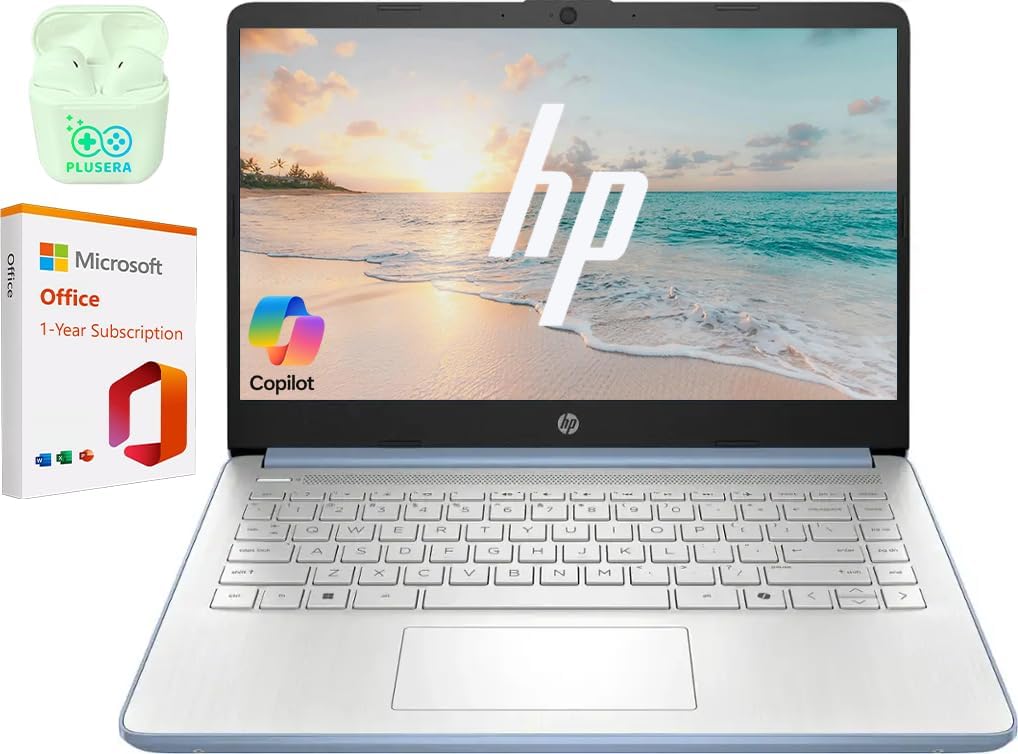
Key points
The processor is an Intel N150 with four cores and four threads, paired with Intel Graphics and 4GB of DDR4 memory. Windows 11 Home is included. That combination covers the basics in the product description, but 4GB of RAM leaves limited headroom when several apps and browser tabs are open at once. If you regularly keep many programs running, a laptop with more memory is the more sensible direction.
Storage is listed as 128GB UFS plus a 256GB SD card, for 384GB combined as described in the product name. Those are different storage formats, so don’t assume the SD card works like built-in storage for every purpose. The laptop also has an SD card reader, along with one USB-C 3.1 port, two USB-A 3.0 ports, HDMI, and a combined headphone/microphone jack.
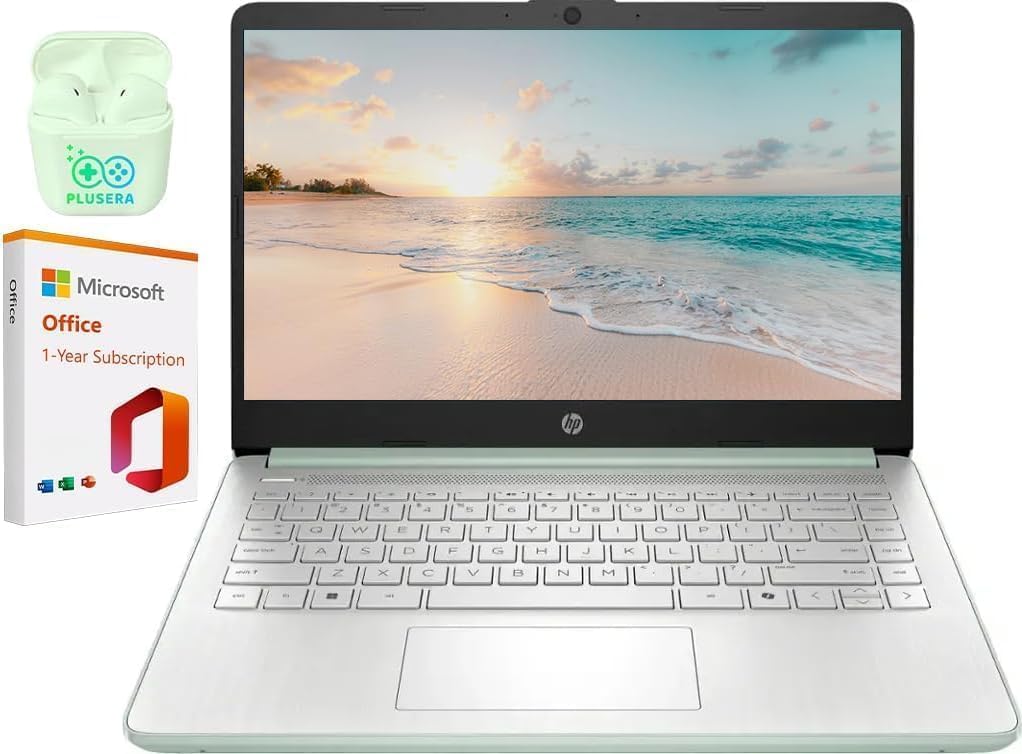
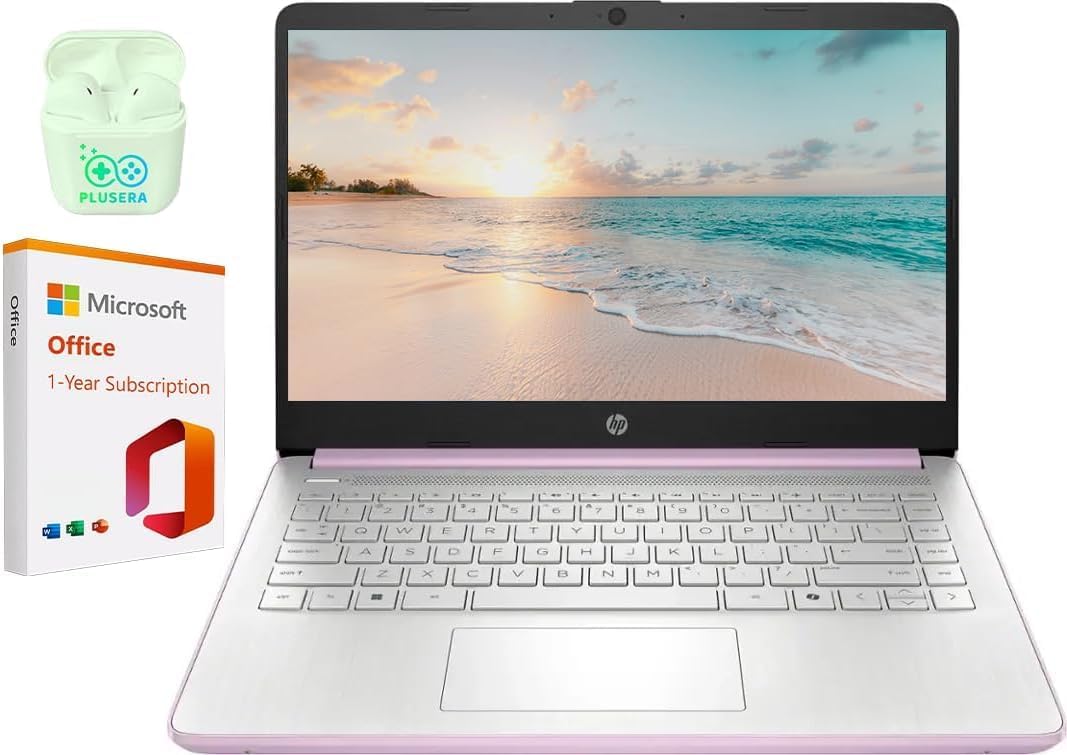
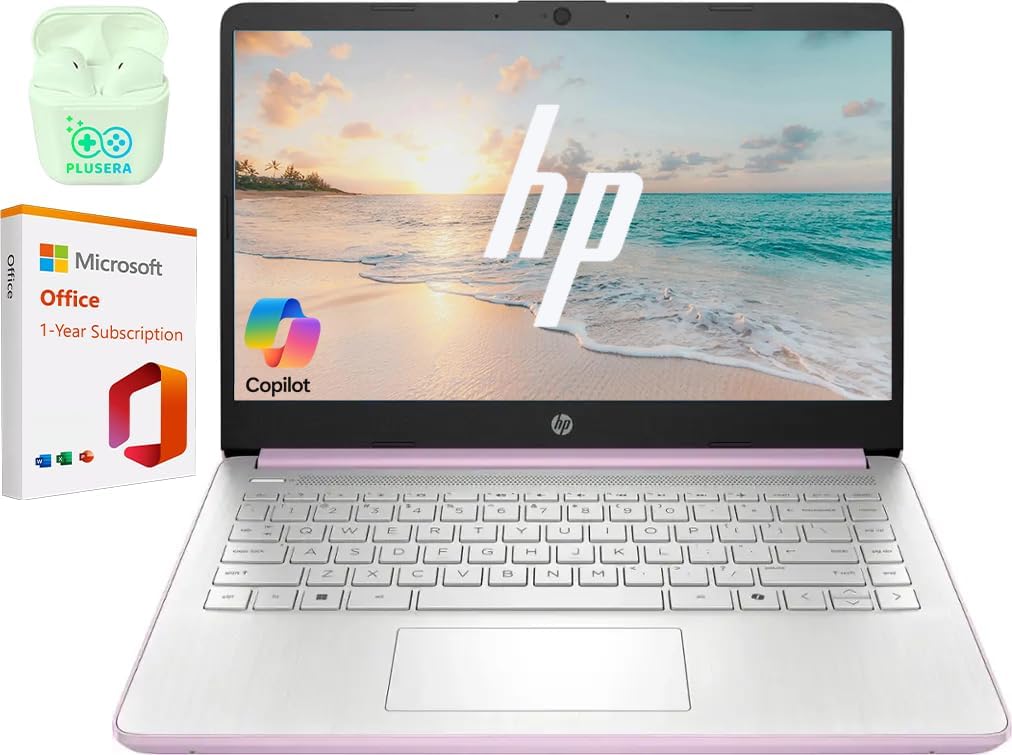
The product name specifies a pale rose gold finish and includes PLUSERA earphones. It also names one year of Office 365, the exact included plan and activation details are not provided, so those details matter if Office is a deciding factor.
Best use cases
Worth considering if you need a Windows laptop for basic coursework, document work, browsing, or remote classes and value having ports for common accessories. For a desk setup, HDMI can connect the laptop to a compatible external display, while the USB-A ports can accommodate compatible accessories without relying only on wireless connections.
Better avoided if your regular workload involves demanding applications, many simultaneous tasks, or a need for a sharper display. The modest memory and 1366 x 768 screen are concrete limits, not details to overlook just because the listing calls it a business laptop.
When it makes sense
This HP makes the most sense when the goal is an everyday Windows machine for focused, basic tasks, and the included storage configuration, earphones, and Office 365 listing match what you need. Compared with choosing a more demanding laptop with greater memory or a higher-resolution screen, this setup favors familiar ports and straightforward school or home use over extra performance headroom. Choose it for that simpler workload, look elsewhere if smooth multitasking or detailed screen work is central to your routine.