

HP Laptop with Snapdragon X
Product description
Highlights
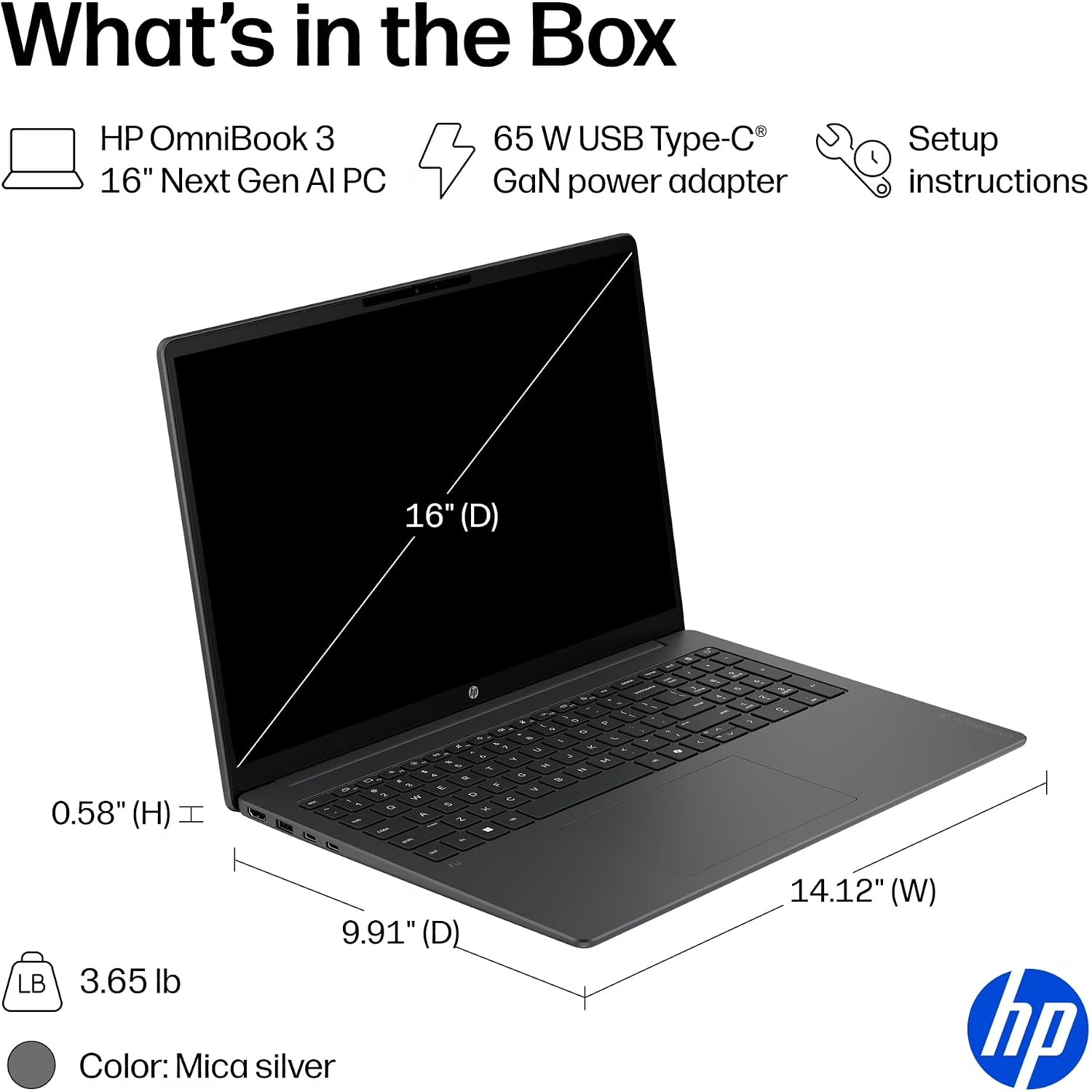
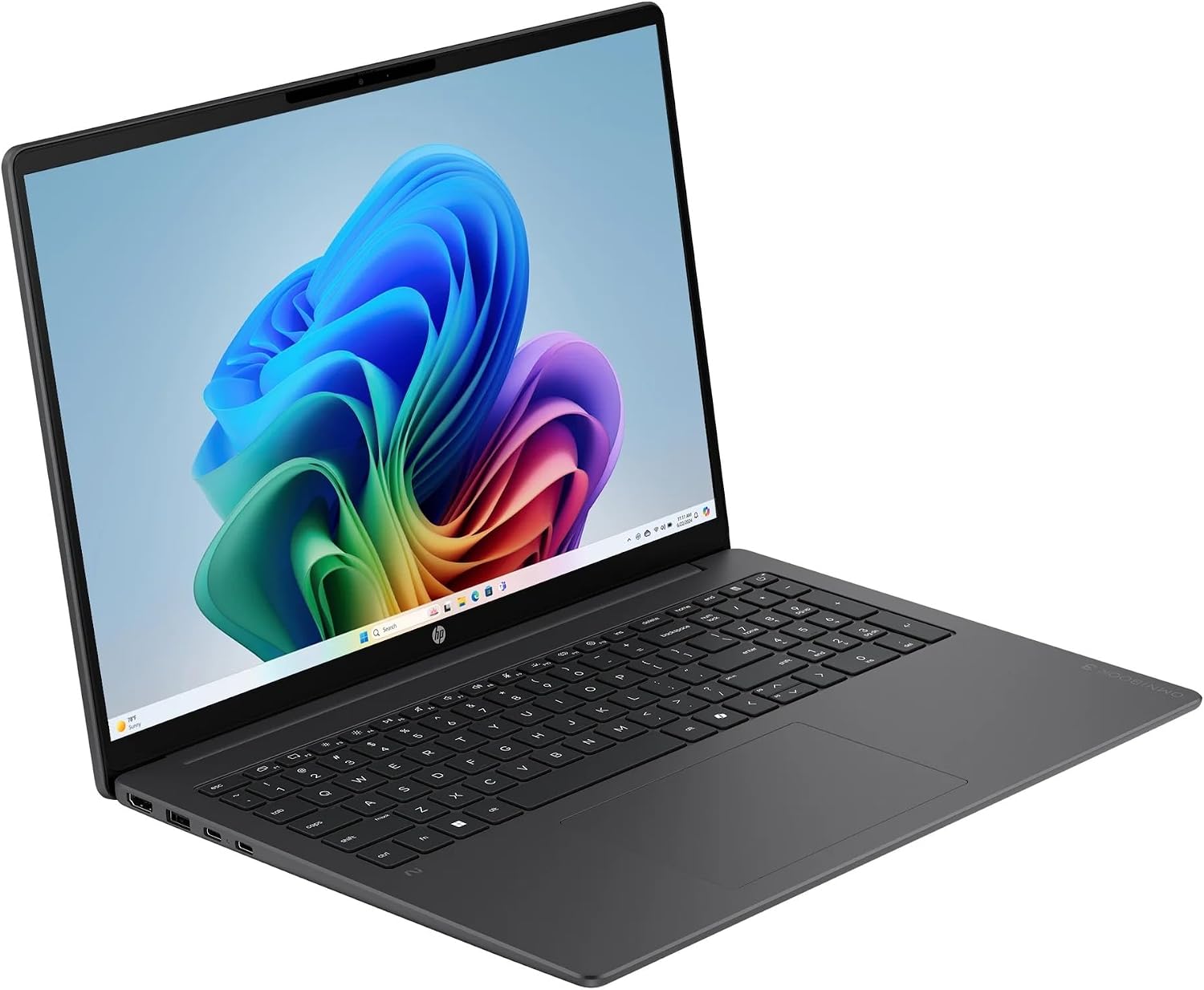
When work or school means keeping a spreadsheet, browser tabs, and notes open side by side, a larger screen can make the day feel less cramped. The HP OmniBook 3 pairs a 16-inch display with a Snapdragon X processor.
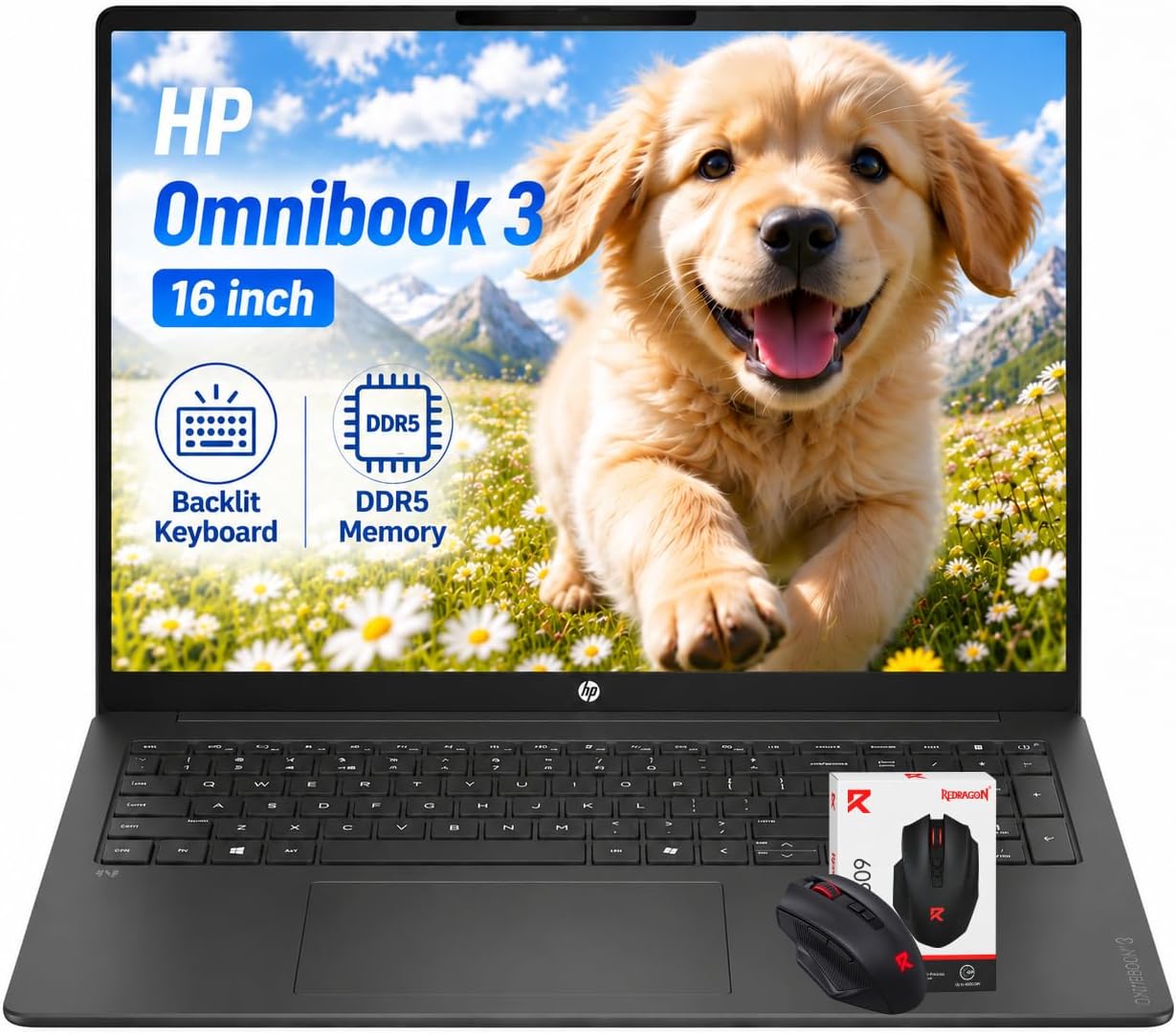
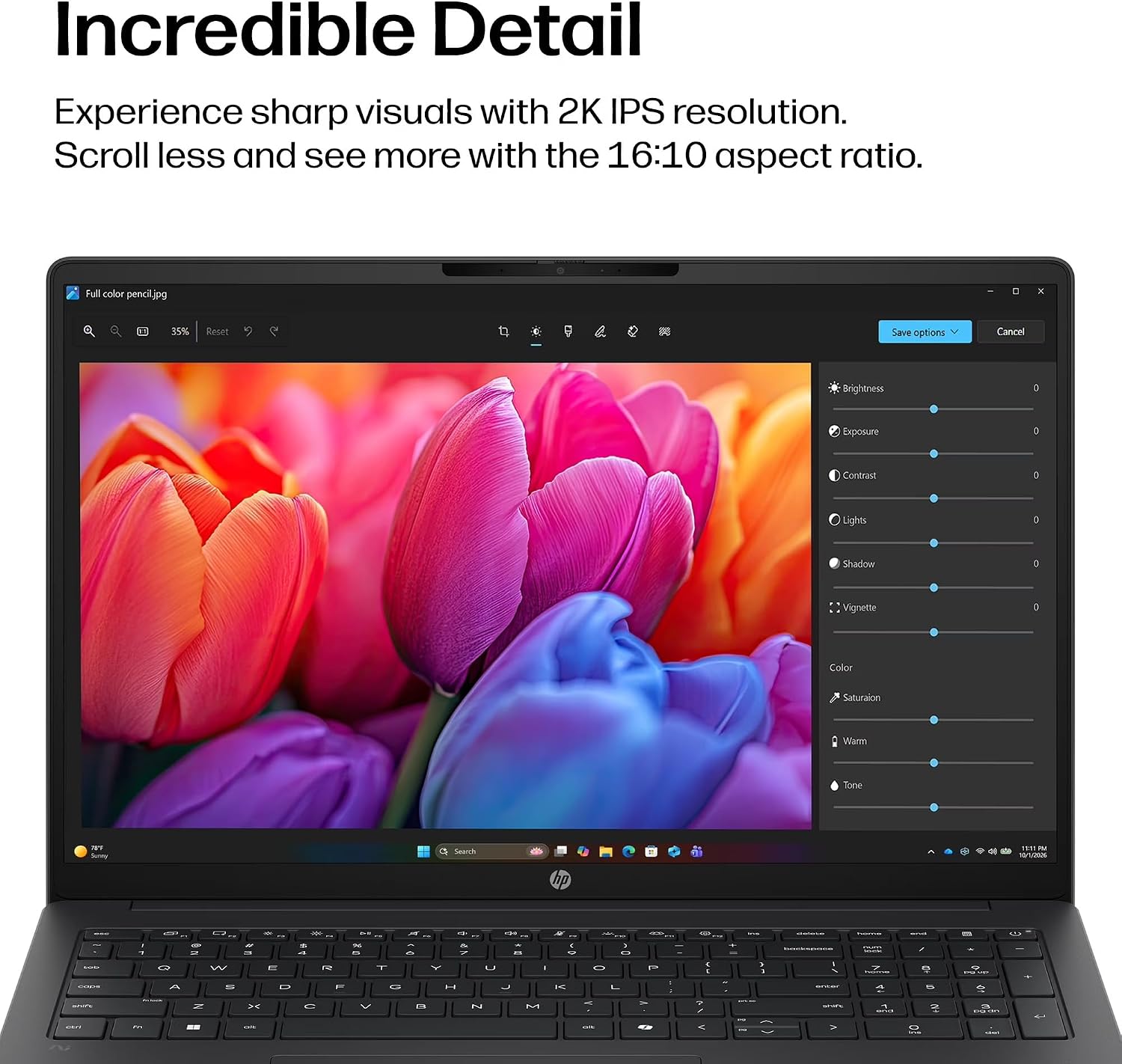
Its 1920 x 1200 IPS panel has an anti-glare finish, a useful detail for desk work under overhead lights. The keyboard is backlit, and Windows 11 Pro is included.
Memory and storage are 16GB of RAM and a 512GB SSD. The listing also names Qualcomm Adreno graphics, Wi-Fi 6, Bluetooth 5.3, and USB 3.0 ports. A wireless mouse and 65W USB-C power adapter are included, along with a one-year limited warranty.
How it fits
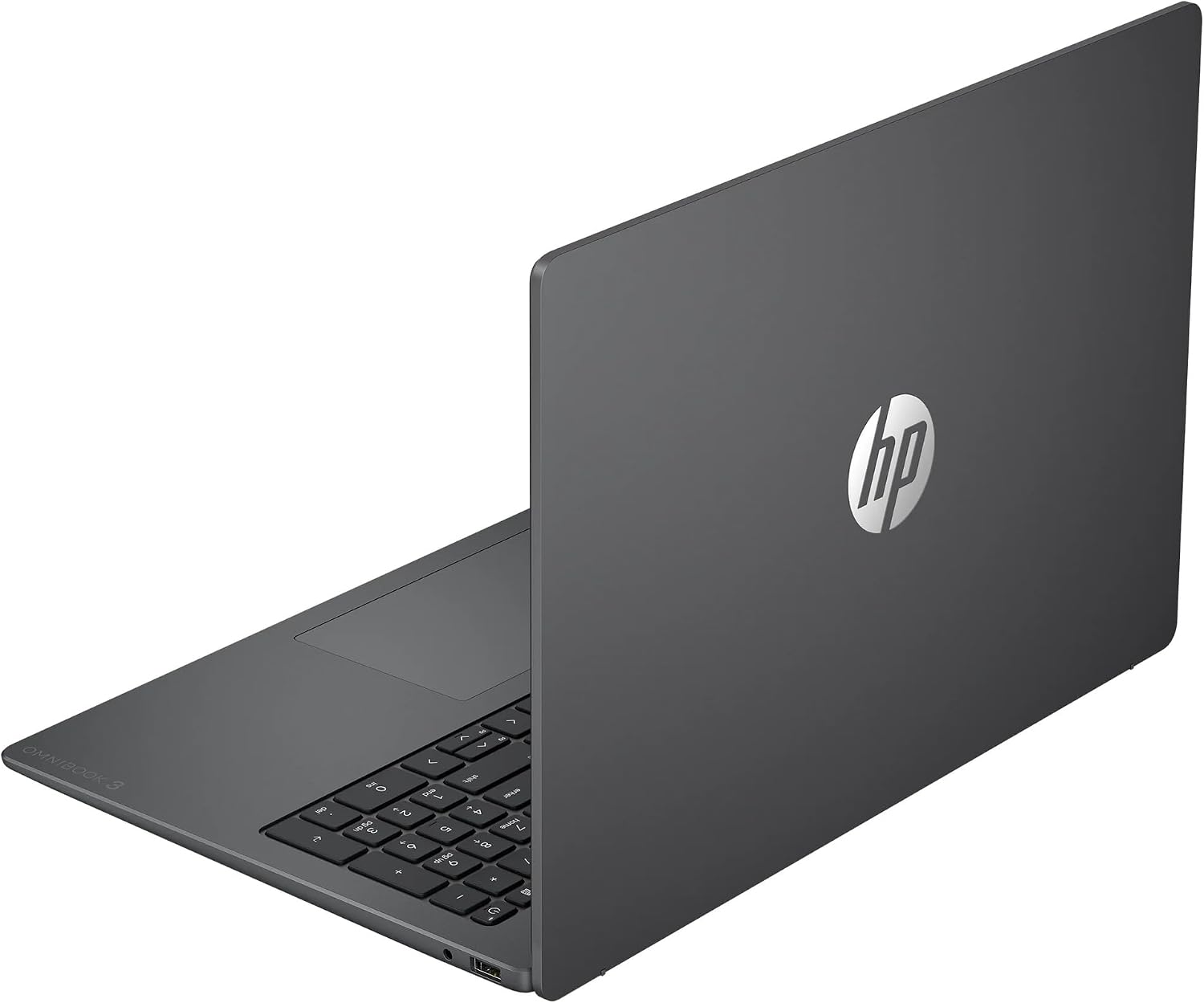
This configuration is aimed at everyday productivity: writing, research, online work, and managing documents or spreadsheets. For example, you could keep a class reading open beside your notes on the 16-inch screen, then use the backlit keyboard when the room gets dim. The 4.0-pound weight gives a concrete sense of portability, though it is still a full-size laptop rather than a compact travel model.
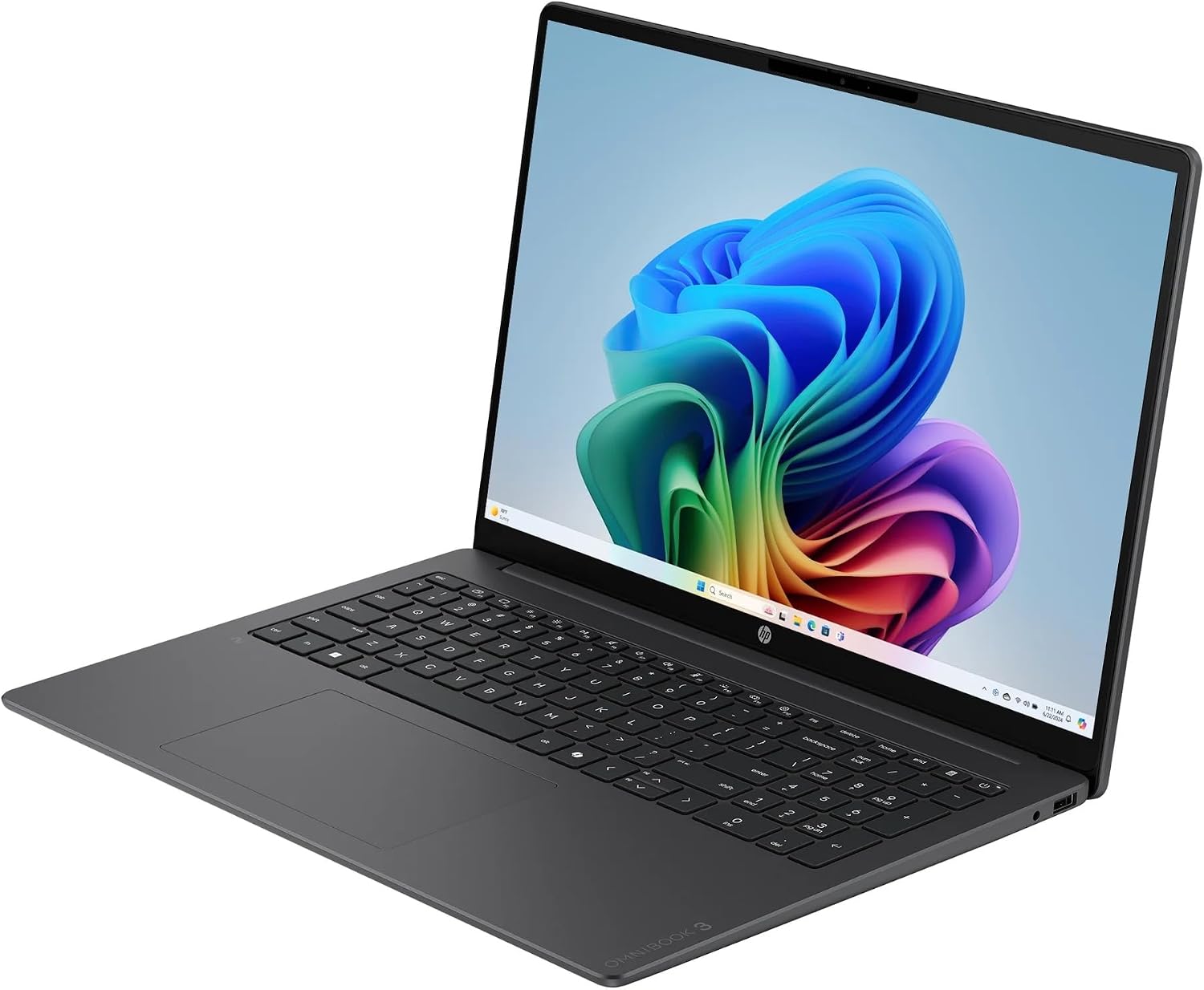
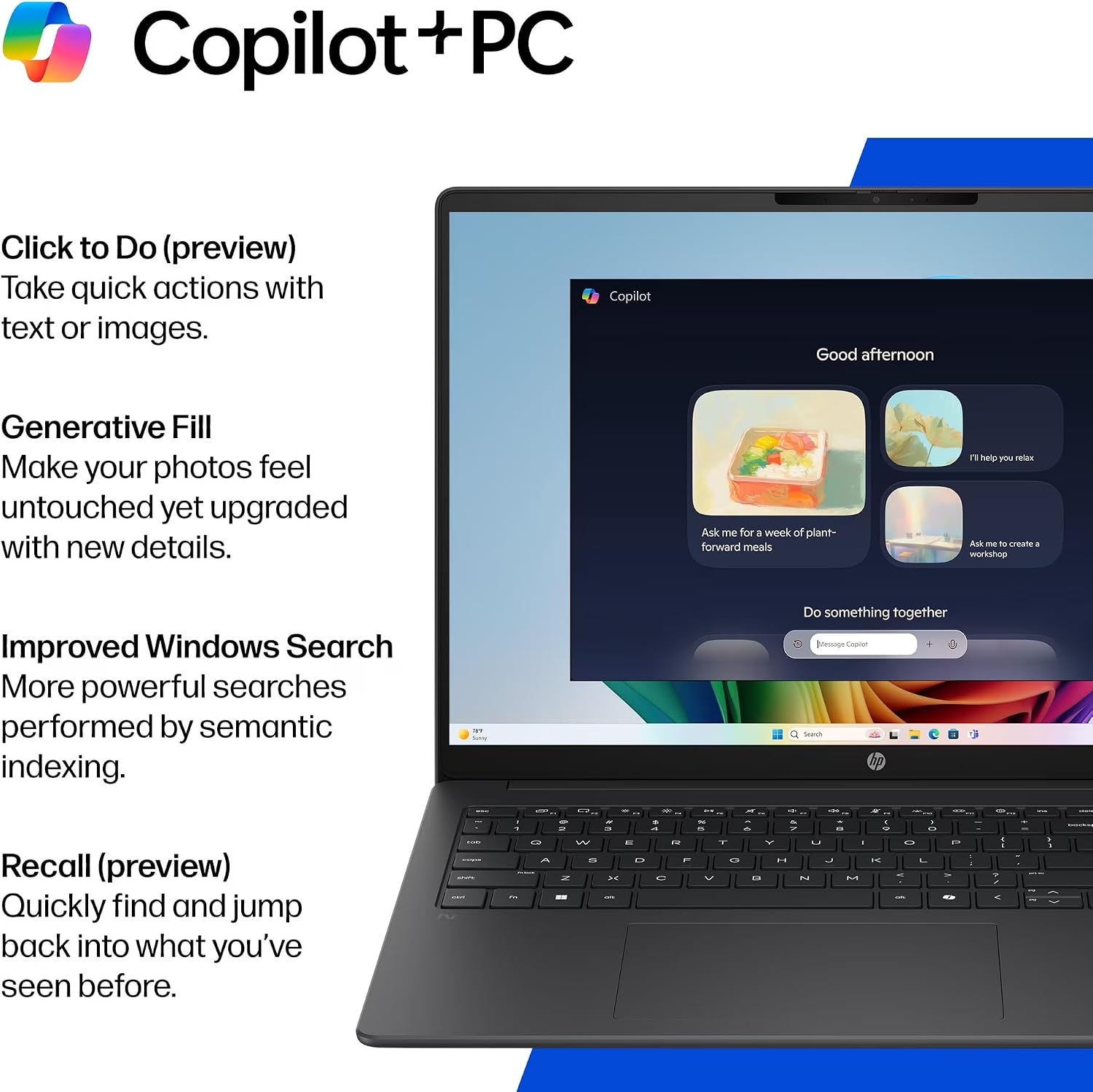
The Snapdragon X is an 8-core processor with a listed maximum boost speed of 2.97 GHz. The product description also mentions an integrated NPU for on-device AI tasks. Those details may appeal if you want a newer processor platform and Windows 11 Pro, but they do not establish how a particular application will perform. Keep in mind that the listing does not specify a discrete GPU or provide graphics benchmarks, so it leaves open whether this laptop is a fit for demanding creative or gaming workloads.
A solid pick if your routine centers on school or office tasks and you value a roomy anti-glare display, a backlit keyboard, and included everyday accessories. Not the best choice if your decision depends on confirmed graphics performance or a smaller, lighter format.
Tips for day-to-day use
The larger panel can help when comparing a document with a web page without constantly switching windows. At a shared desk, the included mouse offers an alternative to the touchpad, for carrying the laptop between home and class or the office, factor in the 4.0-pound laptop itself, plus its adapter and any other items you bring. The anti-glare finish is a practical feature for bright rooms, but it does not replace choosing a comfortable screen position or adjusting the display to your surroundings.
Practical doubts
What display does it have? The listed panel is a 16-inch IPS display with a maximum resolution of 1920 x 1200 and an anti-glare finish.
Which operating system is included? It comes with Windows 11 Pro, described for business and student use.
Are any accessories included? The package listing names a wireless mouse and a 65W USB-C power adapter.
Is it worth it?
The appeal here is a specific everyday-work setup: a 16-inch anti-glare screen, 16GB of memory, a 512GB SSD, and Windows 11 Pro, with a mouse already in the package. That is a more complete starting point than a bare laptop listing if those are the features you want. Its main open question is graphics capability: the available details name integrated Adreno graphics but do not give benchmarks. Choose it when the screen, operating system, and included accessories match your routine, look for a configuration with clearly documented graphics performance if that is central to your work.