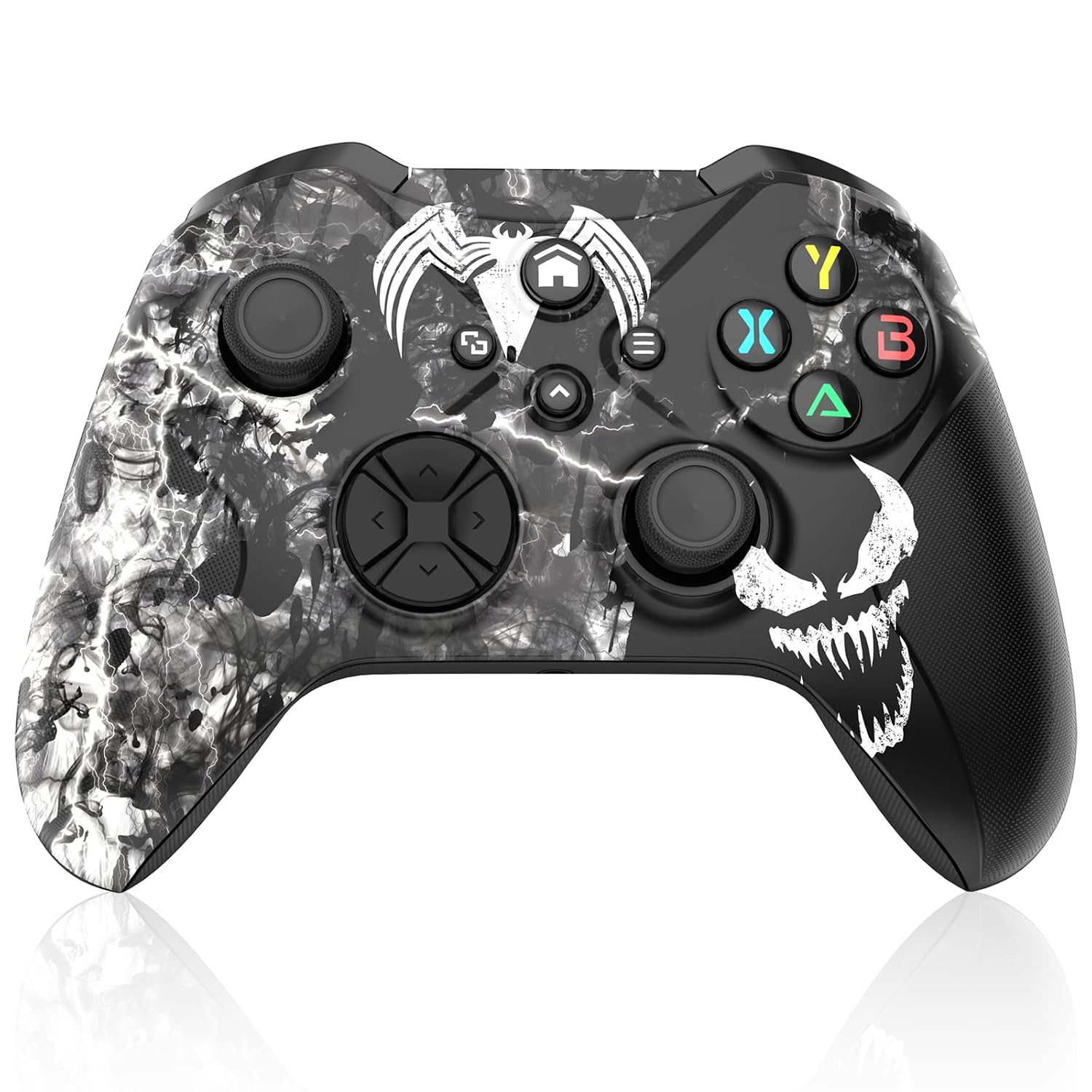
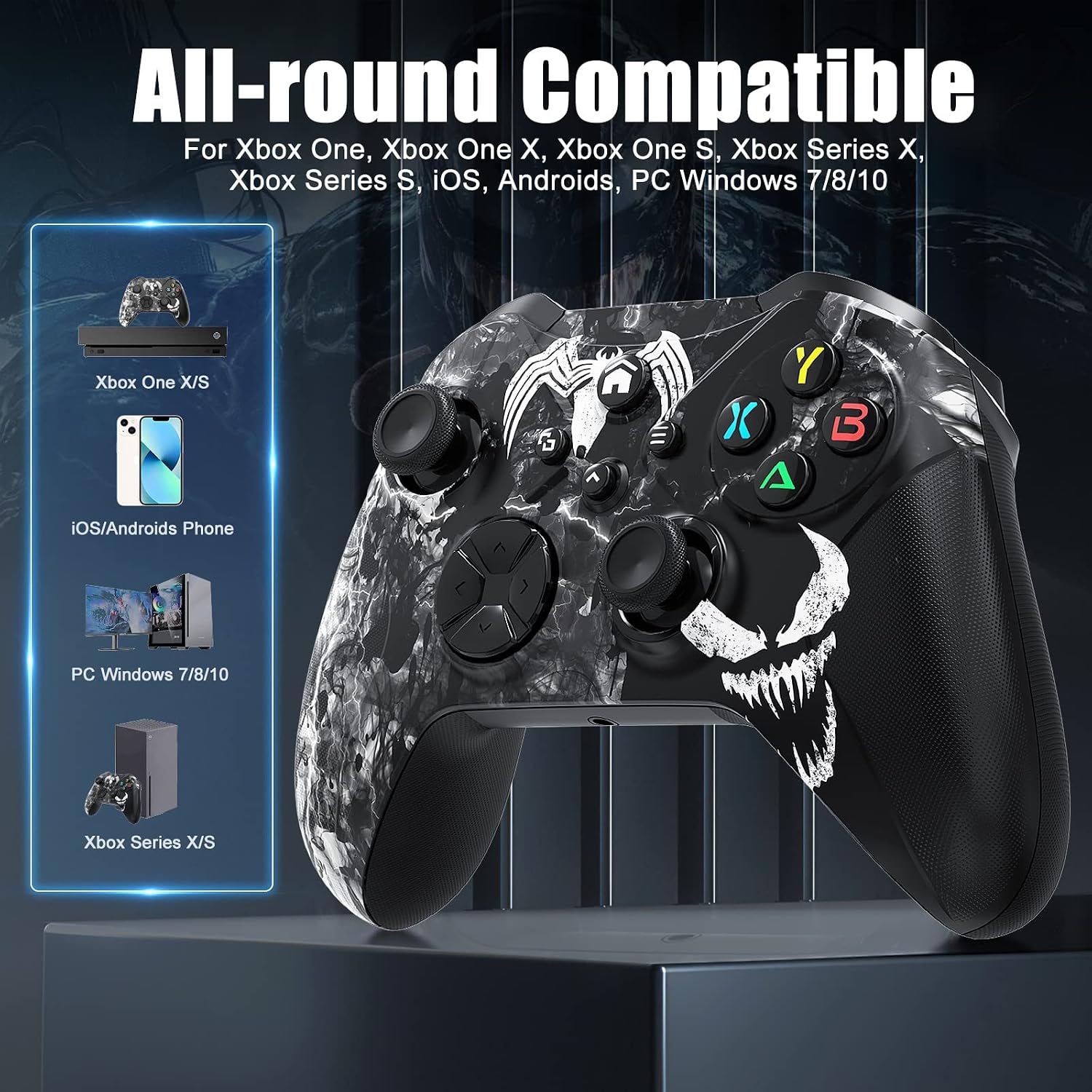
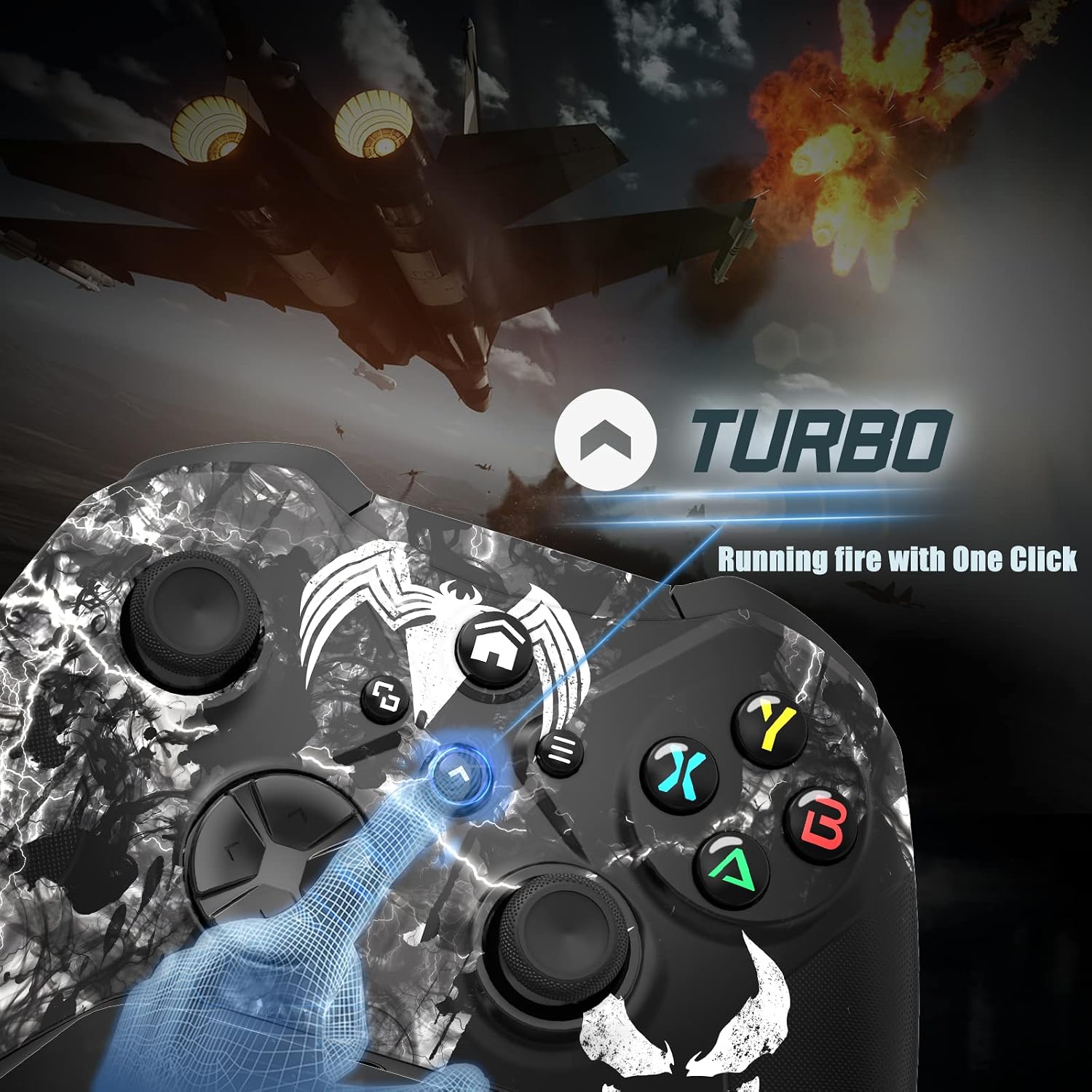
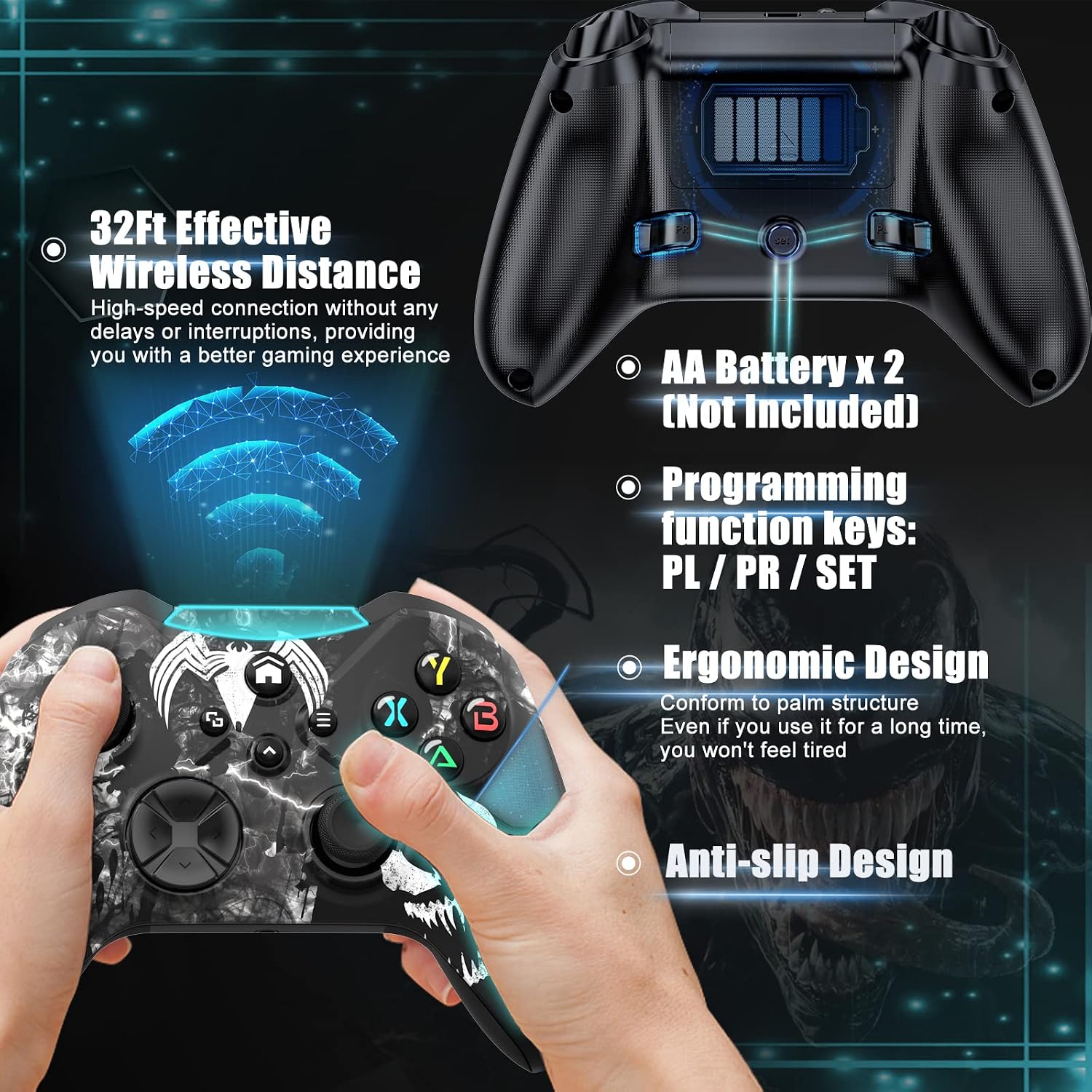
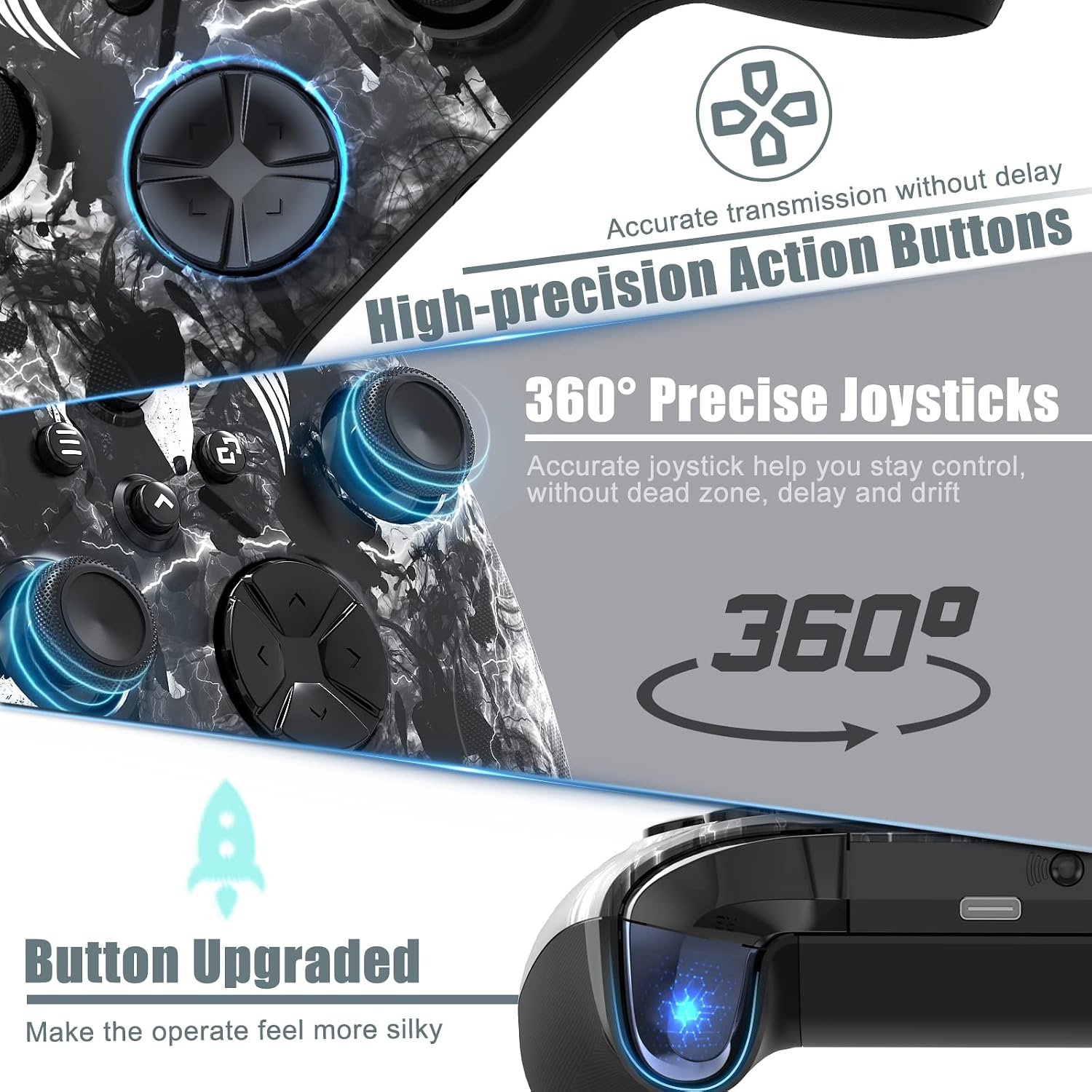
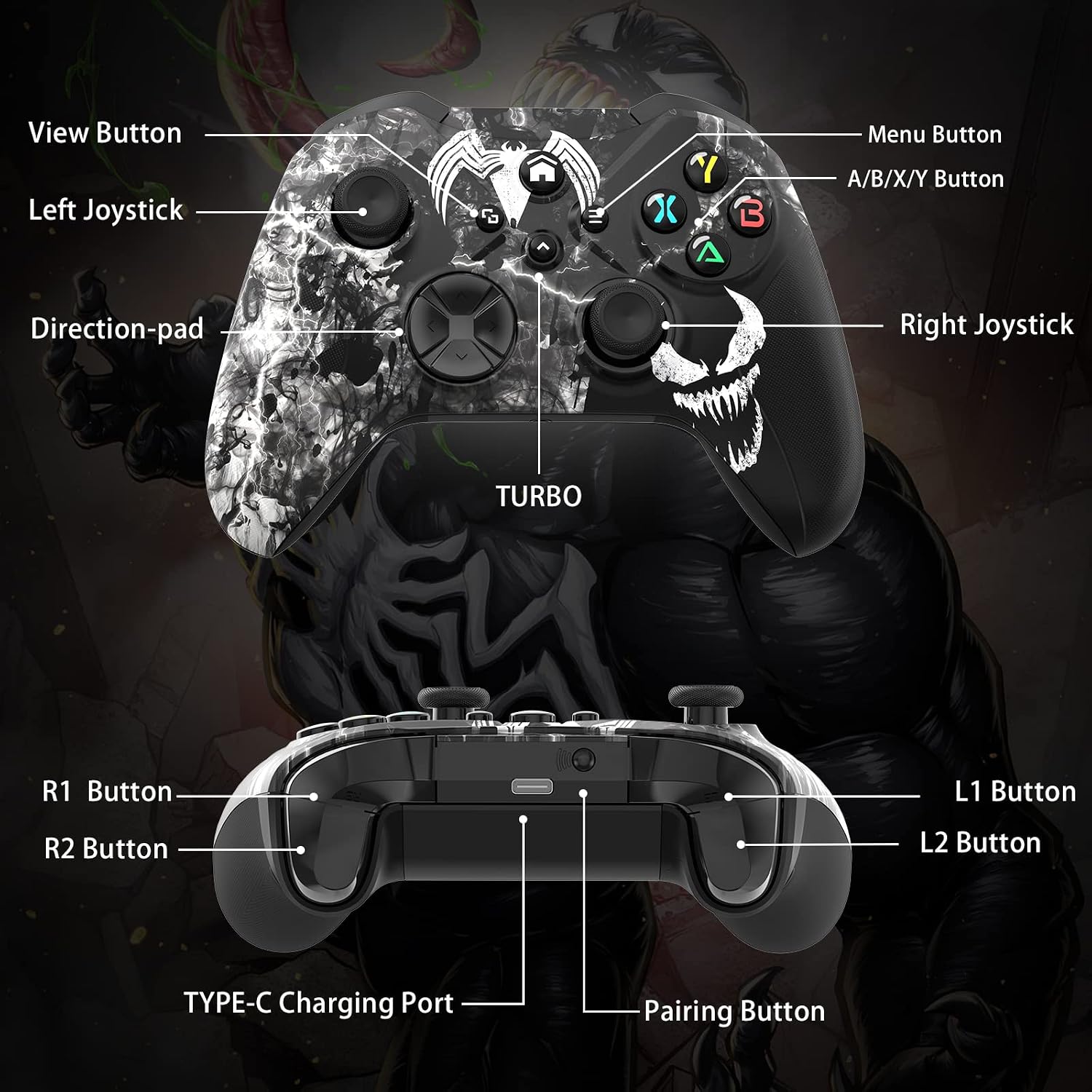
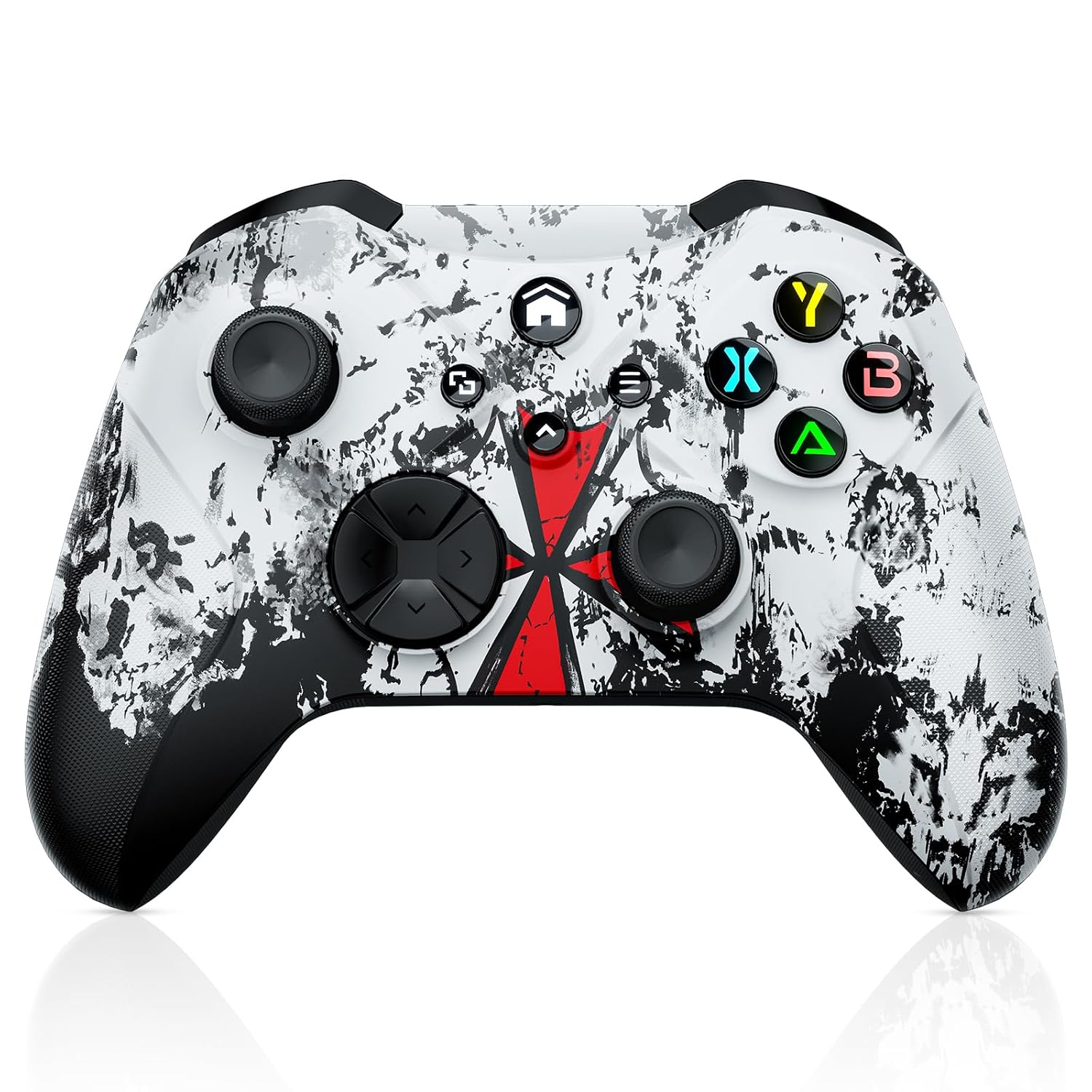
What it is and who it’s for\nThe Gamrombo Wireless Controller is a third-party gamepad designed to work across several platforms, notably Xbox One, Xbox Series X/S, and PC, with wireless or wired connectivity options. If you’re aiming to cut the cord without compromising control precision, this pad offers features like macro programming, a 3.5mm headphone jack, and a turbo function. It’s positioned for gamers who want additional customization and comfort, especially when long sessions are on the schedule. On paper, the controller emphasizes flexibility and enhanced inputs, but the practical value depends on how much you prioritize macro mapping and the convenience of a multi-platform setup.\n\n## Practical use cases and who it’s for\nIf you play across Xbox consoles and PC, this controller can simplify your setup by reducing the need for multiple devices. The macro buttons can map up to 16 actions to a single key, which might be appealing for complex sequences in shooters or fighting games. The 6-axis gyro adds motion input, and dual vibration aims to improve immersion. The 3.5mm headphone jack lets you connect a headset without relying on a controller’s wireless adapter. However, note that the product requires 2 AA batteries, which are not included, so you’ll need to factor that into ongoing costs and balance it against any perceived convenience.\n\n## Strengths you’ll notice in use\n- Broad compatibility: Xbox One, Series X/S, and PC with wired or wireless options.\n- Customization: Macro programming with two back buttons to map up to 16 actions, potentially easing complex combos.\n- Sensory feedback: Dual vibration, 6-axis gyro, and a more responsive joystick/directional pad configuration.\n- Practical audio: Built-in 3.5mm jack for headsets without extra adapters.\n- Comfort-oriented design: Ergonomics aim to reduce fatigue during longer sessions, with anti-slip grips.\n\n## Potential limitations and when it may fall short\n- Battery dependence: It uses 2 AA batteries, which are not included. If you’re aiming for a cordless solution with rechargeable power, that could be a consideration.\n- Macro complexity: While macro support is a plus, the learning curve and on-device programming complexity may vary by game. If you don’t use macro features, this aspect becomes less relevant.\n- Build expectations: As a third-party controller, it may not match the feel and precise tolerances of first-party options in every scenario. It’s important to temper expectations about premium construction and long-term durability until you test it in your typical games.\n\n## How to decide if it’s a fit for you\n- You value cross-platform use and want a single pad for Xbox and PC.\n- You’re curious about macro mapping to streamline complex inputs or skill sequences.\n- You don’t mind purchasing 2 AA batteries and replacing them as needed. If rechargeable options are a priority, this could tilt the decision.\n- You’re okay with a third-party controller that aims to balance features with comfort, rather than a boutique premium feel.\n\n## What to review before buying\n- Confirm your preferred play style: do you benefit from macro features and extra buttons, or do you favor a simpler layout?\n- Consider how often you’ll use the 3.5mm headset jack and whether you rely on in-game audio input/output routed through the controller.\n- Check your preferred power solution and battery management approach, since AA batteries are required.\n- Think about the game titles you play most, macro functions tend to be more impactful in titles with long combos or advanced tactics.\n\n## Quick comparison lens\nIf you’re evaluating multi-platform controllers, this Gamrombo pad sits between basic wired/wireless Xbox controllers and higher-end options that emphasize refined ergos or premium materials. It’s a practical pick if you want flexibility and customization without committing to a high-price, first-party pad. If you prioritize rechargeable power, ultra-premium grip textures, or exclusive ecosystem features, a different option might better match those goals.\n\n## Final decision: Is it worth it?\nIs it worth it? Worth considering if you value cross-platform capability, macro customization, and the convenience of a built-in headset jack, while accepting the need for AA batteries. It’s a reasonable middle-ground option for players who want more features than a basic controller without diving into premium tiers.\n\n## FAQ (quick answers)\n- Does it work with Android or iOS devices? It’s advertised as compatible with Android and Windows platforms, but check your device compatibility and any required adapters.\n- Do the macro buttons require software on a PC? The description notes macro programming but doesn’t detail software requirements, expect on-device programming to be part of the setup.\n- Are rechargeable batteries supported or recommended? The product uses 2 AA batteries, not included, rechargeable alternatives aren’t specified in the provided data.\n