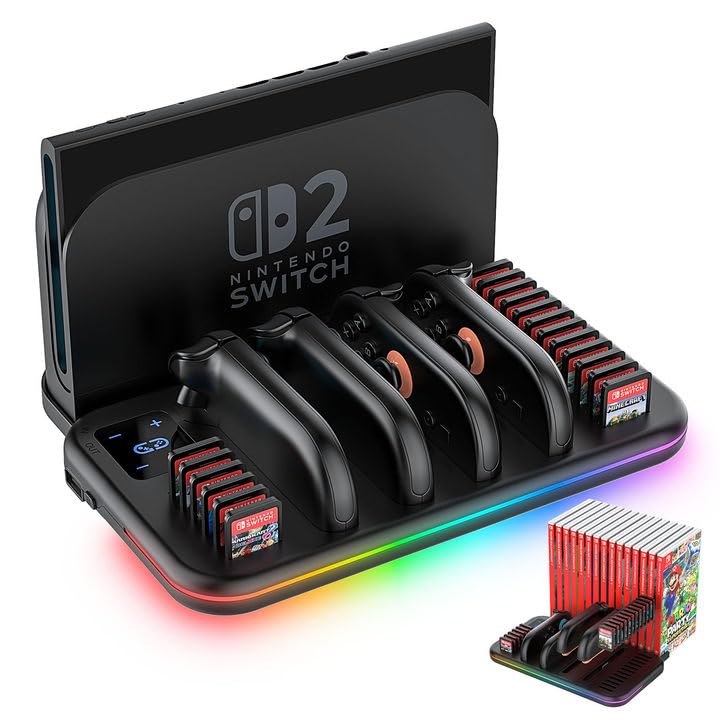
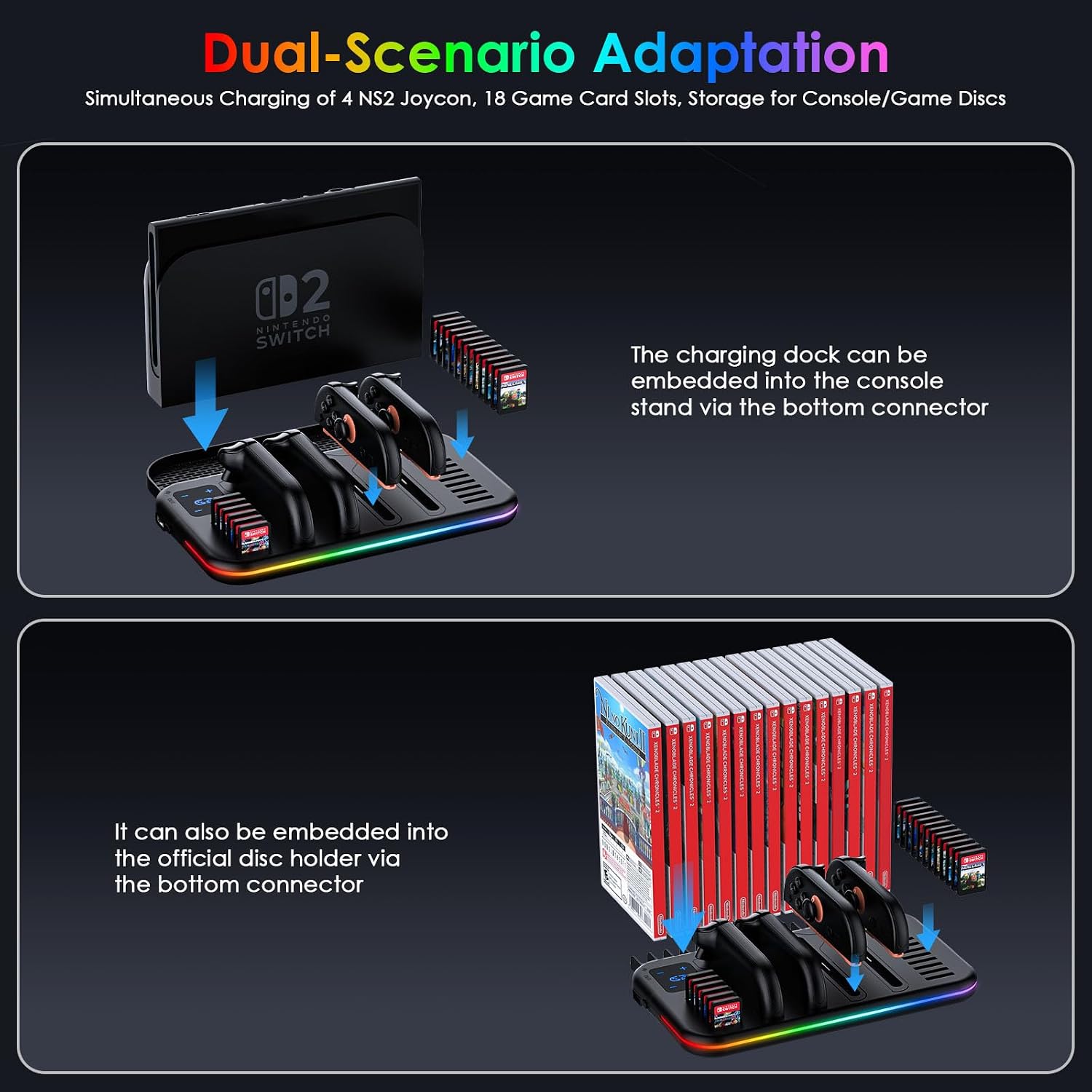
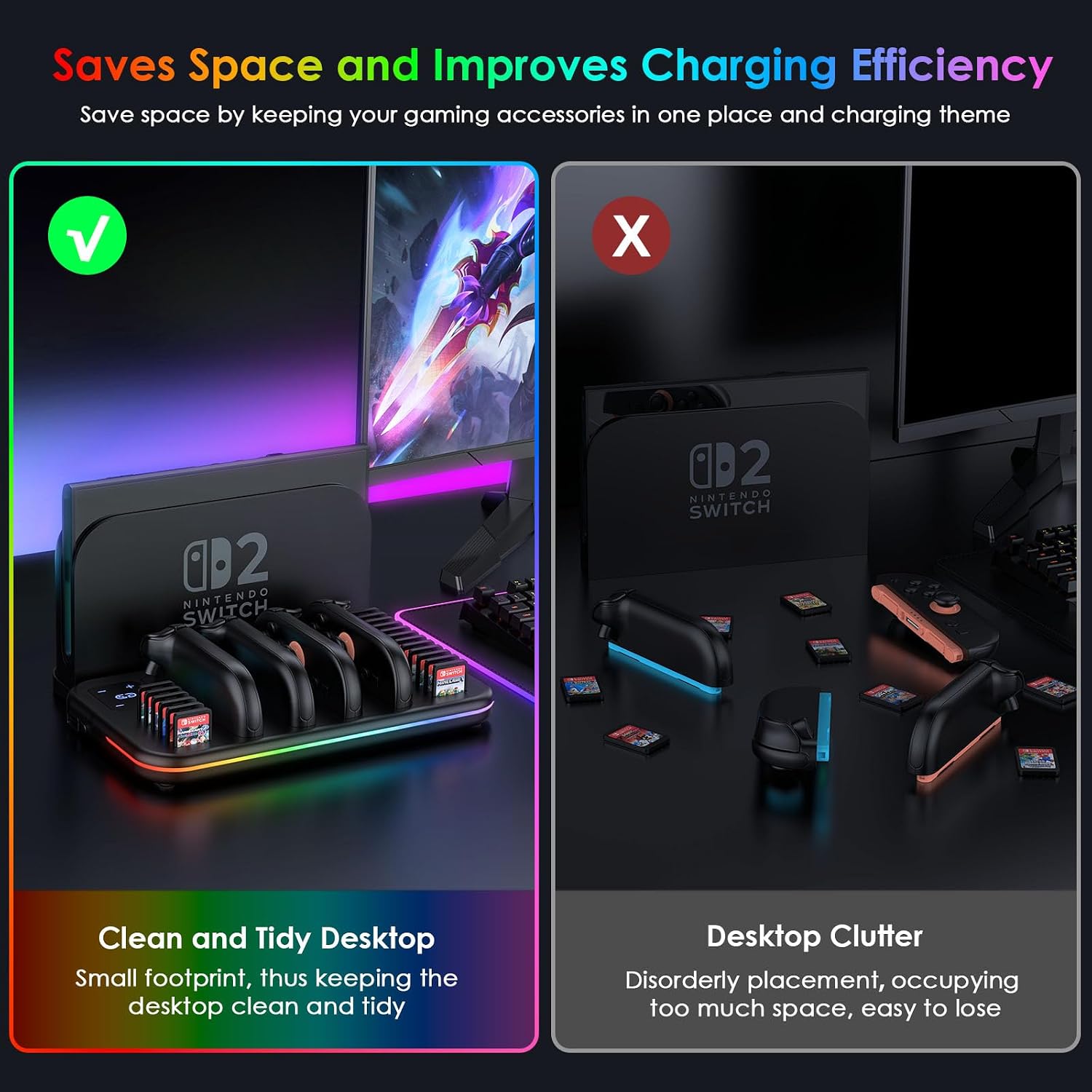
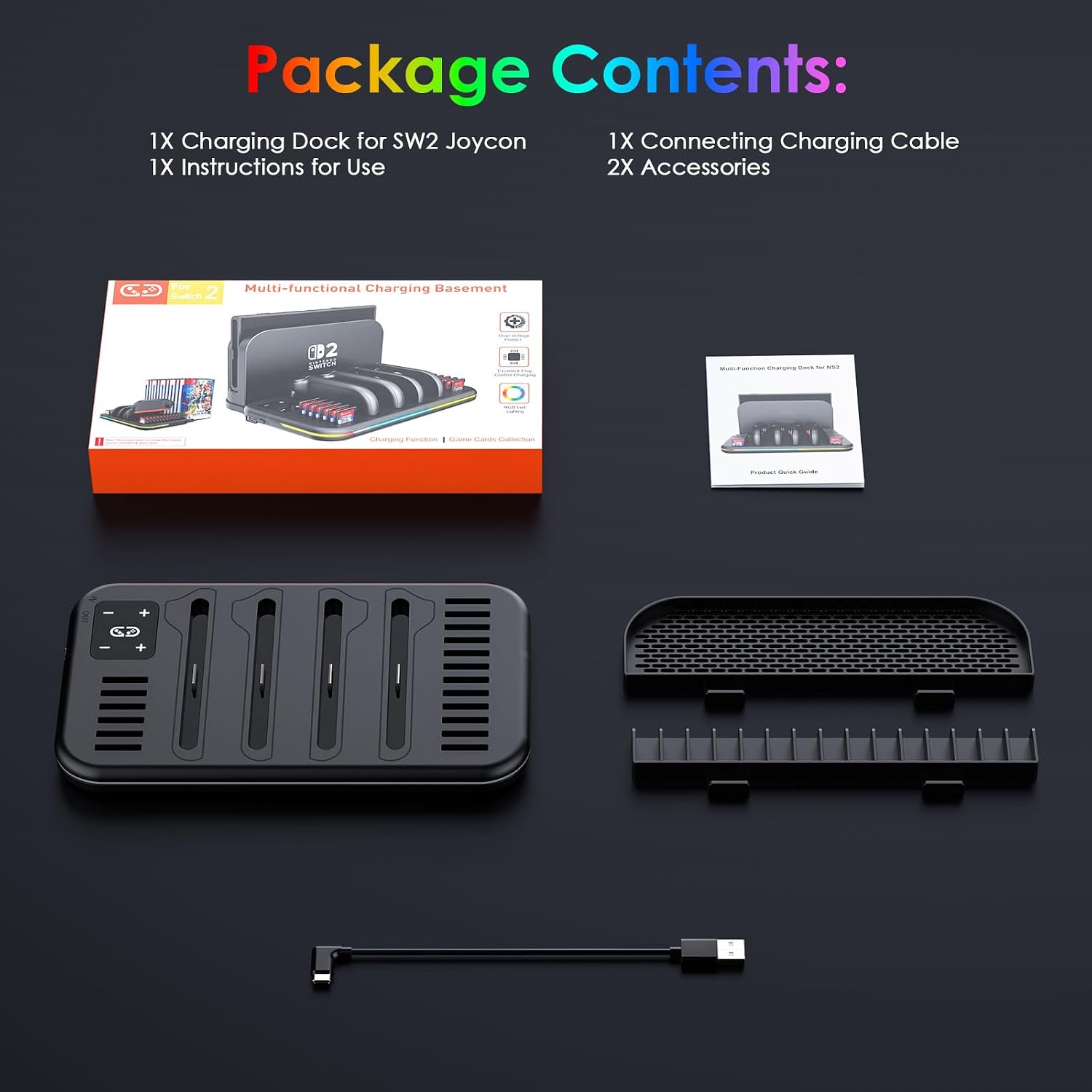
What this is and the problem it solves\n\nIf you own a Nintendo Switch 2, this all-in-one charging dock aims to streamline your setup. The unit combines a multi-device charging station with storage for game cards and two interchangeable brackets, so you can organize Joy-Cons, the console dock, and game boxes in one place. The core idea is convenience: keep the gaming area tidy and reduce the friction of swapping accessories during long sessions.\n\n## What matters most in daily use\n\nOn paper, the dock charges up to four Joy-Con controllers at once and promises a full charge in about two hours. That speed can be handy when you’ve got friends over or when you’re getting ready for a late-night session. The built-in smart chip is designed to guard against common electrical issues like overcurrent, overheating, overvoltage, and short circuits, which adds a layer of peace of mind if you’re charging multiple controllers at once.\n\n## How it’s designed to fit your space\n\nTwo brackets are included: one to hold the official Switch 2 dock and another to organize up to 15 game card boxes. This gives you a practical option to switch setups depending on whether you’re focused on charging, display, or quick access to your library. The RGB lighting adds a visual cue when charging and can serve as a subtle ambience in a dim room, though it’s not a core performance feature.\n\n## Strengths you’ll notice in everyday use\n\n- All-in-one footprint: consolidates charging, game card storage, and dock organization in a single unit.\n- Fast, safe charging: capable of charging four Joy-Cons at once with a claimed two-hour full charge, supported by protective circuitry.\n- Clear indicators: LED icons show charging status with red and blue colors, making it easy to see at a glance.\n- Flexible power options: you can power from the Switch 2 dock or a standard AC adapter, which helps adapt to your setup.\n- Practical organization: the two brackets let you choose between docking the console and storing game cards or keeping the dock handy for quick play.\n\n## What it may struggle with\n\n- It’s specialized for Nintendo Switch 2 and Joy-Cons, if your setup deviates from this, the value may drop. It also depends on how many Joy-Cons you use regularly—the four-connector limit could feel tight if you own more controllers or accessories. If you’re looking for a hard-core, fastest-charging station with lab-tested numbers, you’ll want to compare with other options that publish independent results.\n\n## Who this is best for\n\nGamers who want a tidy, single-location charging and storage solution for Switch 2 accessories. If you frequently switch between handheld and docked play with multiple Joy-Con controllers and a packed game library, this design leans into your daily workflow. It’s likely a better fit for spaces where cable clutter is a concern and you value the convenience of interchangeable brackets over a separate charging dock and storage unit.\n\n## When it makes sense to buy\n\n- You want to reduce clutter around the gaming area and keep Joy-Cons charged and ready.\n- You value a single solution that handles charging, game card storage, and display/organization in one place.\n- You’re okay with a unit that emphasizes practicality and setup flexibility over extreme customization.\n\n## When to pass\n\n- If you need to charge more than four Joy-Cons regularly, or you want a dedicated, independent charging dock with higher capacity.\n- If RGB lighting is a deal-breaker or you prefer a purely minimal aesthetic with no lighting indicators.\n- If your priority is a deep-dive technical spec sheet with independently verified safety benchmarks.\n\n## Quick checks before you buy\n\n- Confirm the compatibility with Nintendo Switch 2 and Joy-Con controllers you own.\n- Consider how you’ll position the dock: near the Switch 2 dock or away from it on a desk.\n- Decide whether the 18-game card storage is sufficient for your library, or if you’ll rely more on digital games.\n\n## Everyday use — a practical example\n\nImagine you’re setting up for a family game night. You grab four Joy-Cons from the charging dock, slide in four cards from the 18-card storage, and have your Switch 2 ready to dock if you want to play in TV mode. The unit’s two brackets let you keep the console on one side and the game cases neatly stacked on the other, reducing clutter and making the play area feel less chaotic.\n\n## FAQ (practical answers you can use today)\n- Q: How long does it take to fully charge four Joy-Cons? A: The claim is about 2 hours, but charging times can vary with usage and outlet power.\n- Q: Can I use the device without the game card storage? A: Yes, you can use the interchangeable brackets to suit your needs.\n- Q: Is it safe to leave Joy-Cons charging overnight? A: The built-in protection aims to guard against common issues, but as with all charging gear, it’s wise to monitor initial uses and follow any manufacturer guidance.\n\n## Final verdict\n\nIf you prize organization and a compact, flexible charging setup for Nintendo Switch 2 accessories, this dock offers a sensible, no-nonsense option. It won’t turn charging into a lab experiment, but it does bundle charging, card storage, and mounting options in a single unit, which can simplify daily play sessions. Consider your space, how many Joy-Cons you regularly use, and whether you value the bracket-driven versatility when deciding if it fits your desk-to-couch setup.