

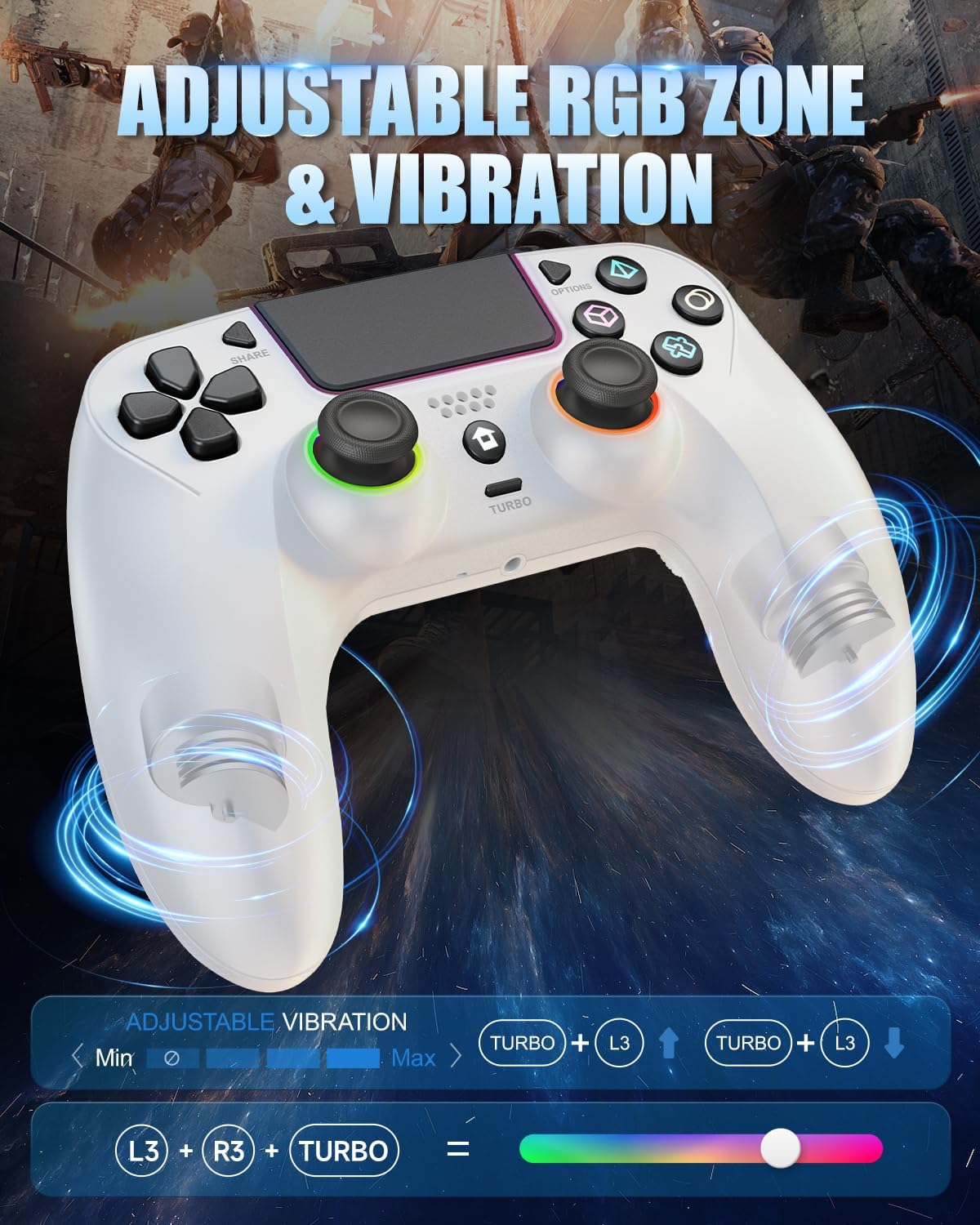
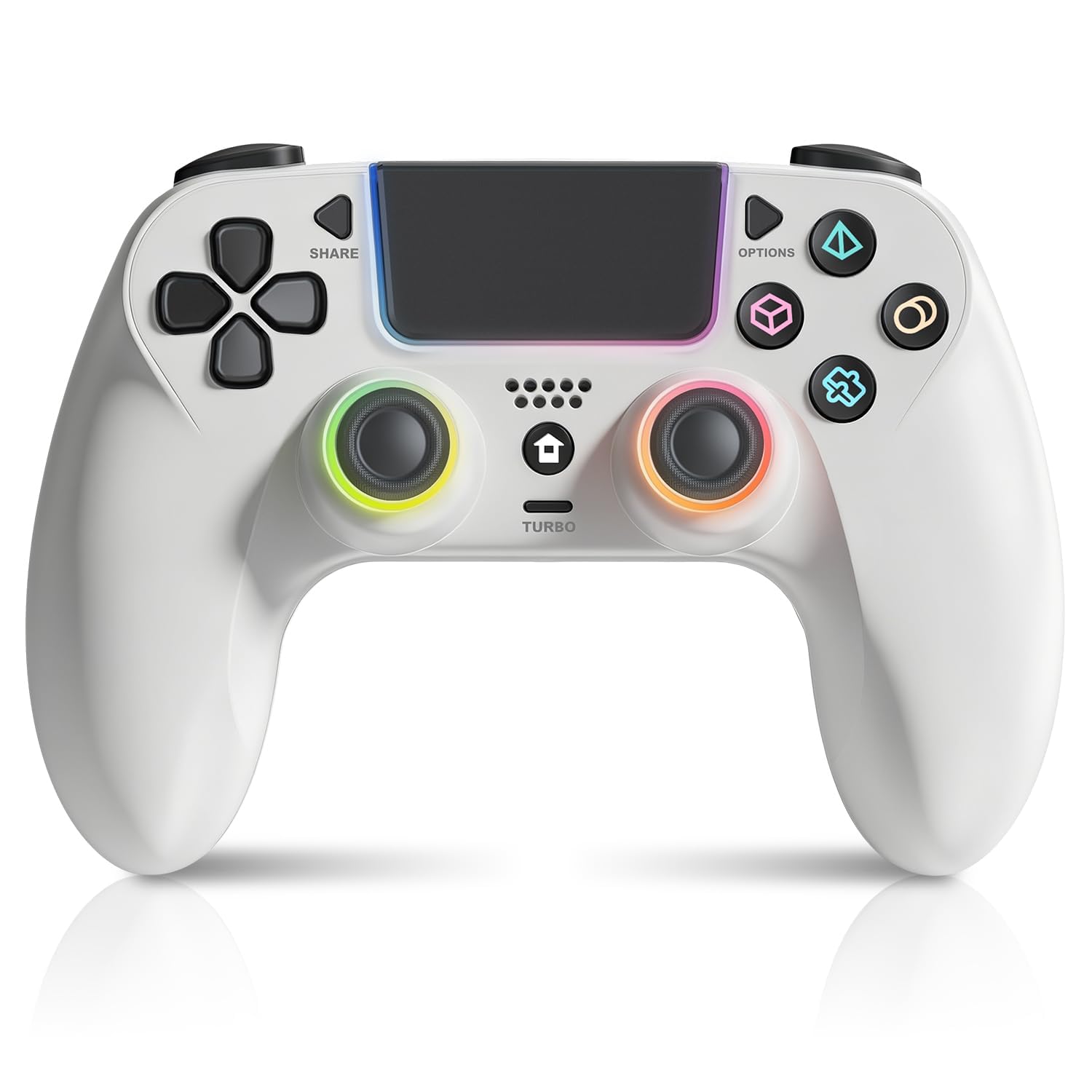
GUOC LED Wireless Controller for PS5 with Hall Effect Joystick, Back Macro Buttons, Dual Vibration, and RGB Lighting
Reviews
Price
Product description
What it is and the need it targets
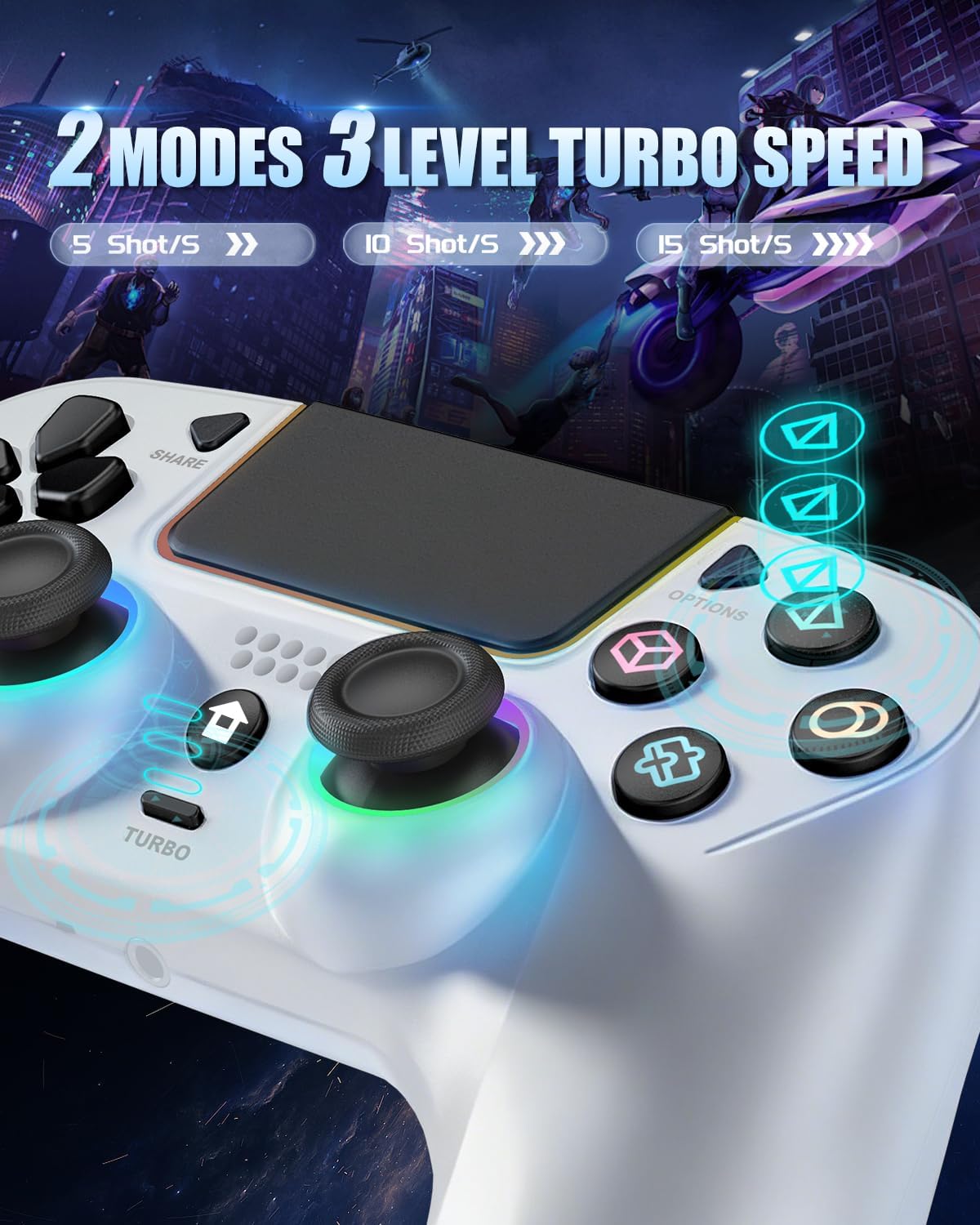
This GUOC wireless controller is built for PS5 play with a few “extra” features that matter when you’re already spending a lot of time gaming: Hall Effect joysticks, a larger extended grip for comfort, programmable back macro buttons, and adjustable vibration plus RGB lighting. On paper, it’s the kind of controller you look at when you want more than basic mapping and a more relaxed feel in long sessions.
It’s also positioned as a controller that follows you beyond just the console. The included info says it’s compatible with PS5 Pro/Slim, PC, Mac, iOS, and Android. That broad compatibility can be handy if you bounce between devices, though it also means you’ll want to confirm your specific setup and expectations before relying on every feature.
Key features that change how it plays
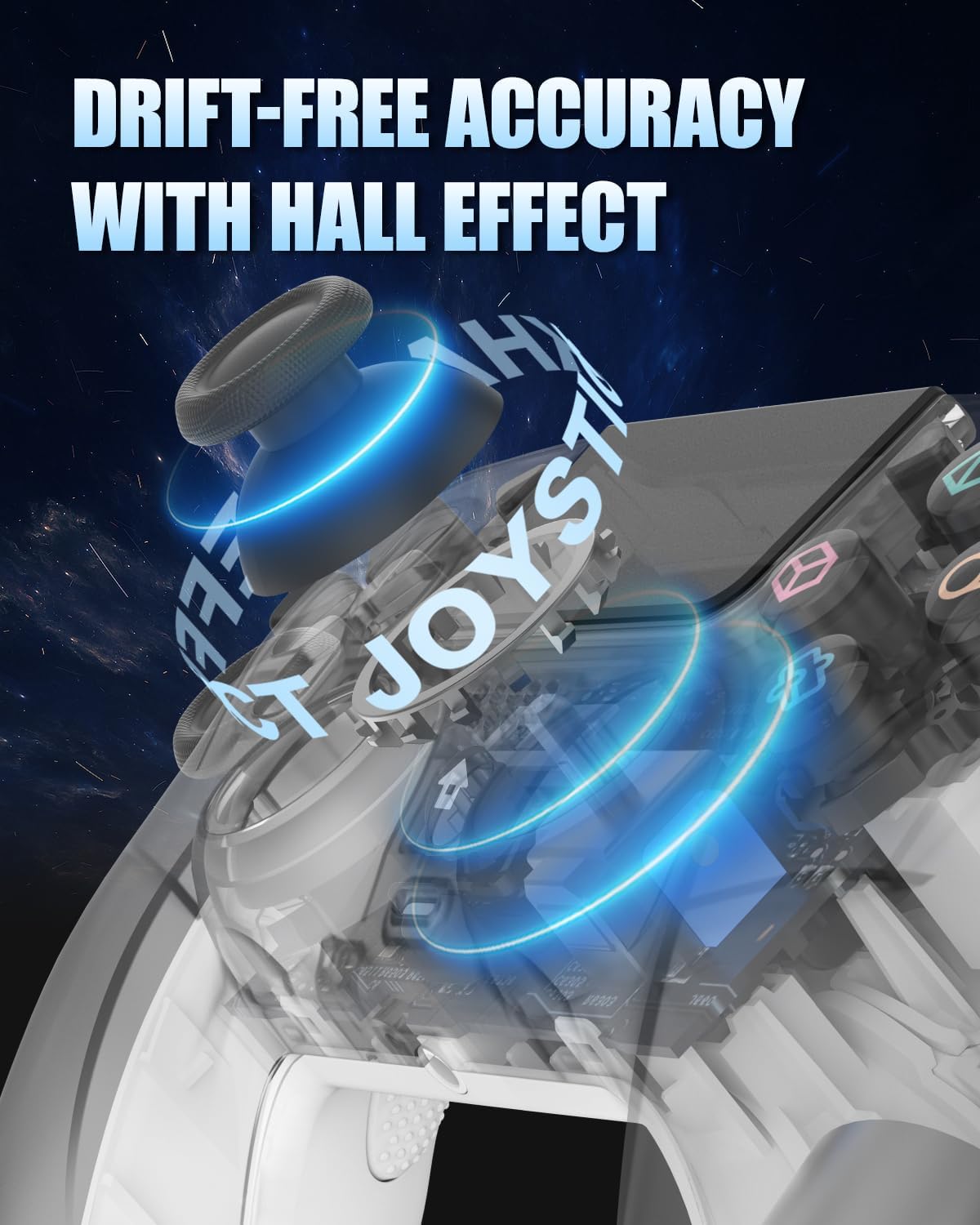
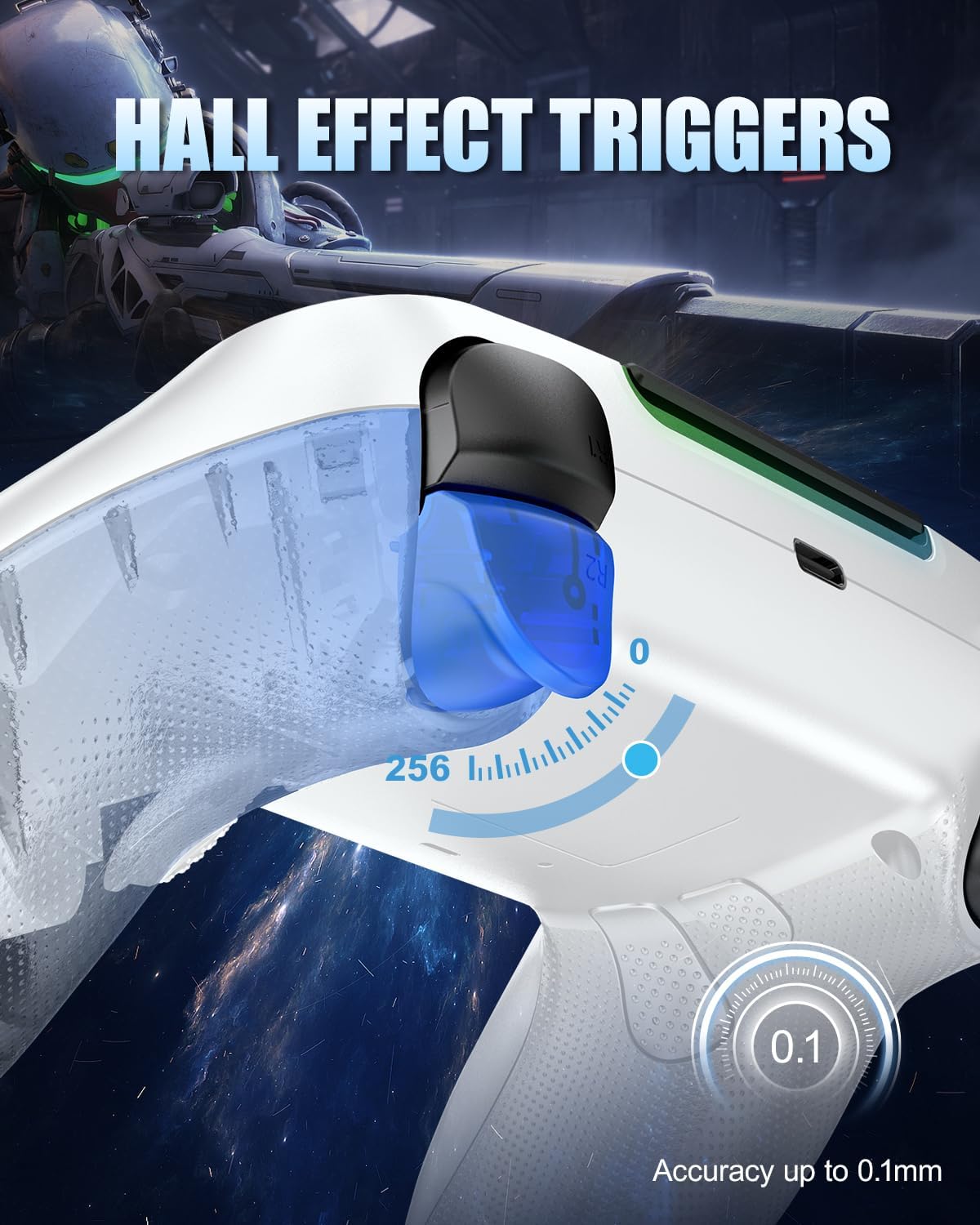
The headline upgrade here is the Hall Effect joystick setup paired with Hall Effect triggers. That’s relevant if you’re the type who notices drift or wants more consistent control over time. It’s not a magic fix for every gaming habit, but as a general direction, Hall Effect tech is one of the more meaningful improvements you can ask for.
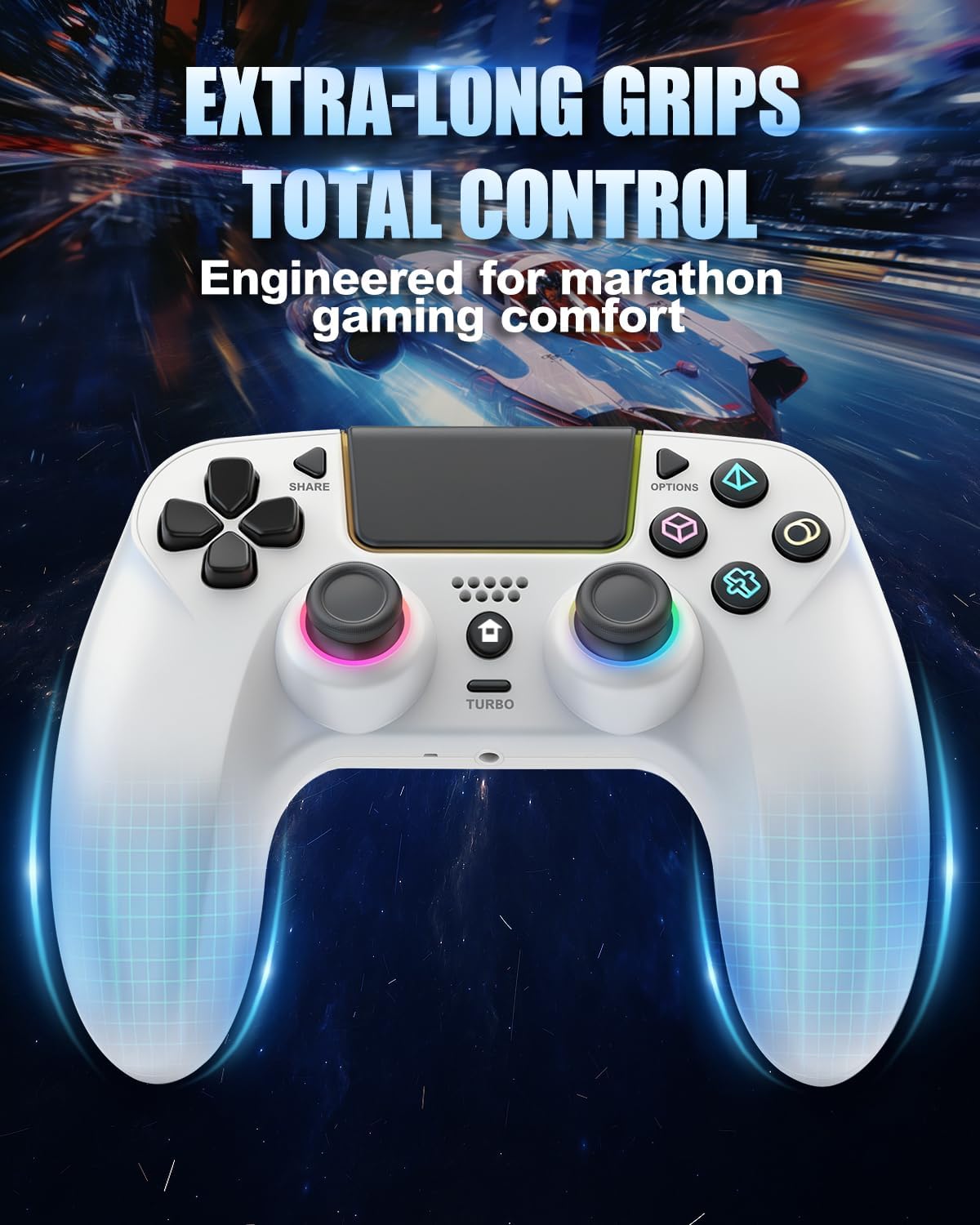
Then there’s the comfort angle: a larger, ergonomic extended grip designed for bigger hands, aiming to reduce fatigue during long play. If your hands cramp after a couple hours, this is the sort of change you’ll actually feel—especially during sustained aiming and repeated button input.
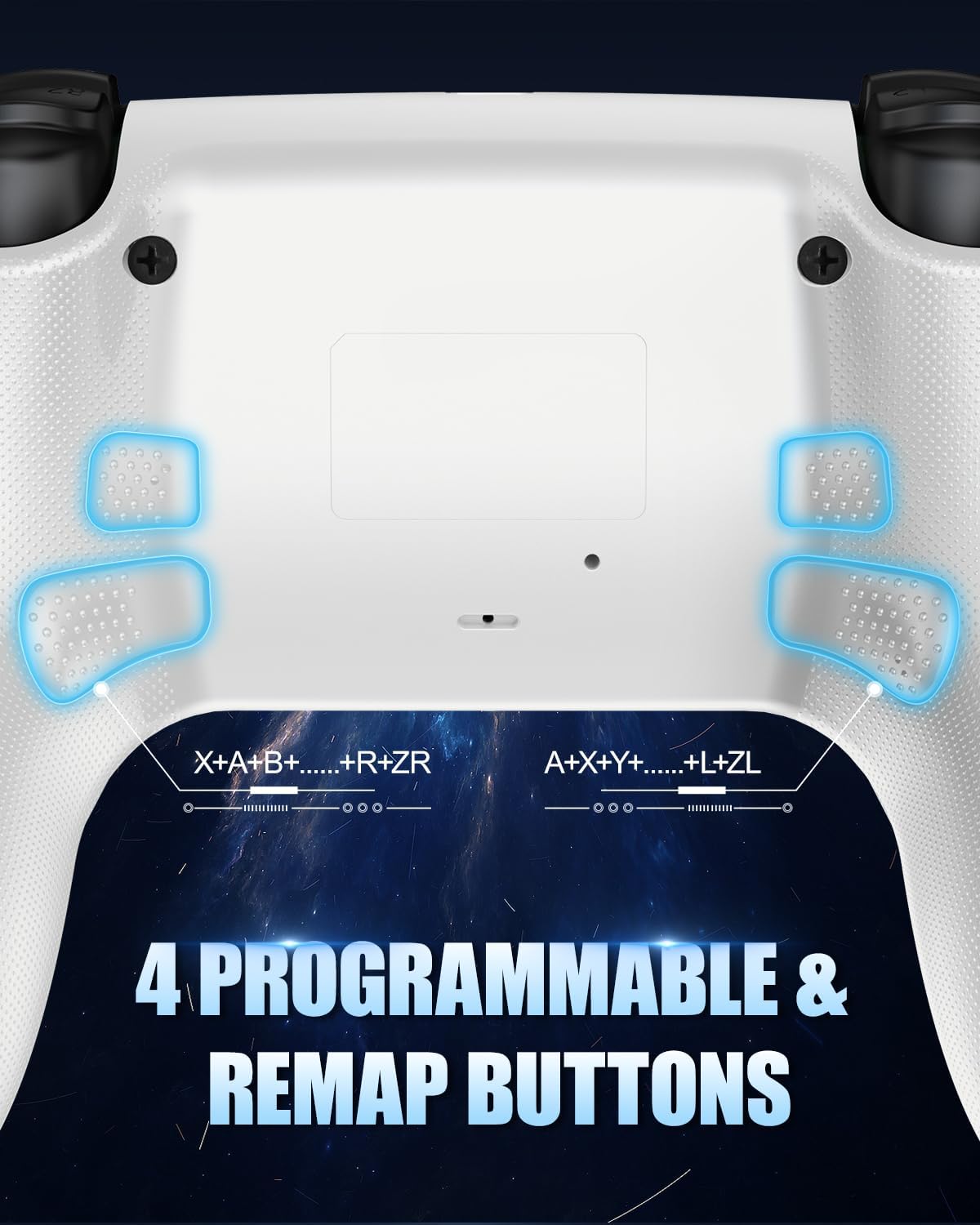
The back side adds practical speed. There are four programmable macro/back paddles, described as supporting up to 16-key programming. In day-to-day use, that typically translates to “move actions” and “combat actions” that you don’t have to take your thumb off the sticks to press. For example, you could remap one paddle to reload or confirm actions while keeping your thumbs locked on movement and aiming.
What to know about vibration, RGB, and sound
You get adjustable vibration modes, including intensity control from 0 to 100%. The way it’s described suggests you can tune the feel rather than accepting whatever preset you get. RGB lighting is also part of the package, with a spectrum of 7 RGB colors and a memory function meant to keep your settings.
The controller also produces sound, but with an important limitation: it’s equipped with a speaker only and has no microphone. If you want microphone voice chat, the guidance says to use an external headset. It also includes a 3.5mm TRRS headphone jack, with a note that it’s not compatible with Apple headphones. That’s the kind of caveat that can save you a headache if you already own a popular headset.
Tech specs (quick, based on provided info)
Tech summary
- Hall Effect joystick and trigger
- Wireless controller for PS5 (PS5 Pro/Slim supported)
- Four programmable macro/back buttons (up to 16-key programming)
- Adjustable vibration with intensity control from 0 to 100%
- RGB lighting with 7 color options and a memory function
- Built-in speaker (no microphone)
- 3.5mm TRRS headphone jack (not compatible with Apple headphones, per notes)
- Needs USB-C connection on first use to pair with PS5 using the included data cable (or an original data cable)
Comfort and control: who it suits (and who should pause)
It’s a solid fit if you care about comfort in longer sessions, you want programmable back controls for faster inputs, and you’re specifically interested in Hall Effect sticks and triggers. If you also want an RGB + vibration setup you can tune, it aligns well with that “customize my setup” mindset.
It might not be a great match if you’re mainly looking for the simplest plug-and-play controller experience, because the pairing flow on first use depends on connecting through USB-C and using the right kind of cable. It also may not suit you if you rely on a microphone built into the controller for chat—since it only has a speaker and explicitly no microphone.
Also, if you use Apple headphones with a 3.5mm TRRS connection, the note about compatibility means you may need a different headset.
Final verdict: Is it worth it?
Worth considering if you want a PS5 wireless controller that focuses on comfort (extended grip), control consistency (Hall Effect joysticks/triggers), and faster gameplay through four remappable macro buttons. The adjustable vibration and RGB memory are bonuses on top, and the broader compatibility listed (PC/Mac/iOS/Android) makes it interesting if you play across multiple devices.
Not the best choice if your priority is voice chat through the controller itself, or if you already depend on Apple headphones via the 3.5mm jack. And if you’re the kind of buyer who expects zero setup friction, the initial USB-C pairing step (and the “data cable” requirement) is something you’ll need to work with.
If you’re deciding between a basic controller and one that adds remapping + Hall Effect, this is the direction that makes sense—just double-check your headset plan and be ready for that first-time USB-C connection step.
Mini FAQ
FAQ
-
How do I activate it on PS5 for the first time? The provided notes say it must be connected to the PS5 console via USB-C (using the included data cable or an original data cable), then press the Home button to activate.
-
Does it have a microphone for voice chat? No. It has a speaker only, with no microphone. Use an external headset if you want mic functionality.
-
Can I remap the back buttons? Yes. The four macro/back paddles are programmable, and the notes mention support for up to 16-key programming, plus a way to clear settings with one button.
-
What about vibration and RGB customization? It includes adjustable vibration modes and intensity control from 0 to 100%, plus RGB lighting with 7 colors and a memory function.
-
Is it compatible with Apple headphones? The notes state the 3.5mm TRRS headphone jack is not compatible with Apple headphones.