

Fusion5 FWIN232 PRO N5 10.1” Windows 11 Pro Tablet PC with Intel 13th Gen, 12GB RAM, 512GB SSD, USB-C & HDMI
Reviews
Price
Product description
Key takeaways
If you want a Windows tablet that can actually handle everyday work apps (not just media playback), the Fusion5 FWIN232 PRO N5 is worth a careful look. On paper, it leans into a “portable productivity” setup: Windows 11 Professional, 12GB of RAM, a 512GB SSD, and an Intel 13th Gen N100-class quad-core processor.
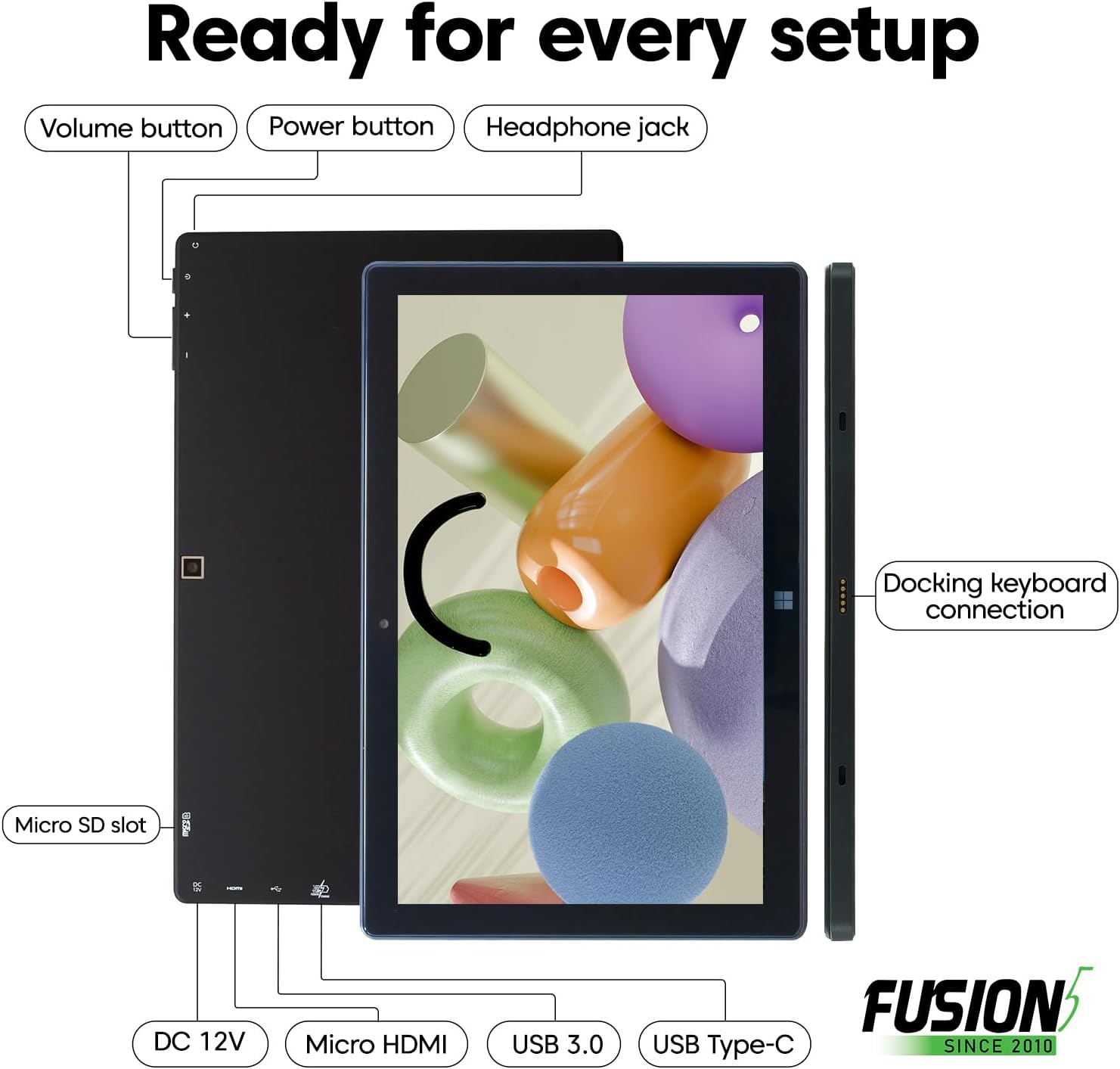
That combination matters because Windows-based tablets live or die by responsiveness. More RAM helps when you multitask—think browser tabs plus a document plus a video call—while the larger internal SSD reduces that constant “storage is full” worry. It also includes a microSD slot, so you’re not strictly locked into the built-in drive.
One limitation to keep in mind: you’re buying a tablet form factor, so it won’t replace a desktop or a laptop for everyone. If your workflow depends on heavy pro software, lots of external monitors, or long, intensive sessions, you may find a traditional computer still has the edge.
Where it shines in real use
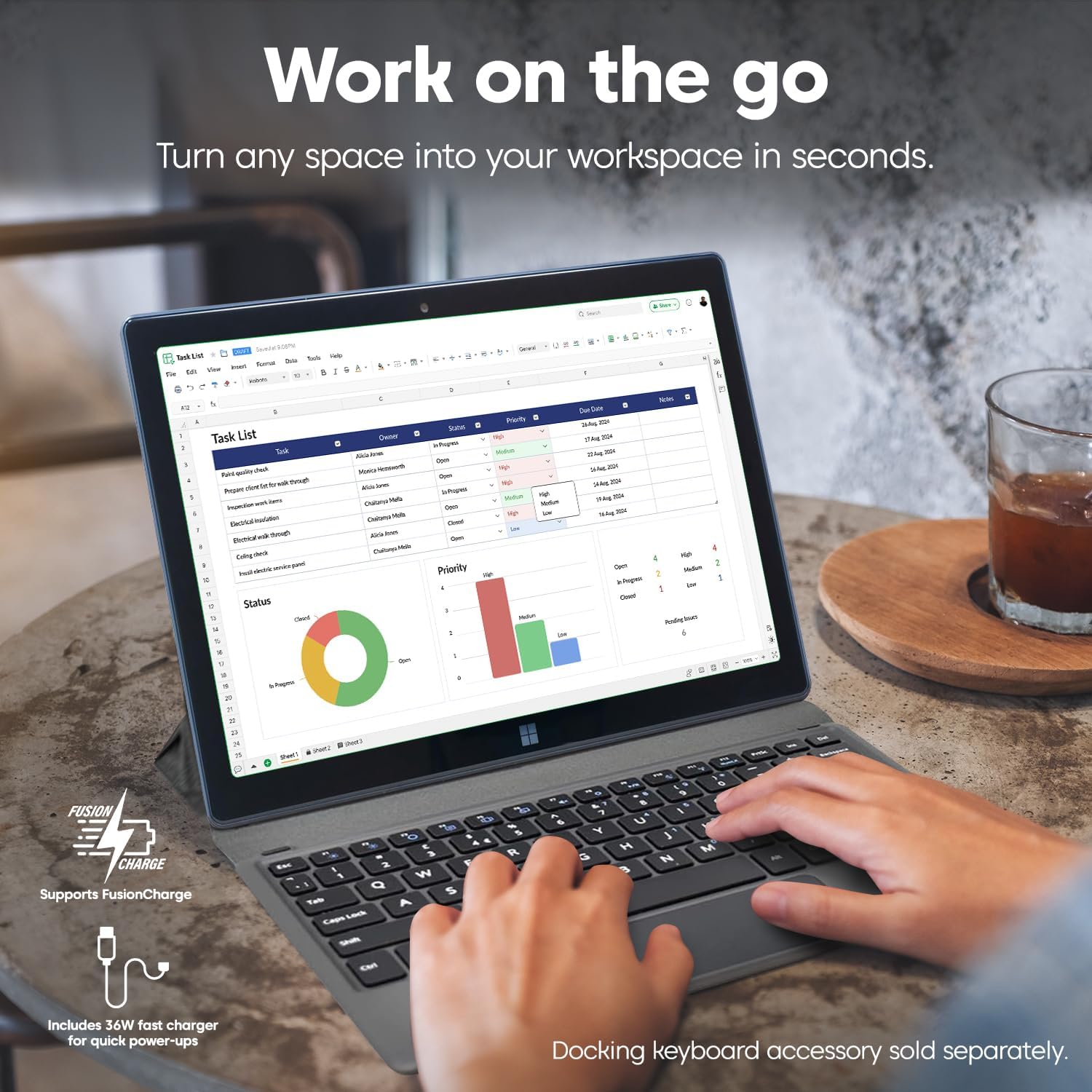
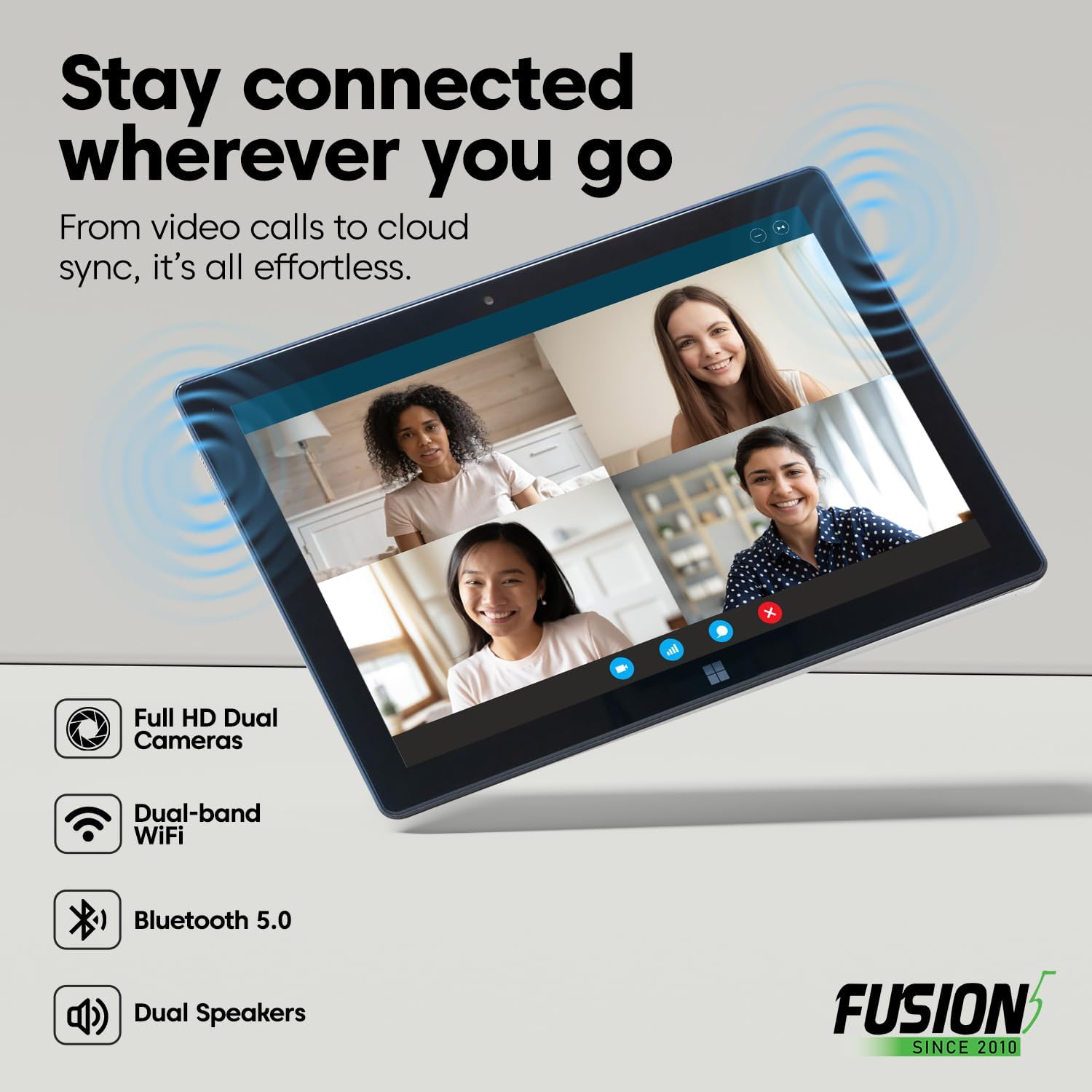
This is the kind of tablet that makes sense for “grab it and go” tasks: showing slides in a meeting room, working on docs in a café, or doing Zoom/Teams calls without hauling a full laptop. The 10.1” Full HD IPS touchscreen is built for day-to-day viewing, and the dual FHD cameras make video calls more practical than you’d expect from a small tablet.
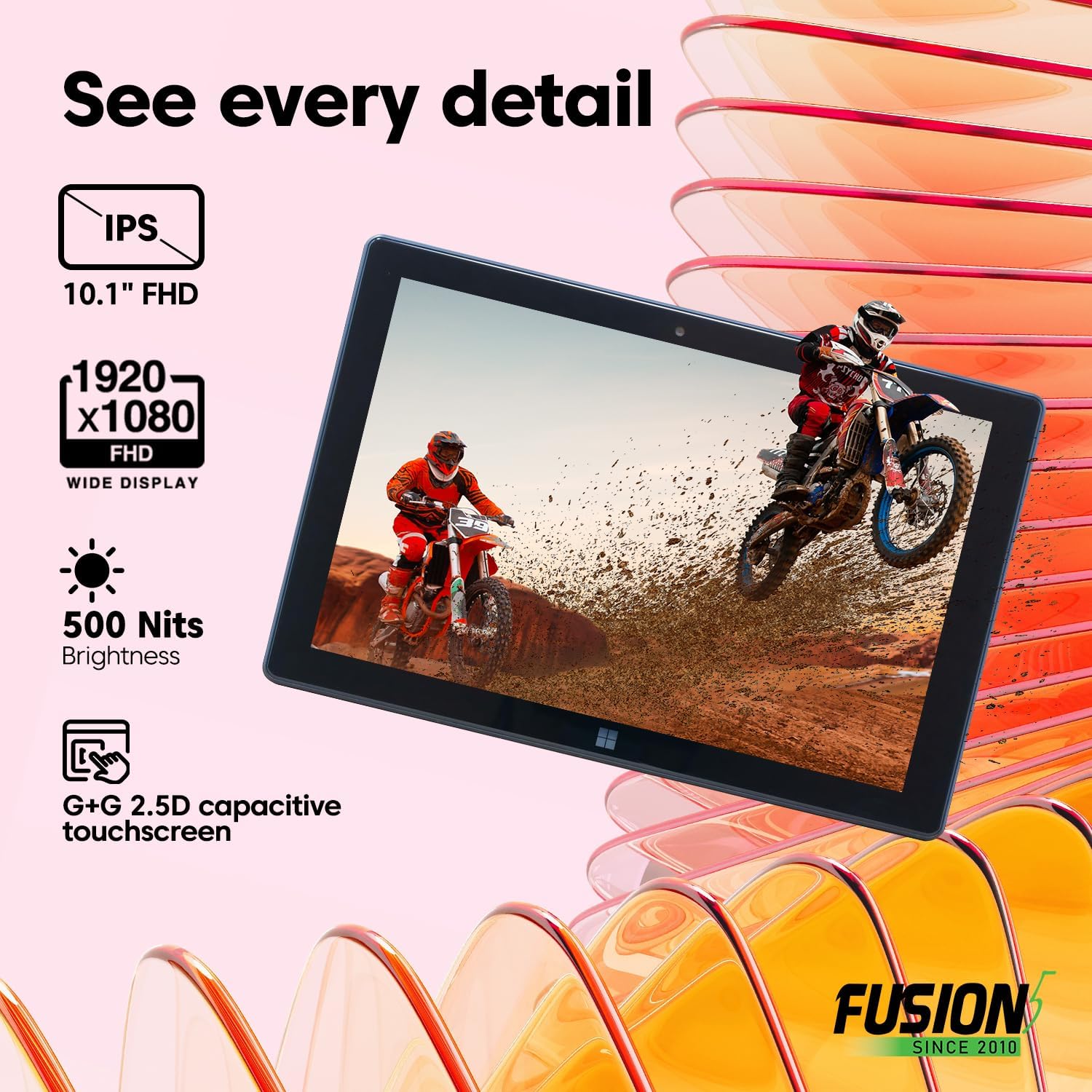
Here’s a micro-scenario that feels realistic: you open a meeting invite on the tablet, join a video call, share a prepared document, then switch back to messaging while you keep notes. The 12GB RAM + 512GB SSD combo is the part that’s supposed to keep that flow smooth. The 500 nits brightness and Full HD clarity also help when you’re not in perfect lighting.
Tech specs (the essentials)
- Name: Fusion5 FWIN232 PRO N5 Windows 11 Professional tablet PC
- Type: Windows tablet PC
- Display: 10.1” Full HD IPS touchscreen (1920 x 1080)
- Resolution: 1920 x 1080
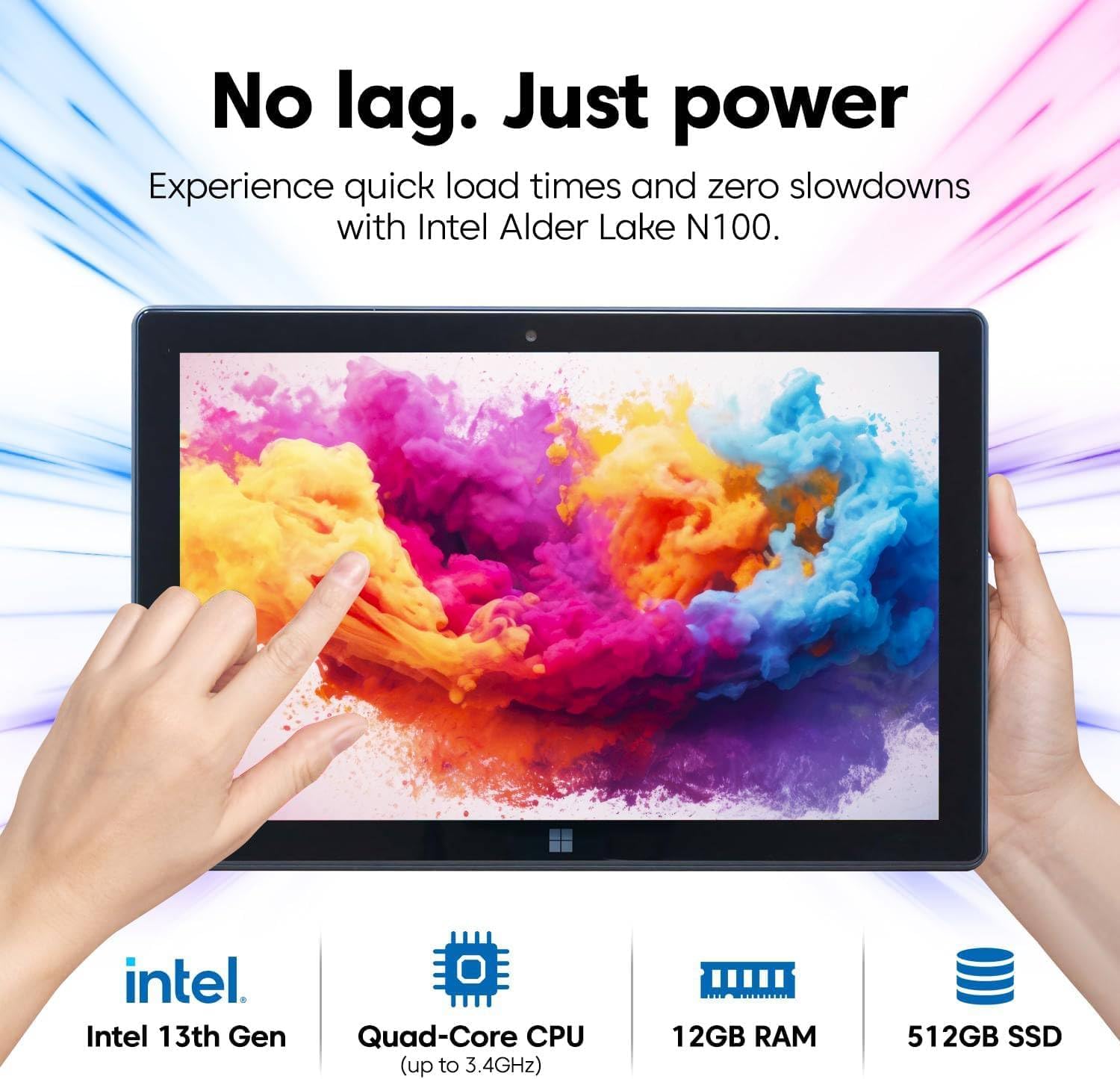
- Processor: Intel 13th Gen Alder Lake N100 quad-core
- RAM: 12GB
- Storage: 512GB SSD
- Expansion: 512GB microSD card slot mentioned for more space
- Ports: USB-C, HDMI
- Warranty: 2-year full warranty with accidental damage coverage (up to 2 incidents)
What matters most before you buy
Warranty is a big part of this model’s appeal. The entry includes a 2-year full warranty plus accidental damage coverage for up to 2 accidental damage incidents. If you’re the type who travels with electronics, uses them on the go, or just wants the safety net, that coverage can be the difference between “fine” and “comfortable.” Activation is described as a QR-code scan registration step.
Still, don’t assume this will feel identical to a larger Windows laptop. A 10.1” screen and tablet ergonomics can be limiting for long typing sessions, spreadsheets, or workflows that demand a lot of on-screen space. If your priority is reading a lot of small text or editing large documents, you may want to sanity-check whether the 10.1” size fits your habits.
Tech overview: performance and software fit
This tablet is positioned around running Windows 11 Professional and tackling more demanding tasks than basic tablets. The included Intel 13th Gen N100 quad-core processor (turbo up to 3.4GHz, with integrated GPU) is the main “can it keep up?” lever on the hardware side.
Windows 11 Pro is also a notable choice if you prefer the Professional feature set rather than Home. Over time, security and management tools can matter if you use the device for work or want more control.
Just know that performance is still context-dependent: what feels fast for web browsing and calls may feel less impressive if you’re pushing heavier apps or lots of simultaneous work tools at once.
Is it worth it?
A solid pick if you’re shopping for a compact Windows 11 Pro tablet for day-to-day productivity—especially video calls, document work, and streaming—where 12GB RAM and a 512GB SSD are the kind of specs you want to see on a tablet.
You may want to skip it if you need a big-screen workstation, plan to run very heavy software for extended periods, or you know you’ll strongly prefer laptop-style ergonomics.
If you prioritize portability plus Windows apps, and the included 2-year warranty with accidental damage coverage matters to you, this Fusion5 model looks like it’s built for that lane.
Mini FAQ
1) What’s the main purpose of this Fusion5 tablet?
It’s designed as a Windows tablet PC for everyday productivity tasks on the go—like video calls, streaming, and running Windows apps—thanks to Windows 11 Professional and a mid-level RAM/SSD setup.
2) Does it support expansion for extra storage?
Yes, the product description mentions a microSD card slot for additional space.
3) What warranty coverage is included?
It includes a 2-year full warranty, with accidental damage coverage for up to 2 accidental damage incidents, activated through a QR-code registration process.
4) Is the screen good enough for video calls and content?
The 10.1” Full HD IPS touchscreen and described 500 nits brightness are meant to deliver clear visuals for calls and media, though comfort for long work sessions depends on your screen-size expectations.
5) Will it replace a laptop?
It can be a strong tablet alternative for lighter-to-moderate Windows work, but if your workflow depends on larger displays, extensive typing, or heavy applications, a laptop may still be the better match.