

TiMOVO Case for New iPad Air 13 inch (M4/M3/M2, 2024–2026) with Pencil Holder, Clear Back & Auto Sleep/Wake, Light Gray
Reviews
Price
Product description
What this case is for (and why it matters)
If you’ve got an iPad Air 13 inch and you want day-to-day protection without hiding the look, this TiMOVO case is built around a simple idea: cover the front, cushion the corners, and keep a clear view of the back. It uses a front PU leather cover with a soft microfiber interior to help guard against scratches, plus a hard, clear PC back so the original color (and any engraving you already have) can still show.
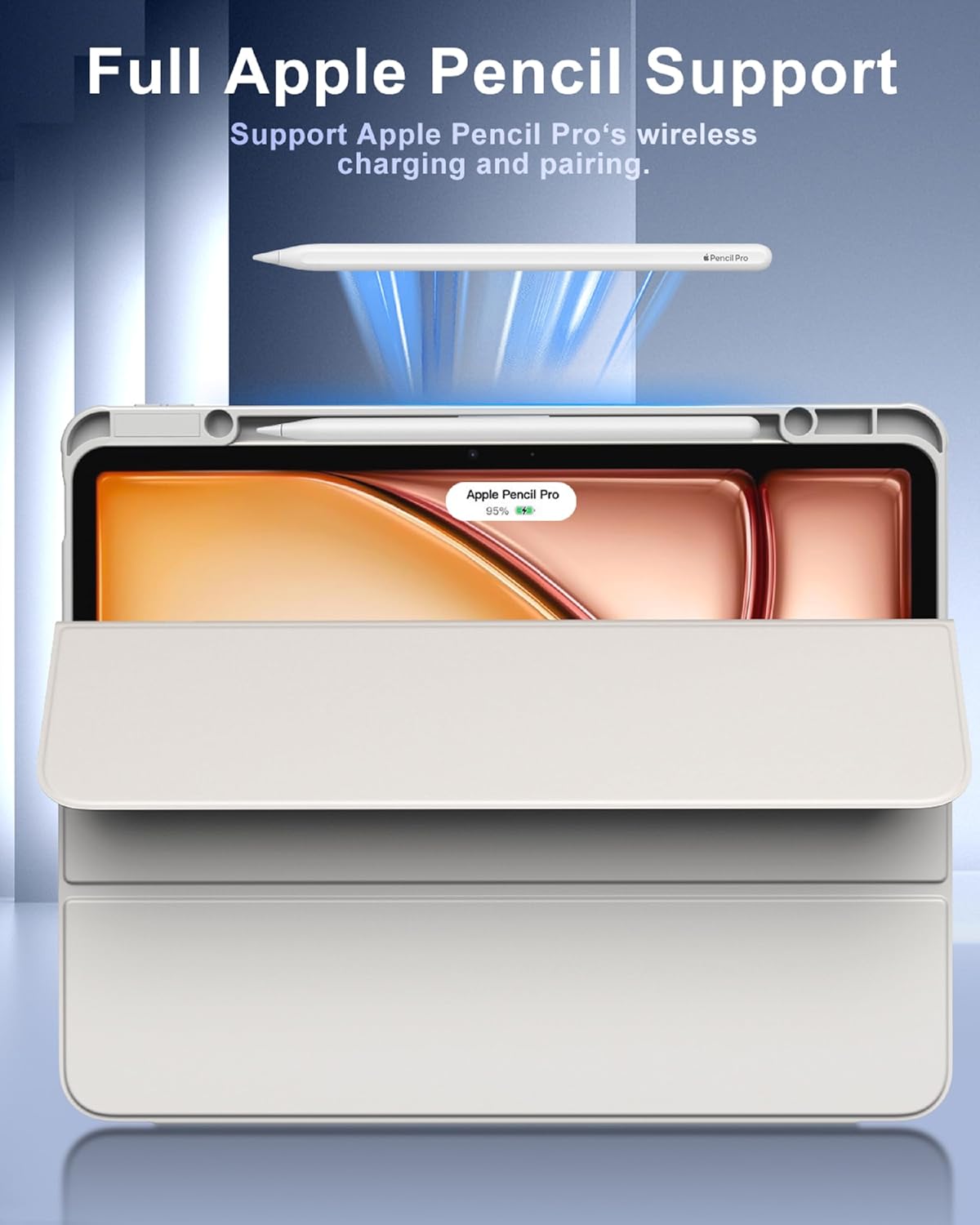
On paper, it’s aimed at people who carry their iPad around a lot—school, commuting, work bags—where small impacts and scuffs are the norm, not the exception. It also includes an integrated pencil holder, so you’re less likely to misplace the stylus mid-project. Is it perfect? Not everyone will love cases that put a thicker frame around the tablet, and the pencil holder is only useful if your workflow actually includes using a pencil regularly.
Key points
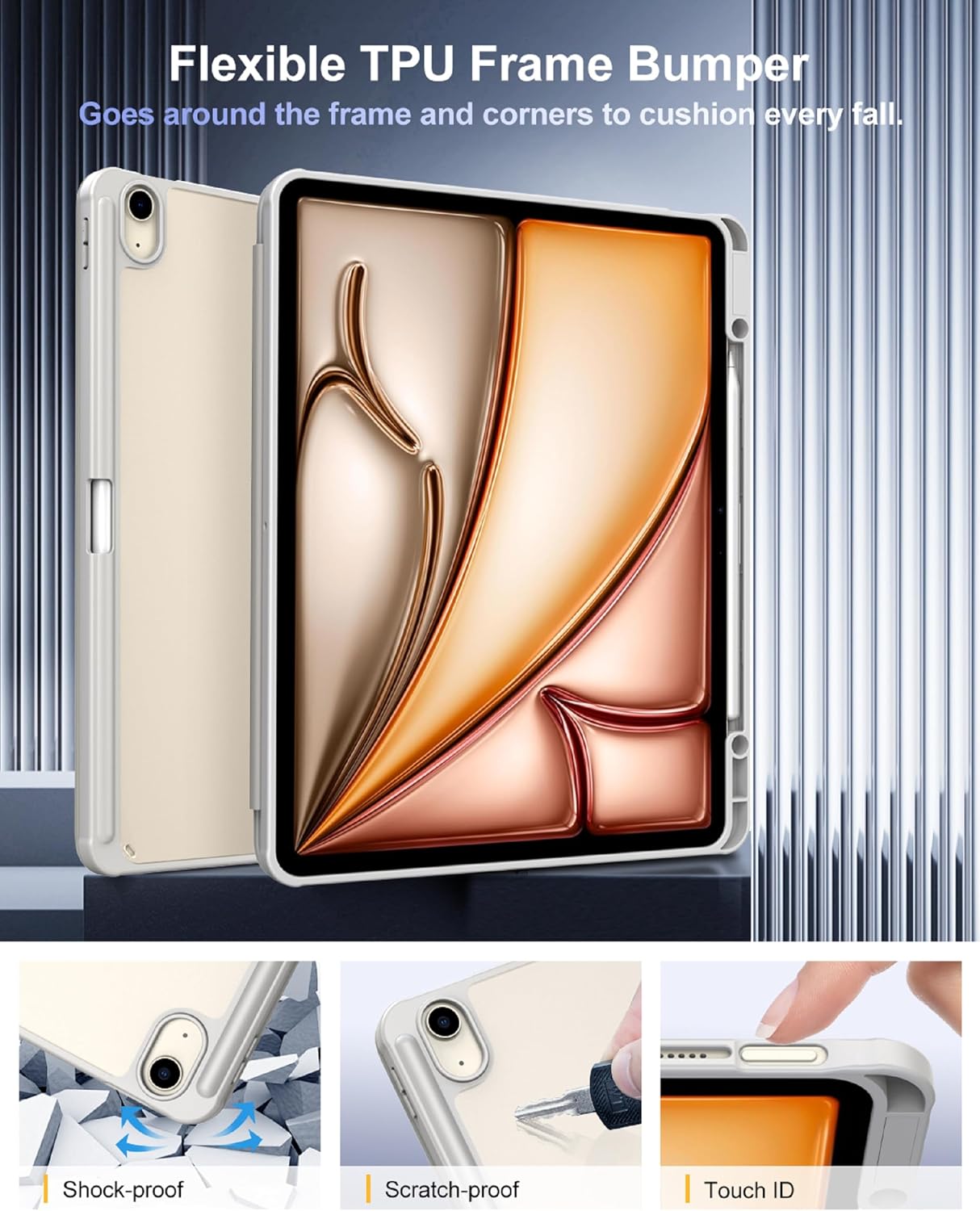
The main selling points are the mix of protection and convenience. The hard PC back with a shockproof TPU bumper is meant to handle drops and impacts better than a fully thin cover would. The microfiber interior is there to reduce the chance of dust and grit scratching the iPad surface over time.
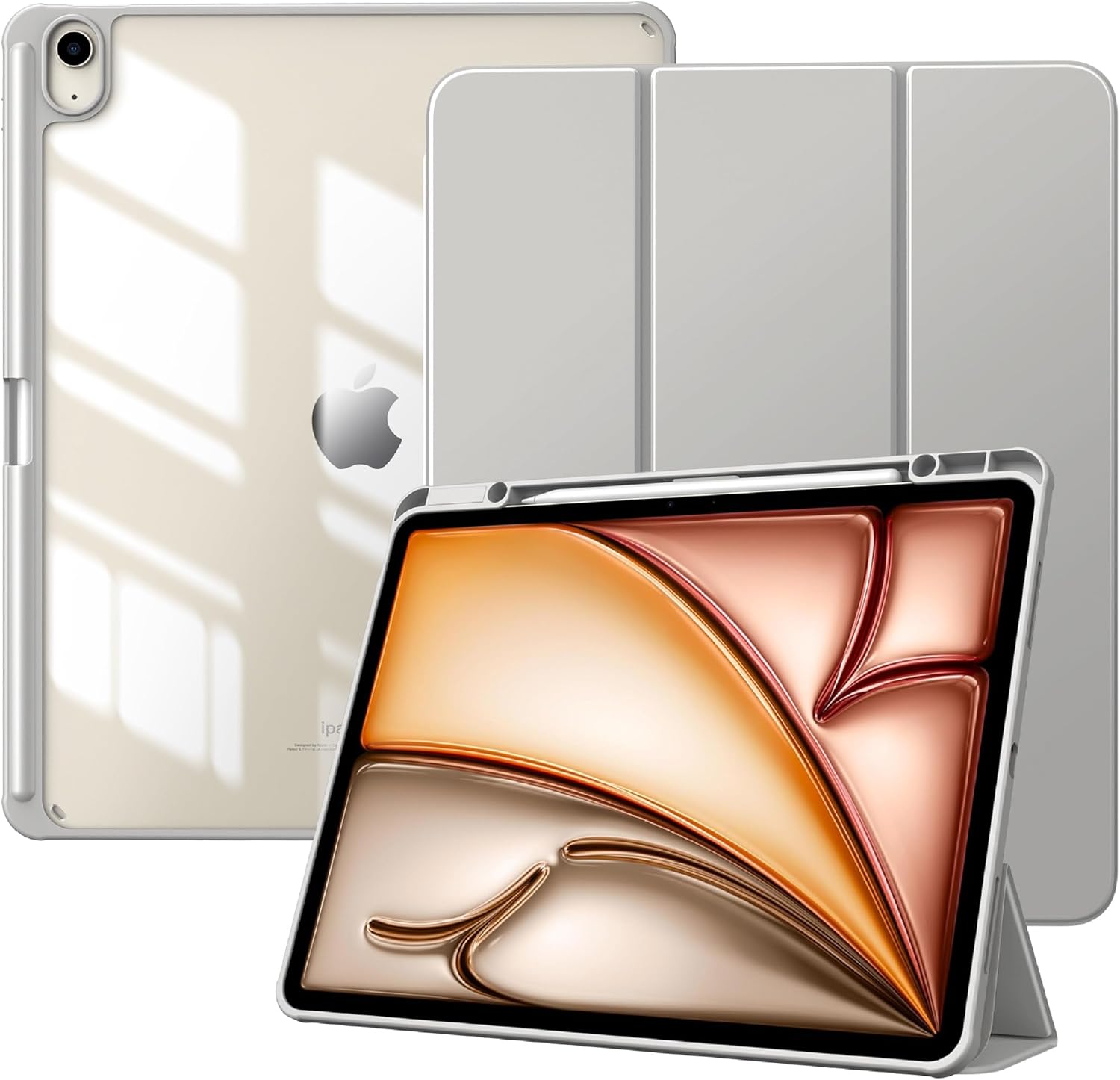
You also get an auto sleep/wake feature with a built-in magnetic strip. That means when you open or close the lid, the iPad can wake or sleep automatically—useful for quick check-ins where you don’t want to think about pressing power.
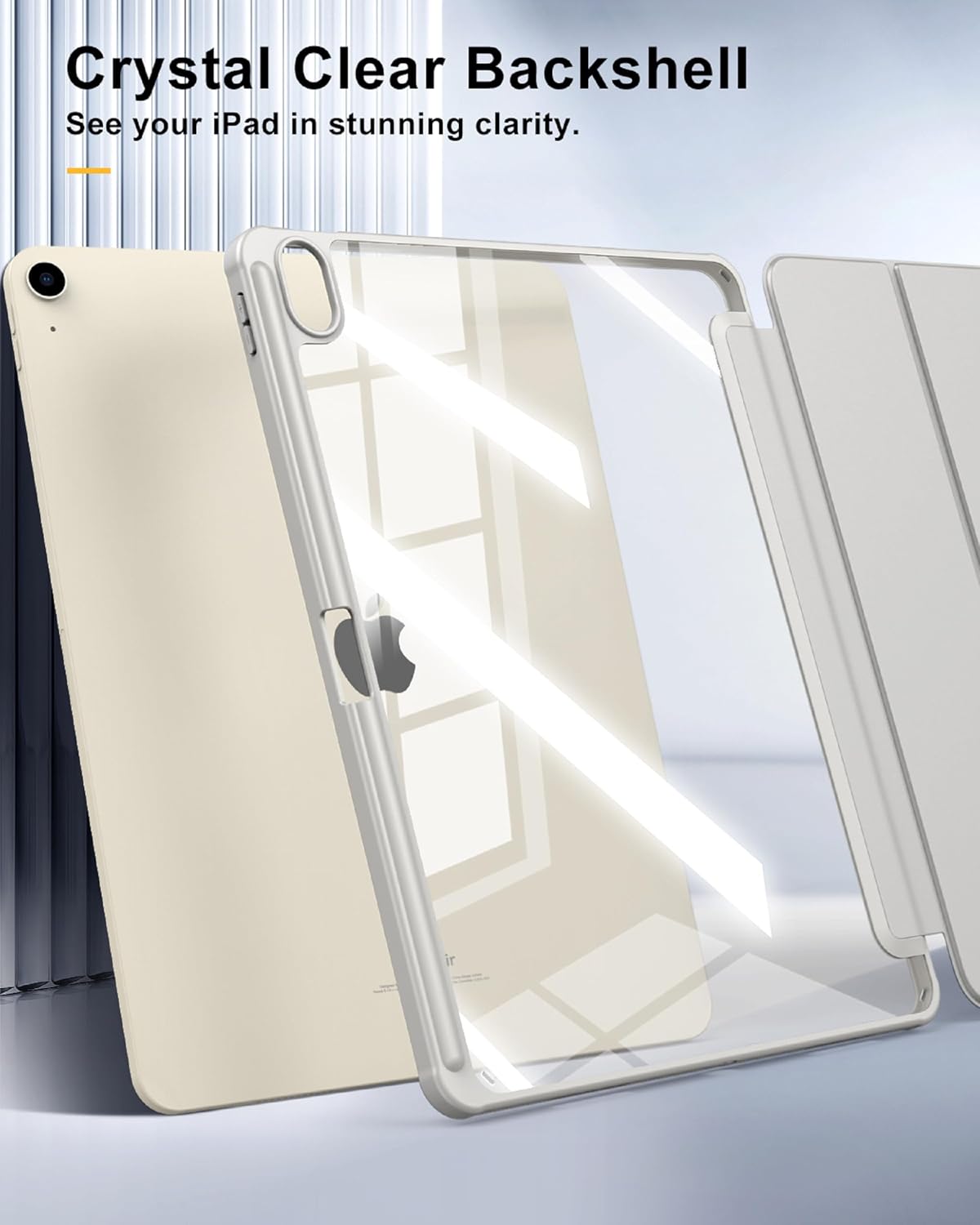
The clear back is a nice touch if you care about how the iPad looks. Instead of swapping the look for a matte shell, you keep visibility of the original color and any personalization. That “show it off while still protecting it” approach is exactly the kind of thing many people want from a clear-back case.
Tech specs
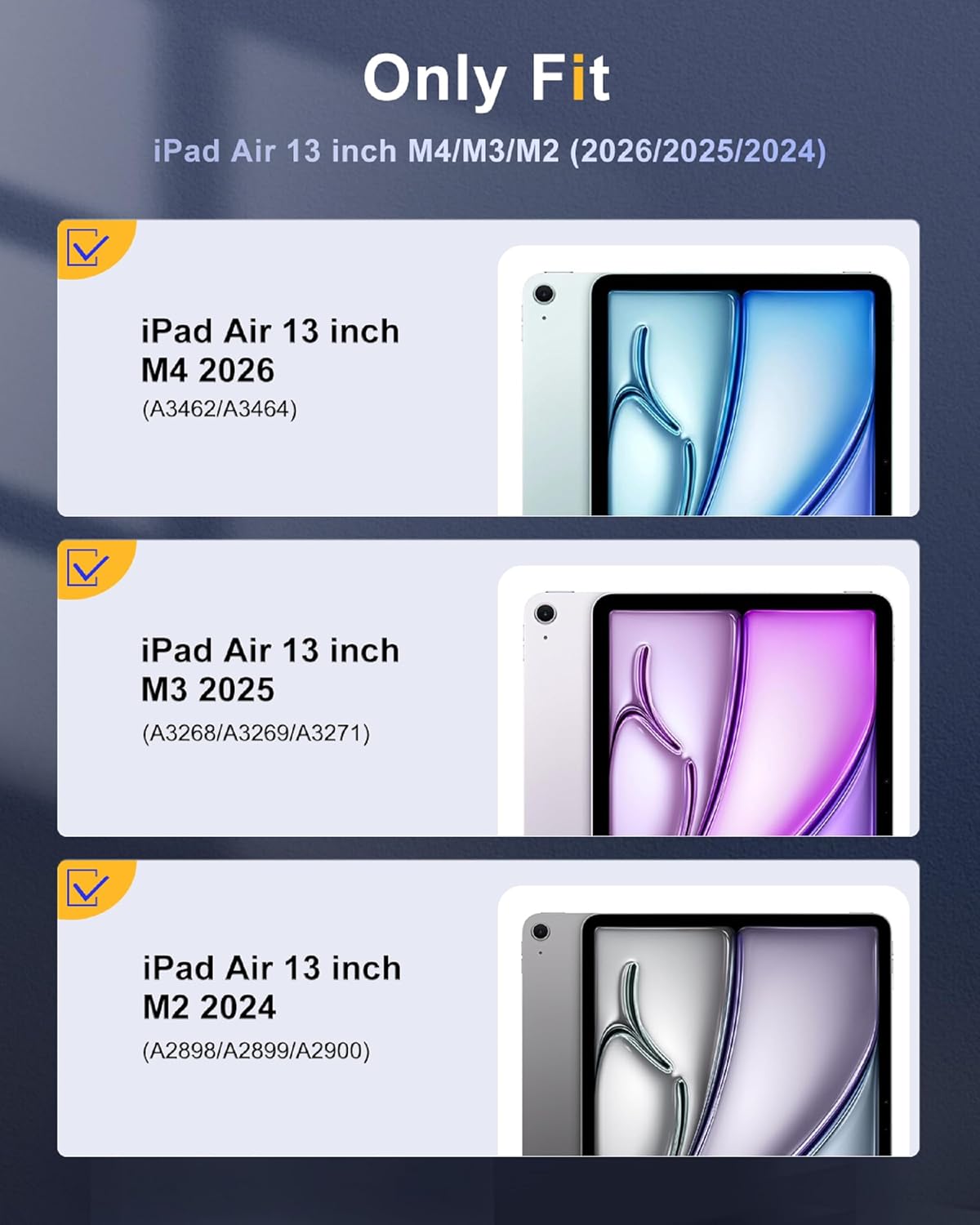
- Compatibility: iPad Air 13 inch M4 2026 (Model number: A3462/A3464), iPad Air 13 inch M3 2025 (Model number: A3268/A3269/A3271), iPad Air 13 inch M2 2024 (Model number: A2898/A2899/A2900)
- Protection materials: front PU leather, soft microfiber interior, hard PC back, shockproof TPU bumper
- Clear back: transparent PC back shell
- Pencil storage: built-in pencil holder (pencil not included)
- Wake/sleep: auto sleep/wake via built-in magnetic strip
- Color: light gray
What you’ll notice in everyday use
The biggest practical difference is the front cover + auto sleep/wake. In real day-to-day terms, it’s the kind of convenience that reduces friction: you close the lid between meetings or classes and the iPad goes to sleep, then opening it gets you back into your app without extra steps.
Another “you’ll feel it” point is the pencil holder. If you sketch, annotate PDFs, or take handwritten notes, having the stylus clipped in place helps keep your routine smoother. For example, you could keep the pencil stored while walking to a coffee shop, then pull it out instantly when you sit down—no rummaging through a bag mid-session.
The clear back also changes the vibe of using the tablet. You don’t get the same sealed-off look as you might with a fully opaque case, so it feels more like protection with visibility rather than total disguise. Just keep in mind that clear shells can show wear more easily than you’d expect from darker finishes, so it’s worth handling with care.
Where it shines (and where it may fall short)
This is a solid match if you prioritize: - Scratch prevention and daily protection through a microfiber-lined interior - Drop/impact buffering with a shockproof TPU bumper - Auto sleep/wake behavior for quicker open/close use - Keeping a clear view of your iPad’s color (and engraving) - Having a pencil holder integrated into the case
It might not suit you as well if you prefer a very lightweight, minimalist cover. Also, the auto sleep/wake feature depends on the magnetic strip setup, so if you’re extremely sensitive to how quickly devices respond, you may want to pay attention to your own expectations before committing.
And there’s a very important limitation to note: the instructions say to remove the inner and outer film before putting on the protective case. If you skip that step, the fit and finish won’t be what you expect.
Compatibility checklist before you buy
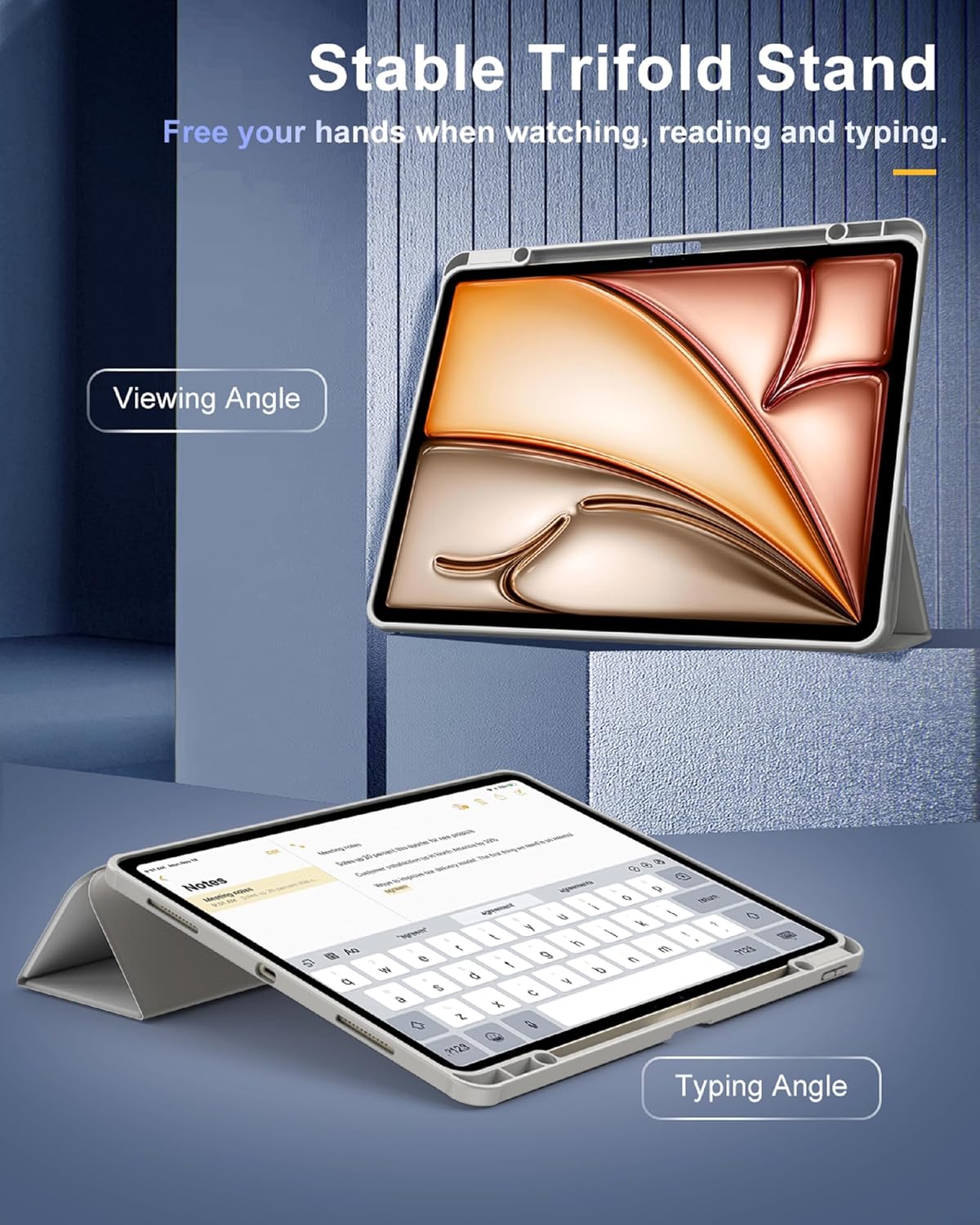
This case is described as precisely designed for specific iPad Air 13 inch models. The seller specifically lists model numbers for iPad Air 13 inch M4 2026 (A3462/A3464), iPad Air 13 inch M3 2025 (A3268/A3269/A3271), and iPad Air 13 inch M2 2024 (A2898/A2899/A2900).
Before purchasing, it’s worth verifying your iPad’s model number matches one of these. The quickest way to avoid an annoying mismatch is to double-check that model number rather than relying only on the “M2/M3/M4” label.
In the box
No specific package contents are provided in the details you shared, other than noting that a pencil is not included.
Is it worth it?
This TiMOVO case makes sense if you want a practical iPad Air 13 inch cover that protects the front and corners, keeps the back visible with a clear shell, and adds auto sleep/wake convenience plus a built-in pencil holder. It’s the kind of bundle that supports everyday carry and note-taking without forcing you to remove the case for basic access.
You may want to skip it if you’re chasing the lightest possible feel, or if you’re not using a pencil often enough to justify the built-in holder. Also, if you’re the type who takes “setup instructions” lightly, remember the clear-film removal note—doing it wrong can spoil the experience.
Mini FAQ
Does the case include a pencil?
No. The details explicitly say the pencil is not included.
Will I need to remove the case to access ports and buttons?
According to the description, you have full access to buttons, charge ports, speakers, and other controls without removing the case.
How does auto sleep/wake work?
It uses a built-in magnetic strip so the iPad can automatically wake or go to sleep when the lid is opened or closed.
Which iPad Air 13 inch models is it made for?
It’s listed for iPad Air 13 inch M4 2026 (A3462/A3464), iPad Air 13 inch M3 2025 (A3268/A3269/A3271), and iPad Air 13 inch M2 2024 (A2898/A2899/A2900). Verify your model number before buying.
What should I do before installing the case?
The listing notes you should remove the inner and outer film before putting on the protective case.