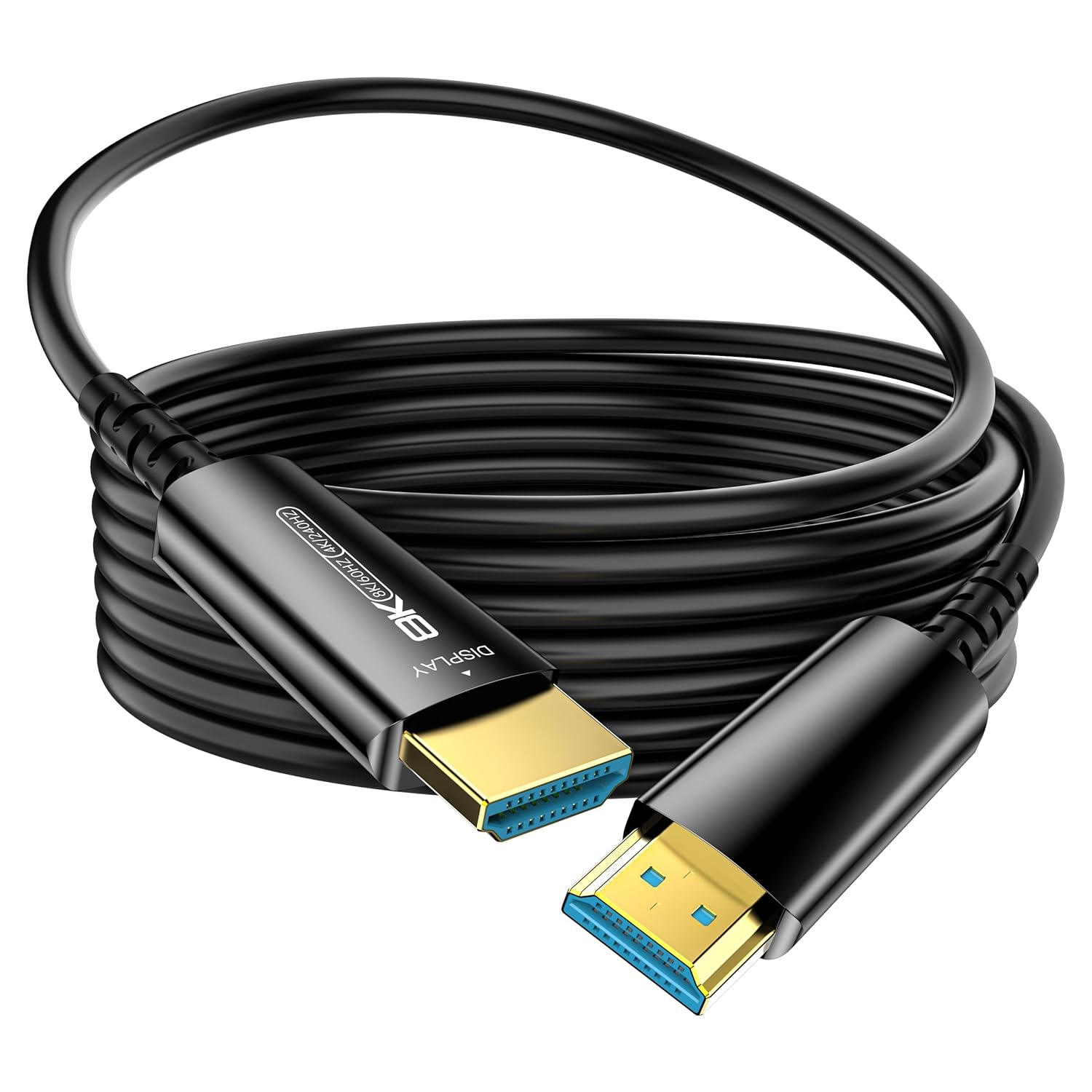
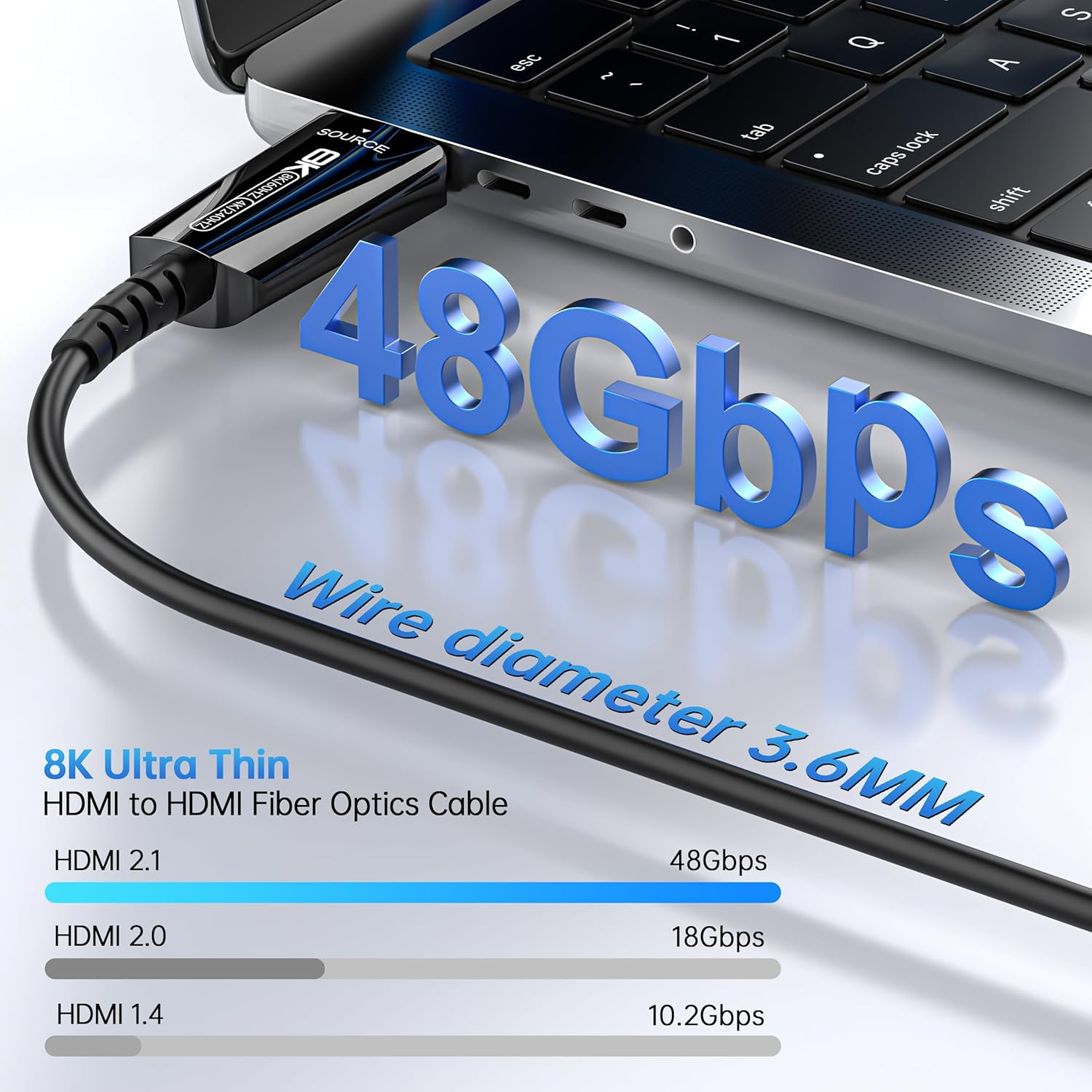
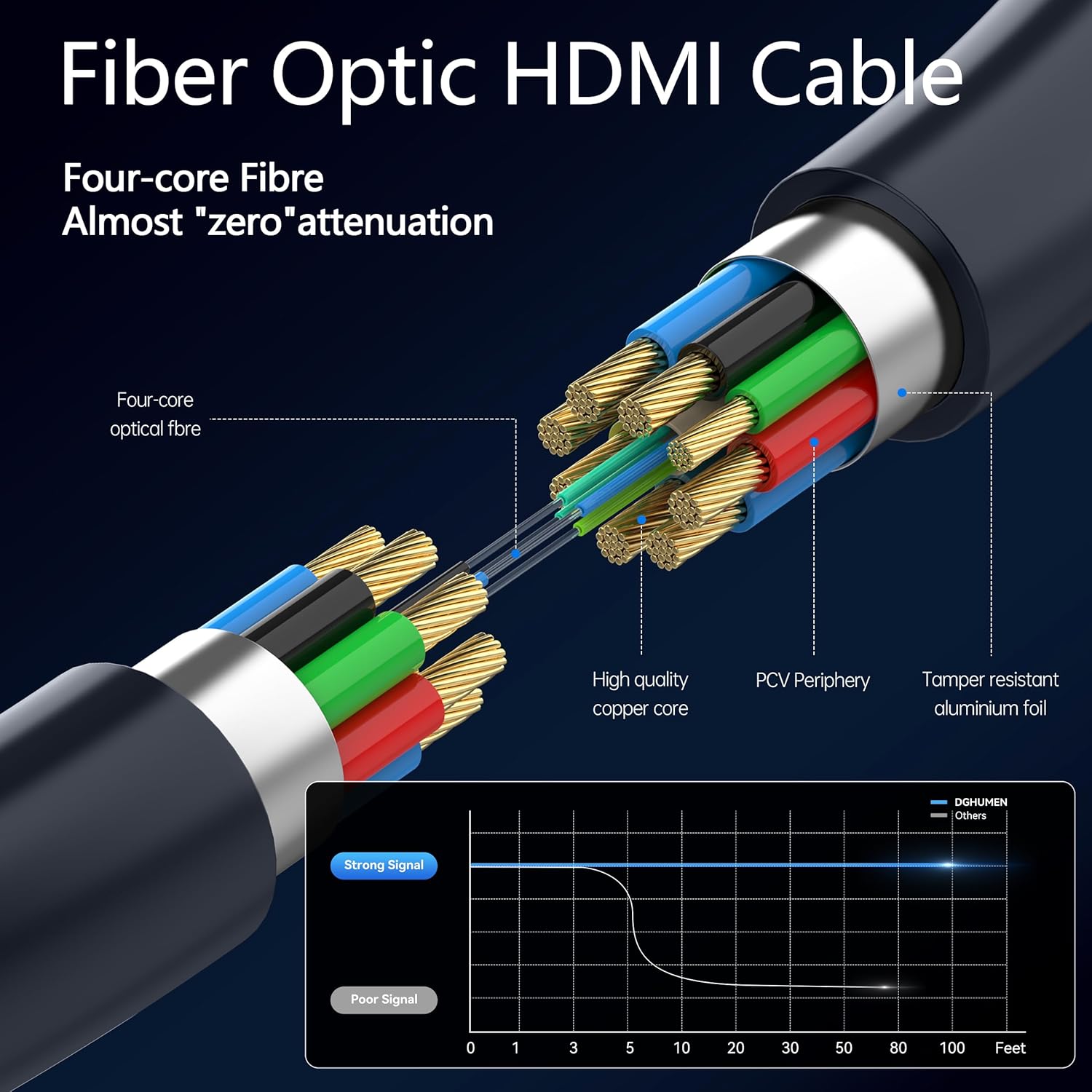
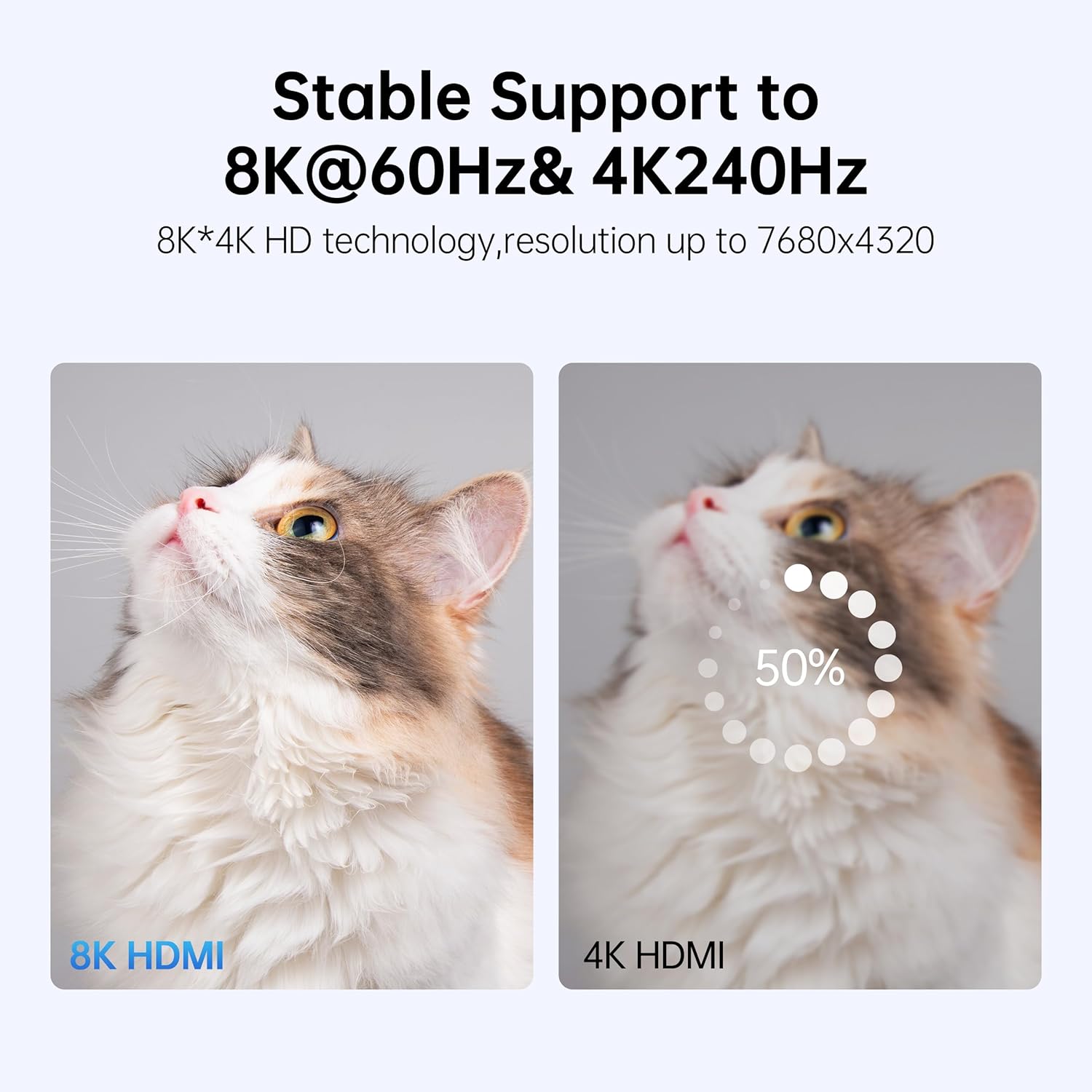
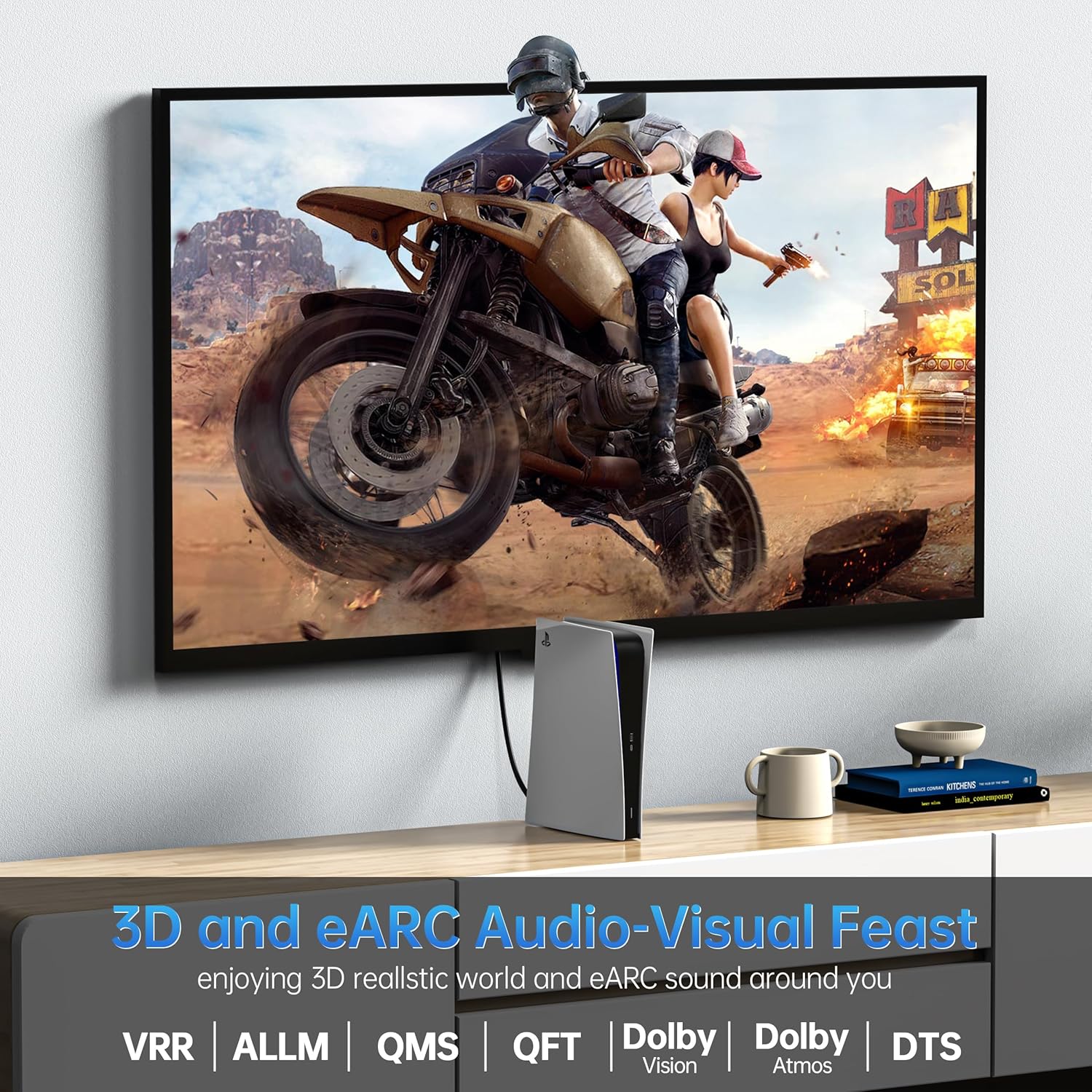
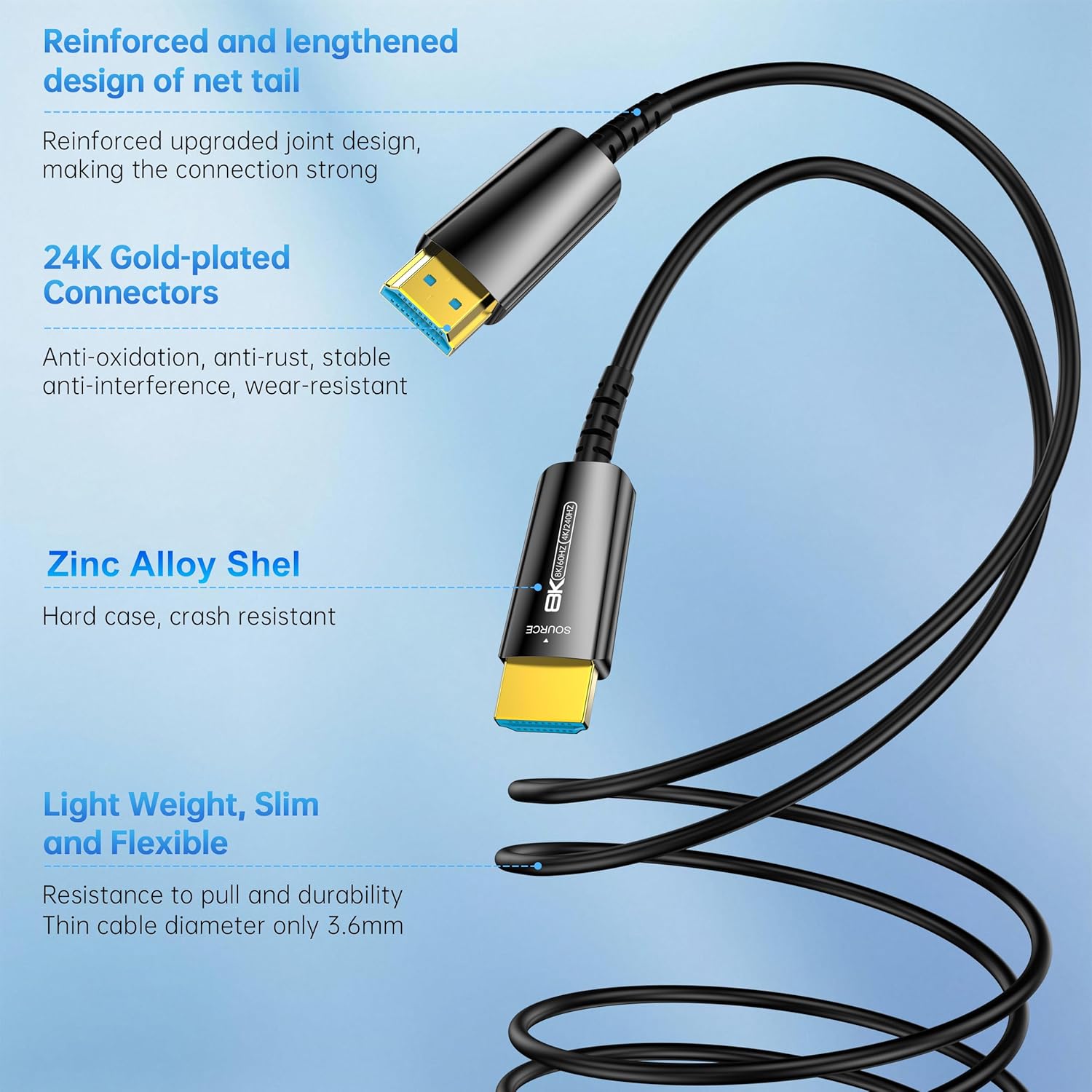
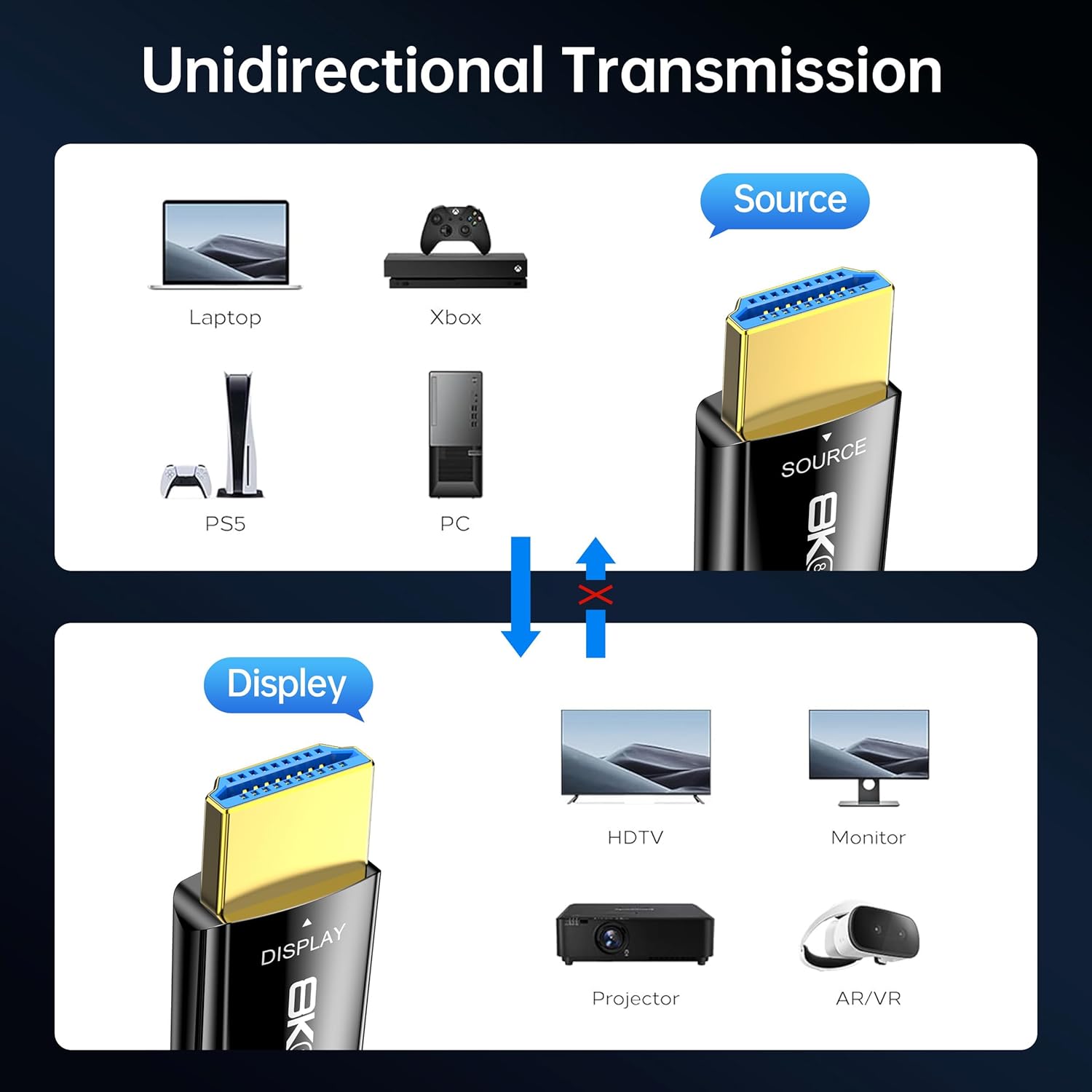
What it is and what it solves\nThe DGHUMEN Fiber Optic HDMI Cable is a long, unusually thin HDMI 2.1 cable designed to carry 8K at 60Hz or 4K at 240Hz with up to 48Gbps bandwidth. Its fiber optic core aims to reduce signal attenuation over long runs, which helps when you’re wiring large spaces, home theaters, or office setups where a traditional copper HDMI cable would struggle. On paper, you get a robust mix of high resolution, fast refresh rates, and a slim profile that’s easier to run through walls, ceilings, or cable ducts.\n\n## Core strengths you’ll notice in use\nThe cable is built to support Dynamic HDR, eARC, HDCP 2.2/2.3, 3D and other HDMI 2.1 features. The connector housings use a zinc alloy with gold-plated tips and include an anti-bending tail, which should help durability in long runs or heavy-use installations. The official diameter is a slim 0.14 inches (3.6 mm), which makes it notably thinner than many copper alternatives and can simplify routing in tight spaces.\n\n## What stands out about the design\nUnidirectional transmission matters here: the plugs are labeled SOURCE and DISPLAY. Correct orientation is essential to get a signal from your source (laptop, PC, PS4/PS5, Xbox, Blu-ray, etc.) to the display (TV, monitor, projector). If you plug them backwards, you won’t see a signal, which is a practical checkpoint during setup.\n\n## Pros and cons in practical terms\nPros: very long reach without significant signal loss in theory, ultra-thin form factor, supports high-bandwidth HDMI 2.1 features, solid connector build, durable housing and anti-bending design. Cons: the long length requires careful routing to avoid physical strain, and the positive signal depends on correct SOURCE/DISPLAY orientation and compatible devices.\n\n## Who it’s for\nIt fits home theaters, dedicated gaming rooms, and office renovations where you need 100 ft of cable without a big, stiff copper cable. If you’re wiring between a media PC, game console, or Blu-ray player and a distant projector or wall-mounted display, this cable can reduce clutter while delivering high-resolution video.\n\n## When it makes sense to buy\nOpt for this cable if you’re outfitting a space with long cable runs and you want the potential for 8K or very high-refresh 4K content, with a thinner, lighter cable that’s easier to route. It’s also appealing if you’re prioritizing durability over numerous little flexes, given the anti-bending design.\n\n## When it may not be the best choice\nIf your setup doesn’t require 100 ft or doesn’t demand 8K/240Hz, a shorter or more flexible copper HDMI option could be simpler and less pricey. Also, ensure your devices support the full HDMI 2.1 feature set to realize the highest refresh rates and HDR capabilities.\n\n## What to check before buying\nConfirm your source and display are HDMI 2.1 capable and that you’re organized for a long run where routing won’t impose repeated sharp bends. Remember the orientation—Source to Display—before final connections.\n\n## How it compares to other approaches\nFor shorter distances, a standard copper HDMI cable may suffice, but for very long runs or professional installations, fiber optic options like this one can maintain signal integrity better and reduce bulk. If you’re prioritizing a minimal, clean installation and don’t need extreme lengths, a more typical 4–8 meter copper cable could be cheaper and easier to route.\n\n## FAQ (quick answers)\n- Q: Do I need special adapters for this fiber optic HDMI cable? A: No adapters are required if your devices support HDMI 2.1 and you plug Source to Display correctly.\n- Q: Is 100 ft the maximum length? A: The product listing specifies 100 ft, verify if your setup needs exactly that reach.\n- Q: Will this work with all gaming consoles? A: It should work with PS4/PS5 and Xbox as long as the devices and display support the intended HDMI features.\n- Q: How durable is the cable? A: It uses gold-plated connectors, zinc alloy housing, and anti-bending design, rated for many bends, but long-term durability also depends on installation conditions.\n\n## Decision: Is it worth it?\nIf you’re planning a long-distance, high-bandwidth HDMI run and want to preserve signal quality at 8K/4K with the thinnest possible cable, this DGHUMEN fiber optic option is worth considering. It won’t be the first pick for casual setups or shorter distances, but it can shine when routing across rooms or ceilings where copper cables would be impractical. If you prioritize ease of routing over maximum bandwidth, you may want to compare shorter fiber or copper options too.