

Silkland VESA-Certified DisplayPort 2.1 Cable (DP80) 80Gbps, 6.6FT with Secure Latch
Product description
What this cable is for
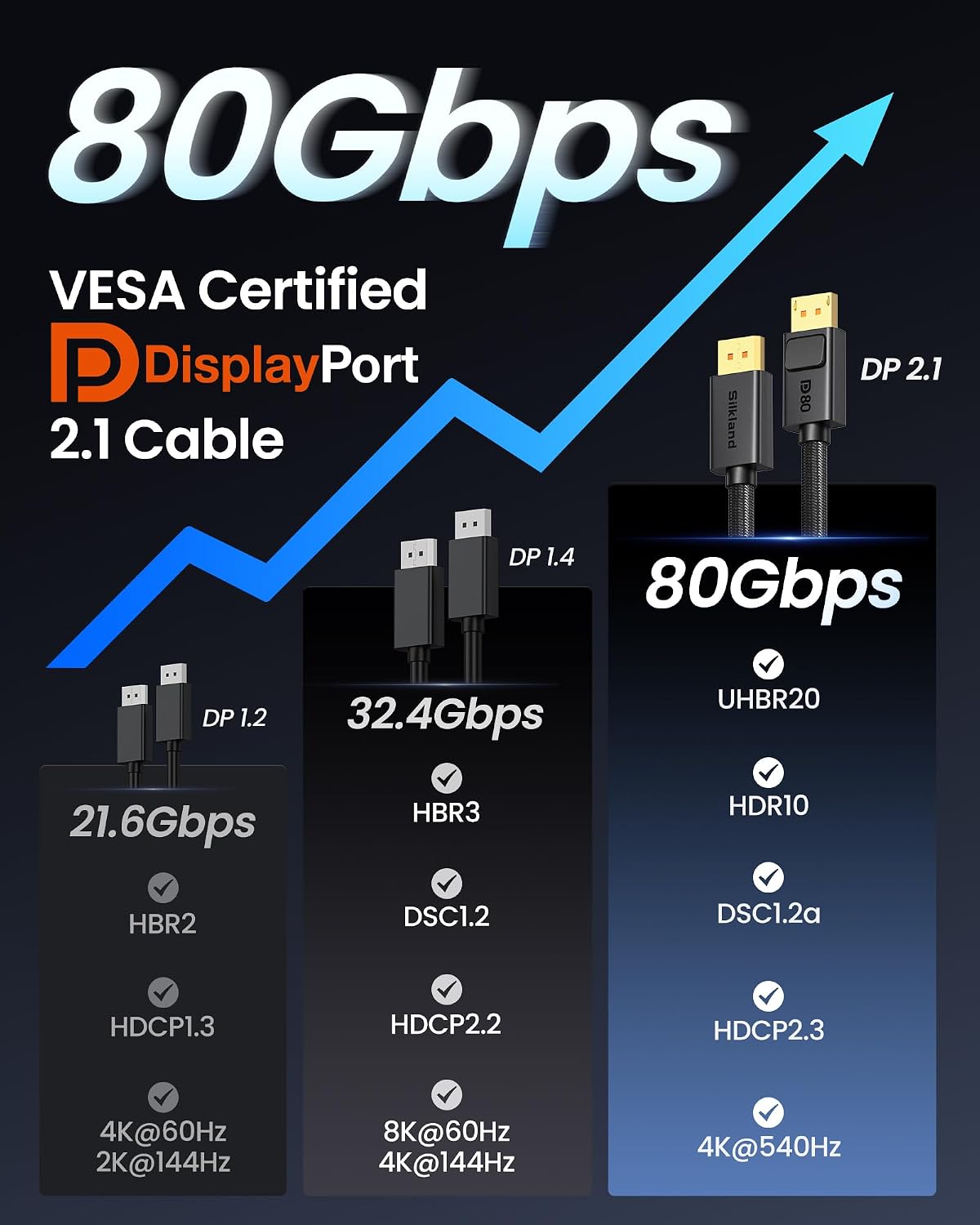
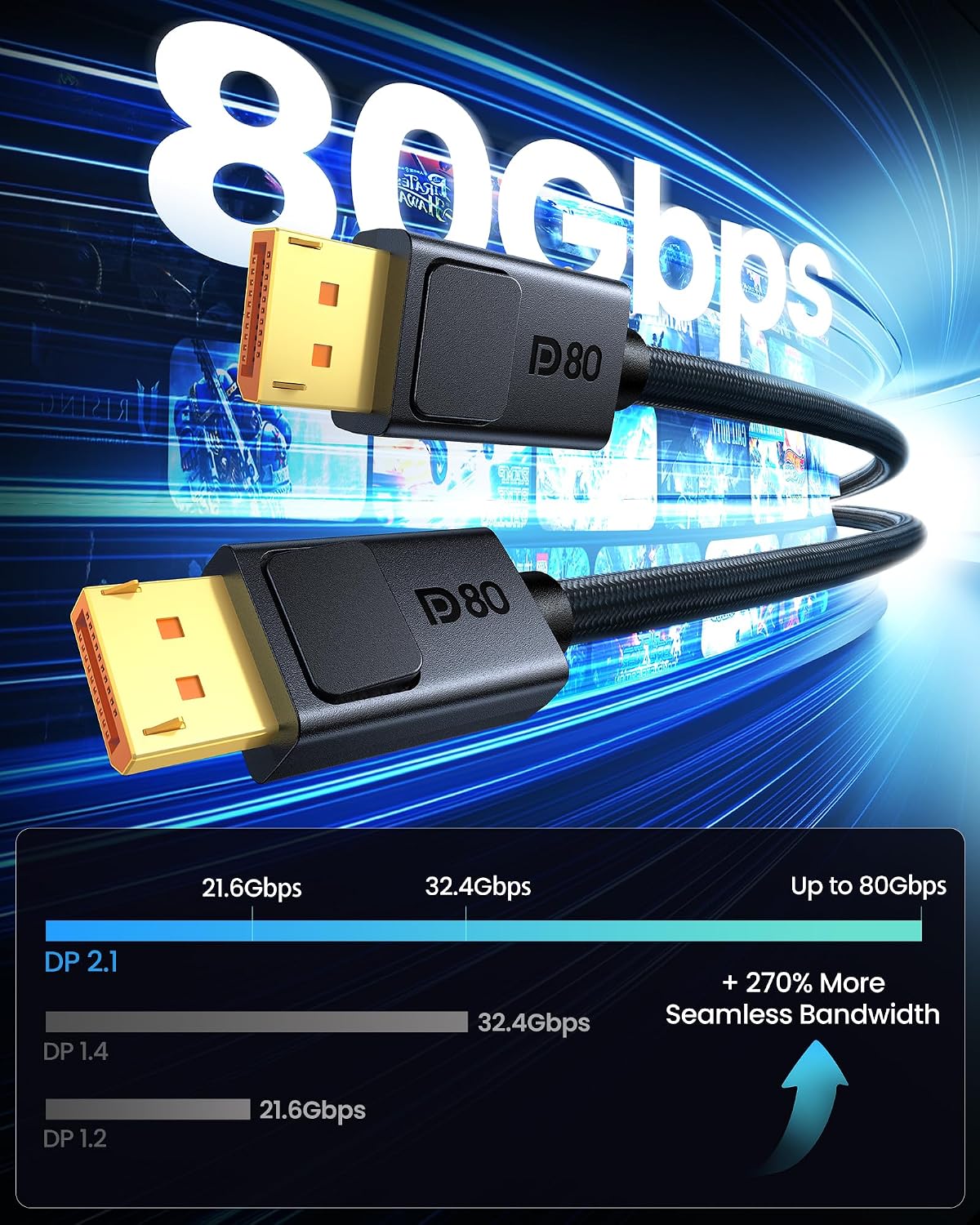
If you’re running a gaming monitor off a DisplayPort connection and care about smooth motion, this Silkland DisplayPort 2.1 cable is built around high-throughput video delivery. The big selling point is its 80Gbps bandwidth and VESA certification (DP80), which—on paper—sets it up for modern high-refresh setups and advanced display features.
Where this gets interesting is the combination: DP 2.1 support plus support for DSC 1.2a and multiple modern signaling features mentioned in the product info (like VRR and dynamic HDR). In real buying terms, it’s the kind of cable you choose when your current one feels like a bottleneck or you want more confidence that the link can keep up.
That said, it’s still “just” a cable—so performance is only as good as your monitor, GPU, and what they’re actually configured to output.
The essentials (key points)
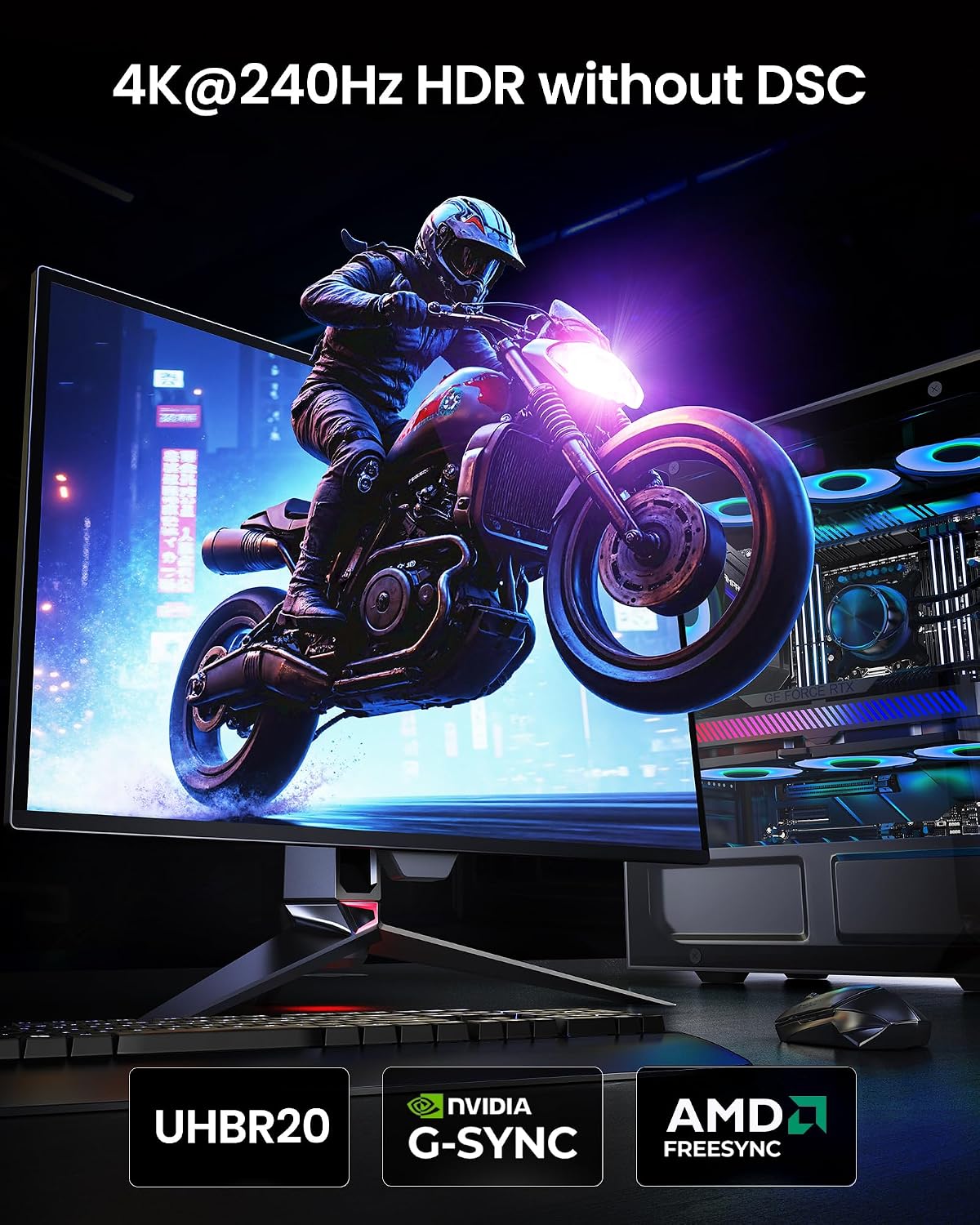
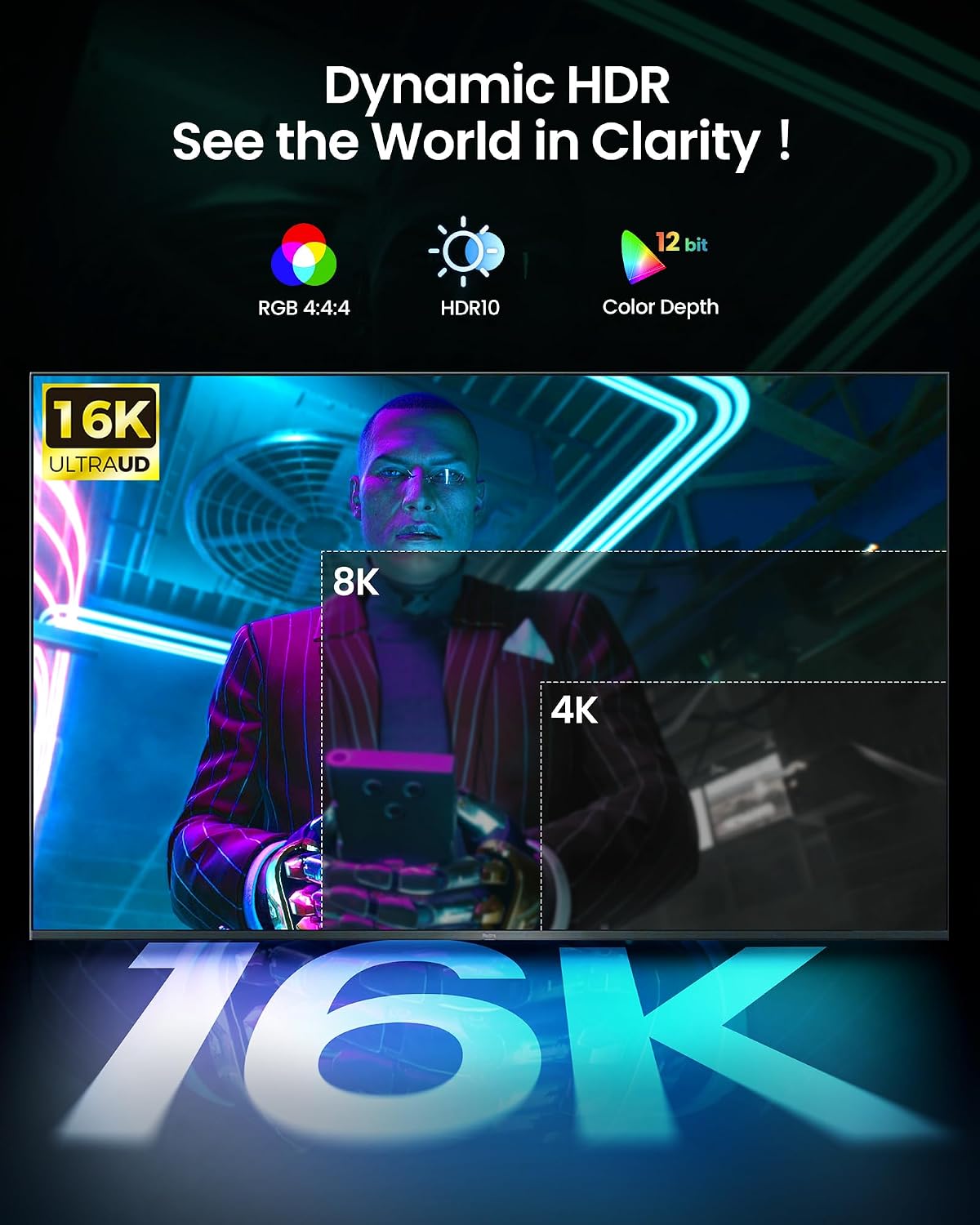
This Silkland DisplayPort cord is designed for high-speed data transfer and stability. The spec is positioned for demanding resolutions and refresh rates, including support for uncompressed-style options called out in the listing (example: 4K@240Hz, 8K@60Hz, 2K@540Hz) and higher modes “with DSC enabled” (the listing also references up to 16K@60Hz and 8K@240Hz).
It also claims support for dynamic HDR10+, HDCP 2.3, 3D, and “uncompressed audio” configurations such as 7.1/5.1/2.0 channel setups. If you want less fuss with audio/video sync and fewer compatibility headaches, that matters.
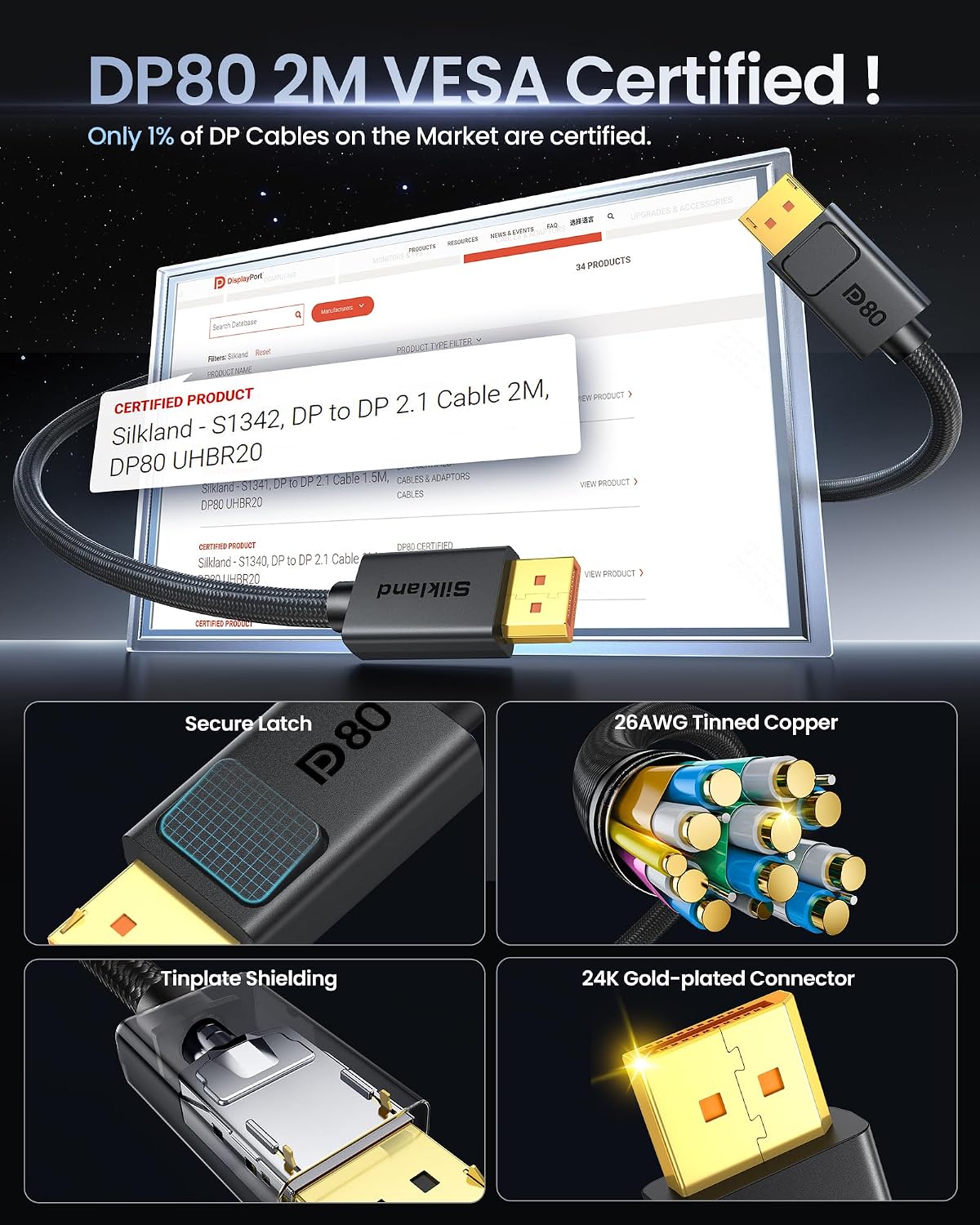
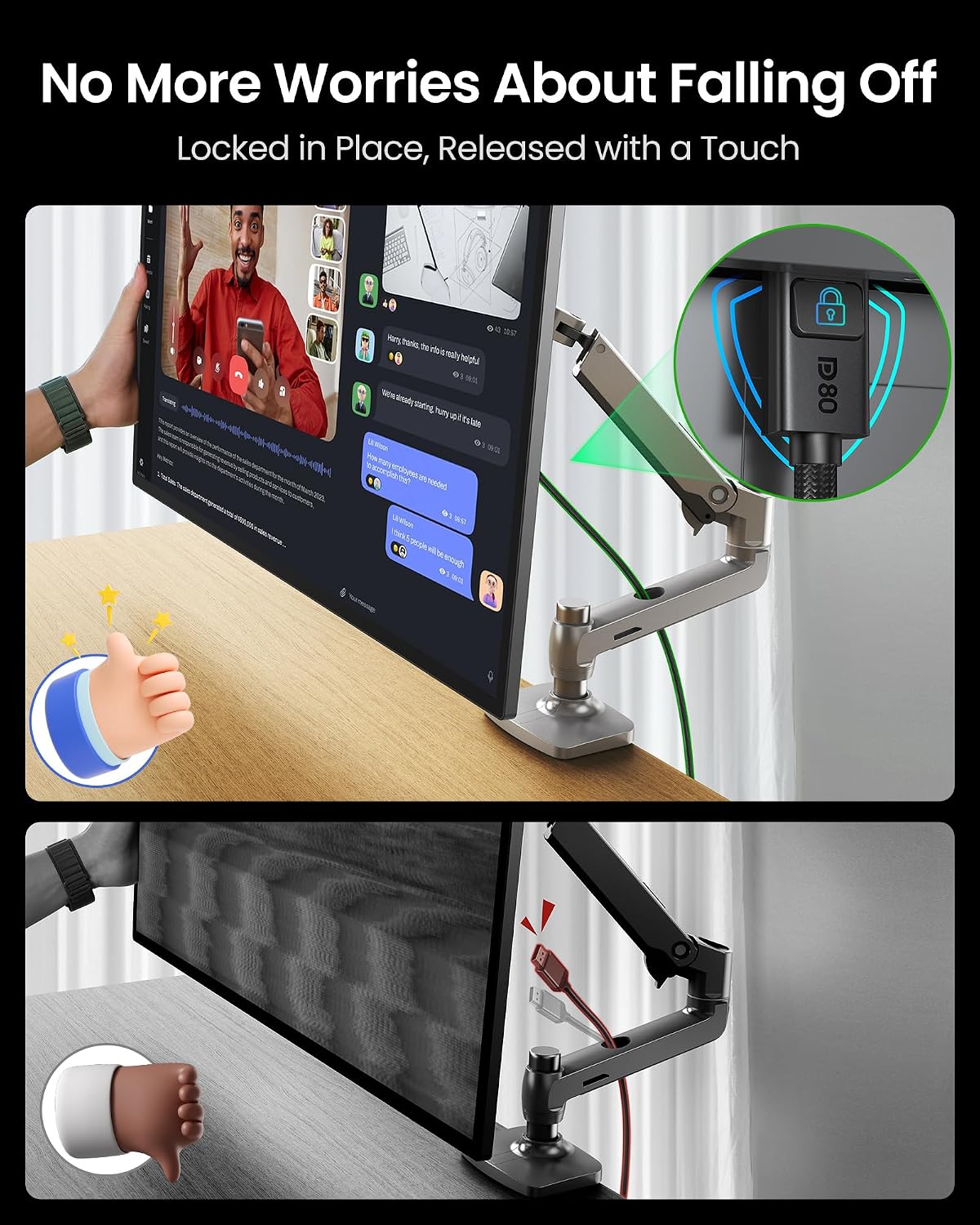
One more practical detail: it includes a secure locking latch on the connector. For desktop setups where cables get bumped (pets, kids, or just frequent cable management), that latch is the difference between “it works” and “it keeps working.”
Tech specs
- Type: DisplayPort to DisplayPort cable
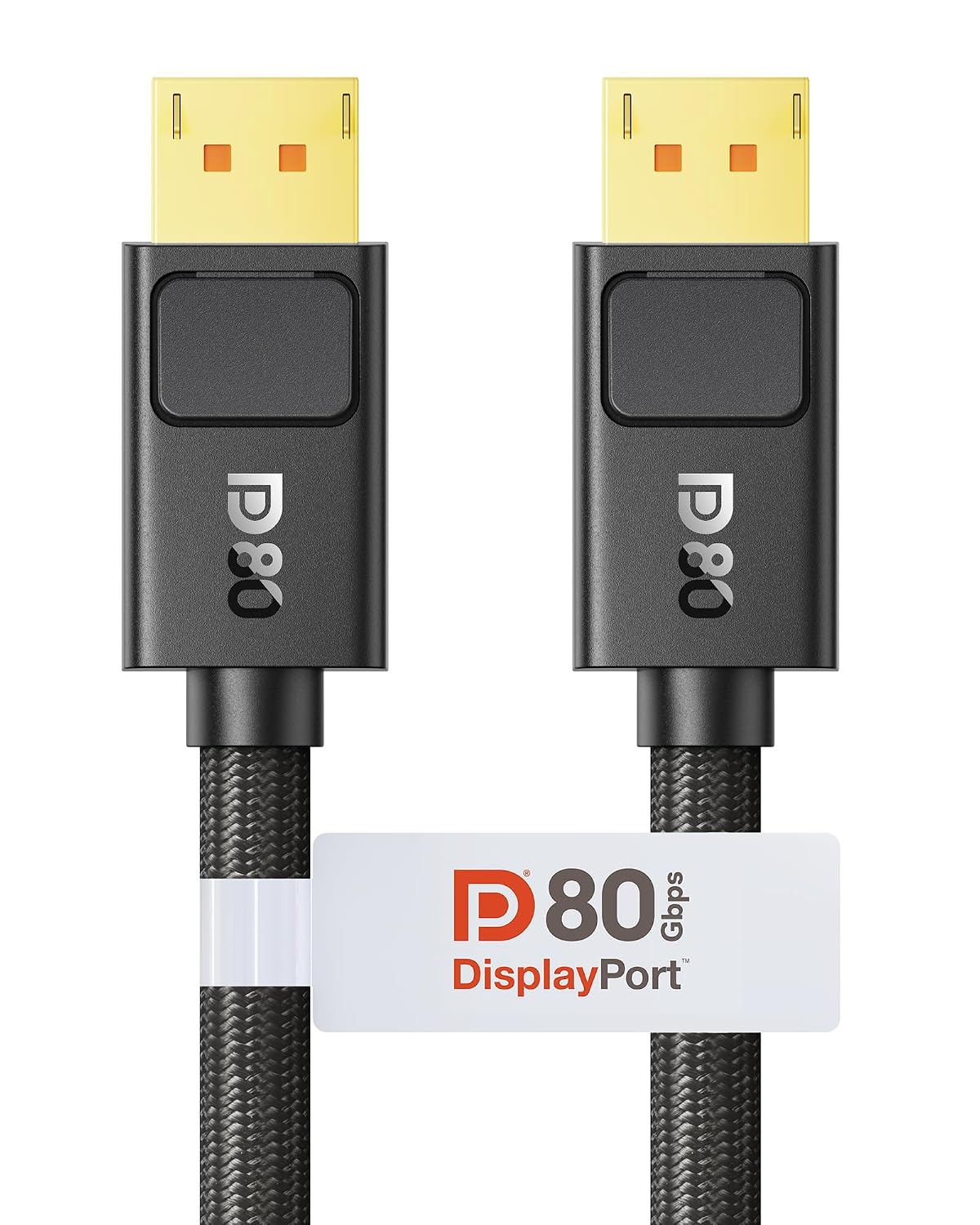
- Name: Silkland 80Gbps DisplayPort Cable 2.1 (DP80)
- Bandwidth: 80Gbps
- VESA certification: VESA Certified DP80
- Supported features mentioned: UHBR20, dynamic HDR10+, HDCP 2.3, 3D, DSC 1.2a, VRR, FEC, ALLM
- Locking connector: Secure latch (press the lock button to release)
- Audio support (as stated): uncompressed audio, 7.1/5.1/2.0 channel configurations, includes 32-bit audio and lossless surround sound pass-through
- Resolution/refresh modes mentioned: 16K@60Hz and 8K@240Hz, also lists 4K@240Hz and 4K modes “with DSC enabled”
- Length: 6.6FT
What you’ll notice day to day
If you game on a FreeSync or G-Sync compatible monitor, cables like this are meant to support the signaling needed for smoother visuals—especially under fast scene changes where you’d rather avoid tearing, flicker, or unstable link behavior.
A simple micro-scenario: imagine you enable VRR on your monitor, set a high refresh rate in-game, and then swap to this cable hoping your “video link” stays consistent. Over the next few sessions, what you’re really checking is whether the setup stays locked at the intended refresh rate and whether you see fewer brief glitches when the cable gets jostled. The secure latch is directly aimed at that kind of day-to-day annoyance.
Still, keep expectations grounded: the cable can’t magically unlock capabilities your monitor or GPU doesn’t support at the configured resolution/refresh.
Where it shines (and where it may not)
This cable makes the most sense if you’re trying to support demanding DisplayPort 2.1 use cases—high refresh gaming, modern HDR signaling, and features like DSC 1.2a—while also wanting a physical connection that resists accidental drops.
It’s also a reasonable pick if your current DisplayPort cable has a loose fit or you’ve had interruptions after bumps. The secure latch and the notes about releasing it via the lock button are there for a reason.
But you may want to skip it if: - Your setup doesn’t use DisplayPort at all. The listing is explicit that it doesn’t support HDMI, USB, or other port types. - You’re only looking for a basic cable for standard desktop browsing and simple 60Hz use. In those cases, you may not benefit from the higher headroom. - You expect it to solve configuration issues unrelated to the cable (wrong monitor settings, GPU output limits, or unsupported refresh modes).
Compatibility & requirements (what to double-check)
Before buying, make sure your display device and GPU actually have DisplayPort inputs. The product info says it works with devices that feature DP ports and is compatible with DP, “DisplayPort++,” and supports G-Sync and FreeSync.
Also, if you’re chasing a specific resolution/refresh, you’ll want to verify your monitor and GPU can output the mode you’re targeting, because the listing describes supported capabilities but your system still has to cooperate.
For reference, the listing mentions compatibility with a wide range of gaming monitors and graphics cards, including AMD 7900XTX and Nvidia cards listed in the product text.
Should you buy it?
A solid pick if you want a VESA-certified DP80 DisplayPort 2.1 cable with 80Gbps bandwidth, support for DSC 1.2a, and a secure locking latch that helps prevent accidental signal interruptions. It’s especially worth considering for gaming monitors where VRR and high refresh performance are part of the experience.
You may want to pass if you only need a basic DisplayPort connection for low-refresh use, or if your system doesn’t use DisplayPort in the first place—because this one is explicitly not for HDMI or other port types.
Quick answers (mini FAQ)
FAQ: Common questions
Does this cable support HDMI or adapters? The listing states it does not support connection via HDMI, USB, or other ports—so it’s meant specifically for DisplayPort.
What’s the purpose of the secure latch? It’s designed to prevent signal interruptions from accidental tugs. The product notes you press the lock button to release the cable.
Is it meant for gaming features like VRR? The product info explicitly calls out VRR support alongside other features, so it’s positioned for gaming monitors and smoother motion.
Will it guarantee the highest refresh rate on any setup? Not necessarily. The cable can support advanced modes in the specs, but your monitor and GPU must be able to output them at the settings you choose.