

JSAUX 4K DisplayPort to HDMI Cable (6.6FT) — DP to HDMI Uni-Directional for Monitors, TVs, Projectors
Reviews
Price
Product description
What it is and why people buy it
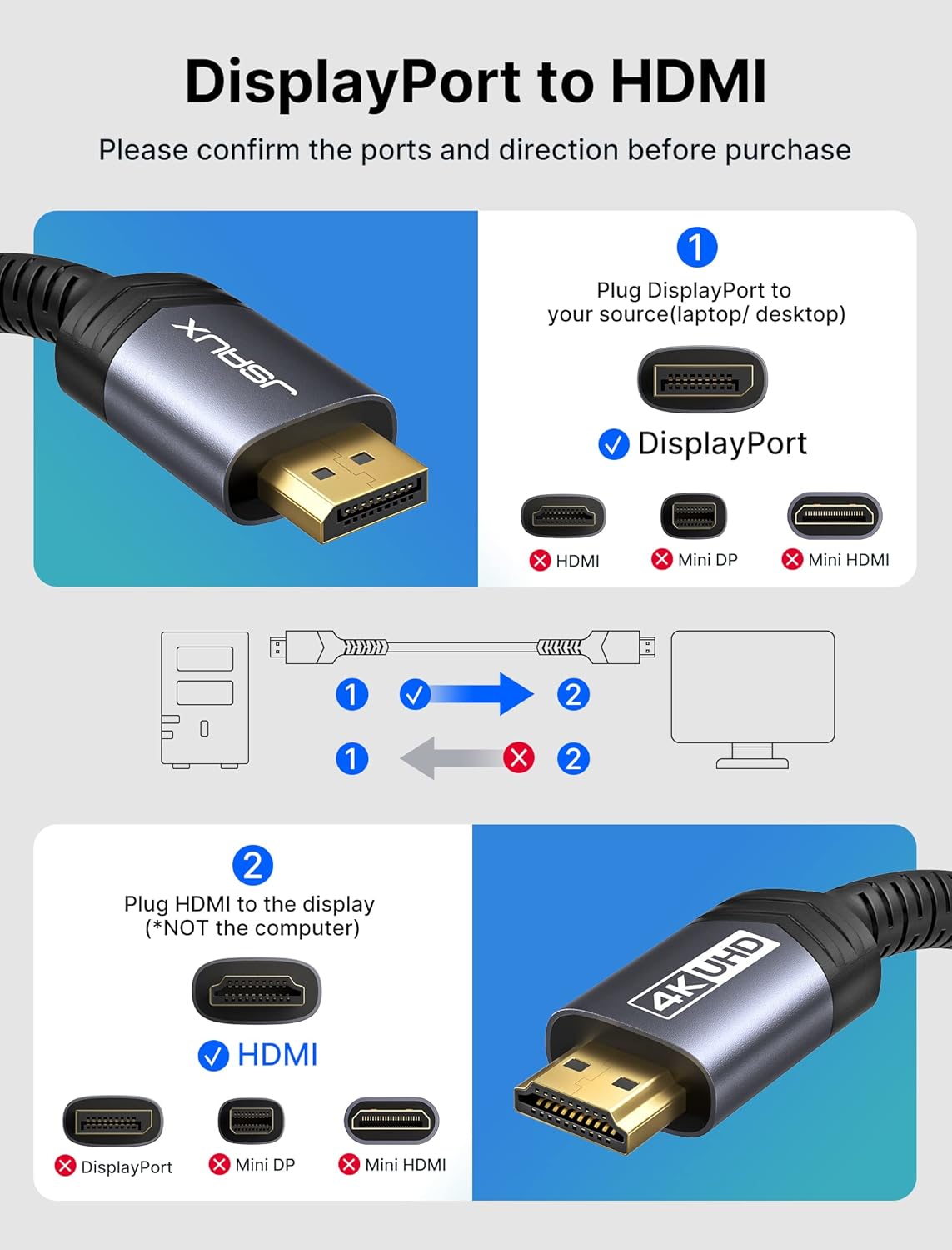
If you have a computer with DisplayPort but you want to run a TV or monitor that only accepts HDMI, a DP to HDMI cable is the simplest bridge. This JSAUX cable is designed specifically to convert DisplayPort (from your PC) into HDMI output for a HDTV, monitor, or projector.
One thing to be clear about up front: it’s unidirectional. That means it’s built for DP → HDMI, not the other way around. If you’re trying to send a signal from an HDMI source into a DisplayPort display, this won’t be your cable.
Key takeaways (what you’ll notice day to day)
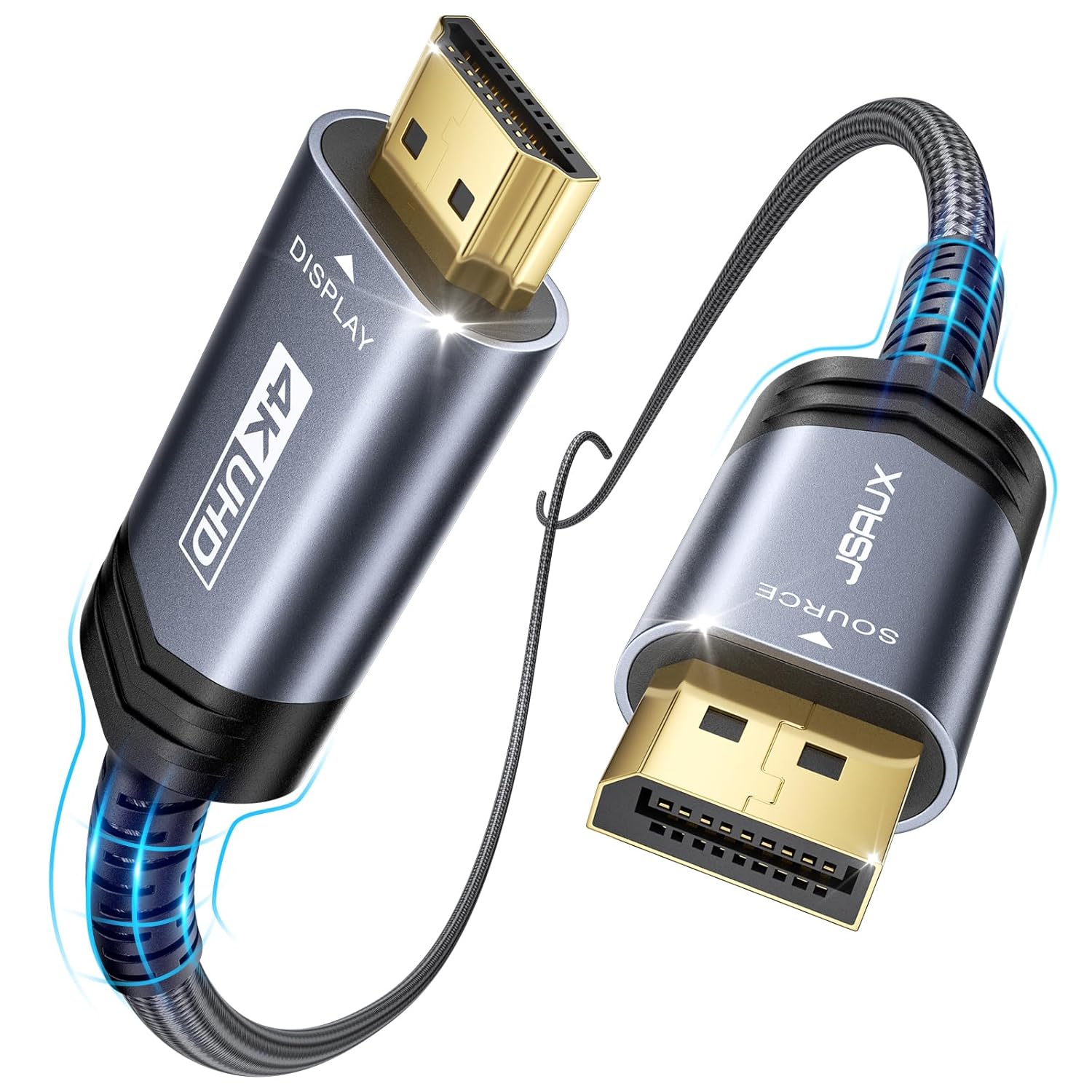
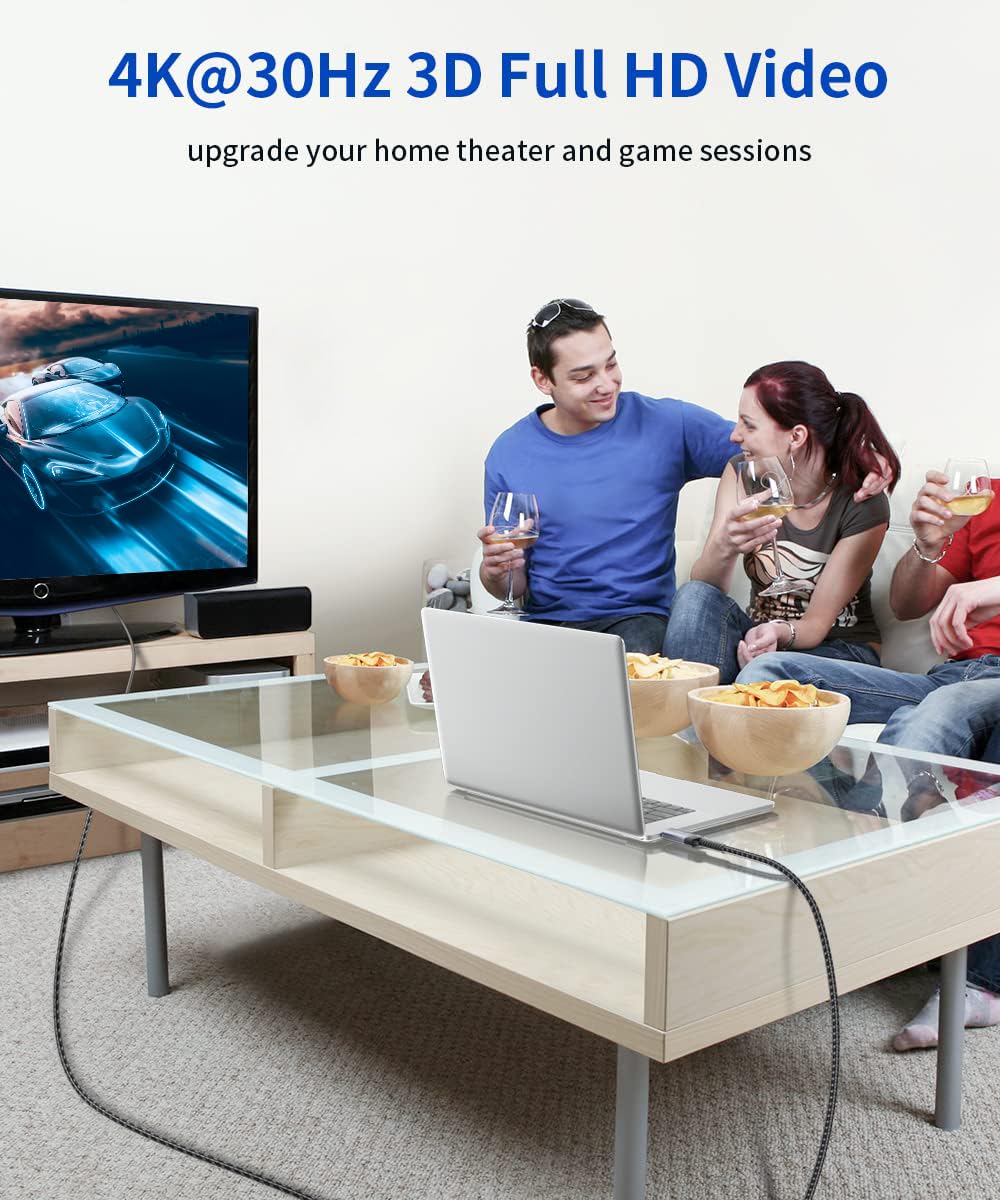
On paper, this one leans toward smooth, clear video with a focus on practical compatibility. It’s rated for up to 4K UHD at 30Hz, with backward support for resolutions like 1920×1080 at up to 120Hz and 2560×1600 at up to 60Hz. For everyday setups—plugging your laptop into a TV in a hotel room, or extending your desktop to a living-room screen—it’s the kind of cable that reduces fuss because it’s straightforward and built to carry both video and audio.
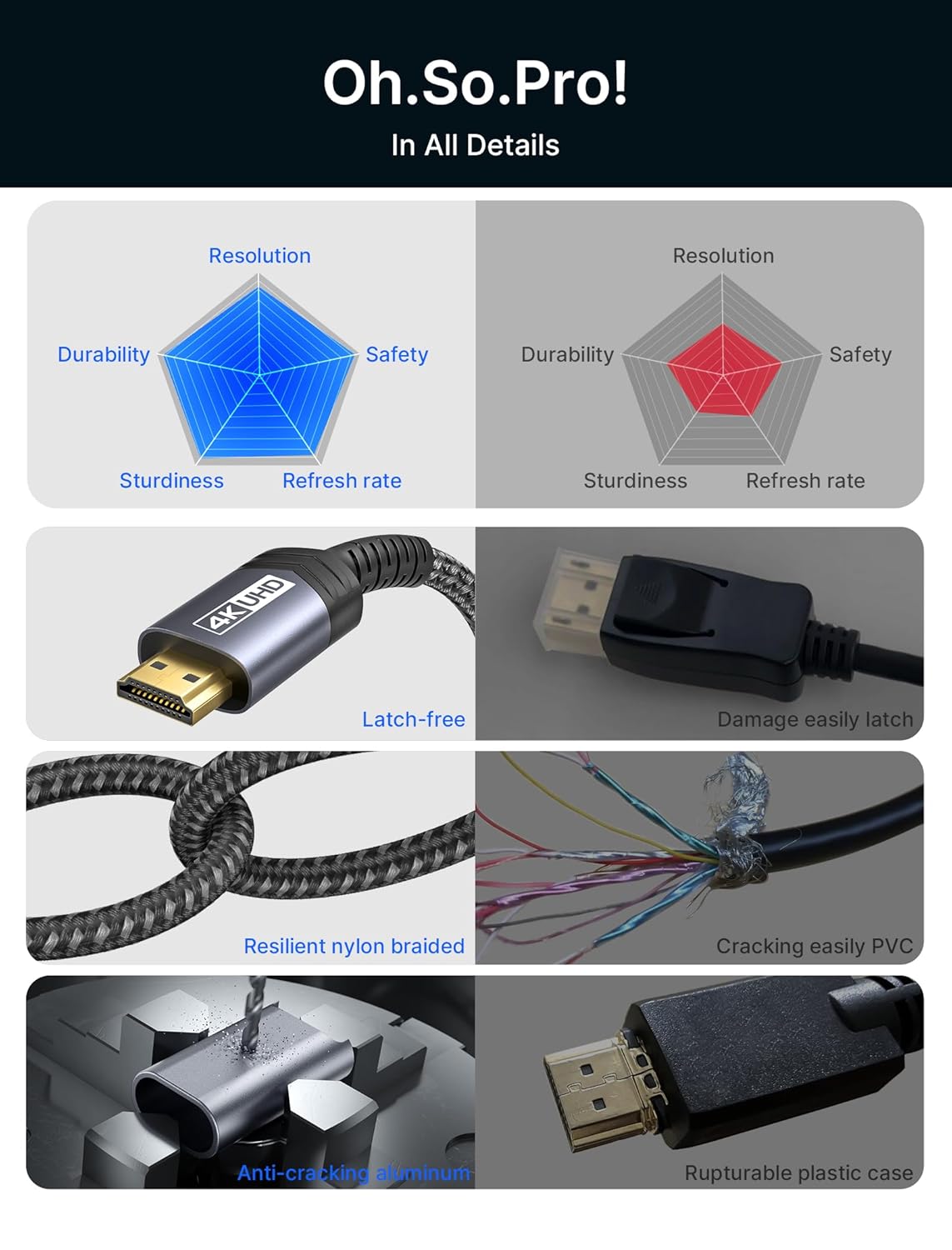
The other real-world factor is signal stability. The cable uses triple-layer shielding and tin-plated copper conductors to help keep interference low, and the aluminum housing plus nylon braiding are meant to hold up better to frequent plugging and everyday handling.
Display and refresh rate limits to keep expectations realistic

The performance targets matter, especially if you’re coming from a high-refresh monitor. This cable supports:
- Up to 4K UHD at 30Hz
- Up to 2K at 60Hz
- Up to 1080P at 120Hz
So, if your priority is “4K high-refresh gaming,” this may feel limiting. But if you’re aiming for crisp 4K output for movies, general use, desktop work, or low-to-mid refresh needs on a TV, it fits the bill.
Audio support and common viewing modes
This DP to HDMI cable is intended to transmit audio along with video, so you don’t have to split your setup into multiple connections in typical DP-to-HDMI workflows. It’s described as supporting high-definition audio, including multi-channel formats (listed as 7.1, 5.1, or 2 channels).
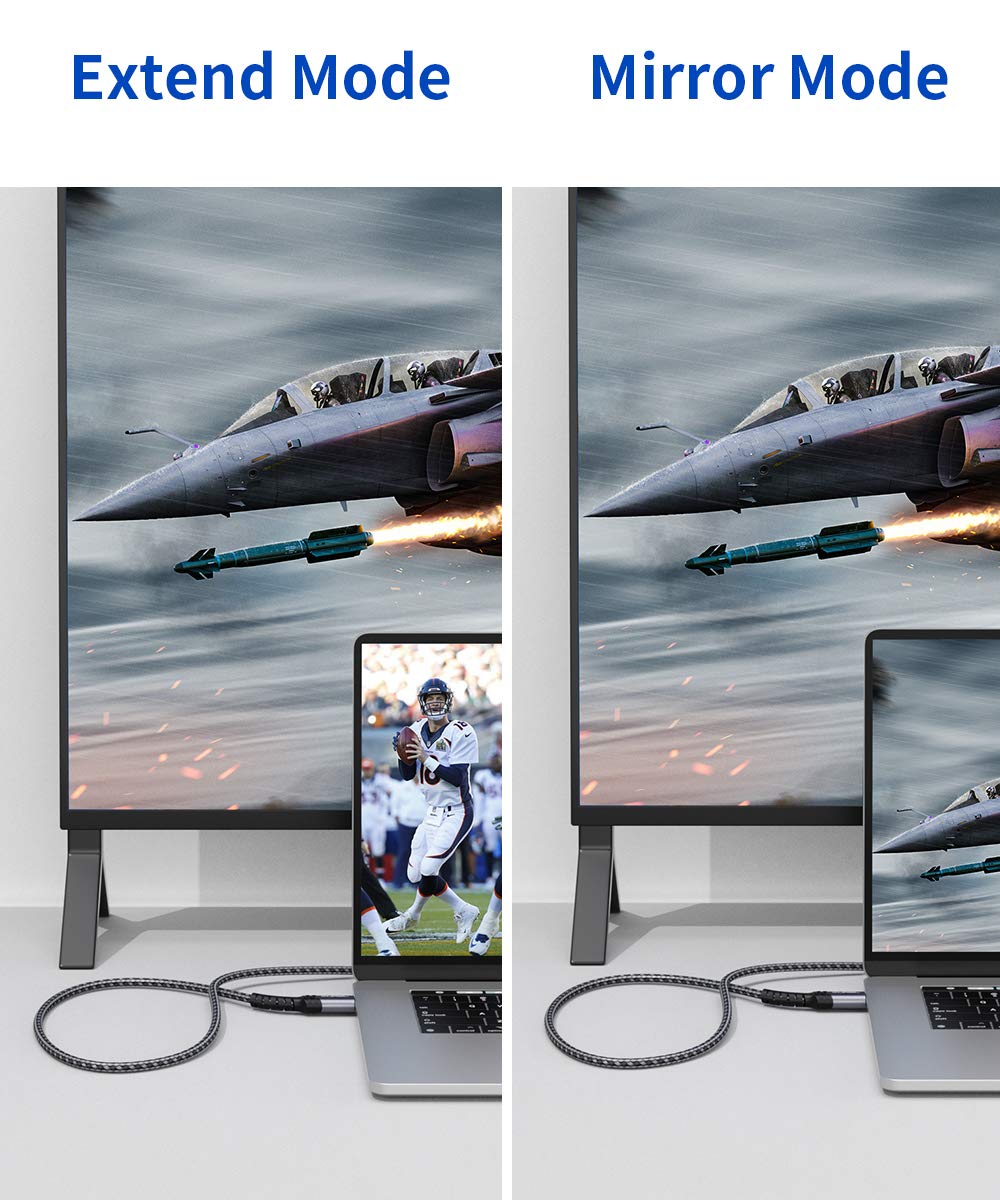
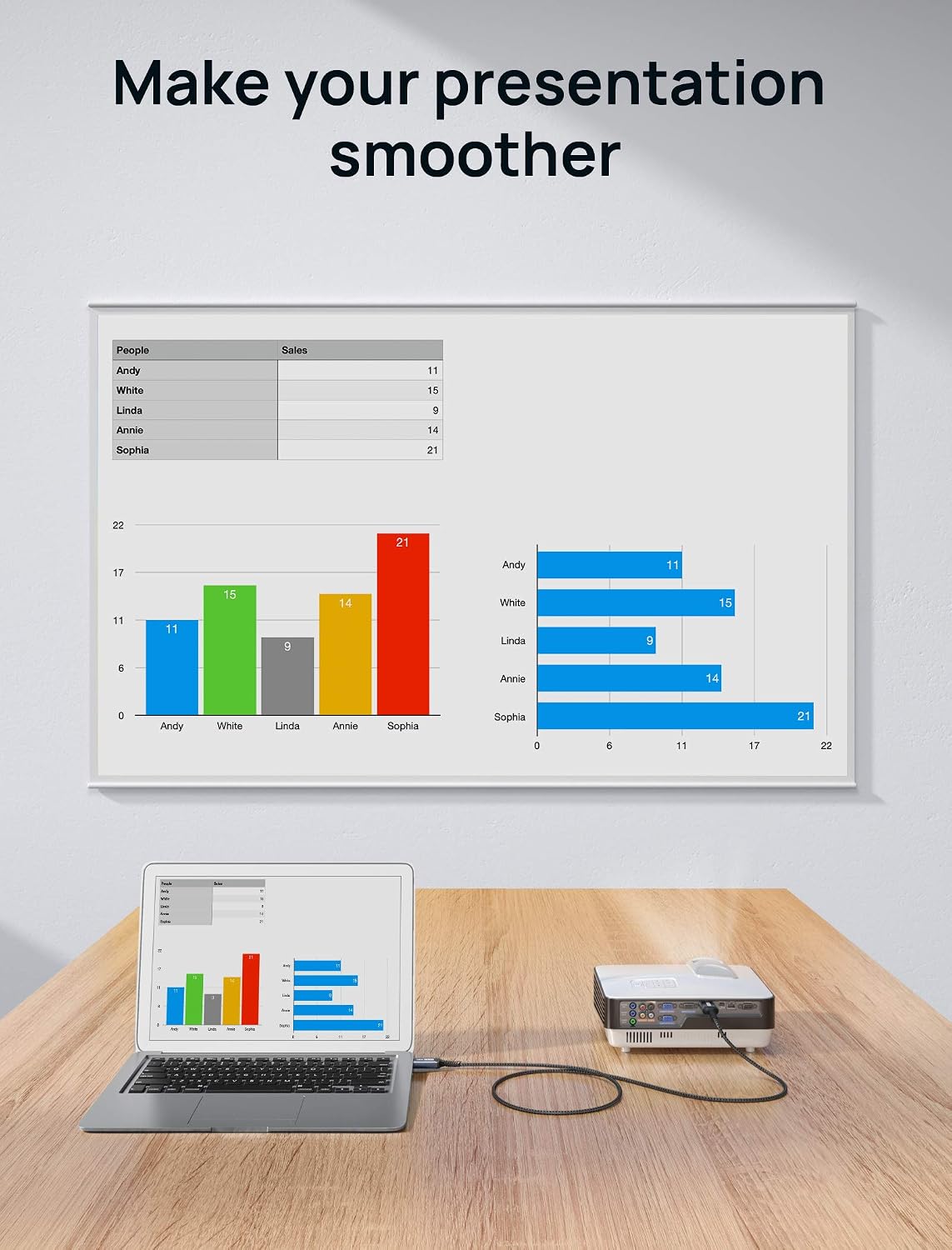
It also supports extended or mirrored display modes. That’s helpful if you want a quick “dock the laptop to the TV” moment—same desk, two screens—or if you prefer mirroring for presentations.
Durability and build quality details
You don’t always think about cables until one starts to feel flimsy or the connection gets unreliable. This one uses a nylon-braided exterior and gold-plated connectors, paired with an aluminum housing. Together with the shielding and tin-plated copper, the intent is clear: fewer connection issues over time and more consistent signal transfer.
That said, durability is always “best effort.” Cables still take damage from sharp bends, repeated strain near the connector, and getting yanked around—so route it cleanly instead of letting it get tensioned.
Compatibility: what it works with (and the one big catch)
JSAUX states it’s compatible with DisplayPort outputs across a range of devices, including laptops, desktops, and graphics cards from major ecosystems. It’s also positioned as working with setups from brands like Dell, Lenovo, HP, and with AMD/NVIDIA graphics cards.
But the big catch remains: unidirectional conversion. If your source is HDMI and your display expects DisplayPort, you’ll need a different direction or a different type of adapter/cable.
Who should buy it, and who should skip it
Worth considering if you want an easy DP-to-HDMI connection for everyday home, office, or travel use—especially when you’re trying to connect a DisplayPort laptop or desktop to an HDMI TV, monitor, or projector.
It’s not the best match if you specifically need HDMI-to-DisplayPort conversion, or if you’re expecting 4K at higher refresh rates. Also, if your setup requires an unusual signal routing (like bidirectional switching), this cable’s design is intentionally limited to DP → HDMI.
Practical examples of use
- From couch to TV: Sit with your laptop, connect the DisplayPort side to the computer, and plug HDMI into the TV. Since it supports audio and video together, you can keep media playback on the TV without extra sound cables.
- Laptop + extended desktop: Use extended mode to work on one screen while keeping reference material on the other. The cable’s stated support for common PC resolutions makes it a straightforward way to avoid complicated setup.
Tech specs
- Cable type: DisplayPort to HDMI (uni-directional)
- Max resolution/refresh (stated): up to 4K UHD at 30Hz
- Supported modes (stated): mirrored and extended
- Audio support: transmits audio along with video, listed support includes 7.1, 5.1, and 2 channels
- Cable length: 6.6FT
- Build: tin-plated copper conductors, triple-layer shielding, aluminum housing, nylon braided exterior, gold-plated connectors
Is it worth it?
This JSAUX DP to HDMI cable is worth buying if your goal is simple and clear: convert DisplayPort from a laptop or desktop into HDMI for a TV, monitor, or projector, with audio included and sensible resolution support. It’s especially compelling for typical home and office use where 4K at 30Hz is acceptable and you want a sturdy, interference-resistant cable.
You may want to skip it if you need bidirectional conversion or if your must-have is 4K at high refresh rates. In those cases, this cable’s stated limits will likely feel like a mismatch.