

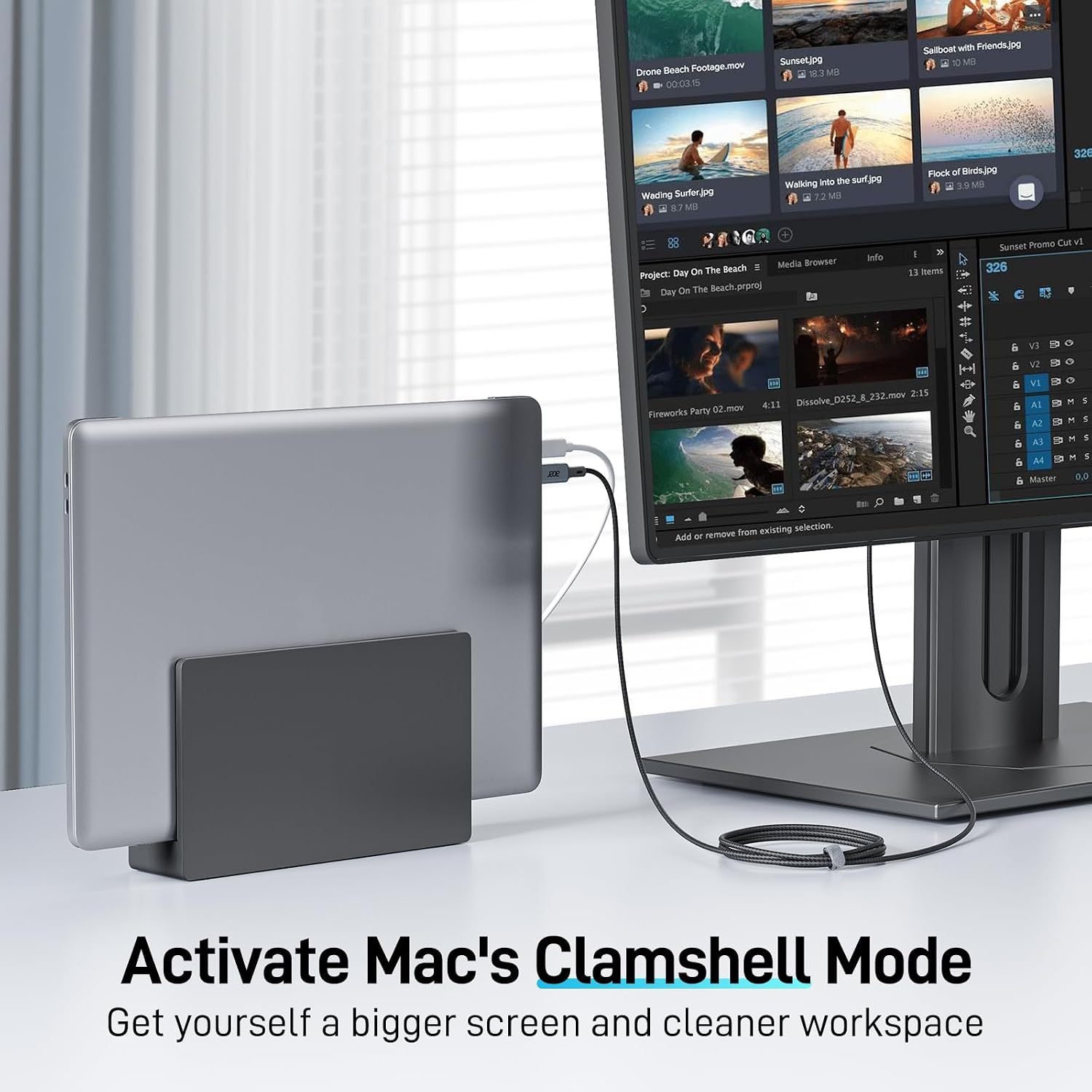
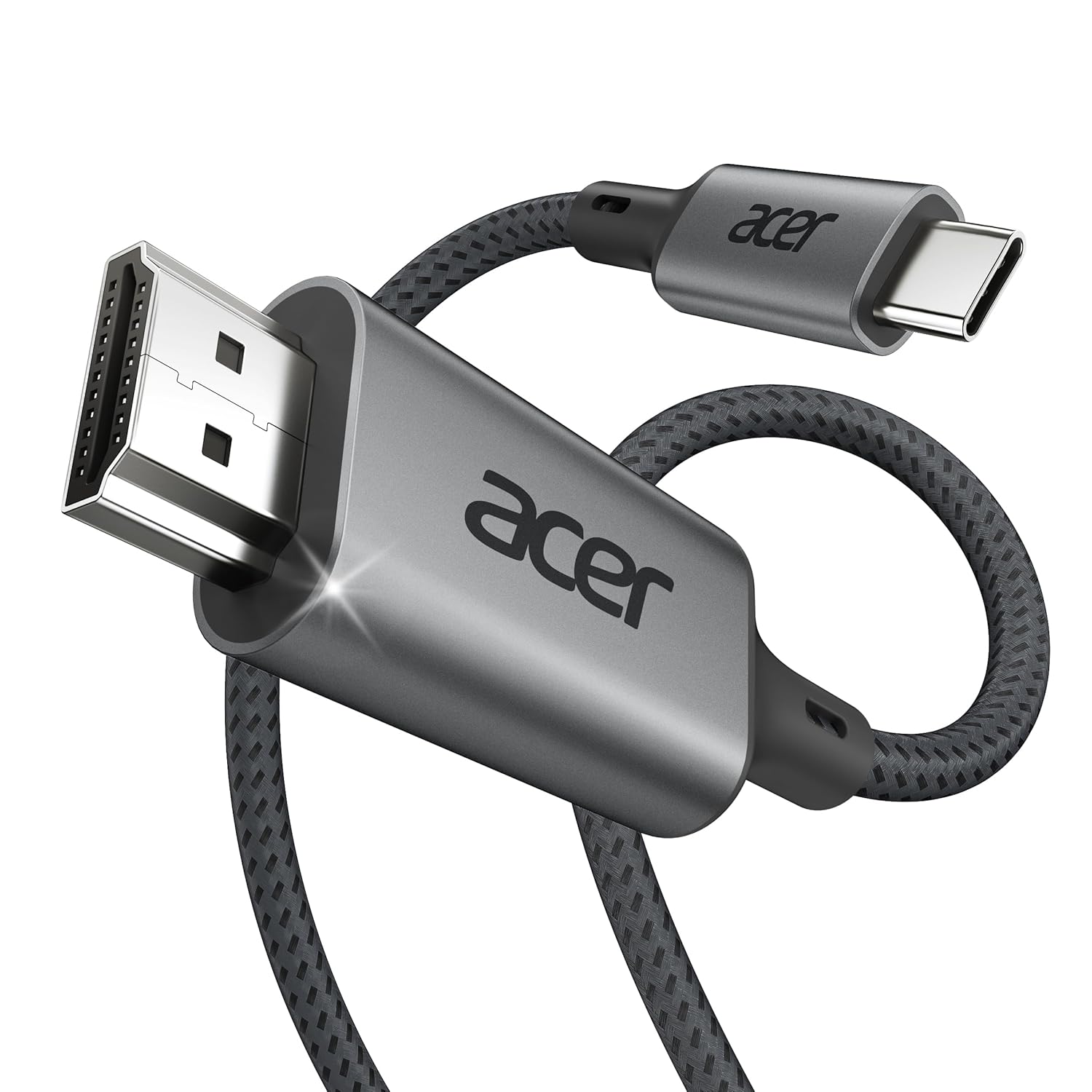
Acer USB C to HDMI Cable for Home Office 6.6FT (4K@60Hz) for Laptop
Product description
What it is
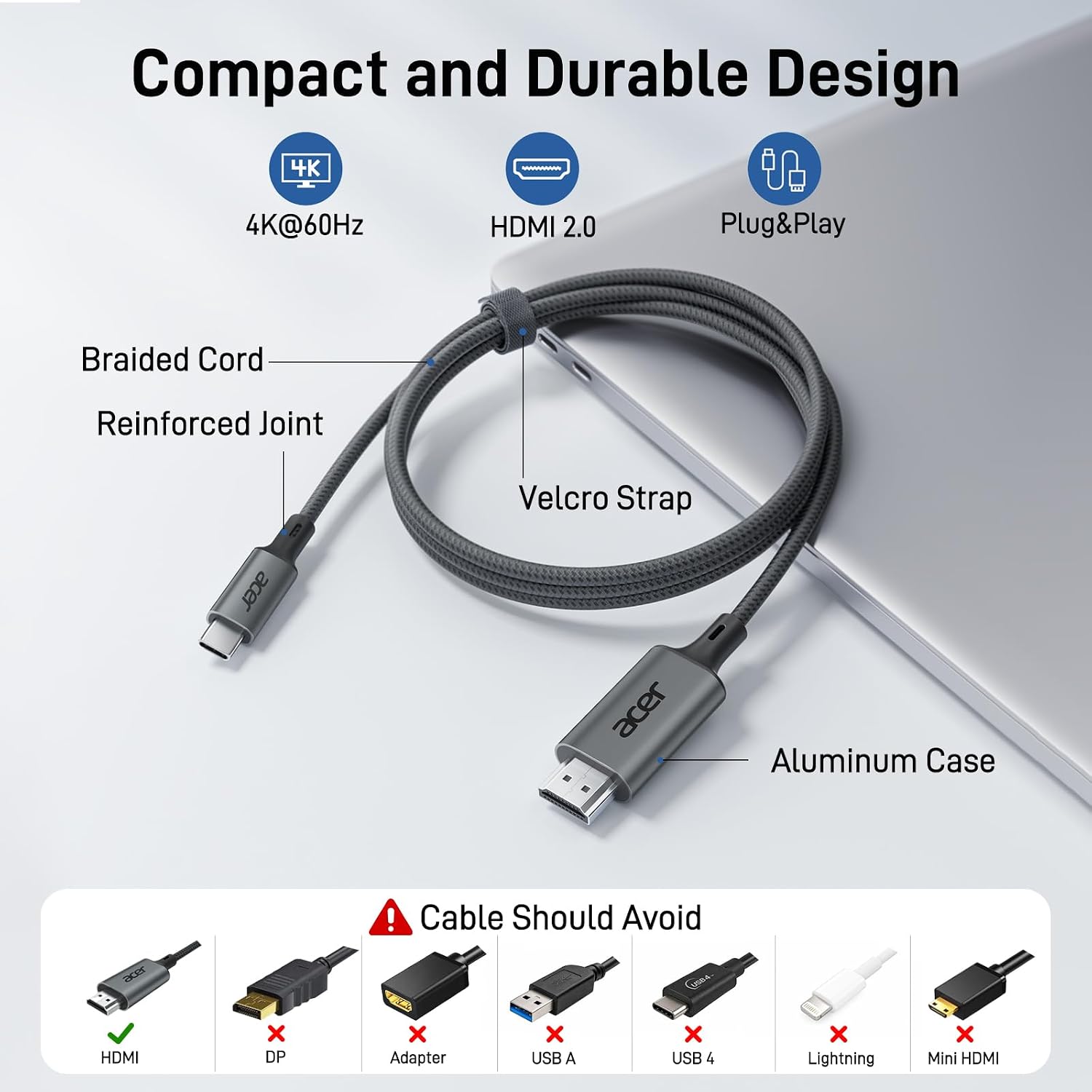
This Acer USB-C to HDMI cable is a simple, one-way solution to mirror or extend your computer’s display on a larger screen. It’s designed for devices with a USB-C port that supports video output, and it aims to remove the hassles of drivers while delivering a clean, plug-and-play experience.
Why it matters
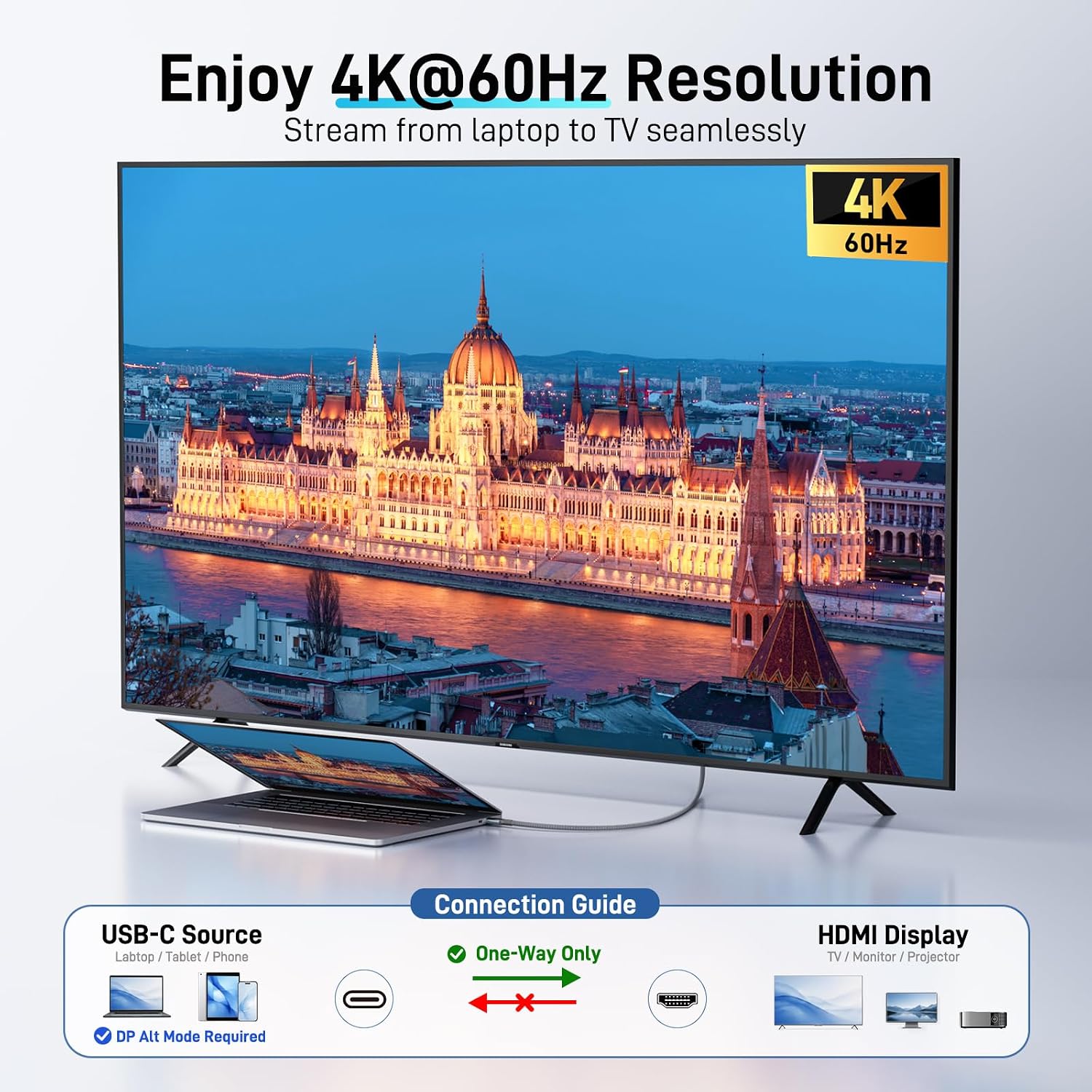
If you work from a laptop and want a bigger canvas for productivity, presentations, or media viewing, this cable can help you quickly pair a monitor, TV, or projector without Bluetooth delays or broken Wi‑Fi connections. It supports 4K at 60Hz, which translates to sharp details in docs, spreadsheets, and video playback. It’s backward compatible with 1440p at 60Hz and 1080p at 120Hz, so you won’t be stuck on lower resolutions if your display or setup doesn’t stream at 4K.
Build and durability
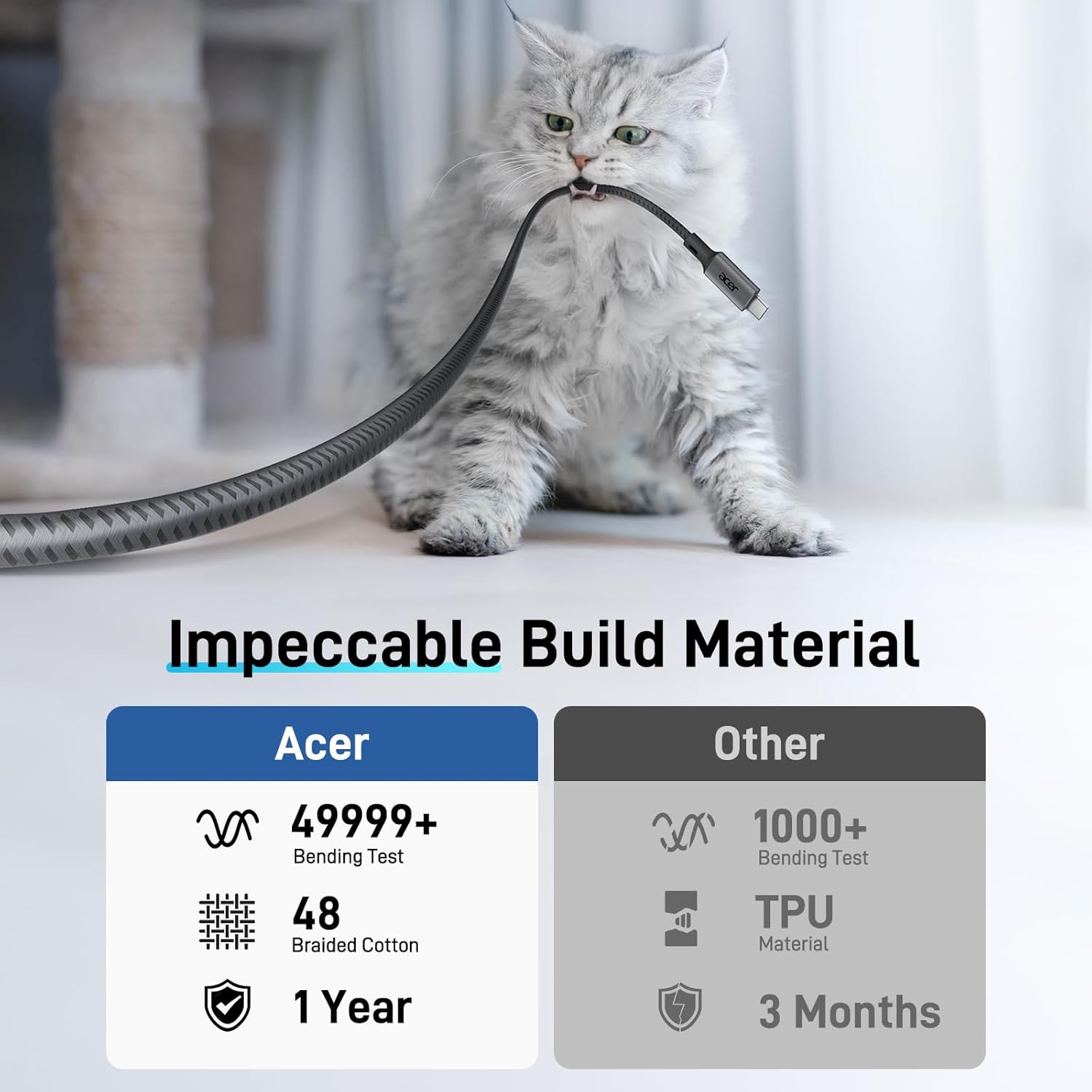
The cable features a braided design for durability and reinforced connectors to resist wear from daily use. The shielding is intended to help with heat dissipation and signal integrity, helping ensure smooth video and audio from your USB-C source to HDMI displays.
Performance realities
On paper, you’re looking at a direct USB-C to HDMI path with HDCP compliance, which should support media streaming without typical roadblocks. One important caveat: this cable does not provide power delivery, so it won’t charge your laptop while in use. If your workflow depends on pass-through charging, you’ll need a separate solution.
Which use cases fit best
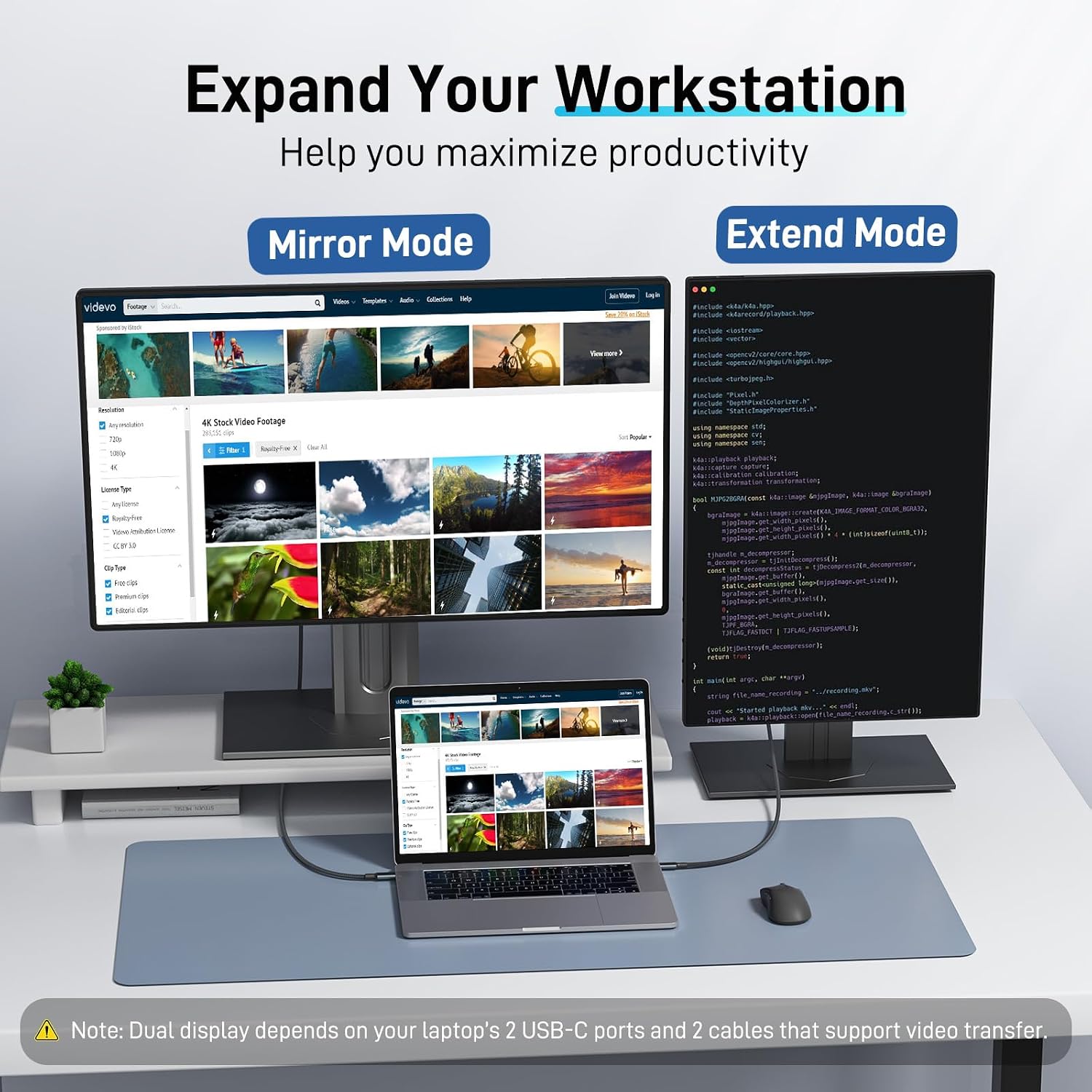
This is a practical option for home offices, classrooms, or conference rooms where a laptop or USB‑C device needs to drive a 4K monitor, a UHD TV, or a projector for a presentation or extended workspace. It shines when you want a tidy setup with one cable and a reliable display connection, without juggling multiple adapters.
What to consider before buying
- Ensure your USB-C device supports DisplayPort Alternate Mode (DP Alt Mode) for video output. If not, the cable won’t transmit video.
- HDR is not supported, so content with HDR effects may not display with the enhanced brightness/contrast you might expect from HDR-capable displays.
- Since there’s no power delivery, this cable won’t charge your device, consider your power needs during long sessions.
- Cable length matters: at 6.6 feet, you’ll want to plan the desk arrangement to avoid excess slack or tension.
How it compares to alternative setups
If you’re deciding between a USB-C to HDMI cable and a multi-port dock, think about use simplicity and clutter. A dedicated cable is typically lighter, cheaper, and easier for simple mirroring/extension tasks. If your setup needs occasional charging, more ports, or higher flexibility, a dock or wireless screen casting might be worth considering instead.
Practical usage example
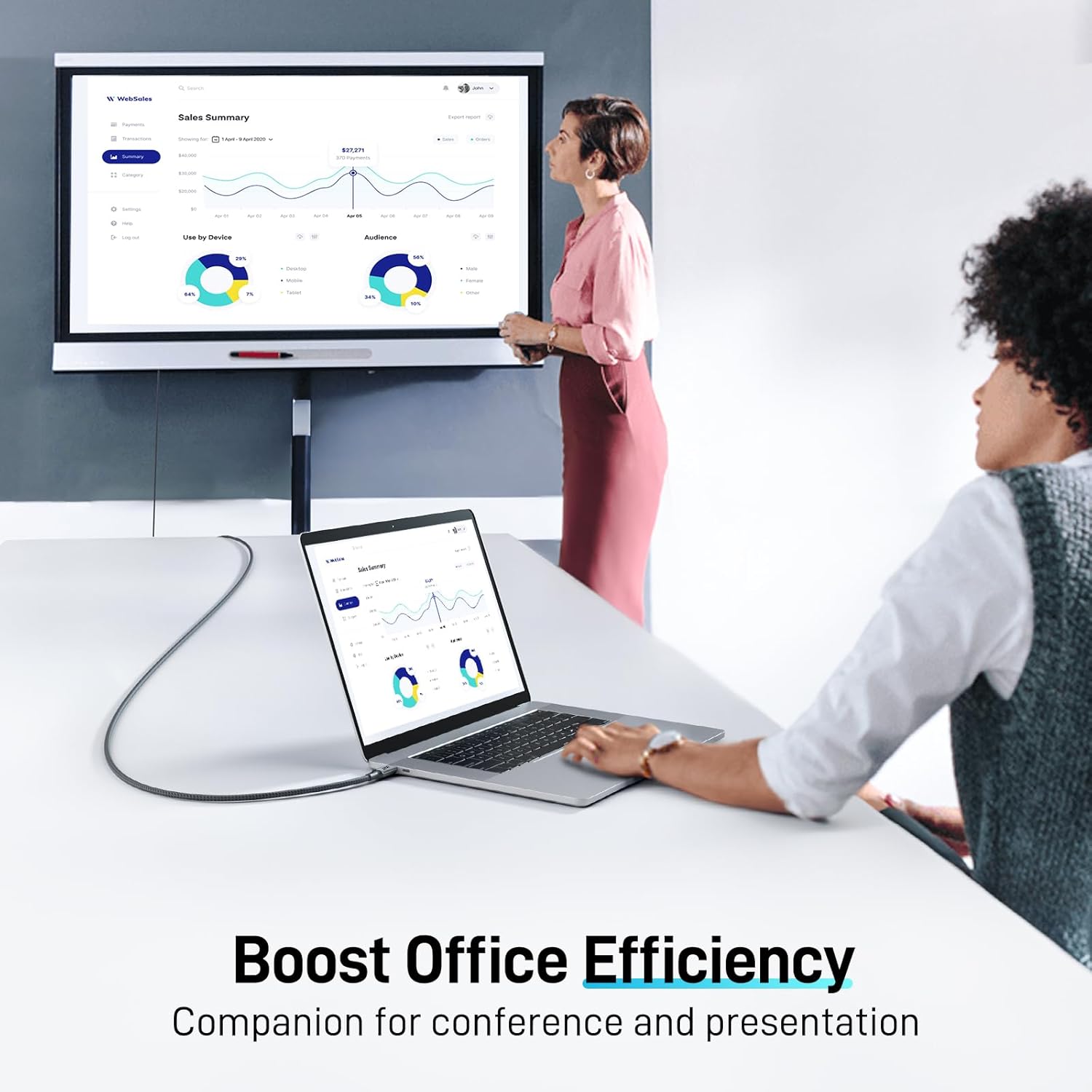
Imagine you’re preparing a quarterly sales deck. You connect your laptop via this cable to a 4K monitor, extend your workspace to display your slide notes on a second screen, and share the main presentation on the big display. The result is a clean, cable-managed desk with smooth video as you move through slides and annotations.
Is it worth it?
- Should you buy it? It makes sense if you prioritize a straightforward, reliable USB-C to HDMI link for 4K60 playback or presentation use, and you don’t need power delivery through the same cable.
- If your device struggles with DP Alt Mode or you require charging in tandem with display output, you may want to explore other options.
- It’s probably best for home office setups and environments where simplicity and a fixed display solution are the goals.
FAQ
- Do I need drivers for this cable? No—it's designed for plug-and-play use with compatible USB-C devices.
- Can this cable charge my laptop? No, it does not provide power delivery.
- Will it work with HDR content? No, HDR is not supported.
Final thought
If you value a clean, straightforward connection from a USB-C device to a larger display for work or media, and your display can run at 4K60 or at 1440p/1080p fallbacks, this Acer cable offers a practical, no-fuss option for day-to-day use.