

CRUA 34" 165Hz UWQHD Gaming Monitor
Product description
Key features
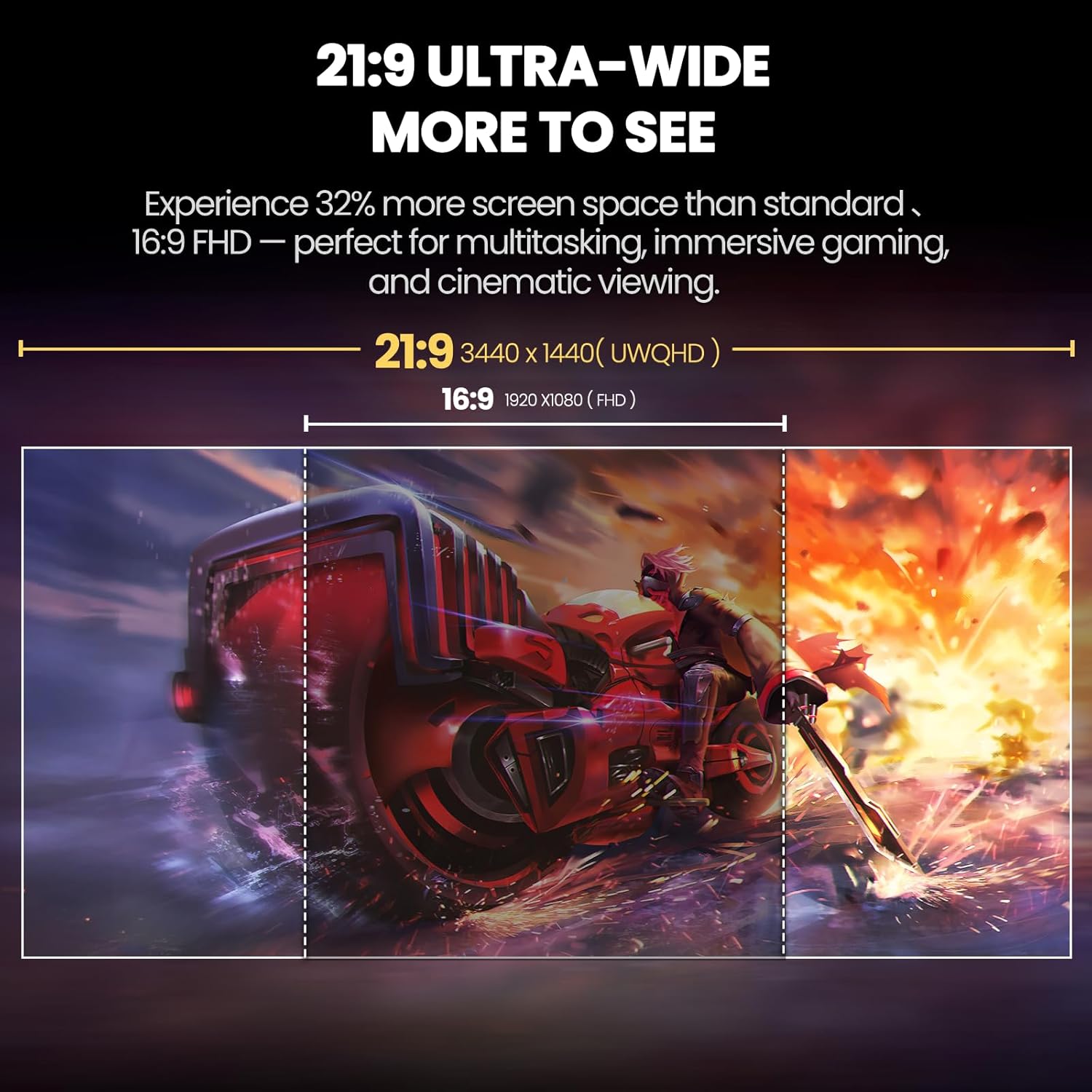
The CRUA 34" ultrawide monitor brings a wider field of view to gaming and multitasking, helping you see more timelines, spreadsheets, or game arenas side by side. If screen tearing and stutter frustrate you, the monitor’s high refresh support and adaptive sync reduce blur and improve responsiveness.
Product specs
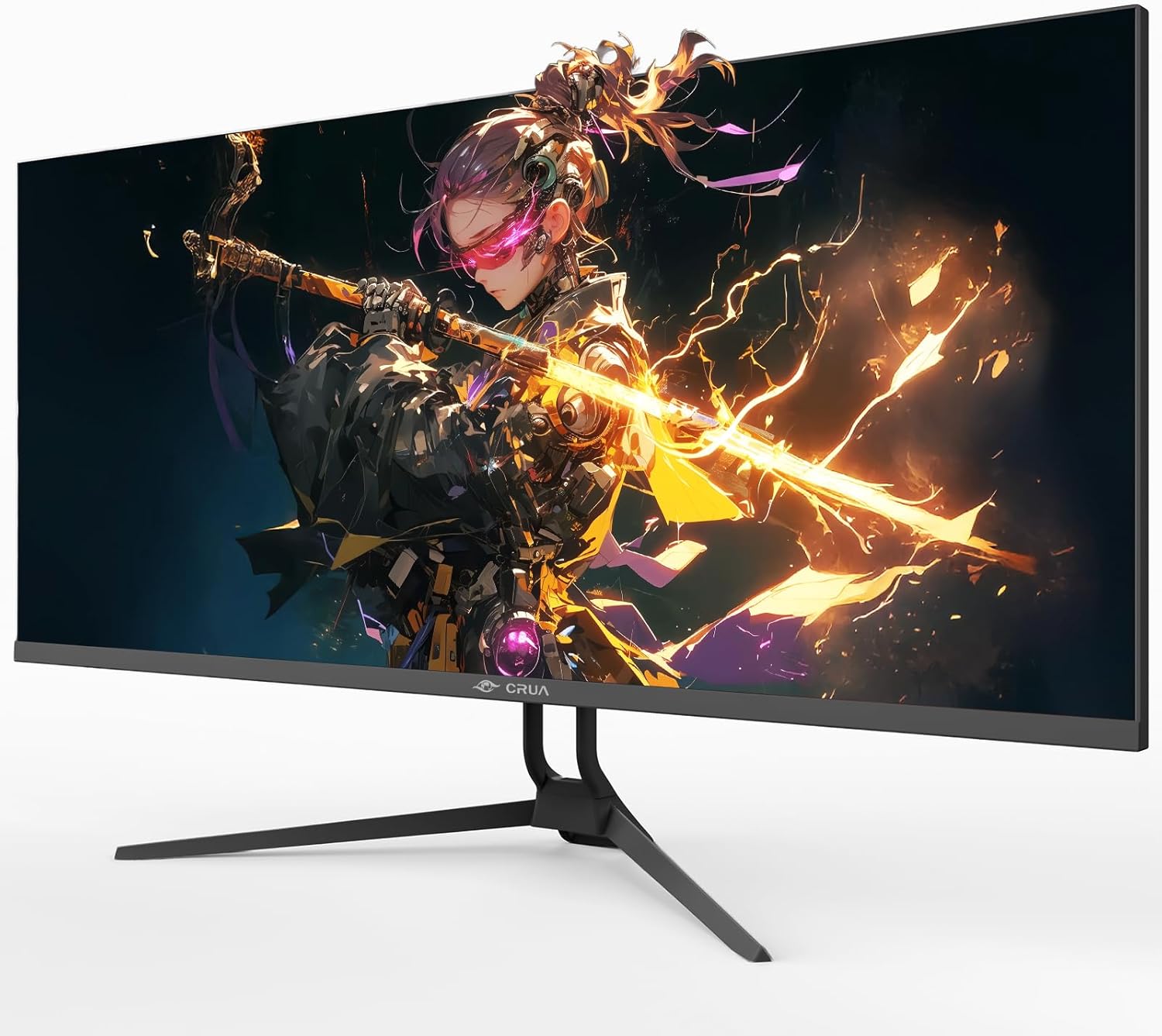
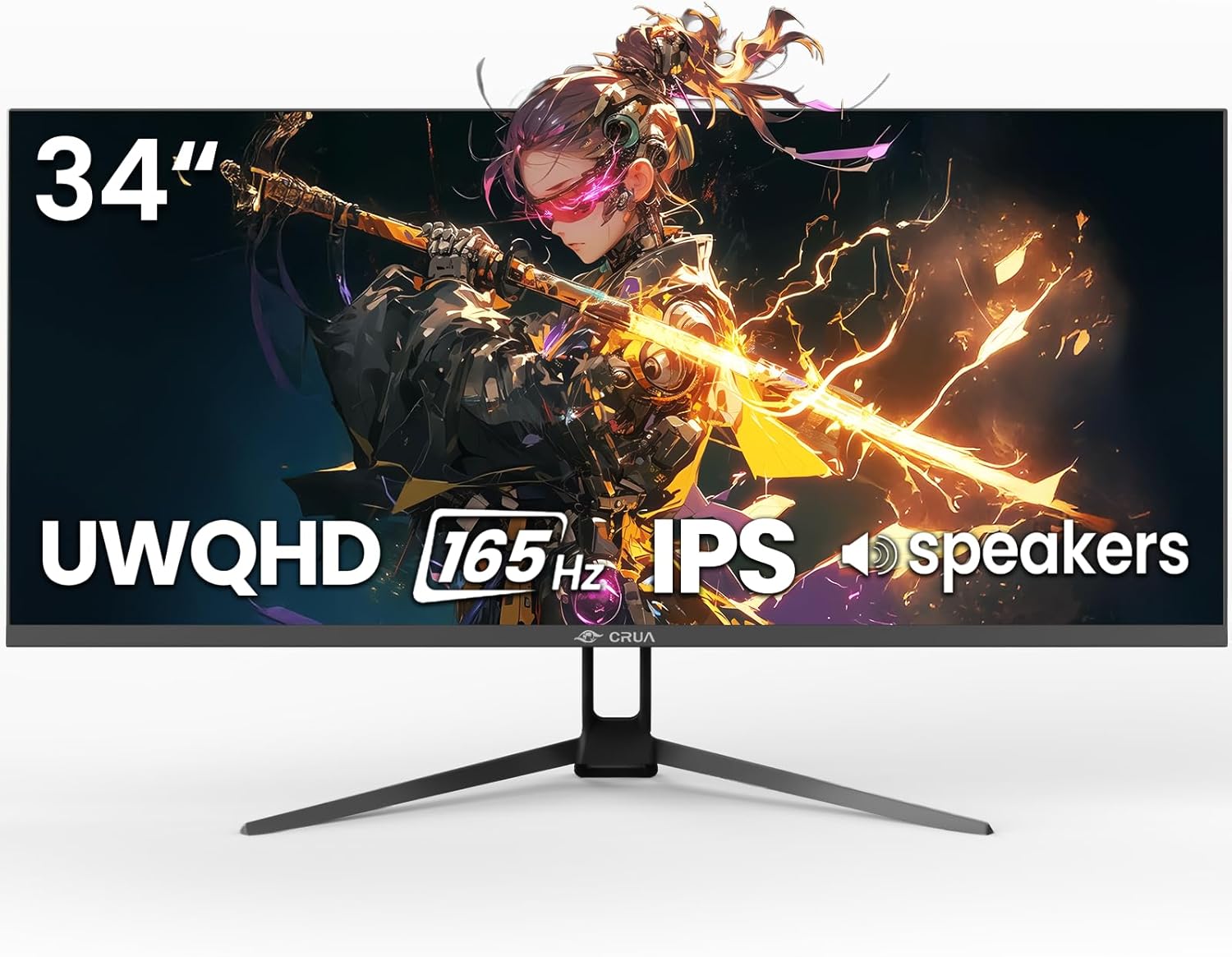
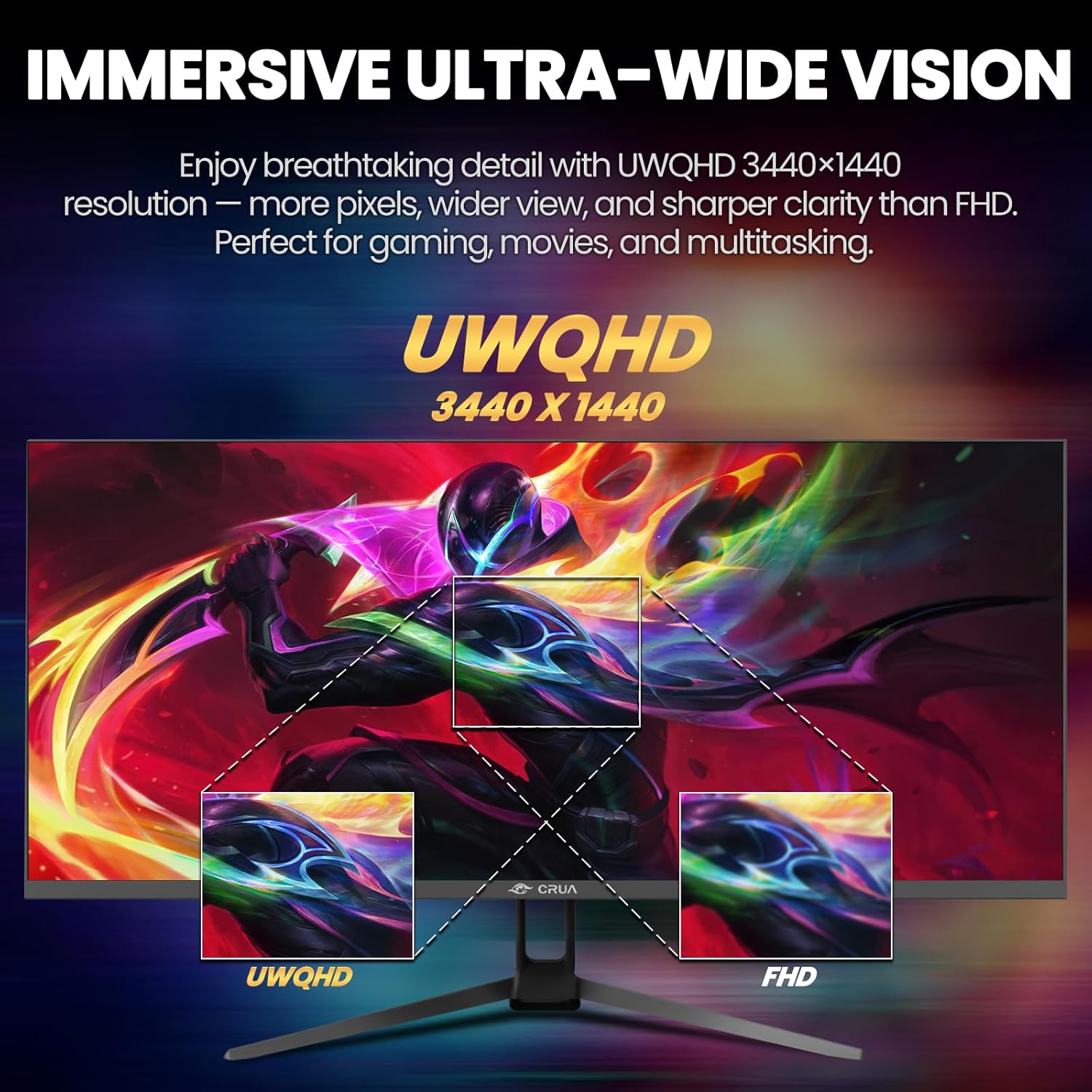
- Display: UWQHD 3440x1440
- Refresh rate: 165Hz (DP 1.4), 100Hz over HDMI according to manufacturer
- Type: IPS panel
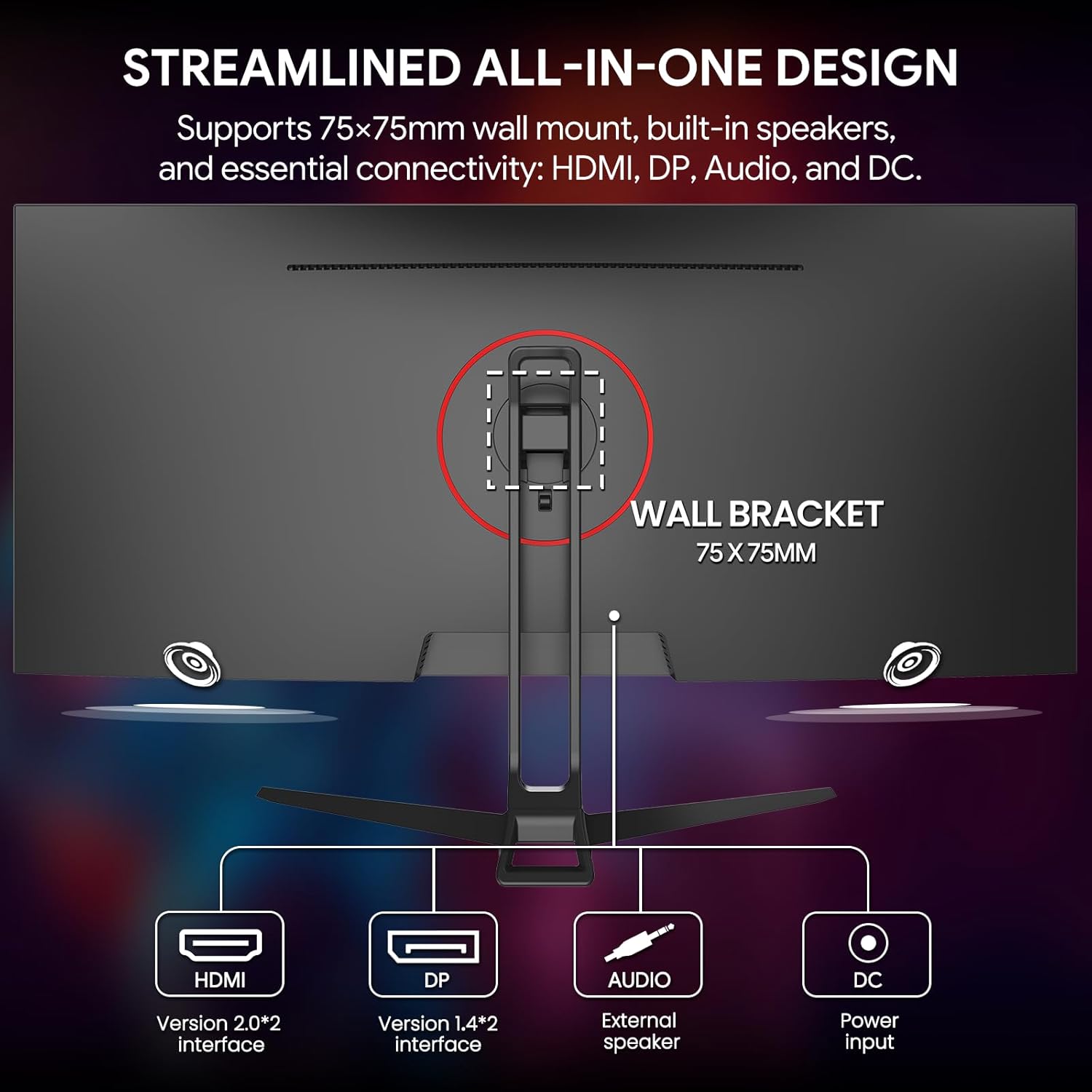
- Connectivity: 2x HDMI 2.0, 1x DisplayPort 1.4, 3.5mm audio
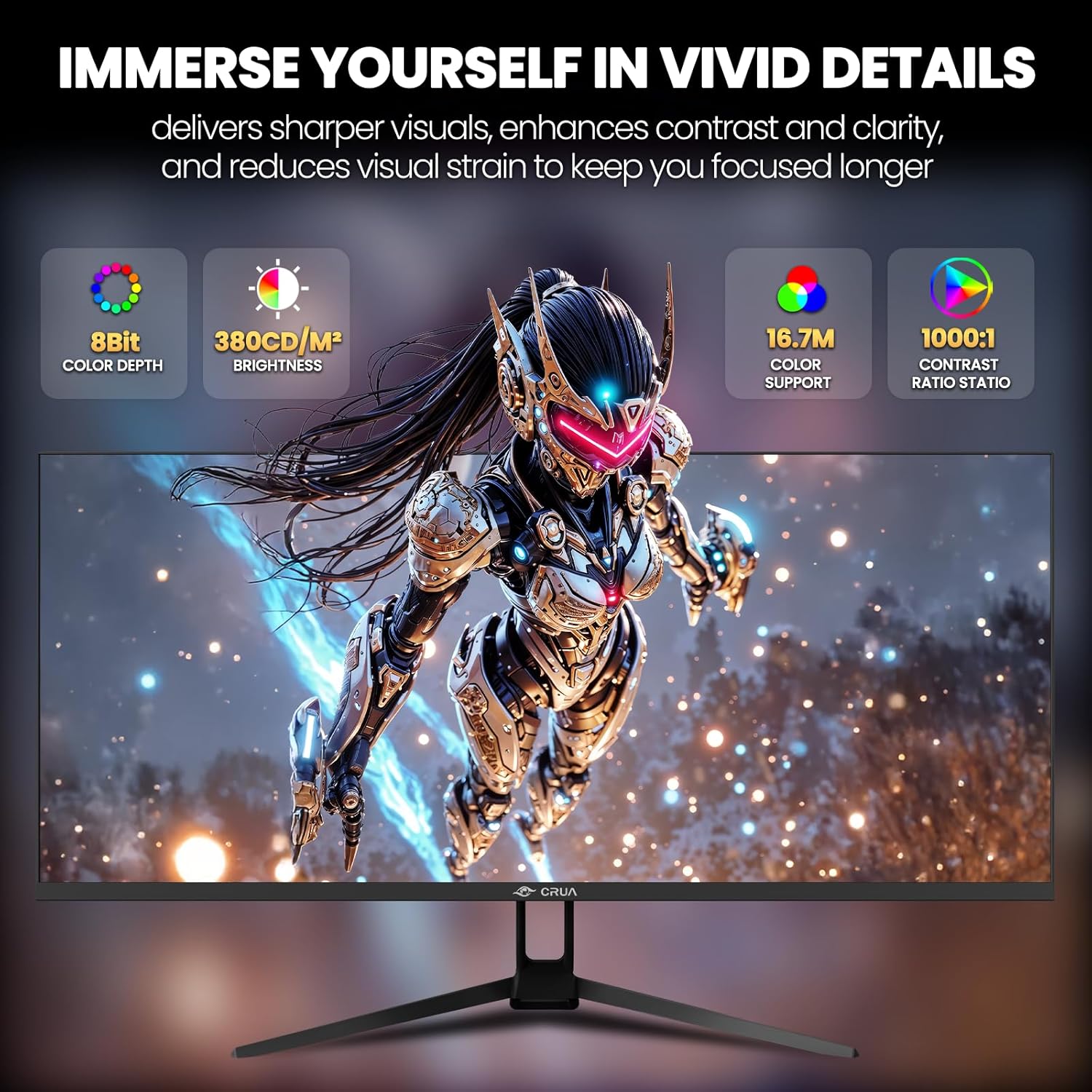
- Color: 120% sRGB, 8-bit, 16.7 million colors
- Brightness: 380 cd/m²
Where it shines
CRUA 34" balances immersive visuals and practical workspace. The 21:9 aspect ratio is great for cinematic gaming and video timelines, while the IPS panel keeps colors consistent across wide viewing angles. Built-in speakers add convenience for casual audio without external speakers, though serious audio work may still call for dedicated speakers or headphones. If you prioritize motion smoothness, use DP 1.4 for the full 165Hz experience, if you prefer simpler hookups HDMI still gives solid performance at up to 100Hz.

How to use it
Start with DisplayPort for fast gaming or content work that needs the highest refresh. Tilt the stand between 5° forward and 15° backward for a comfortable view, or mount it on a VESA 75x75 bracket for a cleaner desk setup. For longer sessions keep low blue light mode enabled to reduce eye strain and avoid extended high-brightness settings when possible.
What you get
The package includes the 34" ultrawide monitor with tilt-adjustable stand and wall-mount compatible design. Easy snap-on installation is supported for quick setup, and basic cables are provided depending on the retailer.