

Download app on Google Play


Imagen de Canon MAXIFY GX2020 All‑In‑One Printer 3,000📠 en OfertitasTOP
New offer
Thumbnail principal de Canon MAXIFY GX2020 All‑In‑One Printer 3,000📠
Thumbnail 1 de Canon MAXIFY GX2020 All‑In‑One Printer 3,000📠
Thumbnail 2 de Canon MAXIFY GX2020 All‑In‑One Printer 3,000📠
Thumbnail 3 de Canon MAXIFY GX2020 All‑In‑One Printer 3,000📠
Thumbnail 4 de Canon MAXIFY GX2020 All‑In‑One Printer 3,000📠
Thumbnail 5 de Canon MAXIFY GX2020 All‑In‑One Printer 3,000📠
Thumbnail 6 de Canon MAXIFY GX2020 All‑In‑One Printer 3,000📠

Canon MAXIFY GX2020 All‑In‑One Printer 3,000📠

amazon US
Reviews
4,2
+829

Reviews

4,2
+829 reviews

Price

$410.99$298-27%
View in store
amazon US
Price evolution · Historical minimum: $297.99

Product description

This refillable‑tank all‑in‑one printer brings low‑cost color and black printing to home and small office setups. It prints, copies, scans and handles fax tasks with duplex printing and a compact desktop design that saves space while keeping essentials at hand. For users tracking running costs, the ability to print up to 3,000 black and 3,000 color pages from a single set of inks, according to the manufacturer, reduces refill frequency and can lower per‑page expense.

Key points
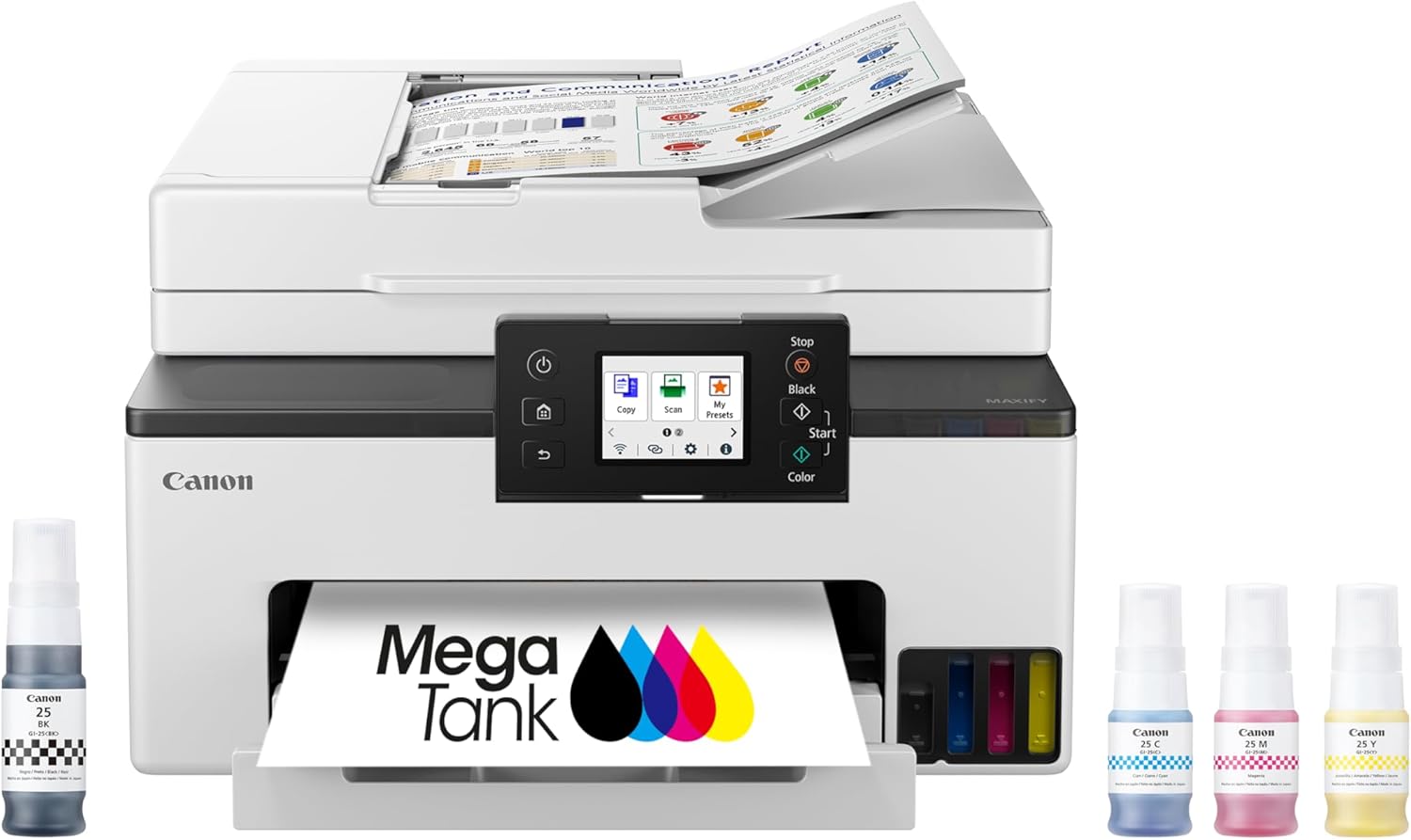
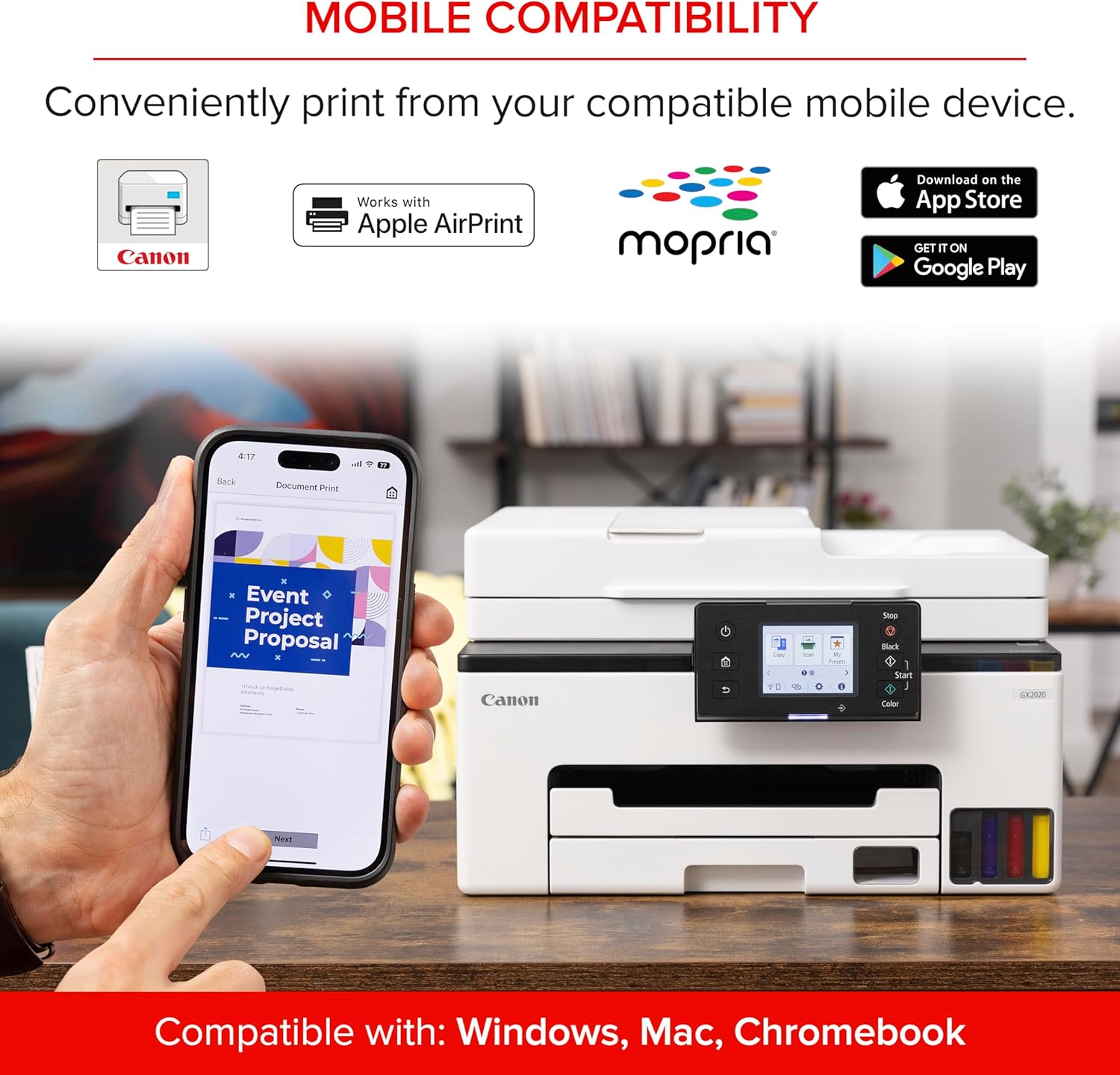
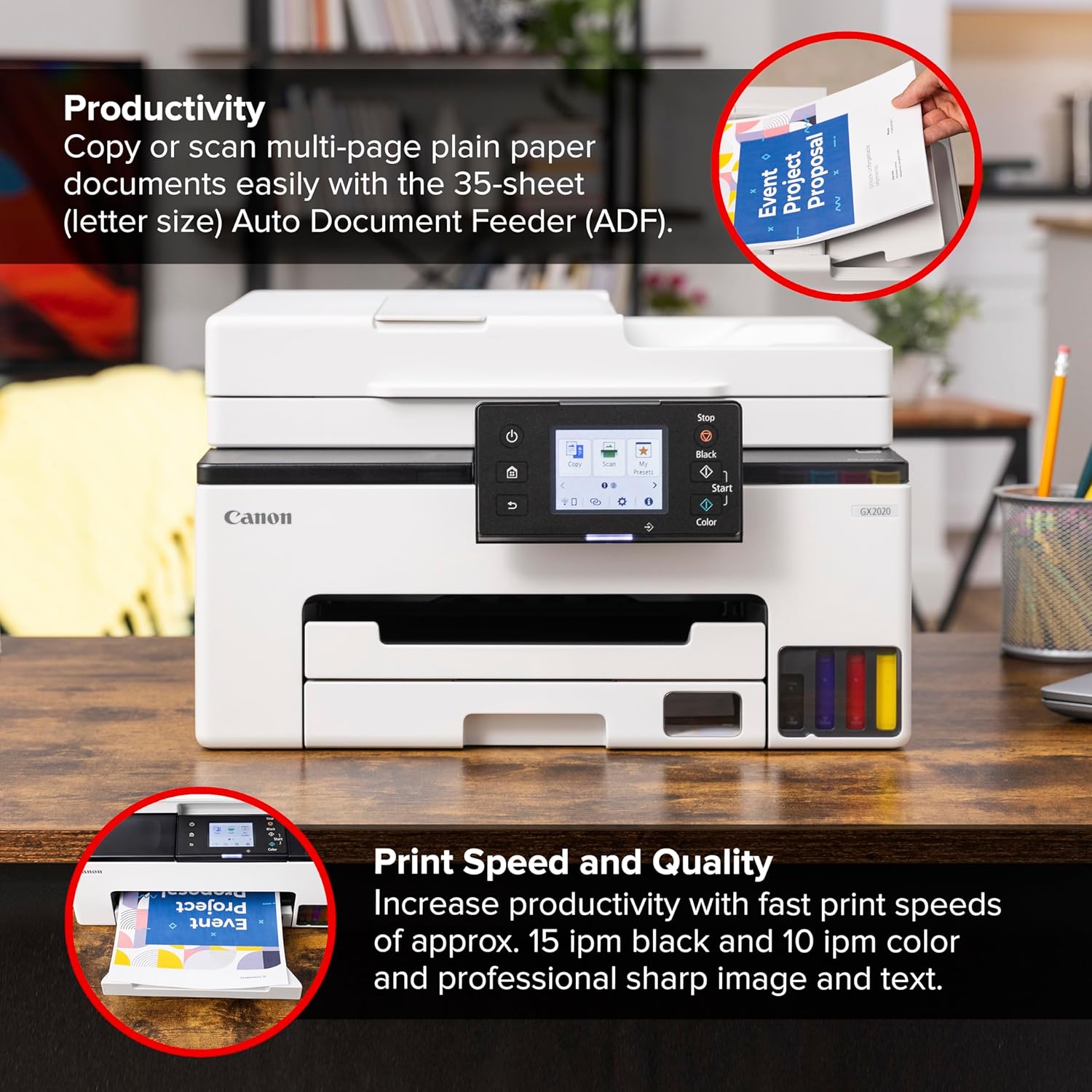
The GX2020 focuses on economical output and everyday convenience. A 2.7" color touchscreen simplifies control and basic settings, and wireless connectivity lets you print from phones or laptops without cables. The integrated refillable tanks cut down on disposable cartridges and make ink replenishment more straightforward. It includes an Automatic Document Feeder that holds 35 sheets, helping with multi‑page scans and copies.
Technical details

  • Name: Canon MAXIFY GX2020 All‑In‑One Wireless Printer

  • Type: Print, Copy, Scan, Fax
  • Capacity: Up to 3,000 black pages, up to 3,000 color pages per ink set
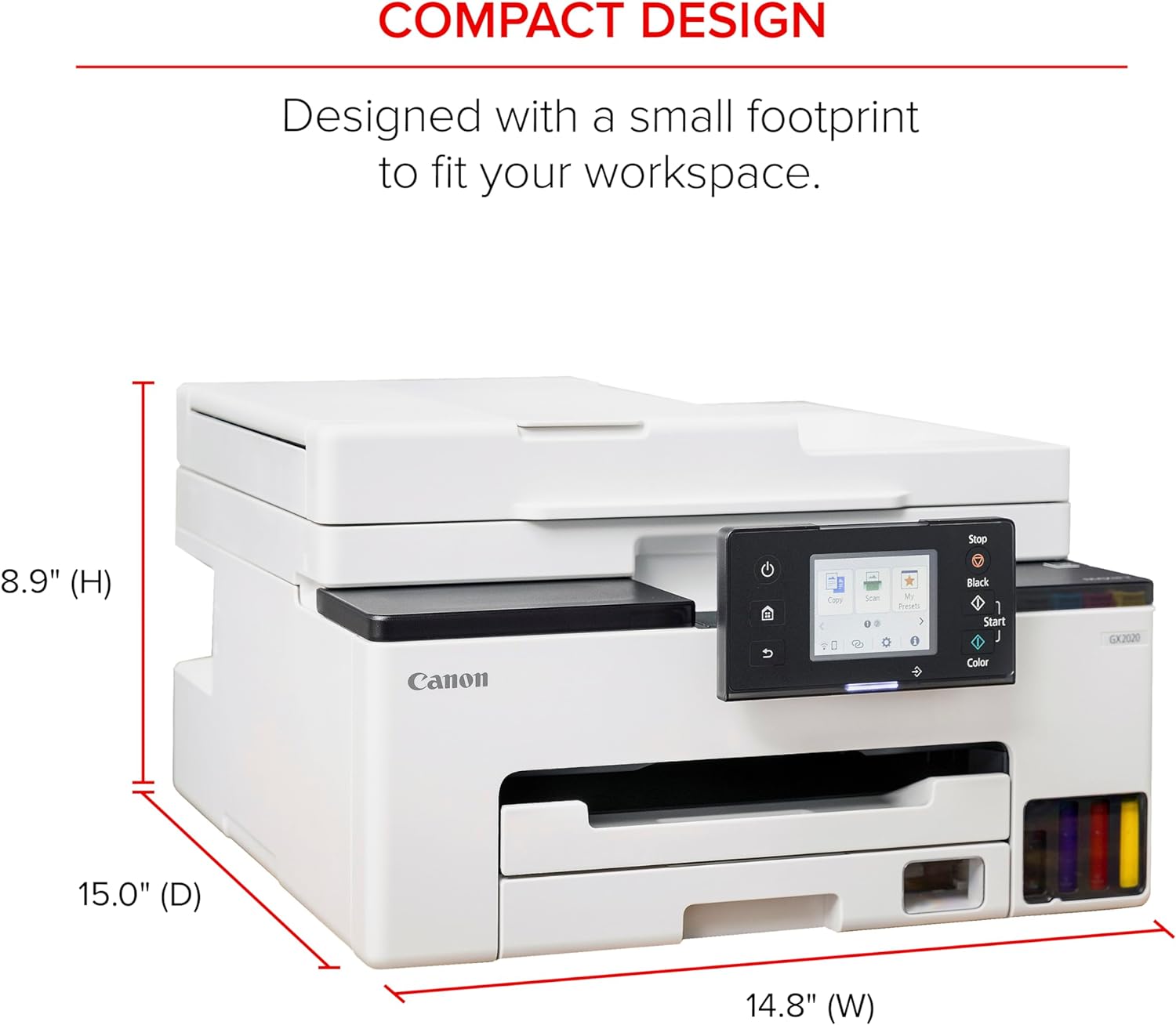
  • Size: Compact desktop design
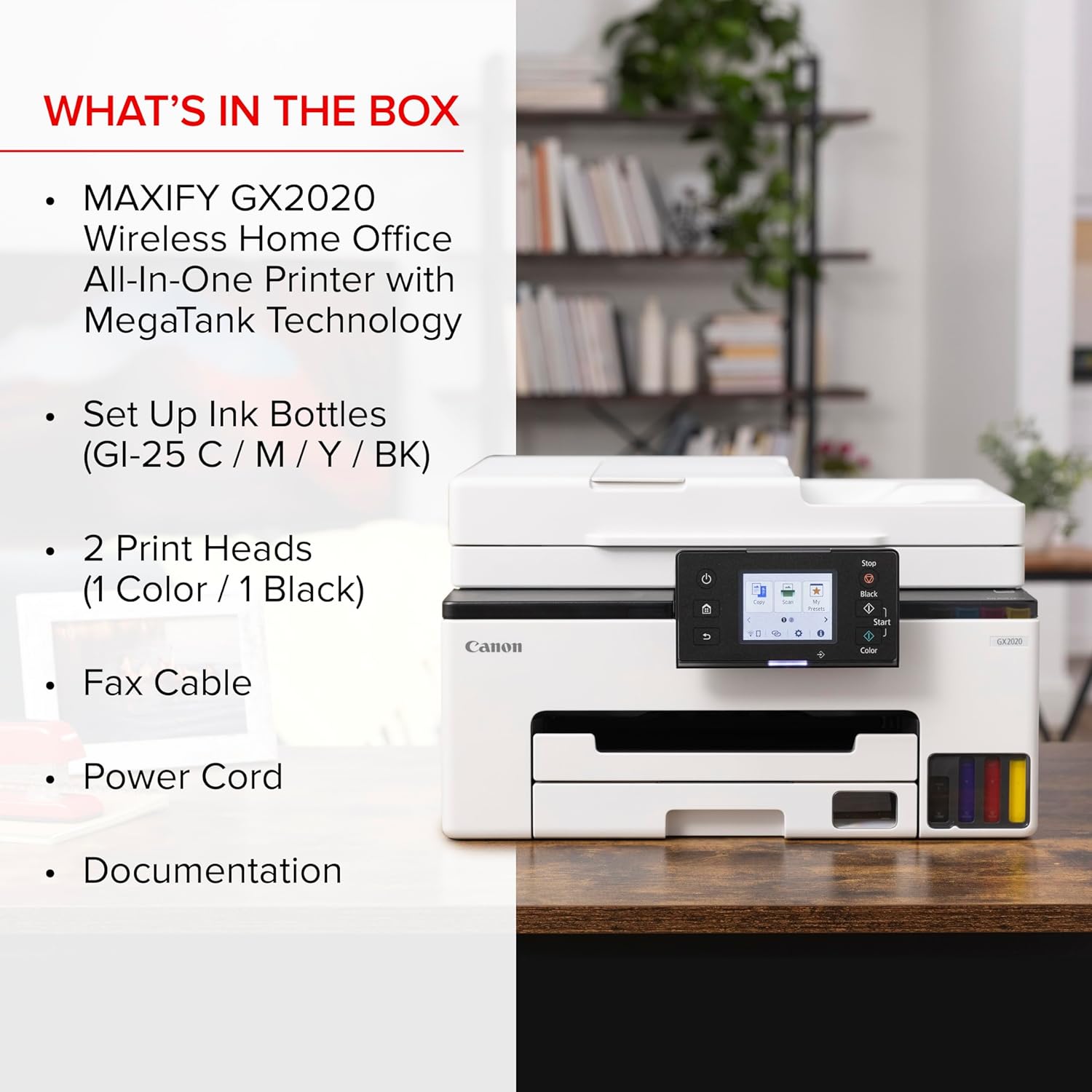
  • What’s included: Refillable tank system

Where it shines
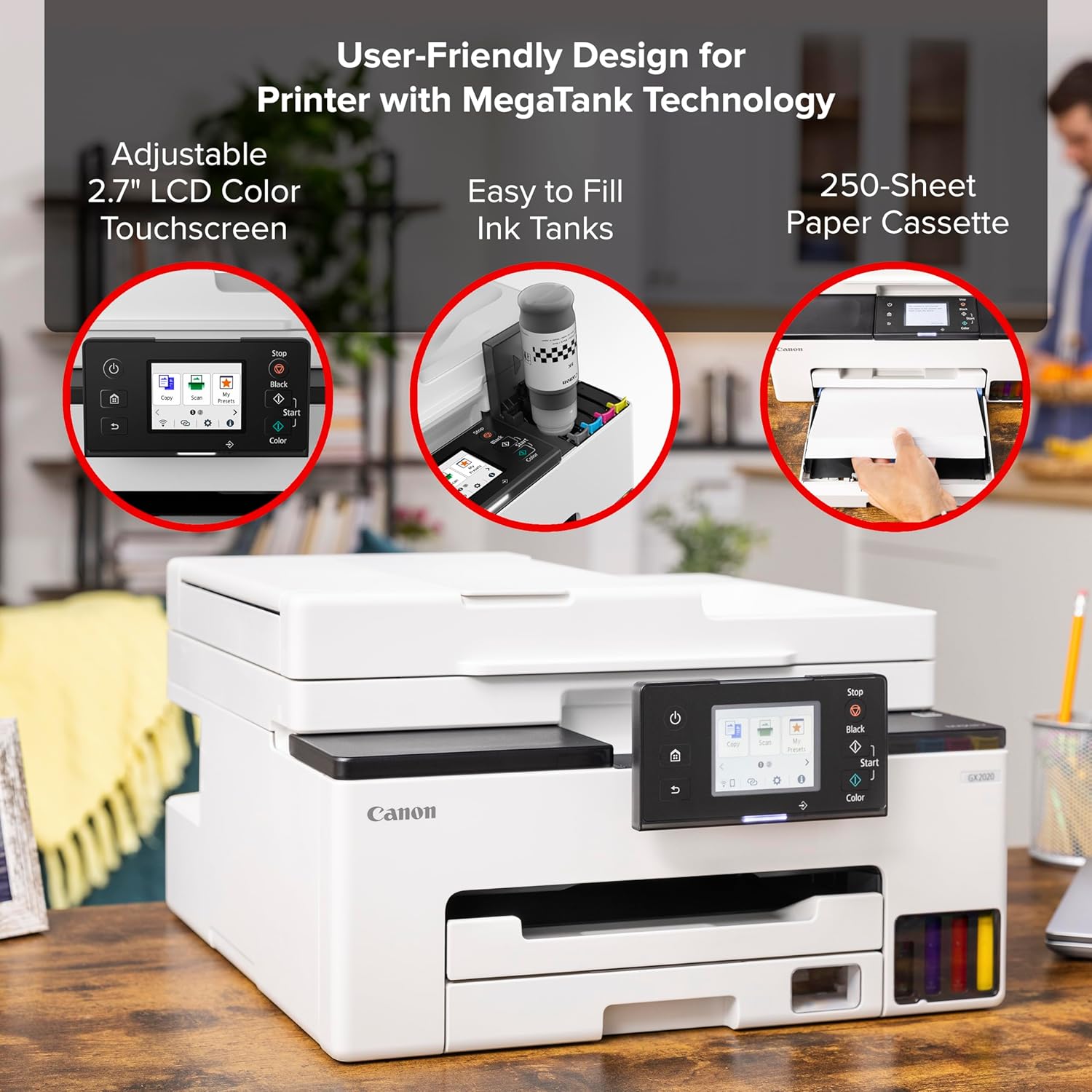
If you need steady monthly printing without frequent cartridge swaps, this model can be practical. It pairs modest footprint with features like auto two‑sided printing and an ADF, so light office workflows run smoother. Note that claimed page yields are manufacturer figures and actual results depend on usage and settings.

Usage tips

Use the touchscreen to set scan destinations and adjust print quality on the fly. For multi‑page jobs, load the ADF to save time and reduce manual feeding. Wireless setup is handy, but for large transfers use a stable local network to avoid interruptions. Do you often print multi‑page documents and want to avoid frequent cartridge changes? This printer is built around that very tradeoff.

View in store

Price evolution

Historical minimum: $297.99

Description:

This refillable‑tank all‑in‑one printer brings low‑cost color and black printing to home and small office setups. It prints, copies, scans and handles fax tasks with duplex printing and a compact desktop design that saves space while keeping essentials at hand. For users tracking running costs, the ability to print up to 3,000 black and 3,000 color pages from a single set of inks, according to the manufacturer, reduces refill frequency and can lower per‑page expense.

Key points

The GX2020 focuses on economical output and everyday convenience. A 2.7" color touchscreen simplifies control and basic settings, and wireless connectivity lets you print from phones or laptops without cables. The integrated refillable tanks cut down on disposable cartridges and make ink replenishment more straightforward. It includes an Automatic Document Feeder that holds 35 sheets, helping with multi‑page scans and copies.

Technical details

  • Name: Canon MAXIFY GX2020 All‑In‑One Wireless Printer

  • Type: Print, Copy, Scan, Fax
  • Capacity: Up to 3,000 black pages, up to 3,000 color pages per ink set
  • Size: Compact desktop design
  • What’s included: Refillable tank system

Where it shines
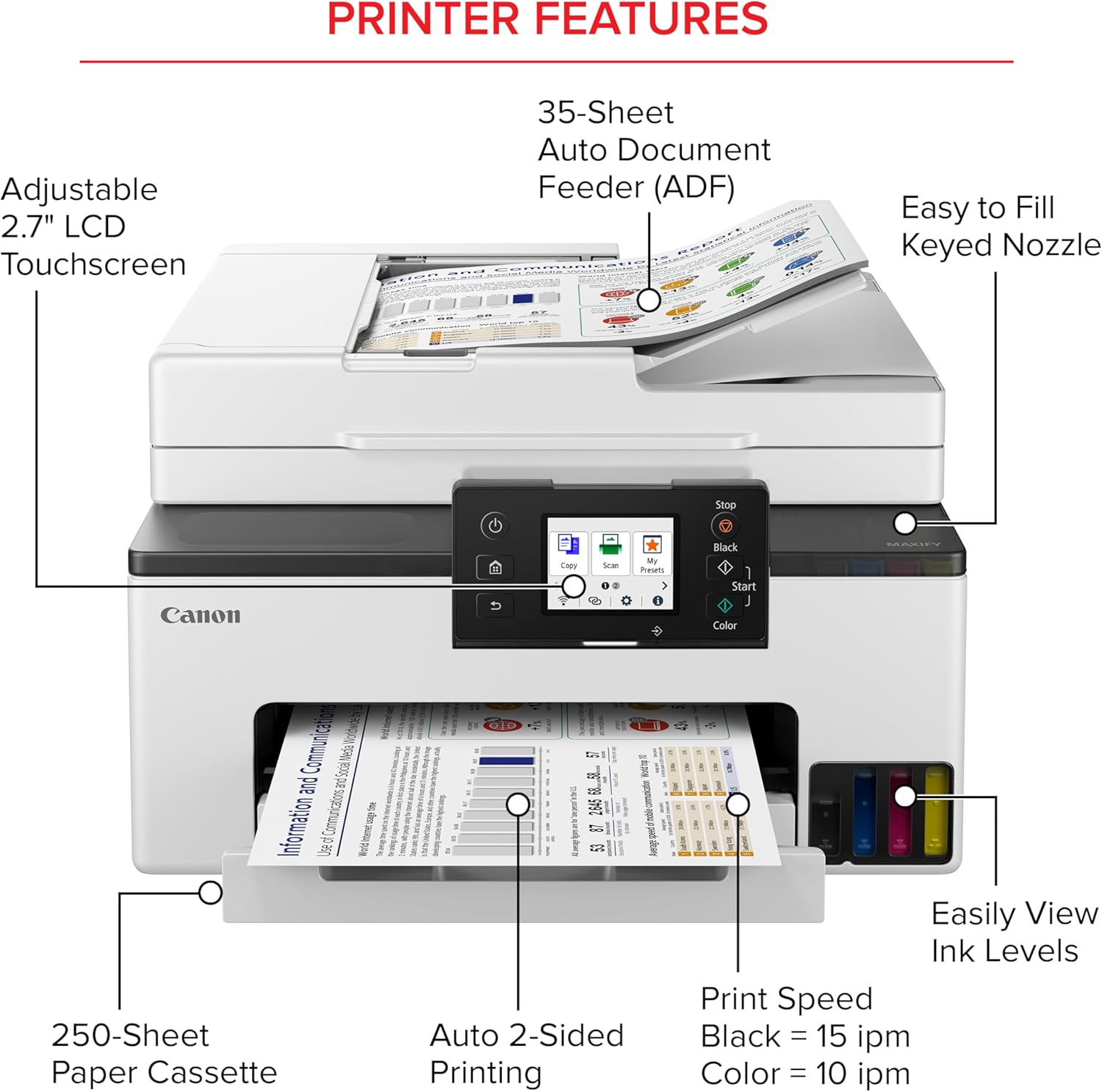
If you need steady monthly printing without frequent cartridge swaps, this model can be practical. It pairs modest footprint with features like auto two‑sided printing and an ADF, so light office workflows run smoother. Note that claimed page yields are manufacturer figures and actual results depend on usage and settings.

Usage tips

Use the touchscreen to set scan destinations and adjust print quality on the fly. For multi‑page jobs, load the ADF to save time and reduce manual feeding. Wireless setup is handy, but for large transfers use a stable local network to avoid interruptions. Do you often print multi‑page documents and want to avoid frequent cartridge changes? This printer is built around that very tradeoff.