

218A Toner Cartridges 4 Pack with Chip for Color Laser Pro 3201/3301 Series
Product description
What this product is and what it solves
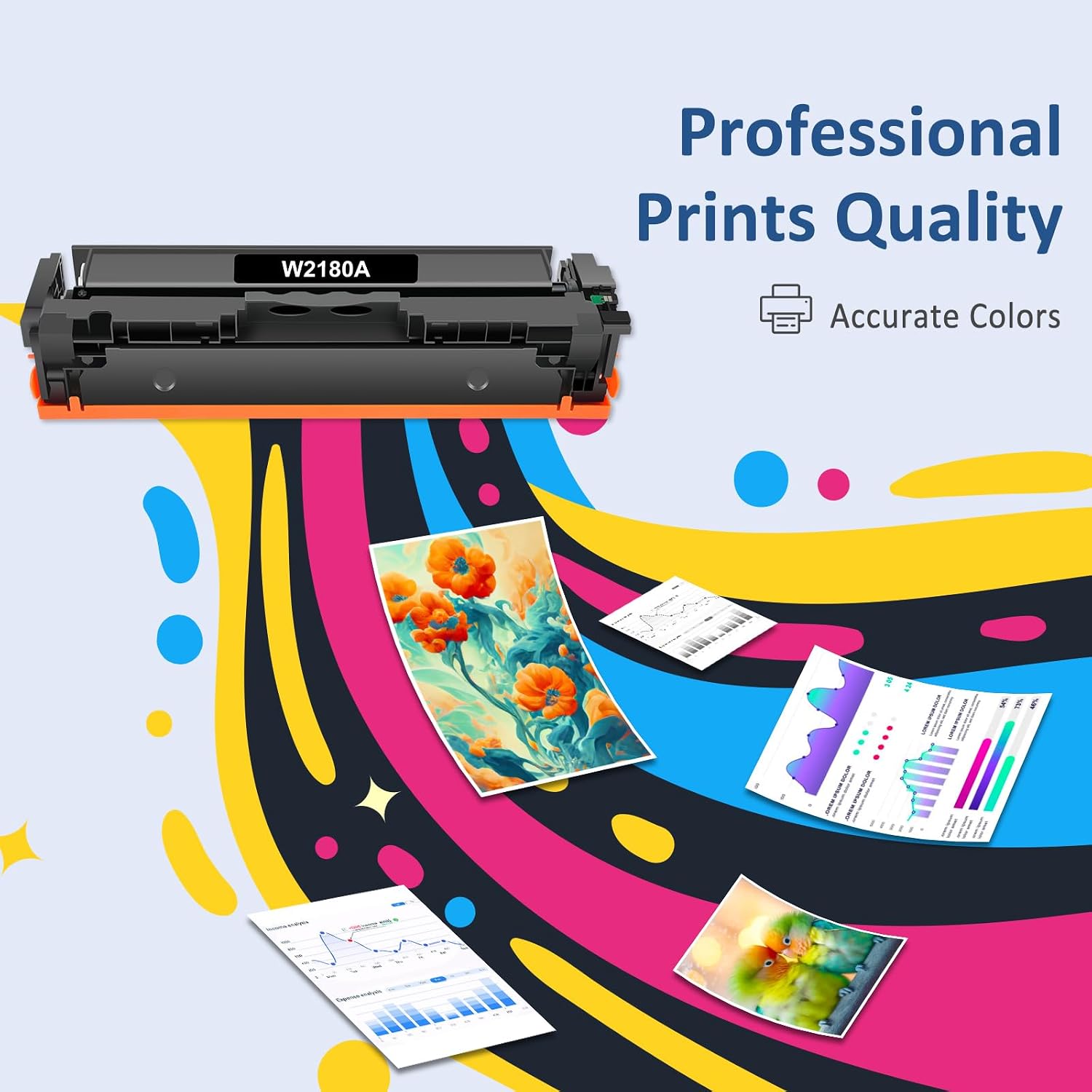
The 218A Toner Cartridges 4 Pack is a compatible replacement set designed for specific Color Laser Pro printers in the 3201/3301 series. Each set comes with chips pre-installed, so you don’t have to remove or swap chips yourself. If you’re replacing toner in a mid-range color laser setup and want to keep print quality consistent across all colors, this kit aims to deliver that convenience in one purchase.
How it performs on paper
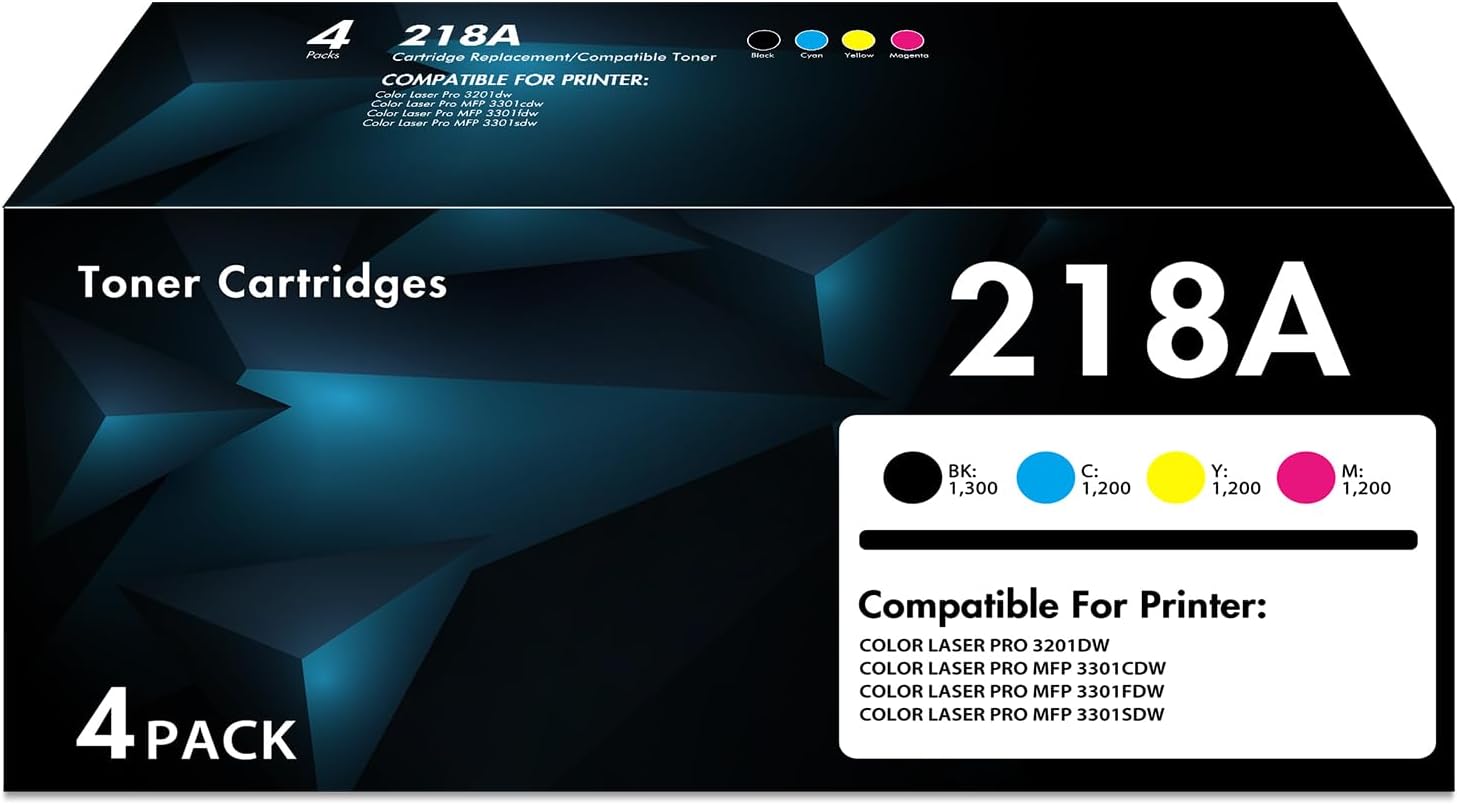
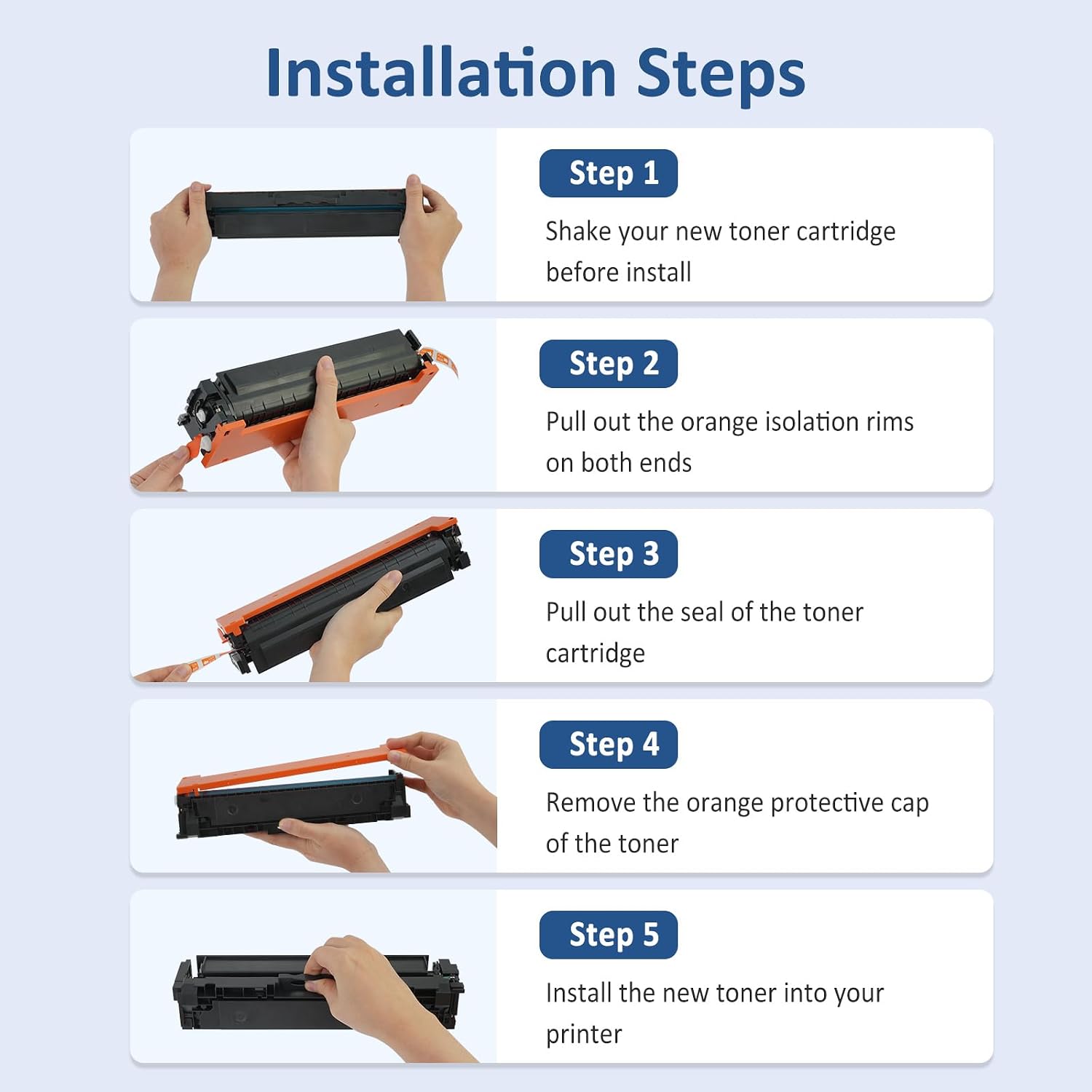
On the page yield side, the black cartridge is listed at up to 1,300 pages and the color cartridges (cyan, yellow, magenta) at up to 1,200 pages, based on standard Letter/A4 at 5% coverage. In practice, your results can vary with print density, coverage, and complex graphics, but these figures give a baseline so you can compare against OEM options. The set is marketed as high-performance for everyday business printing, aiming to balance reliability with cost efficiency.
What stands out
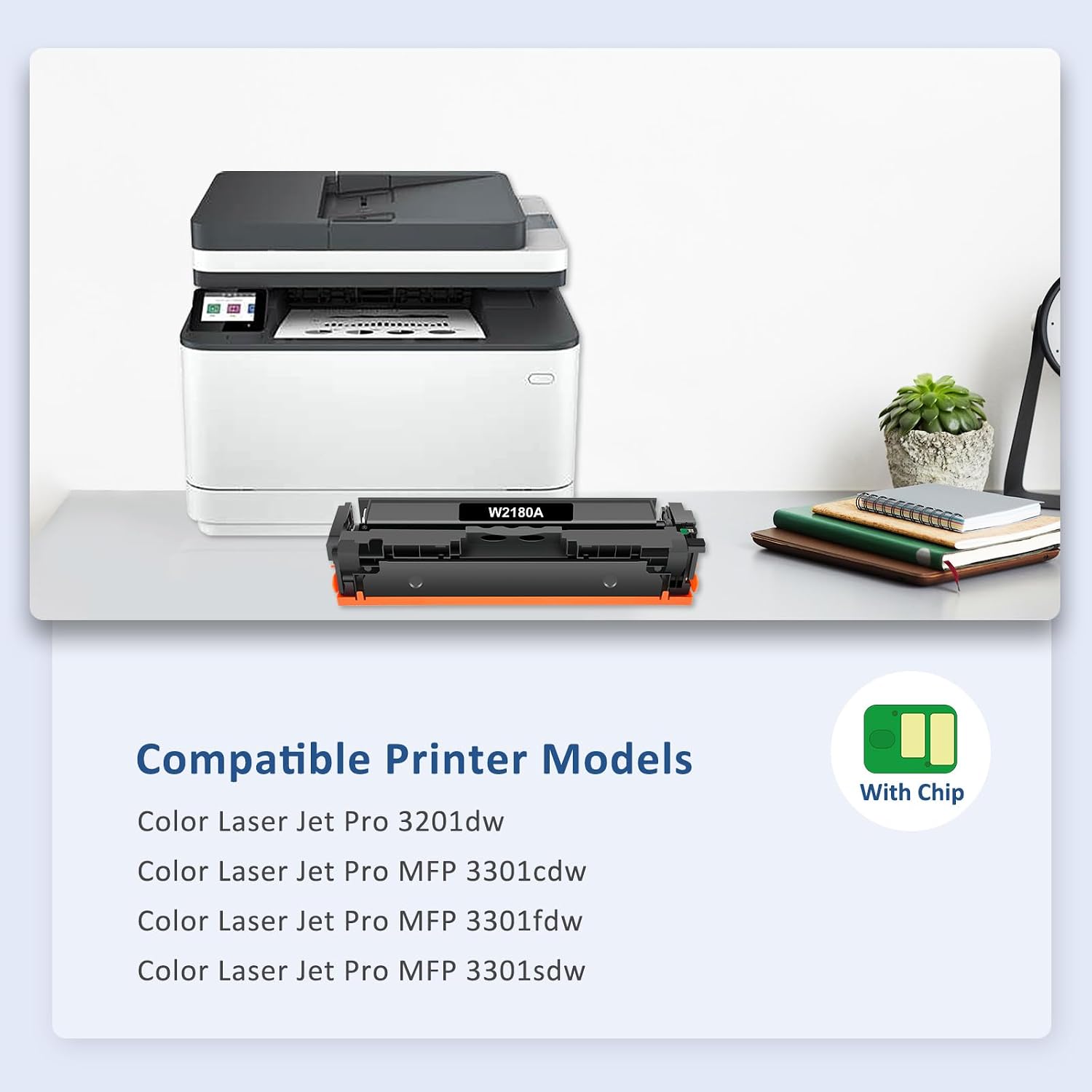
The key advantage here is the “with chip” design. For users who want a straightforward swap without dealing with firmware or chip programming, this feature reduces friction at install. The four-pack also offers convenient color balance—one cartridge per color plus black—helping you avoid mid-run color gaps.
Potential limitations to consider
This is a compatible (non-OEM) solution, so it’s prudent to temper expectations about color consistency and longevity compared to factory toner. Real-world page yields can fluctuate, and compatibility can depend on exact printer firmware versions. If you rely on ultra-bright color accuracy or high-density images, you may want to test a single color first before full-scale replacement. Also, the included pages-per-cartridge figures assume standard office content, heavy graphics or photo work can shorten actual yield.
Who it’s for
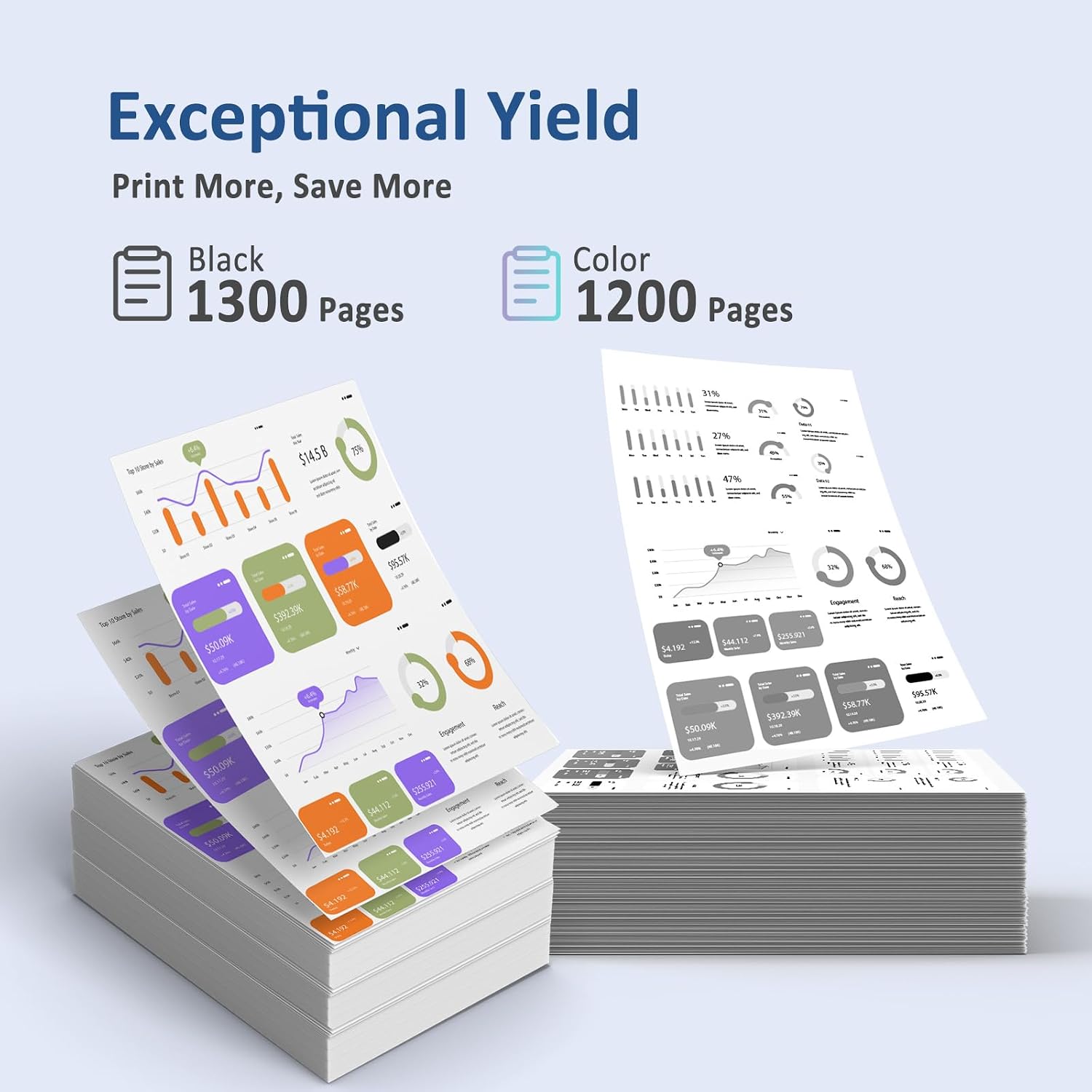
If you own a Color Laser Pro 3201dw, 3301cdw, 3301fdw, or 3301sdw and want a cost-conscious, ready-to-install four-color kit, this pack is worth considering. It’s particularly appealing for small offices or departments that print a mix of documents, reports, and marketing materials but don’t want the downtime or hassle of frequent cartridge swaps.
Who it’s not for
If your priority is peak color fidelity for photo-heavy outputs or you require guaranteed OEM-level longevity, this kit may not meet those expectations. It’s also not ideal if you need a single-color replacement for a sporadic printer error, you’ll still want to verify that your printer model matches the exact compatibility notes.
When it makes sense to buy
Purchase makes sense when you’re scheduling a routine color laser refresh and want a bundled set that covers all four colors with an install-ready chip. It’s a sensible option to reduce per-cartridge costs while keeping a predictable color composition across prints.
What to check before you buy
- Confirm your printer model alignment with Color Laser Pro 3201dw, 3301cdw, 3301fdw, or 3301sdw.
- Consider your typical monthly pages and whether the stated yields align with your usage.
- If you’ve recently updated printer firmware, re-check compatibility to avoid mismatches.
Practical usage example
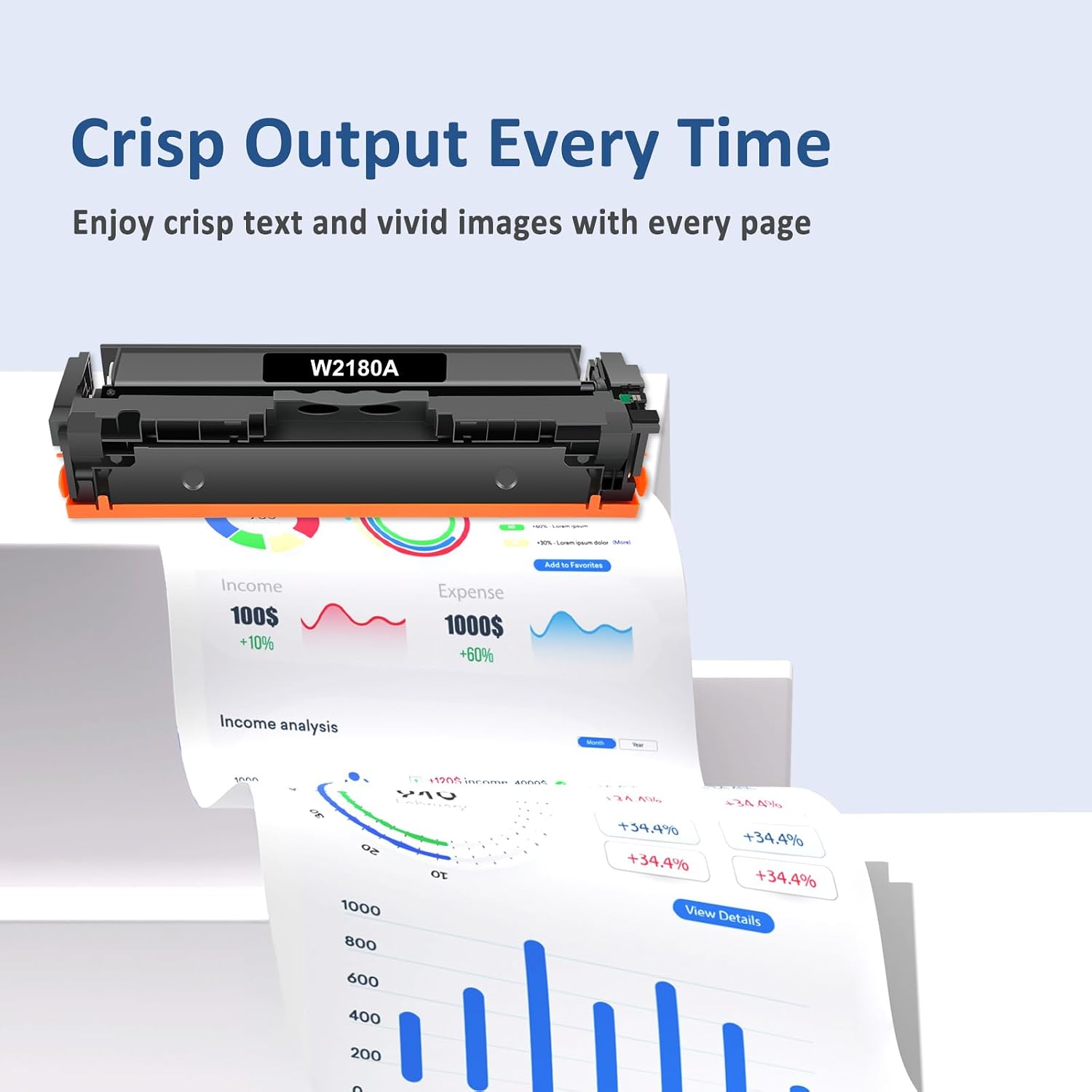
Imagine a quarterly sales deck that combines charts with dense text. With this 218A set in place, you’ll likely see clearer color balance across cyan, magenta, and yellow for charts, while the black ink keeps text sharp. It’s not a perfect photo-printing setup, but for standard business graphics, the results are usually consistent enough to maintain a professional look across multiple copies.
How this compares to other approaches
If you’re weighing alternatives, you could opt for OEM cartridges or other third-party kits. OEMs tend to offer tighter color control and the longest proven track record with firmware, but at a higher price. A generic 218A set without chips may require manual chip swapping or risk firmware warnings, adding friction at install. For most office workflows, the with-chip four-pack approach hits a middle ground: straightforward installation, reasonable yield, and reduced replacement complexity.
FAQ (quick practical answers)
- Will these cartridges work if my printer is slightly newer or has a different firmware? Compatibility is stated for the 3201dw/3301 series, if your device falls outside that exact range, existence of chips does not guarantee operation.
- Can I expect the same page yield across all colors? Yields are listed per cartridge and can vary by color, black is typically higher in yield.
- Do I need to remove or install chips after a firmware update? The chips are pre-installed, you shouldn’t need extra steps unless the printer requests cartridge authentication.
Is it worth it?
Final verdict: Worth considering if you need a cost-effective, install-ready four-pack for standard office printing and you’re using compatible 3201/3301 series printers. It’s not the best option for high-end color accuracy or heavy image work, but it can keep daily color printing affordable and predictable.