

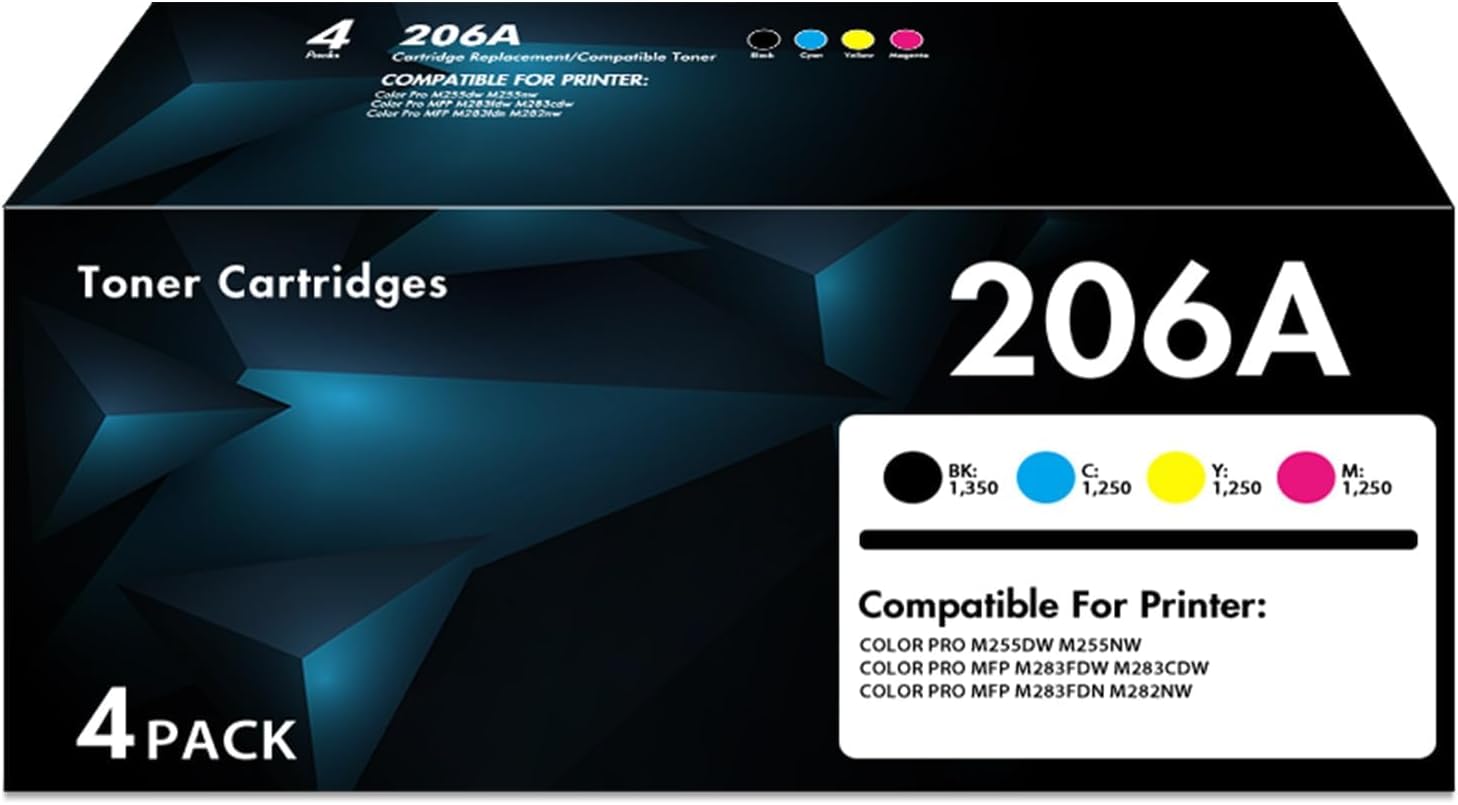
206A Toner Cartridges (4-Pack) Compatible with Color LaserJet Pro MFP M283fdw and More
Product description
If your Color LaserJet Pro MFP prints start looking faded or inconsistent, a fresh toner set is often the cleanest fix. This 206A toner cartridges 4-pack is designed as a compatible replacement with chips included, so you’re not juggling small components or trying to “swap” electronics mid-job.
On paper, it’s built for day-to-day color printing—black plus cyan, magenta, and yellow—aimed at producing clear, vivid output. Still, compatibility can be a little picky depending on the exact printer model and firmware, so it’s worth checking the listed models before you buy.
Key takeaways
This set includes all four 206A colors (black and the three process colors) and comes with chips preinstalled, which is a practical plus if you want a straightforward replacement.
It’s positioned as a high-yield option based on the stated page estimates at 5% coverage, which can matter if you print a lot of letter/A4 documents and want to stretch replacements out over time.
One more thing to keep expectations realistic: compatible cartridges can perform great, but results can vary by printer setup and your printing habits (coverage, settings, and whether you mostly print text vs. graphics).
The essentials (what you get and why it matters)
This package is a 4-cartridge set for color laser printers, including:
- 1 x W2110A black (206A)
- 1 x W2111A cyan (206A)
- 1 x W2112A yellow (206A)
- 1 x W2113A magenta (206A)
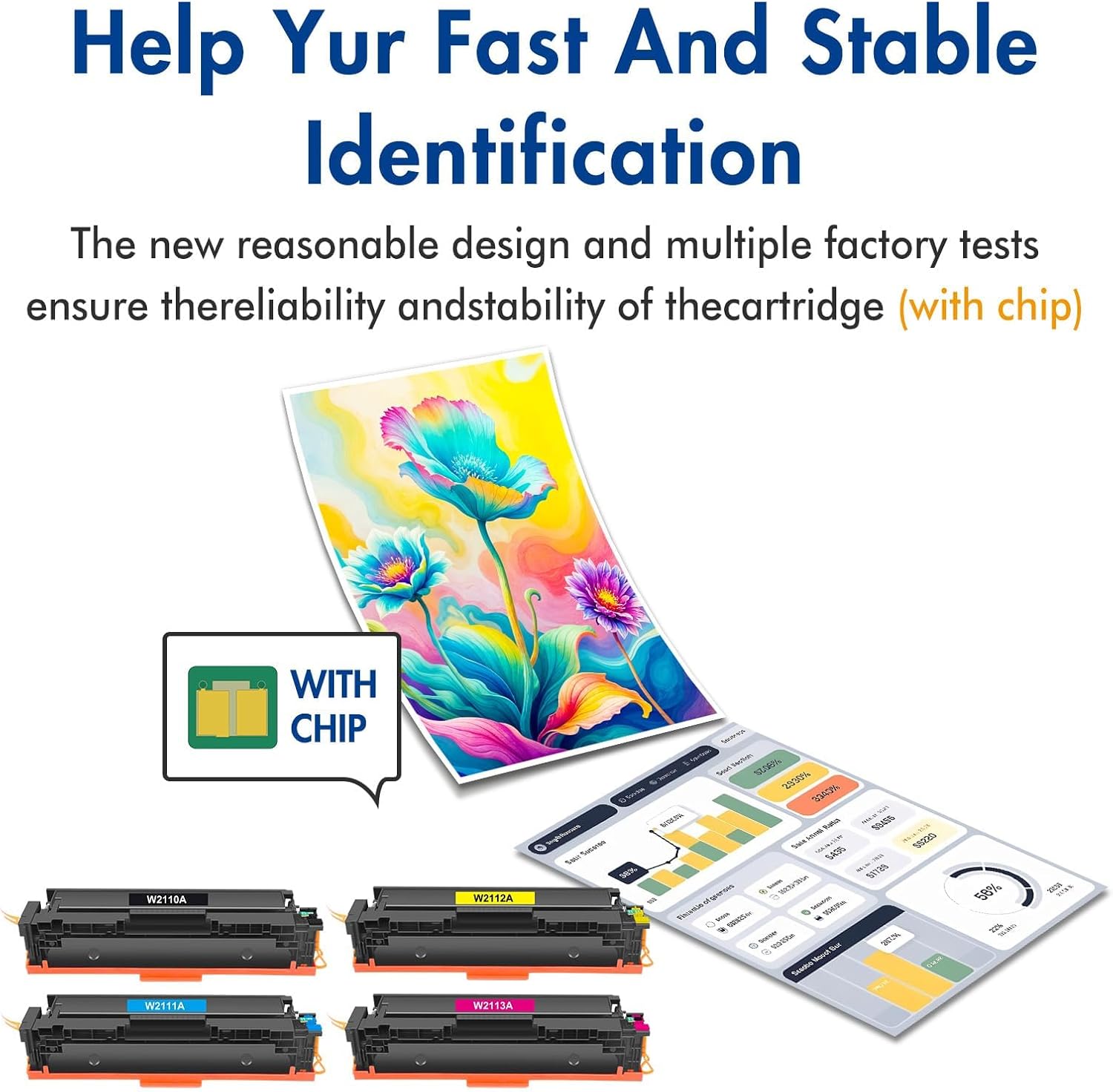
The “with chip” approach is the biggest day-to-day convenience mentioned. The set is described as including the chips, with no need to remove and reinstall them.
In real use, that typically means less fiddling when you’re replacing toner during a busy week—think of it as “swap and go” if your priority is getting back to printing without extra steps.
What to know about yield and print output
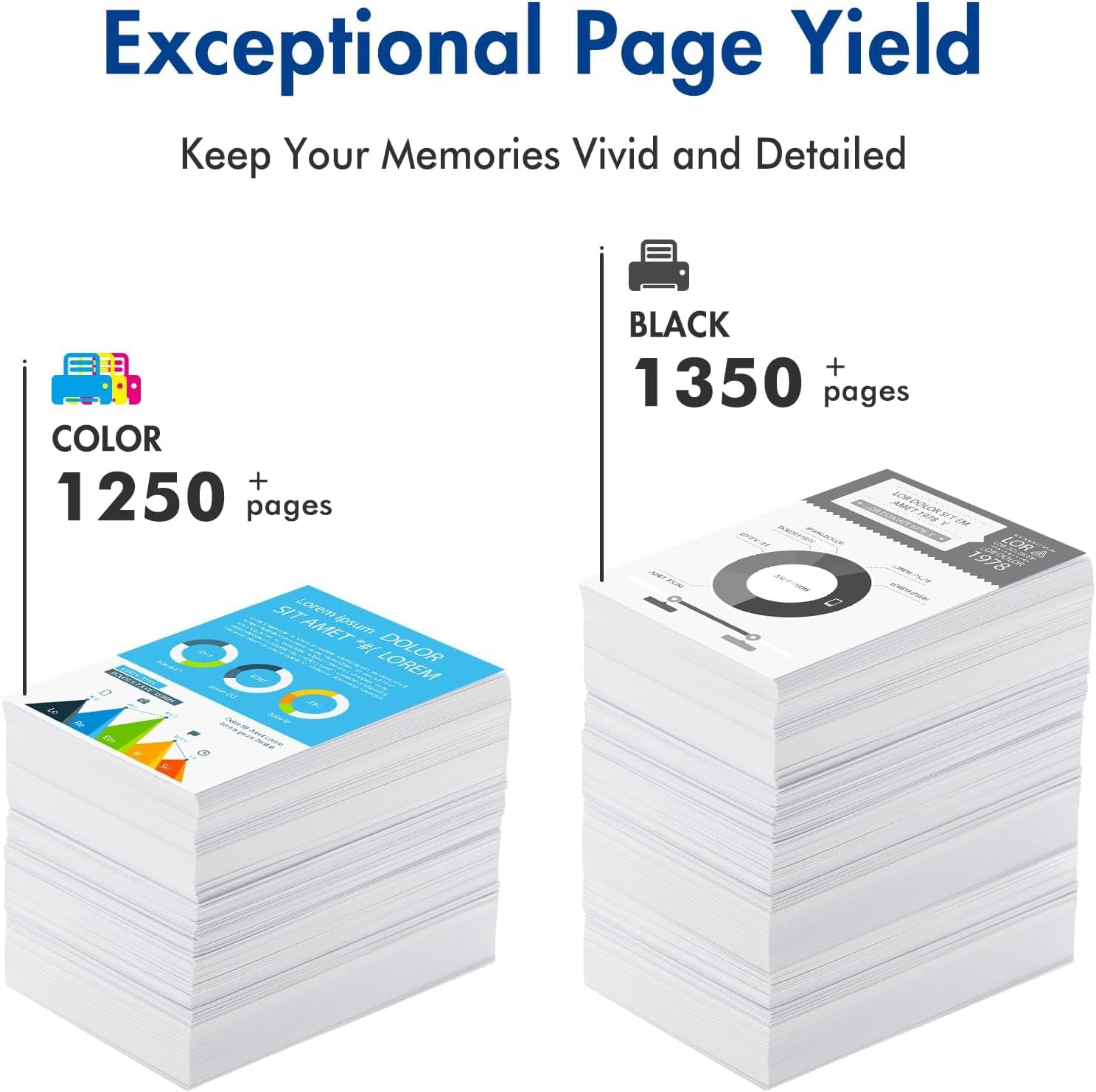
The listing provides yield expectations at Letter/A4 with 5% coverage: up to 1,350 pages for 206A black and up to 1,250 pages per color cartridge.
That’s useful for judging whether this fits your workload. If your pages are mostly text with light graphics, you may get closer to the higher end. If you print full-page color-heavy documents, the “pages per cartridge” number can fall faster—coverage is the main driver.
The output claim is straightforward: vivid and clear printing that works well with the printer. For most office tasks—reports, flyers, color charts—this is exactly what you’d want from a compatible toner set. Just remember: if you’re doing very demanding photo-like color grading, you may still need to tweak printer settings for best consistency.
Usage tips
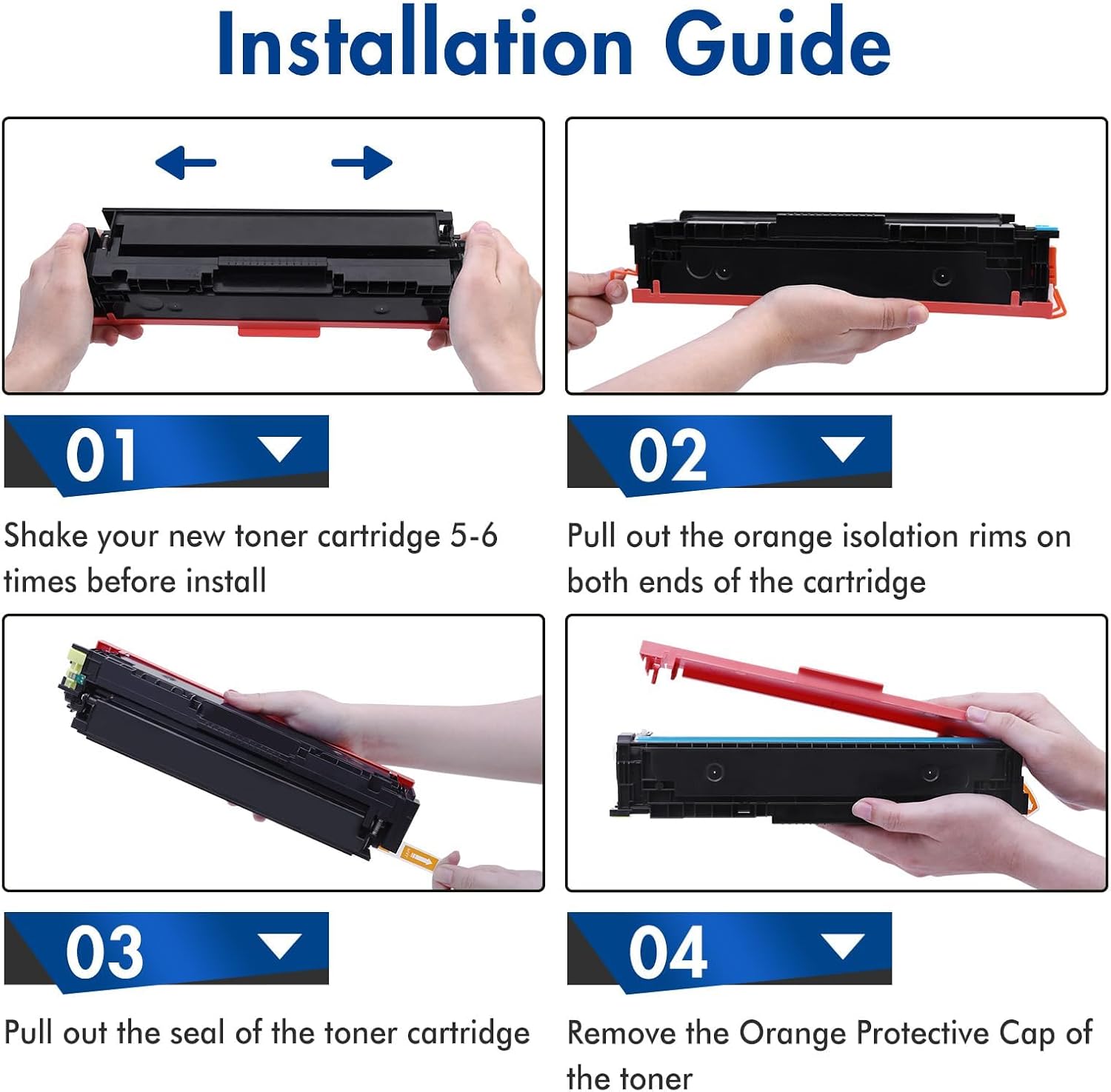
If you’re installing this in a Color LaserJet Pro MFP, the practical move is to match your exact printer model against the compatible list provided. This helps avoid the common frustration where a cartridge “sort of” works until the printer decides it doesn’t recognize it.
Also, when you install a new toner set, give the printer a moment to stabilize. Many people notice the first few pages can look slightly different while the toner settles, especially after a longer gap between prints.
A quick real-life scenario: you’re printing a small run of colored handouts for an internal meeting. Once the new 4-pack is installed, you want crisp blacks for headings and consistent cyan/magenta/yellow for charts. This set is meant to cover all four, so you don’t end up mixing old and new toner in the same batch.
What to check before buying
A few things are worth double-checking because the description is product-to-model specific:
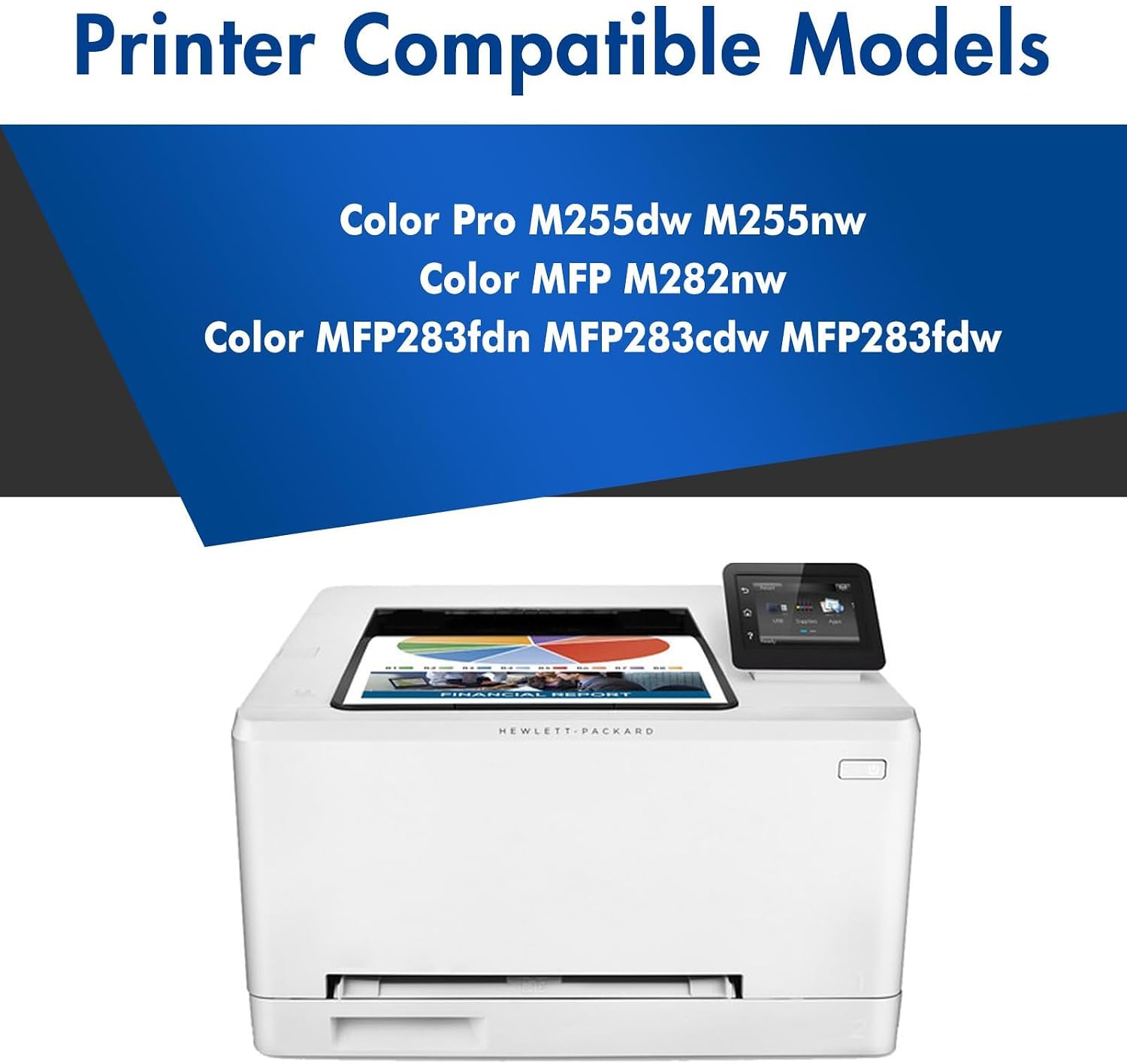
- Printer model compatibility: the listed compatible printers include Color LaserJet Pro MFP M283cdw, M283fdw, M283fdn, and M282nw, plus Color LaserJet M255dw and M255nw.
- “With chip” behavior: the set is described as including chips and removing the need to install them separately, which is helpful—but still, ensure your printer is expecting the chip type for that 206A family.
- Page yield assumptions: the yields are tied to 5% coverage (Letter/A4). If your usage is heavier than that, your real-life pages-per-cartridge may not reach the stated maximum.
When it makes sense
This is a solid buy if you need a complete 206A color toner set for a supported Color LaserJet Pro MFP model and you want the convenience of chips included.
It tends to make more sense when you print regularly enough that high-yield expectations matter, and when you prefer not to handle extra cartridge-chip steps.
When it might not be the best choice
It might not be the best match if:

- Your printer model isn’t one of the ones listed in the compatibility description.
- You only print occasionally and don’t want to stock toner sets—then a smaller replacement approach could be more practical.
- You’re chasing perfectly consistent, professional color matching for very graphics-heavy work, you may find yourself adjusting settings even with new toner.
Mini FAQ
Is this set meant for color laser printers?
Yes. The description specifically targets Color LaserJet Pro MFP and Color LaserJet laser printer models listed for 206A compatibility.
Does it include the chips?
According to the listing, it comes with chips included, and there’s no need to remove and install them.
What’s included in the 4-pack?
You get four cartridges total: black plus cyan, yellow, and magenta (each identified by the W2110A/W2111A/W2112A/W2113A codes).
How many pages can I expect?
The page yield is stated as up to 1,350 pages for black and up to 1,250 pages per color cartridge at 5% coverage on Letter/A4.
Final verdict
Should you buy it? If you own one of the listed Color LaserJet Pro MFP/M255 series models and you want a complete 206A color toner replacement set with chips included, this is easy to justify on practicality and coverage. Just make sure your exact printer model is on the compatibility list and that you’re comfortable with yield being based on 5% coverage—then it can be a dependable way to keep everyday color printing moving.